
Free resources · Diagram library
Free power tool accessory diagrams (CC BY 4.0)
This library holds every diagram drawn for AccessoryFit's guides: shank types, saw arbors and bores, sanding disc hole patterns, grinder wheels, grit systems, drill and router bits, and the checks that decide whether an accessory fits a tool. Each one can be downloaded as a WebP image, and most as an editable SVG. All are free to use, adapt and republish under CC BY 4.0, including commercially, with credit to AccessoryFit and a link to this page.
On this page
How do you use a diagram from the library?
Find the diagram below, download it, and paste the credit line shown under it. Each entry has a WebP download at full width and, where one exists, an SVG you can recolour, relabel or translate. The Used in link opens the guide the diagram was drawn for, which carries the measurements and sources behind it. Open Credit line to copy under any image for an HTML snippet that names AccessoryFit, links back to that diagram and names the licence.
Browse the diagrams
Credit line for any diagram: Diagram: <a href="https://accessoryfit.com/diagrams/#ID">AccessoryFit</a>, <a href="https://creativecommons.org/licenses/by/4.0/">CC BY 4.0</a>. The button under each diagram copies it with the right link filled in.
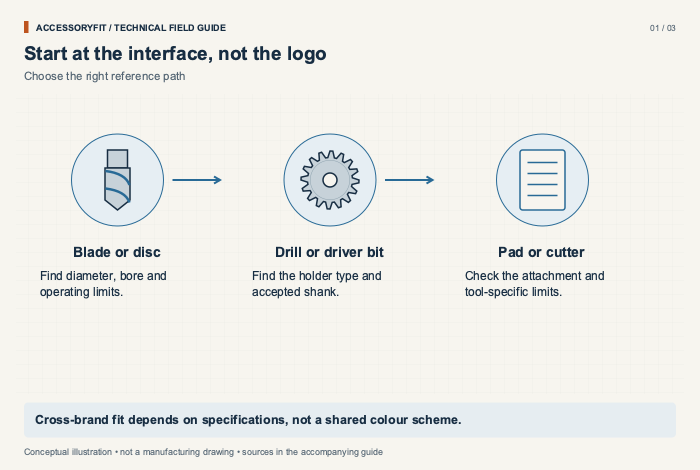
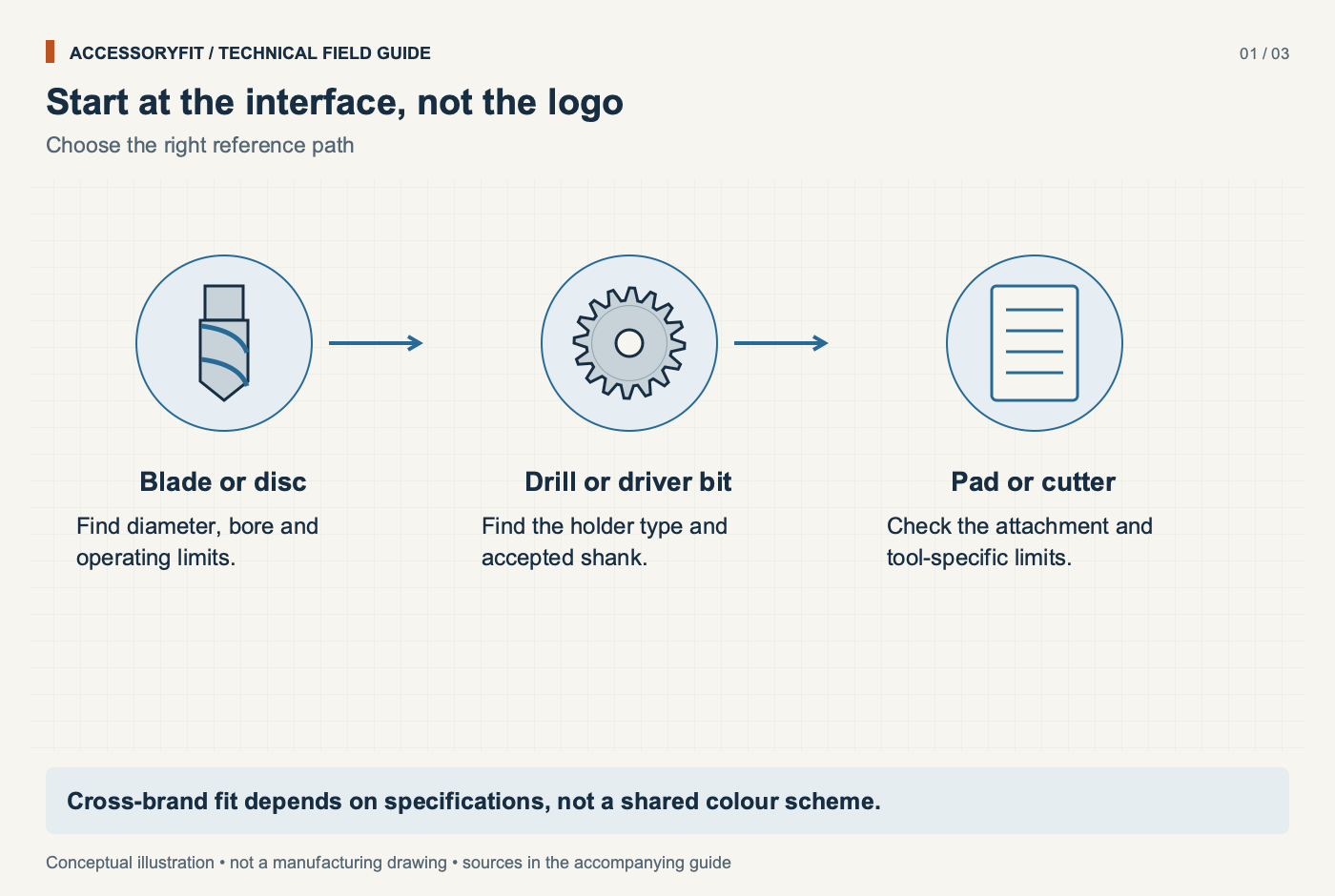
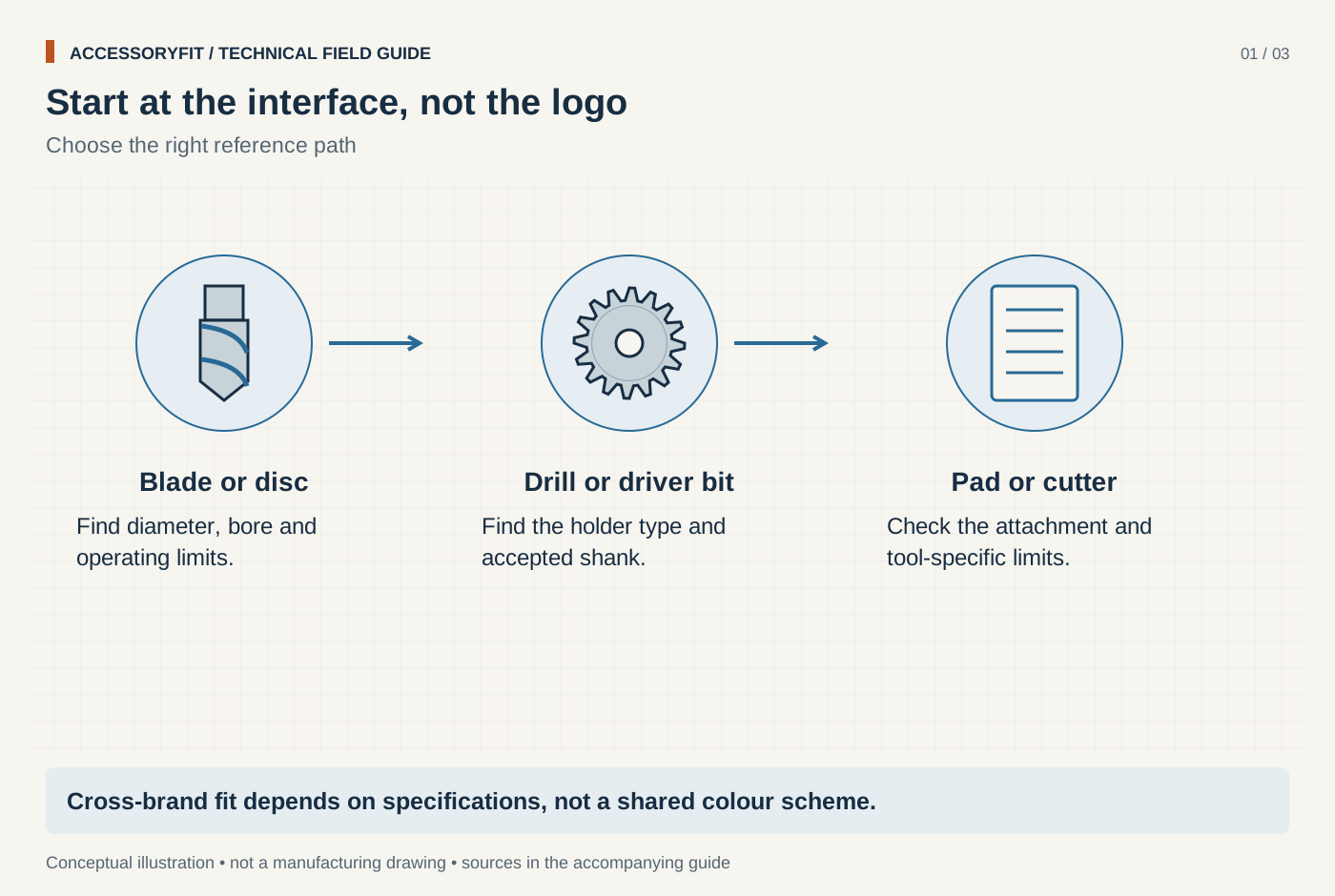
Start at the interface, not the logo
Download SVG · Tap the image for the 1400 px WebP · From Power tool accessories: what fits which tool, and which size to choose
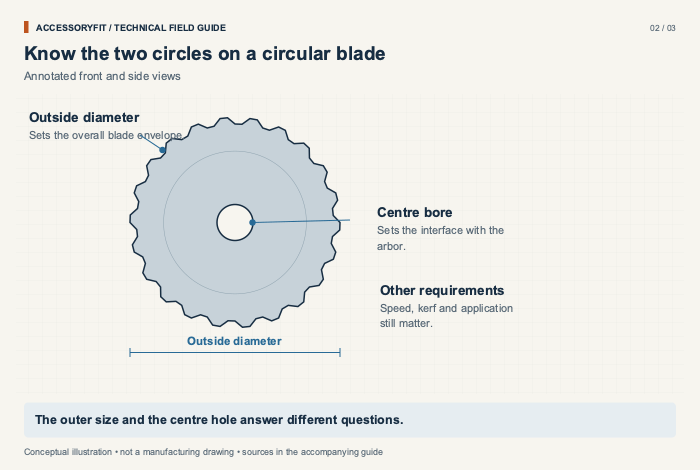
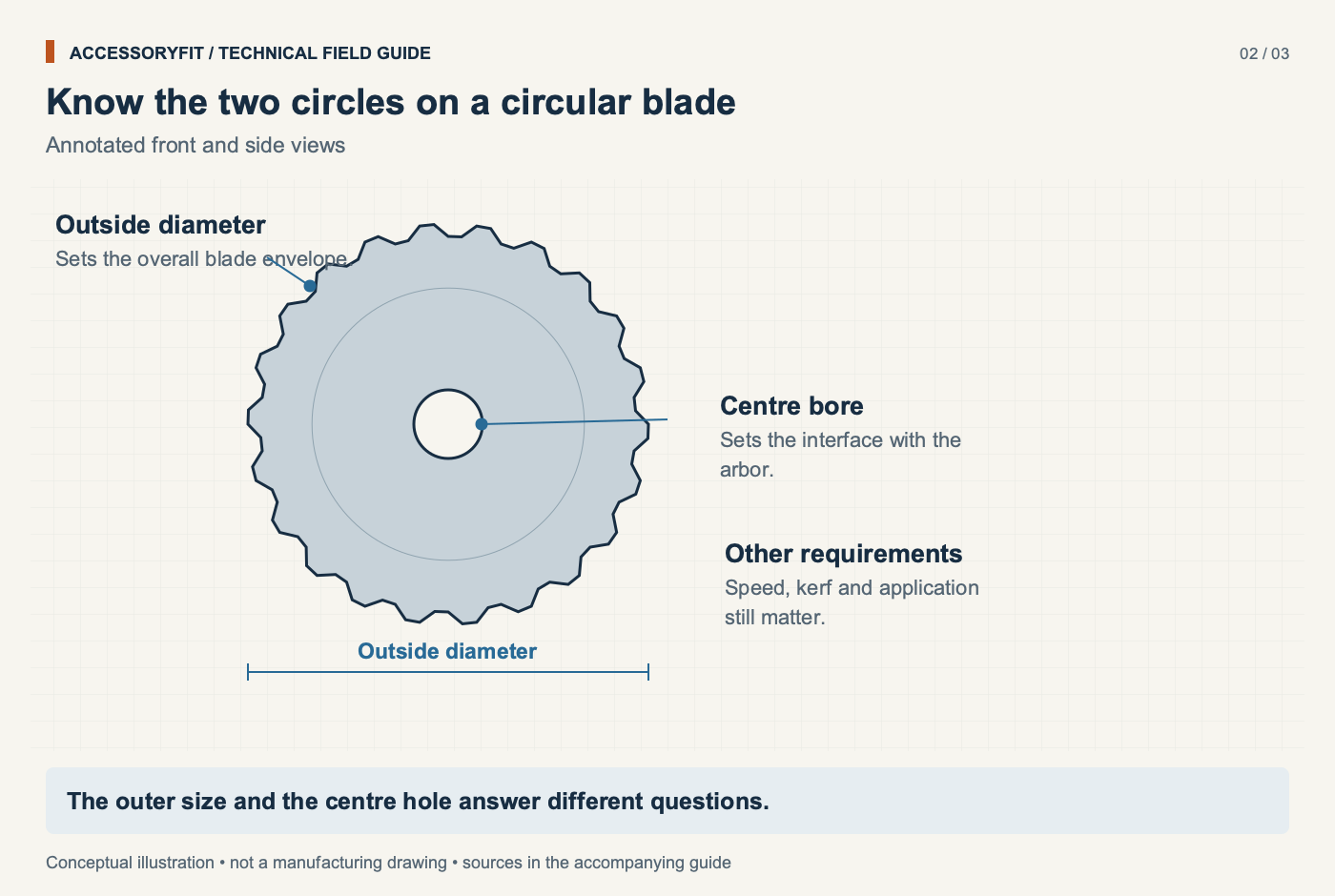
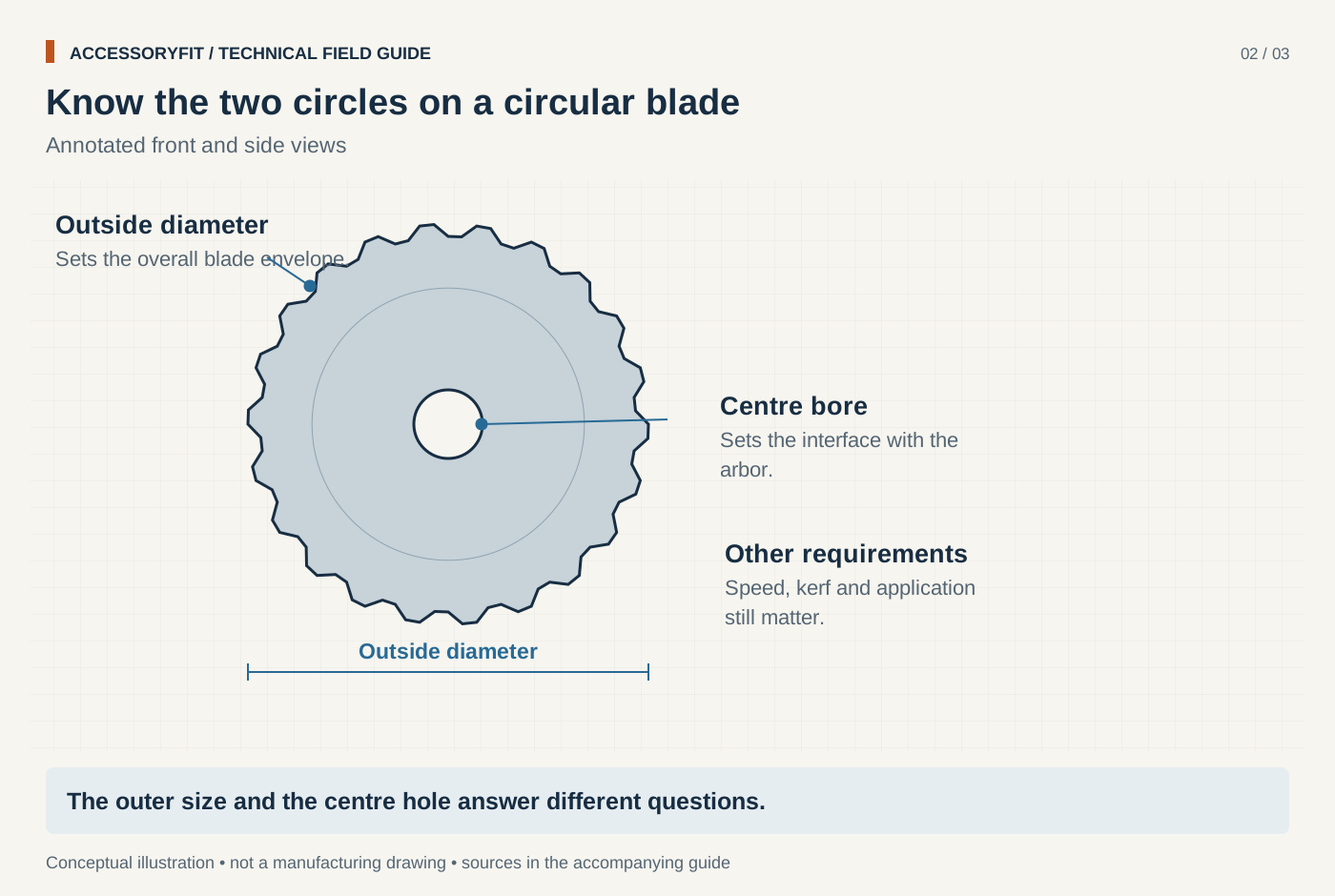
Know the two circles on a circular blade
Download SVG · Tap the image for the 1400 px WebP · From Power tool accessories: what fits which tool, and which size to choose
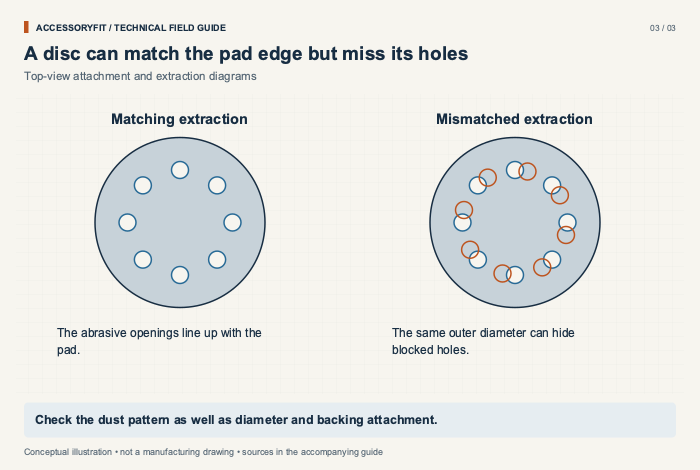
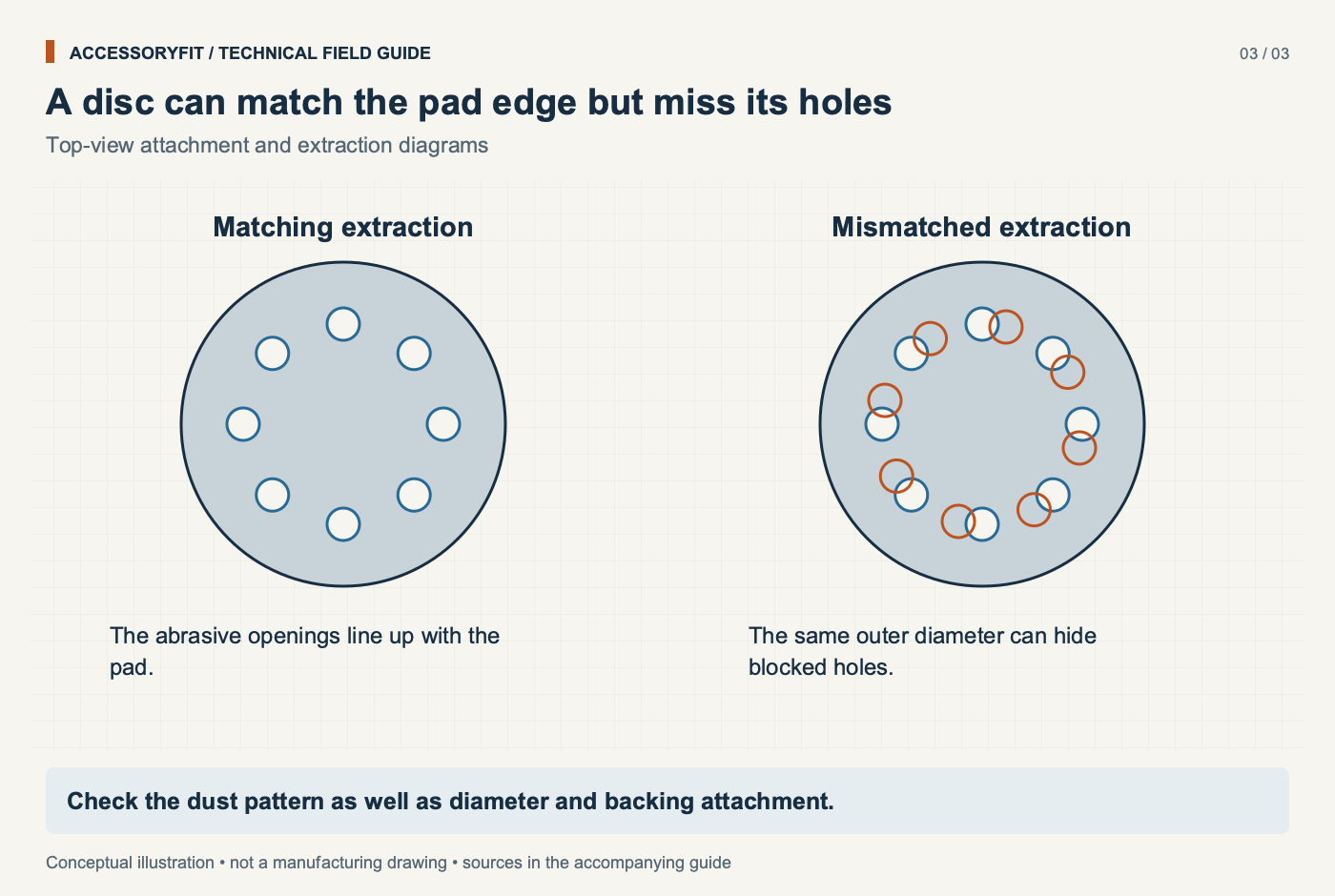
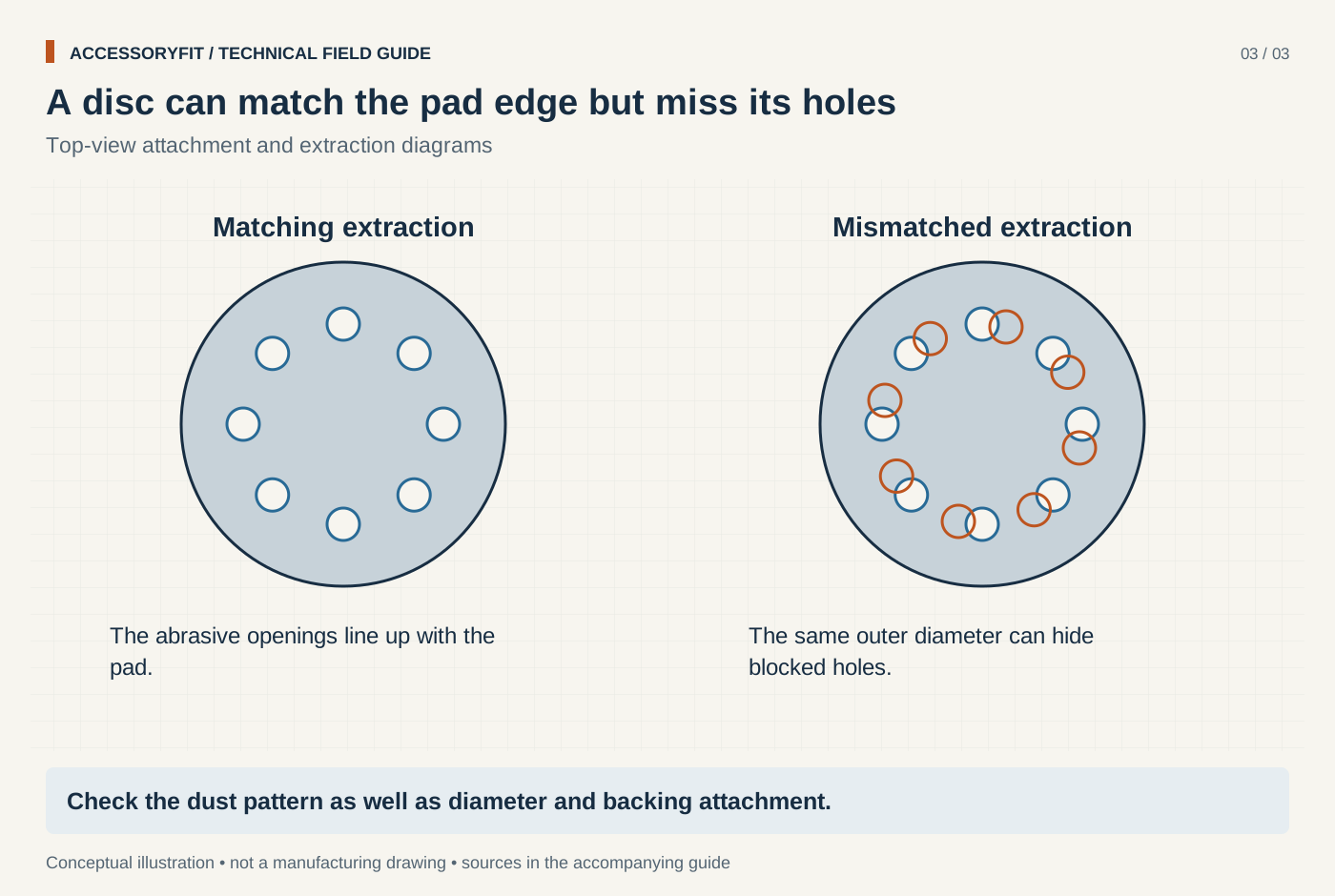
A disc can match the pad edge but miss its holes
Download SVG · Tap the image for the 1400 px WebP · From Power tool accessories: what fits which tool, and which size to choose
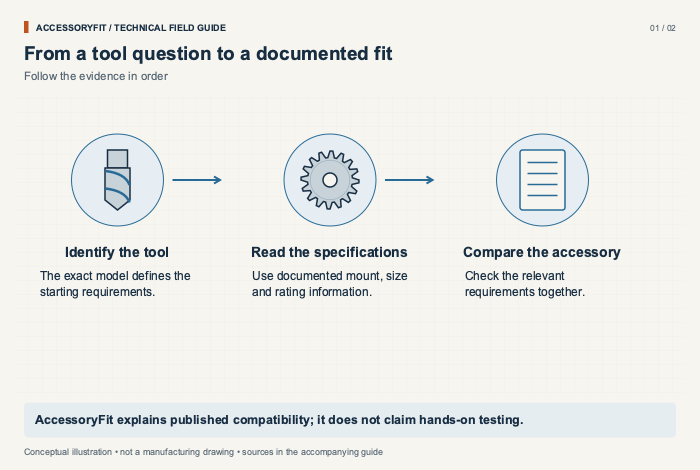
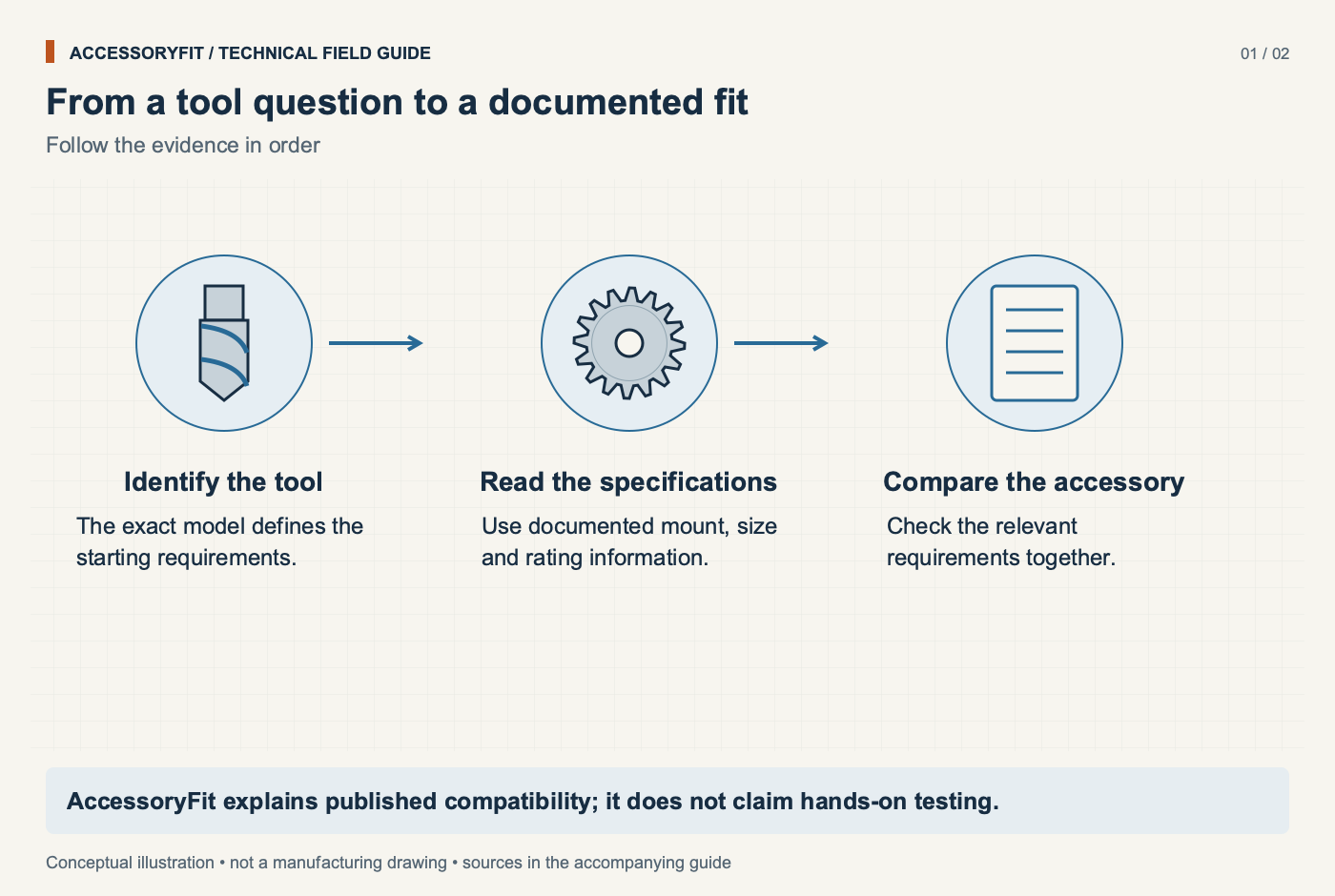
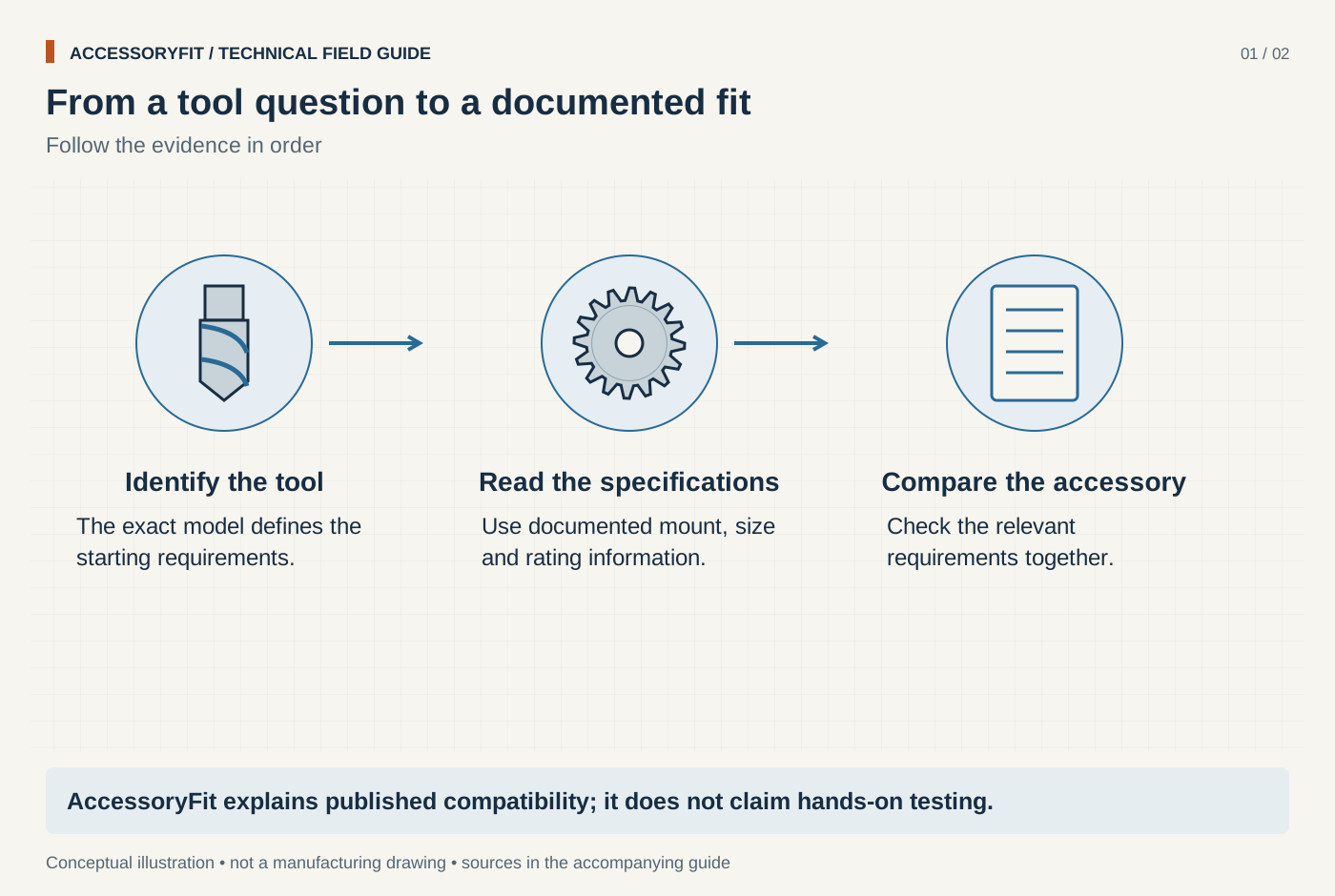
From a tool question to a documented fit
Download SVG · Tap the image for the 1400 px WebP · From About AccessoryFit
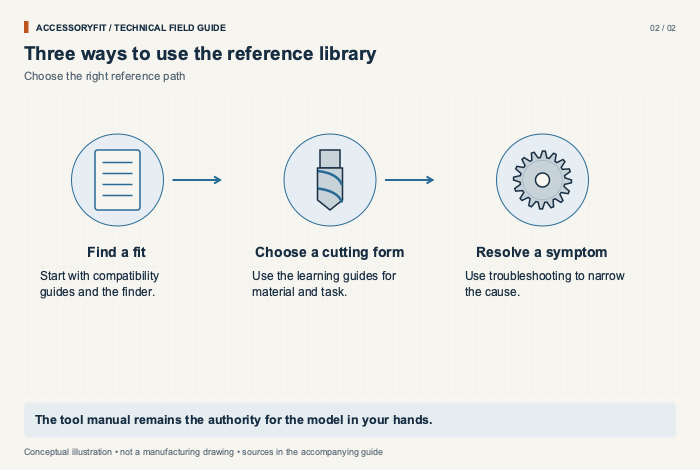
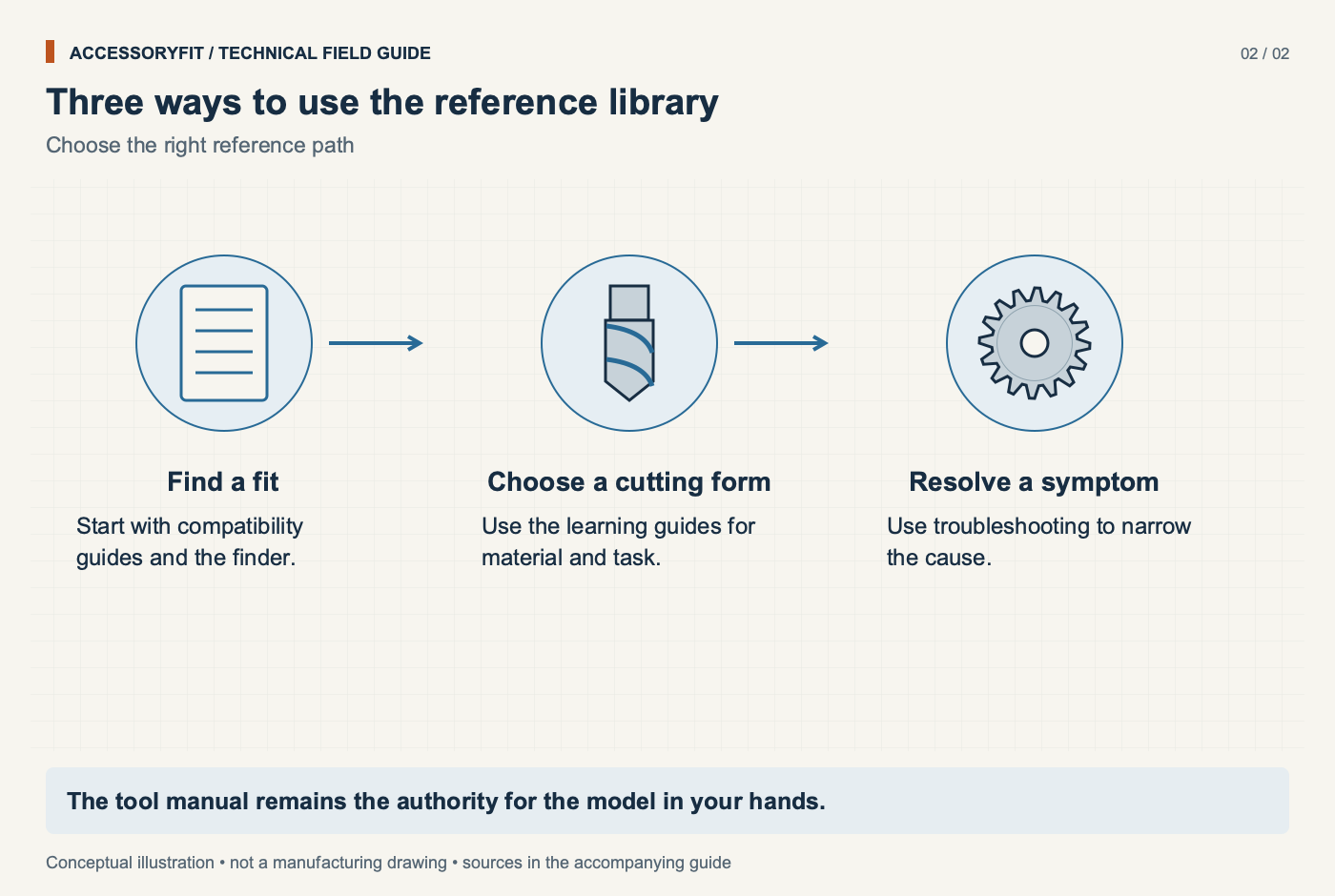
Three ways to use the reference library
Download SVG · Tap the image for the 1400 px WebP · From About AccessoryFit
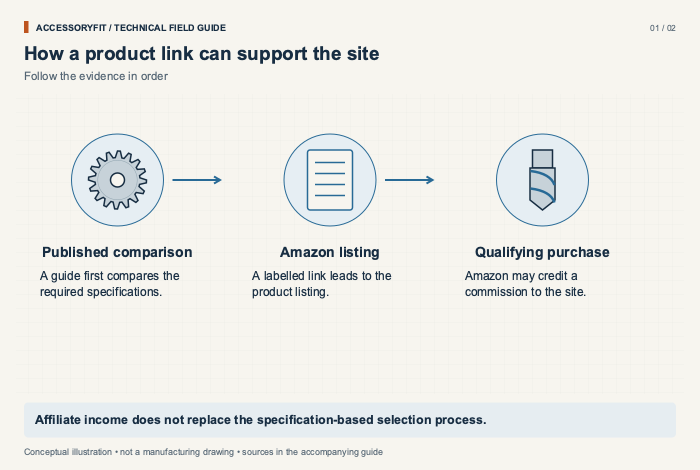
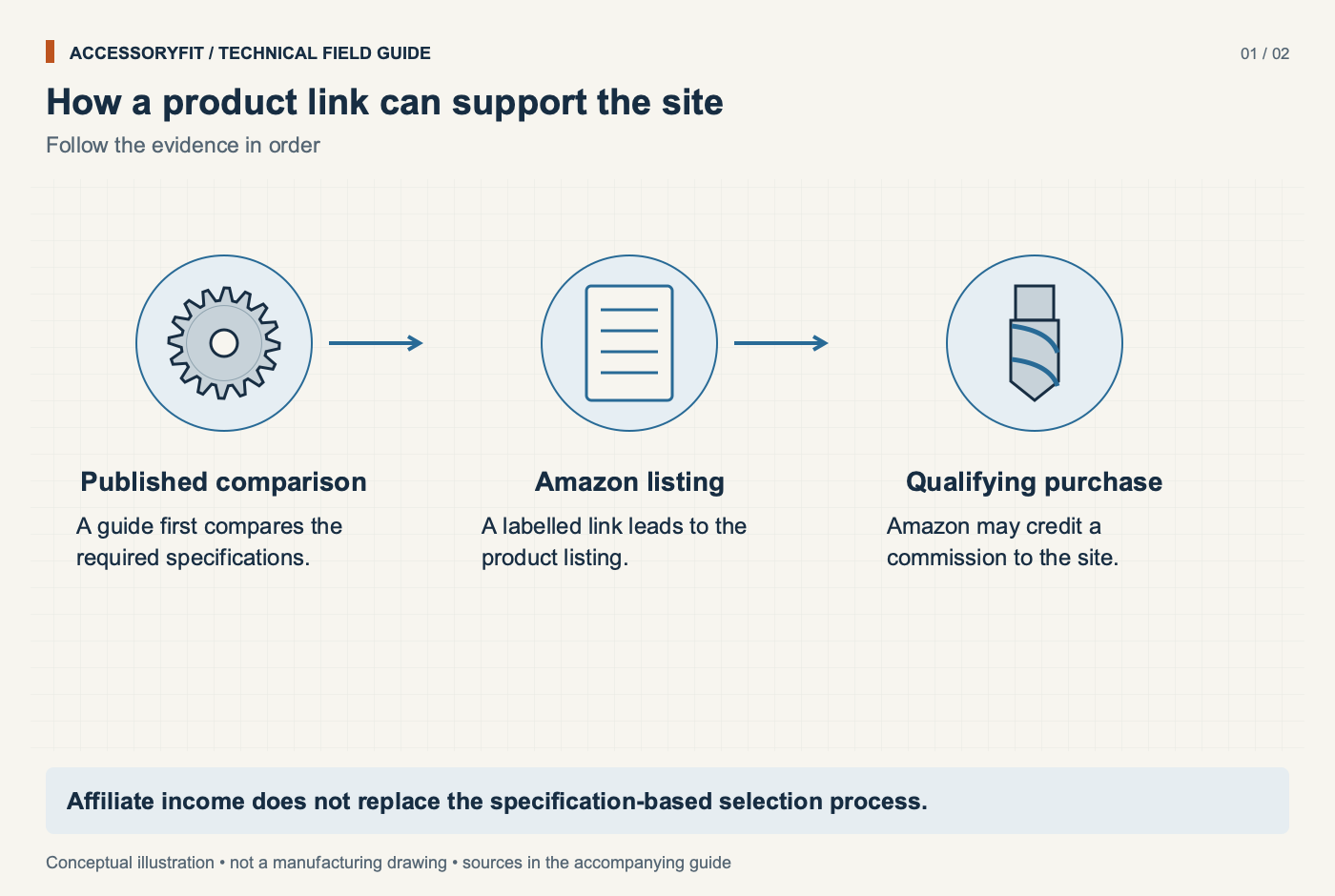
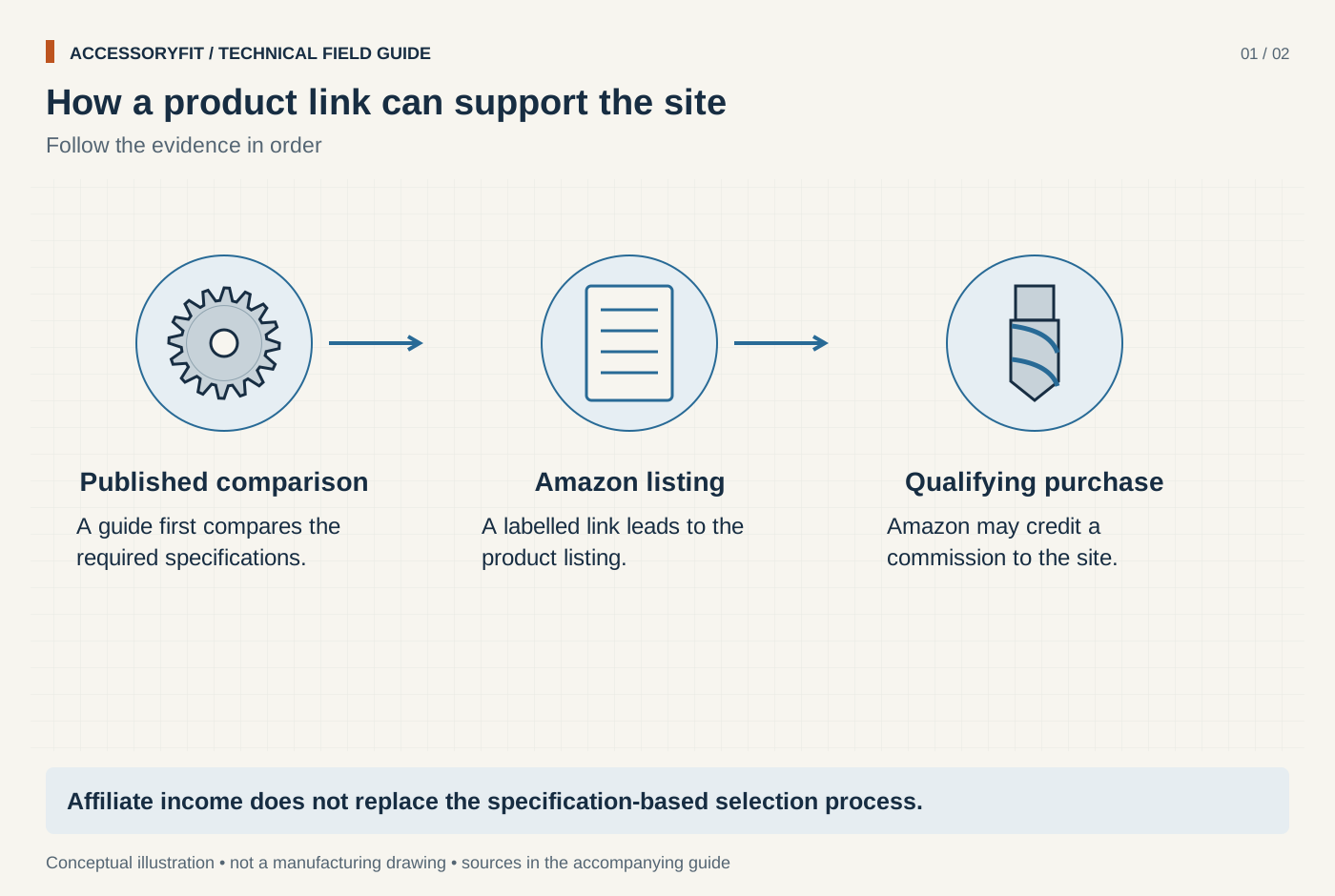
How a product link can support the site
Download SVG · Tap the image for the 1400 px WebP · From Affiliate disclosure

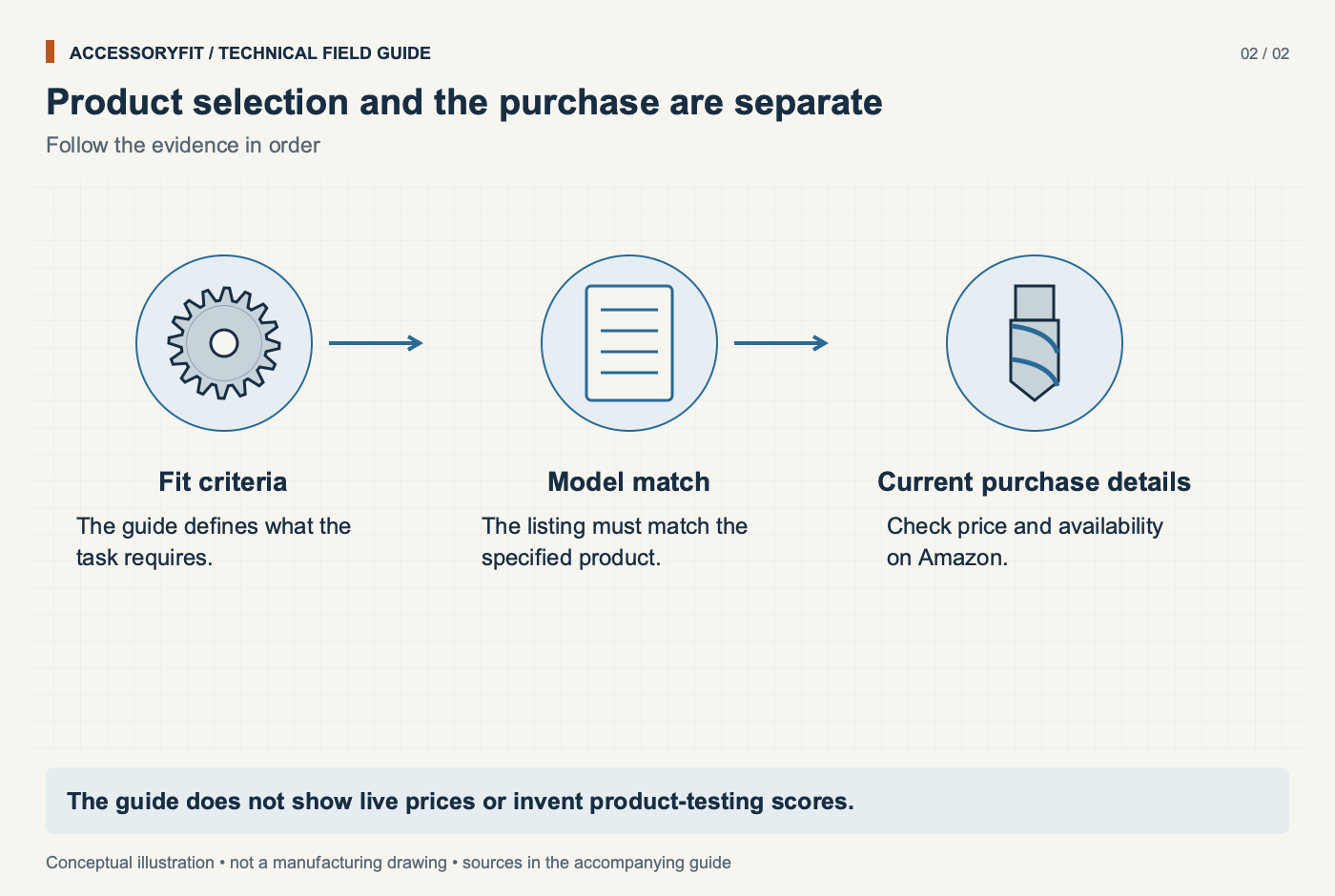
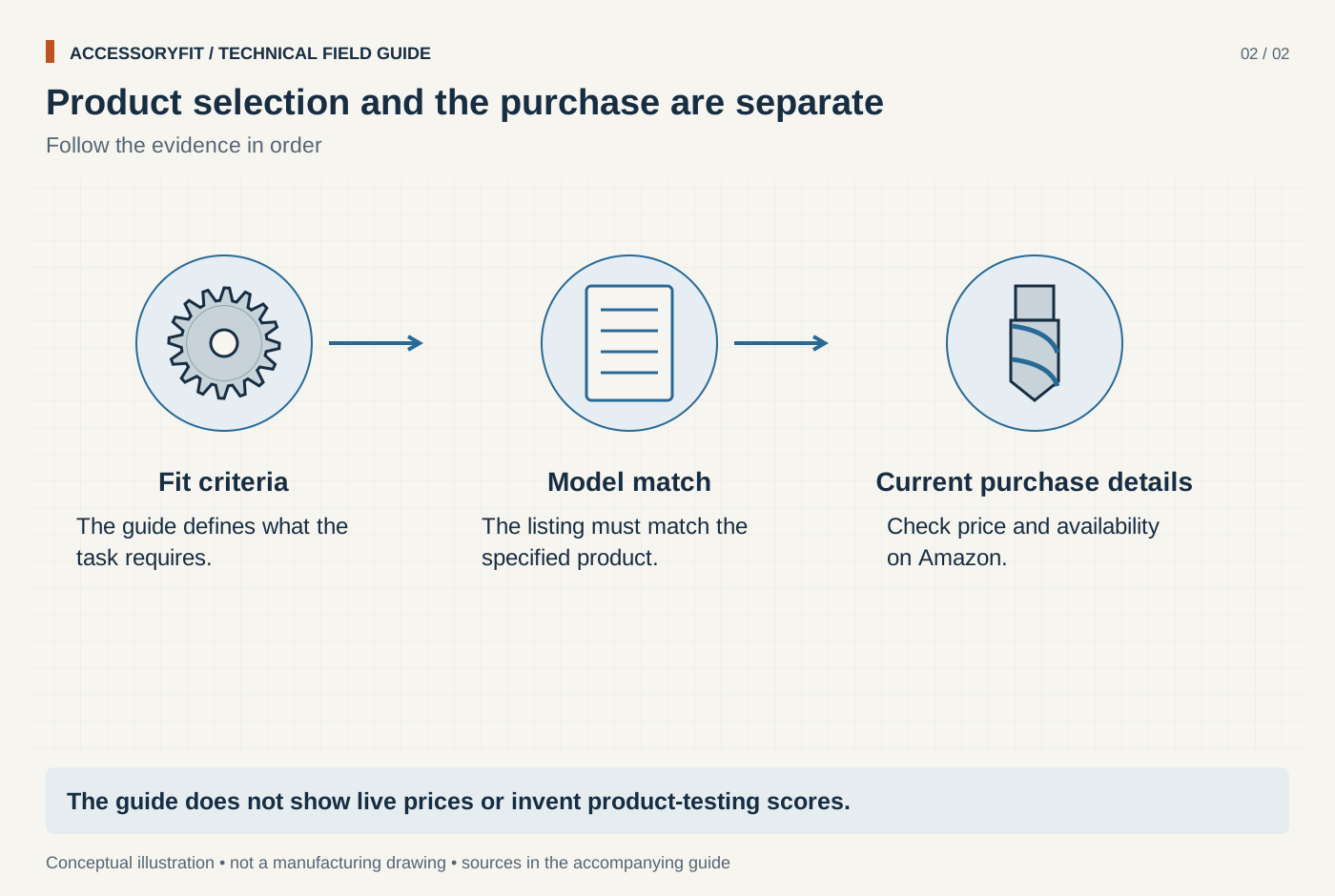
Product selection and the purchase are separate
Download SVG · Tap the image for the 1400 px WebP · From Affiliate disclosure
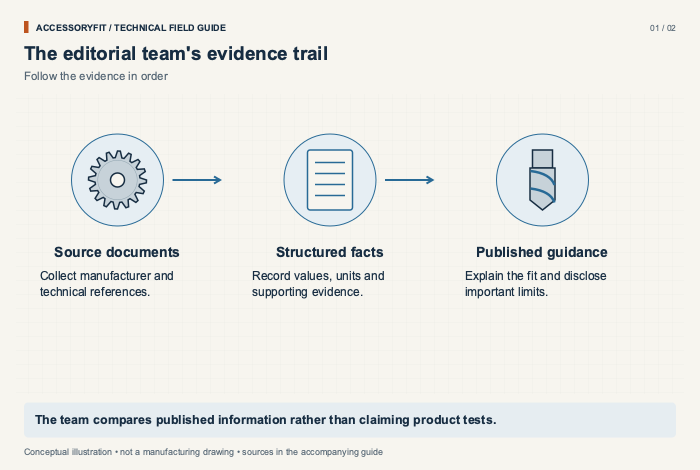
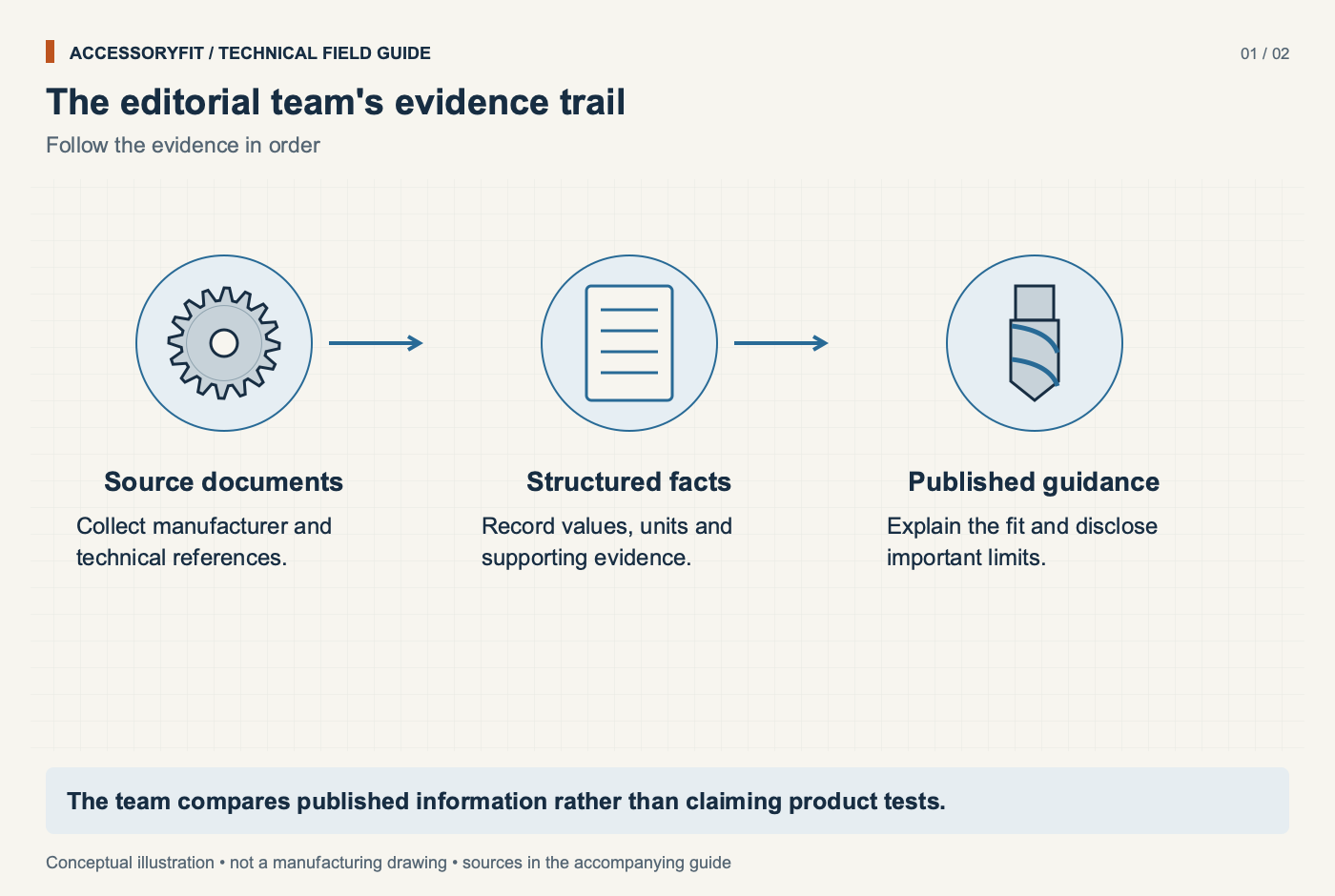
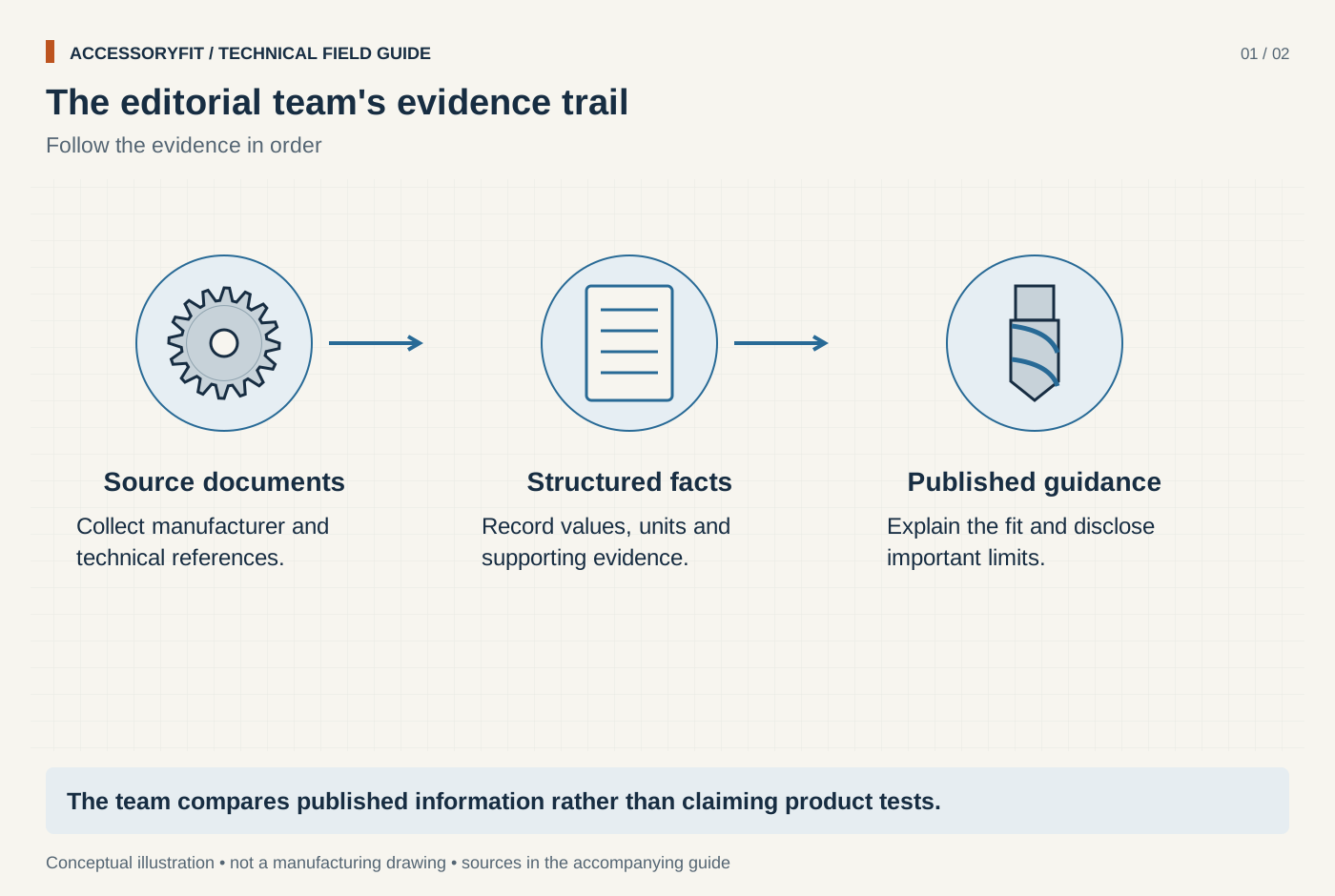
The editorial team's evidence trail
Download SVG · Tap the image for the 1400 px WebP · From The AccessoryFit editorial team
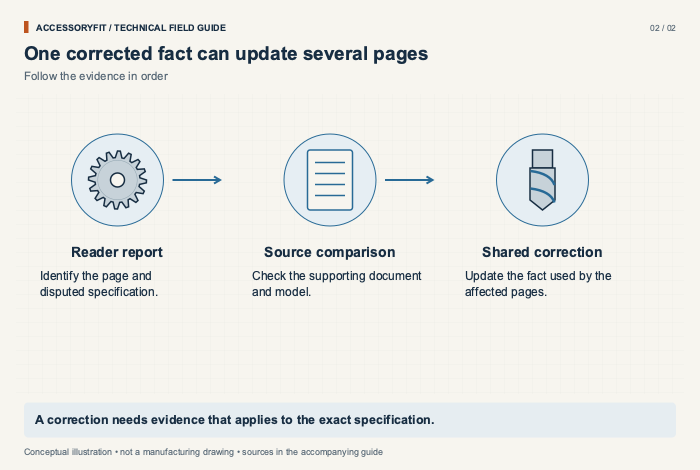
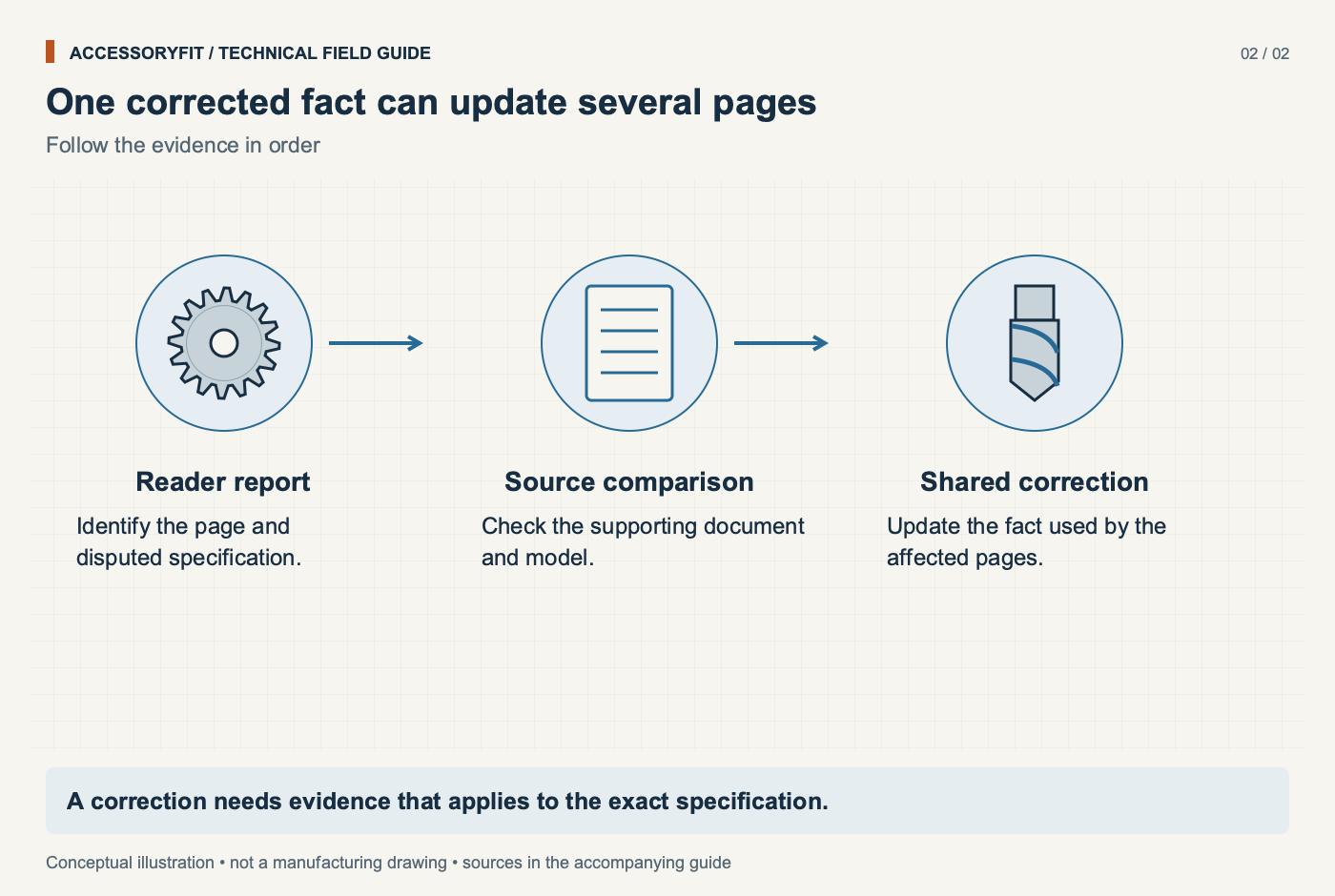
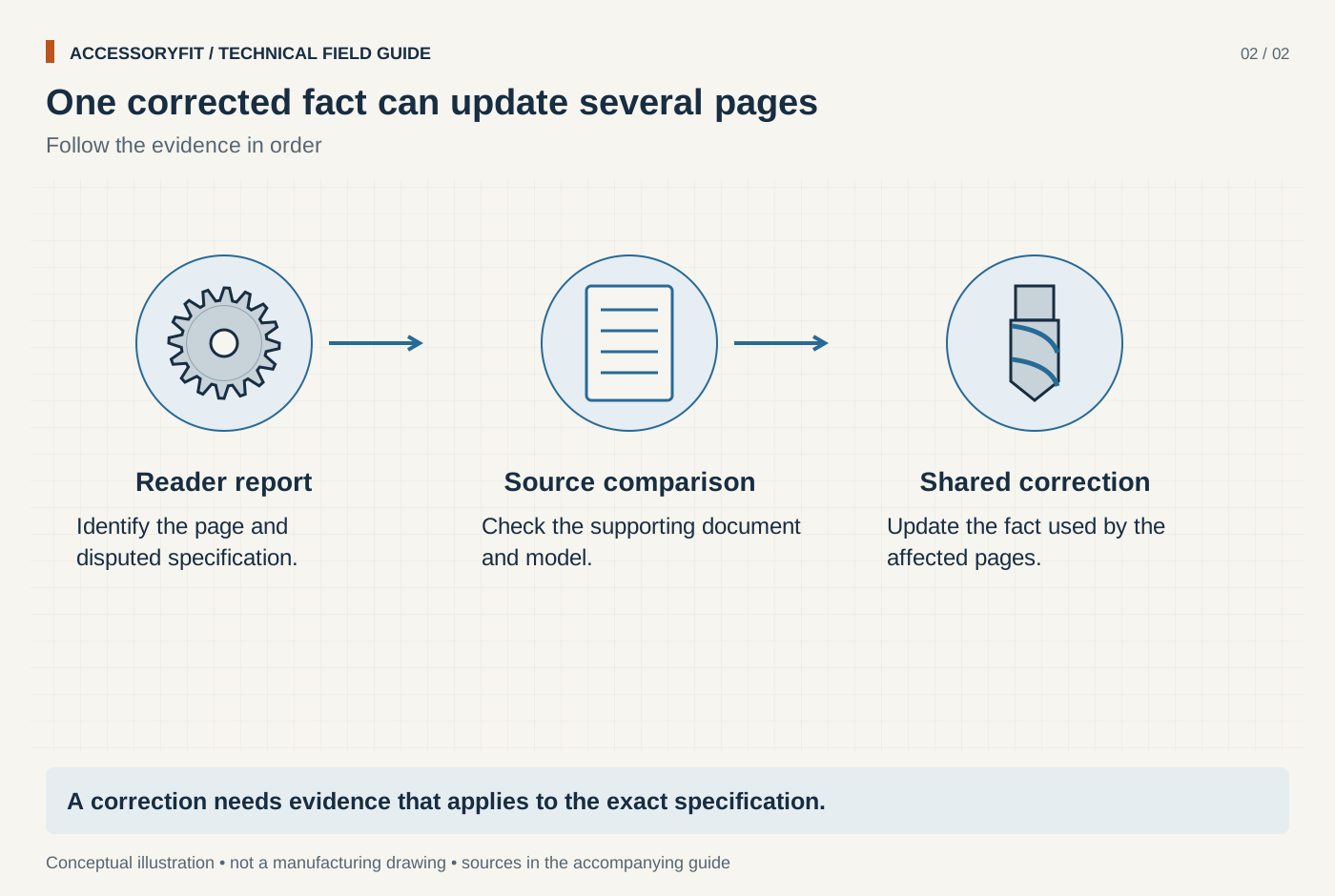
One corrected fact can update several pages
Download SVG · Tap the image for the 1400 px WebP · From The AccessoryFit editorial team
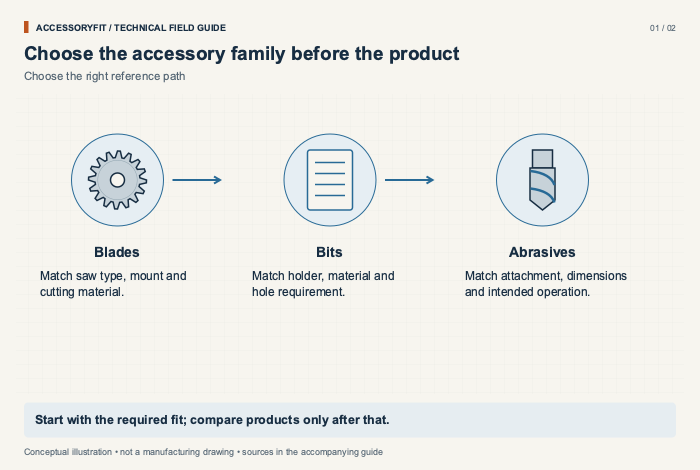
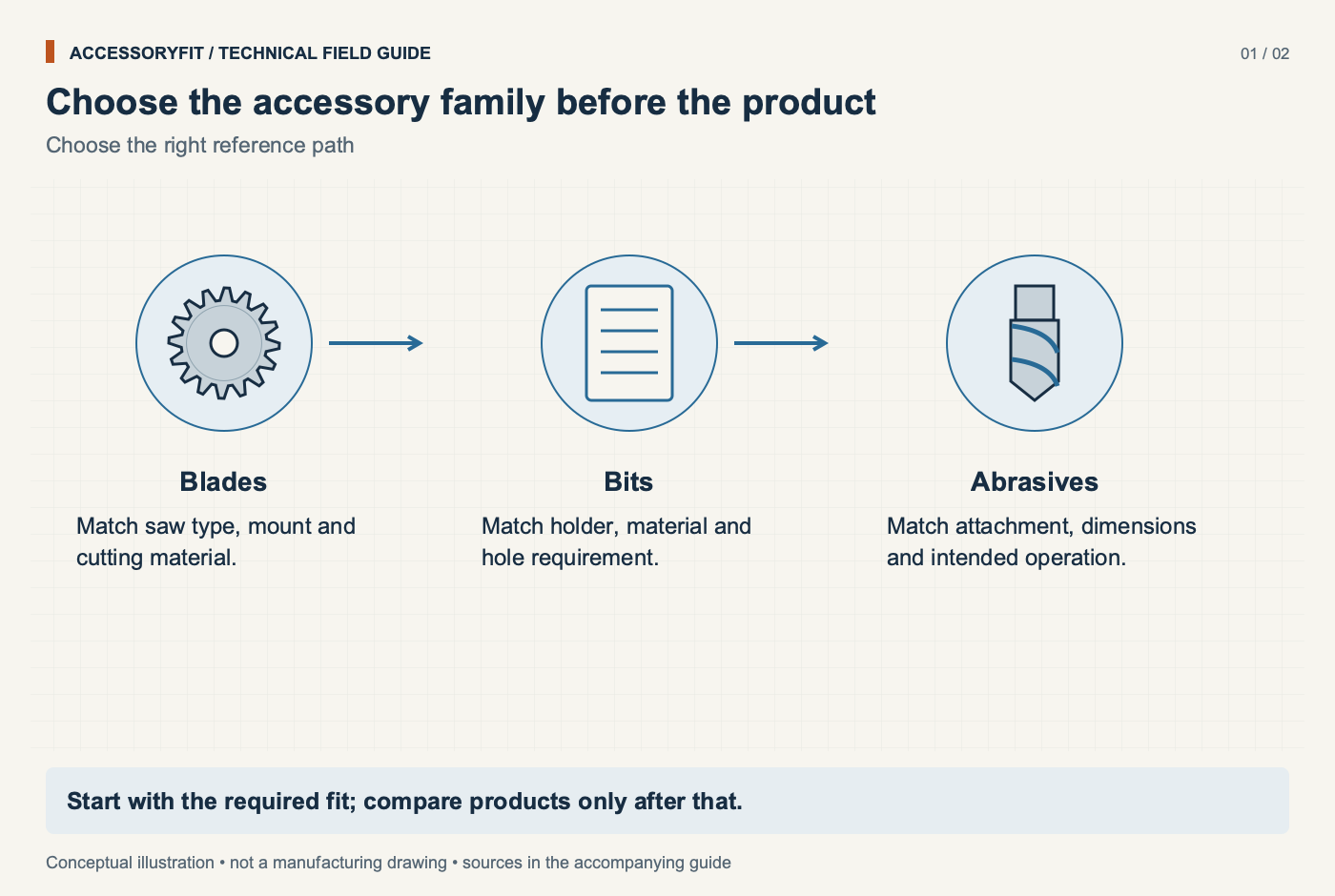
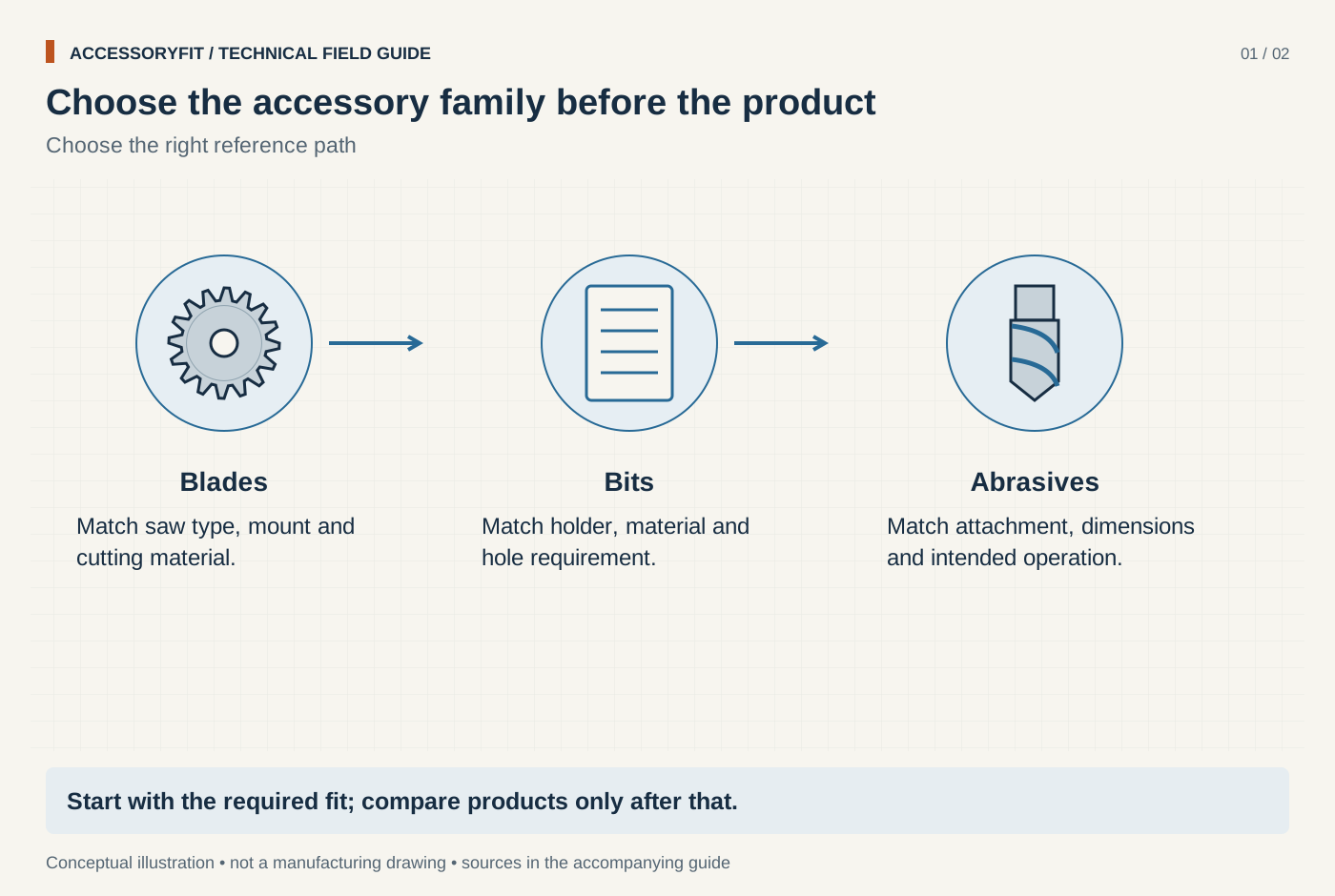
Choose the accessory family before the product
Download SVG · Tap the image for the 1400 px WebP · From Buyer guides: choosing blades, bits and discs by job
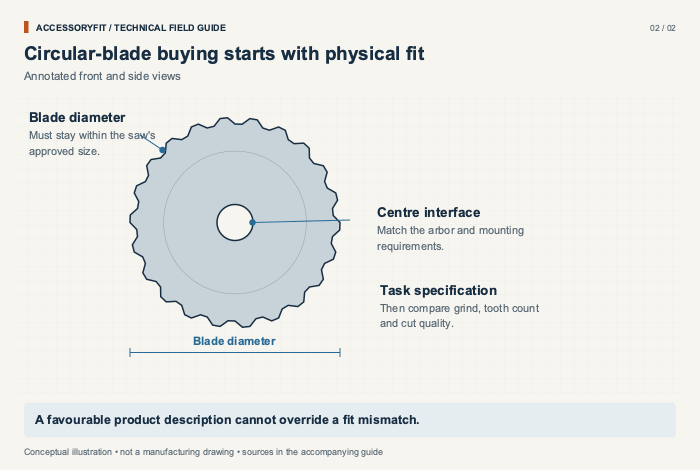
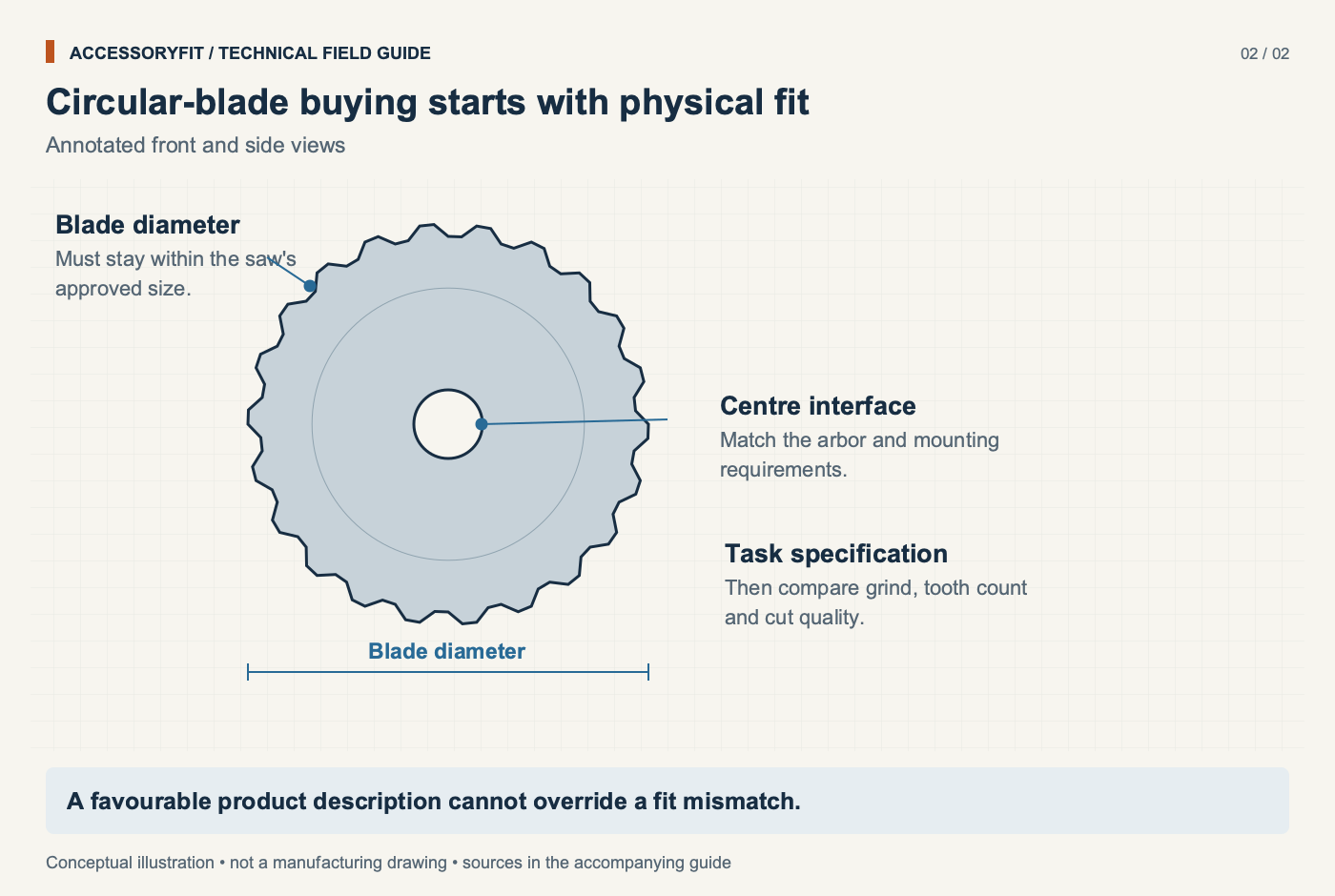
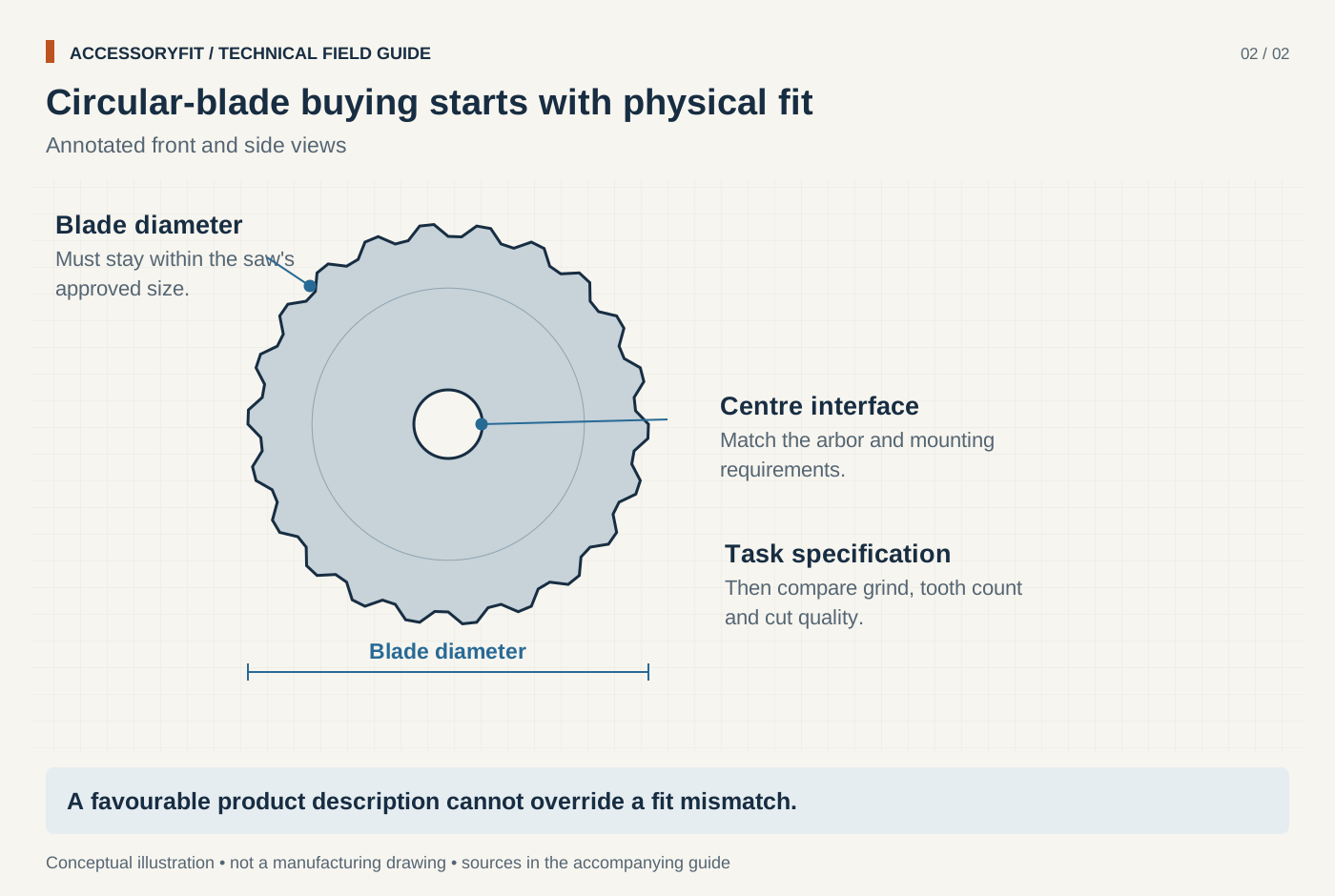
Circular-blade buying starts with physical fit
Download SVG · Tap the image for the 1400 px WebP · From Buyer guides: choosing blades, bits and discs by job
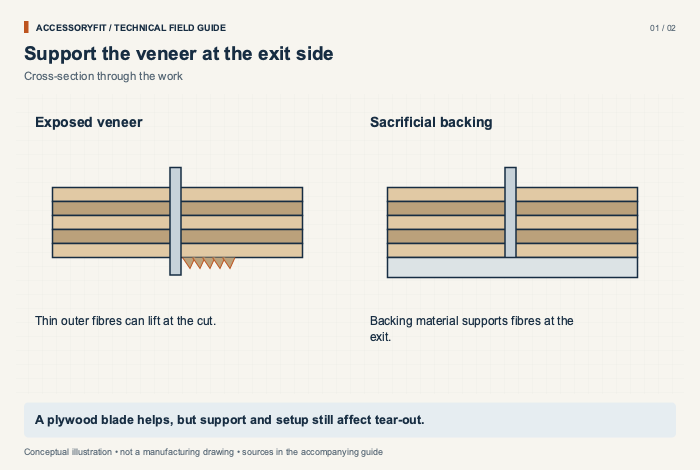
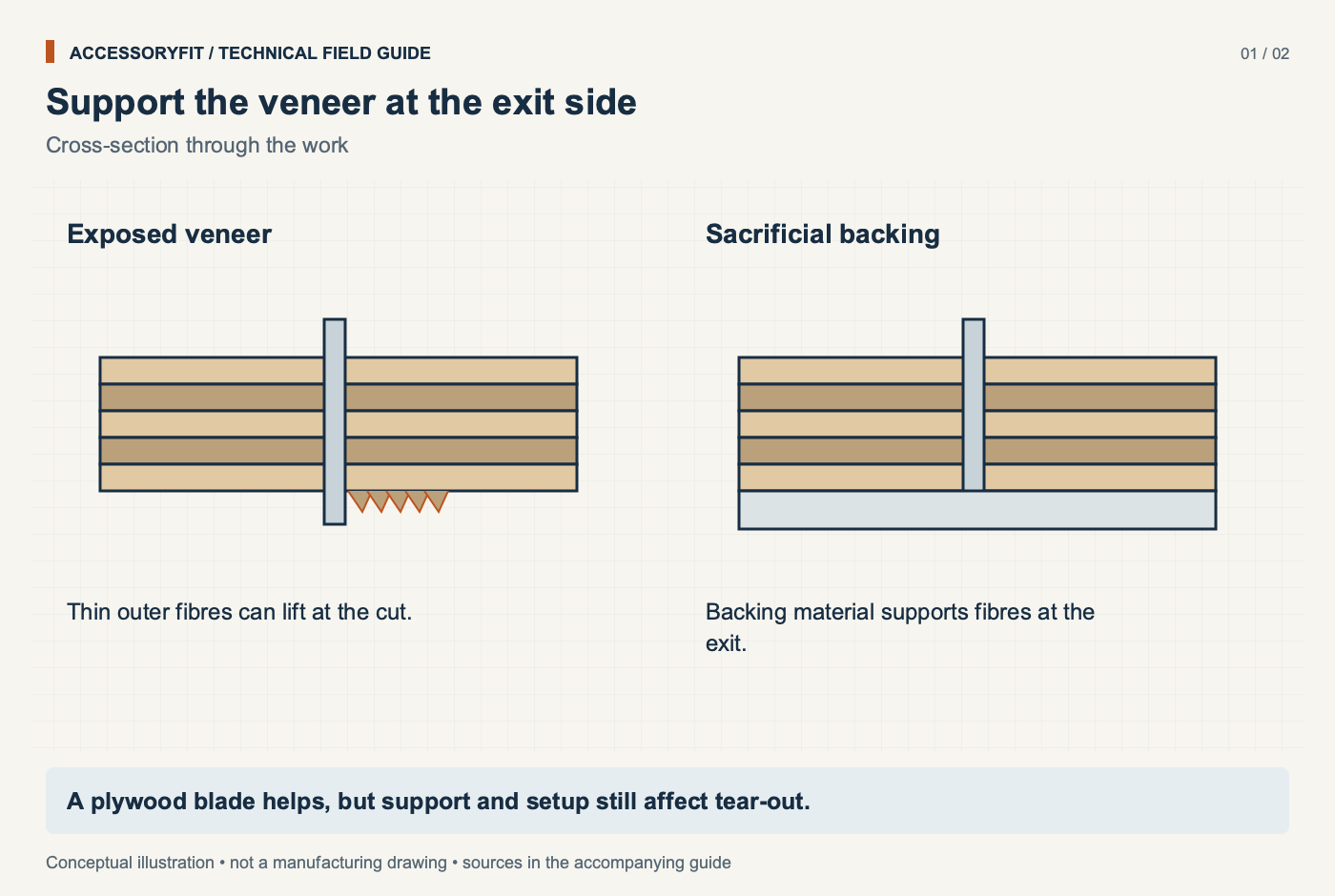
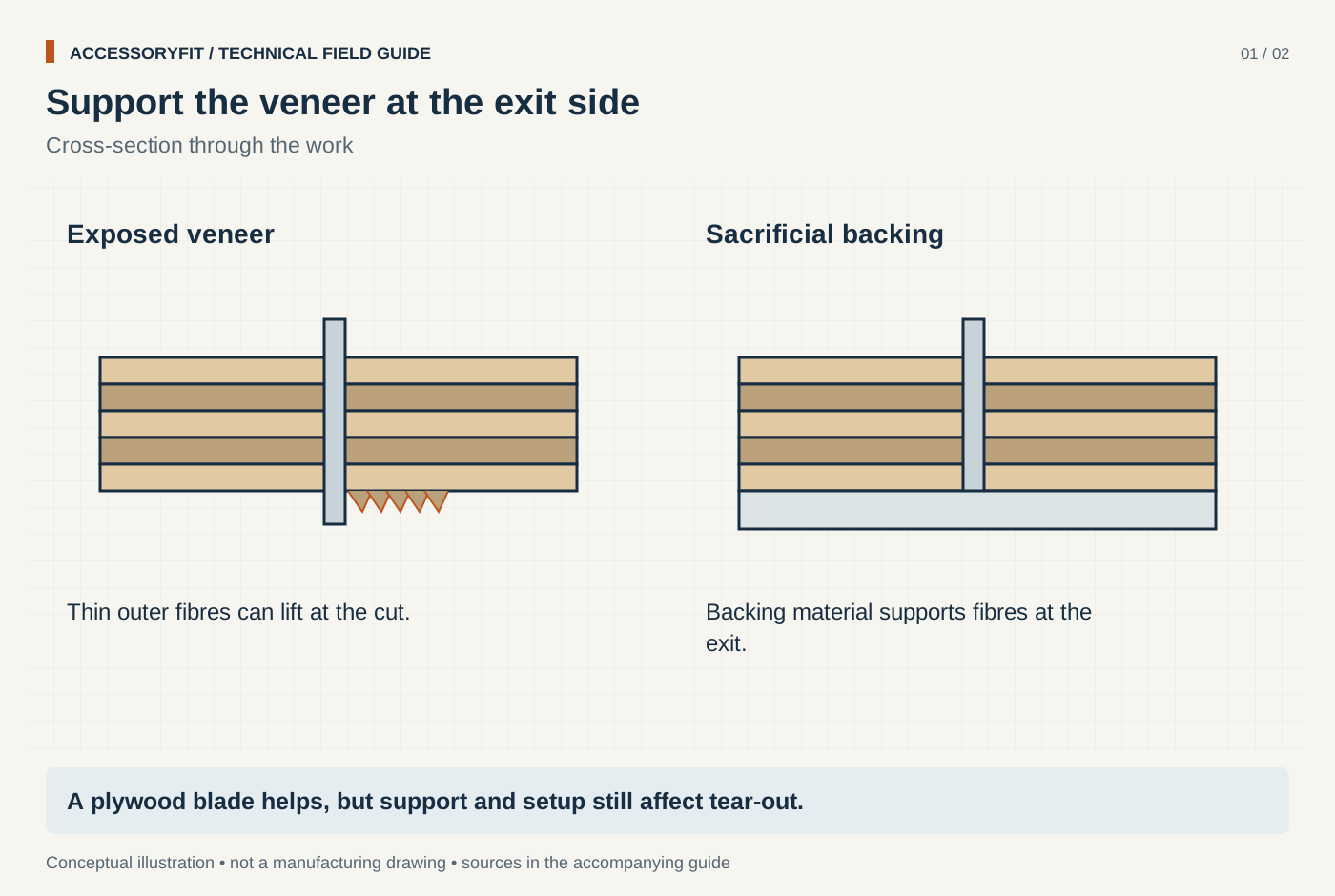
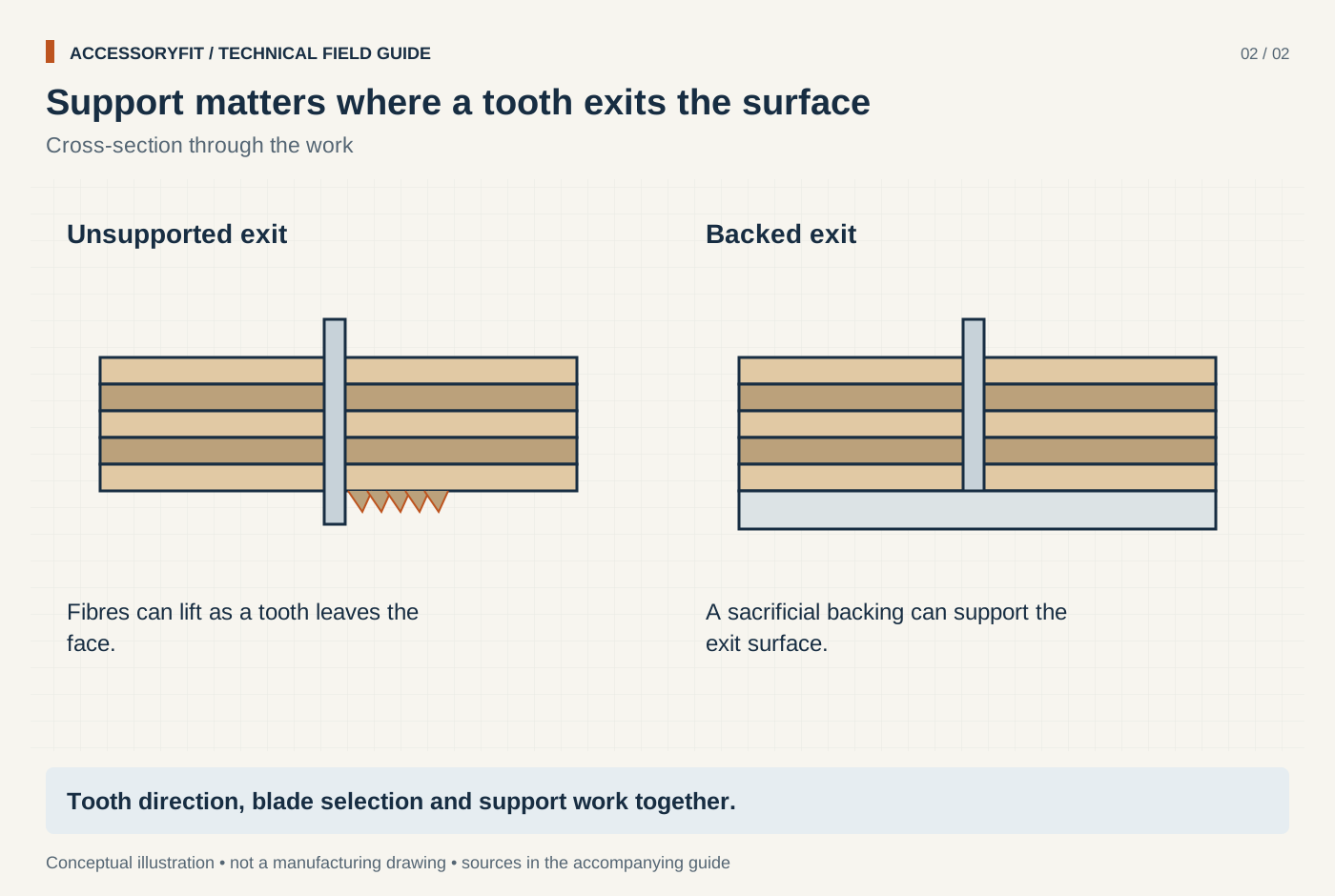
Support the veneer at the exit side
Download SVG · Tap the image for the 1400 px WebP · From Best circular saw blades for plywood: picks by tooth count, grind and fit
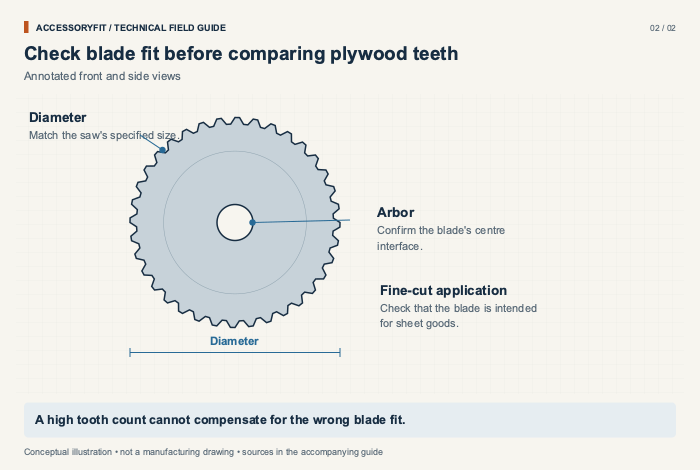
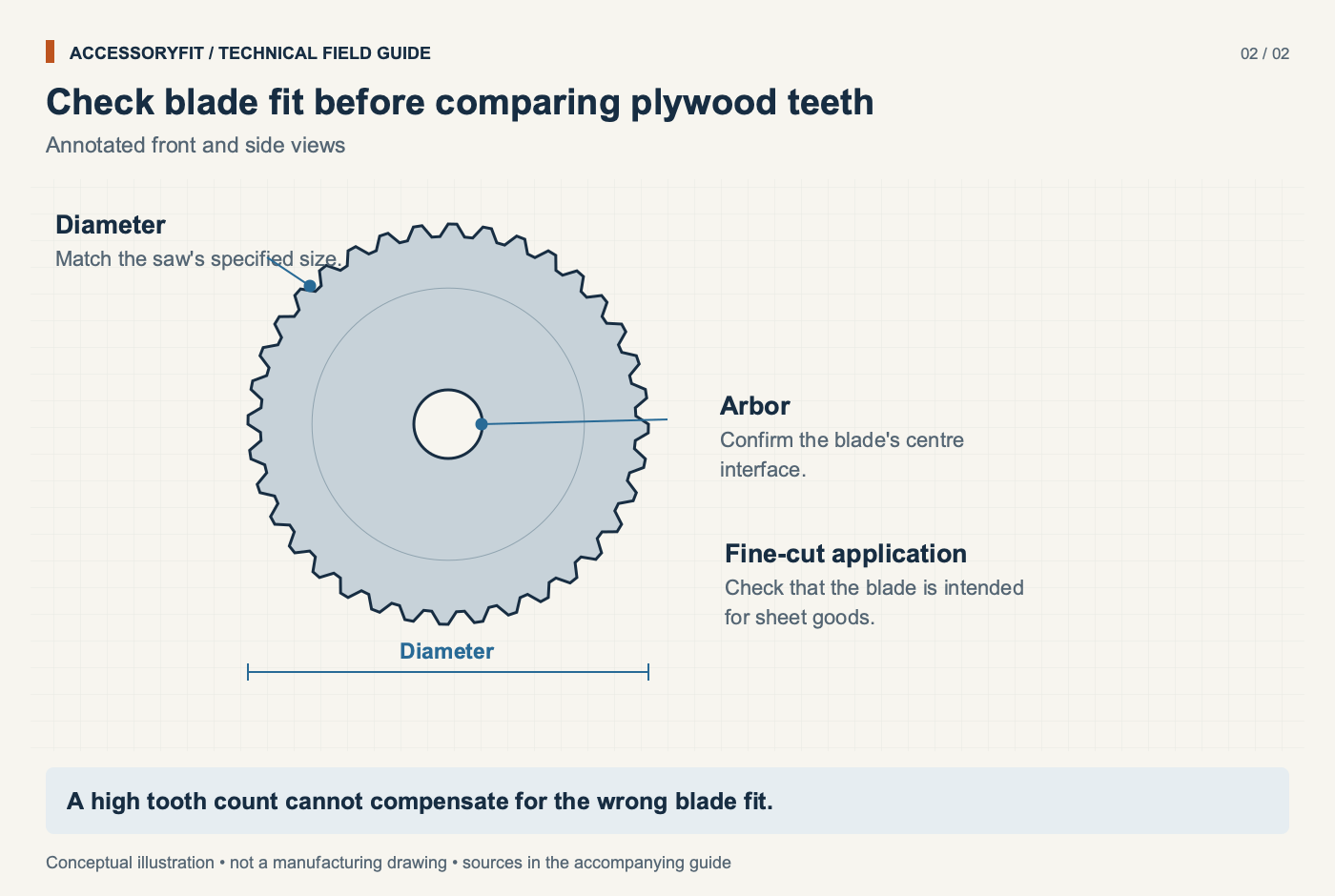
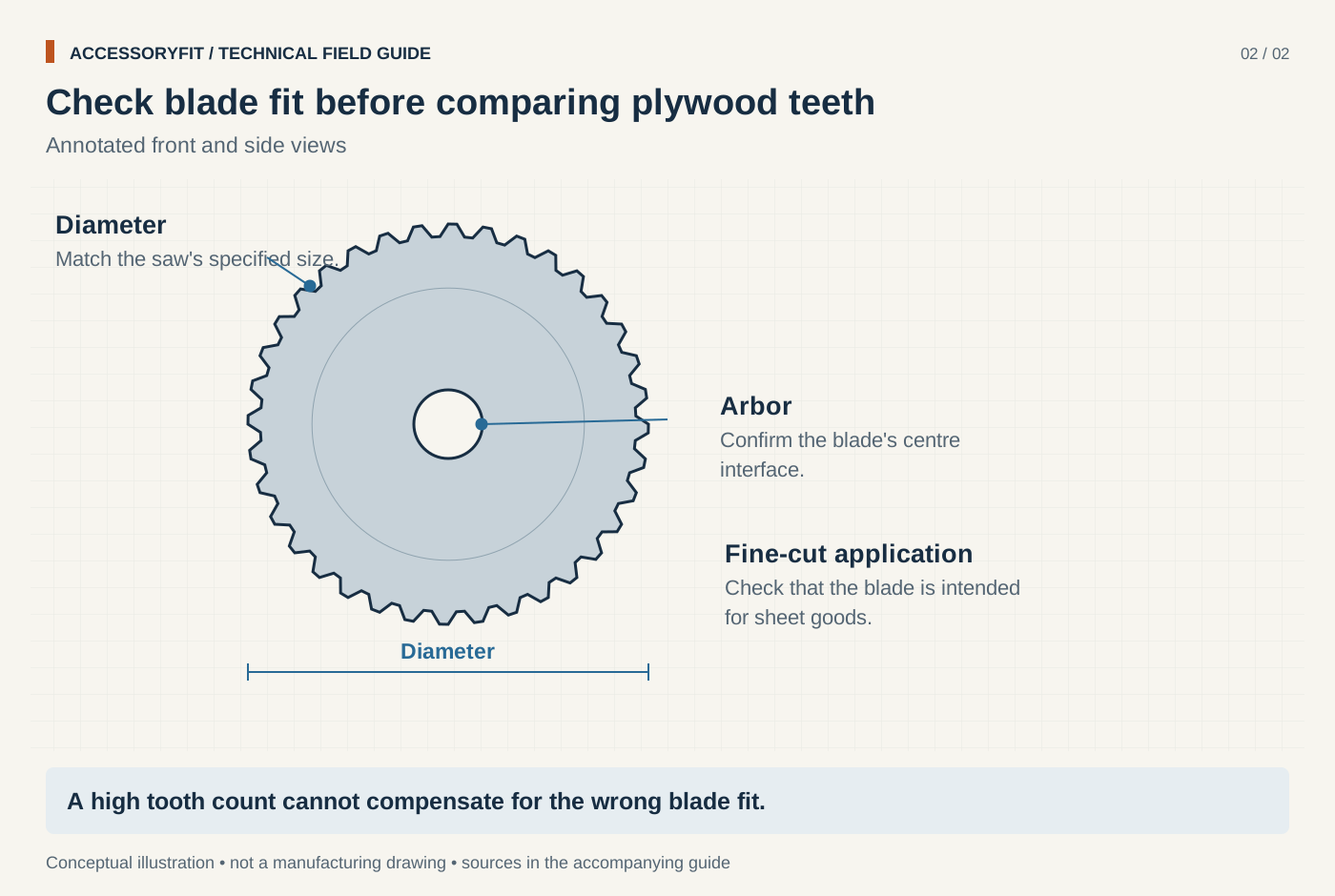
Check blade fit before comparing plywood teeth
Download SVG · Tap the image for the 1400 px WebP · From Best circular saw blades for plywood: picks by tooth count, grind and fit
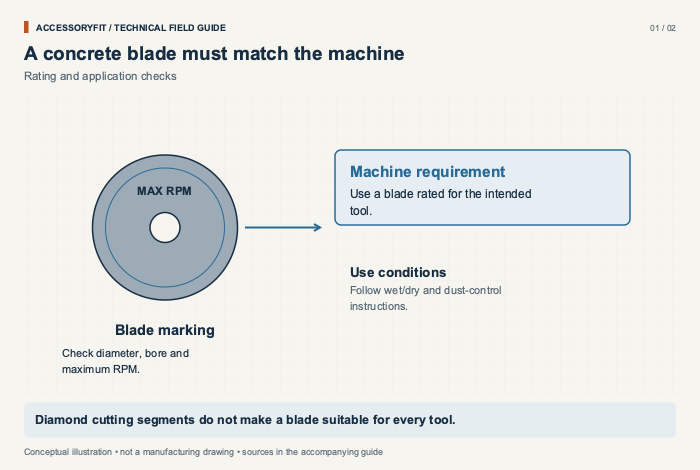
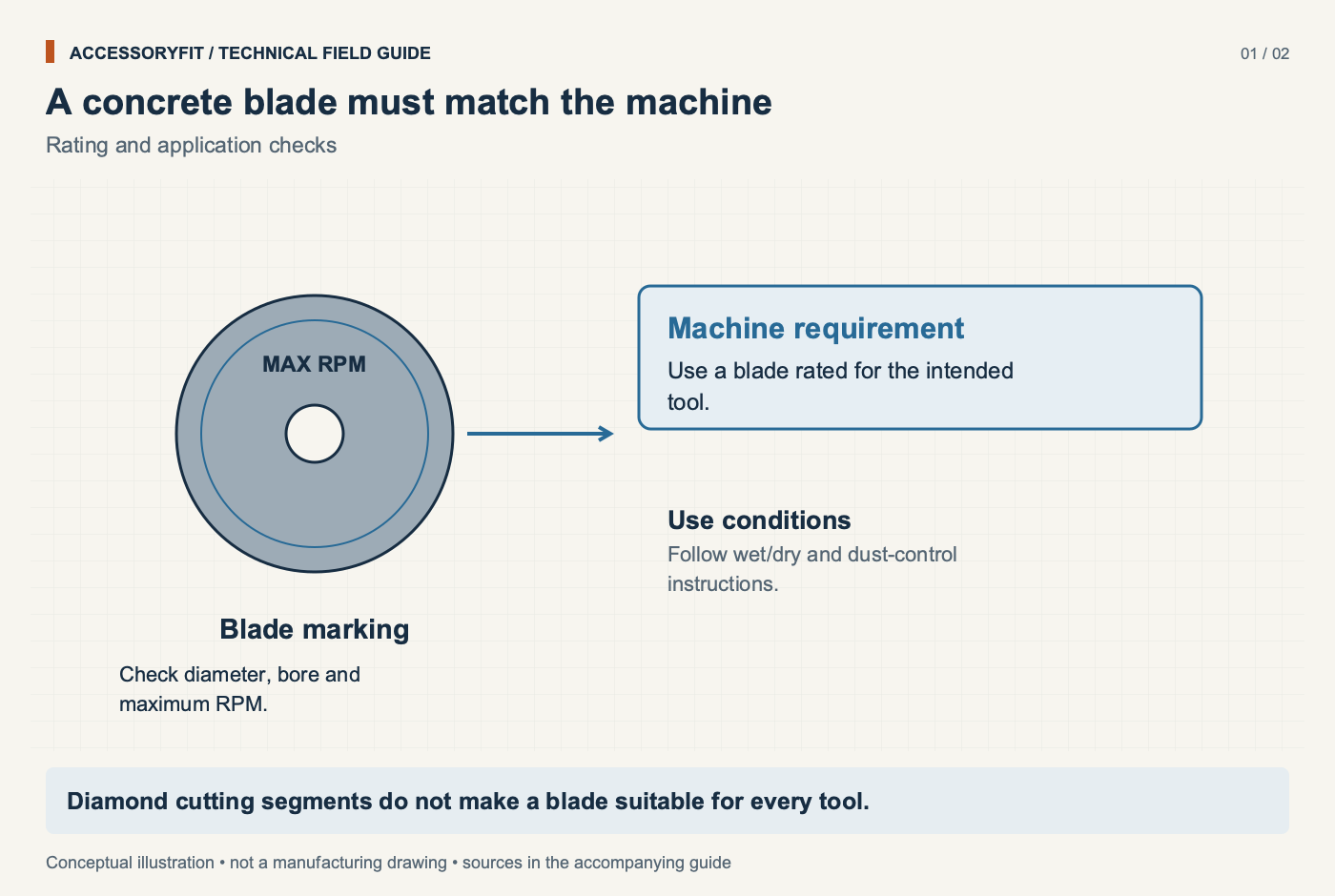
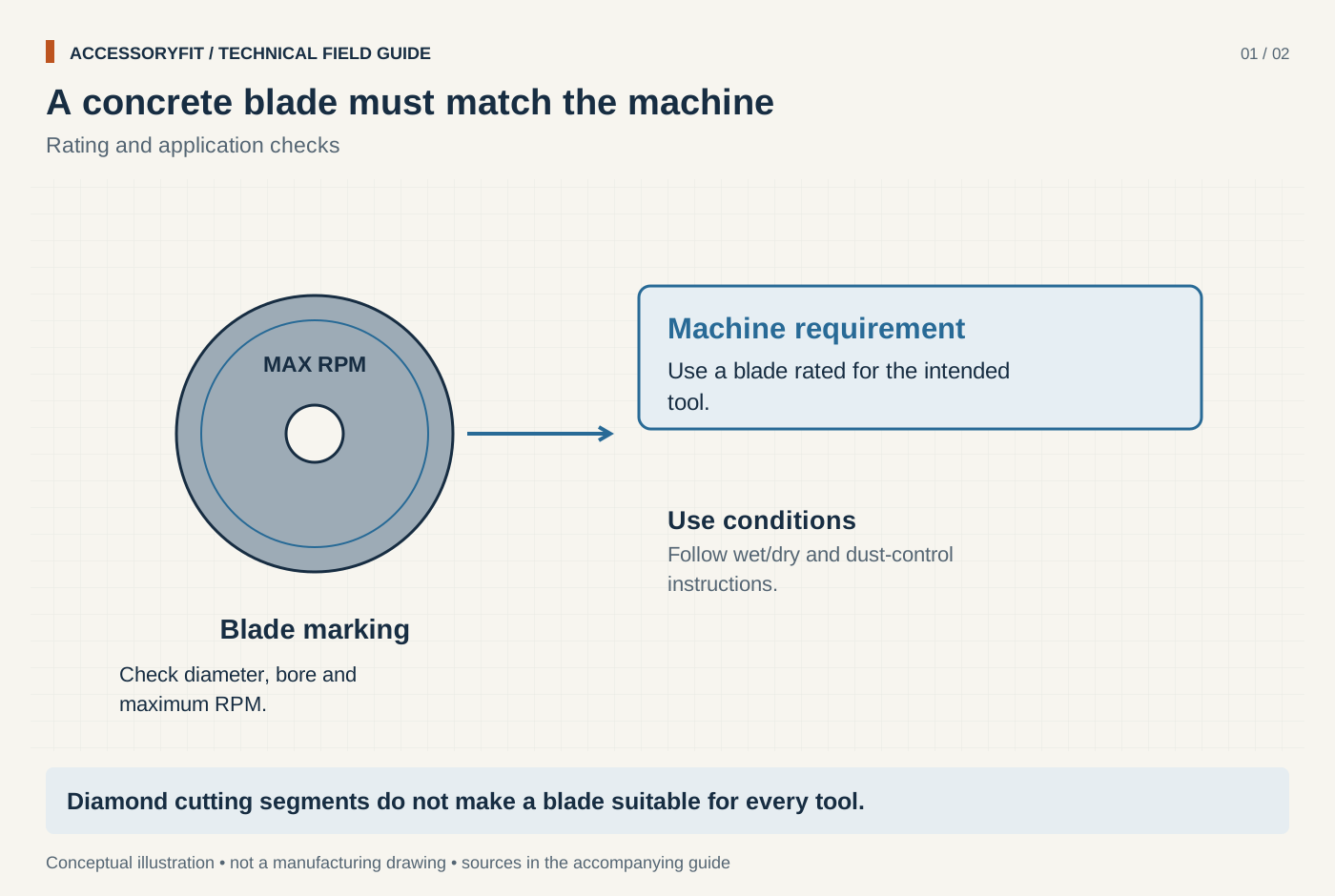
A concrete blade must match the machine
Download SVG · Tap the image for the 1400 px WebP · From Best diamond blades for concrete: picks by rim style, size and tool
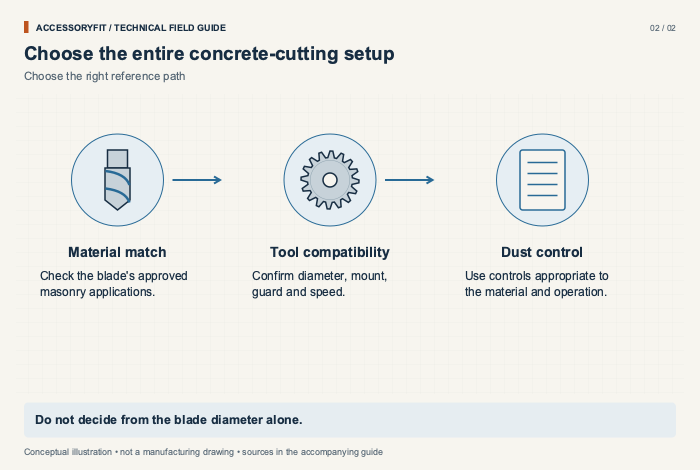
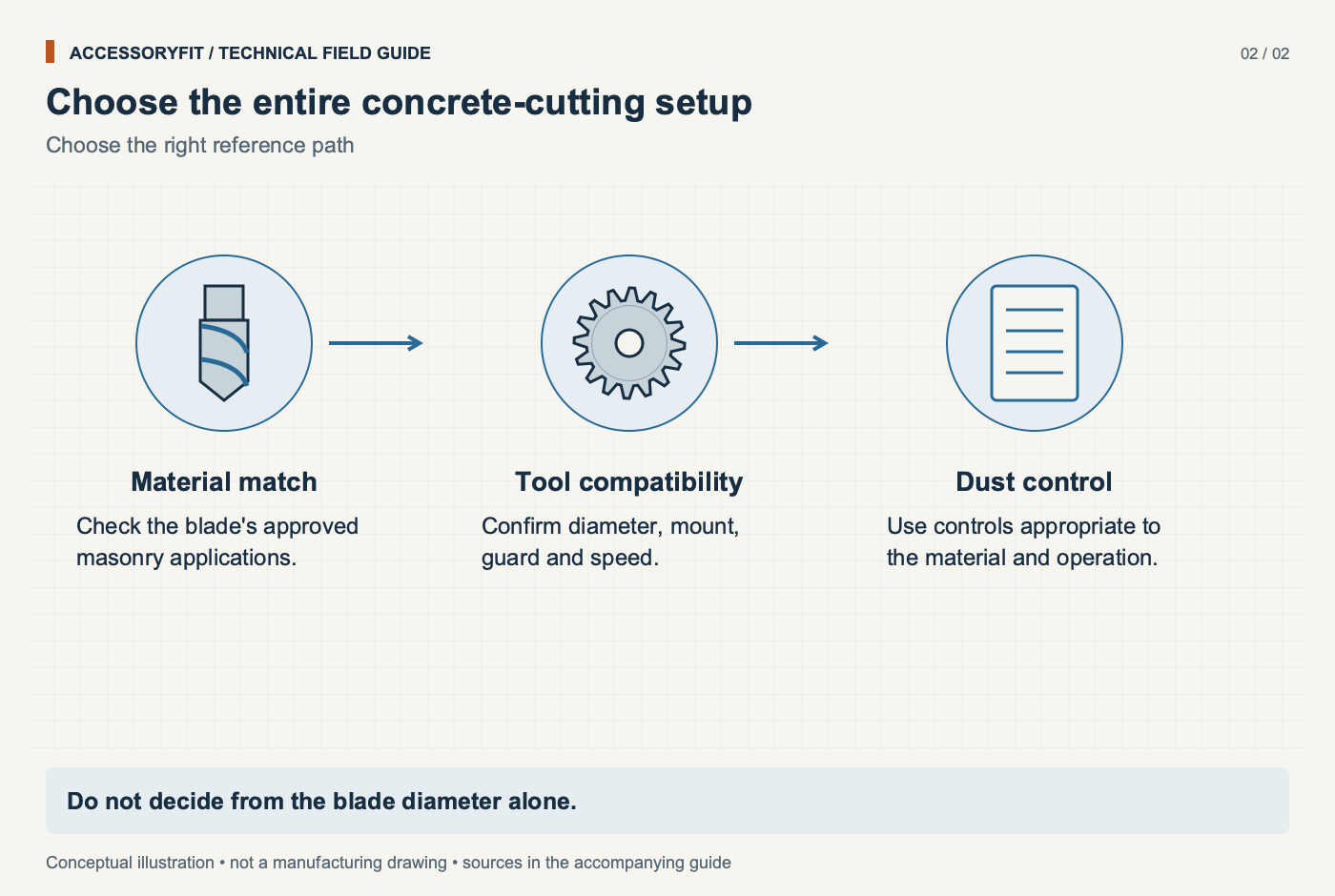
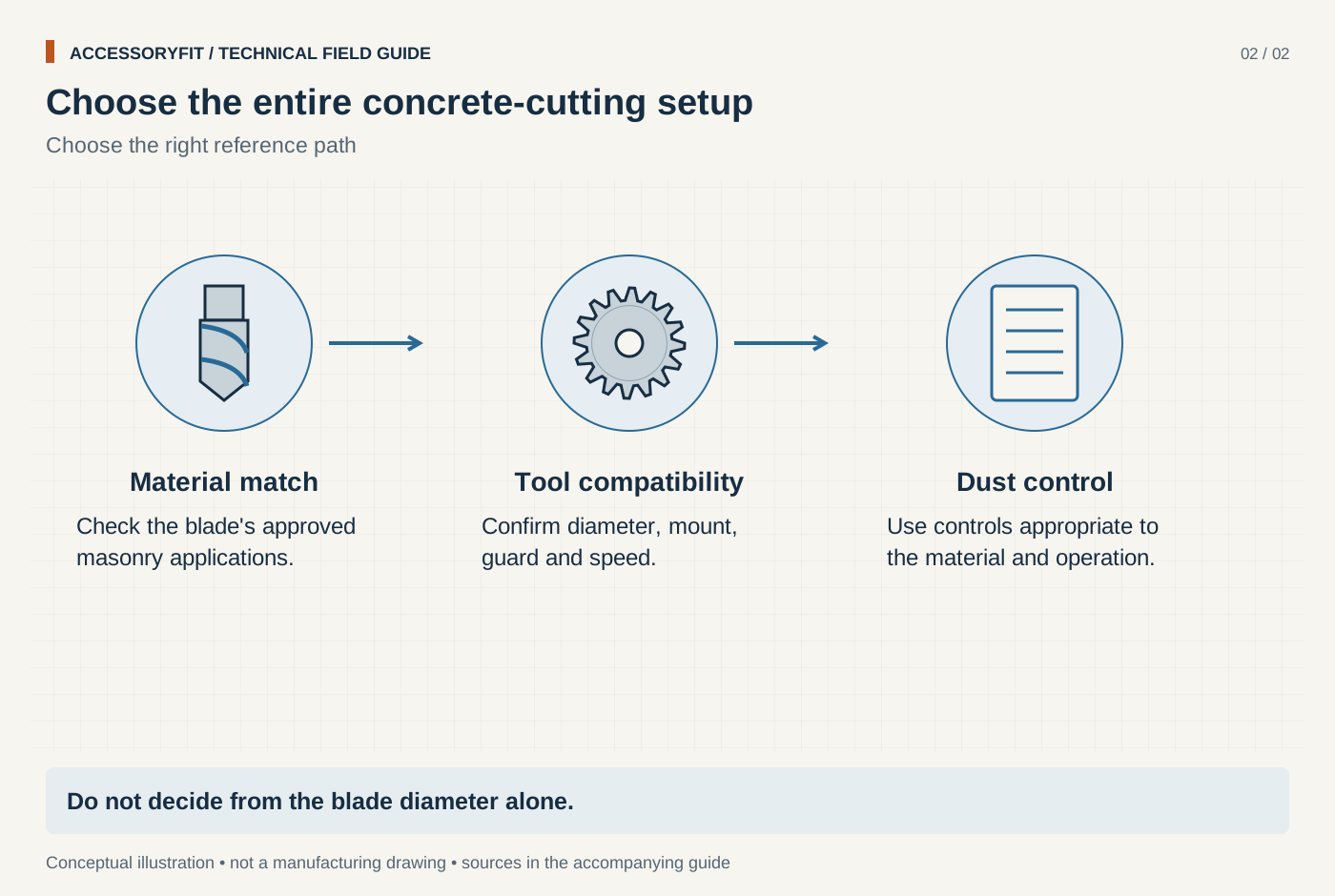
Choose the entire concrete-cutting setup
Download SVG · Tap the image for the 1400 px WebP · From Best diamond blades for concrete: picks by rim style, size and tool
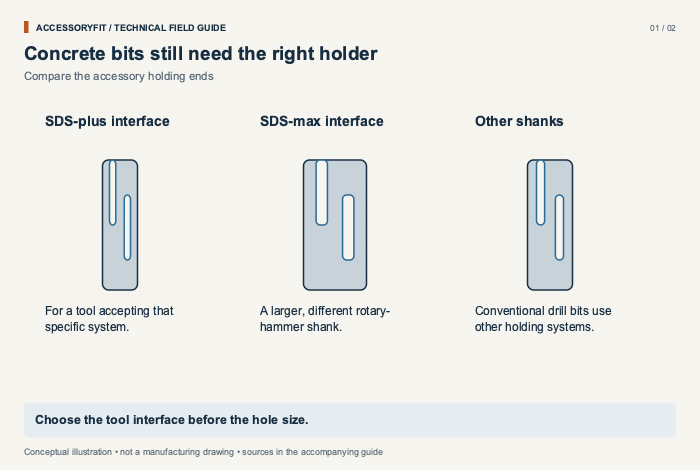
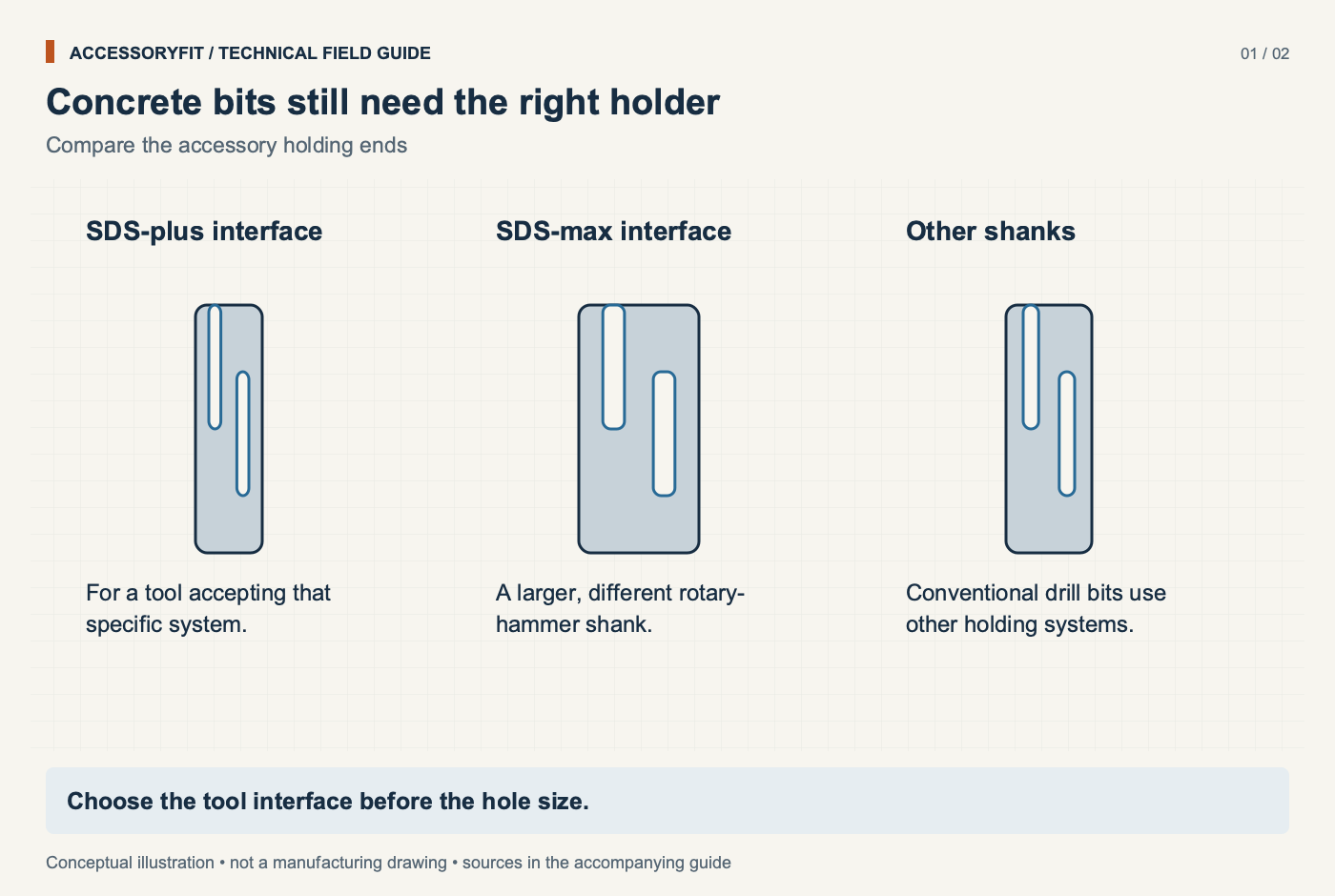
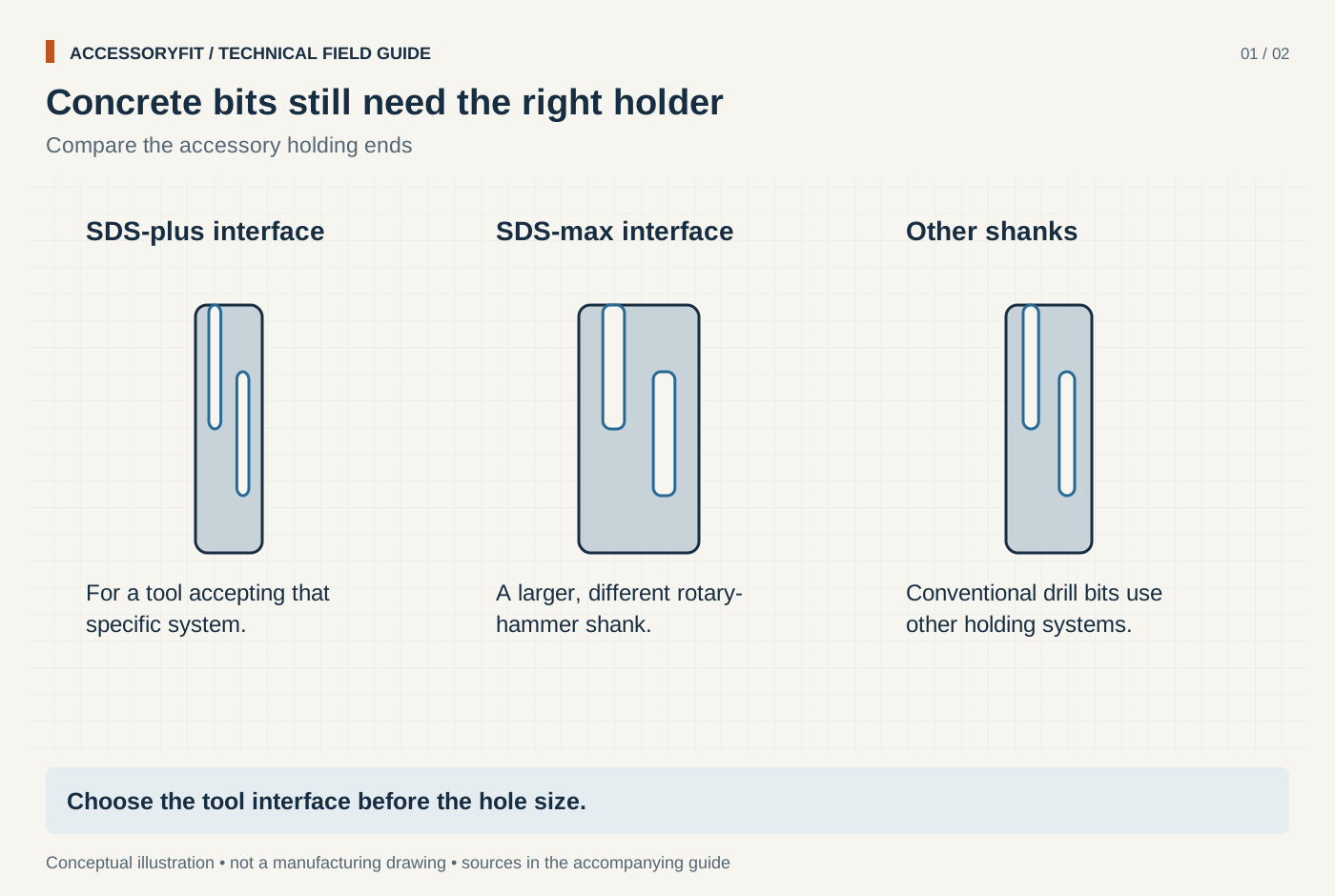
Concrete bits still need the right holder
Download SVG · Tap the image for the 1400 px WebP · From Best drill bits for concrete: SDS-plus and percussion masonry picks by shank and cutter
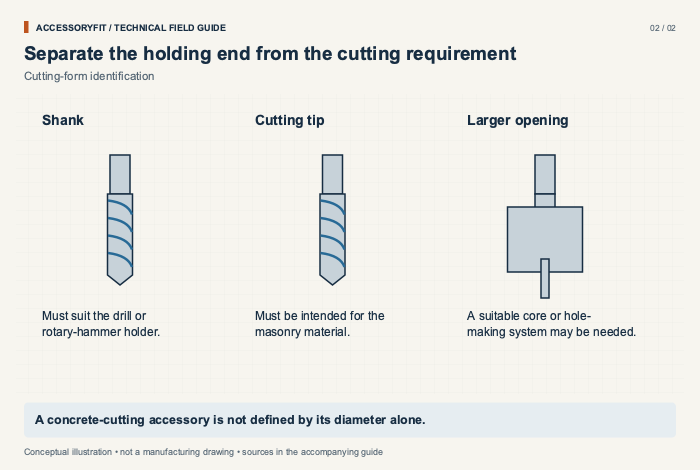
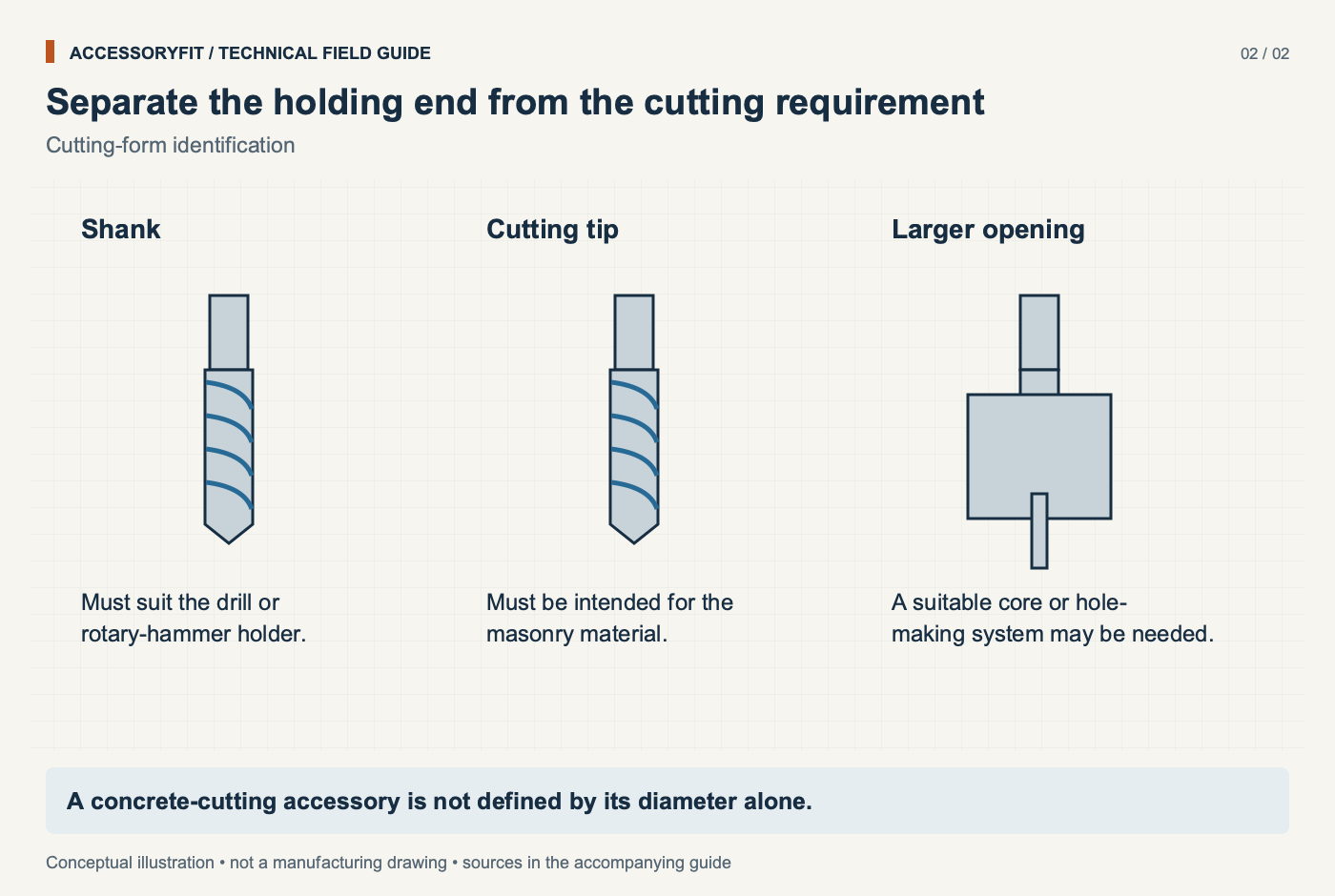
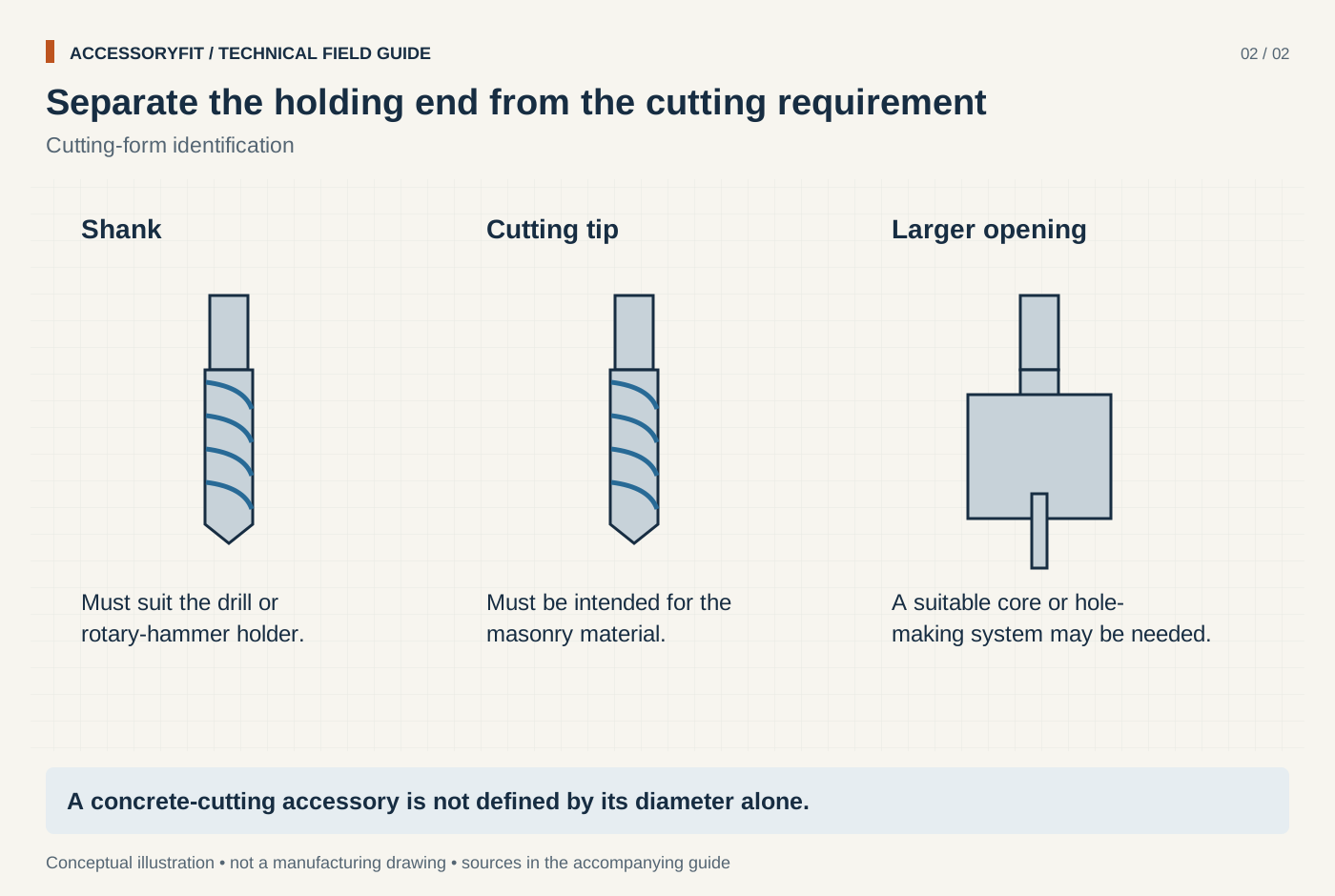
Separate the holding end from the cutting requirement
Download SVG · Tap the image for the 1400 px WebP · From Best drill bits for concrete: SDS-plus and percussion masonry picks by shank and cutter
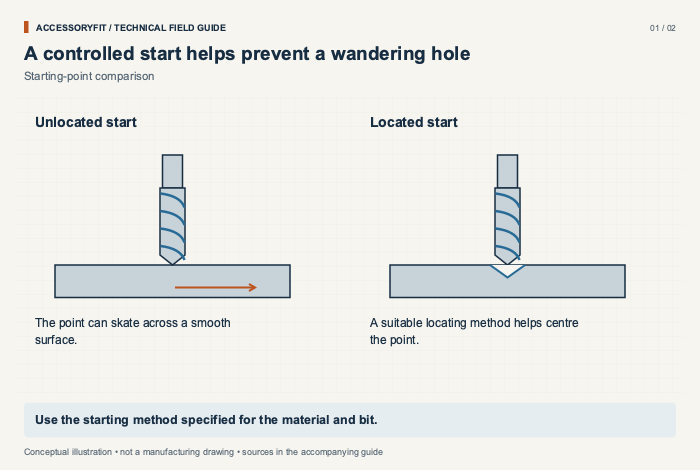
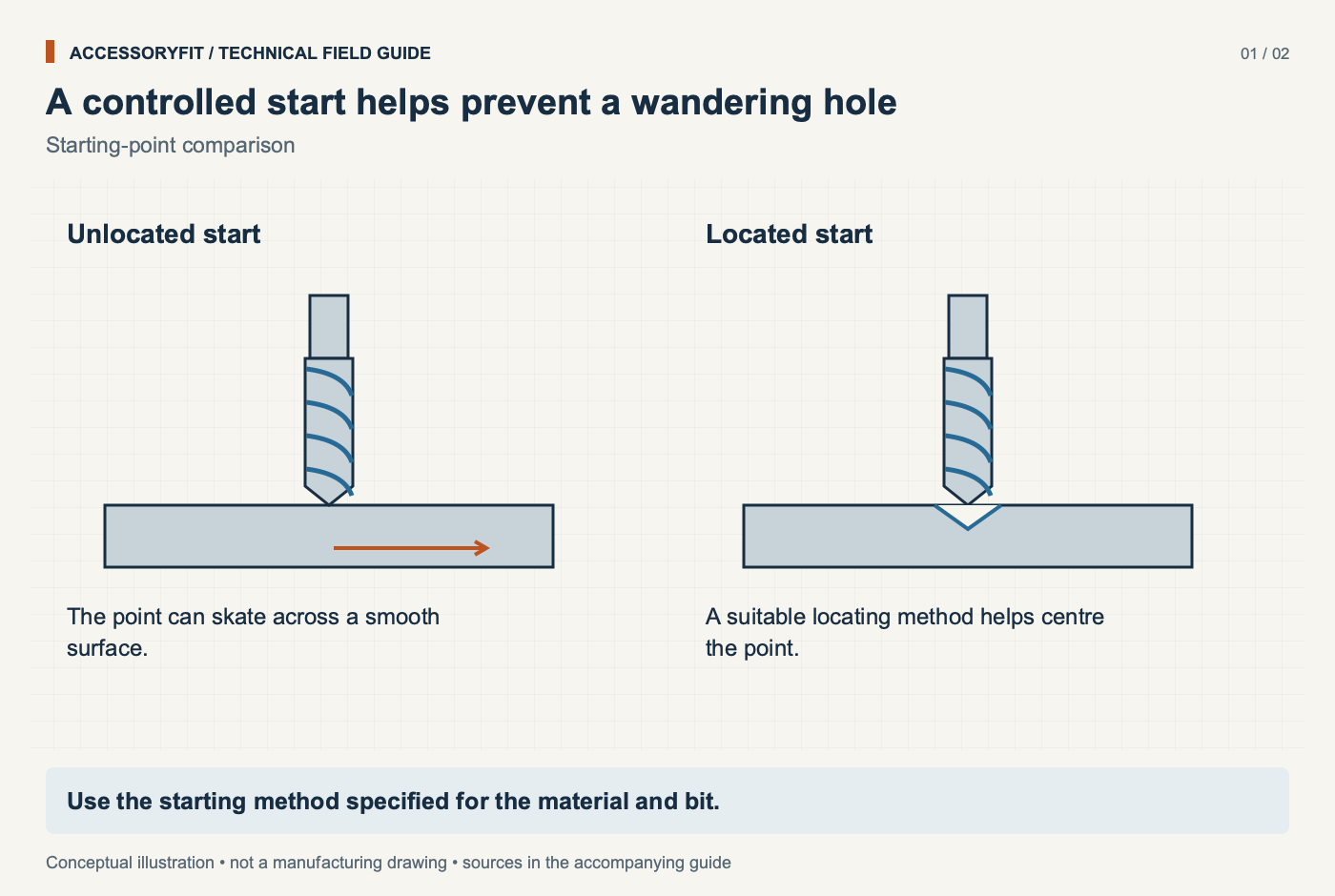
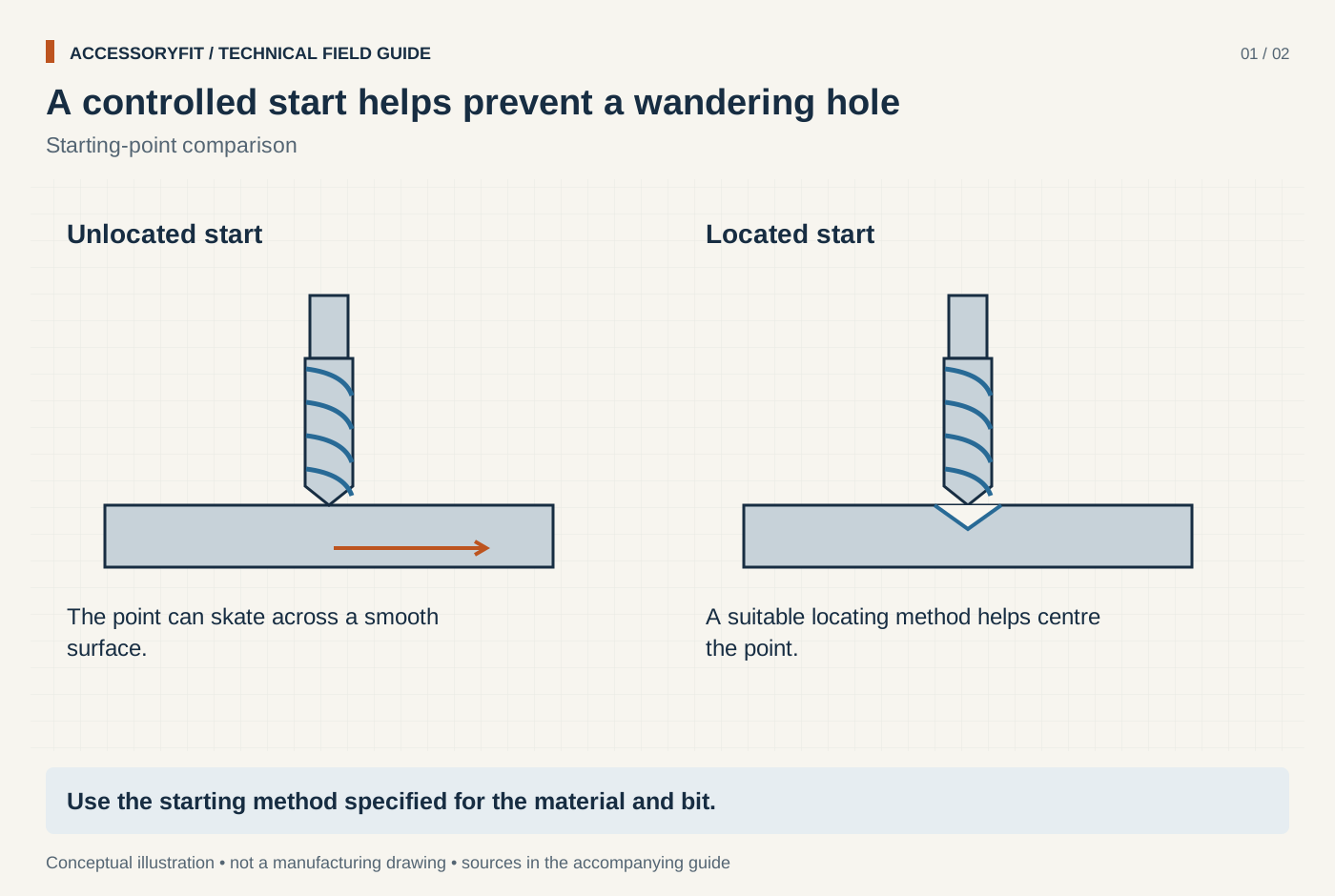
A controlled start helps prevent a wandering hole
Download SVG · Tap the image for the 1400 px WebP · From Best drill bits for metal: cobalt and HSS sets picked by alloy, point and shank
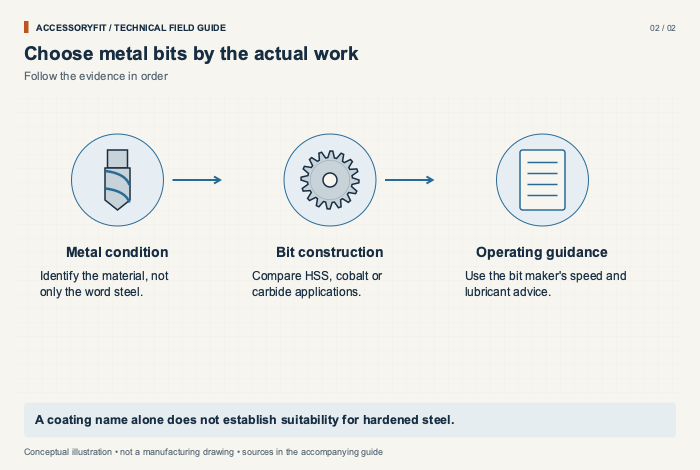
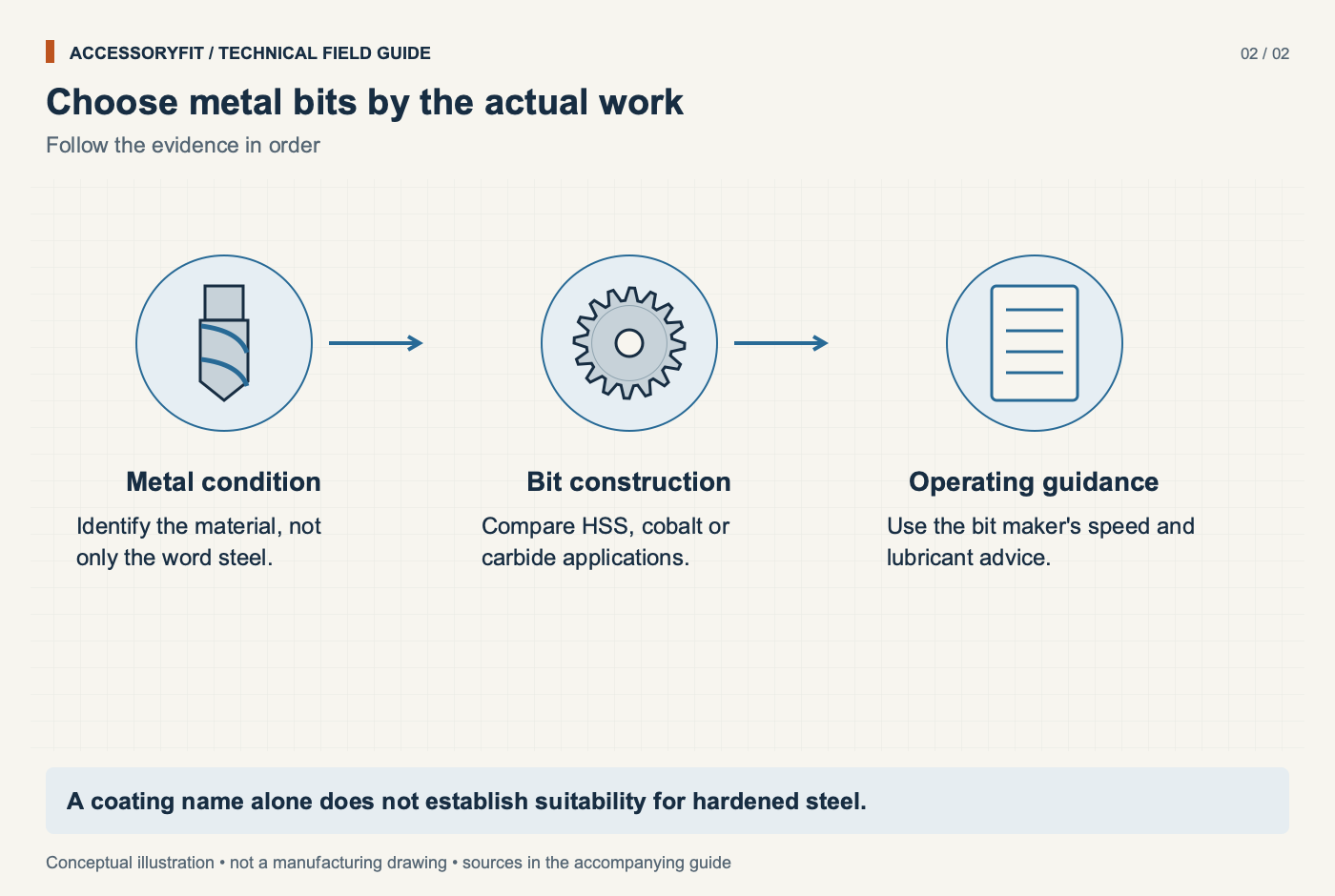
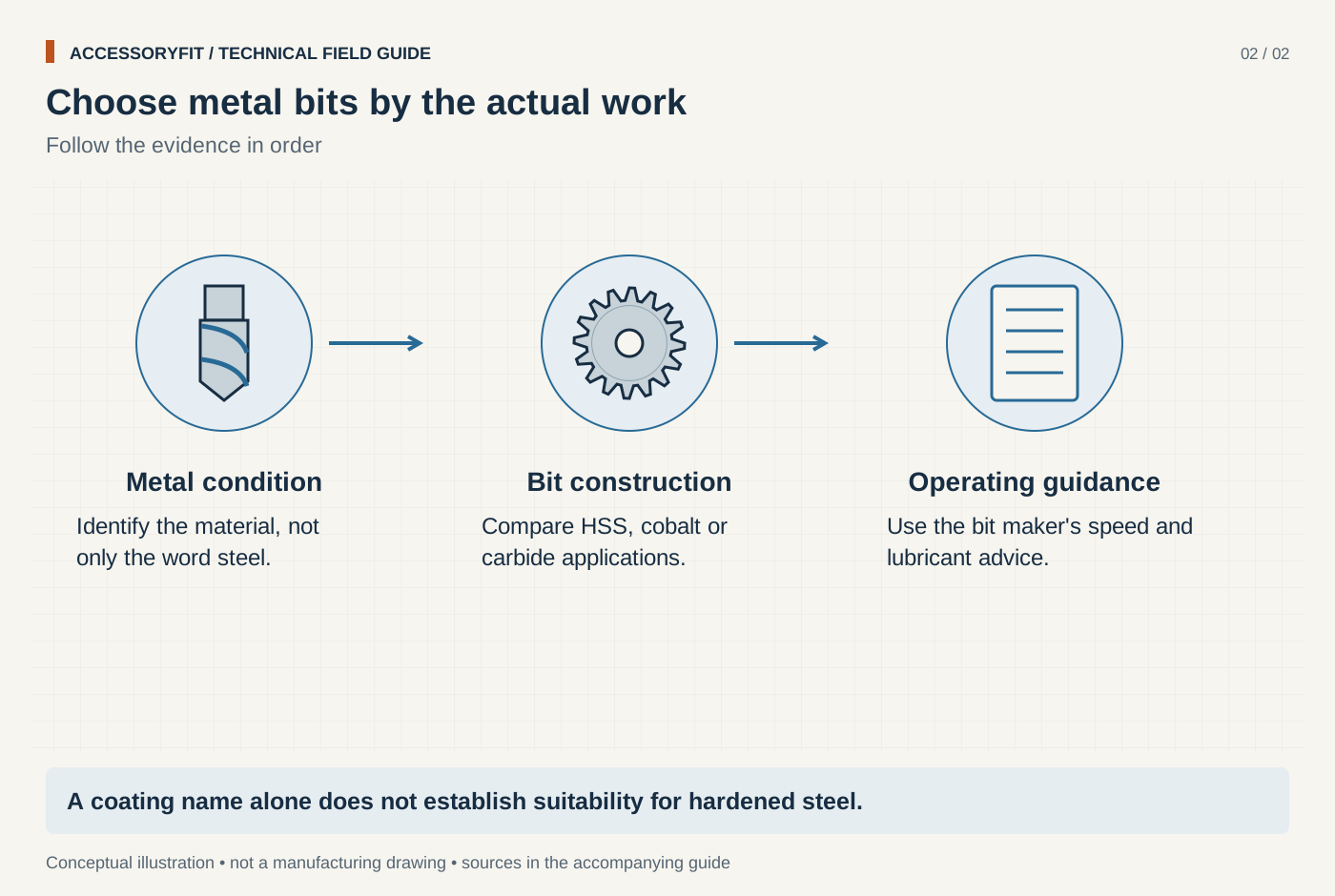
Choose metal bits by the actual work
Download SVG · Tap the image for the 1400 px WebP · From Best drill bits for metal: cobalt and HSS sets picked by alloy, point and shank
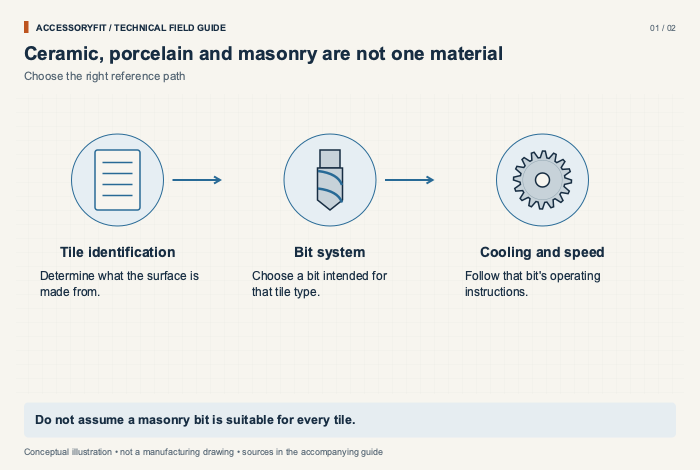
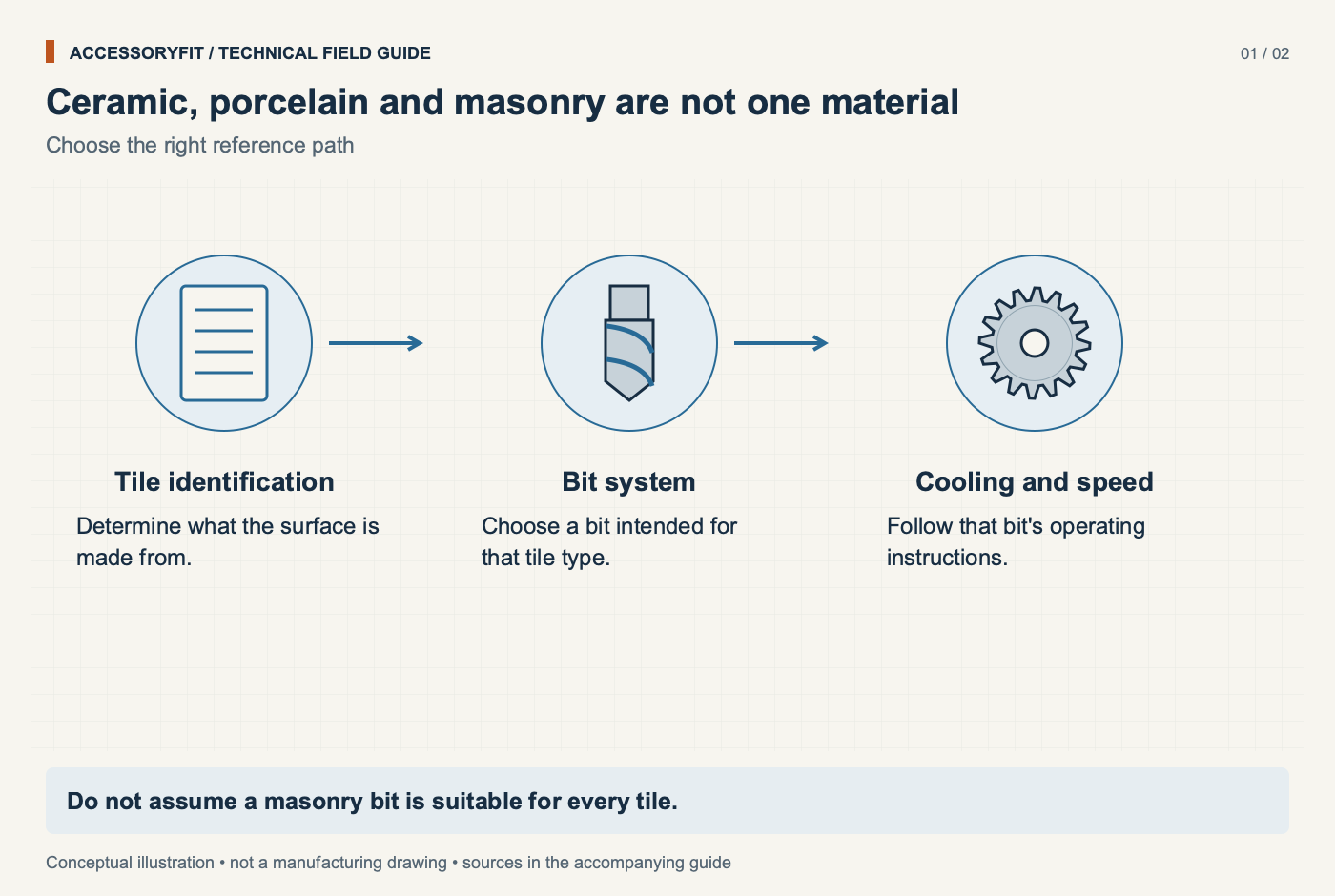
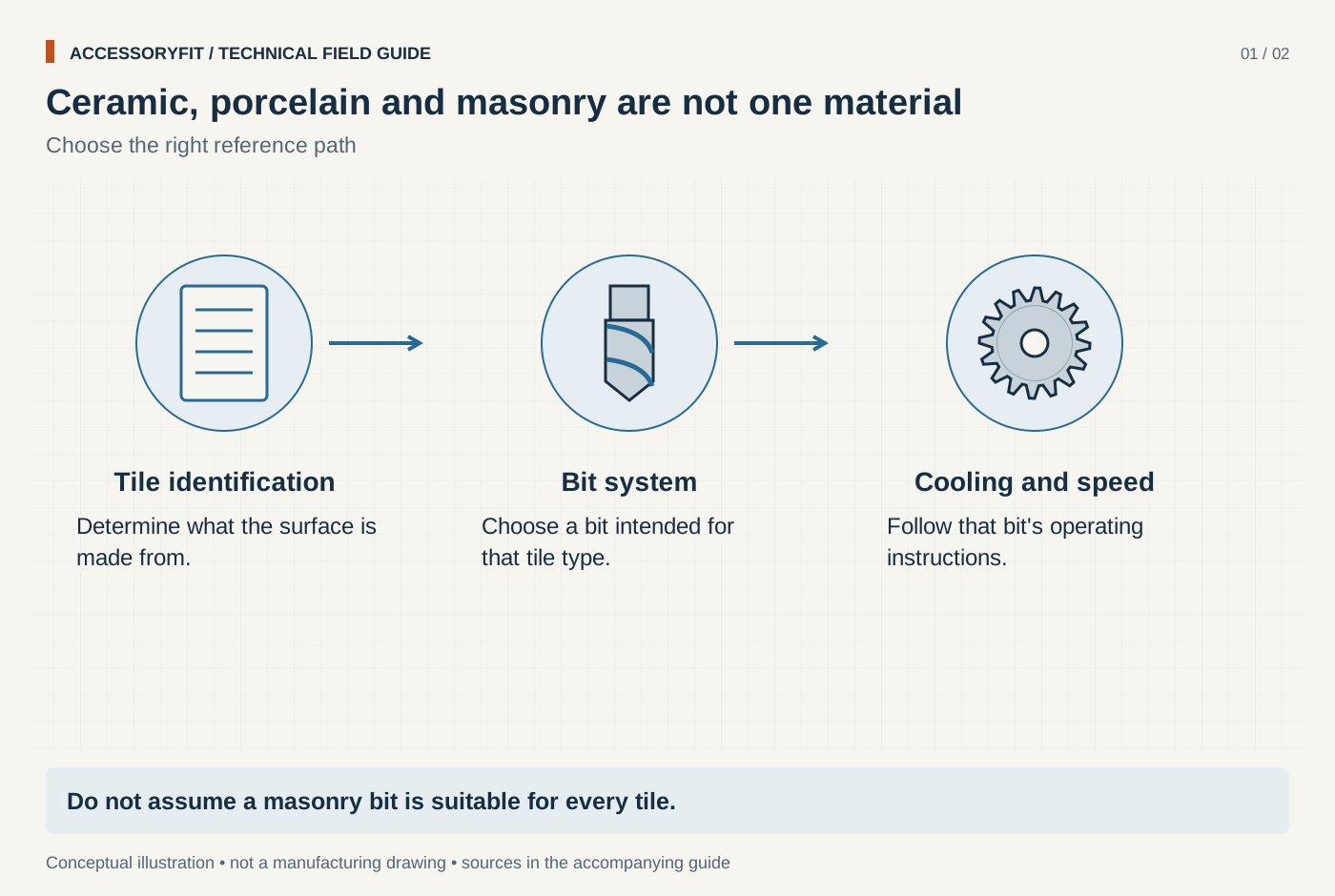
Ceramic, porcelain and masonry are not one material
Download SVG · Tap the image for the 1400 px WebP · From Best drill bits for tile: carbide spear and diamond picks for ceramic and porcelain
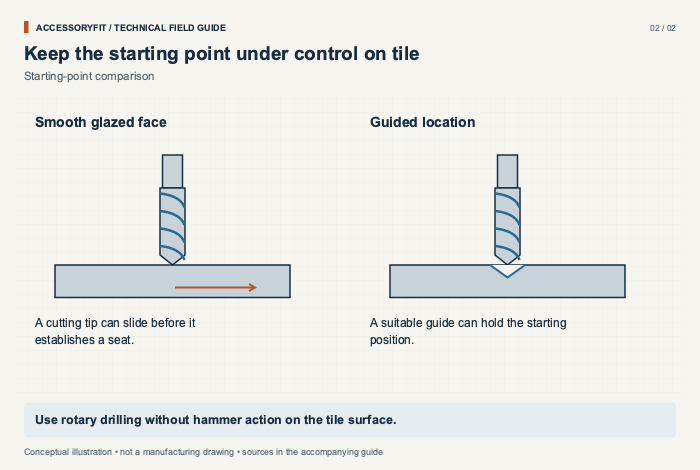
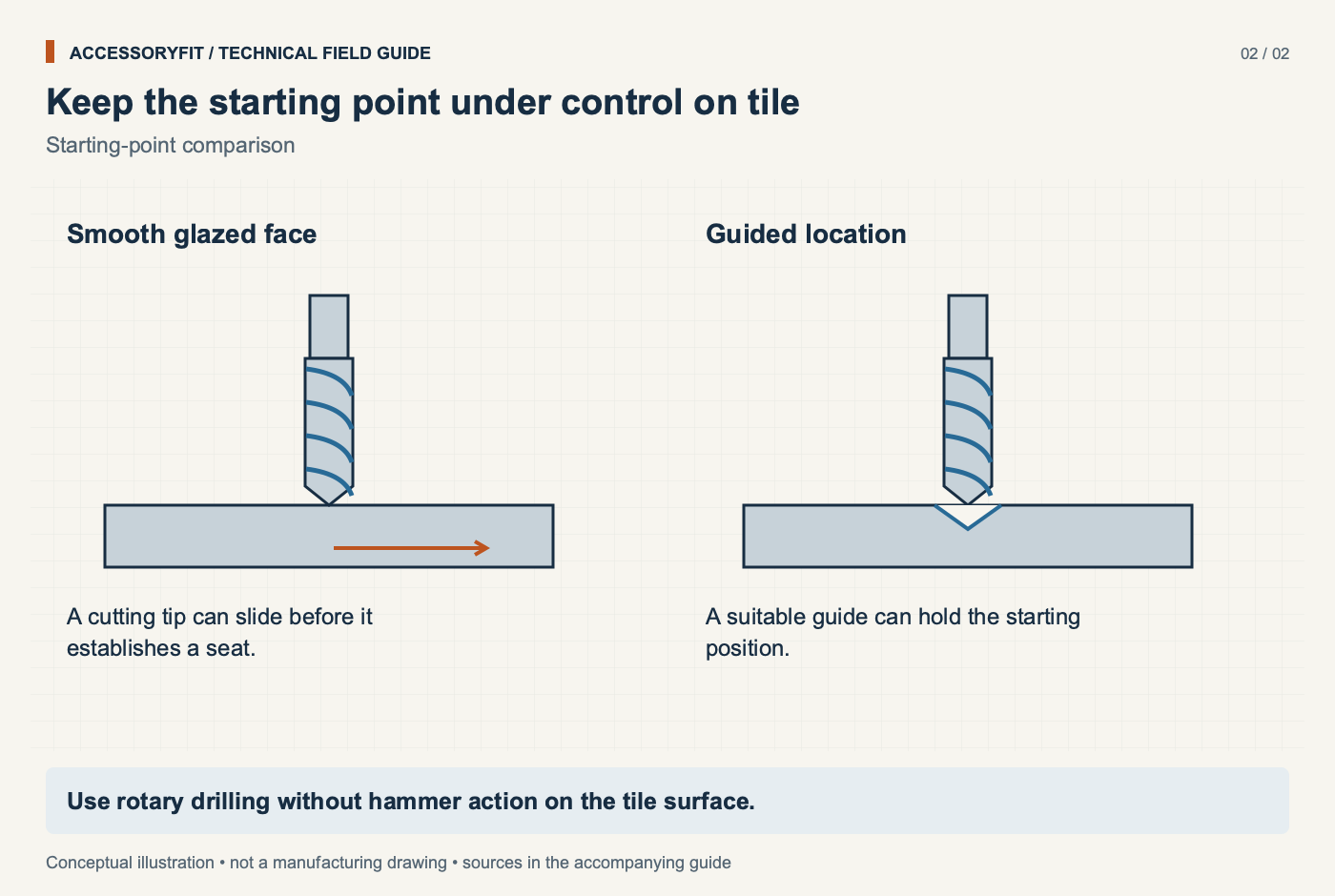
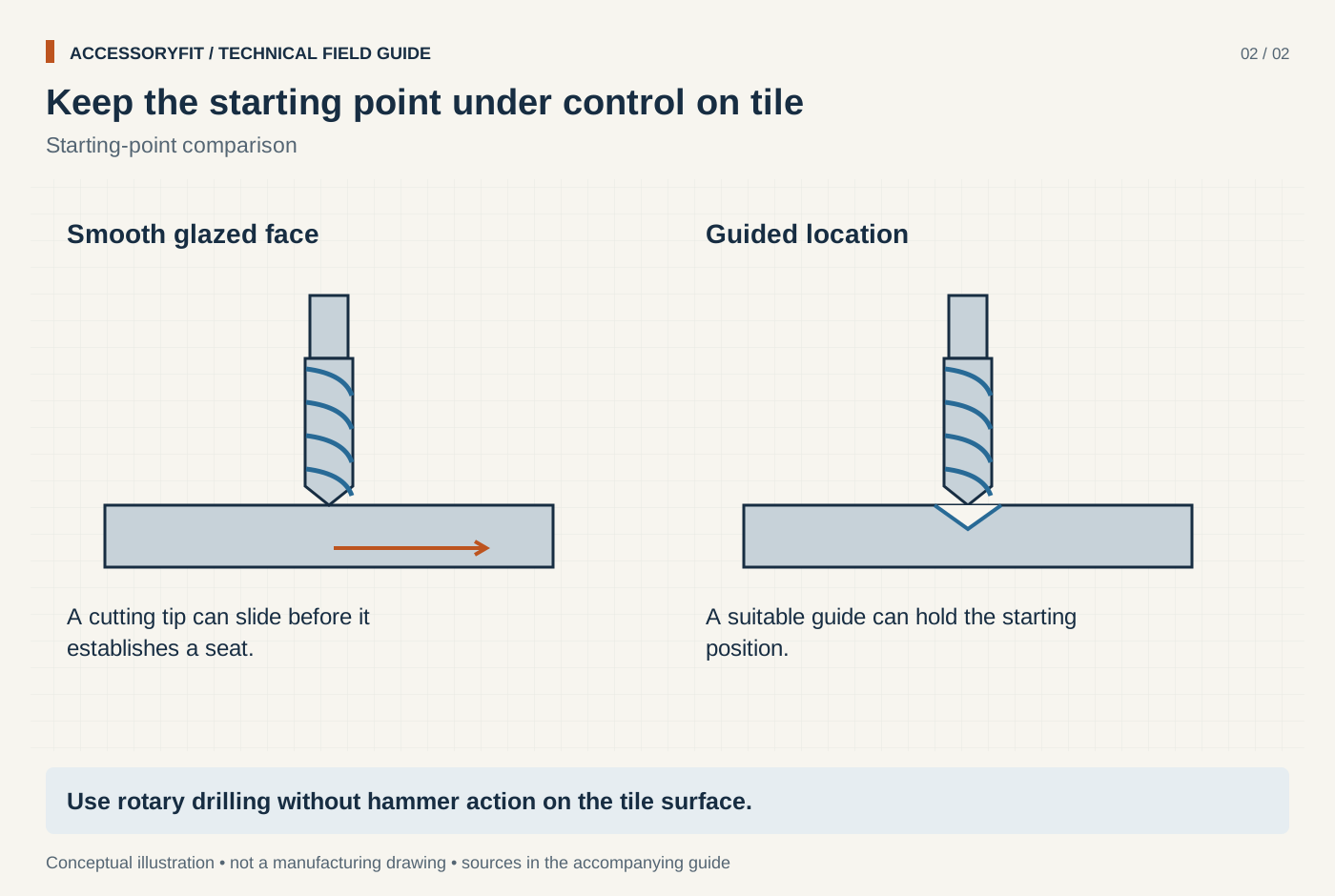
Keep the starting point under control on tile
Download SVG · Tap the image for the 1400 px WebP · From Best drill bits for tile: carbide spear and diamond picks for ceramic and porcelain
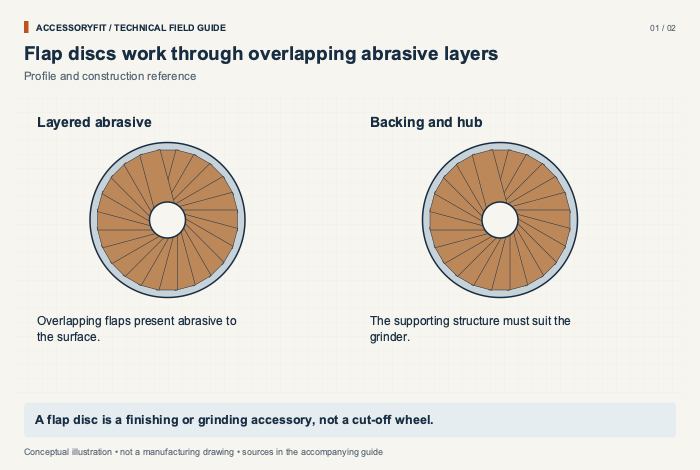
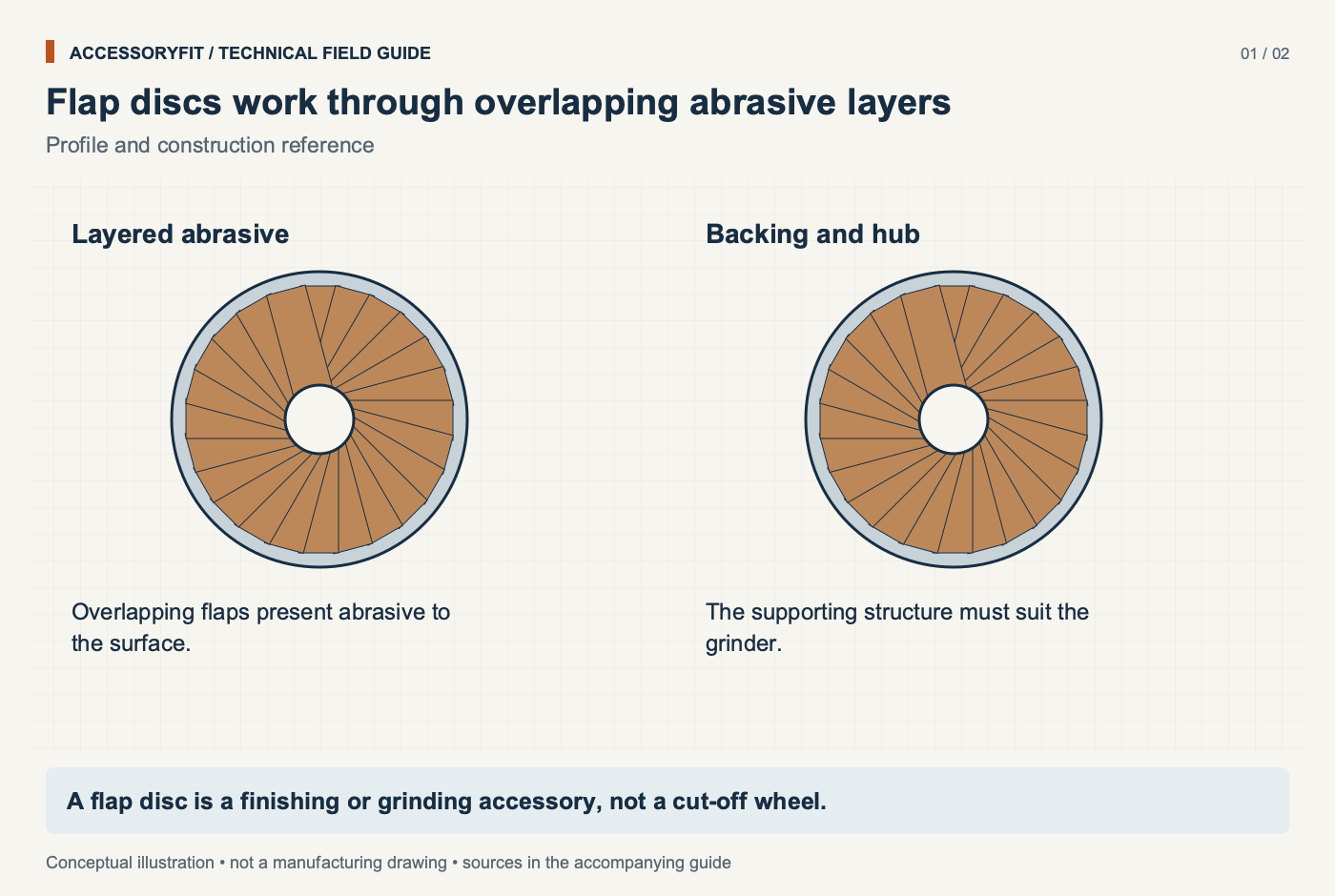
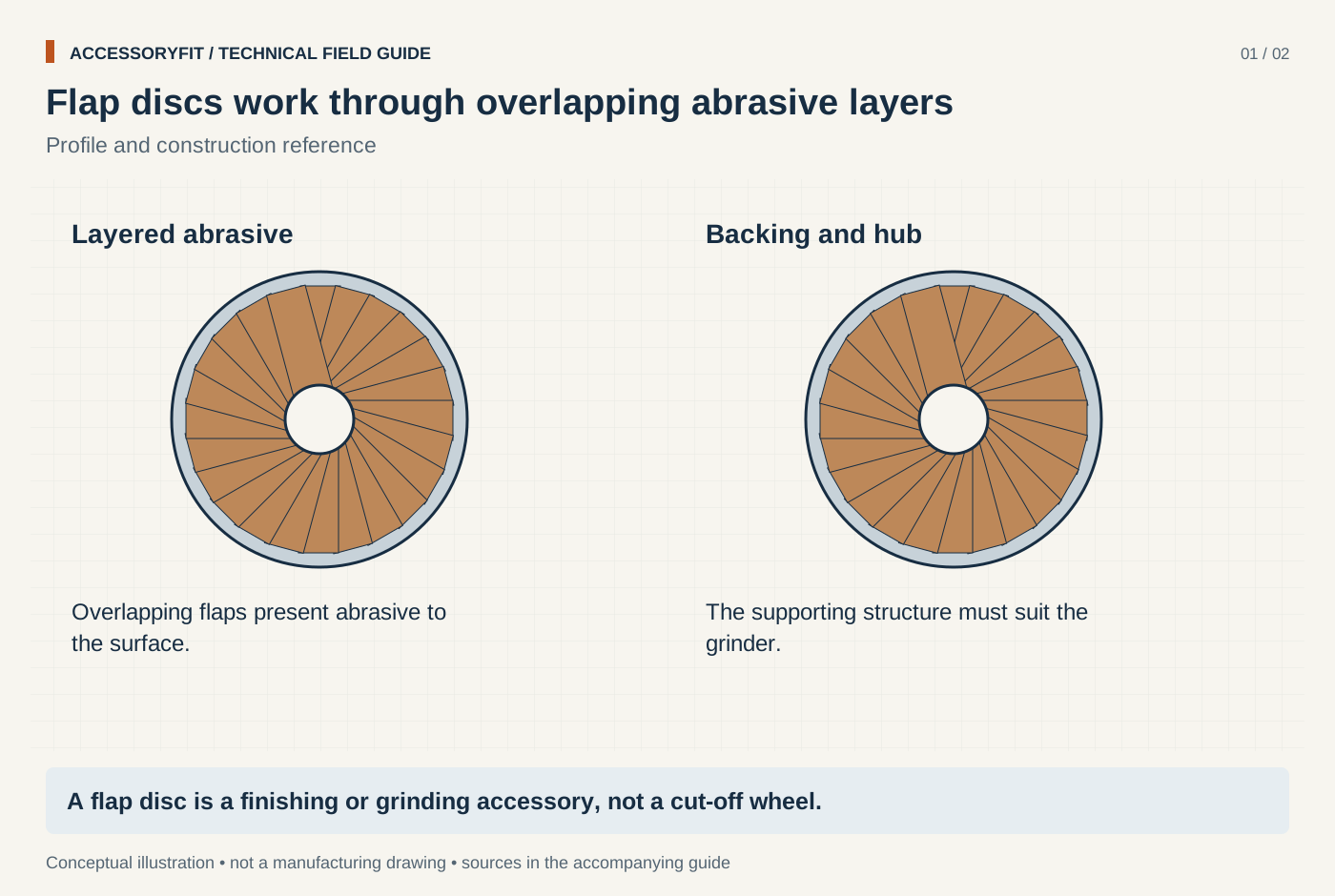
Flap discs work through overlapping abrasive layers
Download SVG · Tap the image for the 1400 px WebP · From Best flap discs for metal: picks by disc type, grain and mount
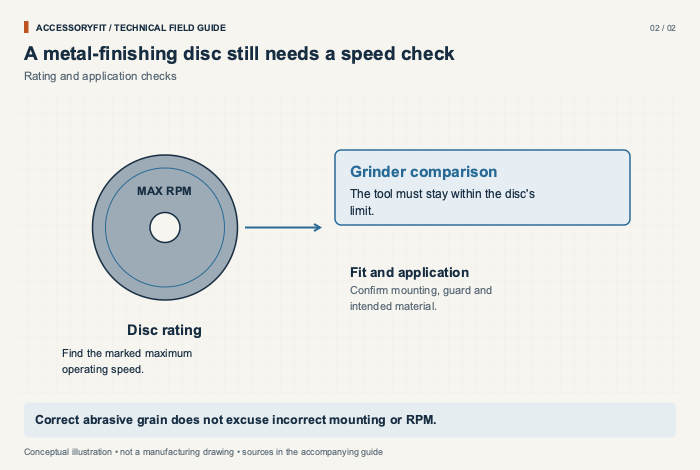
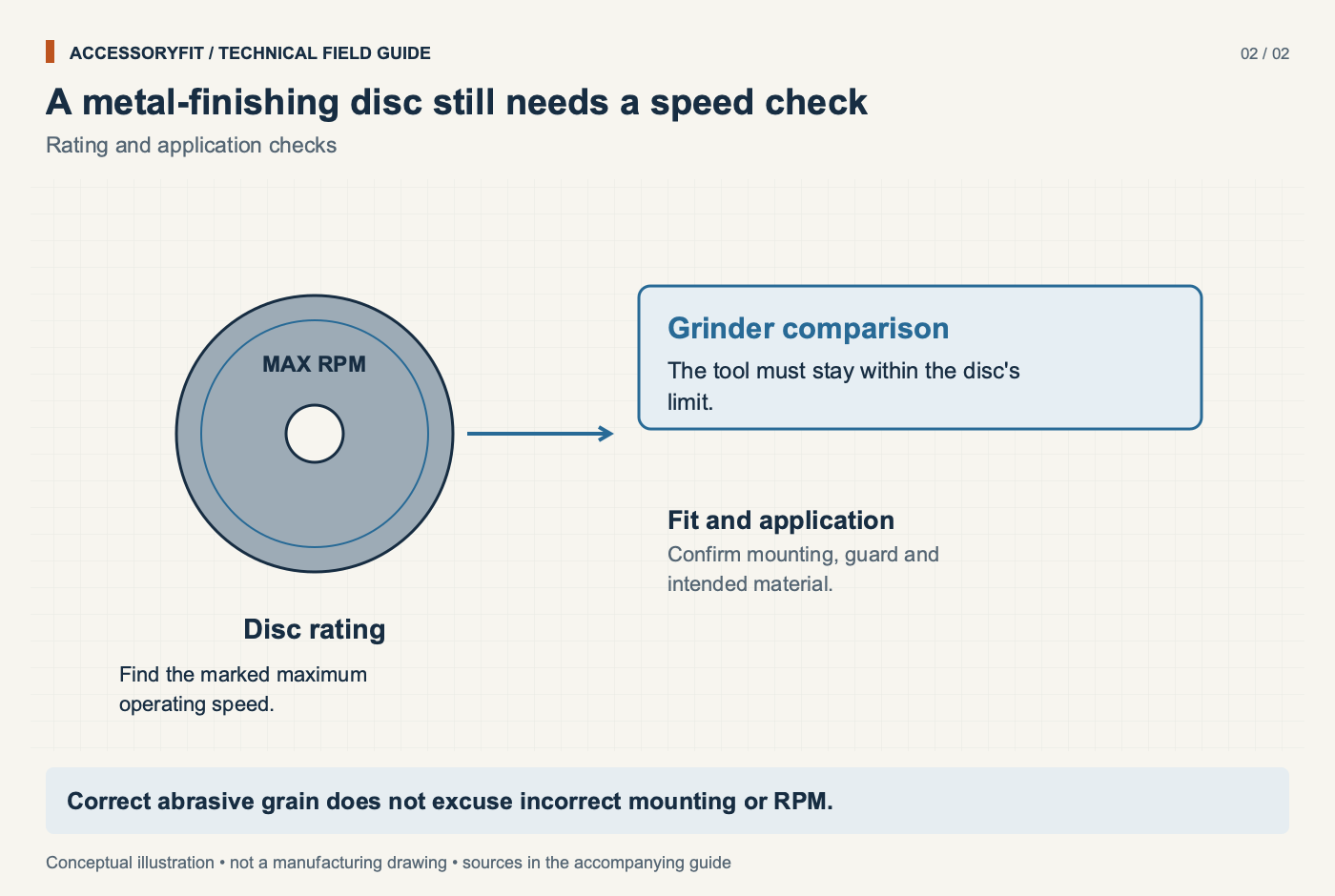
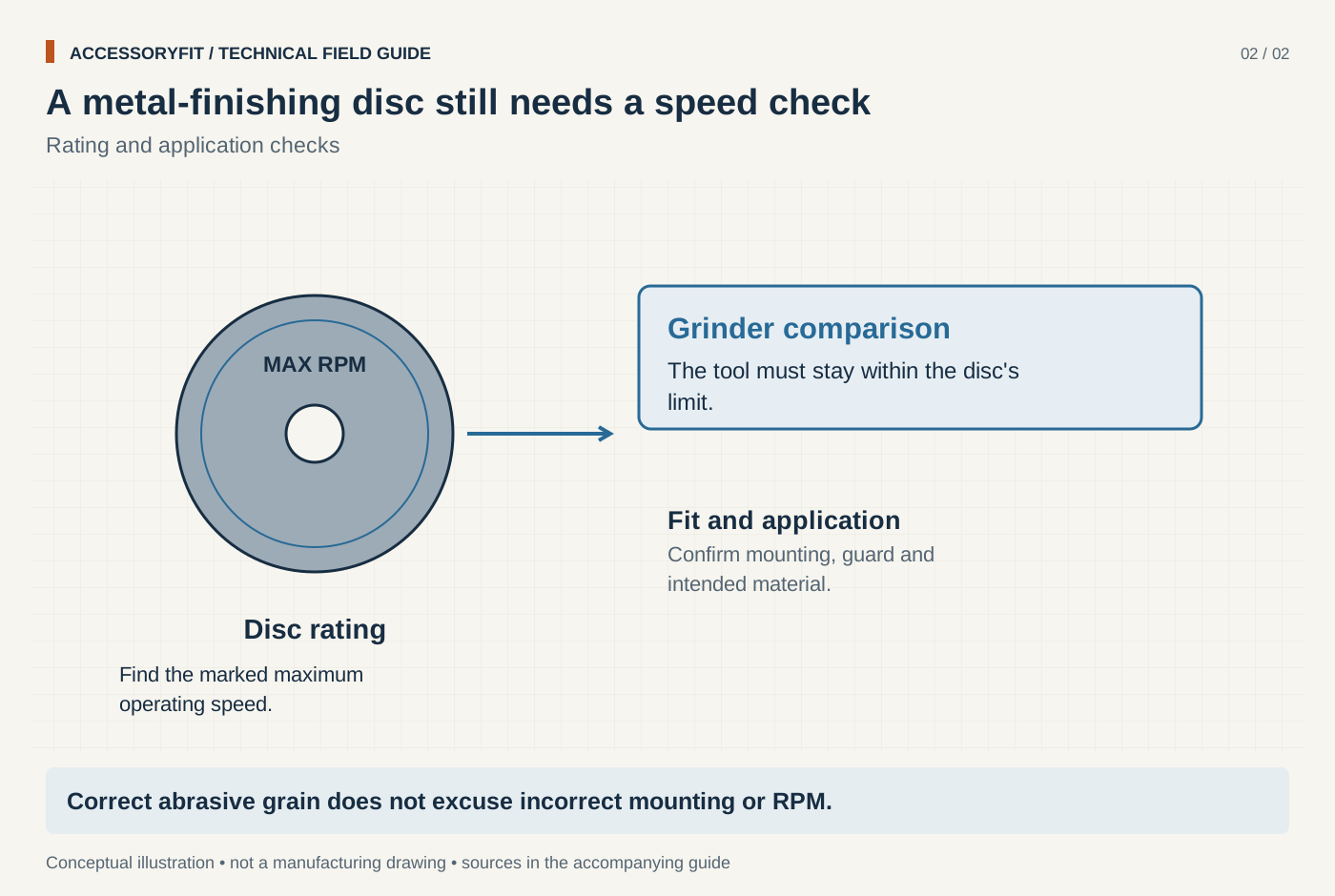
A metal-finishing disc still needs a speed check
Download SVG · Tap the image for the 1400 px WebP · From Best flap discs for metal: picks by disc type, grain and mount
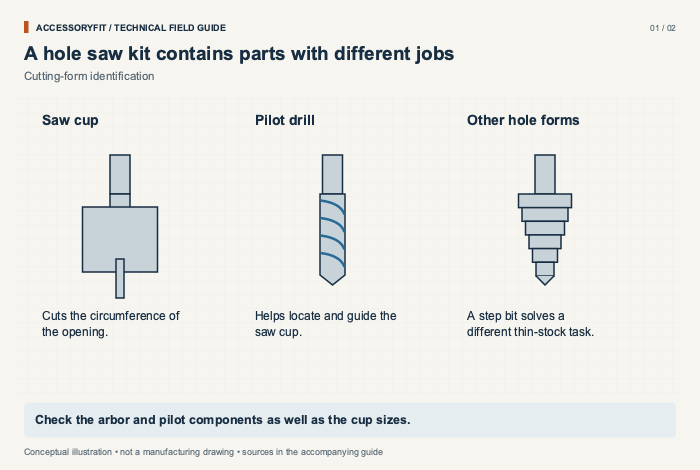
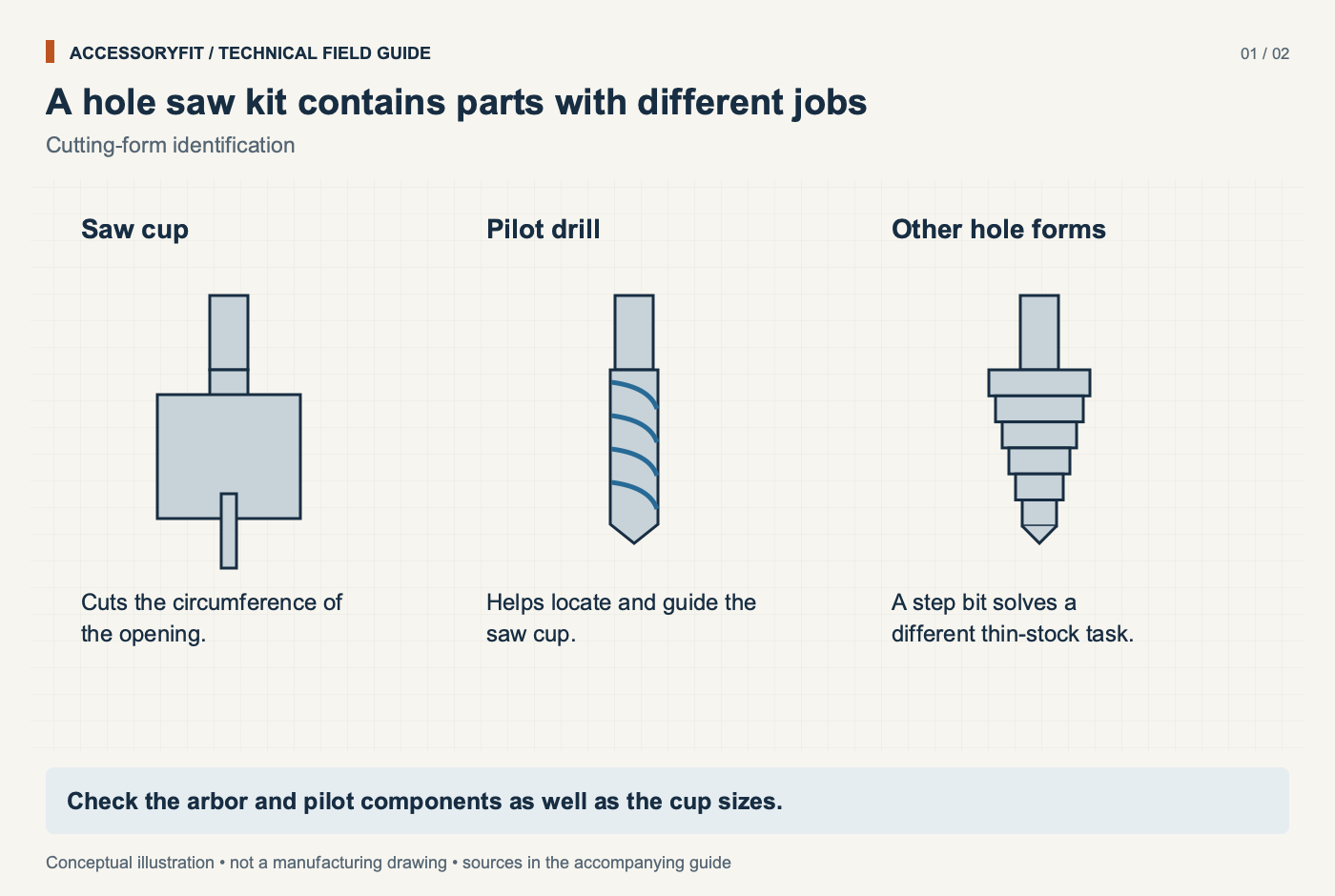
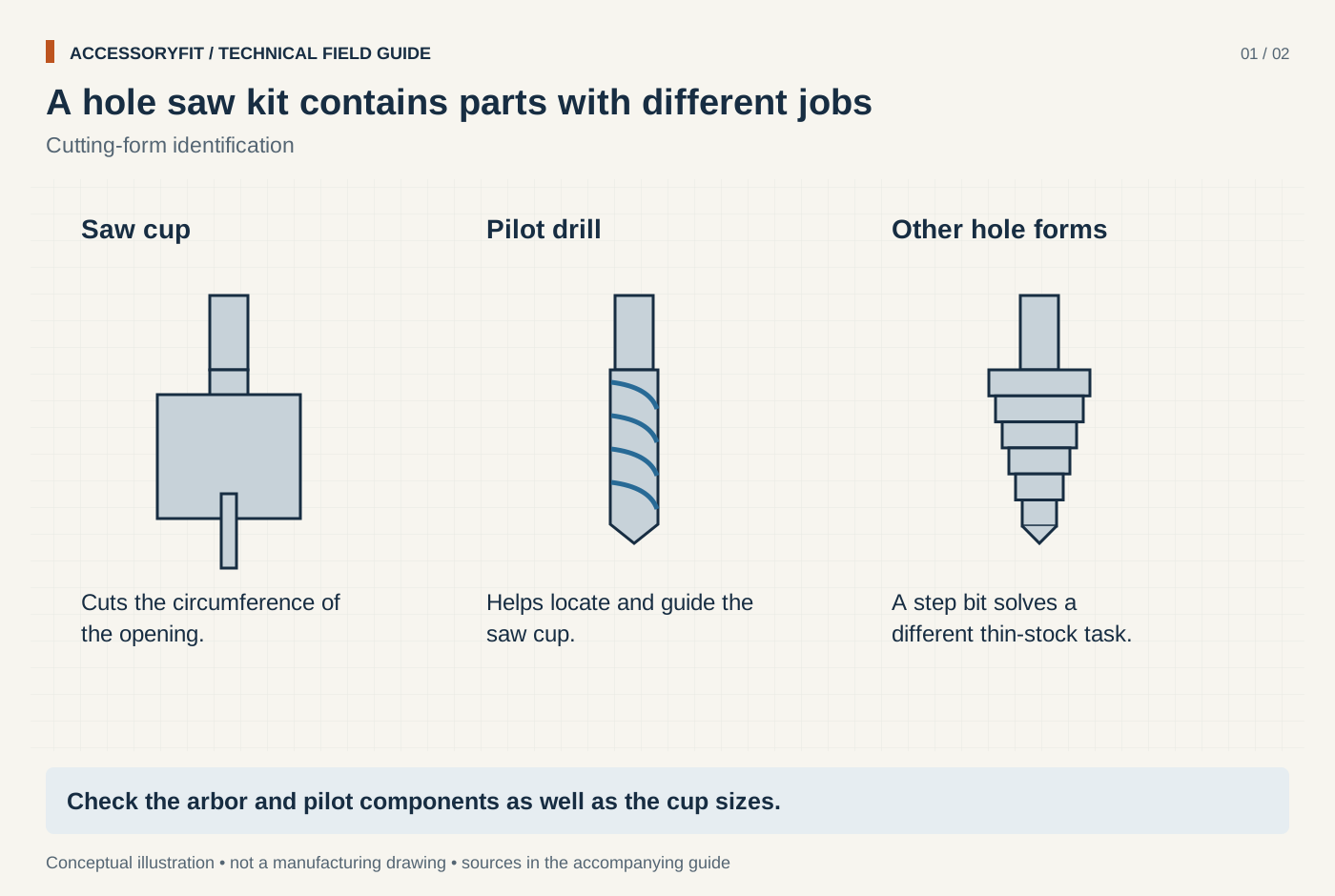
A hole saw kit contains parts with different jobs
Download SVG · Tap the image for the 1400 px WebP · From Best hole saw kits: bi-metal sets picked by size range, cut depth and arbor
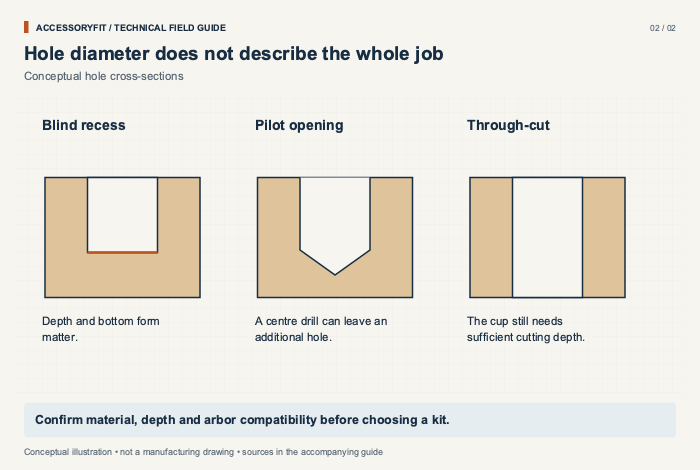
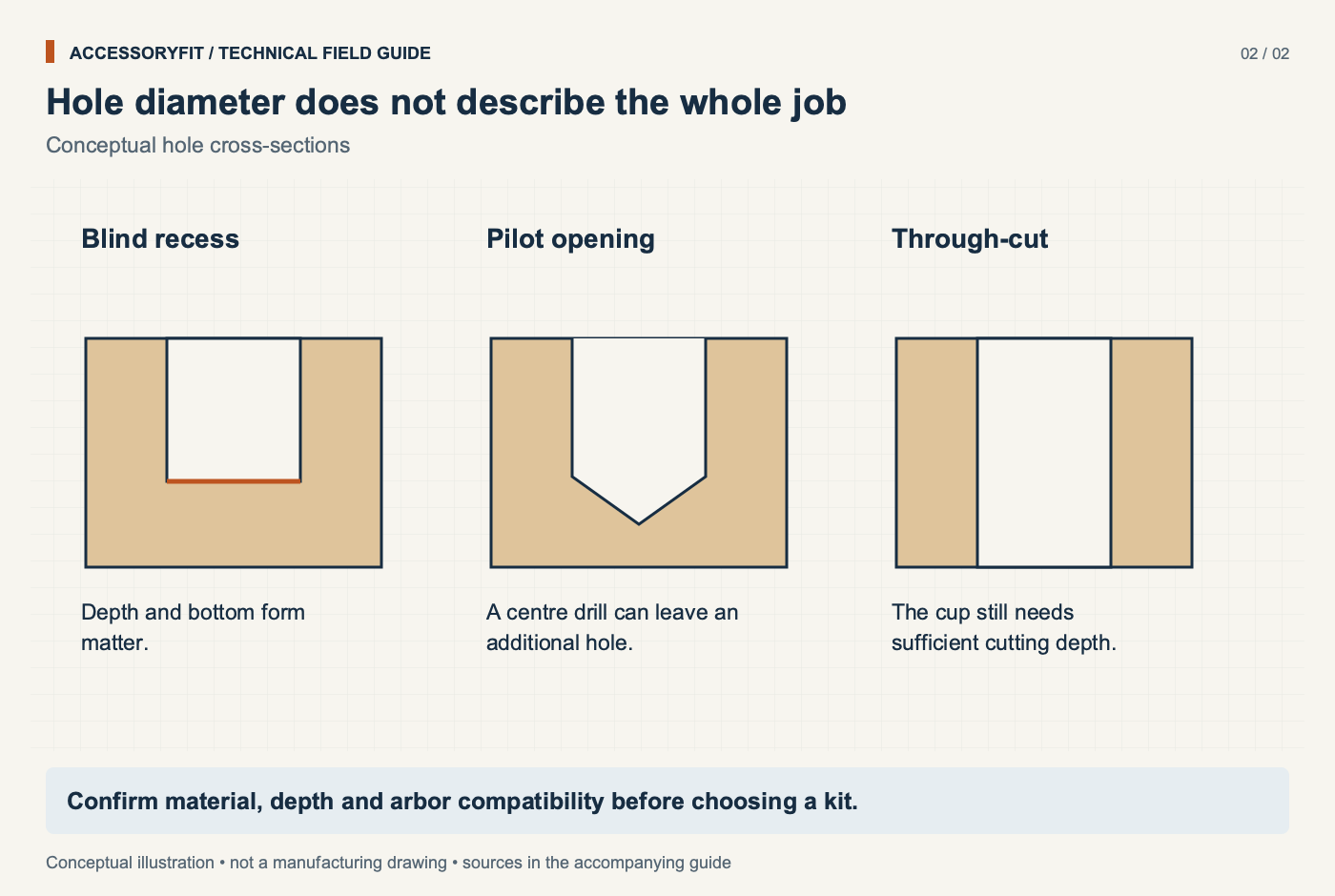
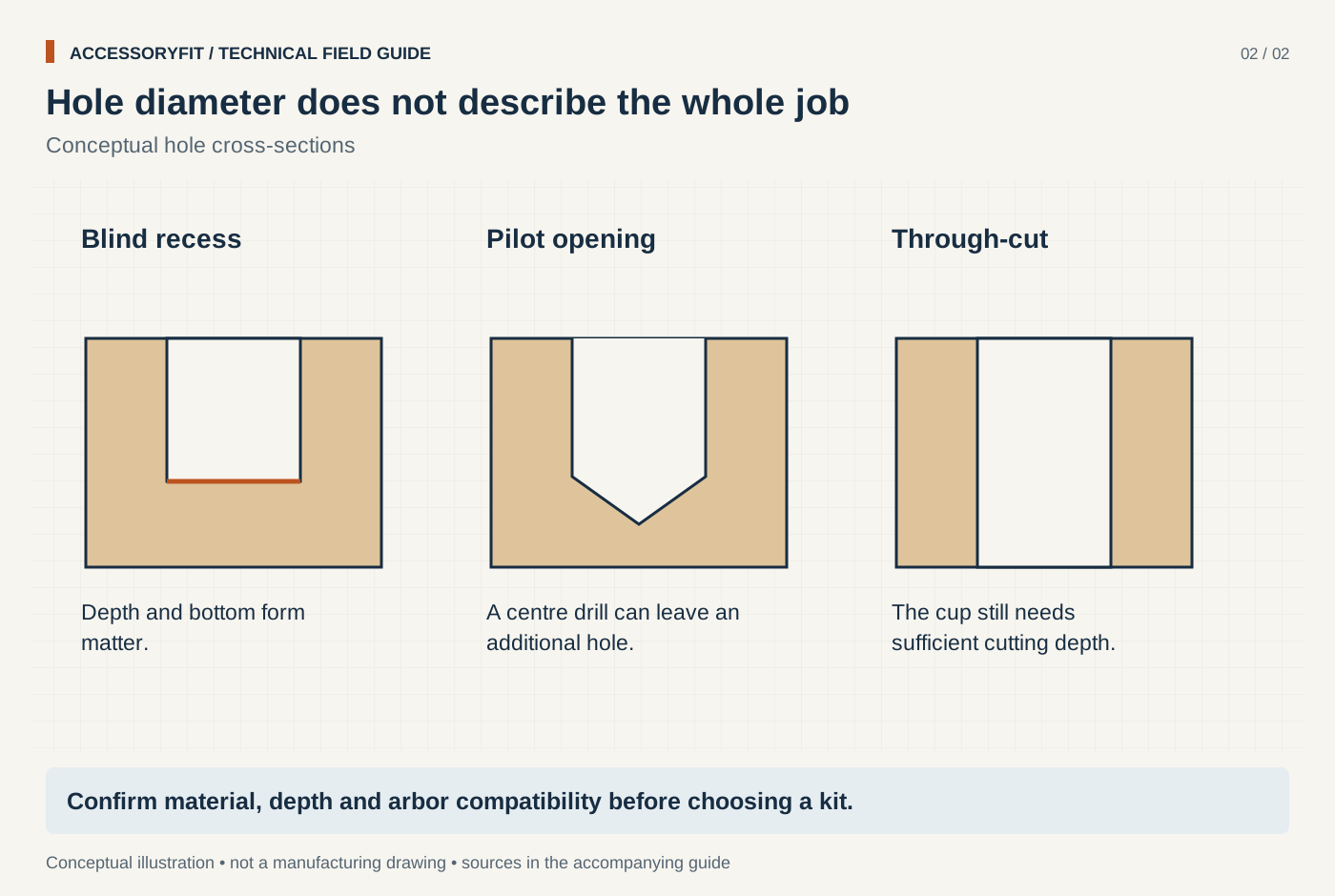
Hole diameter does not describe the whole job
Download SVG · Tap the image for the 1400 px WebP · From Best hole saw kits: bi-metal sets picked by size range, cut depth and arbor
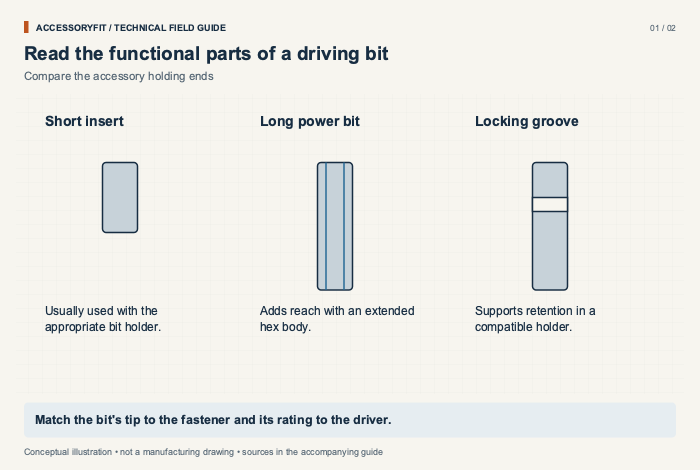
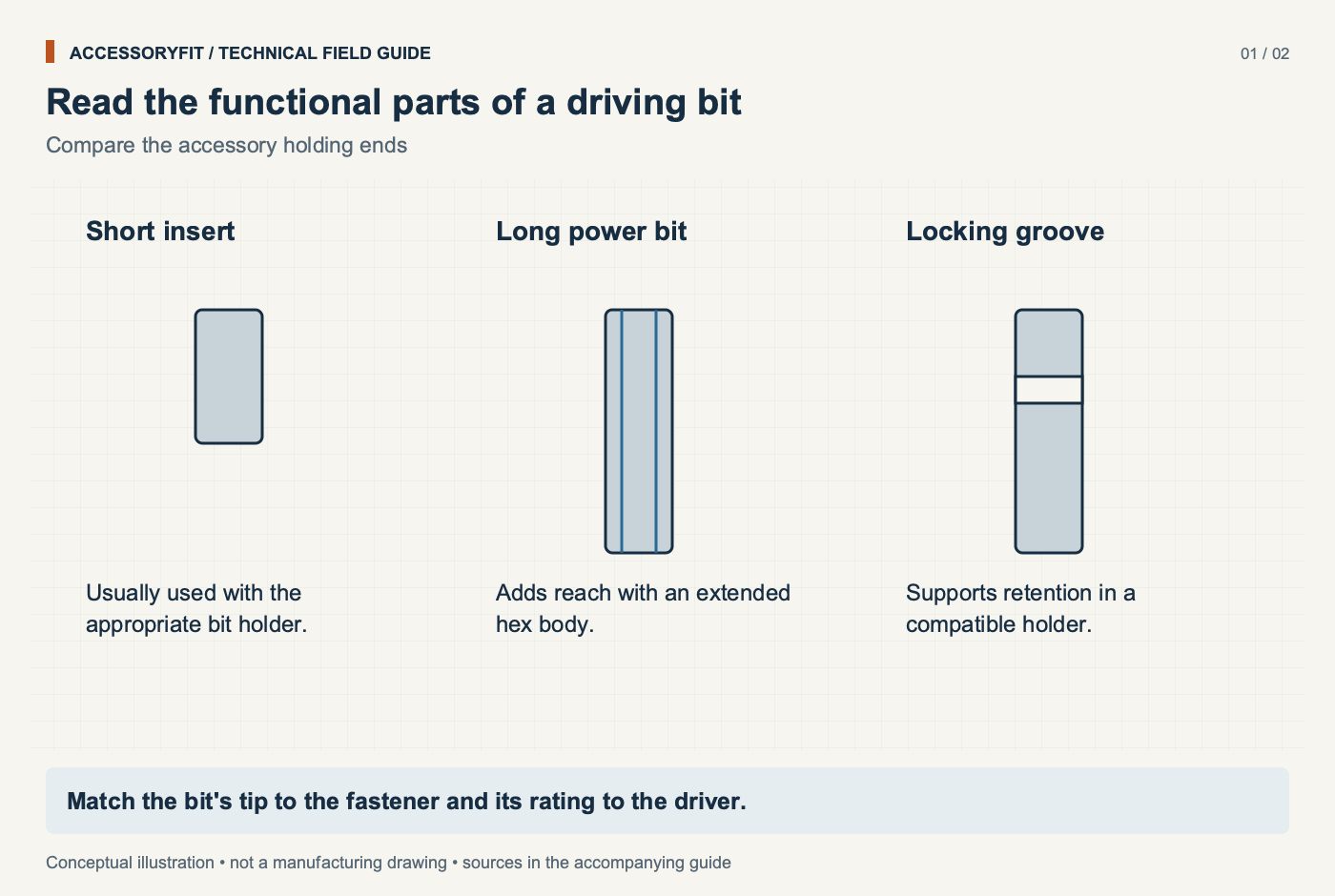
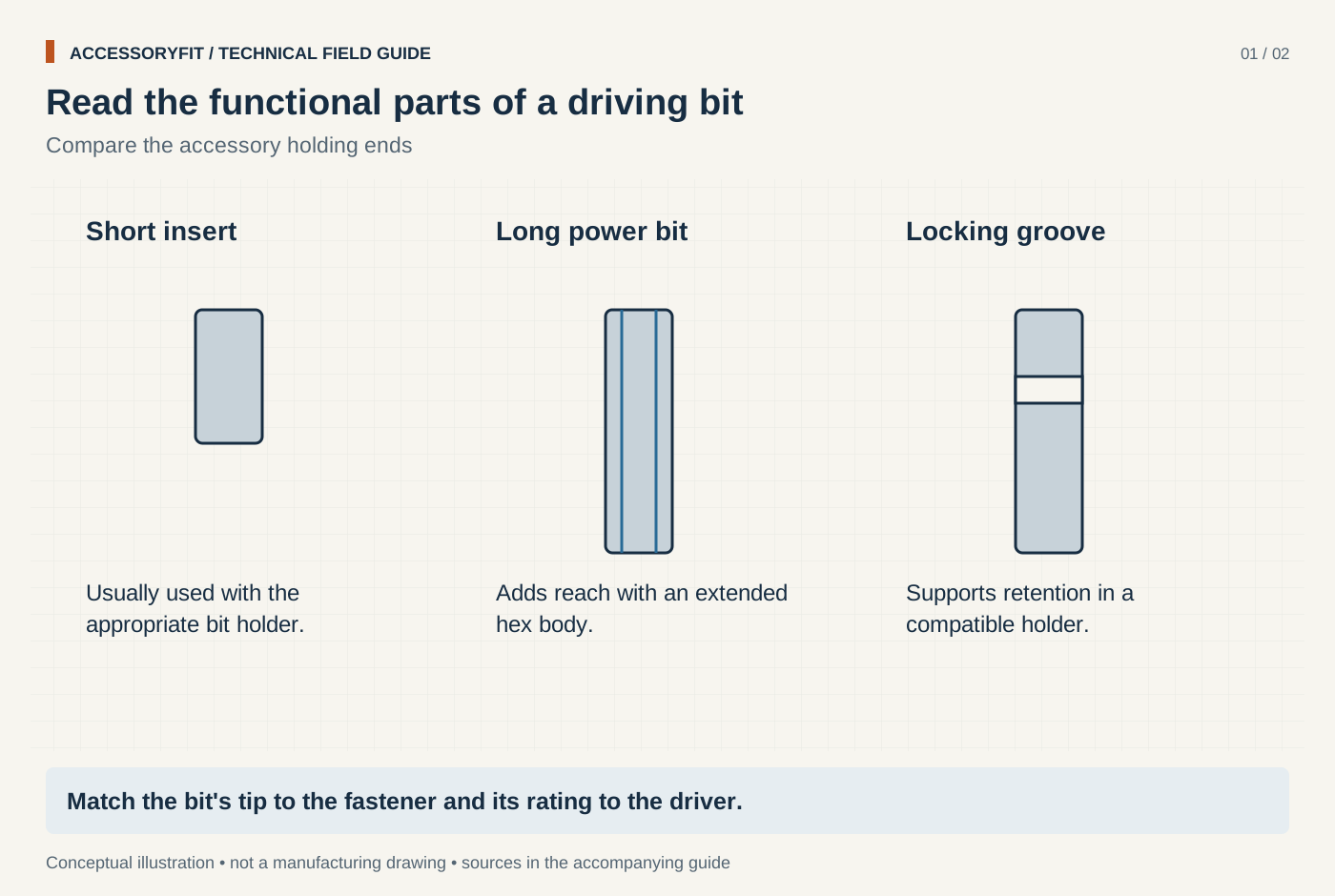
Read the functional parts of a driving bit
Download SVG · Tap the image for the 1400 px WebP · From Best impact driver bit sets: Milwaukee, DeWalt, Makita and Bosch compared by contents
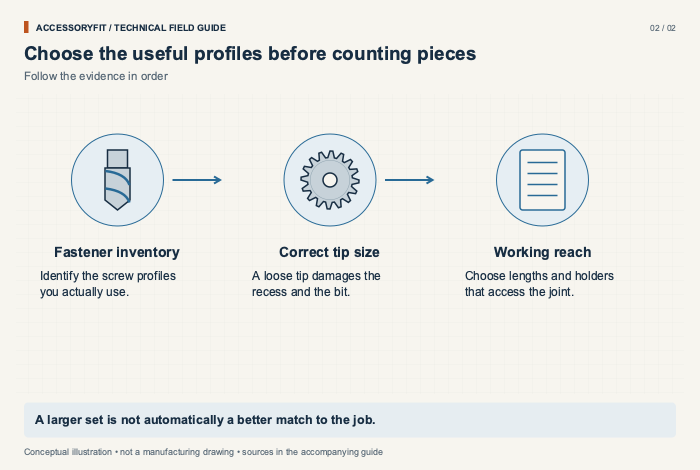
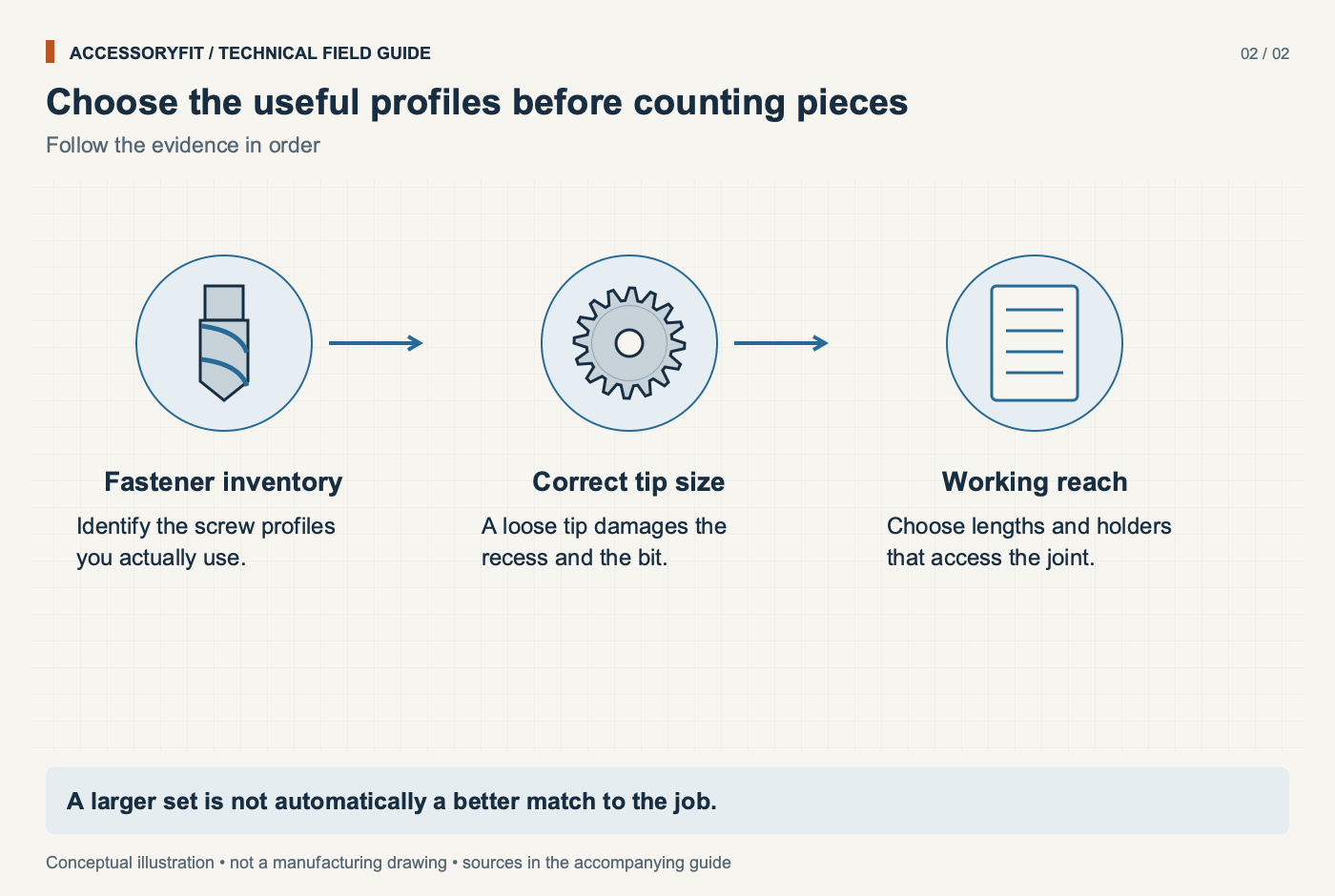
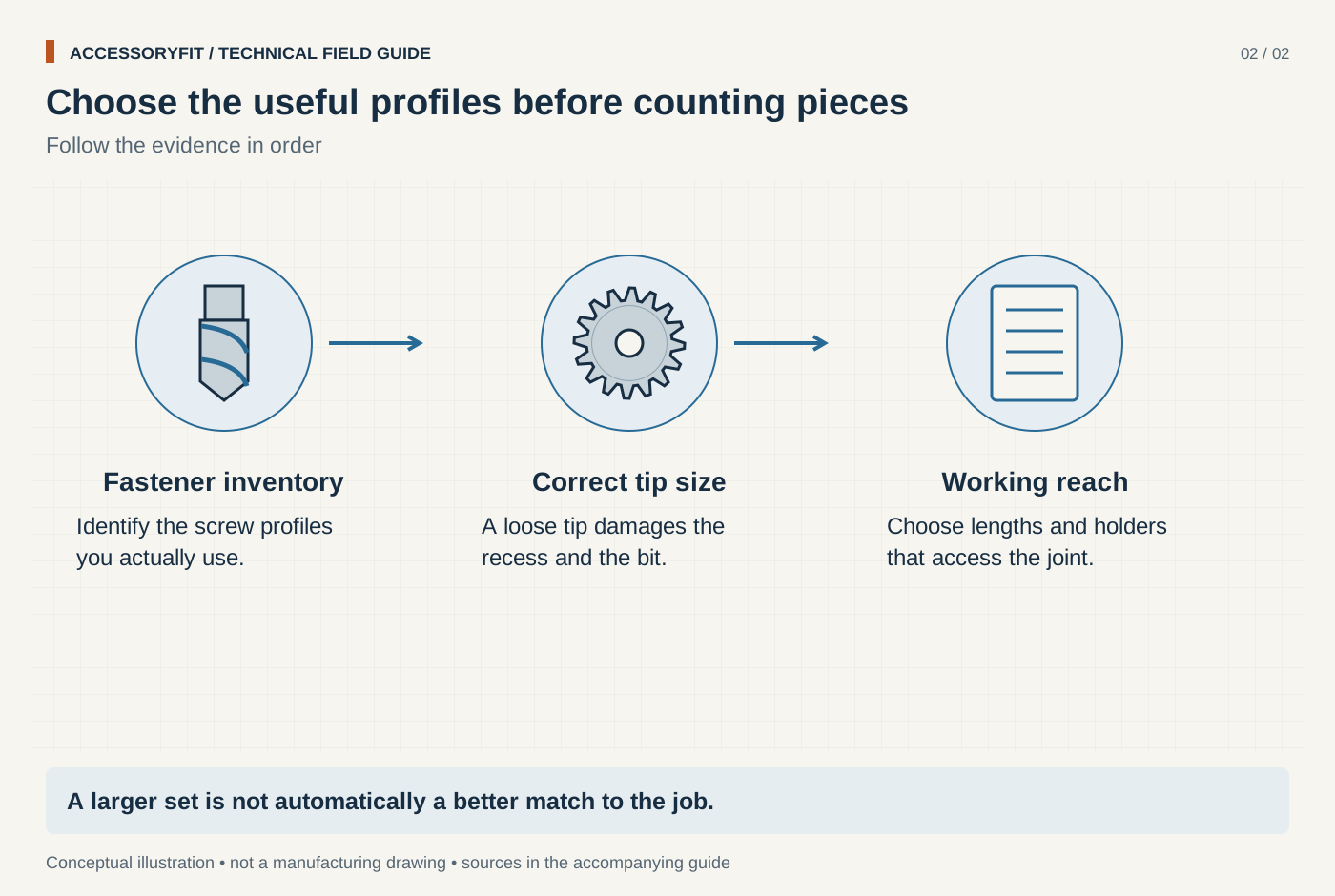
Choose the useful profiles before counting pieces
Download SVG · Tap the image for the 1400 px WebP · From Best impact driver bit sets: Milwaukee, DeWalt, Makita and Bosch compared by contents
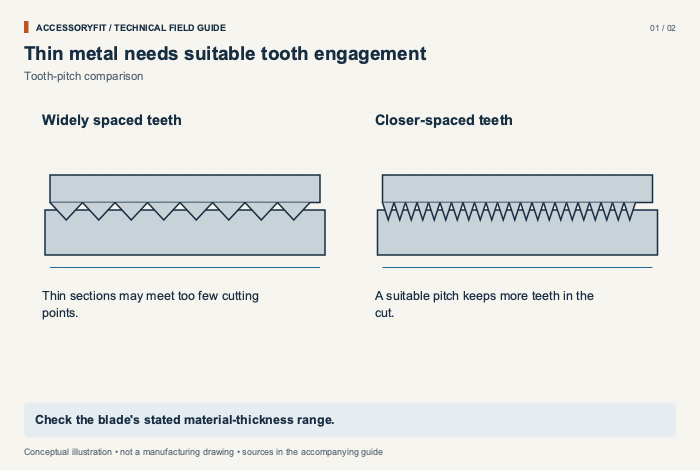
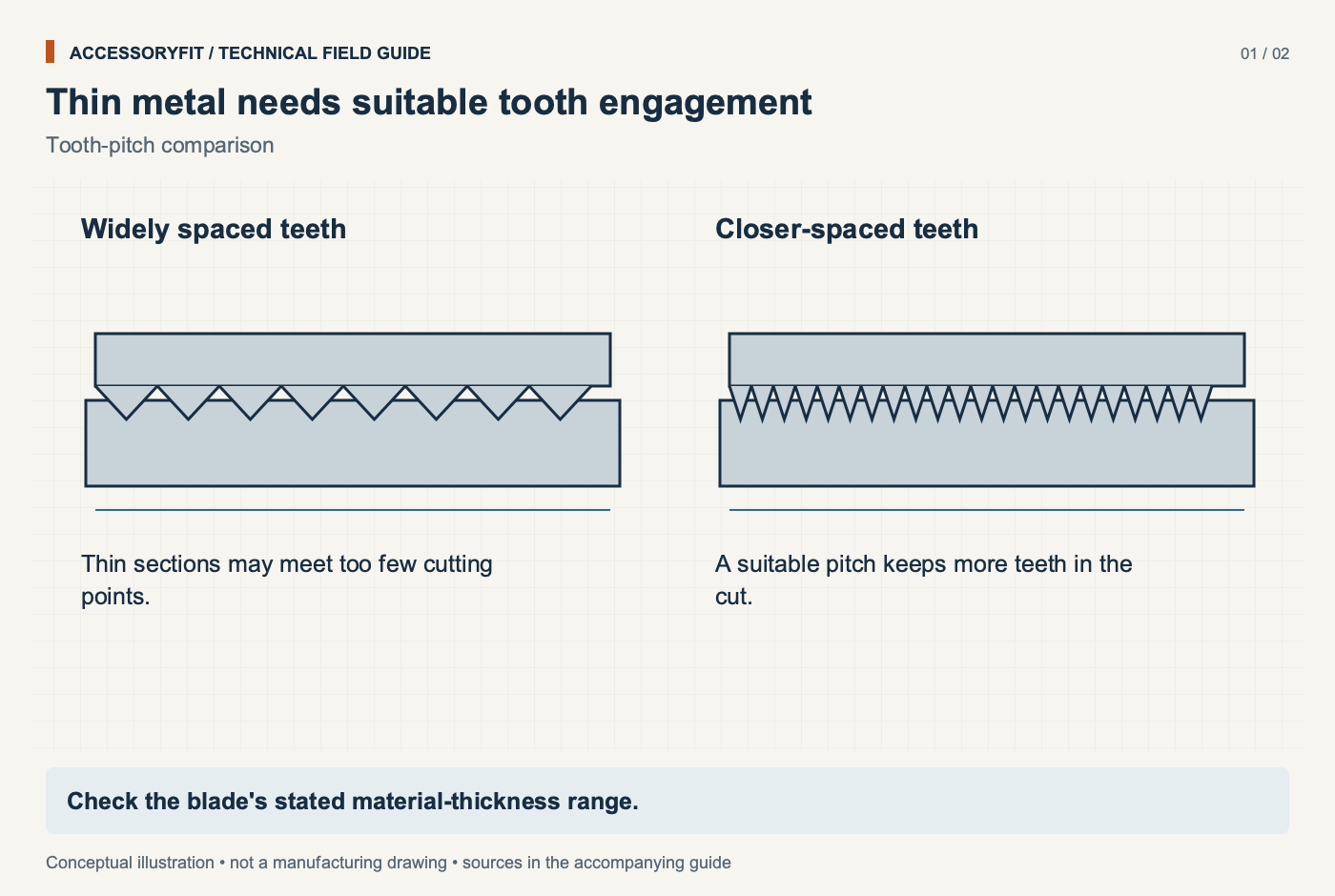
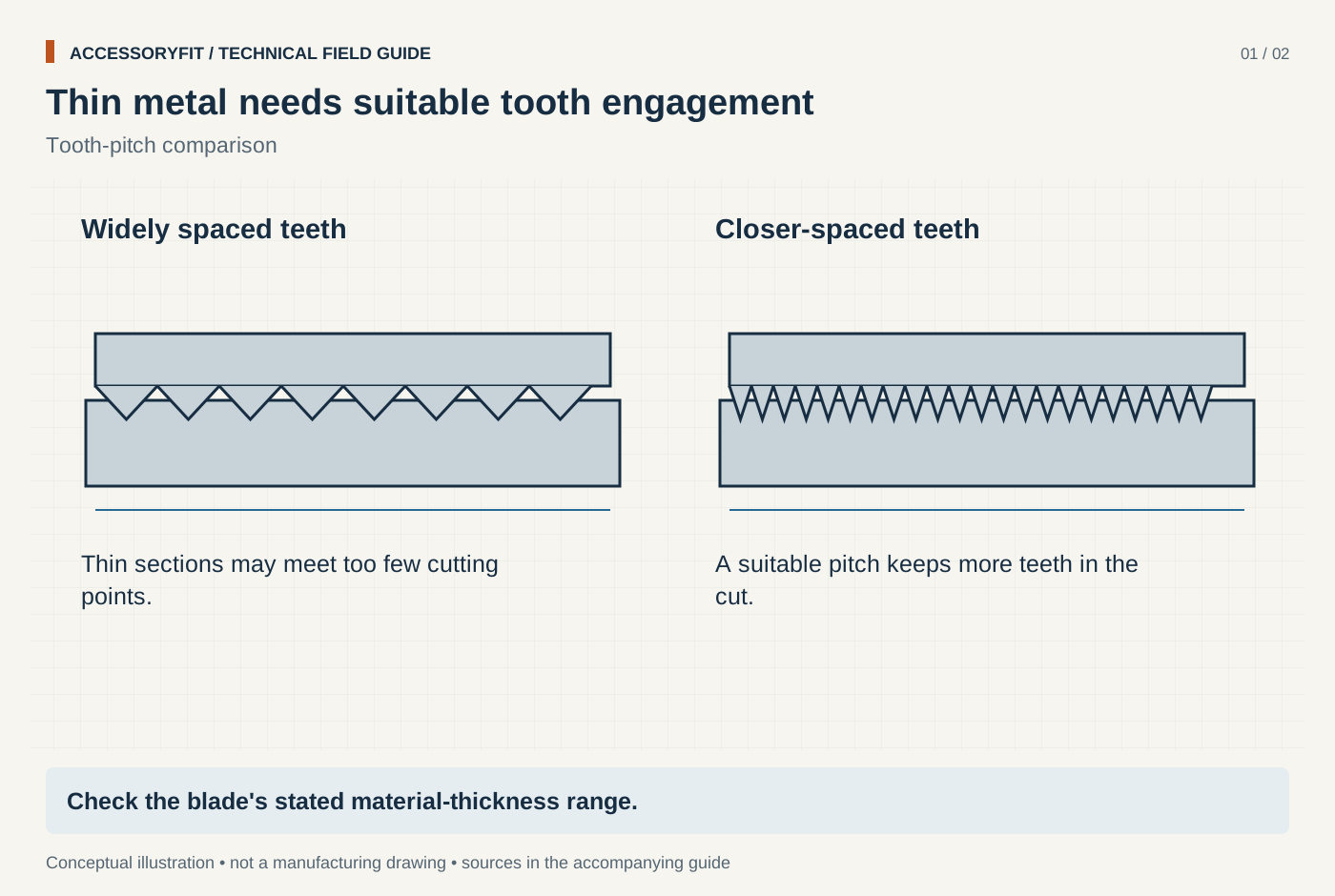
Thin metal needs suitable tooth engagement
Download SVG · Tap the image for the 1400 px WebP · From Best jigsaw blades for metal: picks by tooth pitch, blade steel and shank
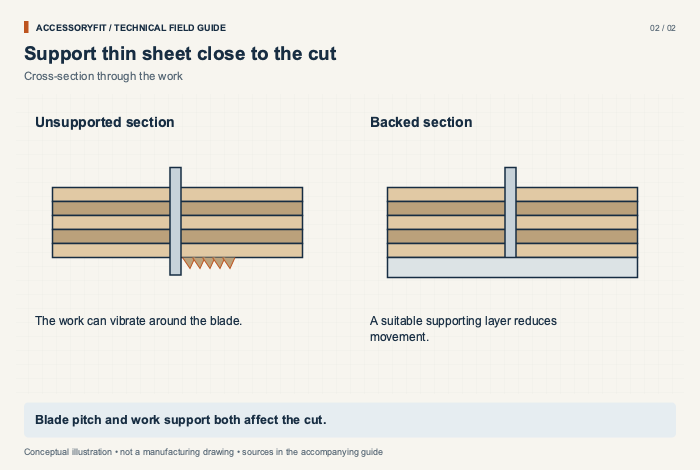
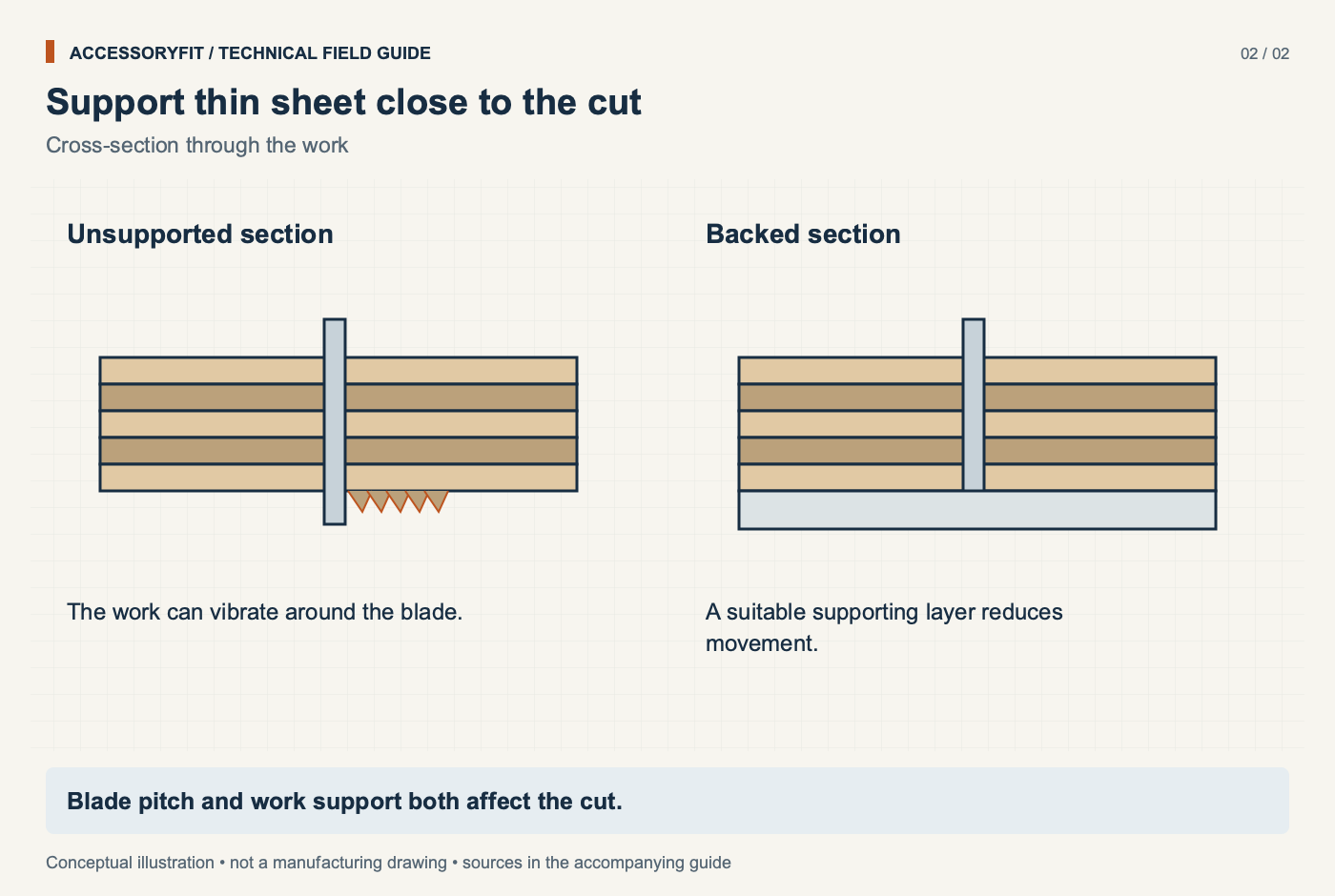
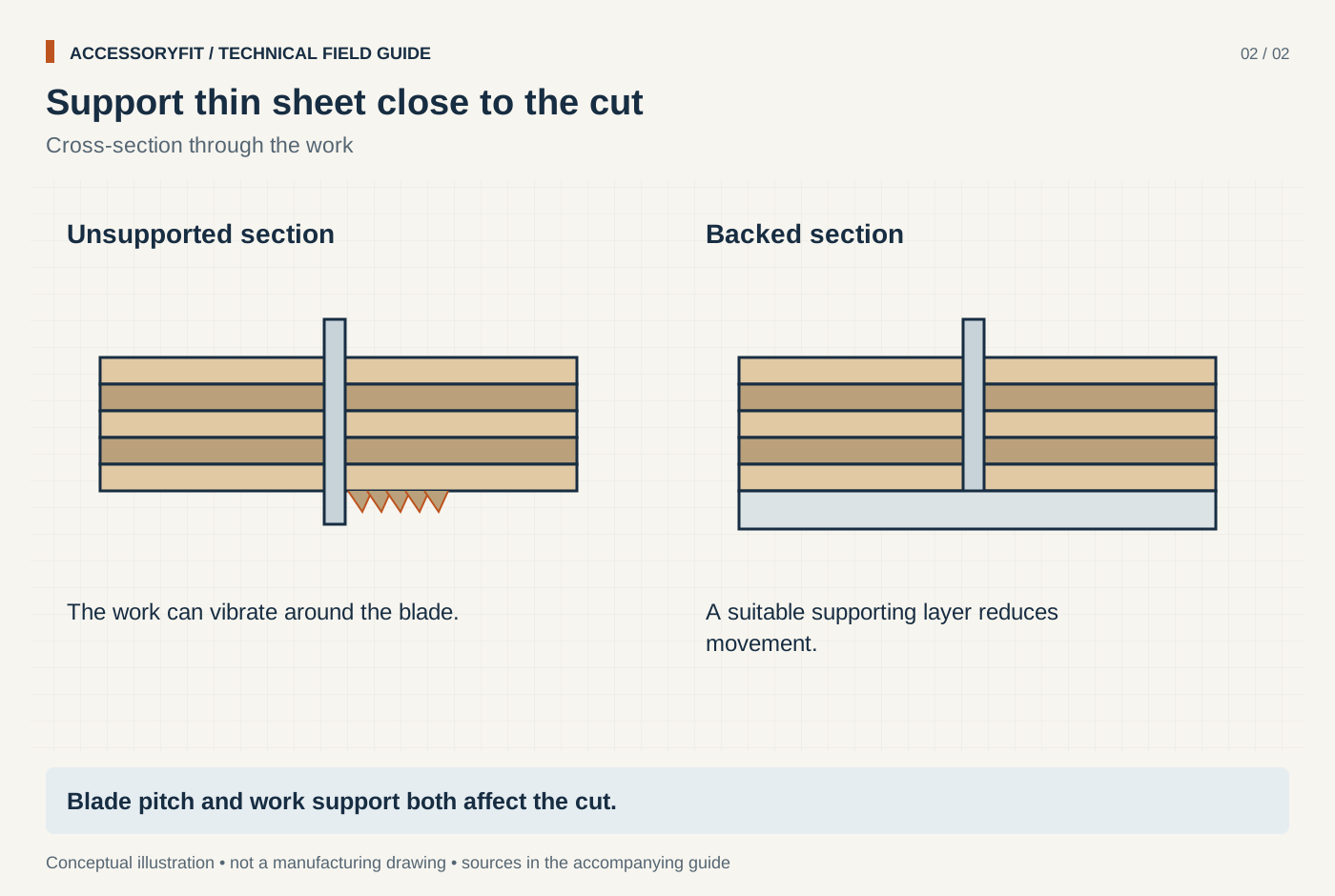
Support thin sheet close to the cut
Download SVG · Tap the image for the 1400 px WebP · From Best jigsaw blades for metal: picks by tooth pitch, blade steel and shank
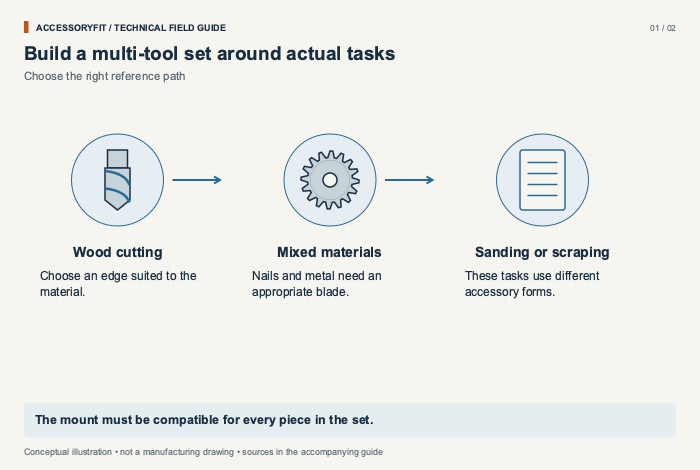
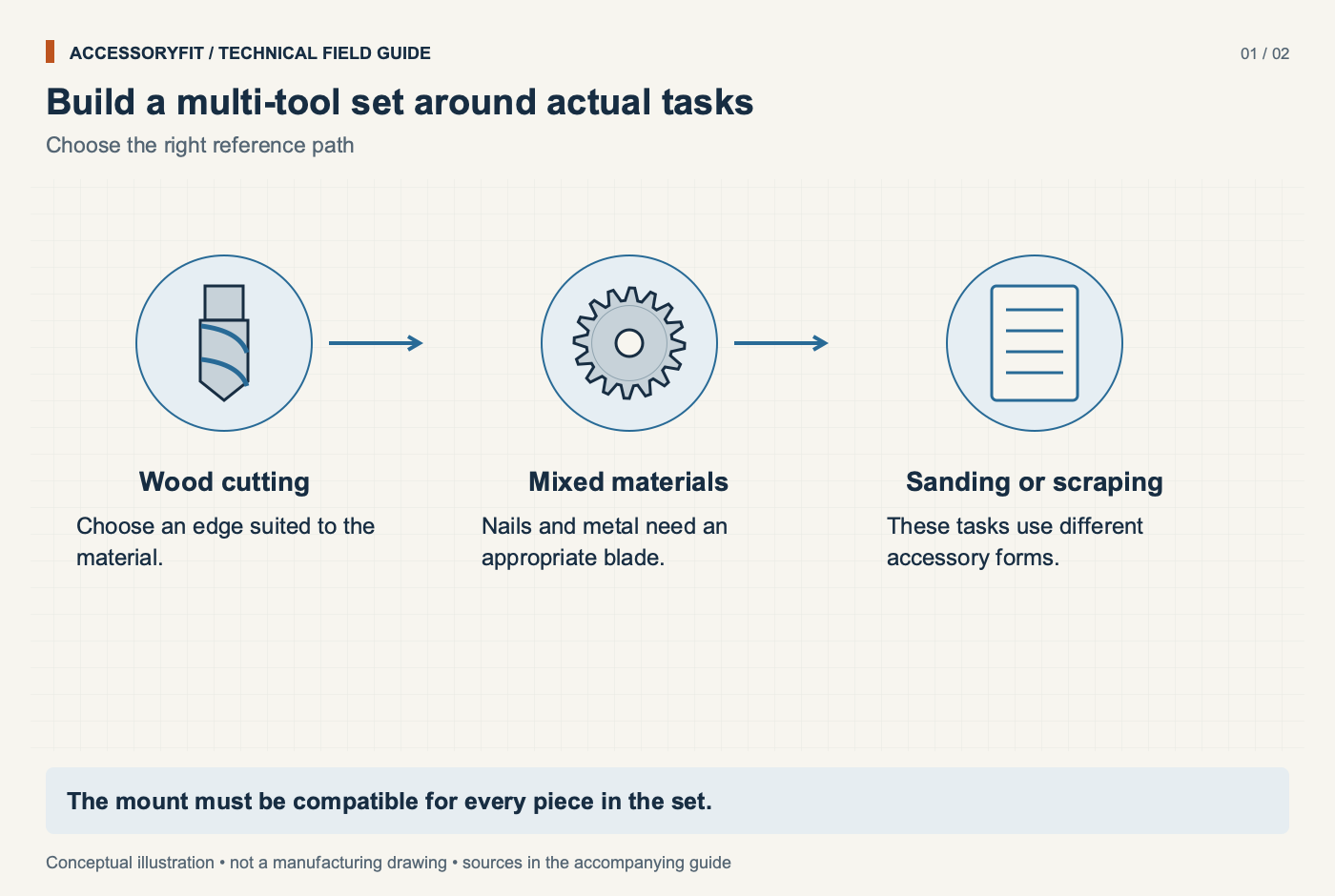
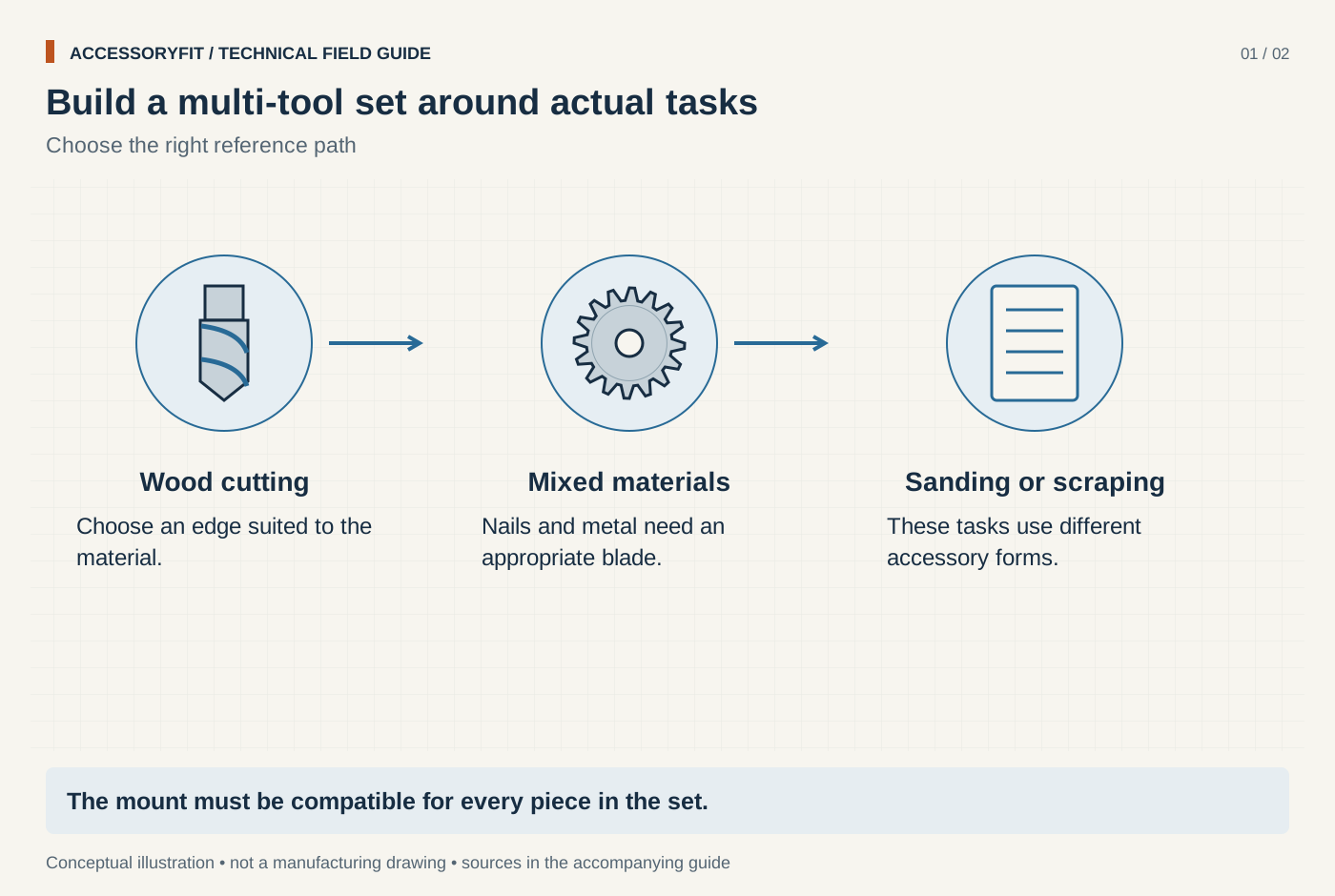
Build a multi-tool set around actual tasks
Download SVG · Tap the image for the 1400 px WebP · From Best oscillating tool blade sets: picks by mount, edge and job
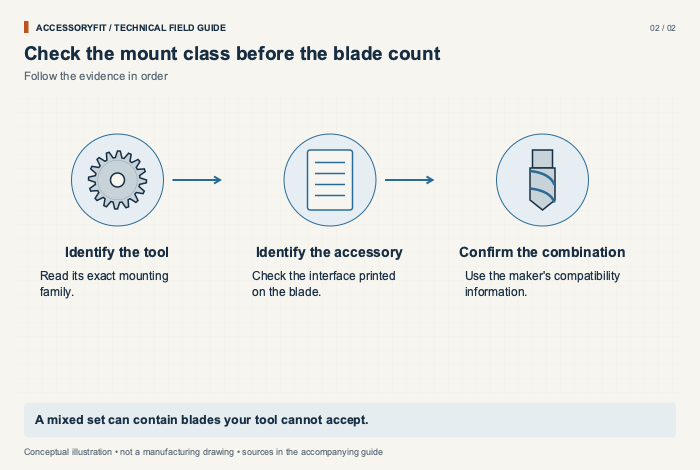
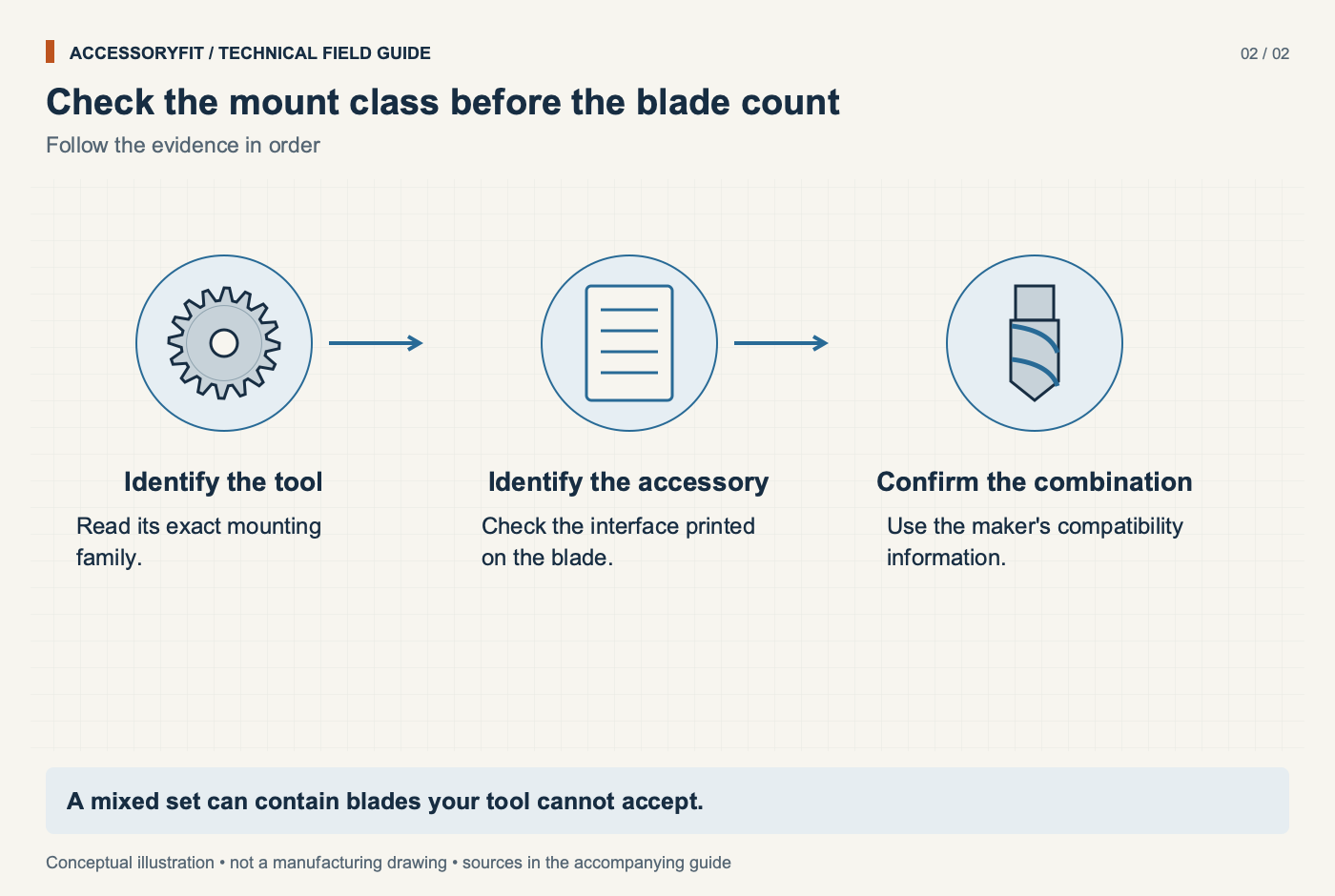
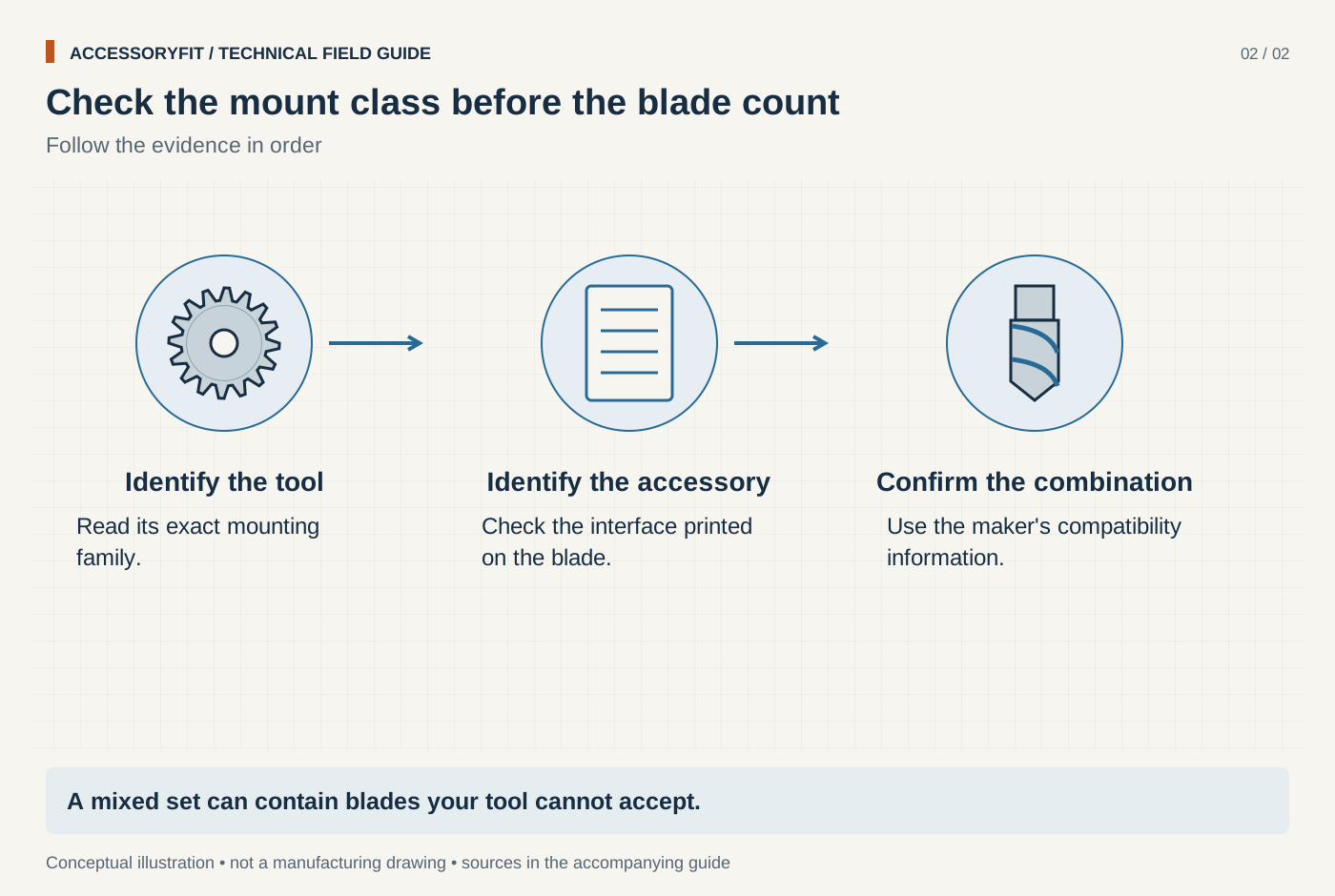
Check the mount class before the blade count
Download SVG · Tap the image for the 1400 px WebP · From Best oscillating tool blade sets: picks by mount, edge and job
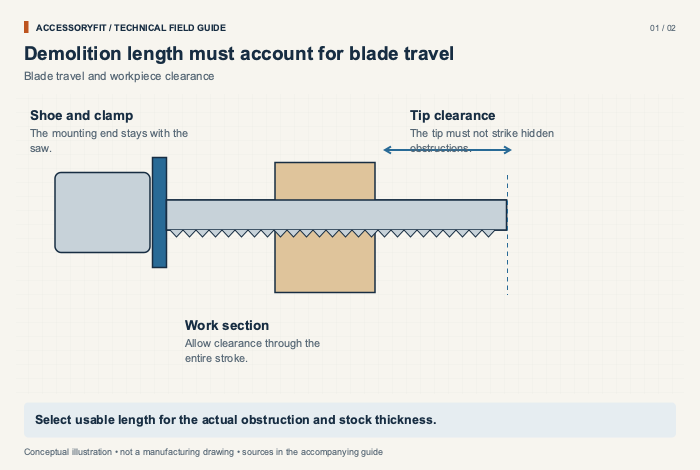
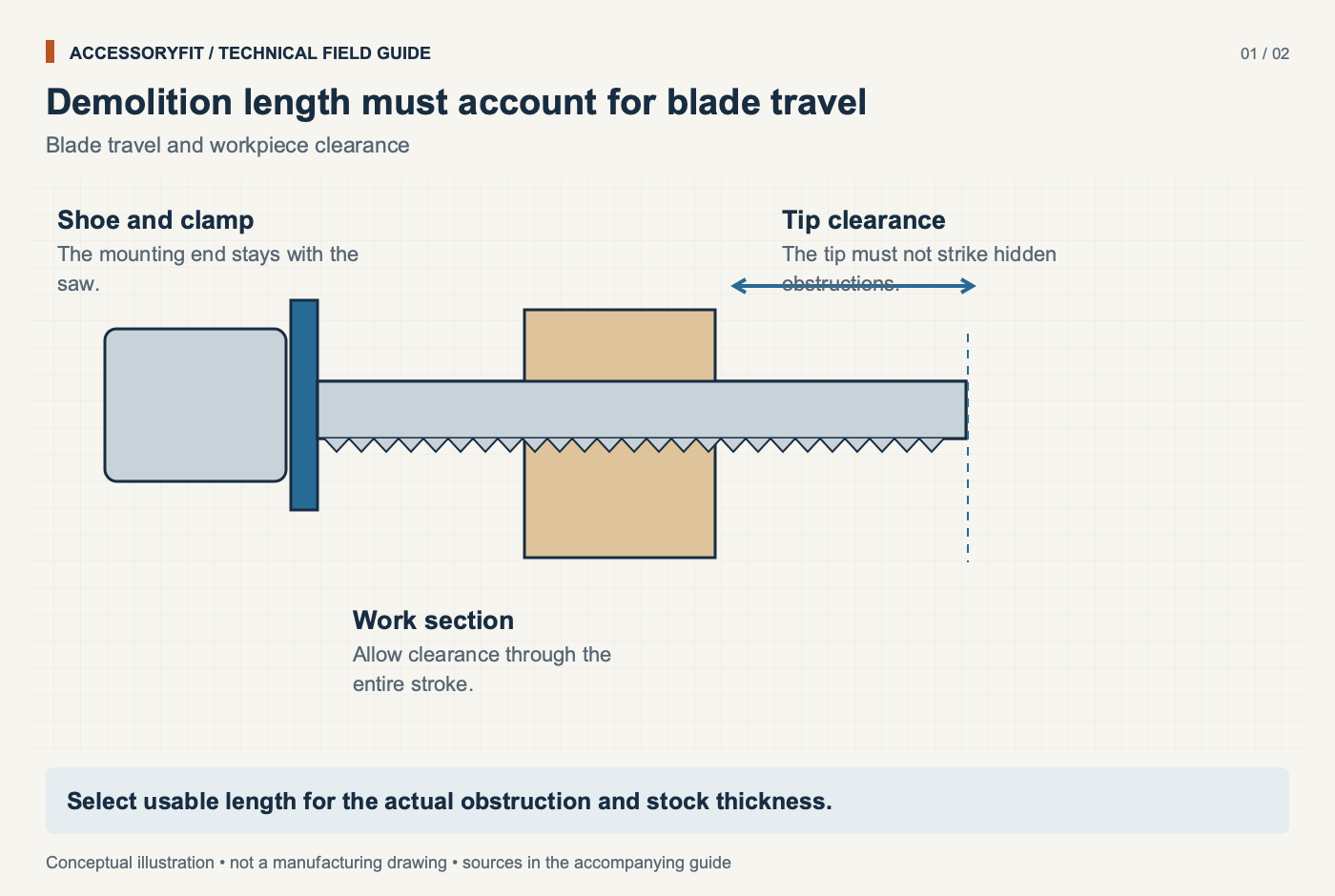
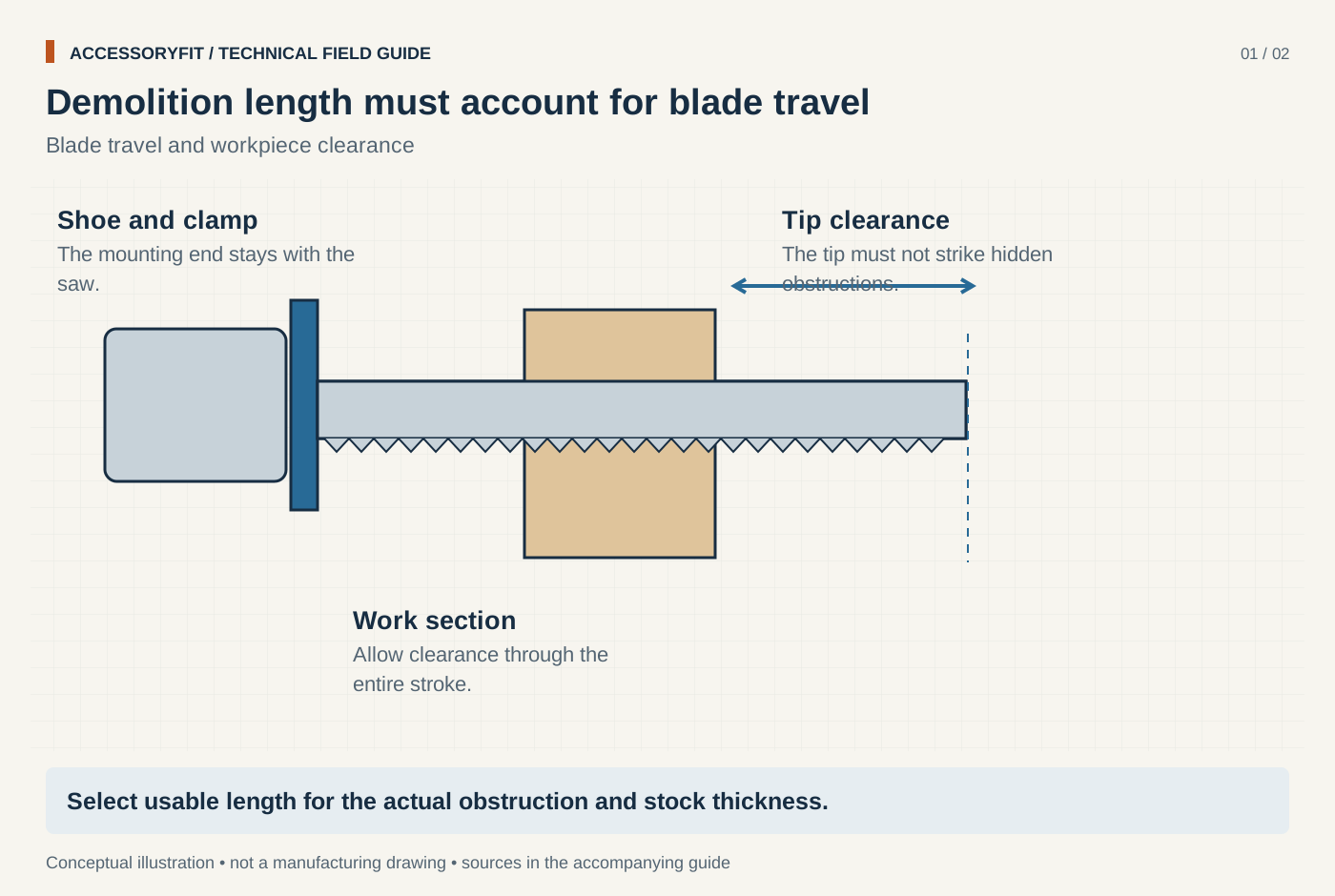
Demolition length must account for blade travel
Download SVG · Tap the image for the 1400 px WebP · From Best reciprocating saw blades for demolition: picks by tooth material, TPI and body
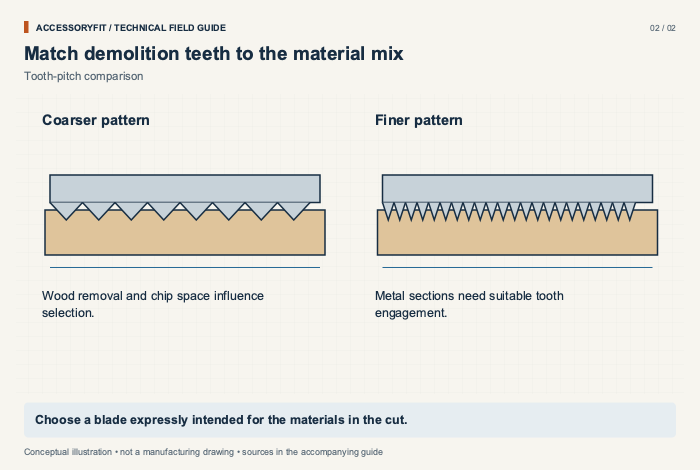
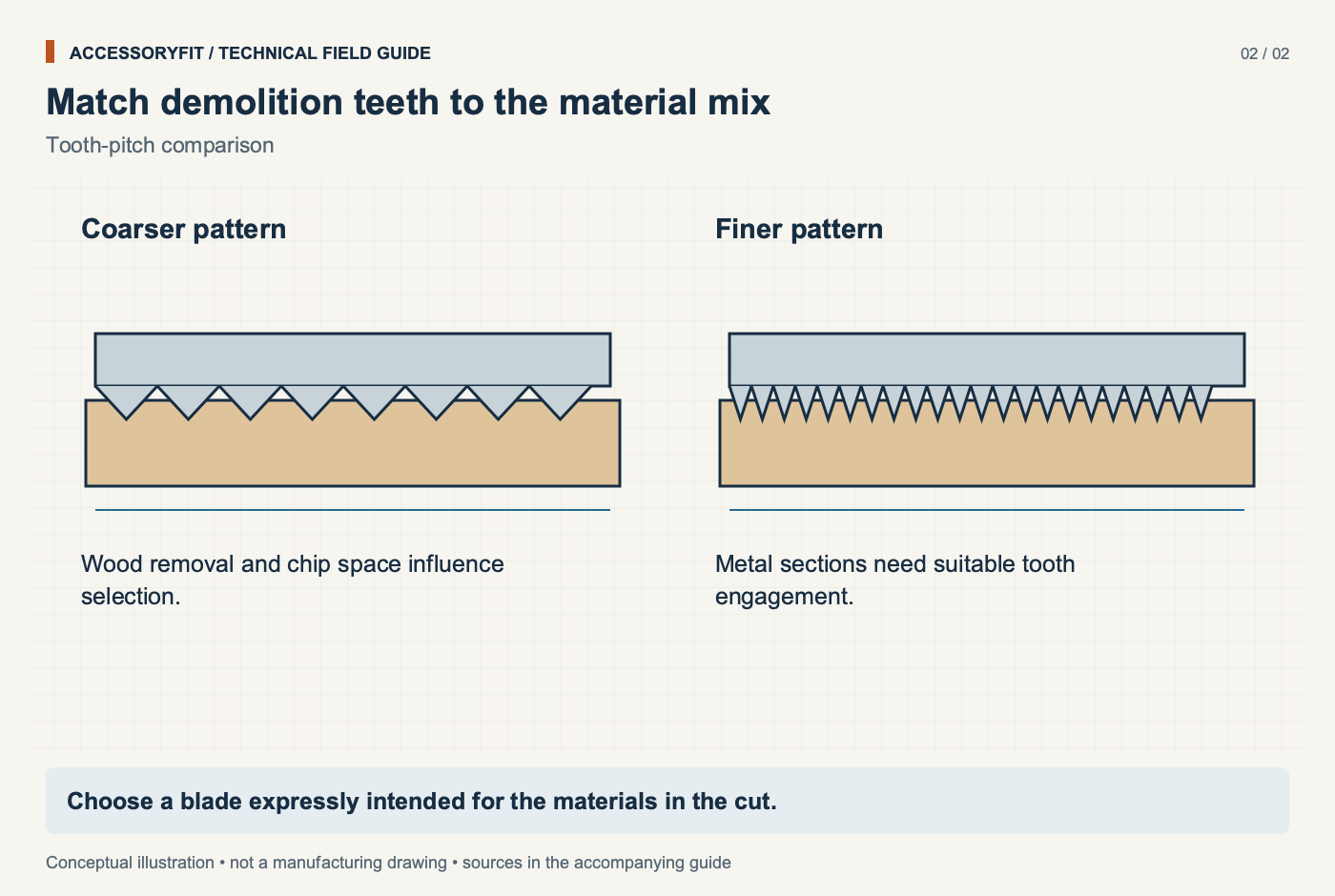
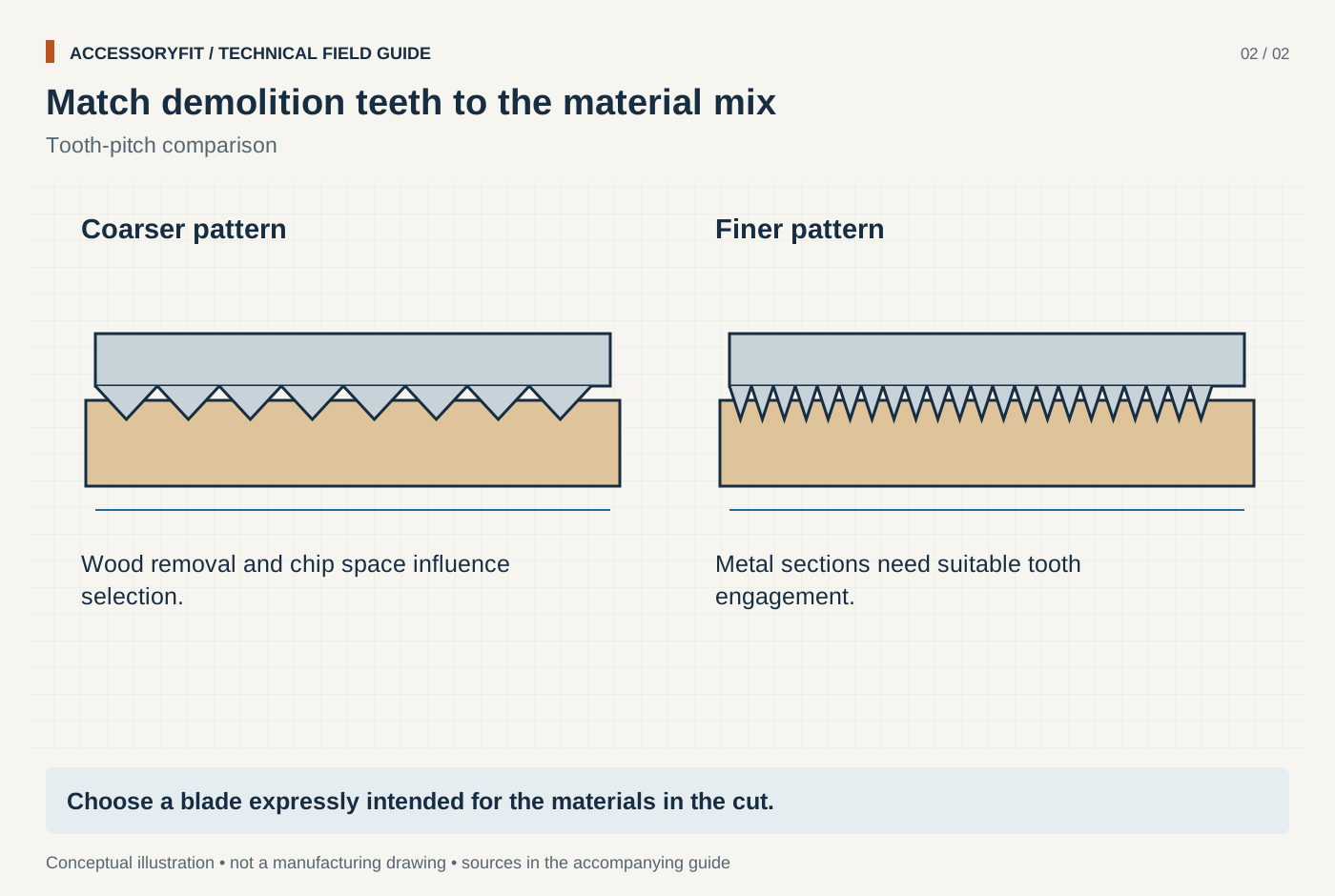
Match demolition teeth to the material mix
Download SVG · Tap the image for the 1400 px WebP · From Best reciprocating saw blades for demolition: picks by tooth material, TPI and body
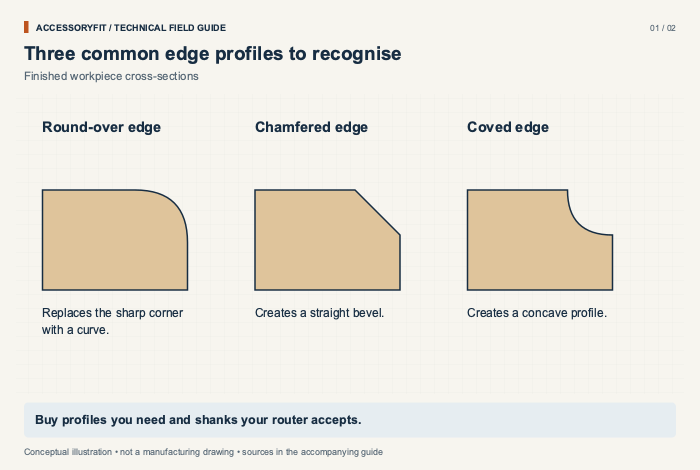
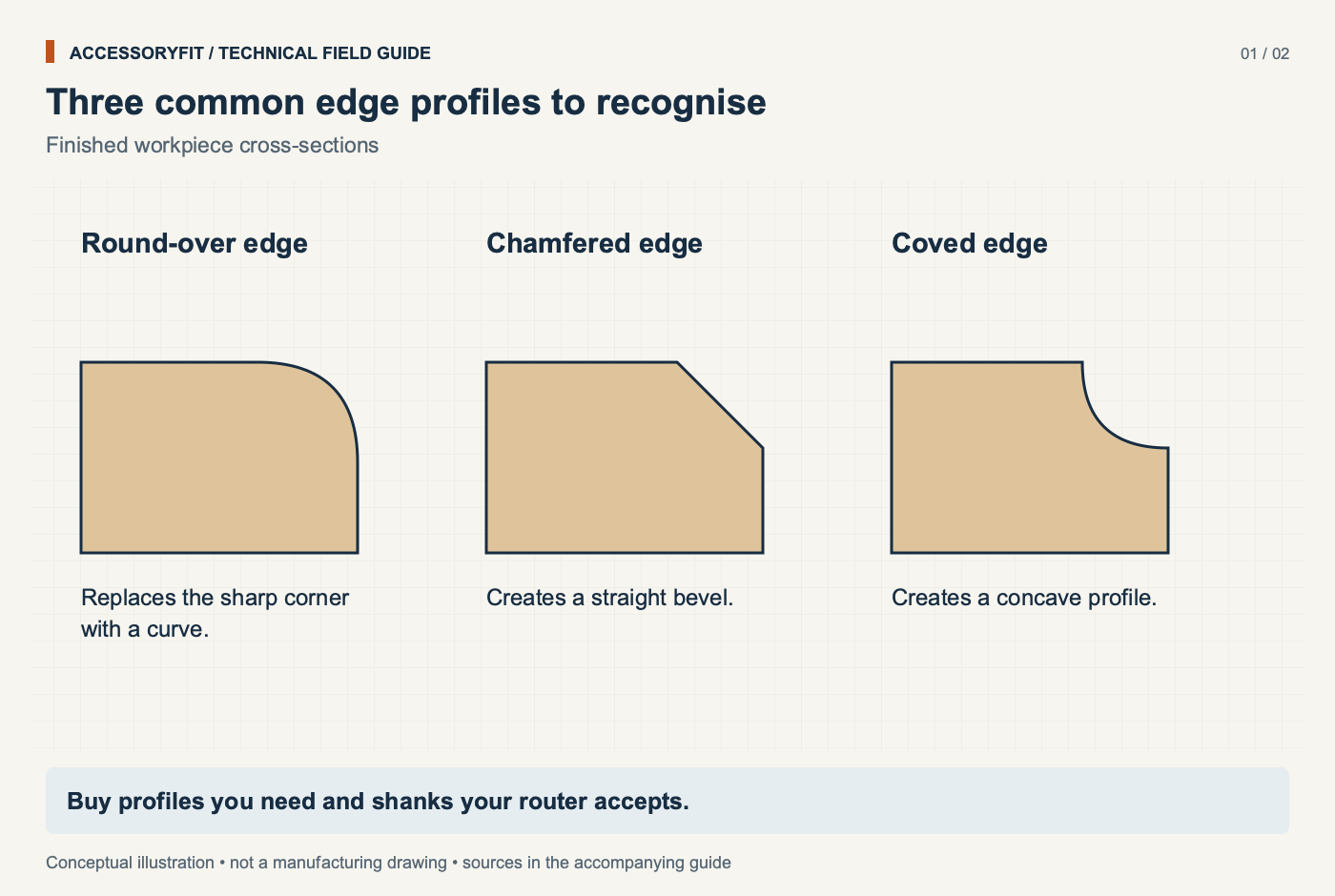
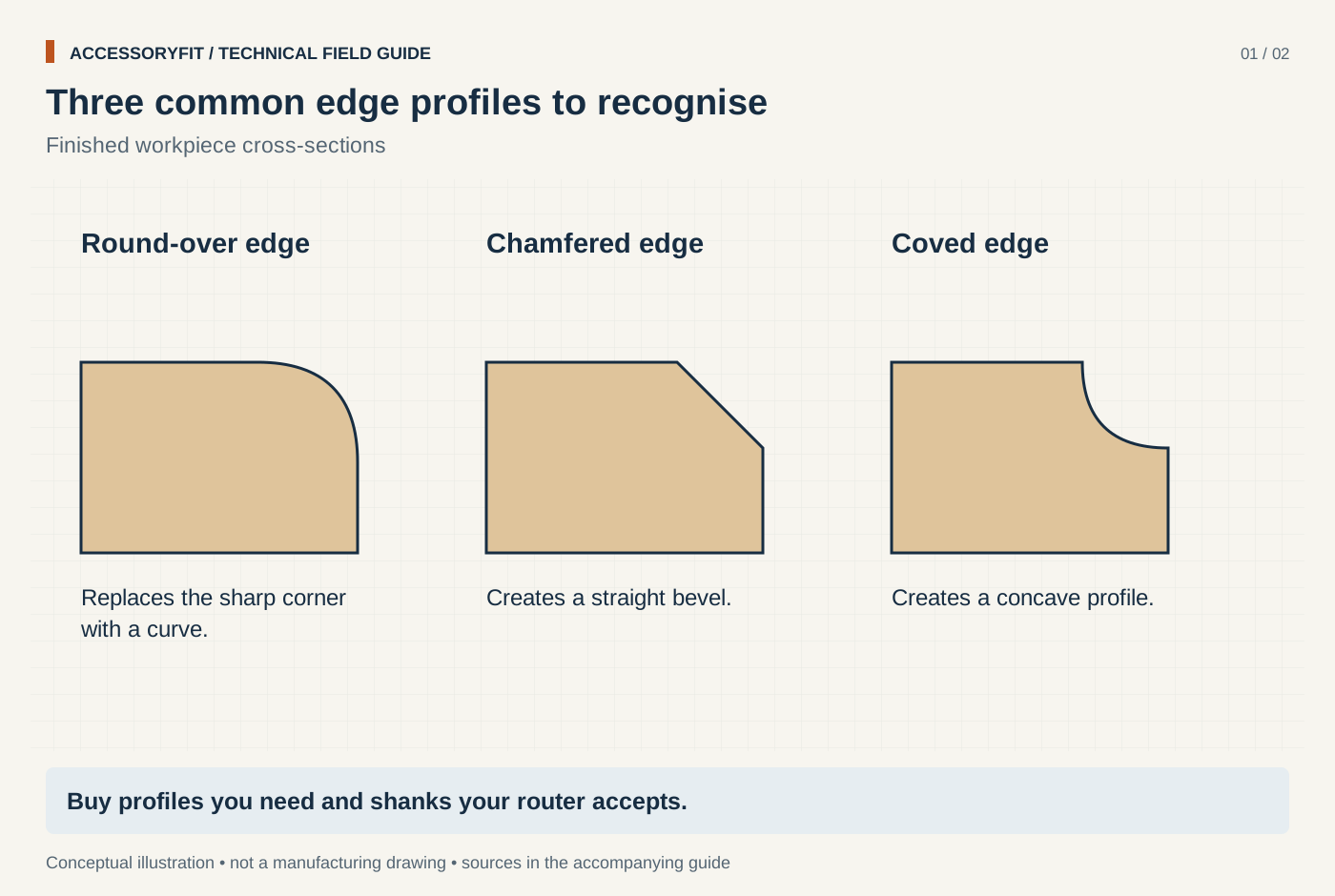
Three common edge profiles to recognise
Download SVG · Tap the image for the 1400 px WebP · From Best router bit sets for beginners: starter sets picked by shank size and profiles
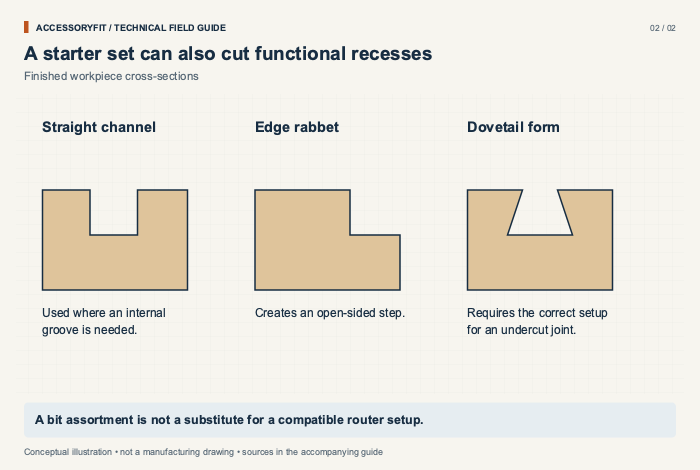
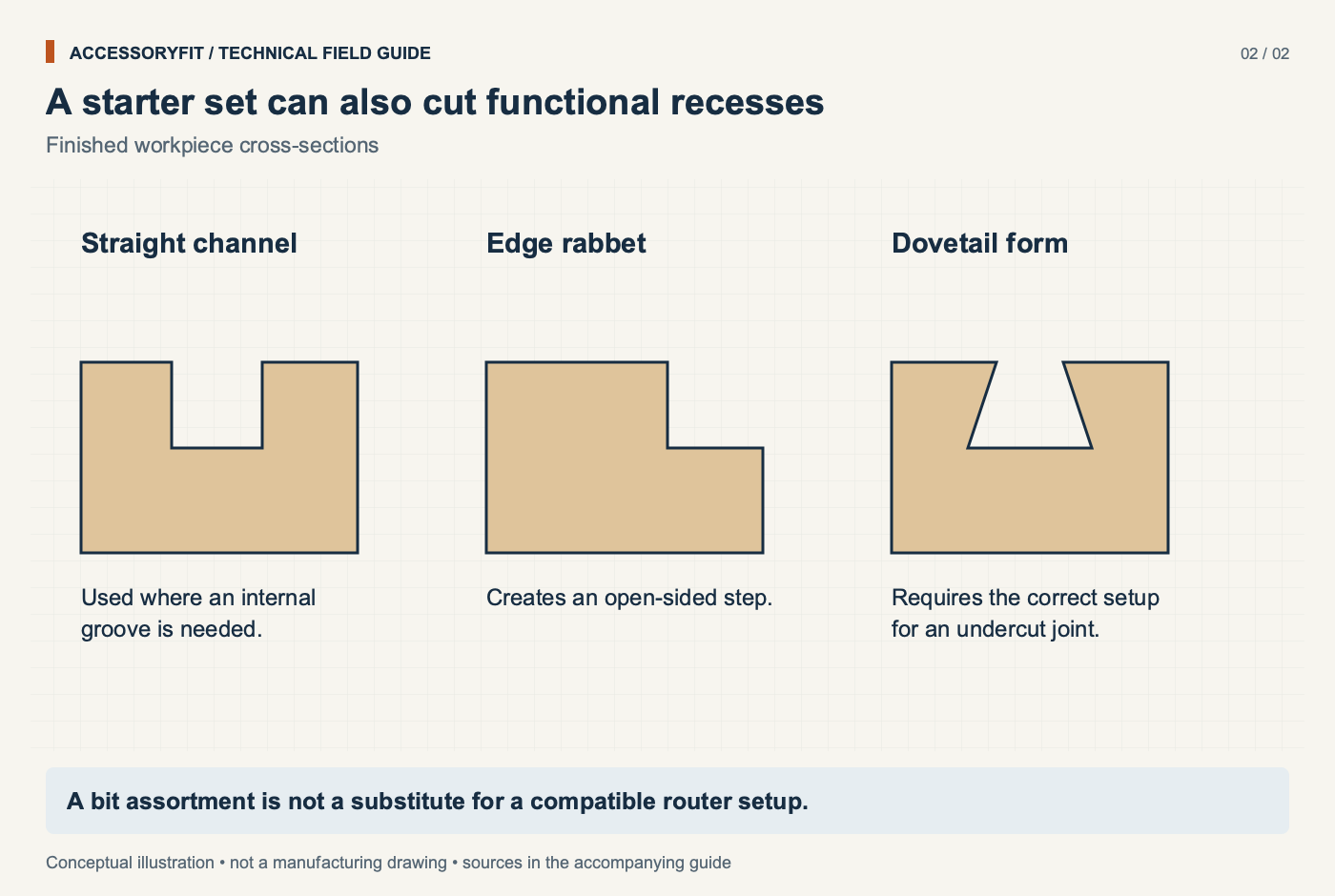
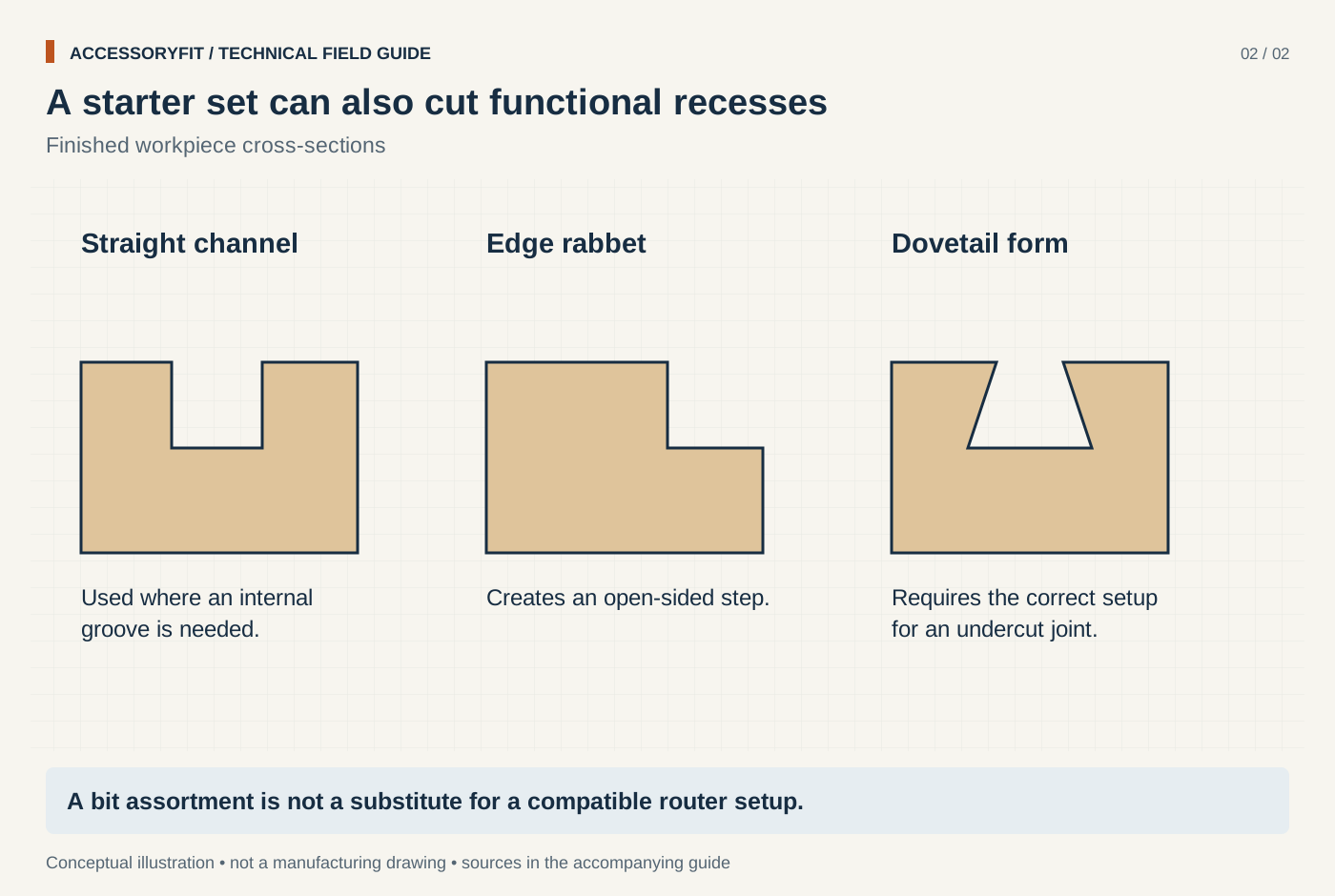
A starter set can also cut functional recesses
Download SVG · Tap the image for the 1400 px WebP · From Best router bit sets for beginners: starter sets picked by shank size and profiles
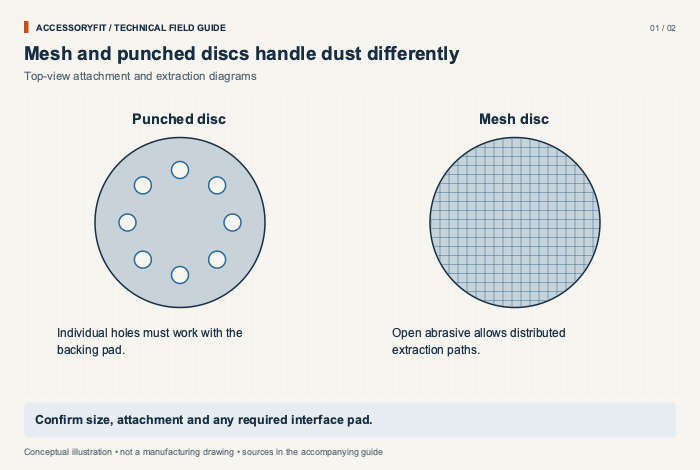
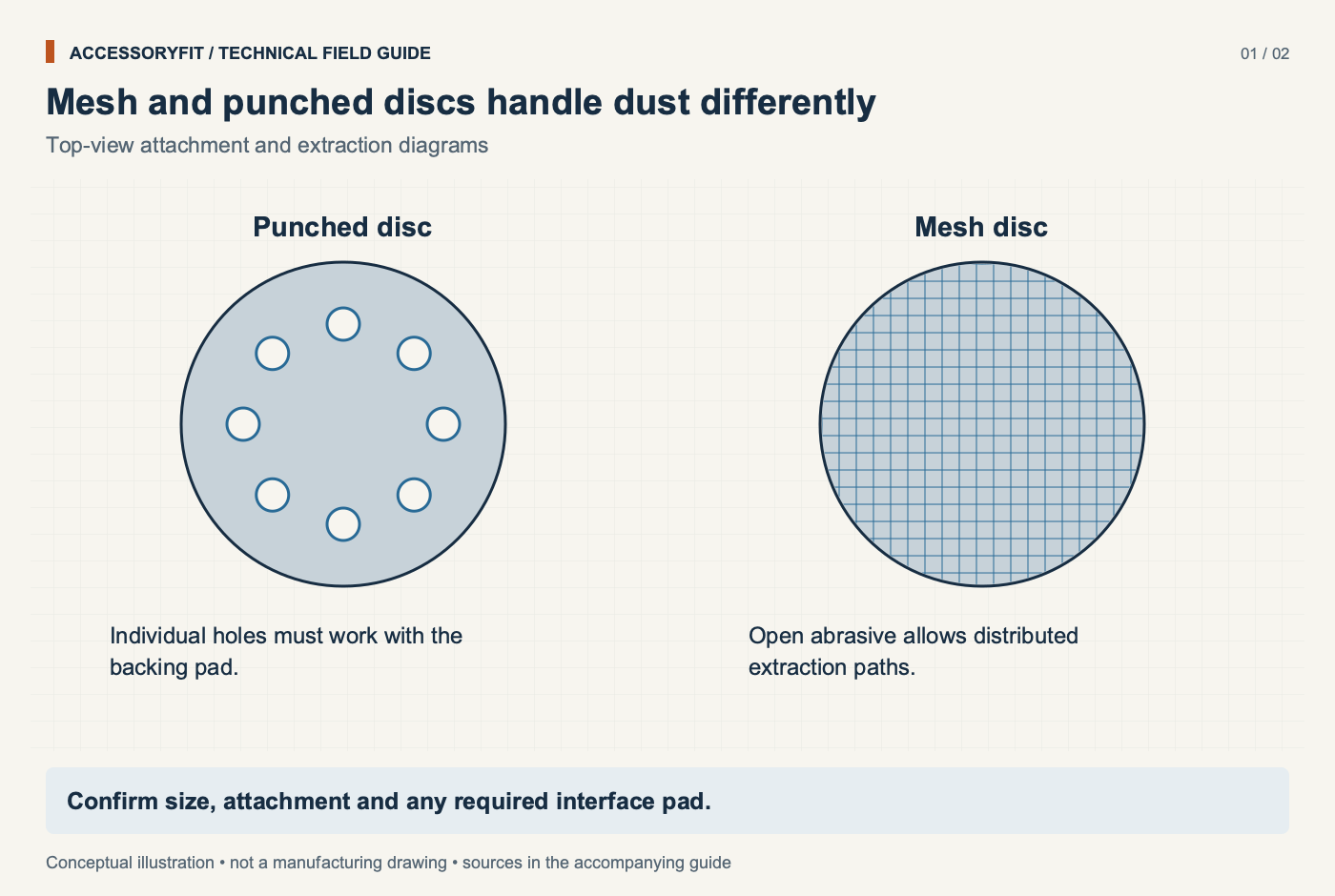
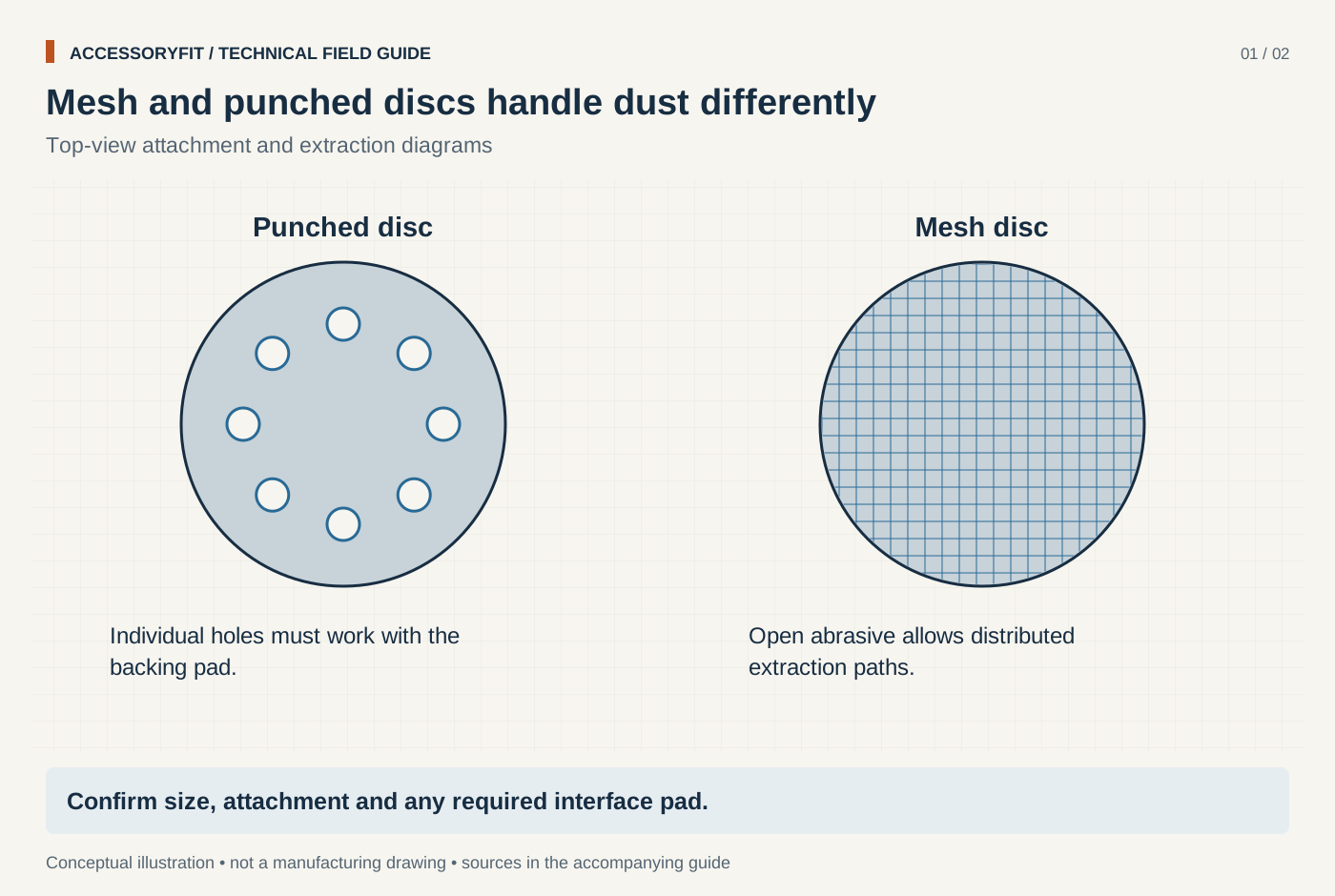
Mesh and punched discs handle dust differently
Download SVG · Tap the image for the 1400 px WebP · From Best sanding discs for random orbital sanders: picks by hole pattern, grain and backing
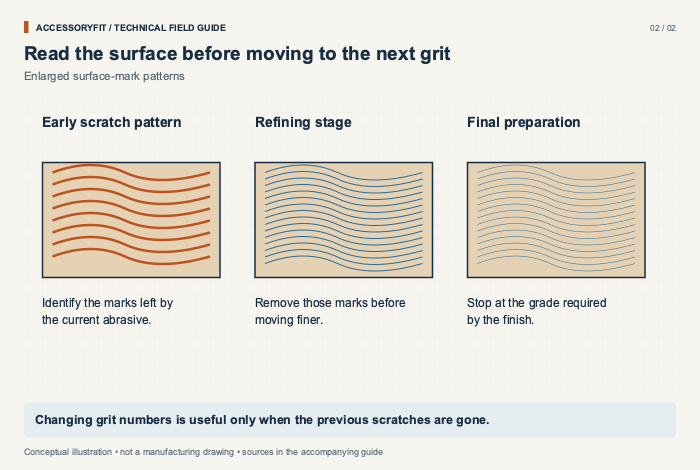
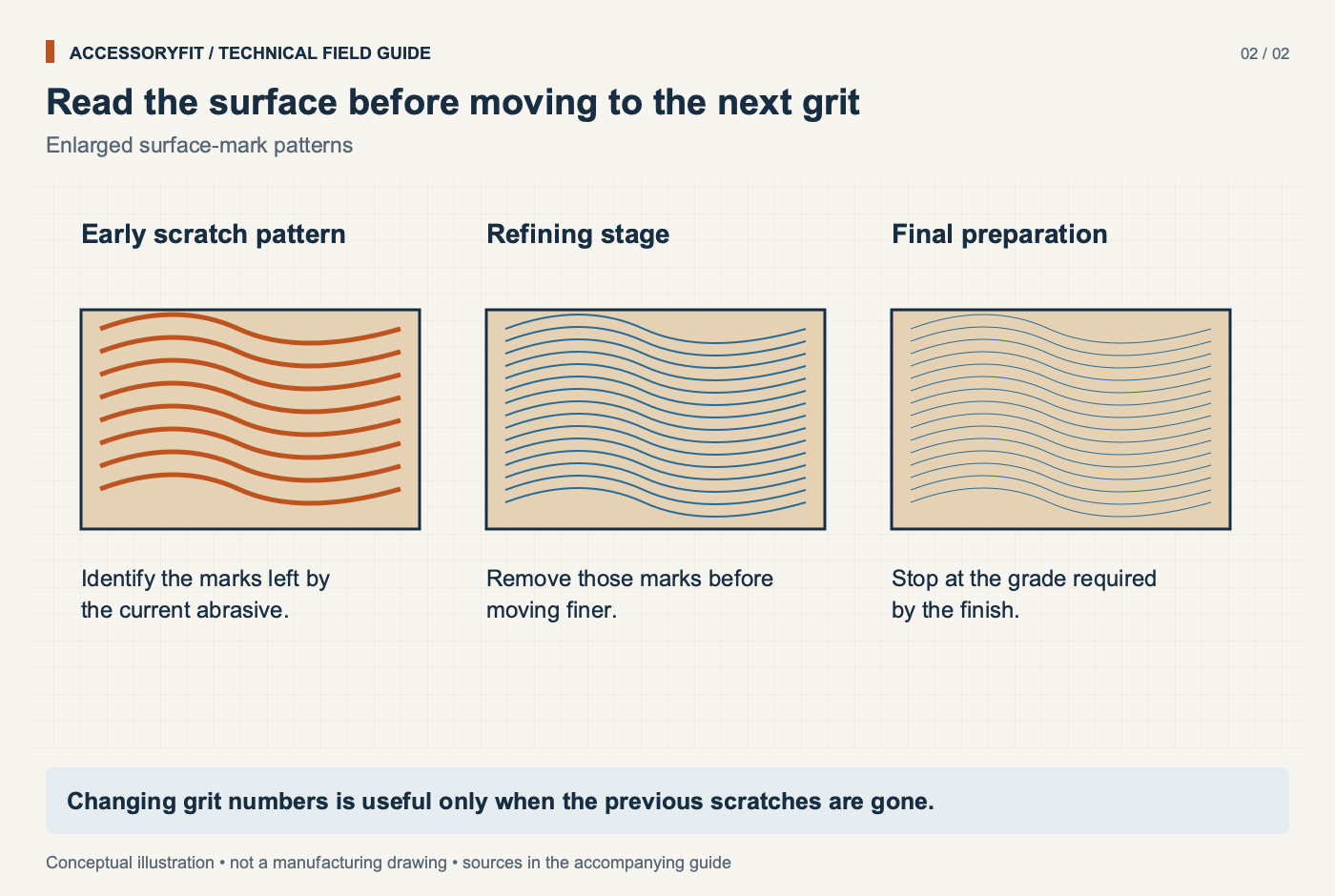
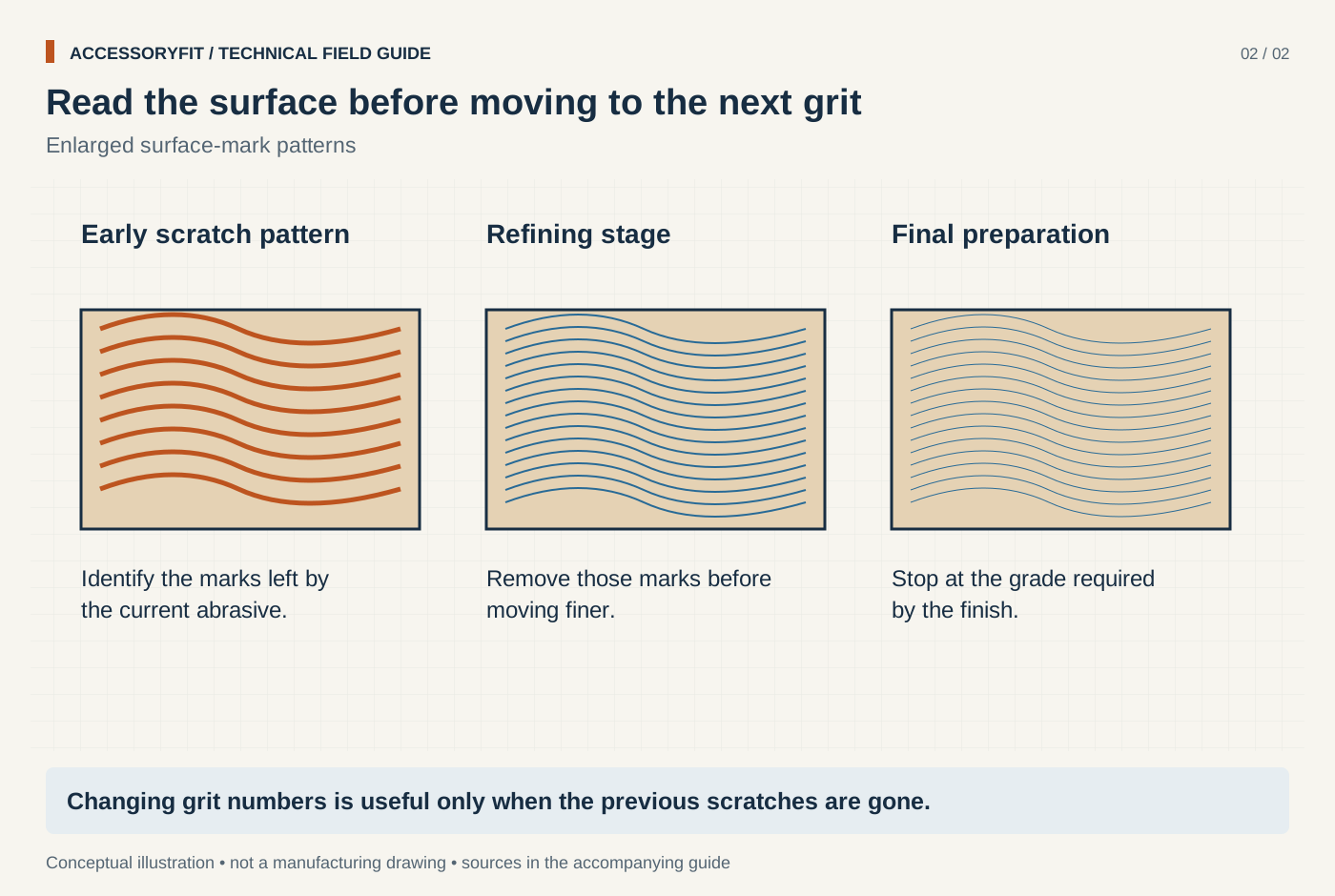
Read the surface before moving to the next grit
Download SVG · Tap the image for the 1400 px WebP · From Best sanding discs for random orbital sanders: picks by hole pattern, grain and backing
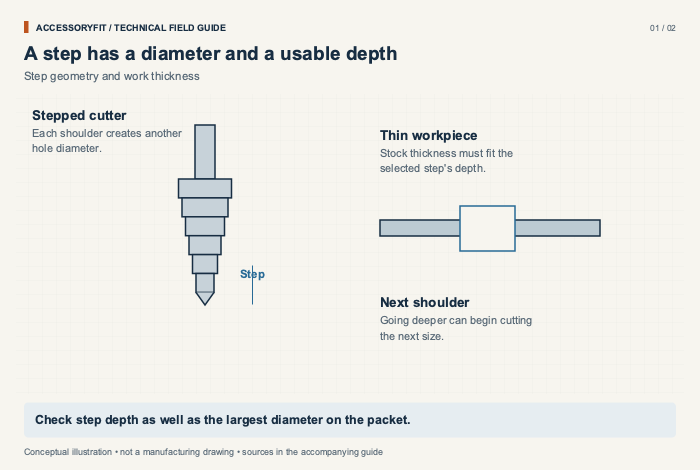
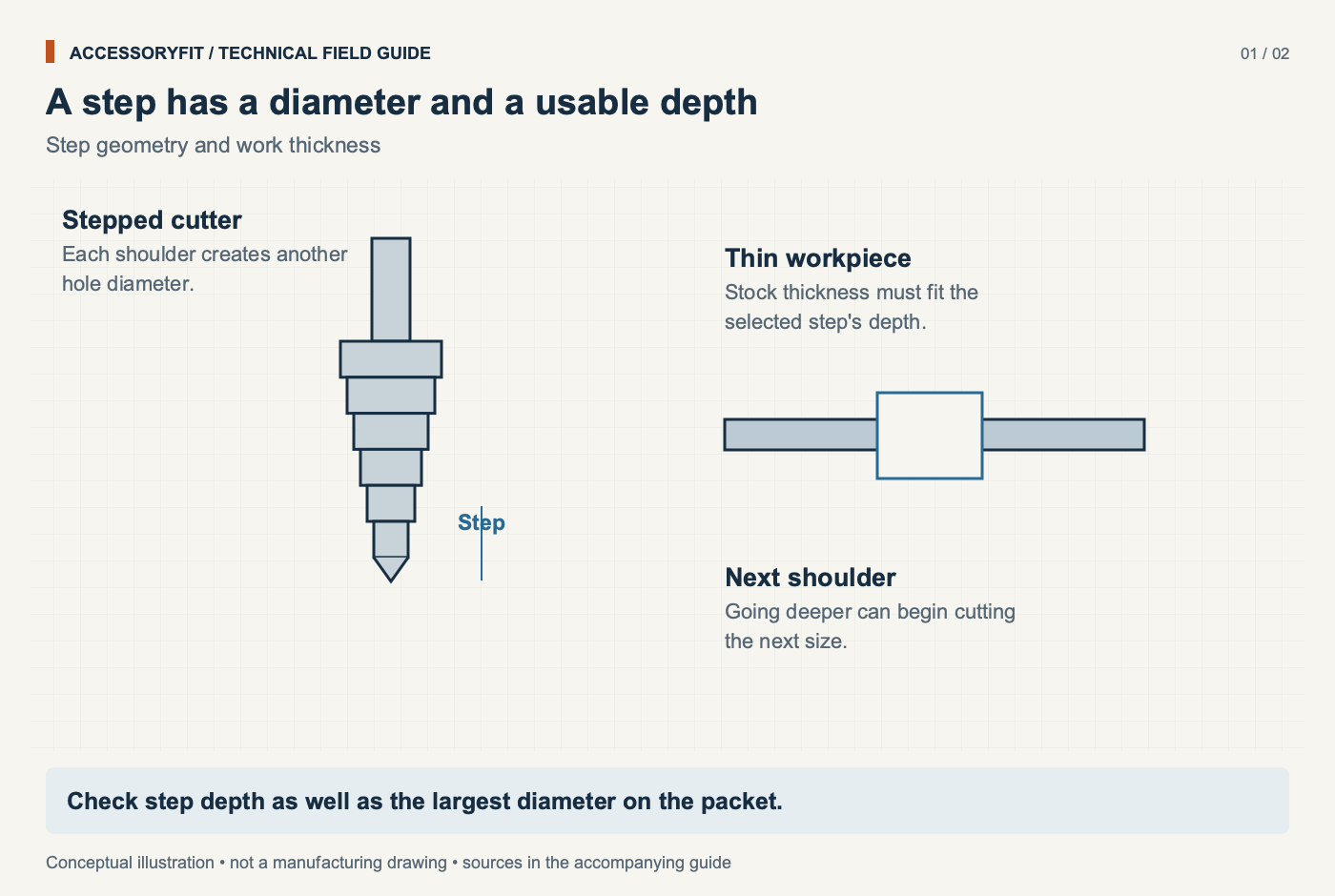
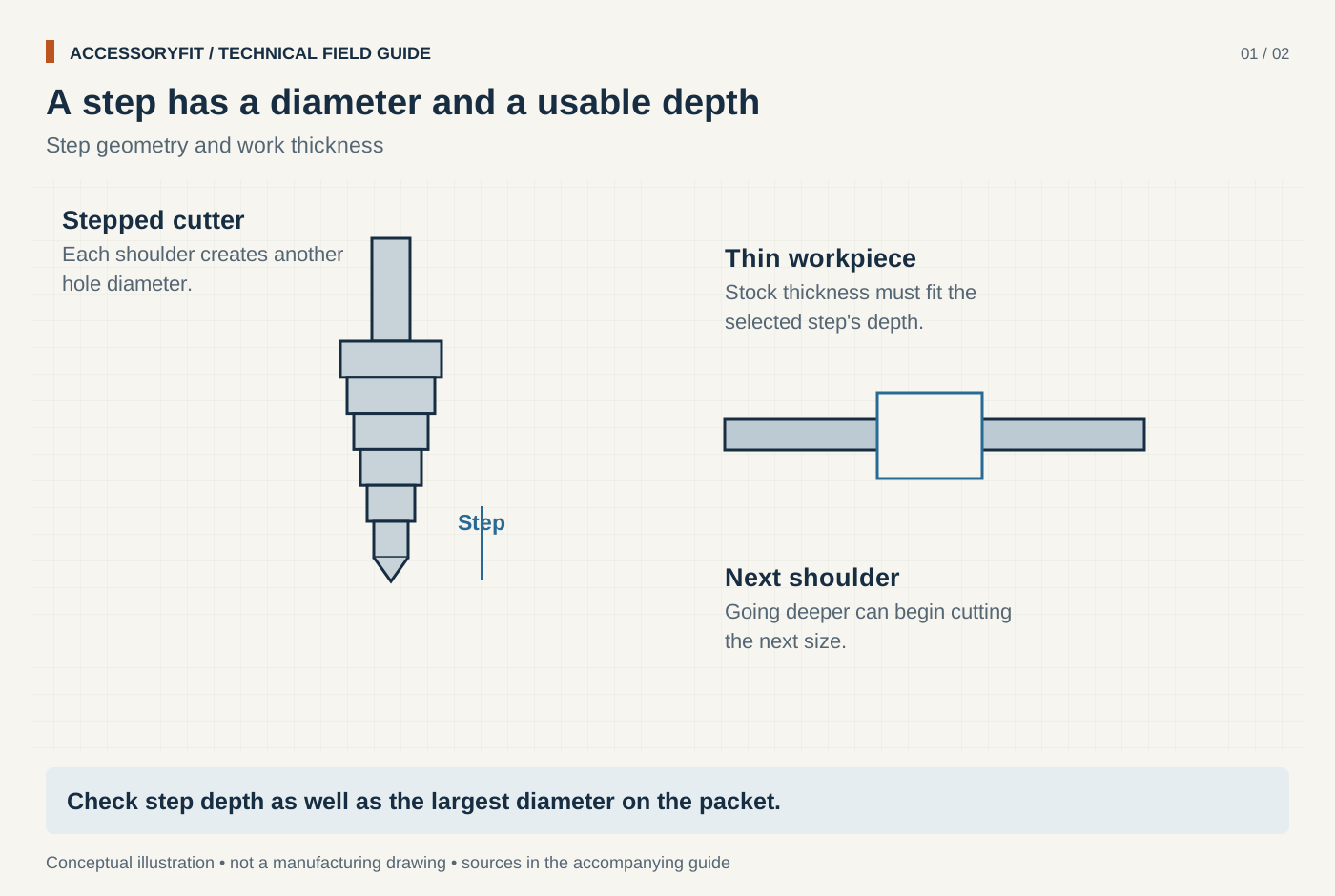
A step has a diameter and a usable depth
Download SVG · Tap the image for the 1400 px WebP · From Best step drill bits for sheet metal and electrical work: picks by range and shank
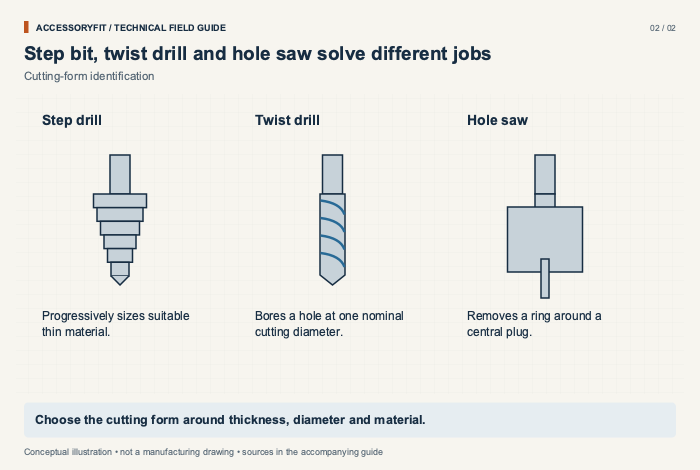
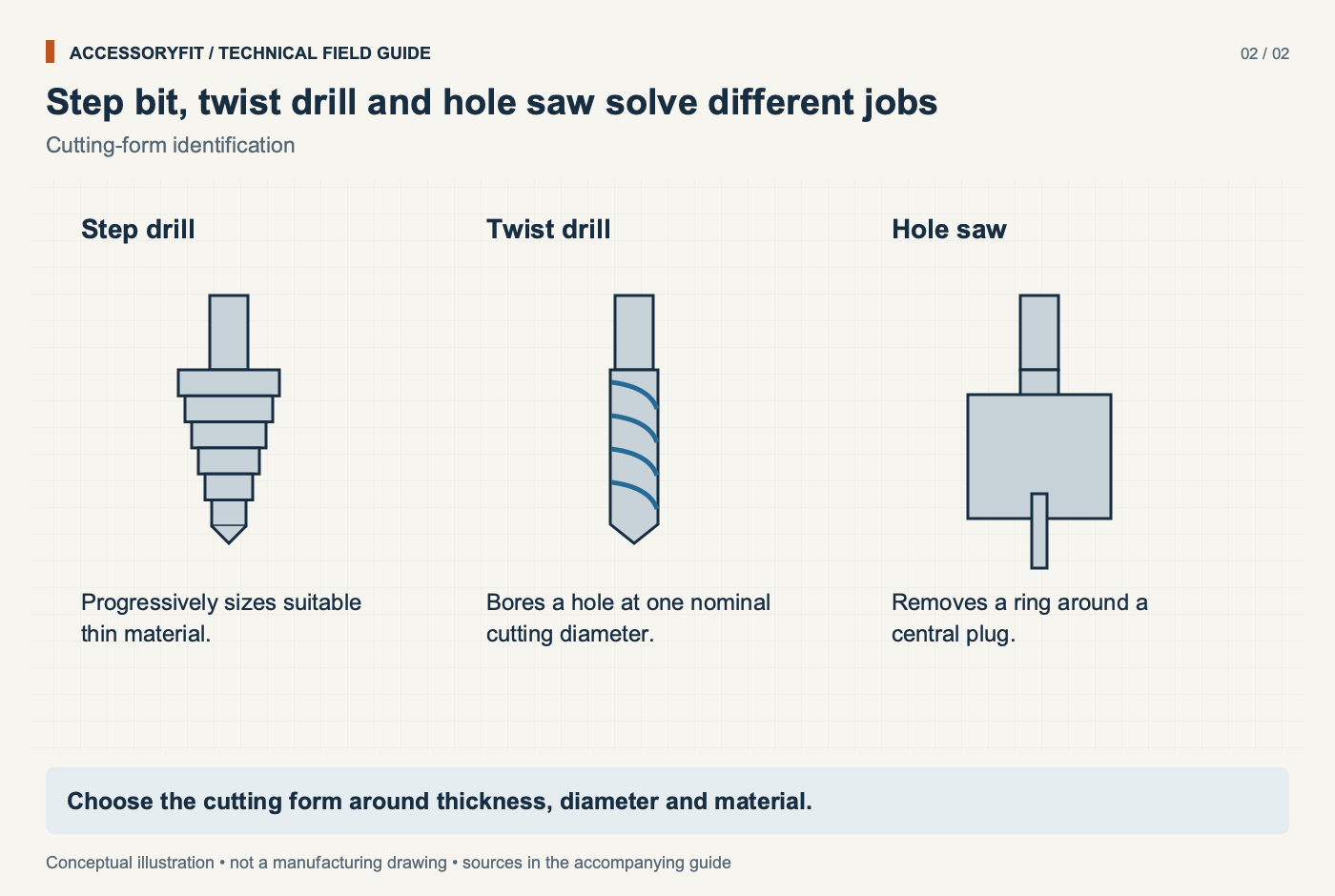
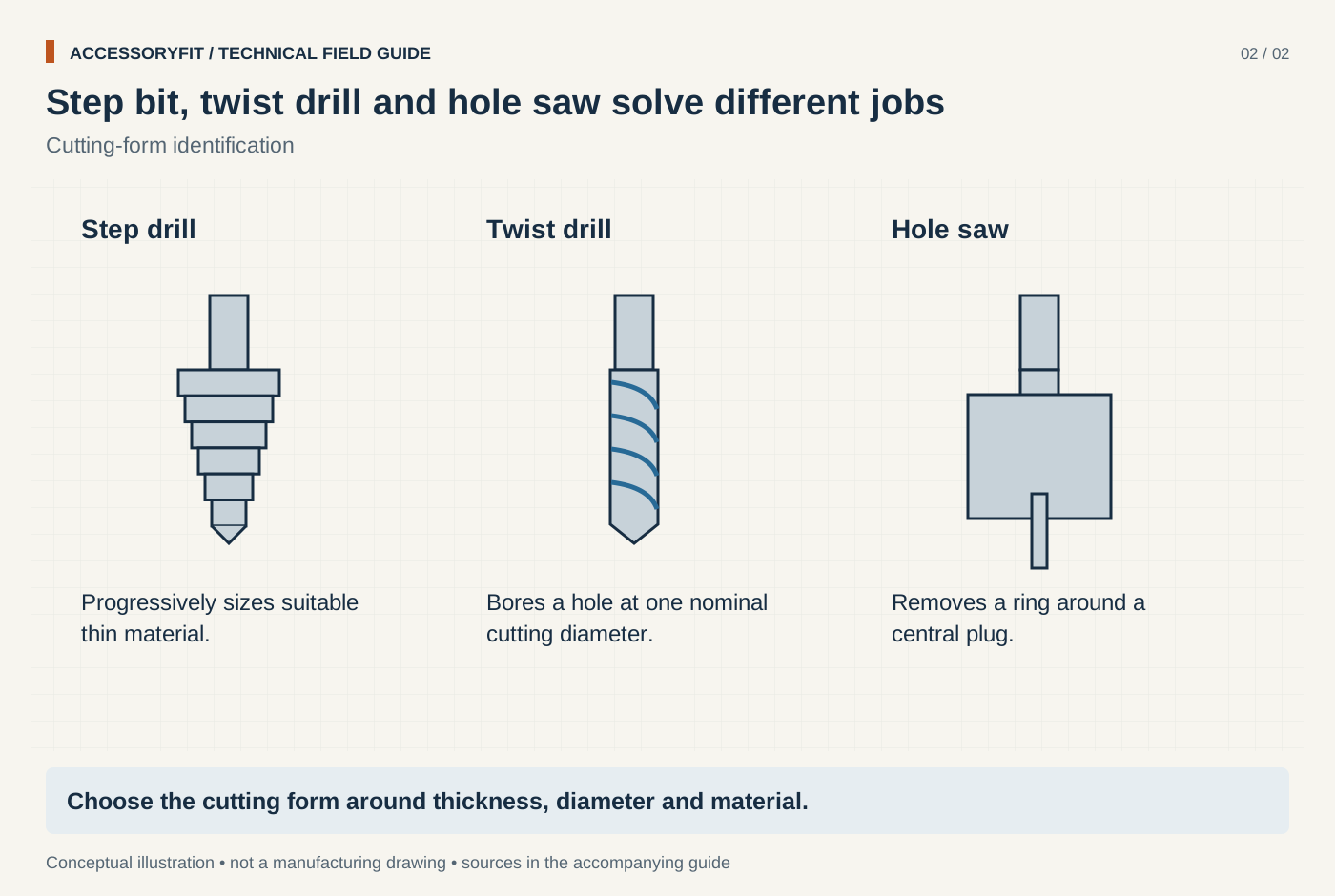
Step bit, twist drill and hole saw solve different jobs
Download SVG · Tap the image for the 1400 px WebP · From Best step drill bits for sheet metal and electrical work: picks by range and shank
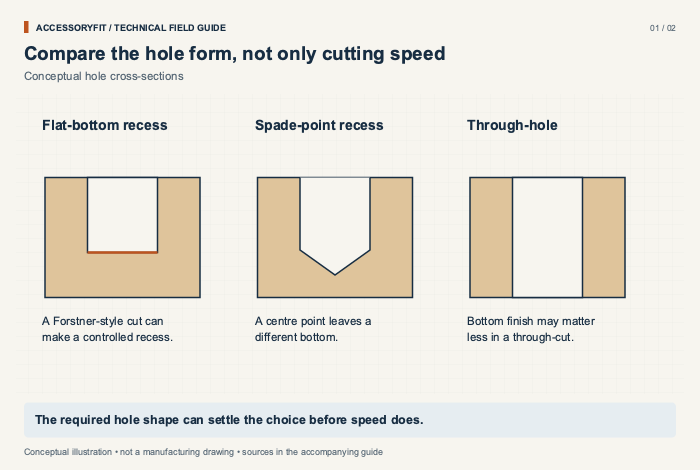
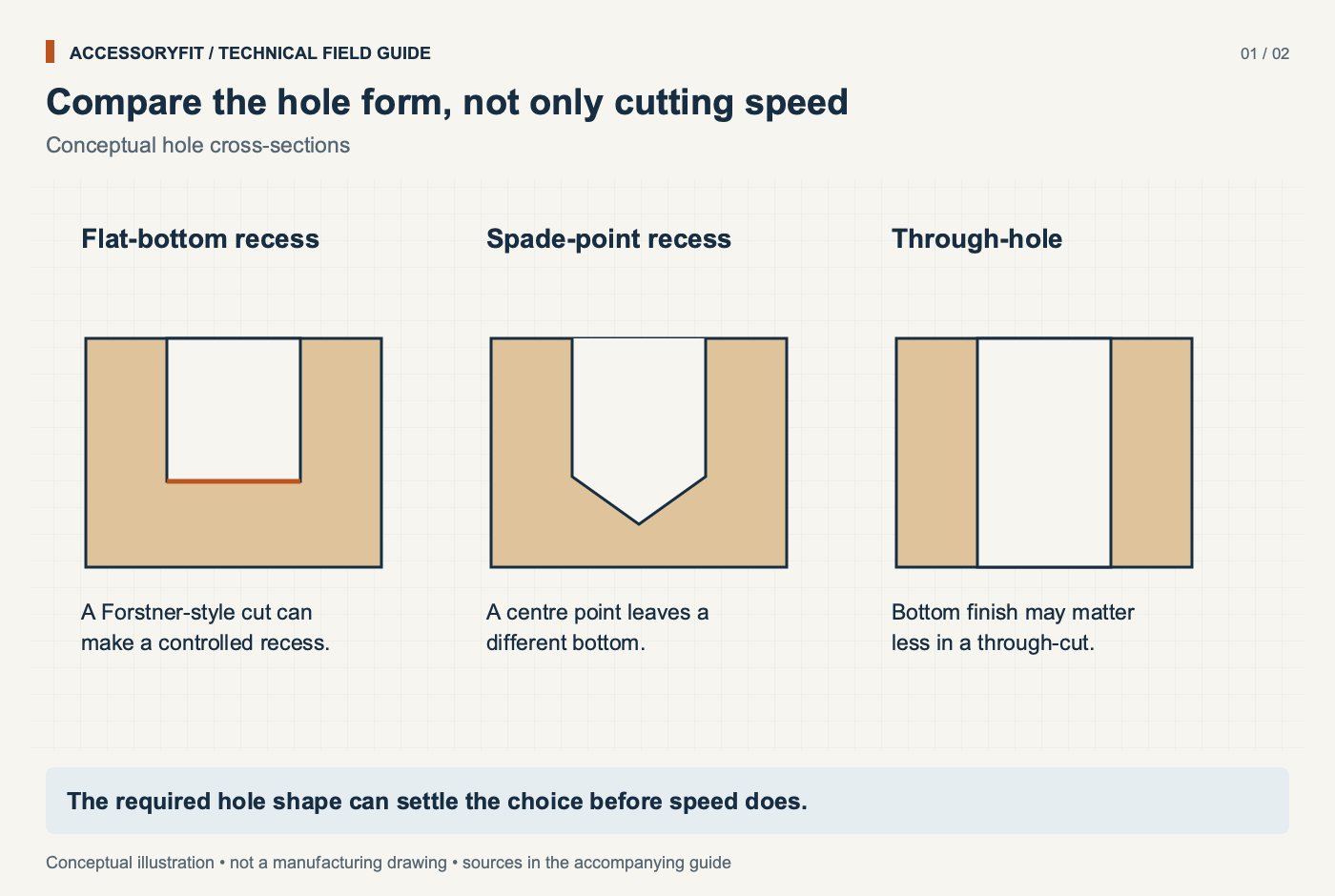
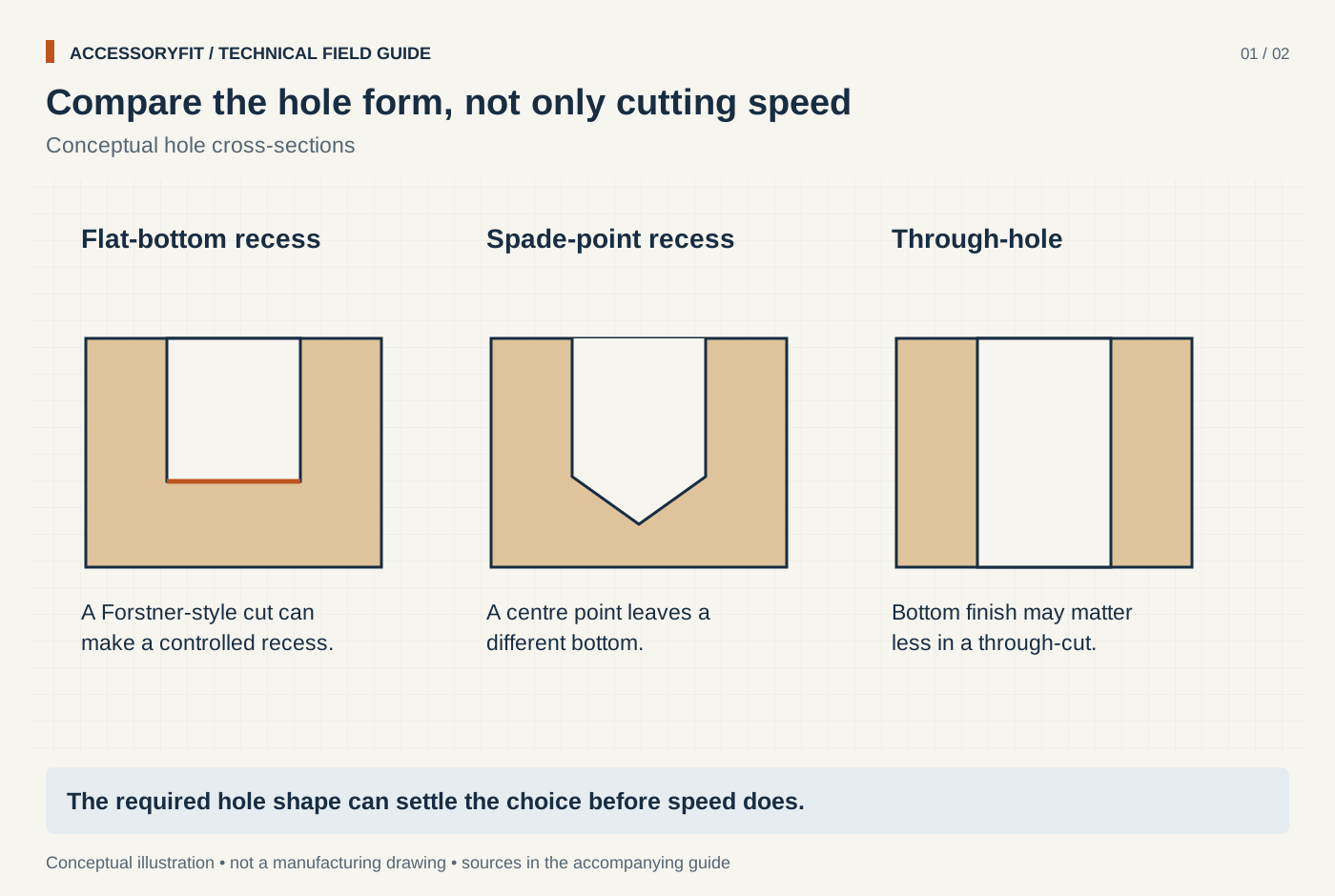
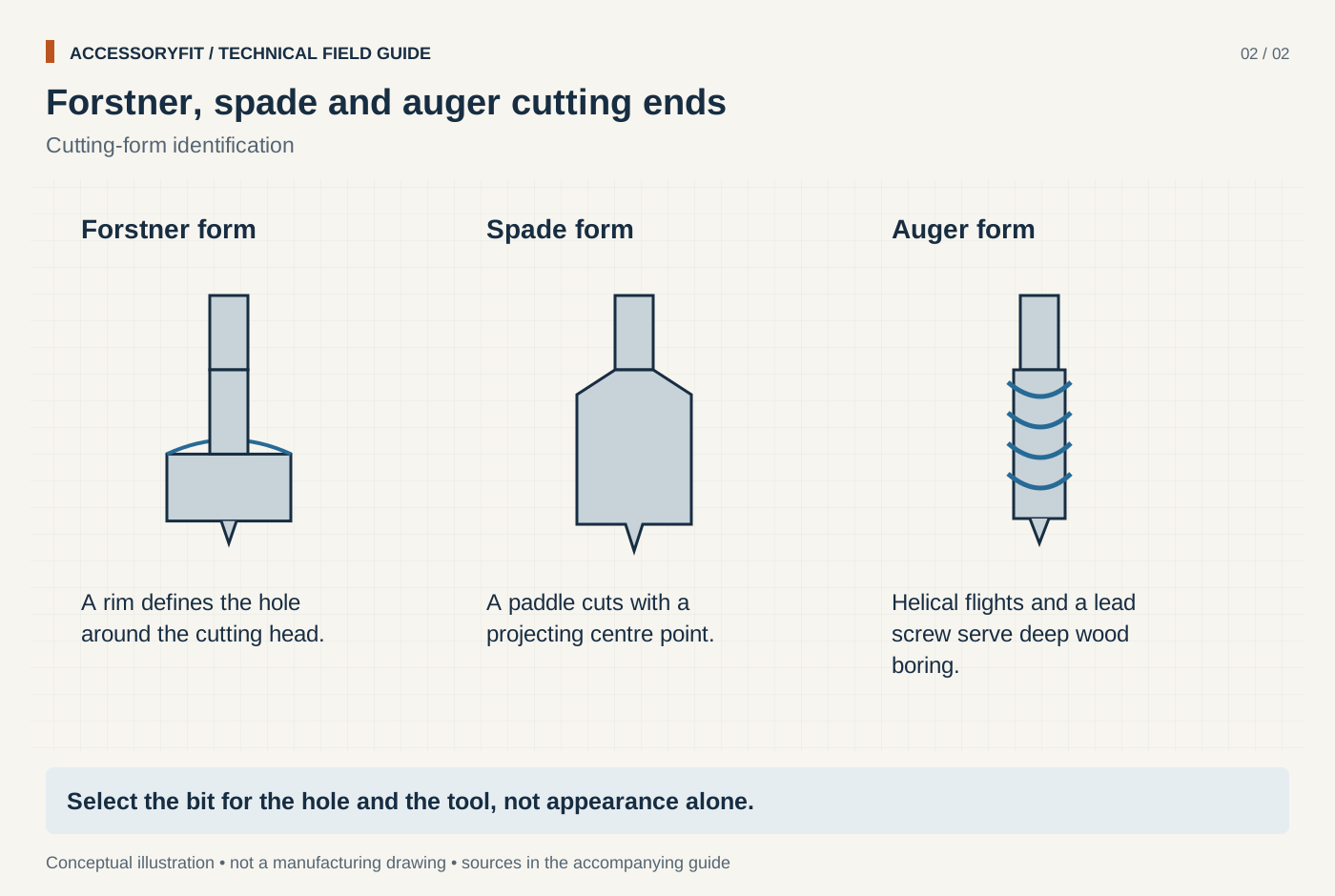
Compare the hole form, not only cutting speed
Download SVG · Tap the image for the 1400 px WebP · From Forstner vs spade bit (and auger bit): which wood boring bit to use
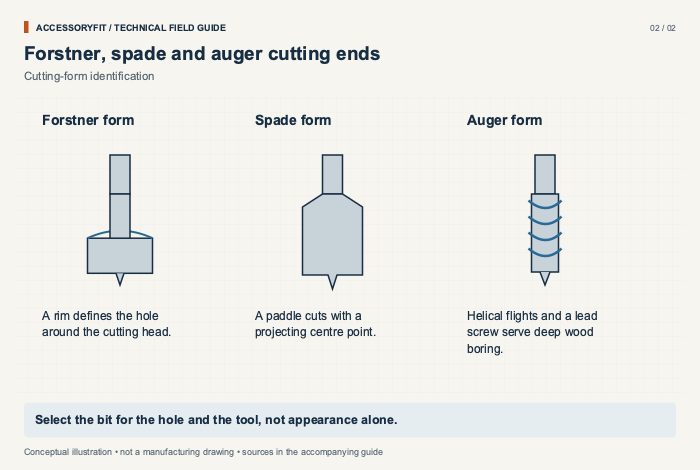
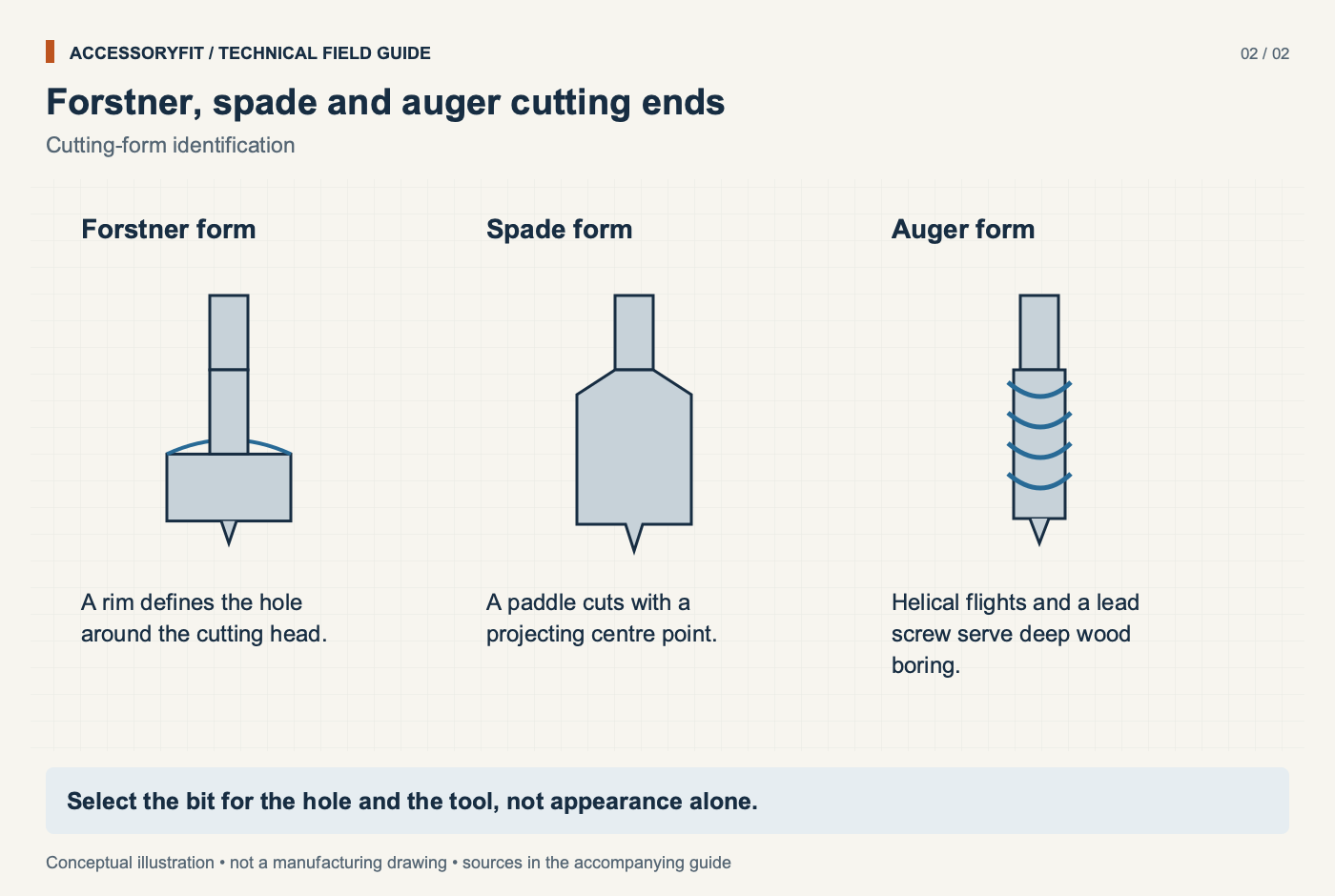
Forstner, spade and auger cutting ends
Download SVG · Tap the image for the 1400 px WebP · From Forstner vs spade bit (and auger bit): which wood boring bit to use
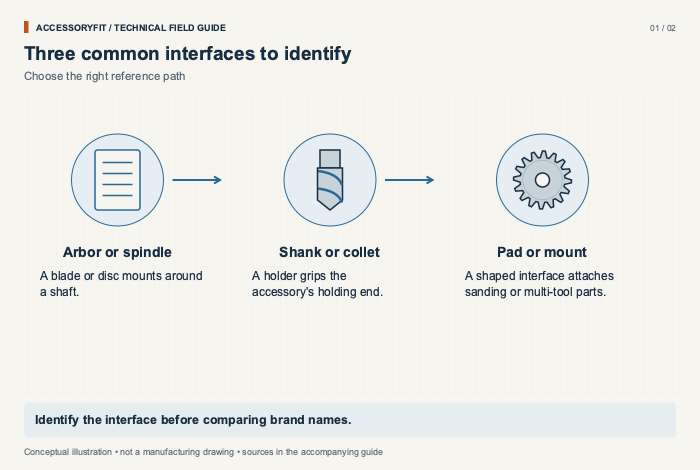
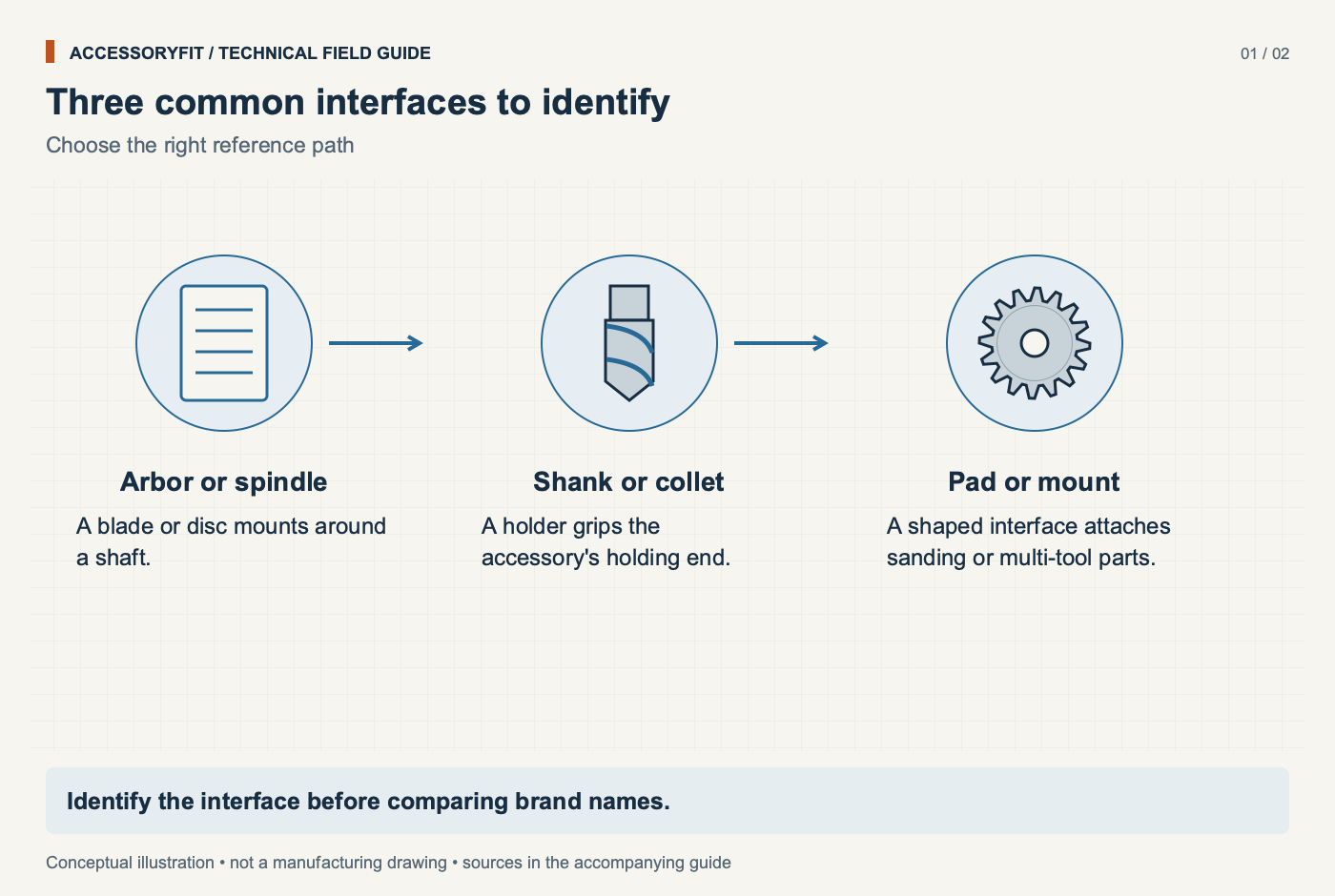
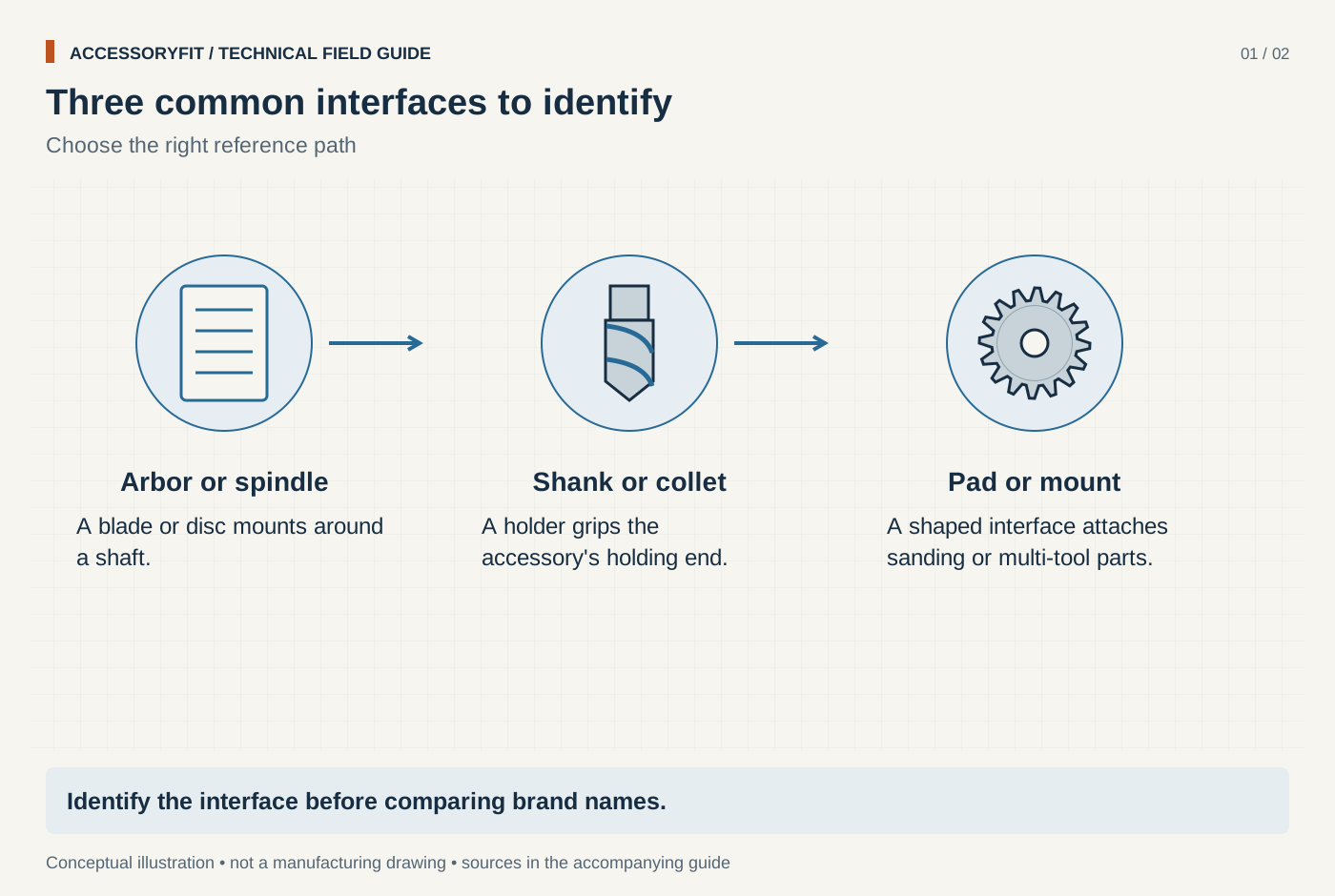
Three common interfaces to identify
Download SVG · Tap the image for the 1400 px WebP · From Power tool accessory compatibility: what fits which tool
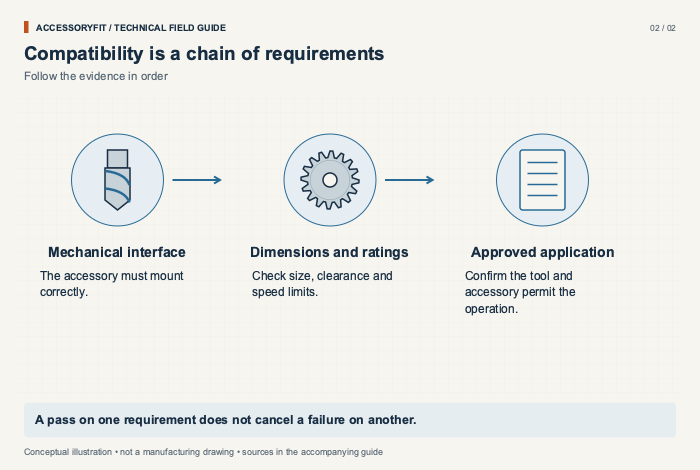
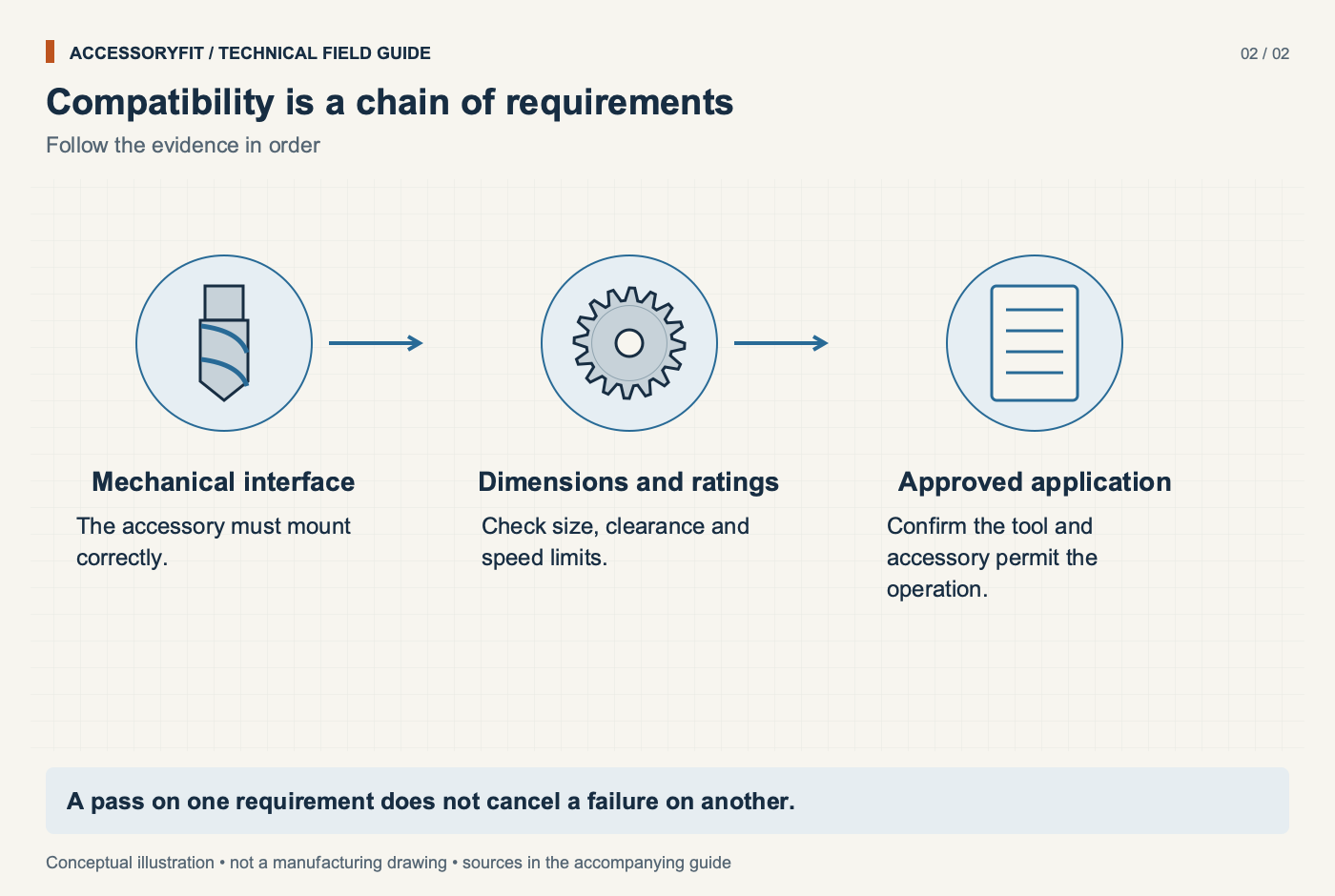
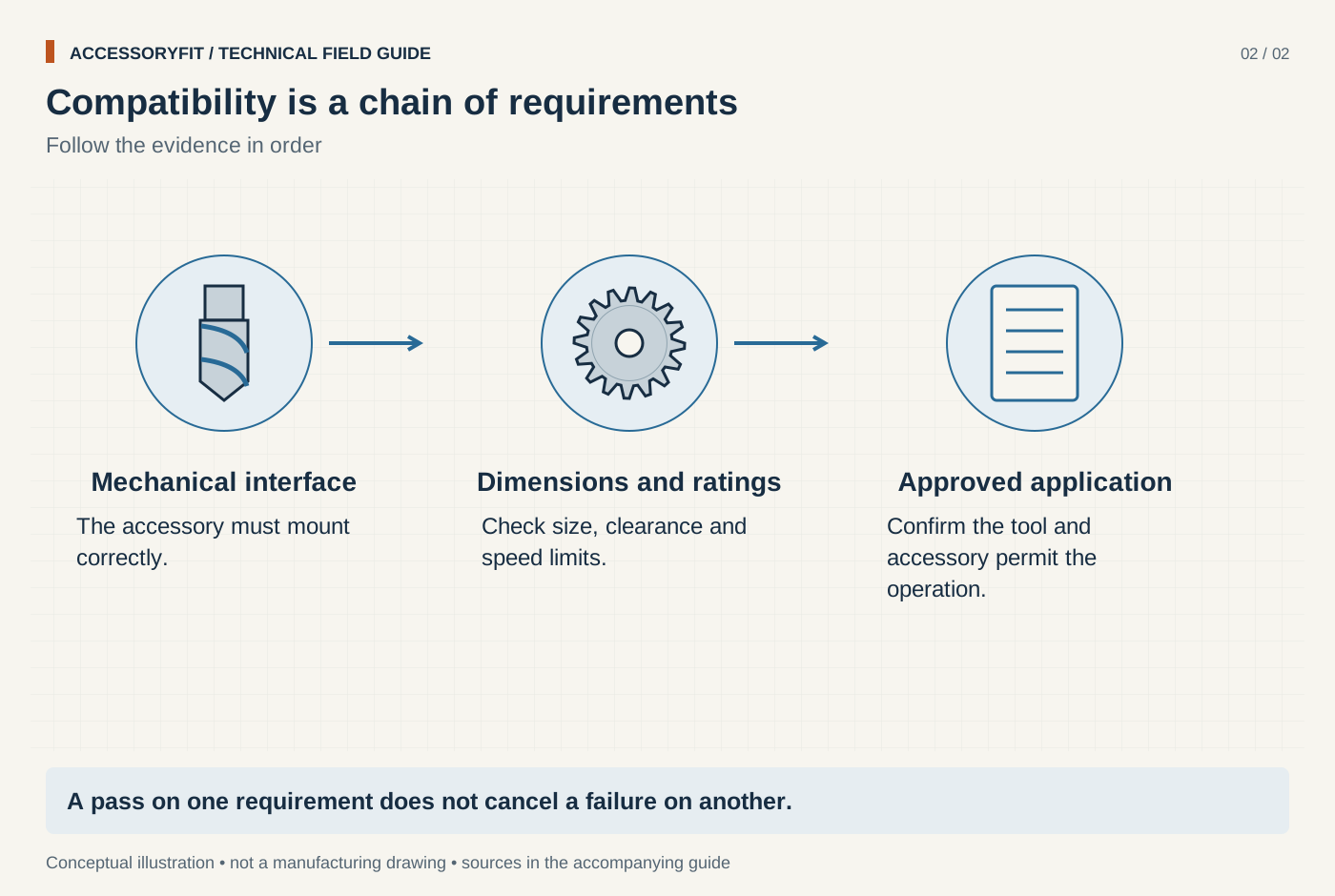
Compatibility is a chain of requirements
Download SVG · Tap the image for the 1400 px WebP · From Power tool accessory compatibility: what fits which tool
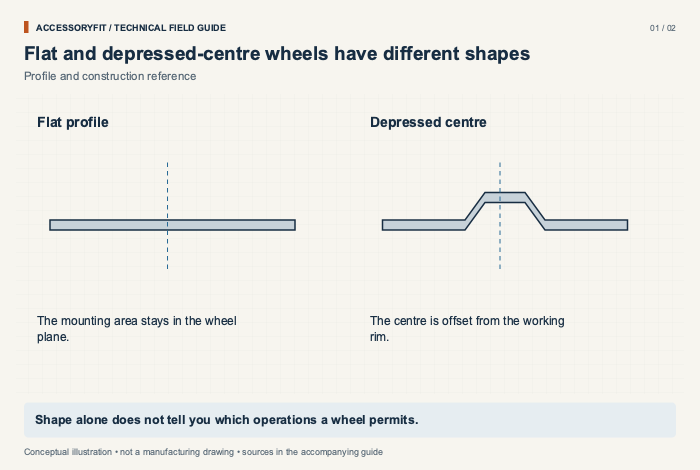
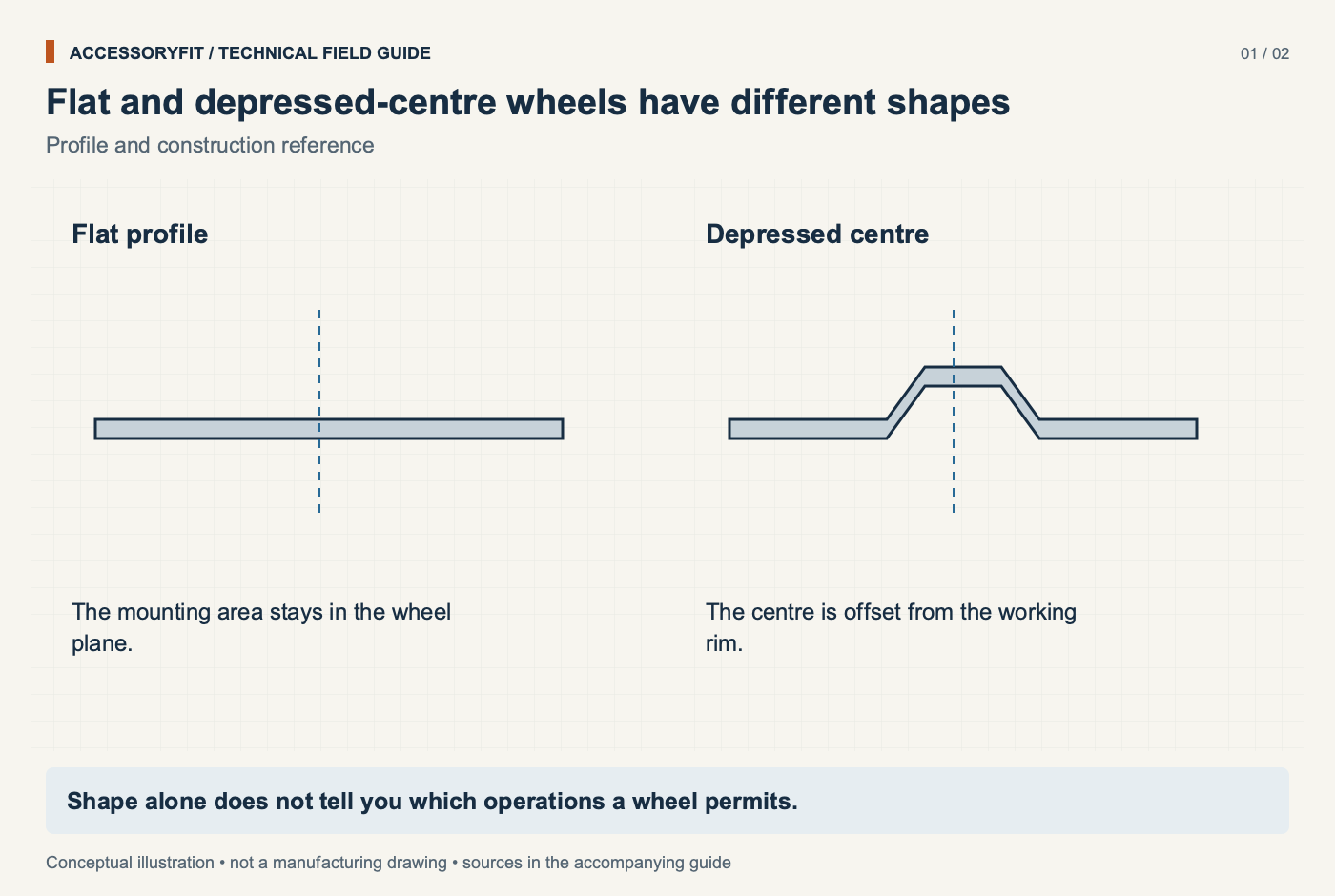
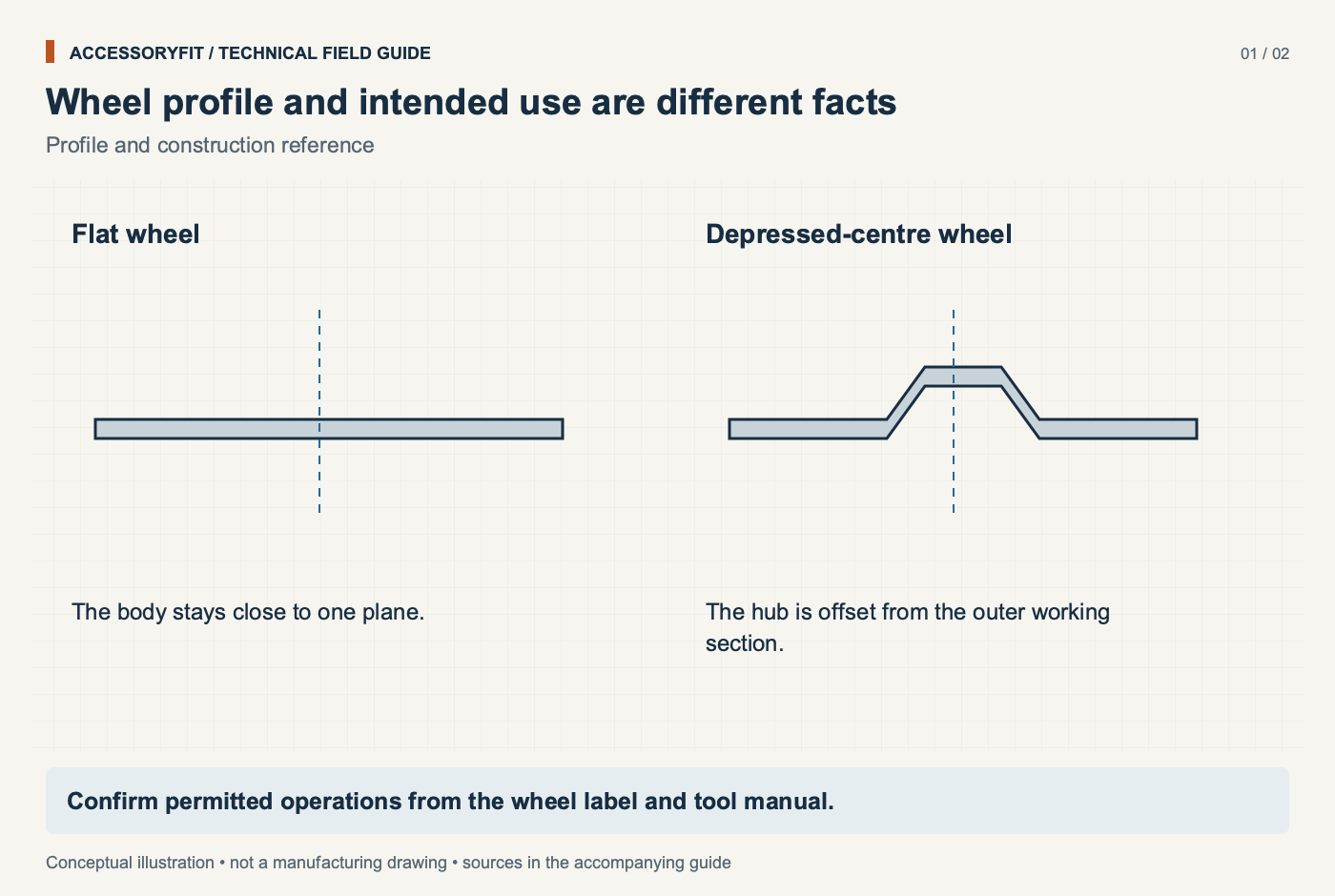
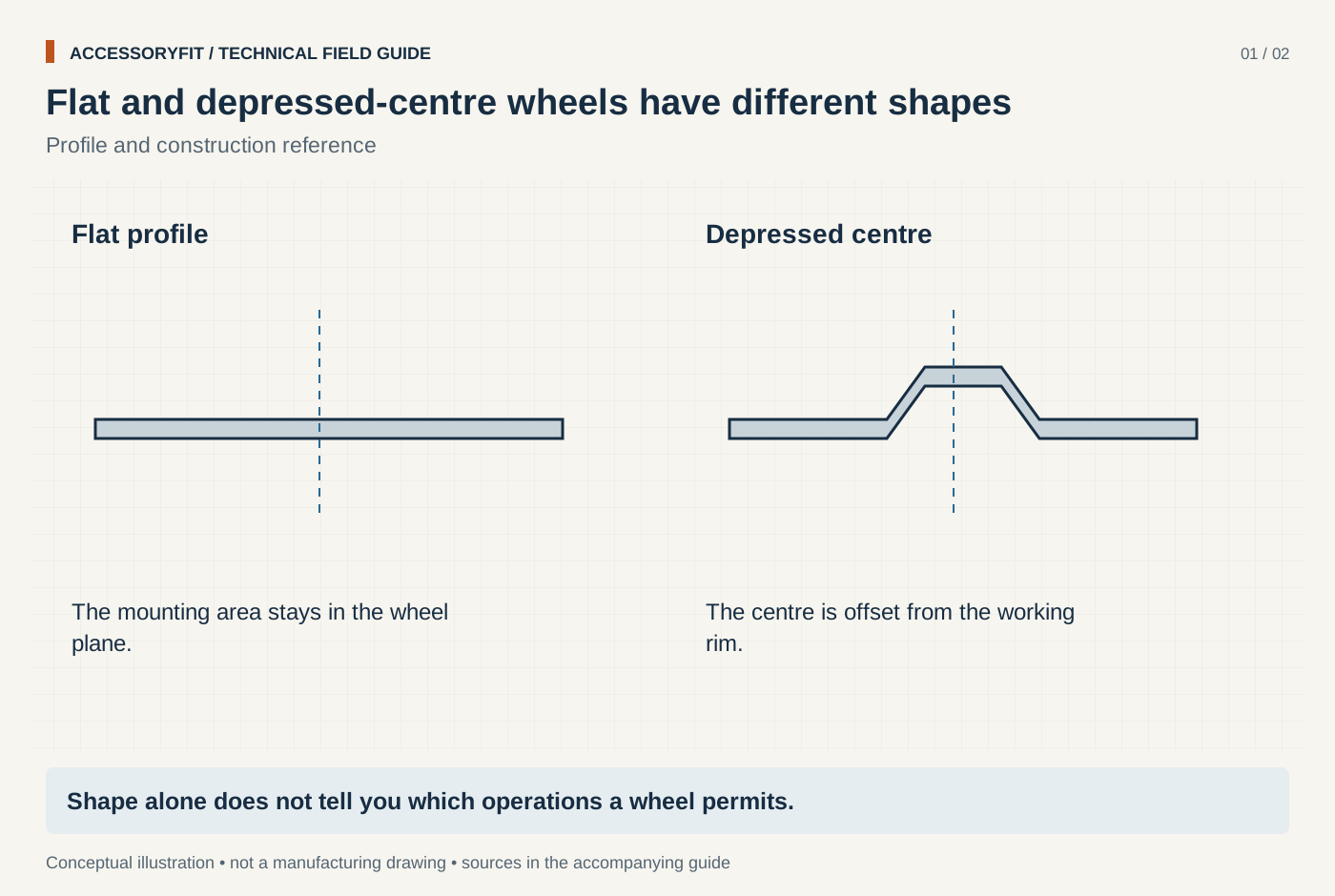
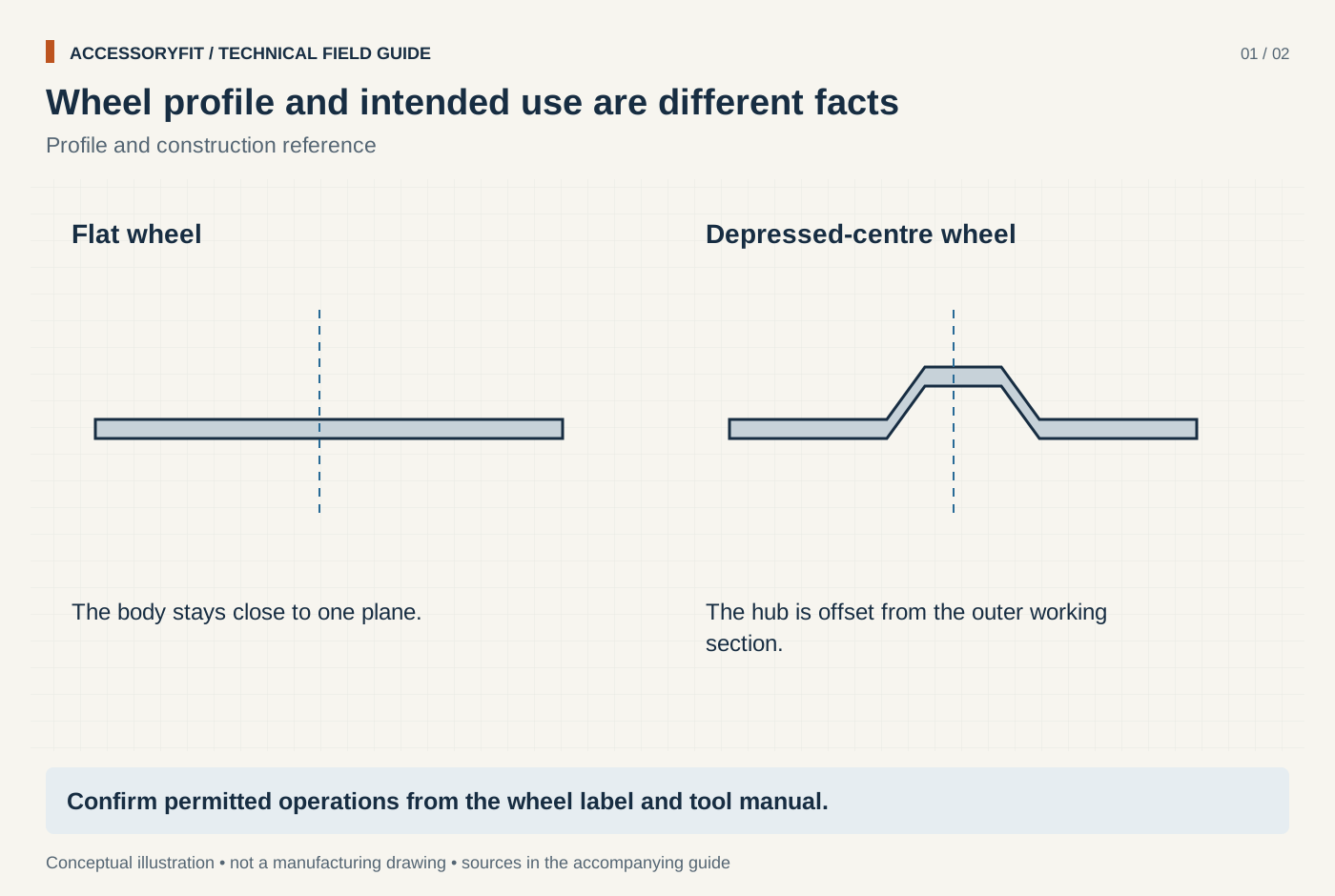
Flat and depressed-centre wheels have different shapes
Download SVG · Tap the image for the 1400 px WebP · From Angle grinder disc sizes and arbor compatibility
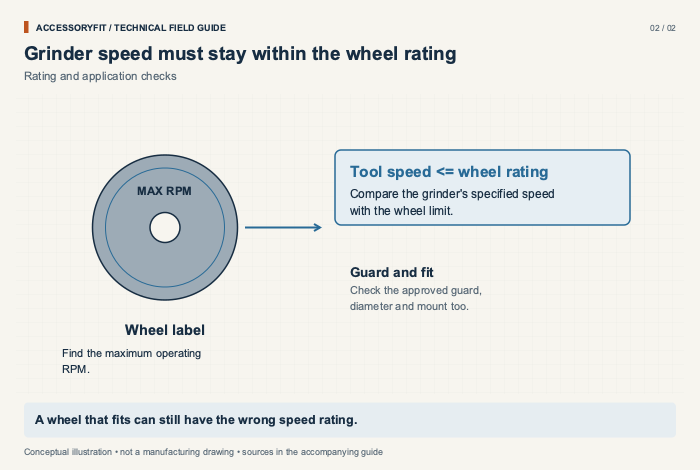
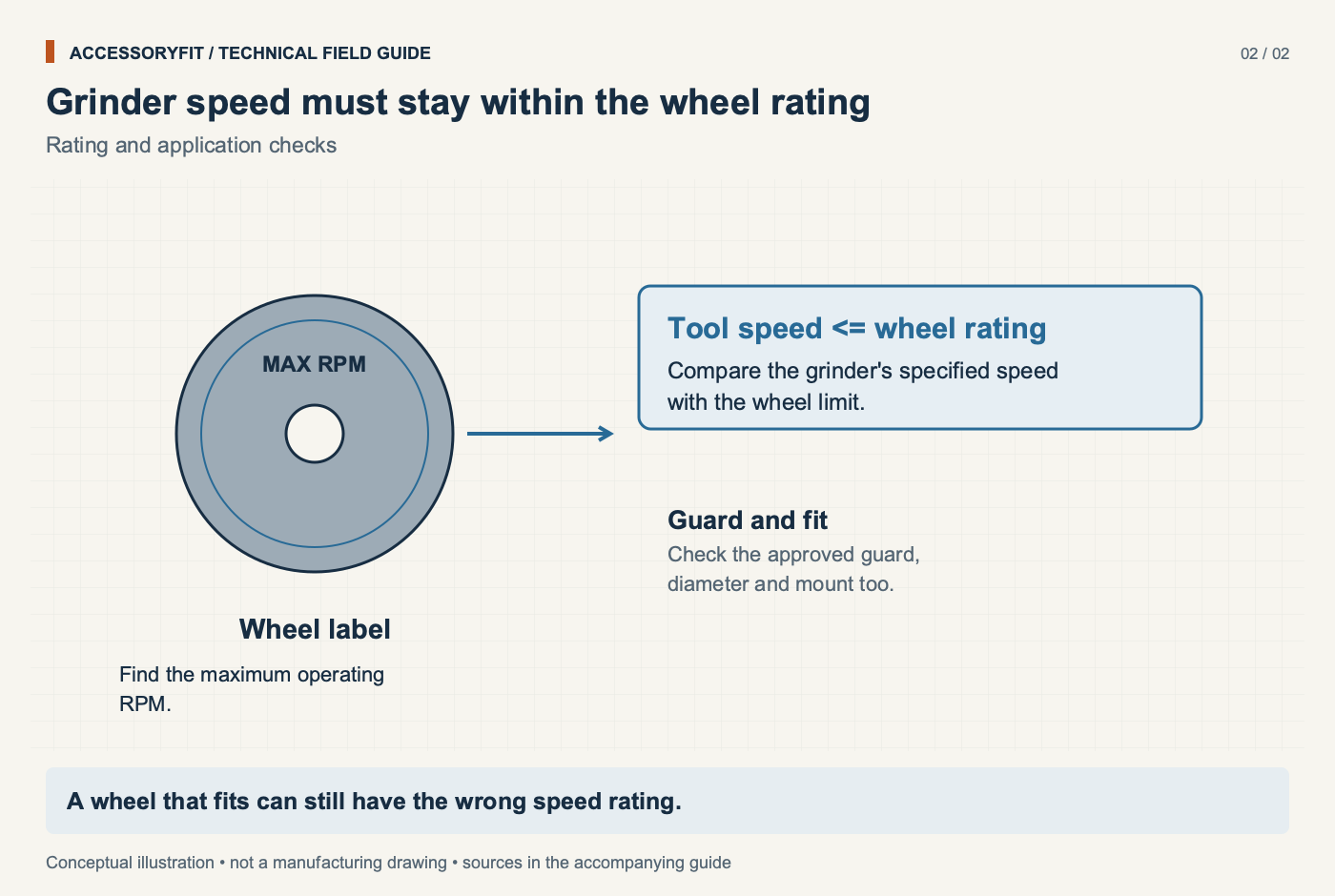
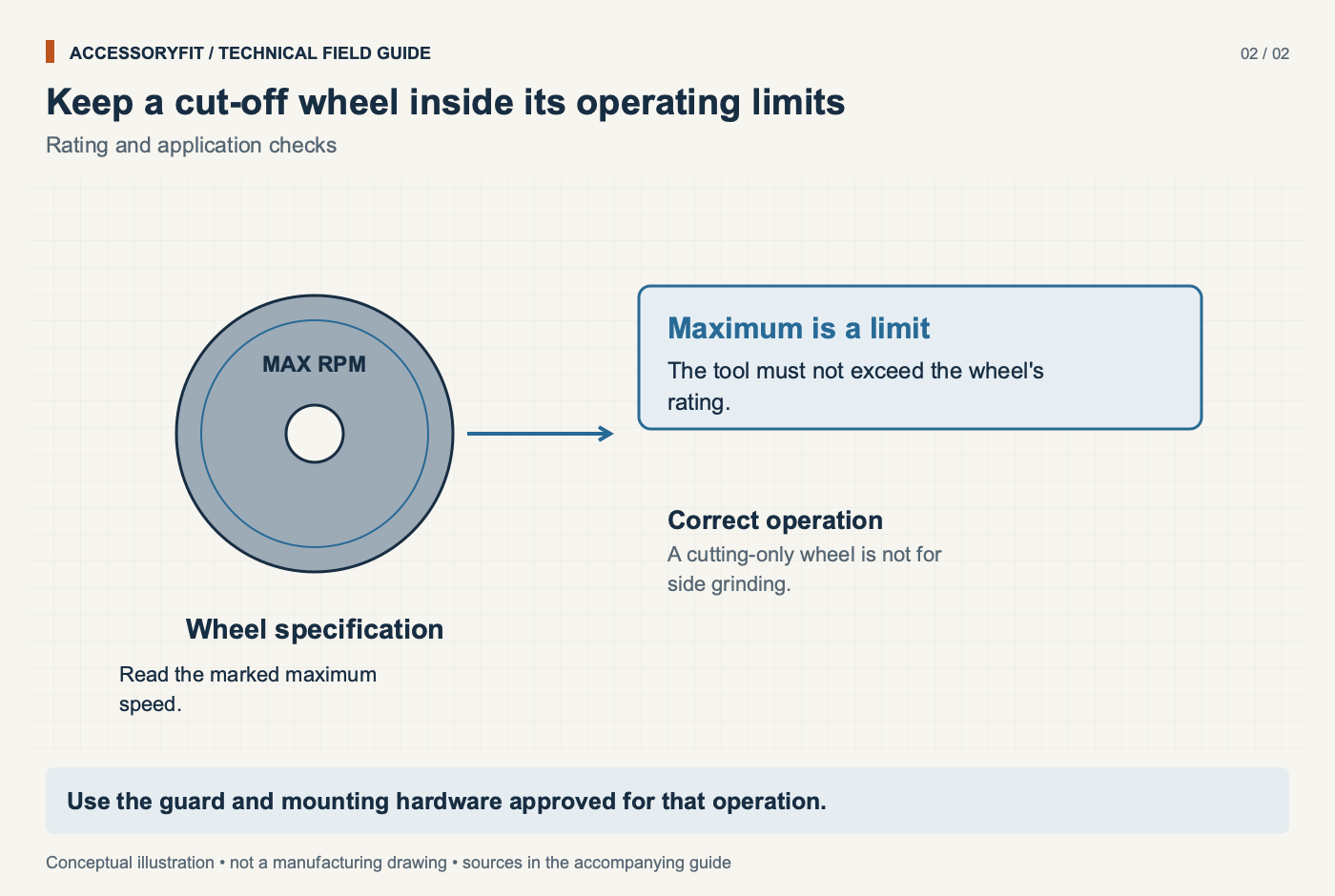
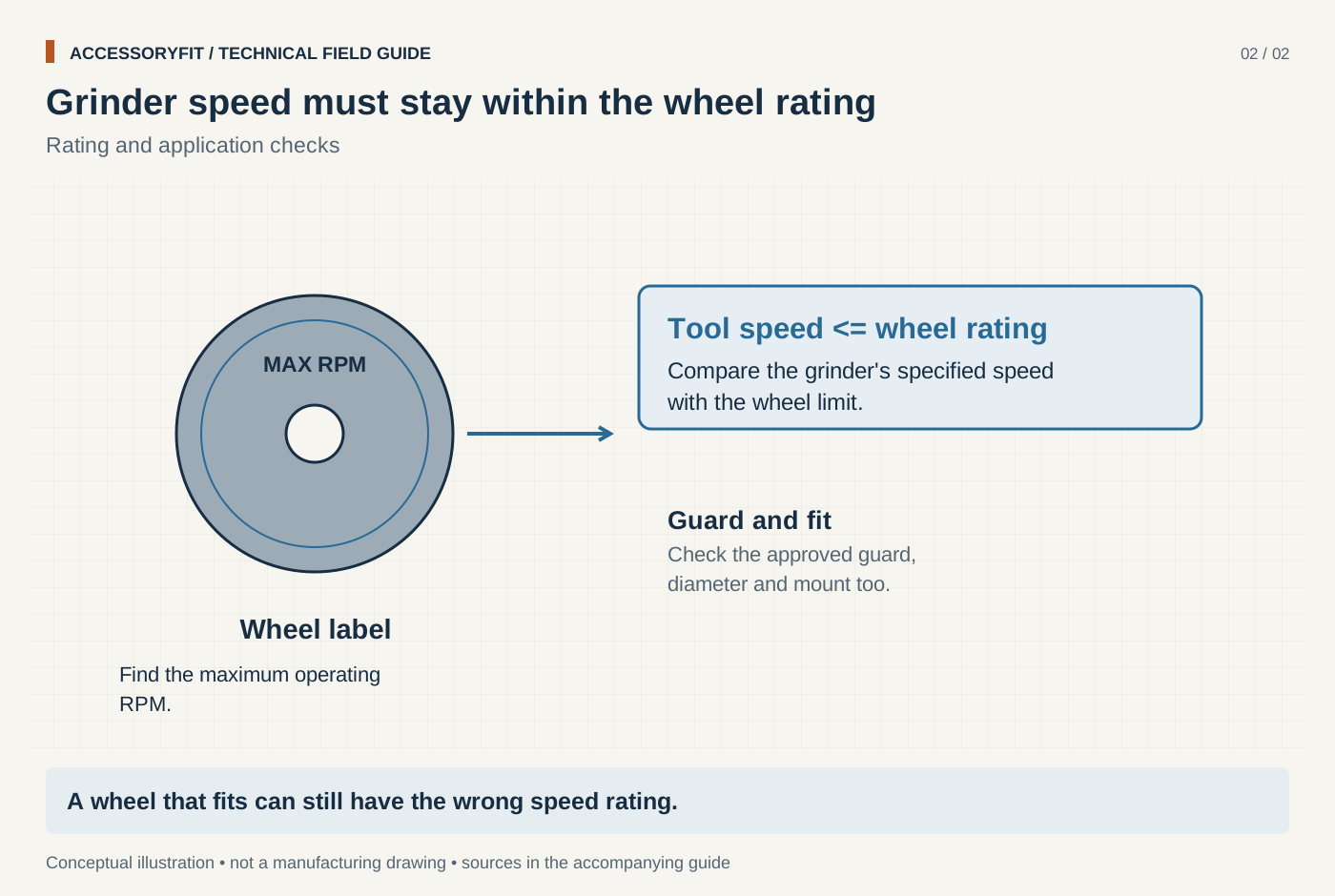
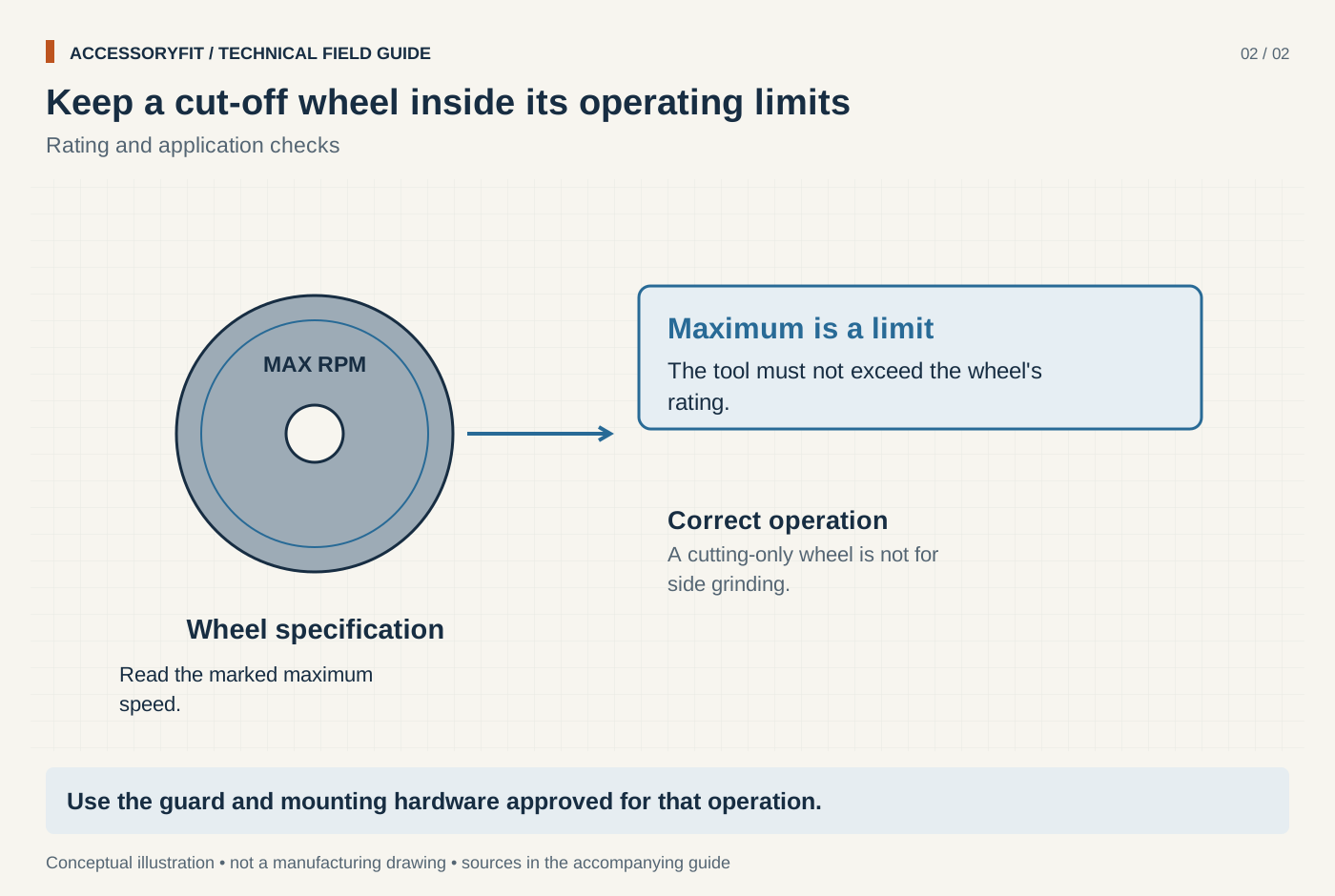
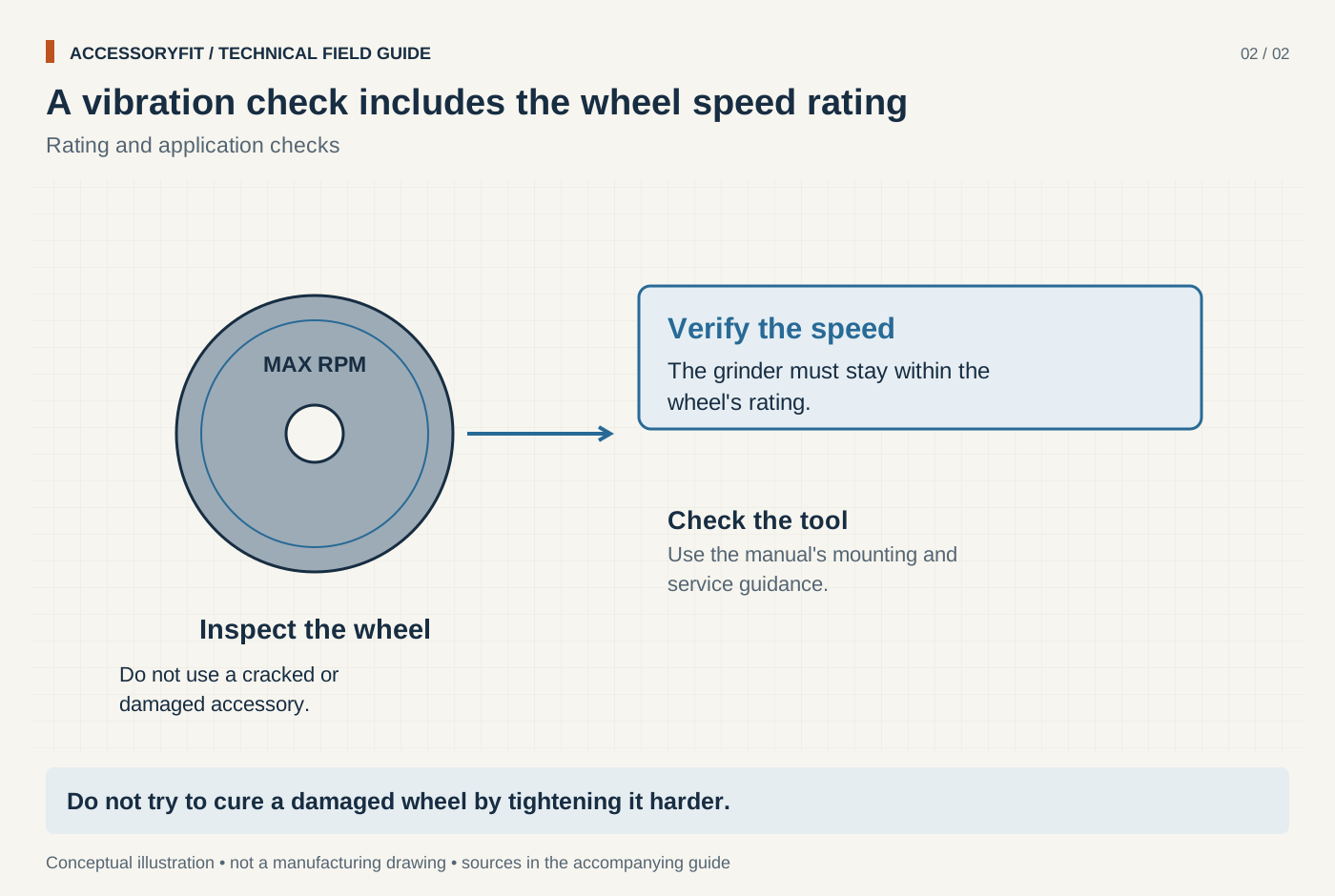
Grinder speed must stay within the wheel rating
Download SVG · Tap the image for the 1400 px WebP · From Angle grinder disc sizes and arbor compatibility
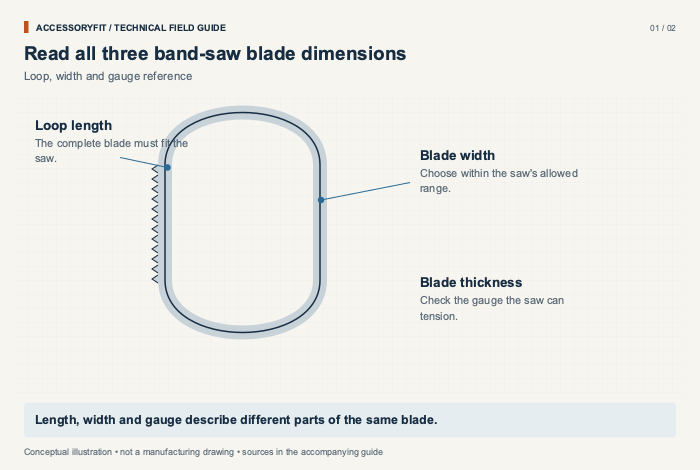
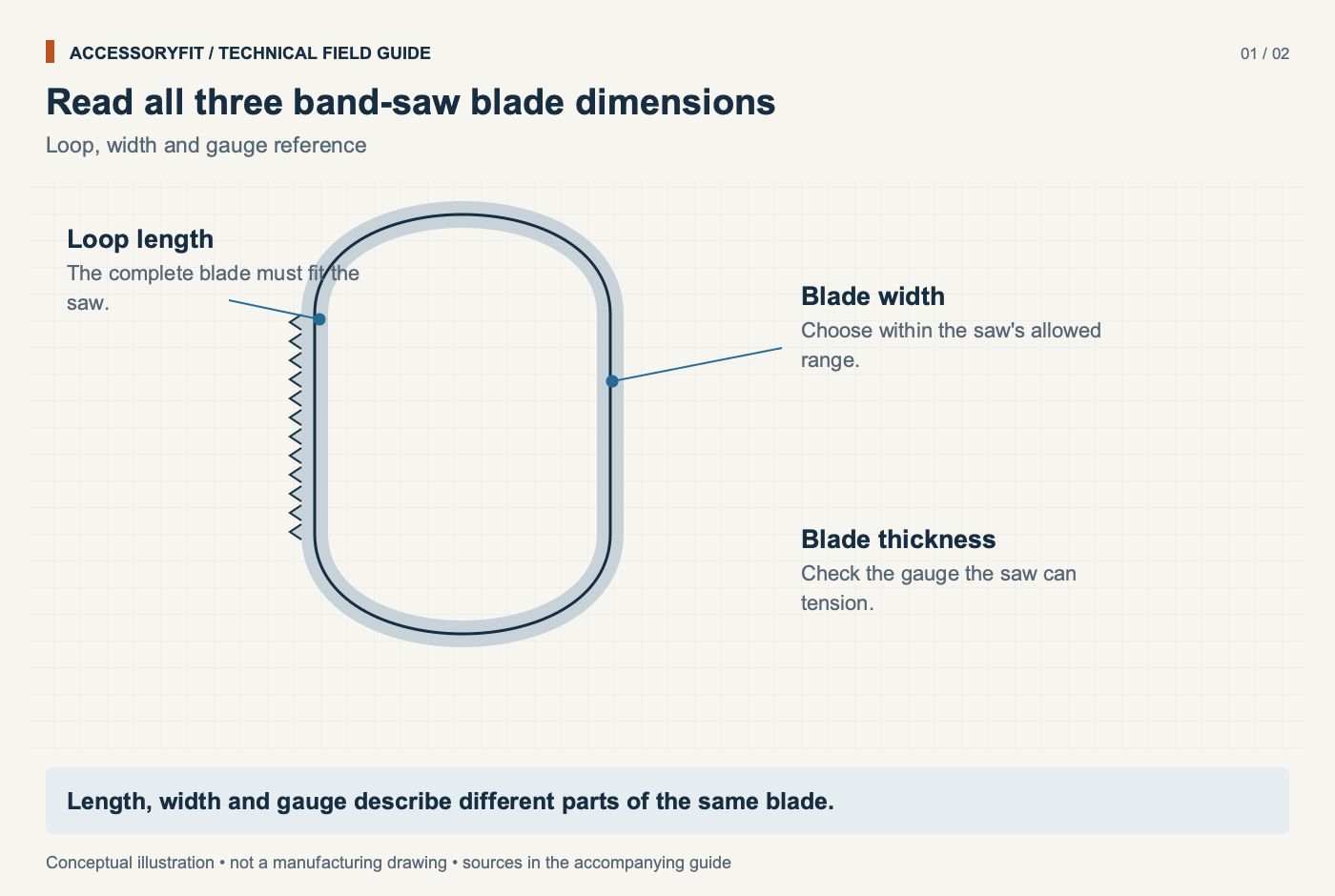
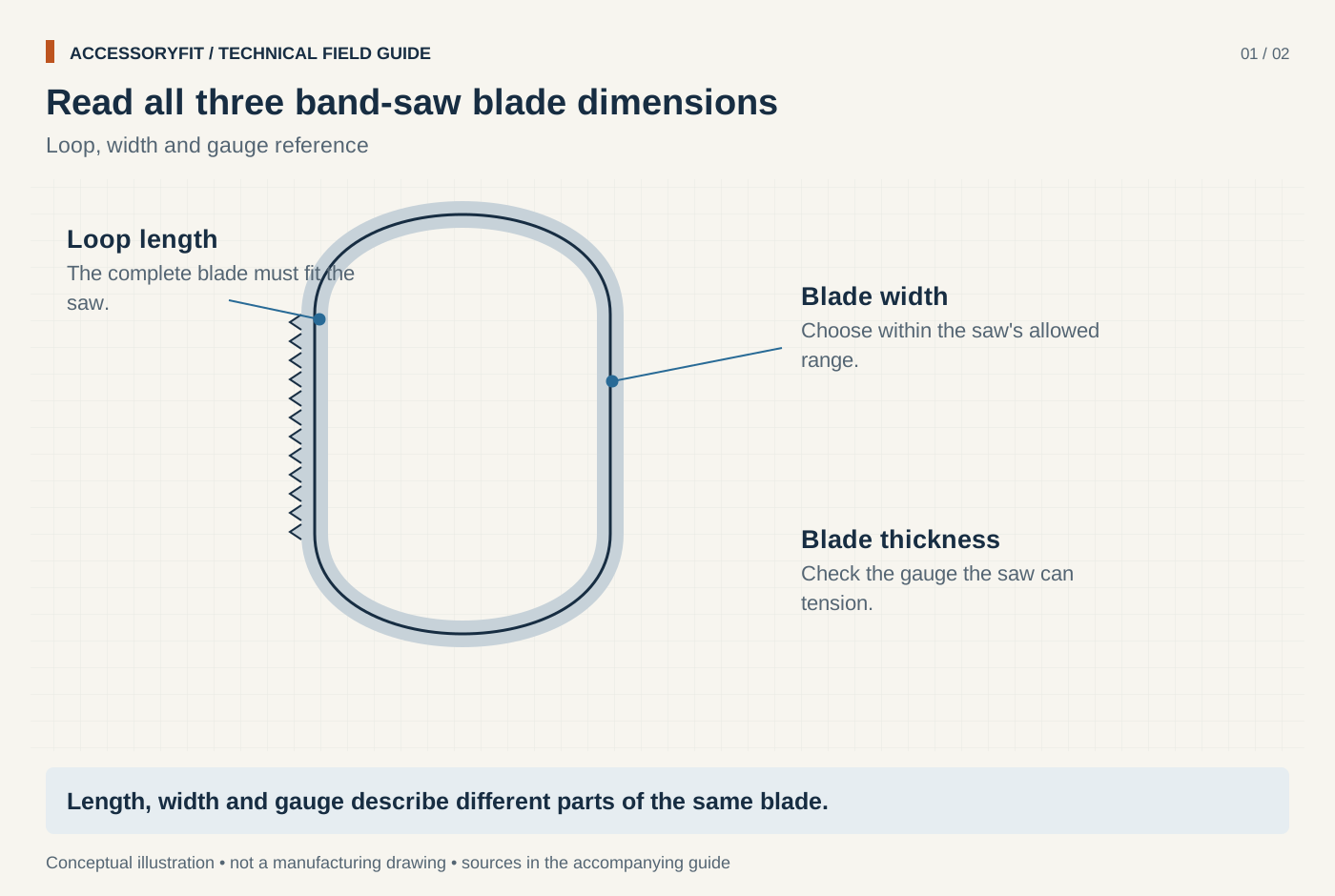
Read all three band-saw blade dimensions
Download SVG · Tap the image for the 1400 px WebP · From Band saw blade sizes: length, width and TPI for your machine
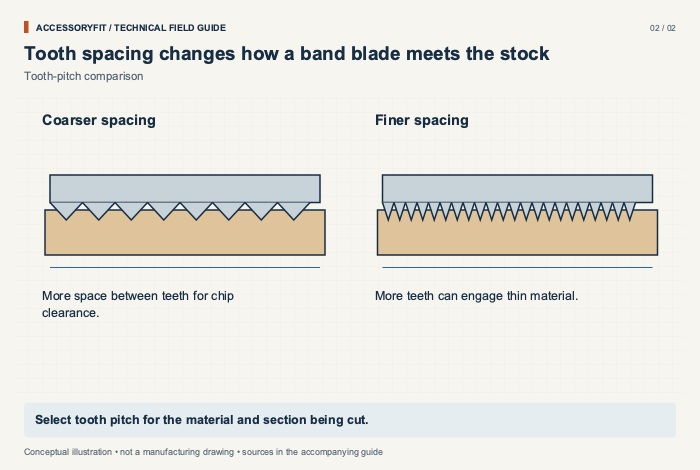
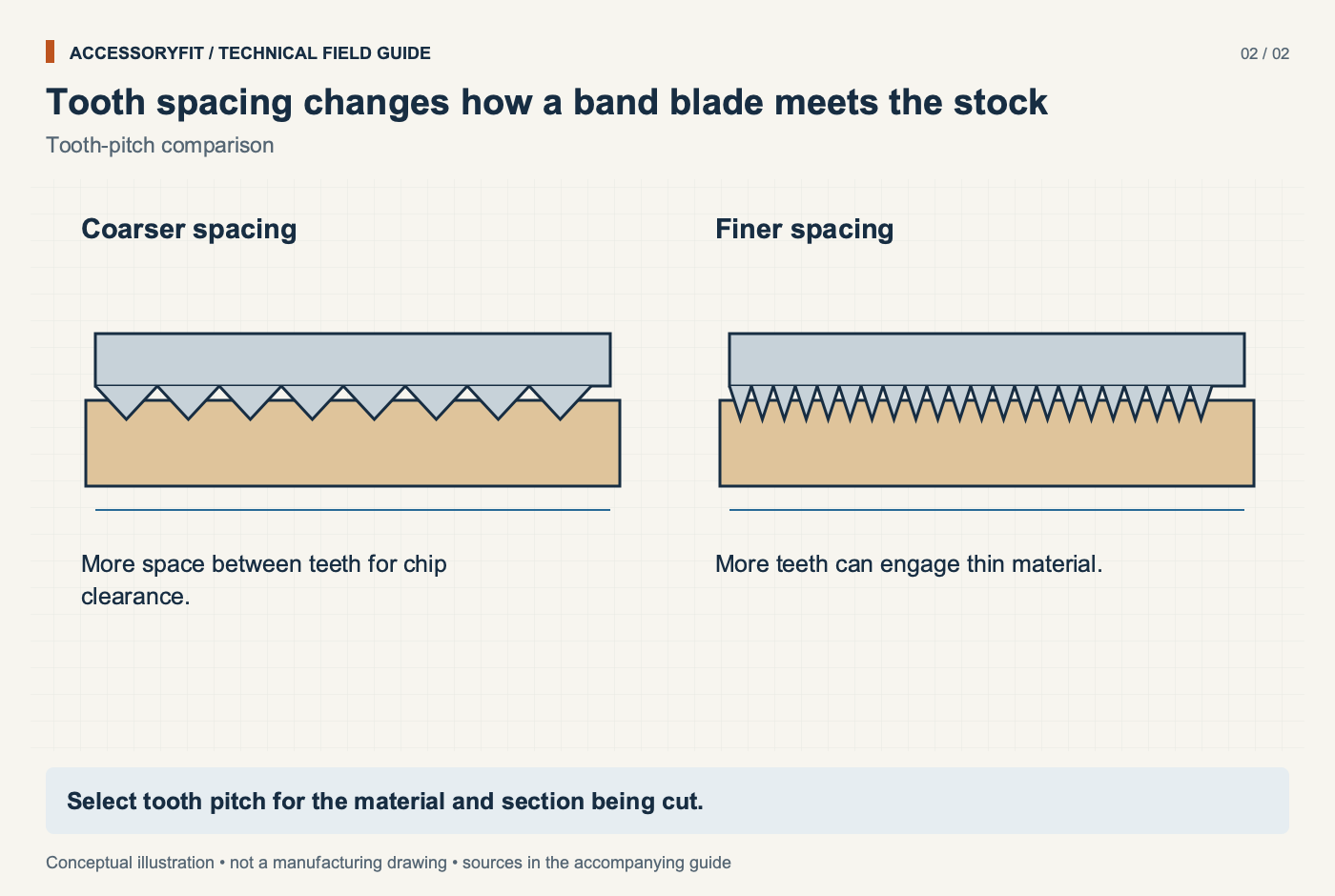
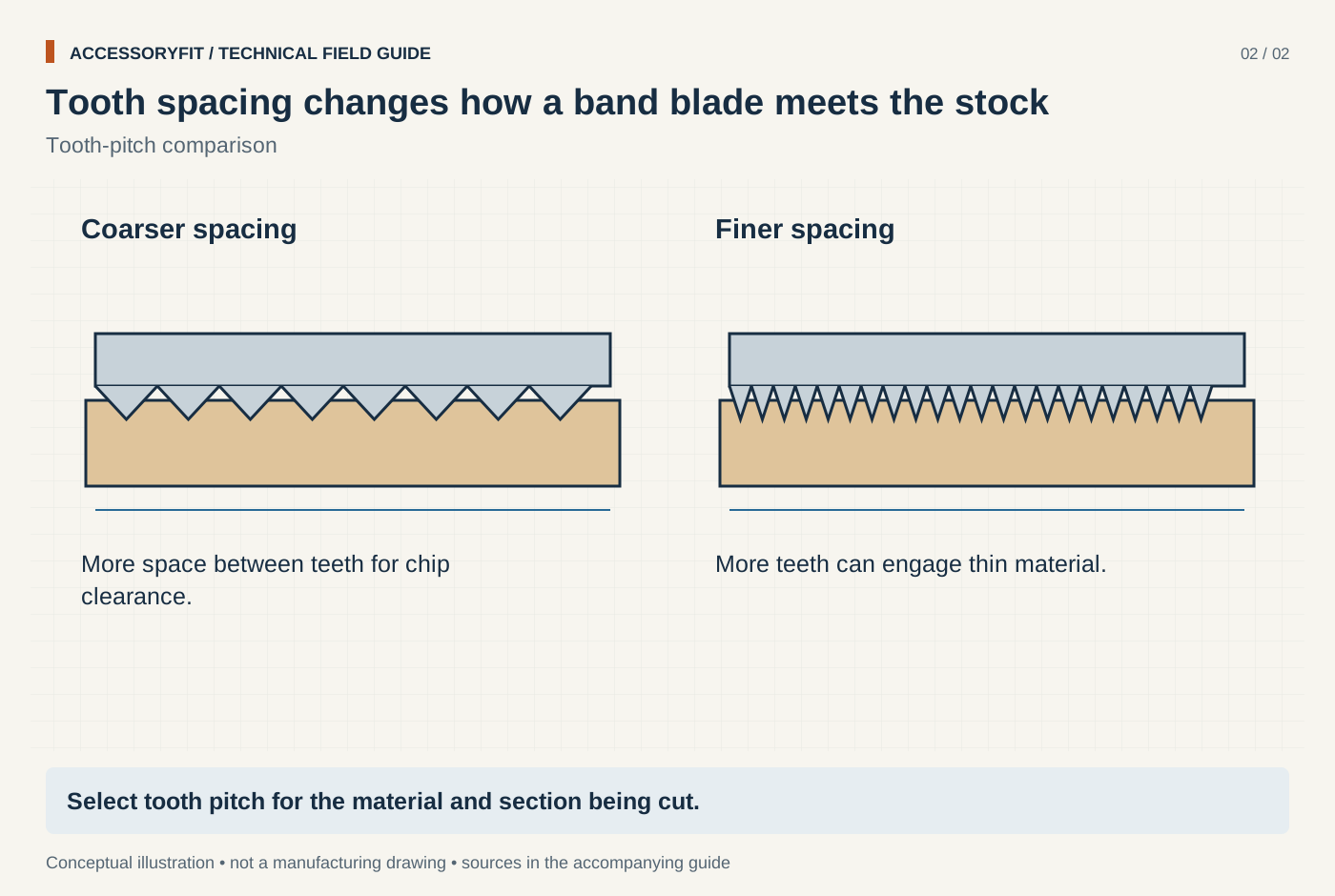
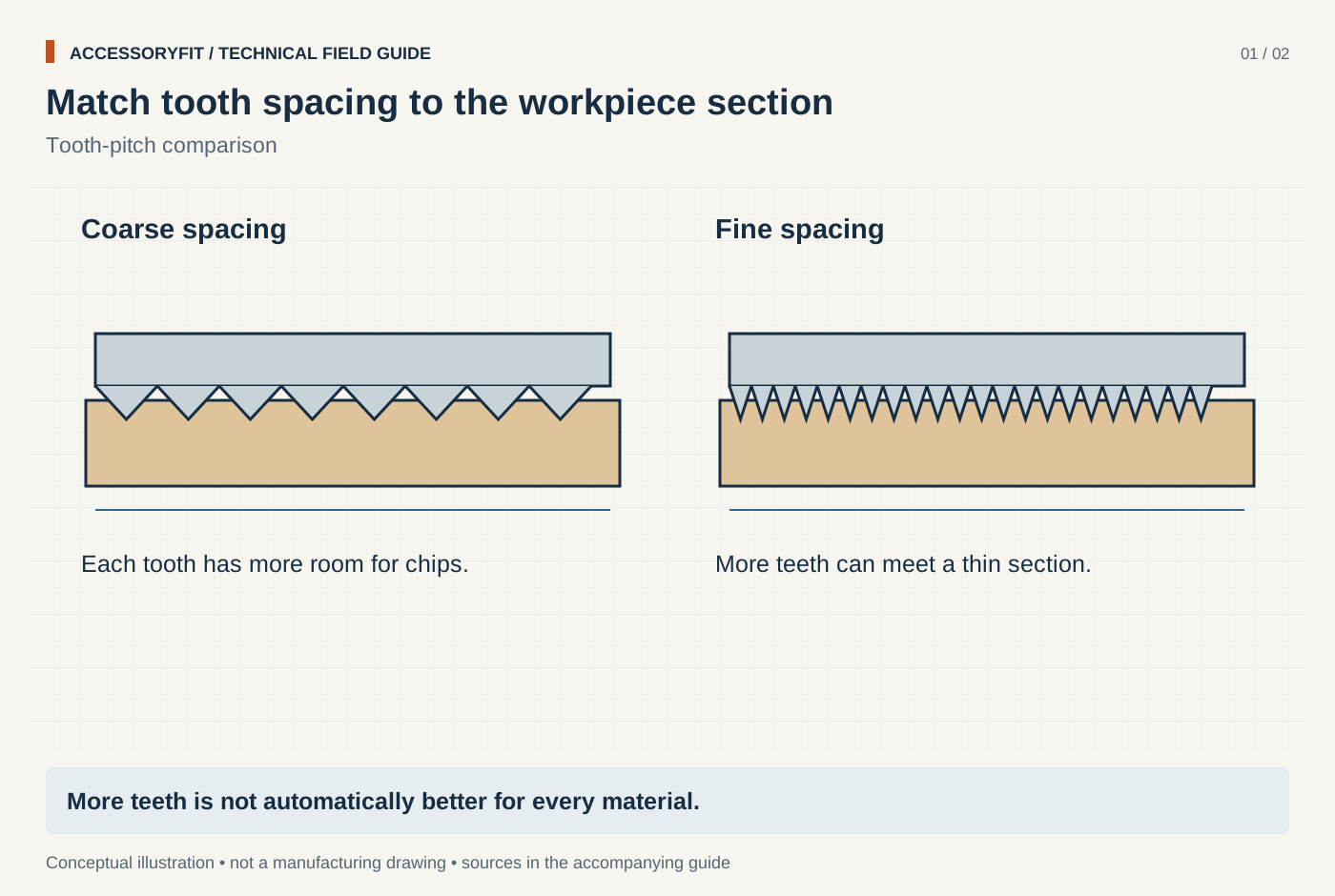
Tooth spacing changes how a band blade meets the stock
Download SVG · Tap the image for the 1400 px WebP · From Band saw blade sizes: length, width and TPI for your machine
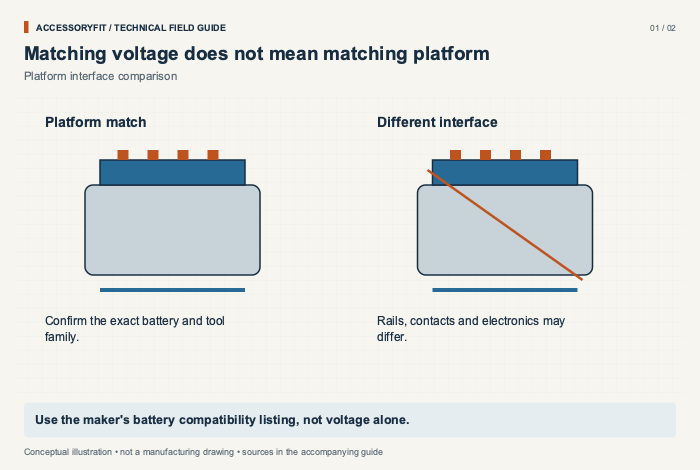
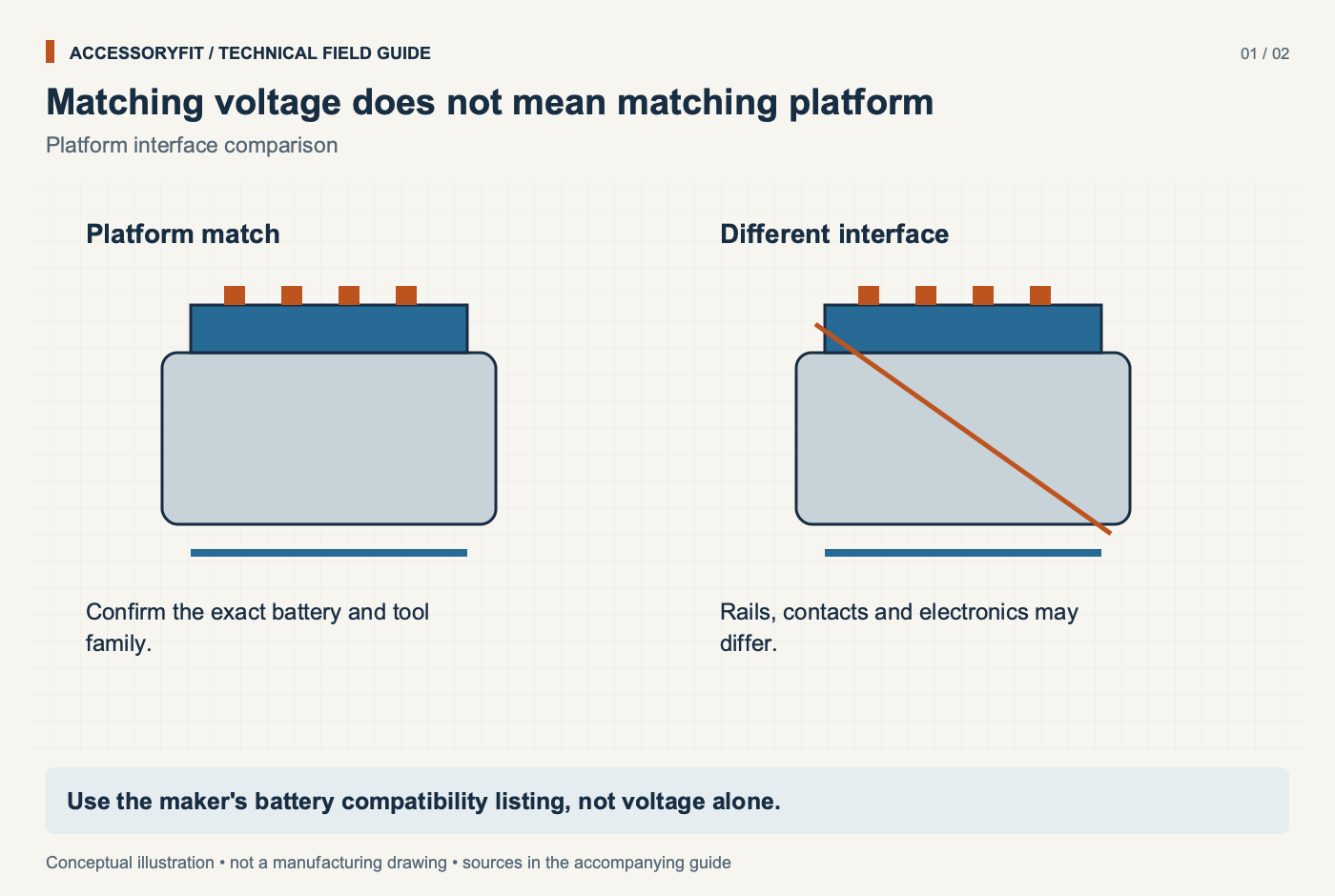
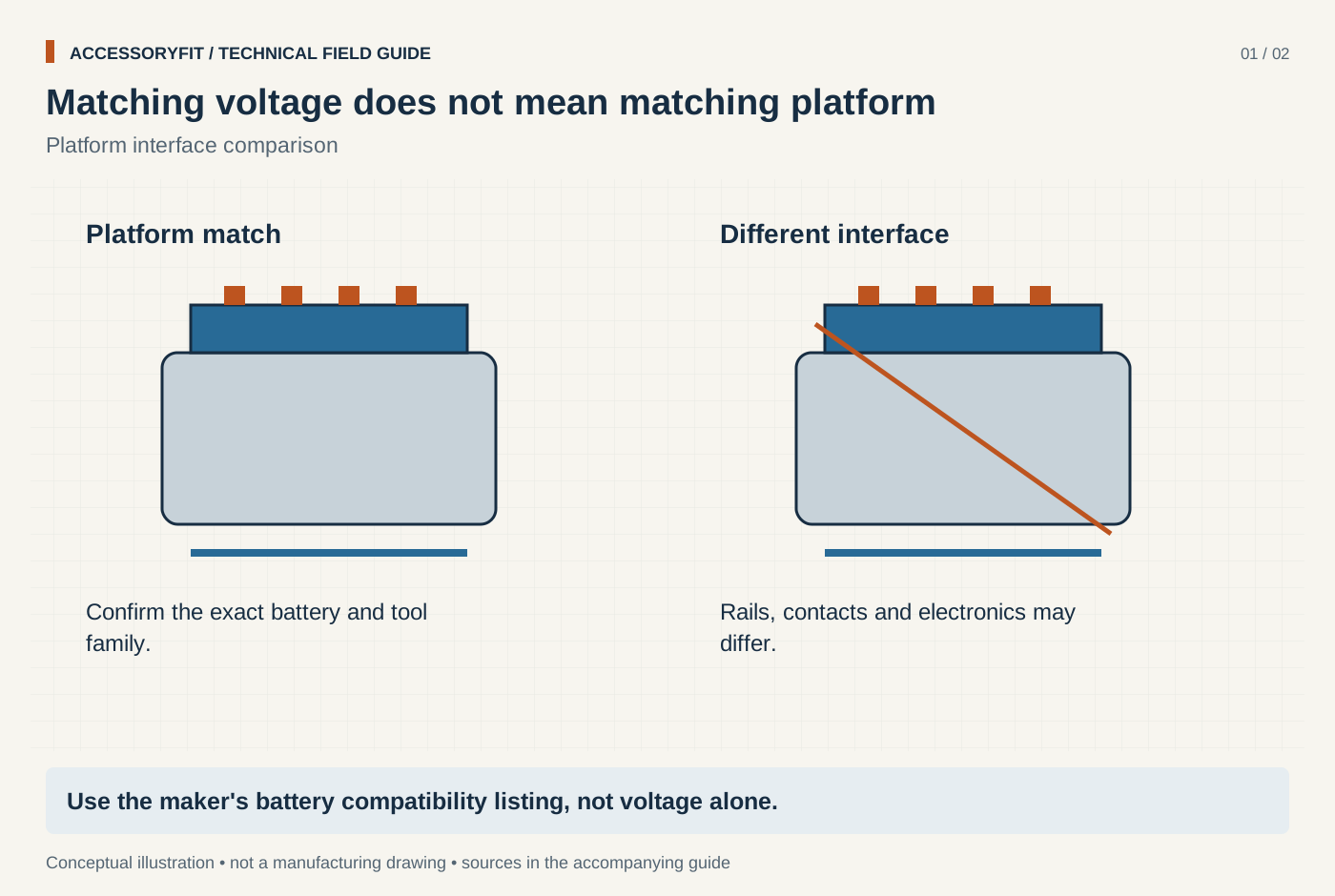
Matching voltage does not mean matching platform
Download SVG · Tap the image for the 1400 px WebP · From Power tool battery platforms: which batteries fit which tools
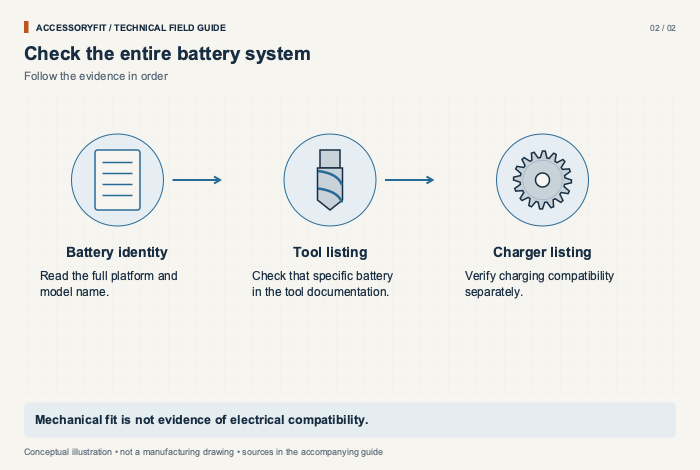
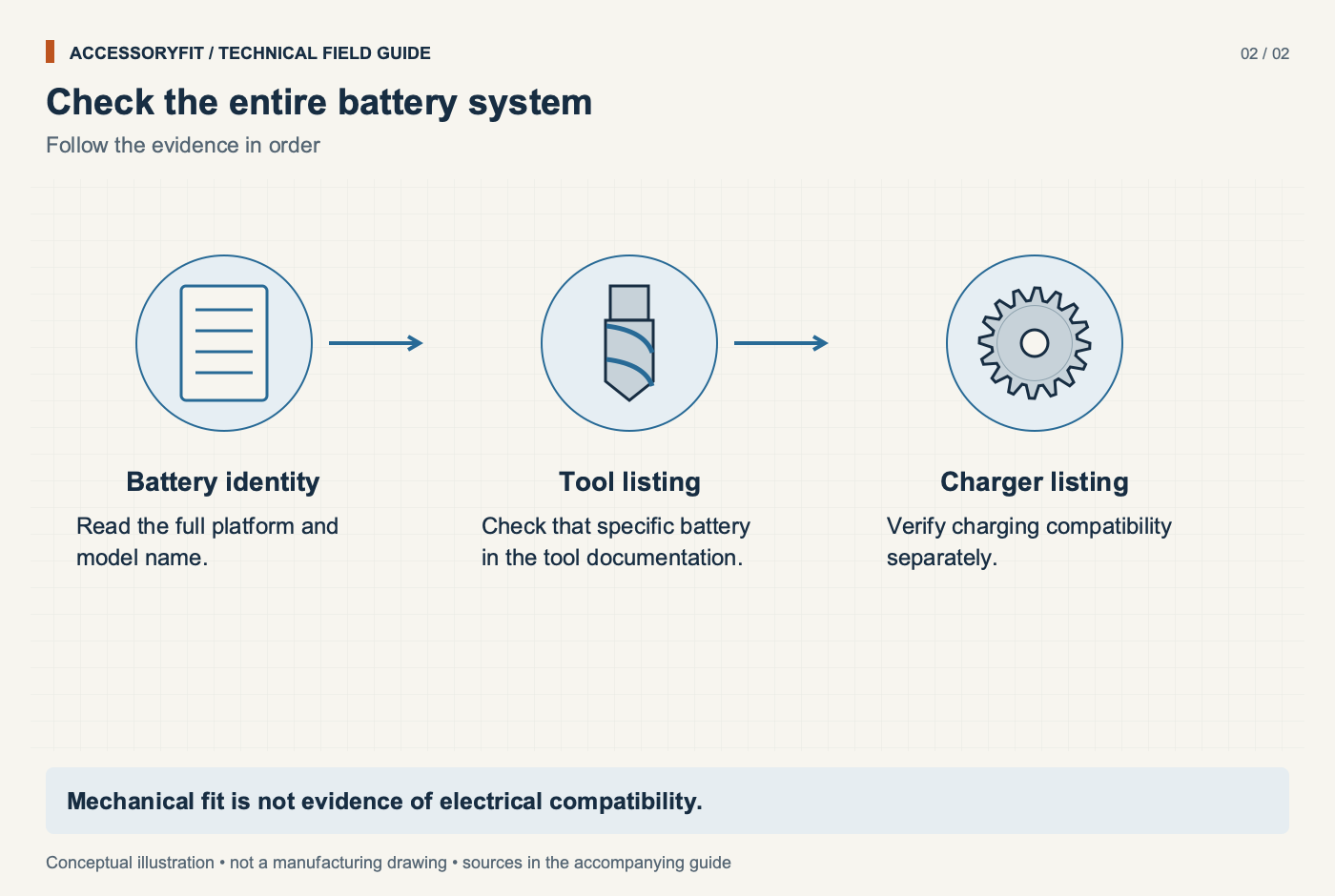
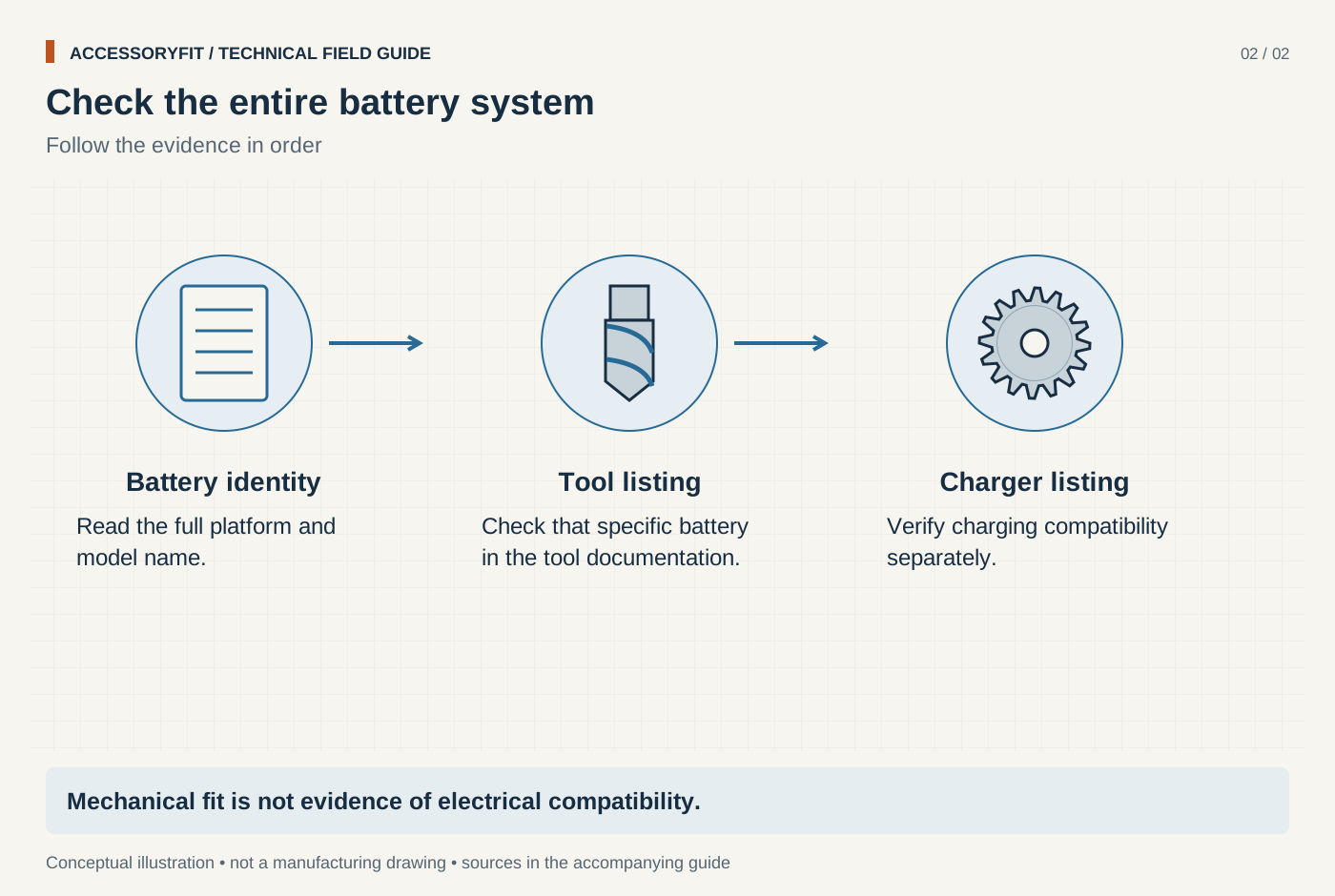
Check the entire battery system
Download SVG · Tap the image for the 1400 px WebP · From Power tool battery platforms: which batteries fit which tools
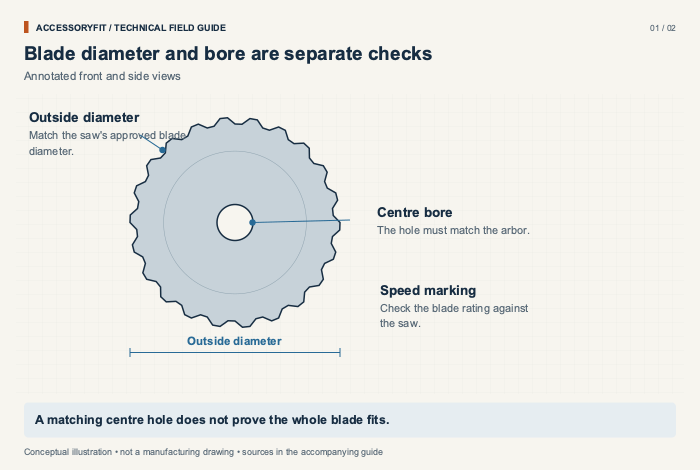
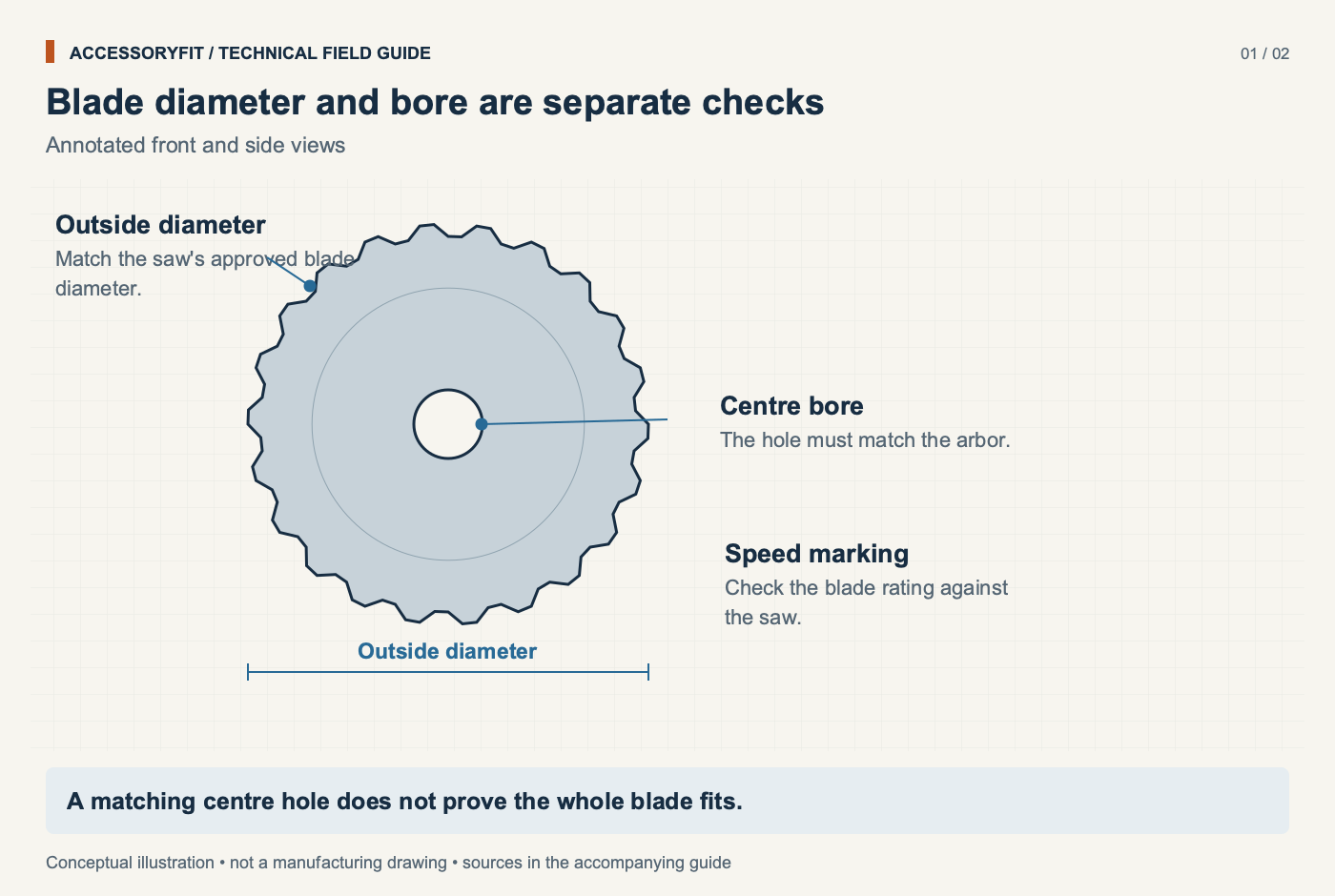
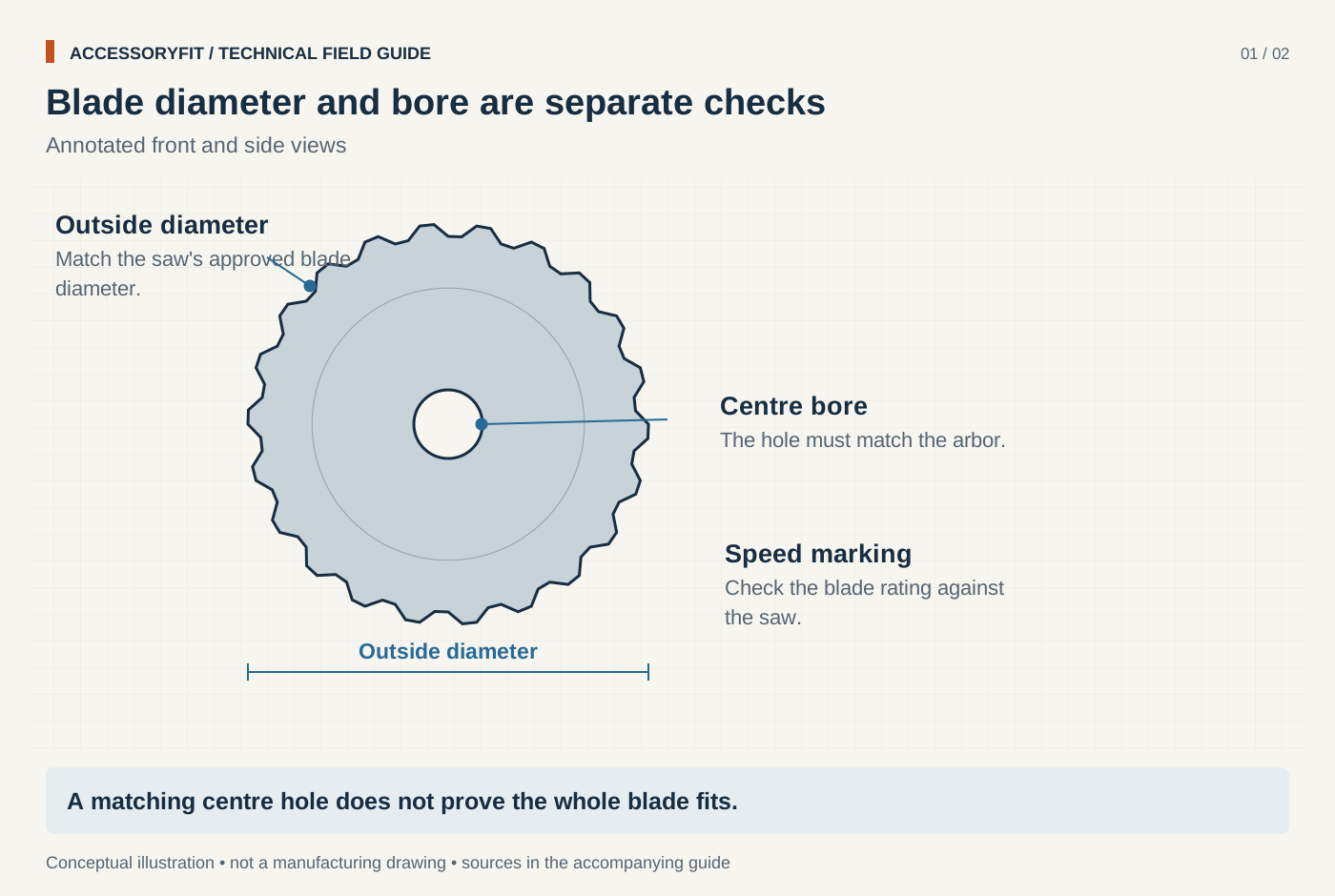
Blade diameter and bore are separate checks
Download SVG · Tap the image for the 1400 px WebP · From Circular saw blade arbor size: which blade fits your saw
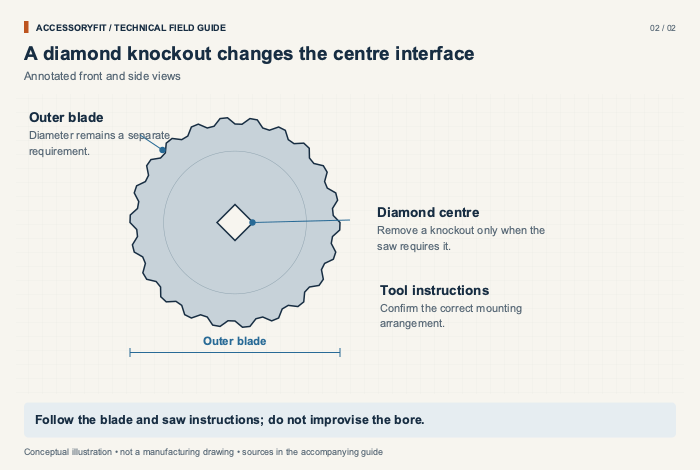
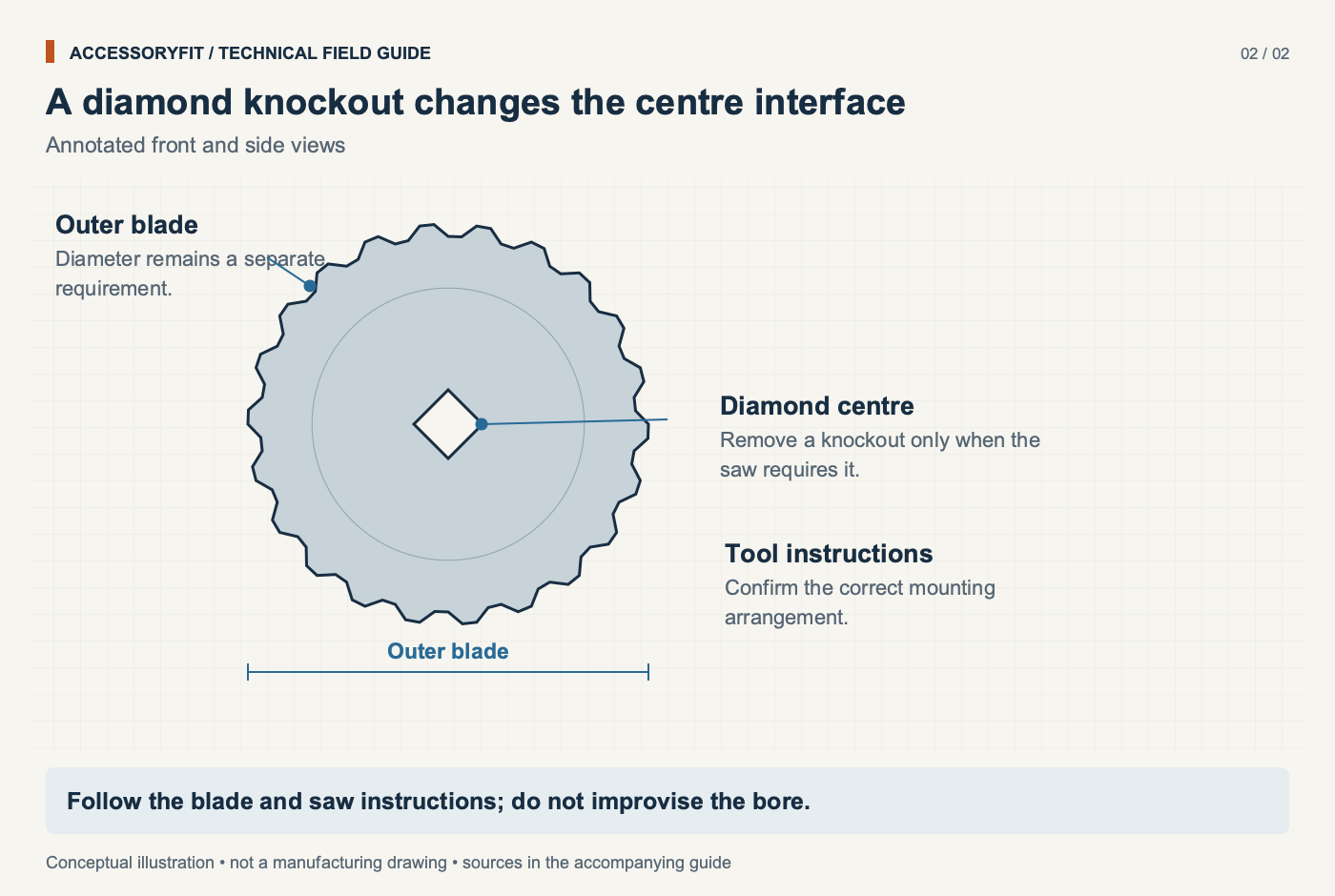
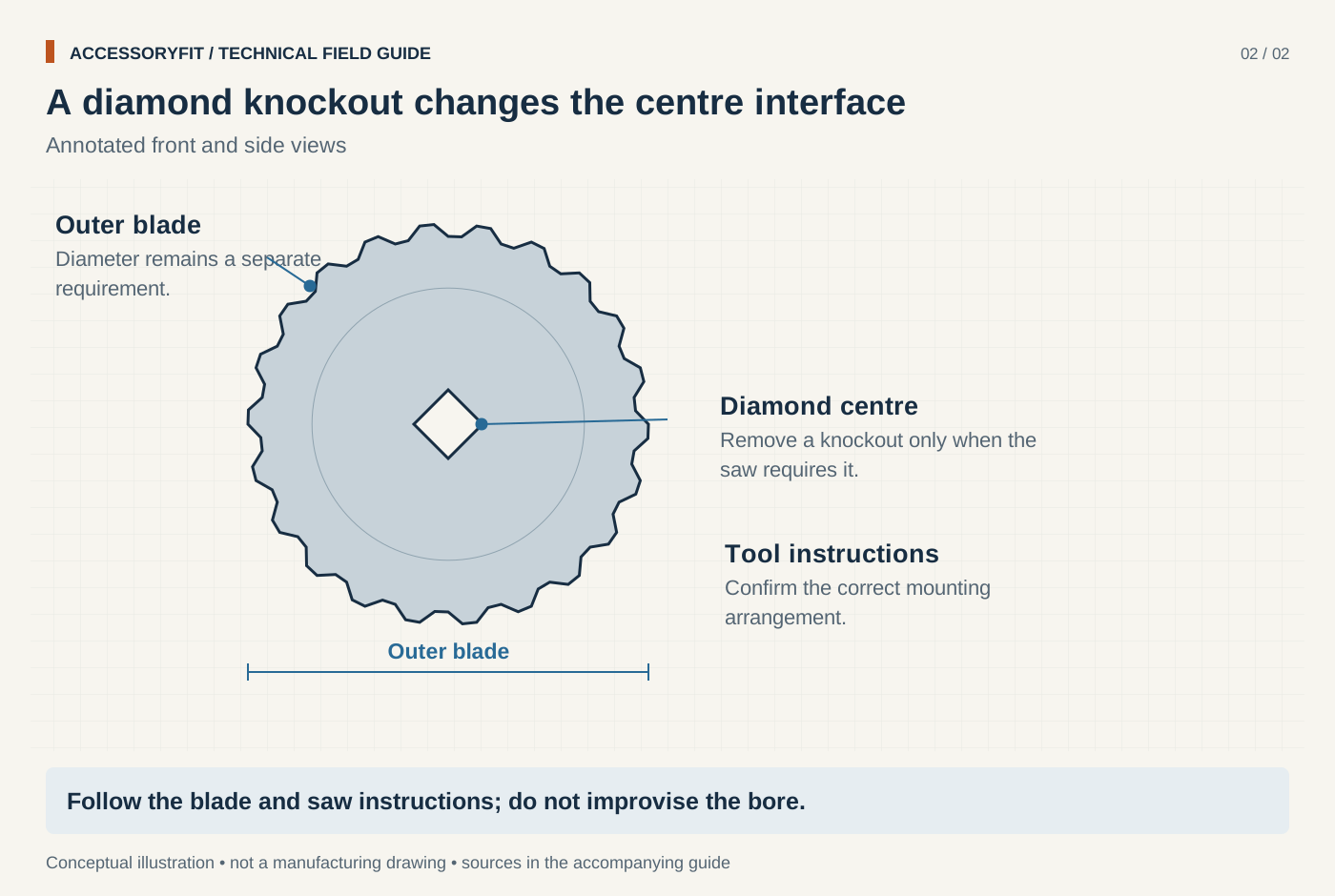
A diamond knockout changes the centre interface
Download SVG · Tap the image for the 1400 px WebP · From Circular saw blade arbor size: which blade fits your saw
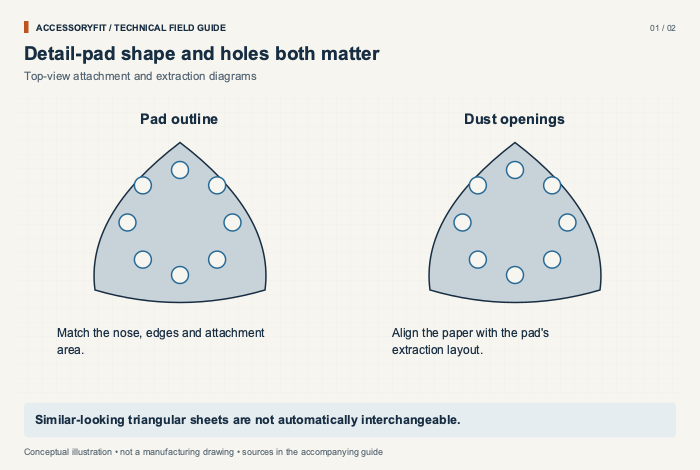
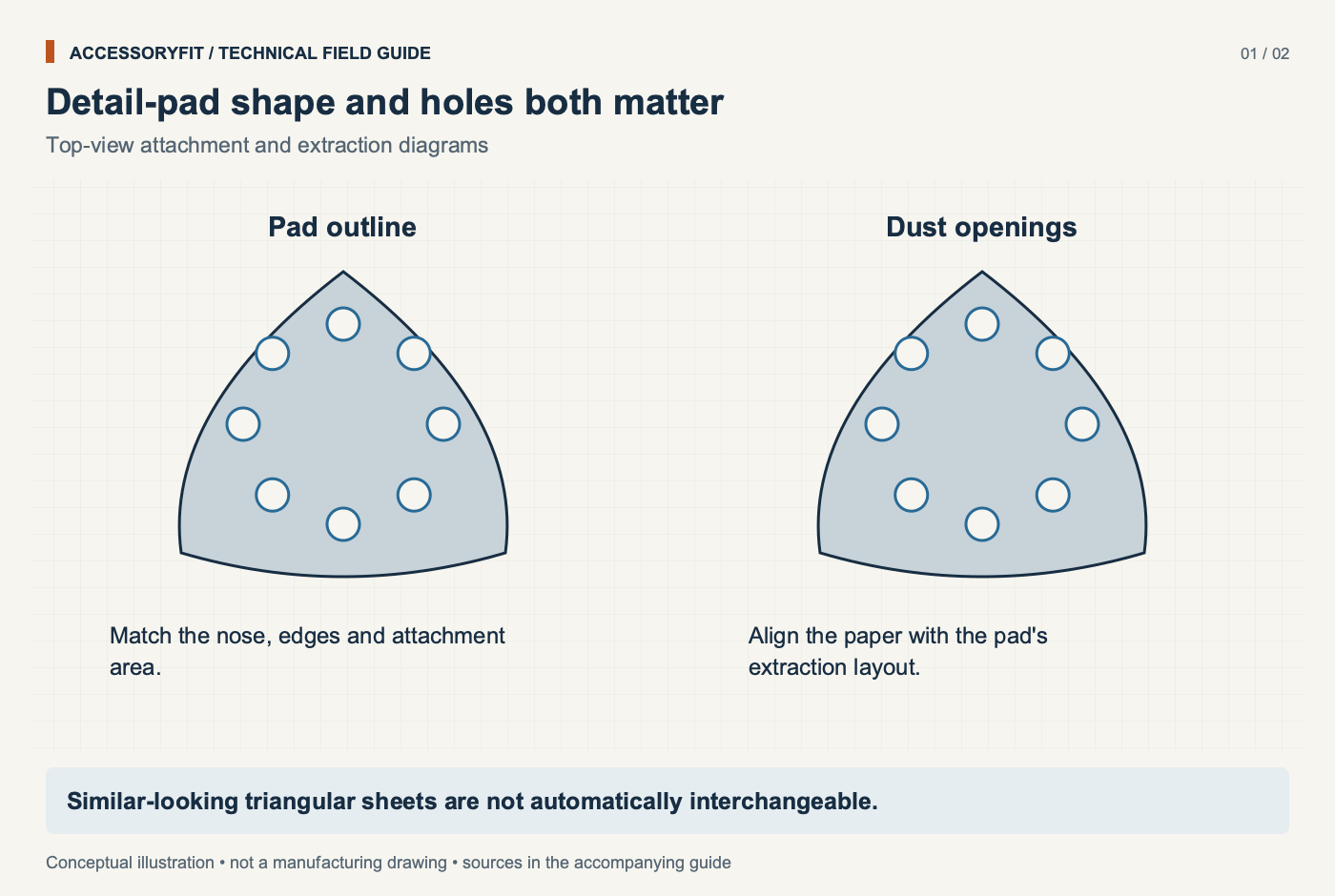
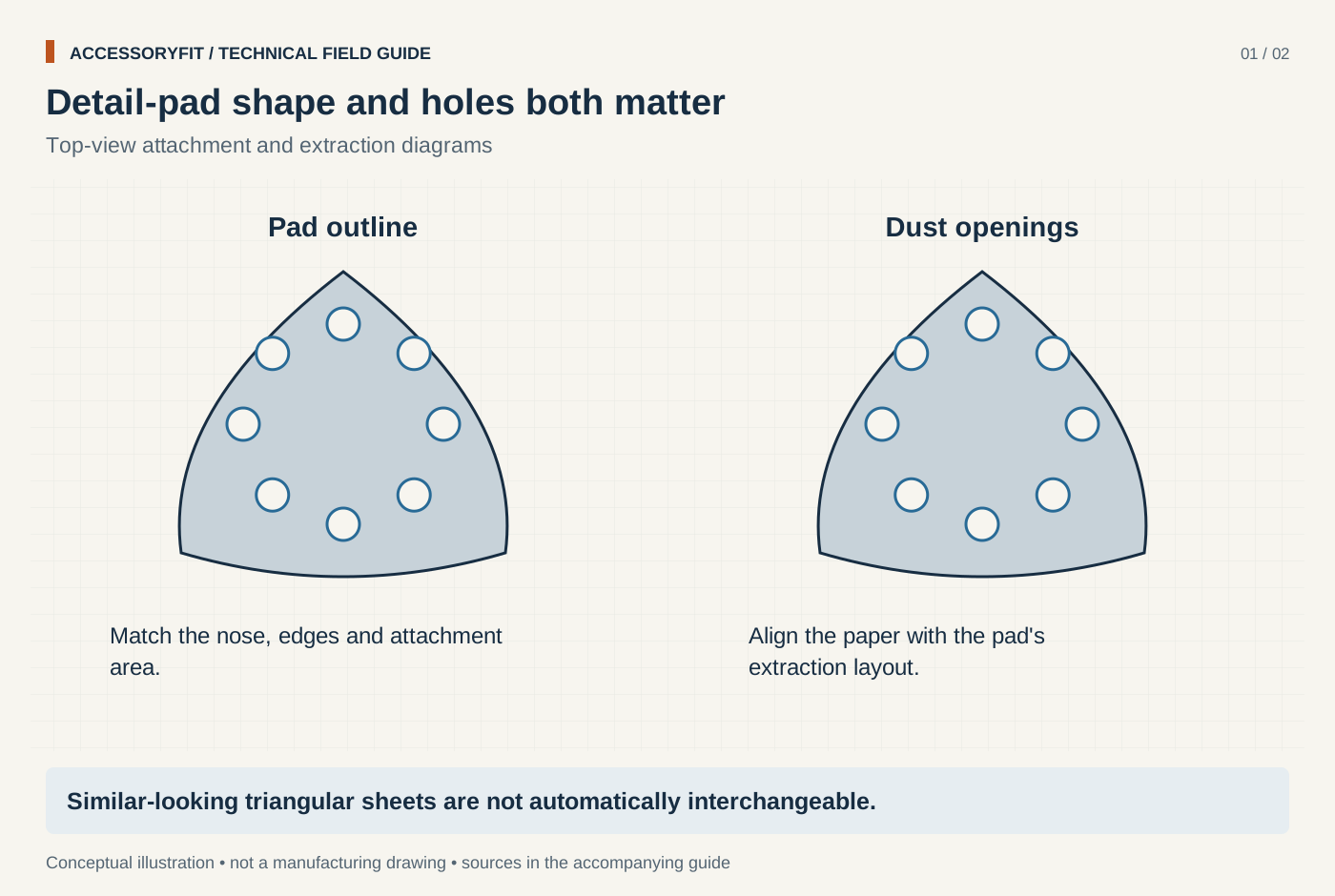
Detail-pad shape and holes both matter
Download SVG · Tap the image for the 1400 px WebP · From Detail sander pads: which pad shape and size fits your sander
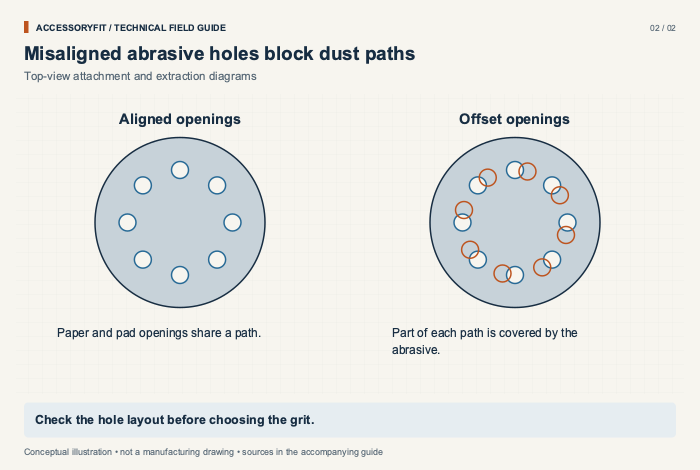
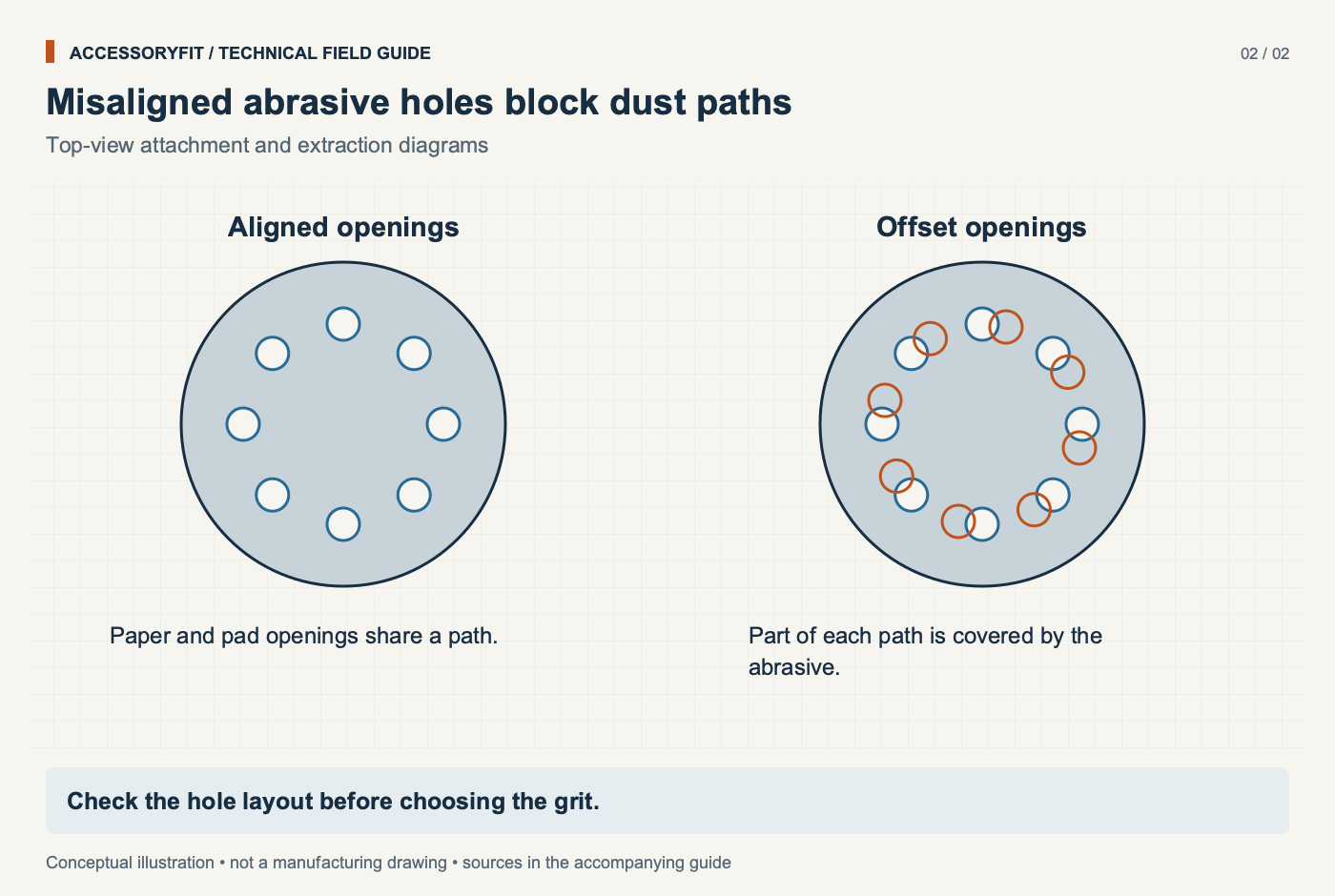
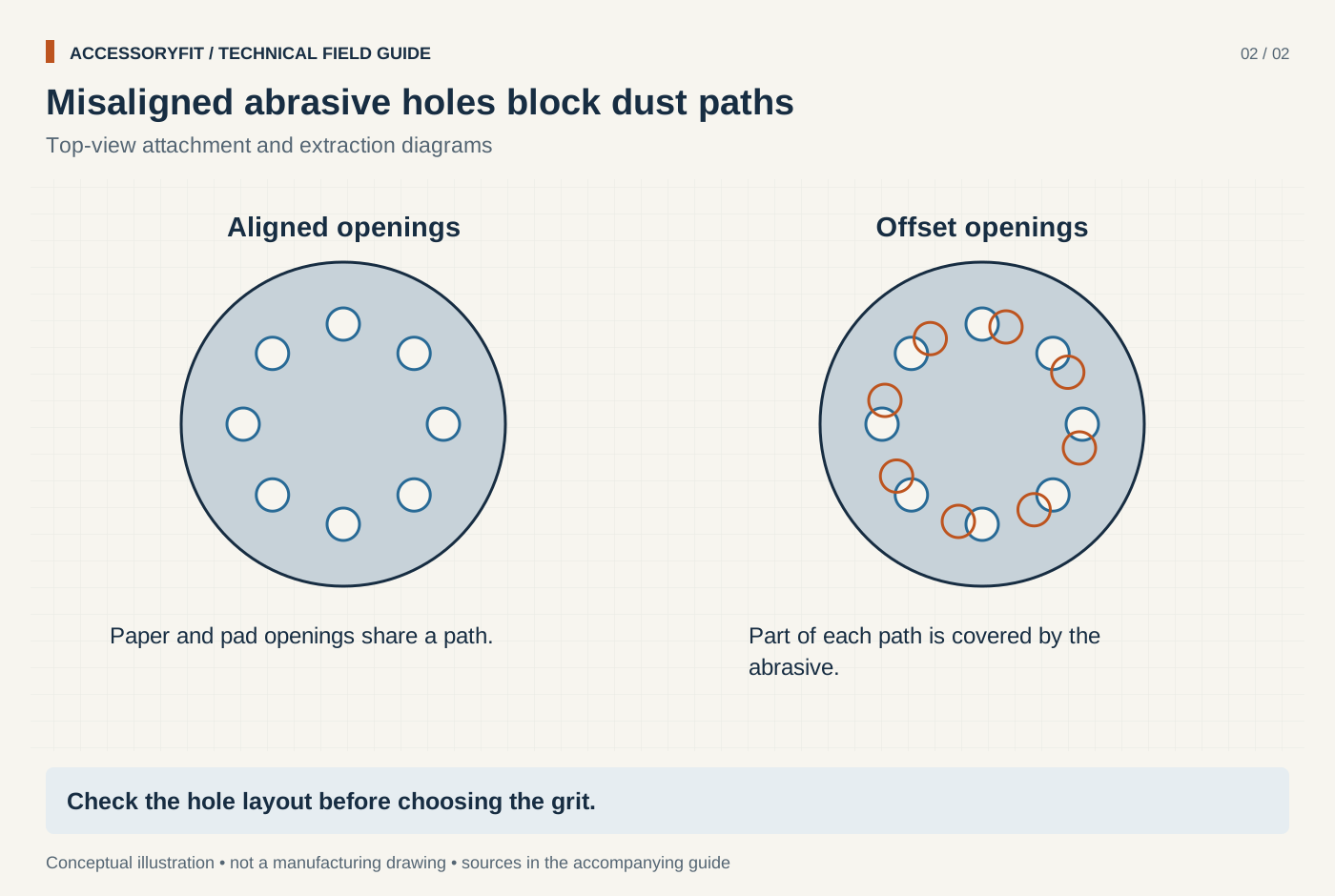
Misaligned abrasive holes block dust paths
Download SVG · Tap the image for the 1400 px WebP · From Detail sander pads: which pad shape and size fits your sander
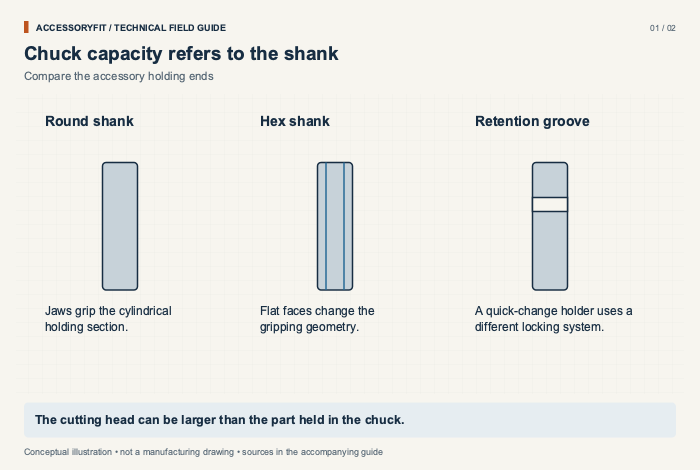
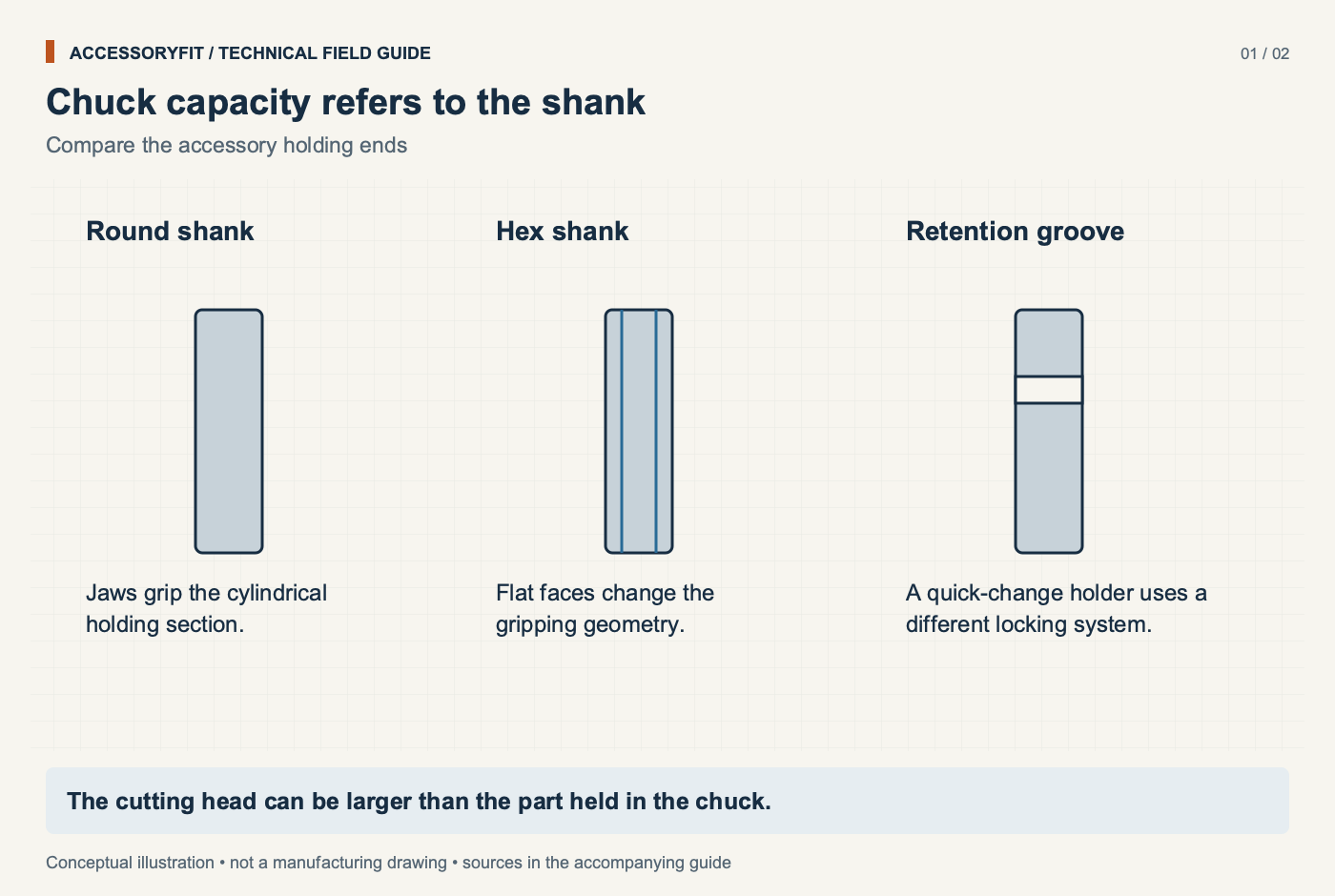
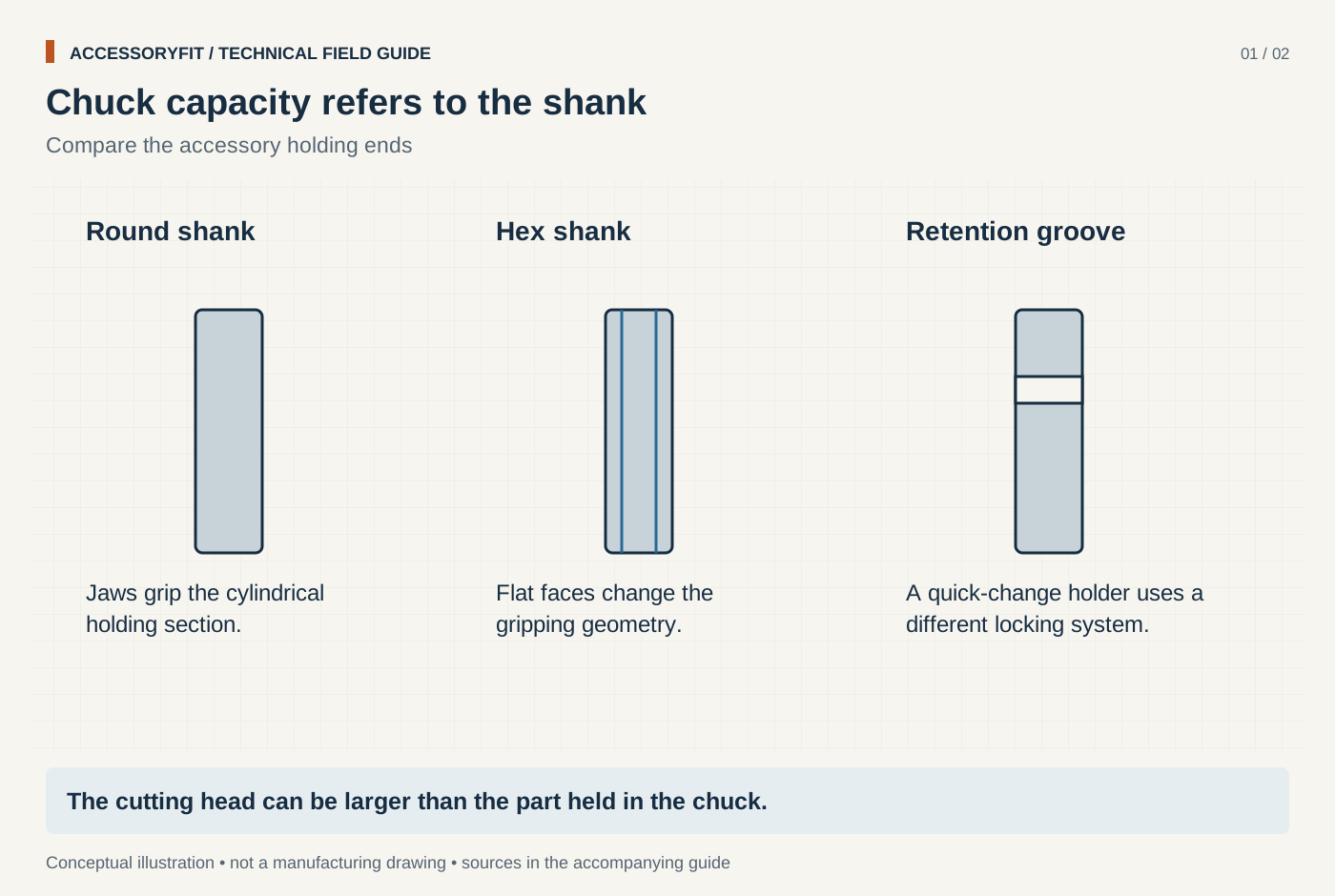
Chuck capacity refers to the shank
Download SVG · Tap the image for the 1400 px WebP · From Drill chuck sizes: 3/8 in vs 1/2 in, and which bits fit each
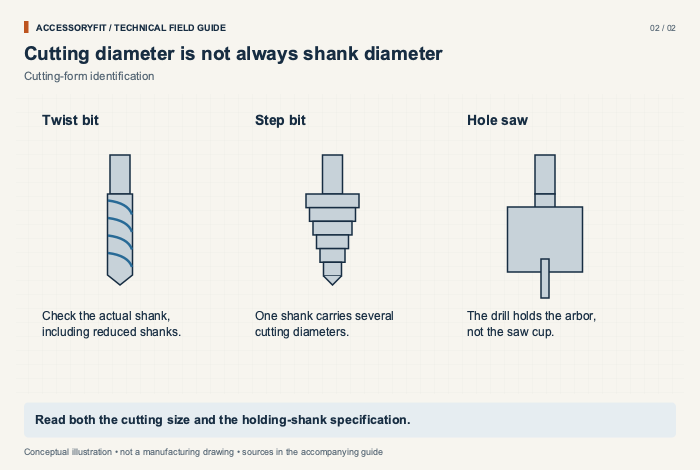
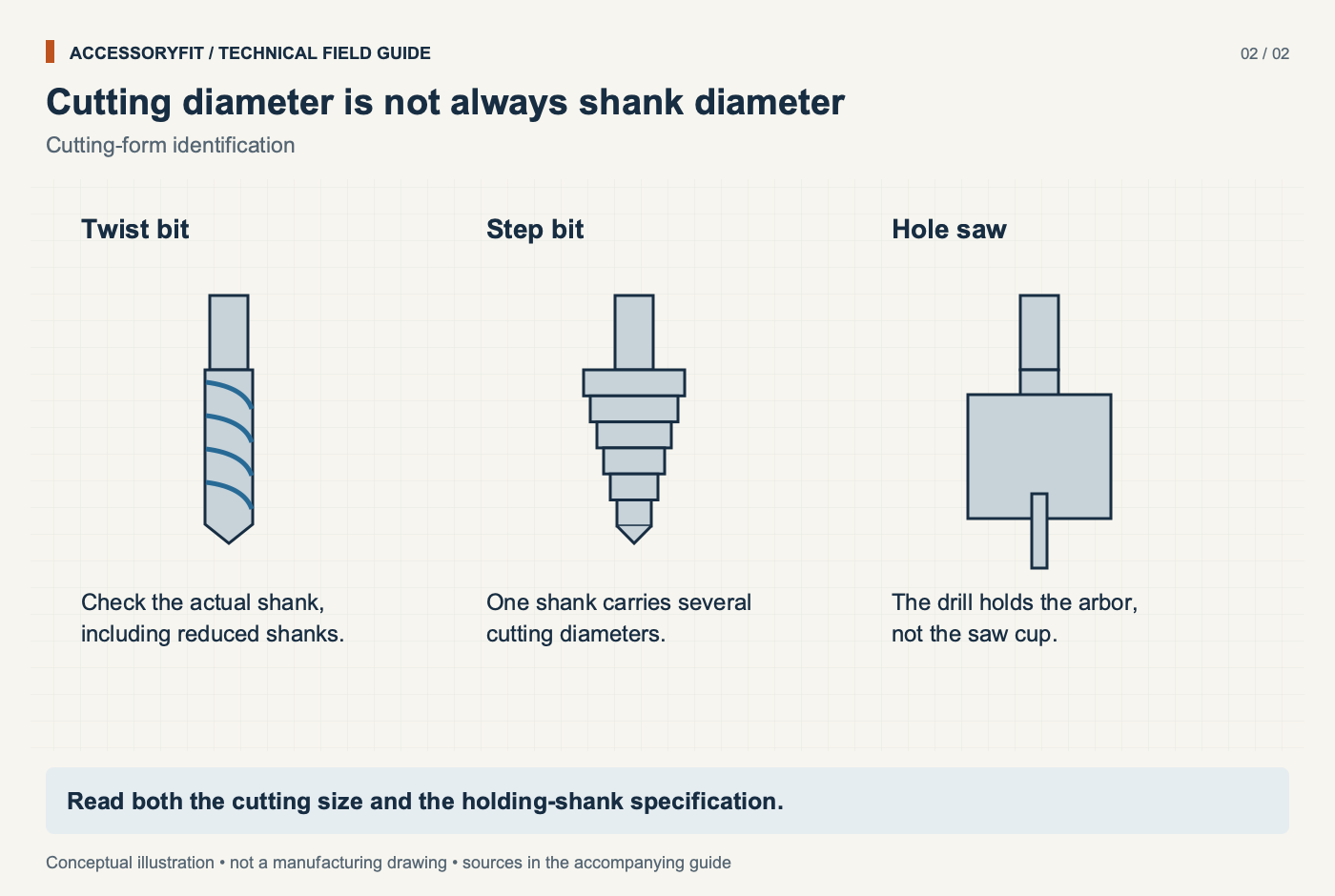
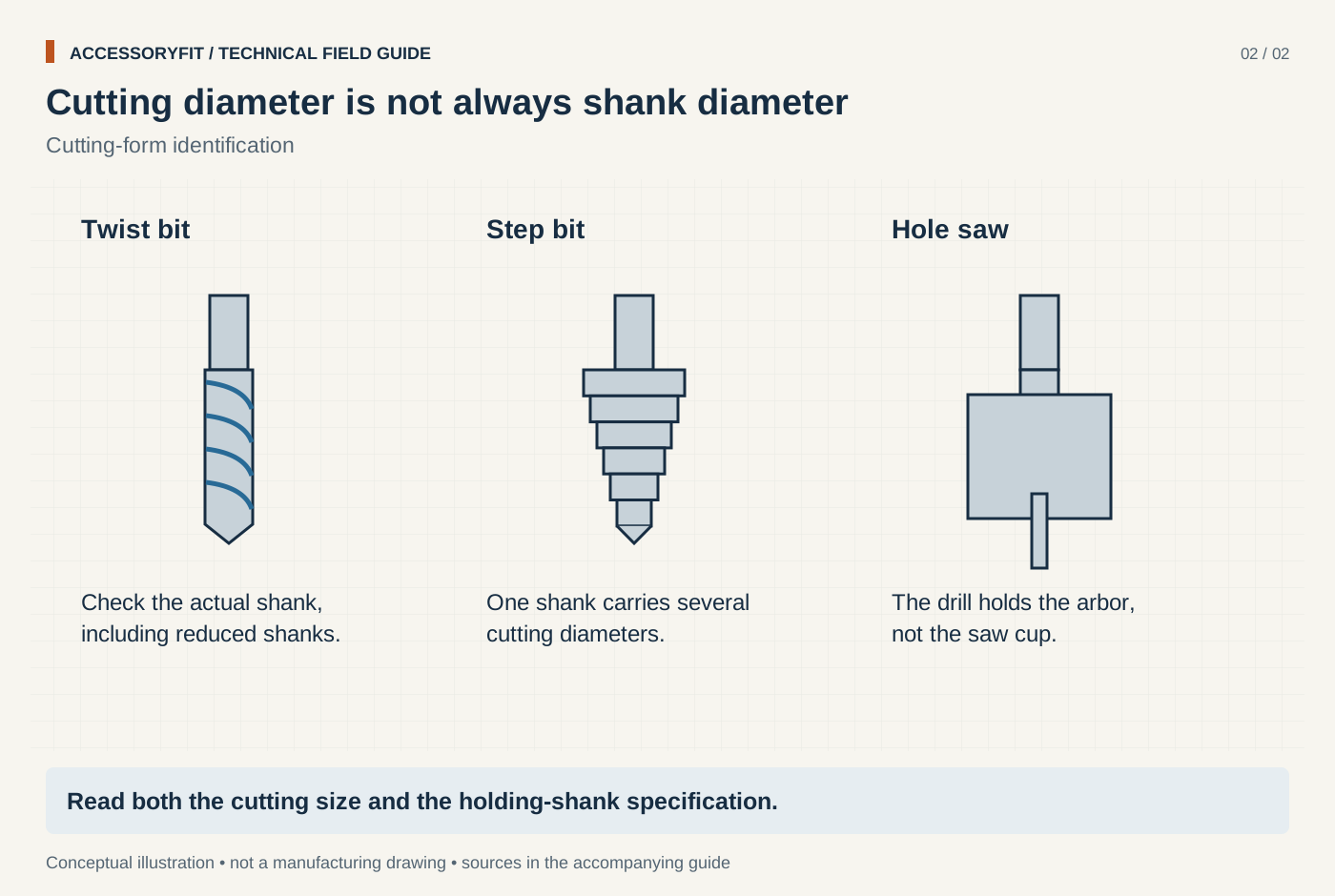
Cutting diameter is not always shank diameter
Download SVG · Tap the image for the 1400 px WebP · From Drill chuck sizes: 3/8 in vs 1/2 in, and which bits fit each
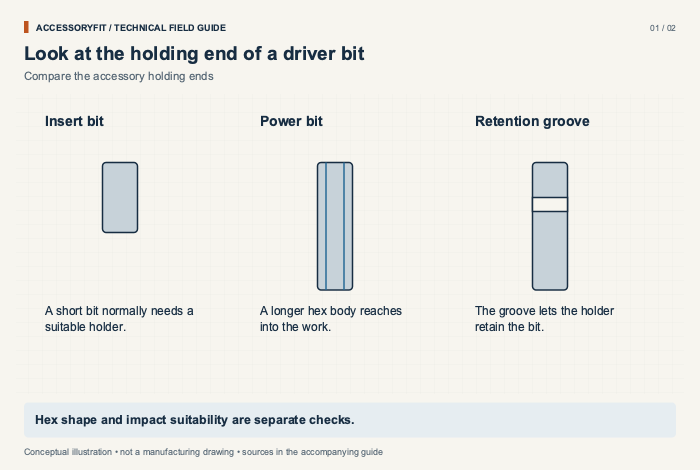
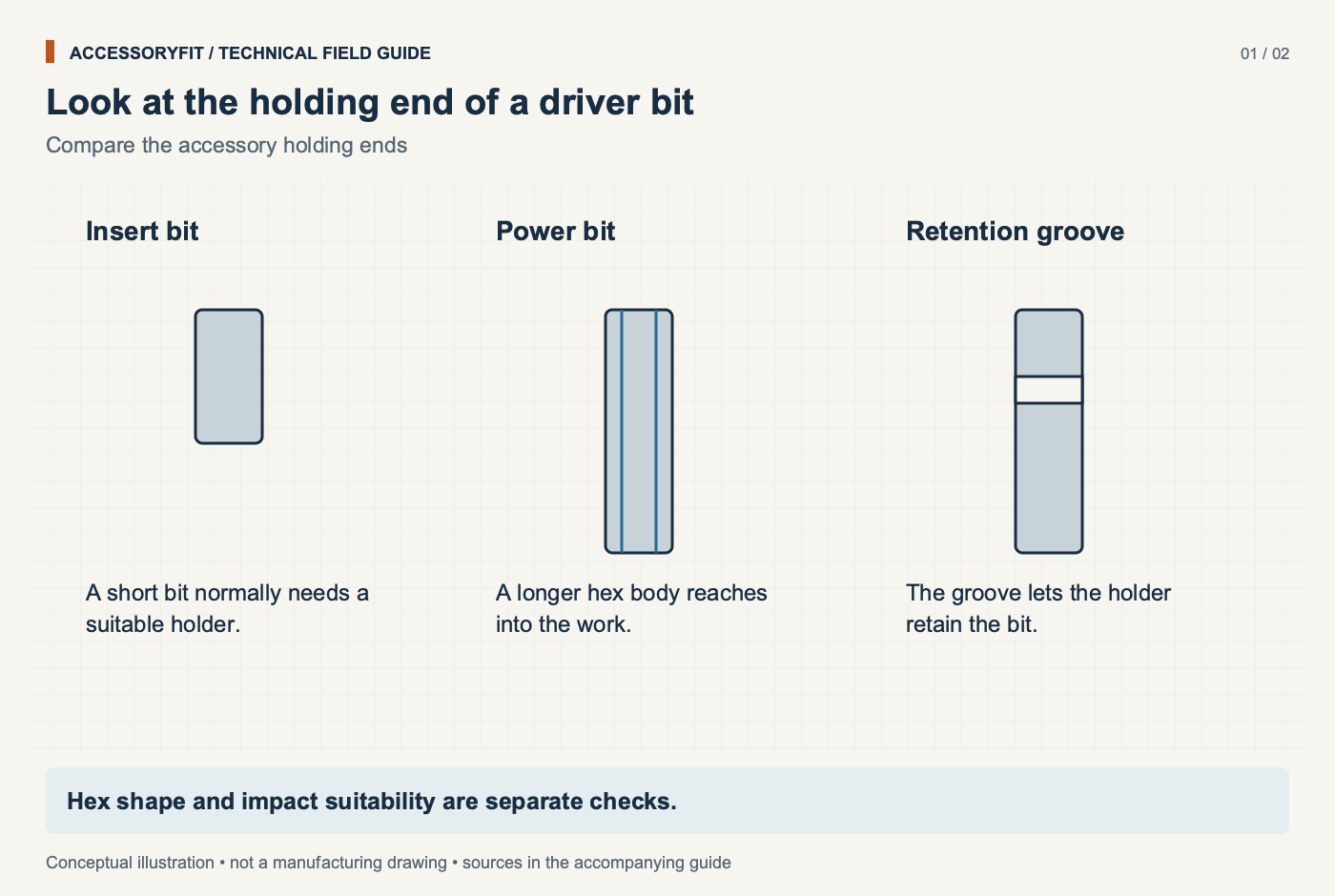
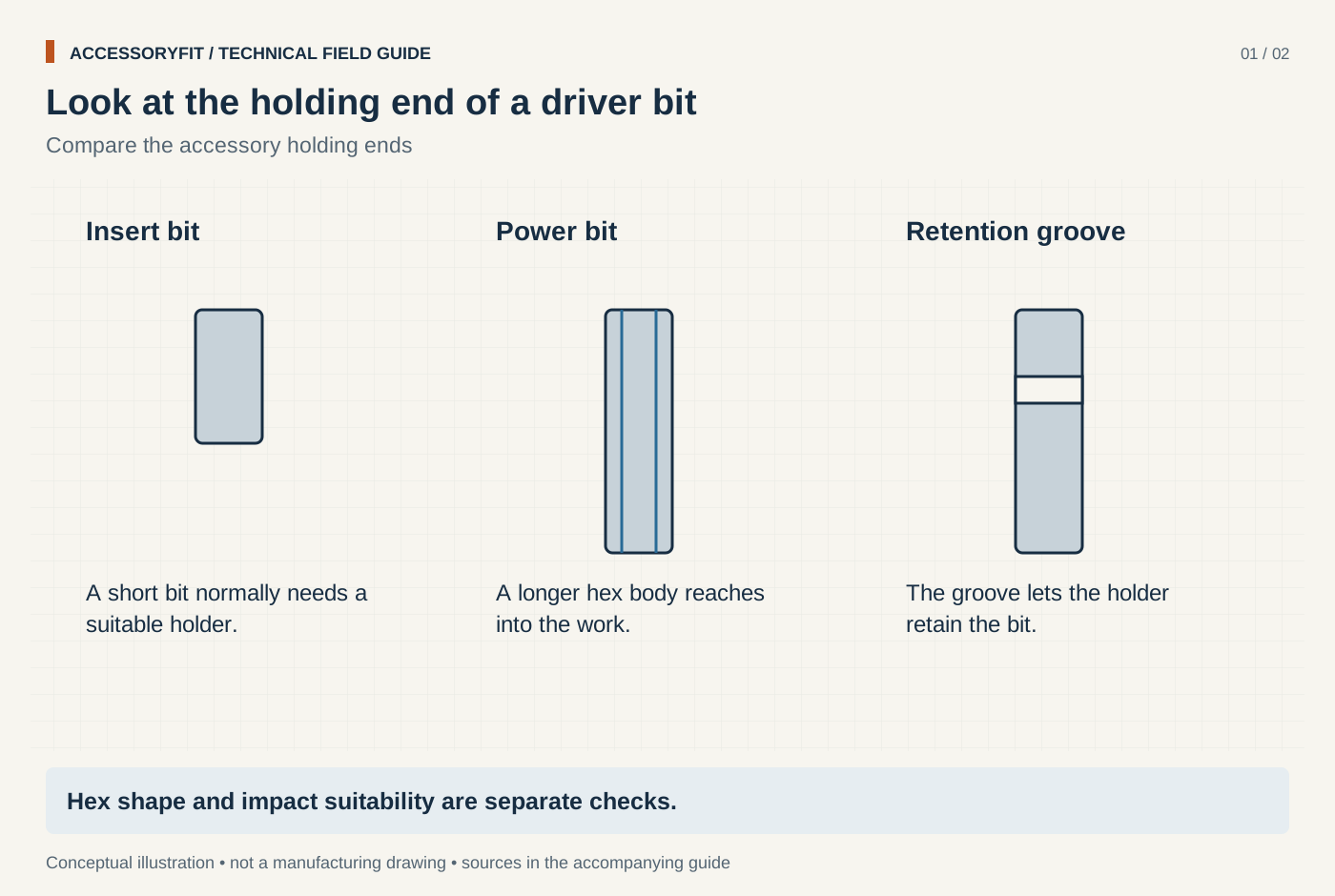
Look at the holding end of a driver bit
Download SVG · Tap the image for the 1400 px WebP · From Impact driver bits: the 1/4 in hex shank and which bits fit
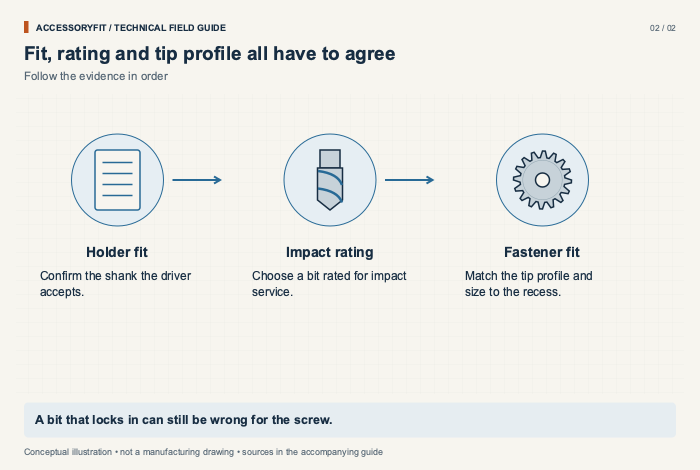
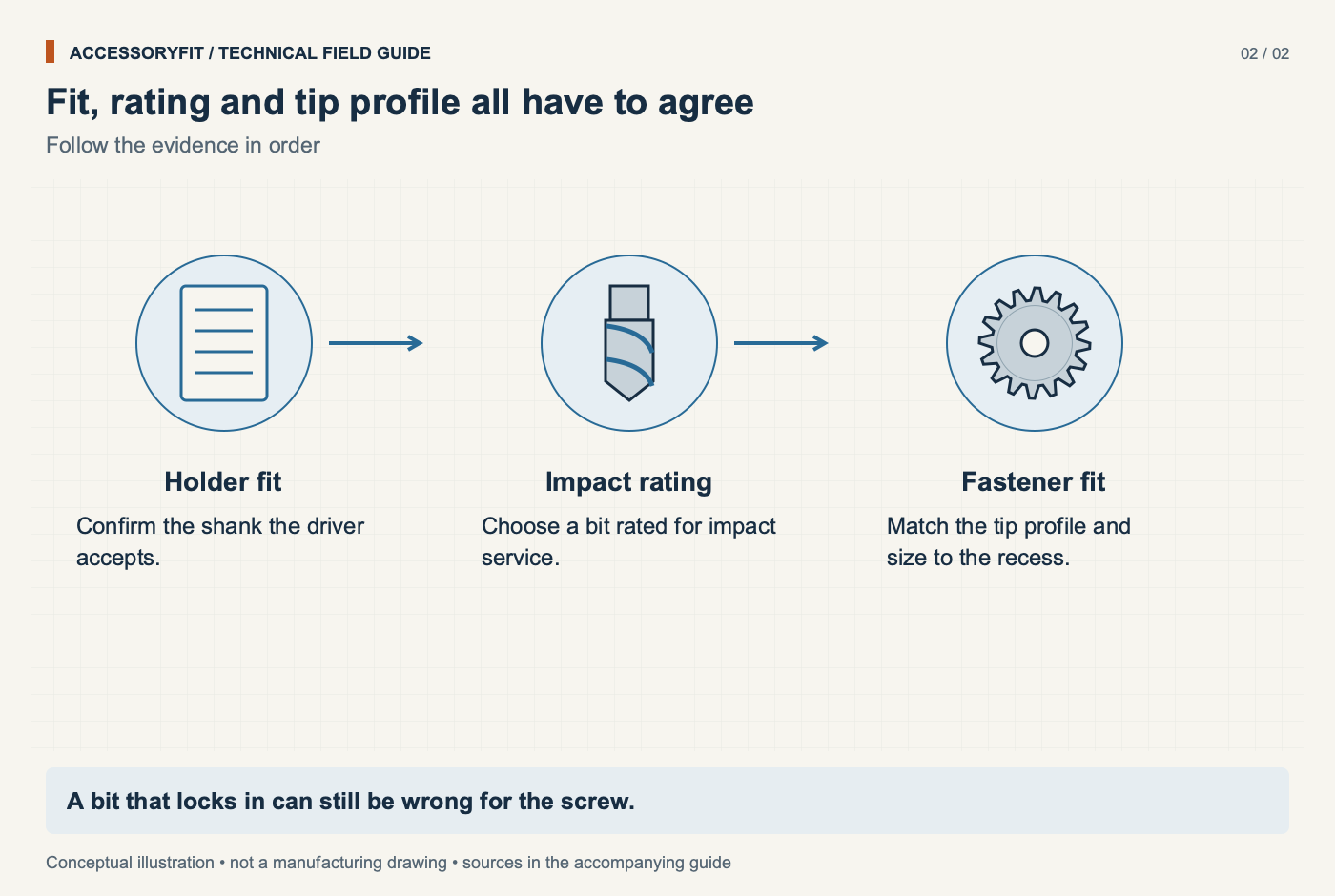
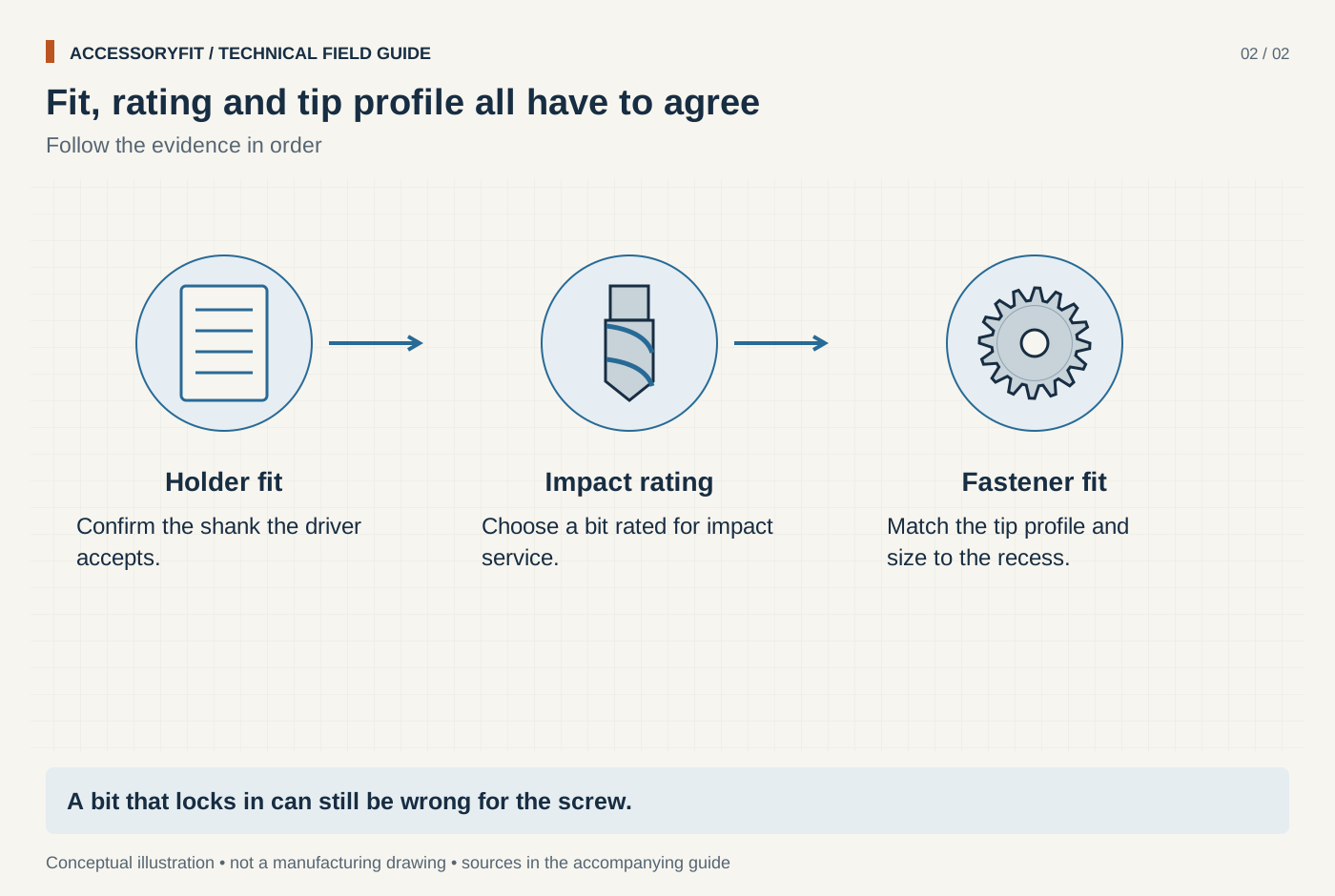
Fit, rating and tip profile all have to agree
Download SVG · Tap the image for the 1400 px WebP · From Impact driver bits: the 1/4 in hex shank and which bits fit
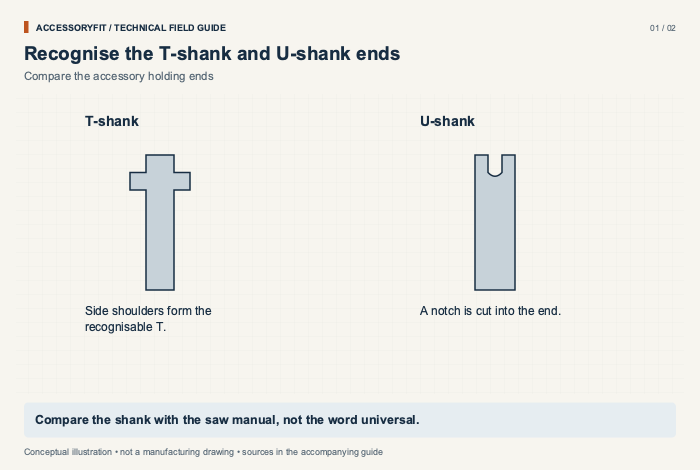
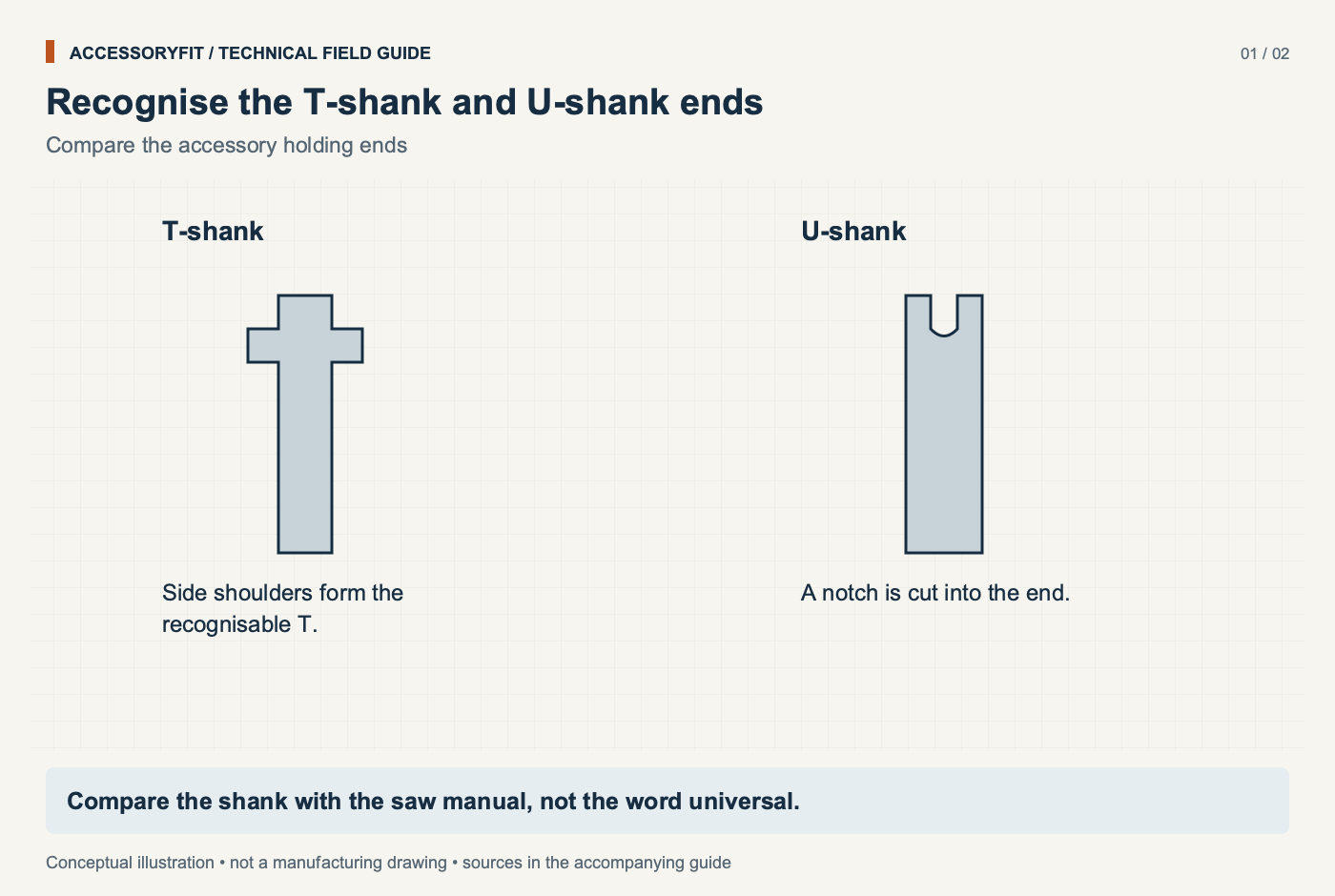
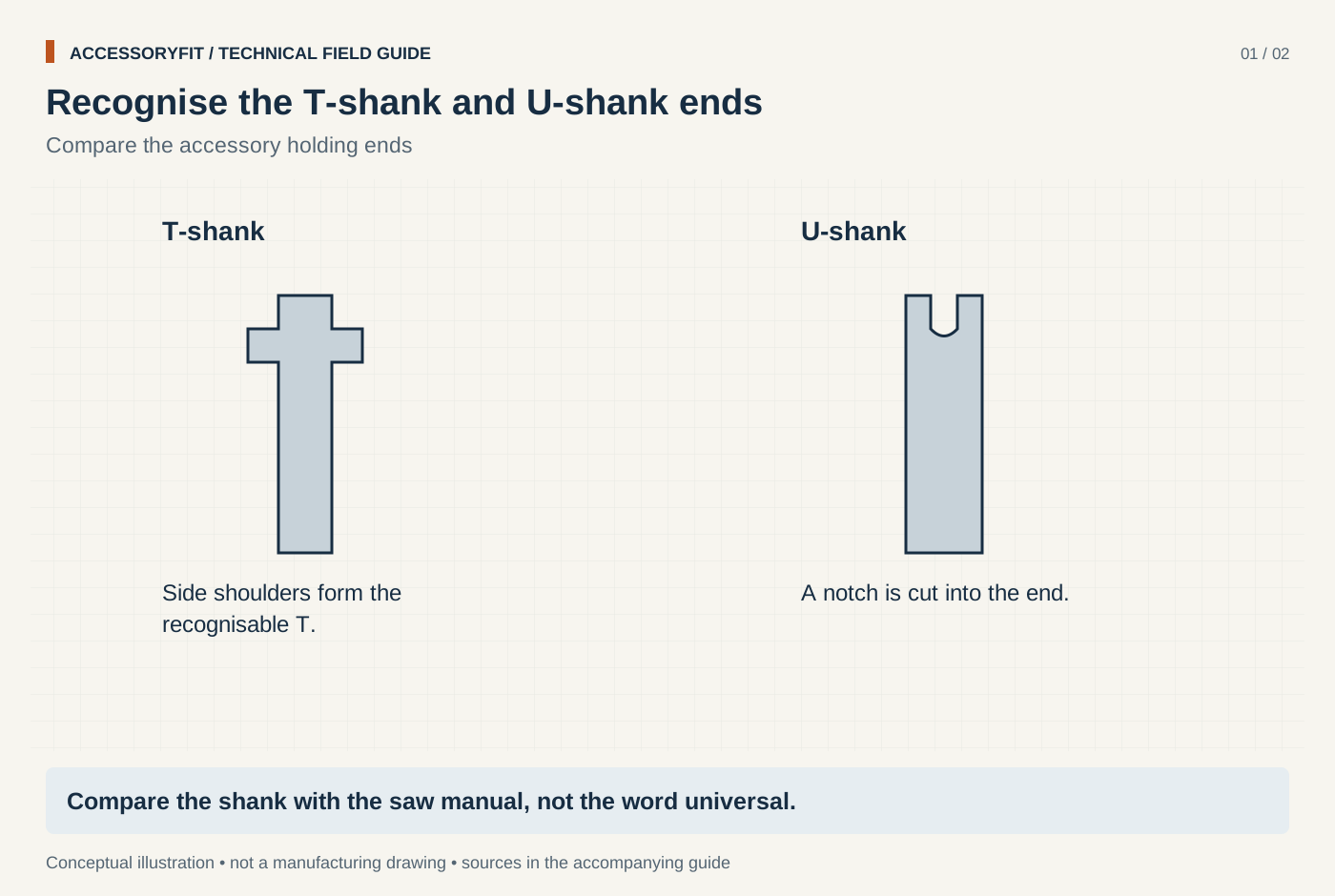
Recognise the T-shank and U-shank ends
Download SVG · Tap the image for the 1400 px WebP · From Jigsaw blade shank types: T-shank vs U-shank and which saws take each
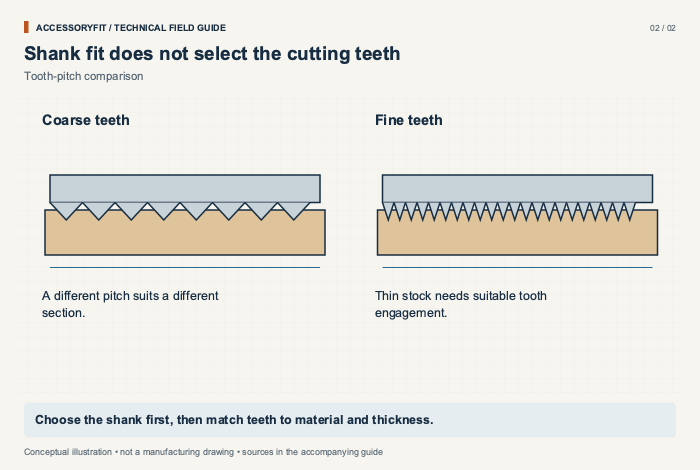
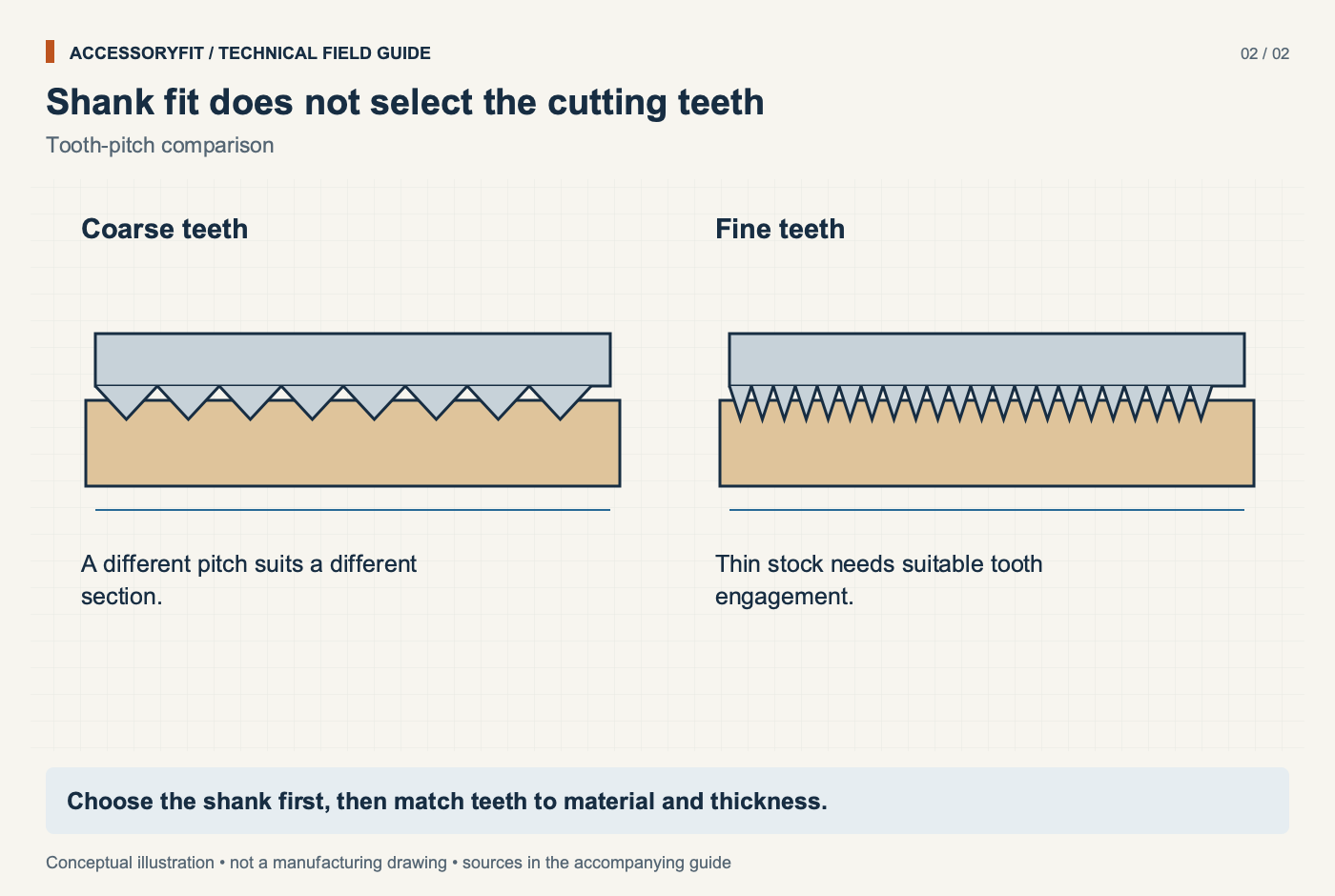
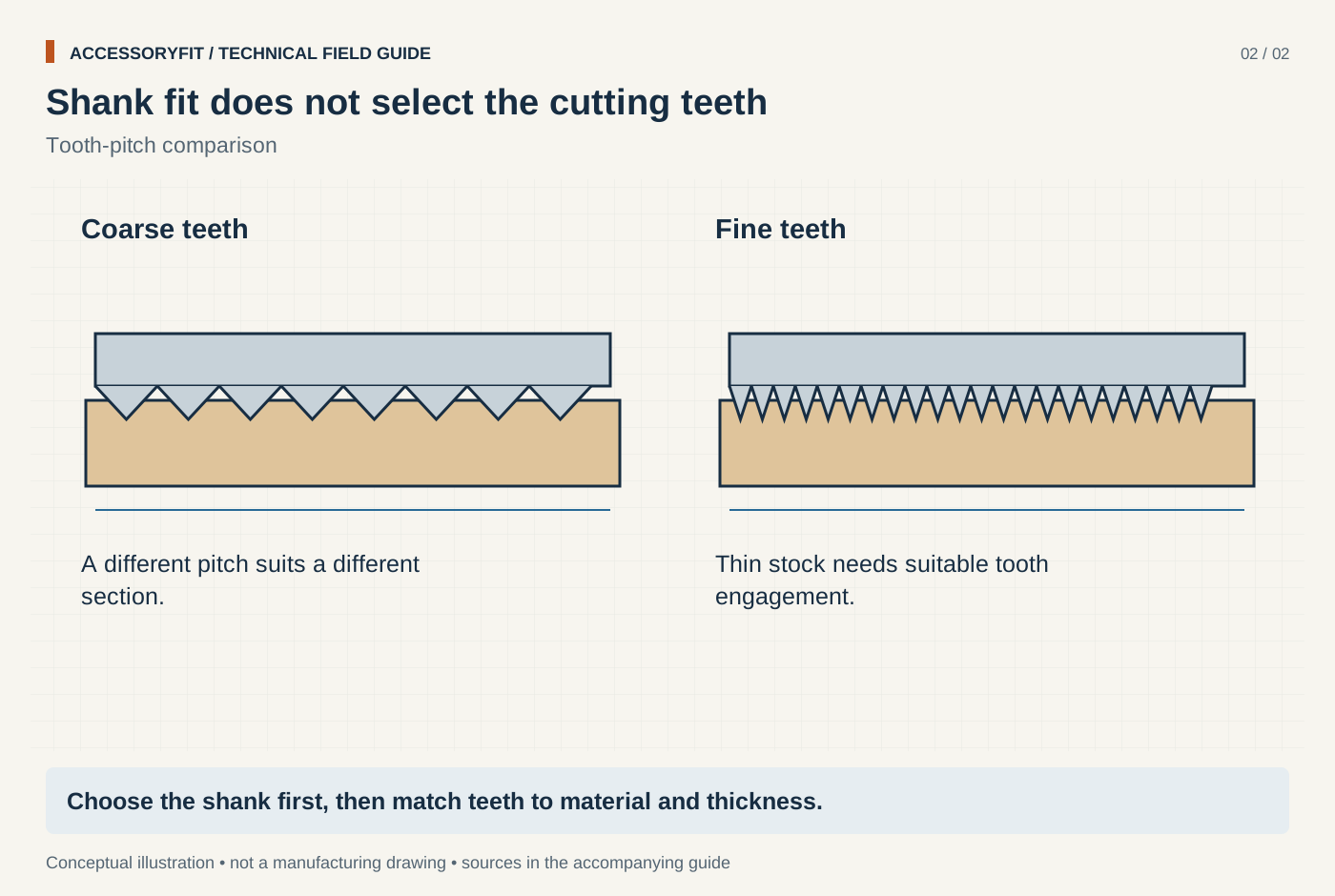
Shank fit does not select the cutting teeth
Download SVG · Tap the image for the 1400 px WebP · From Jigsaw blade shank types: T-shank vs U-shank and which saws take each
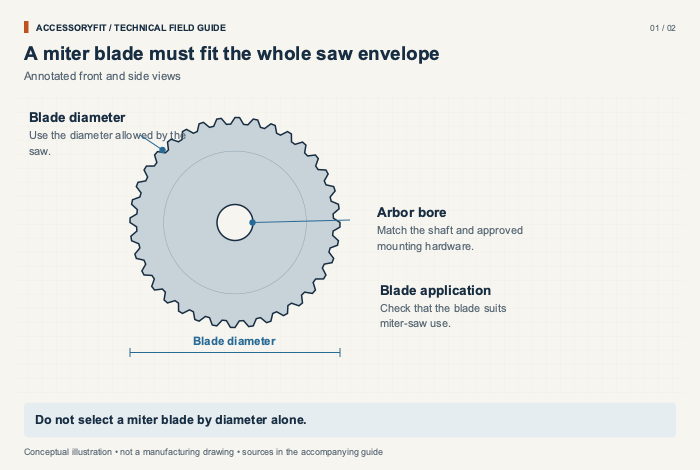
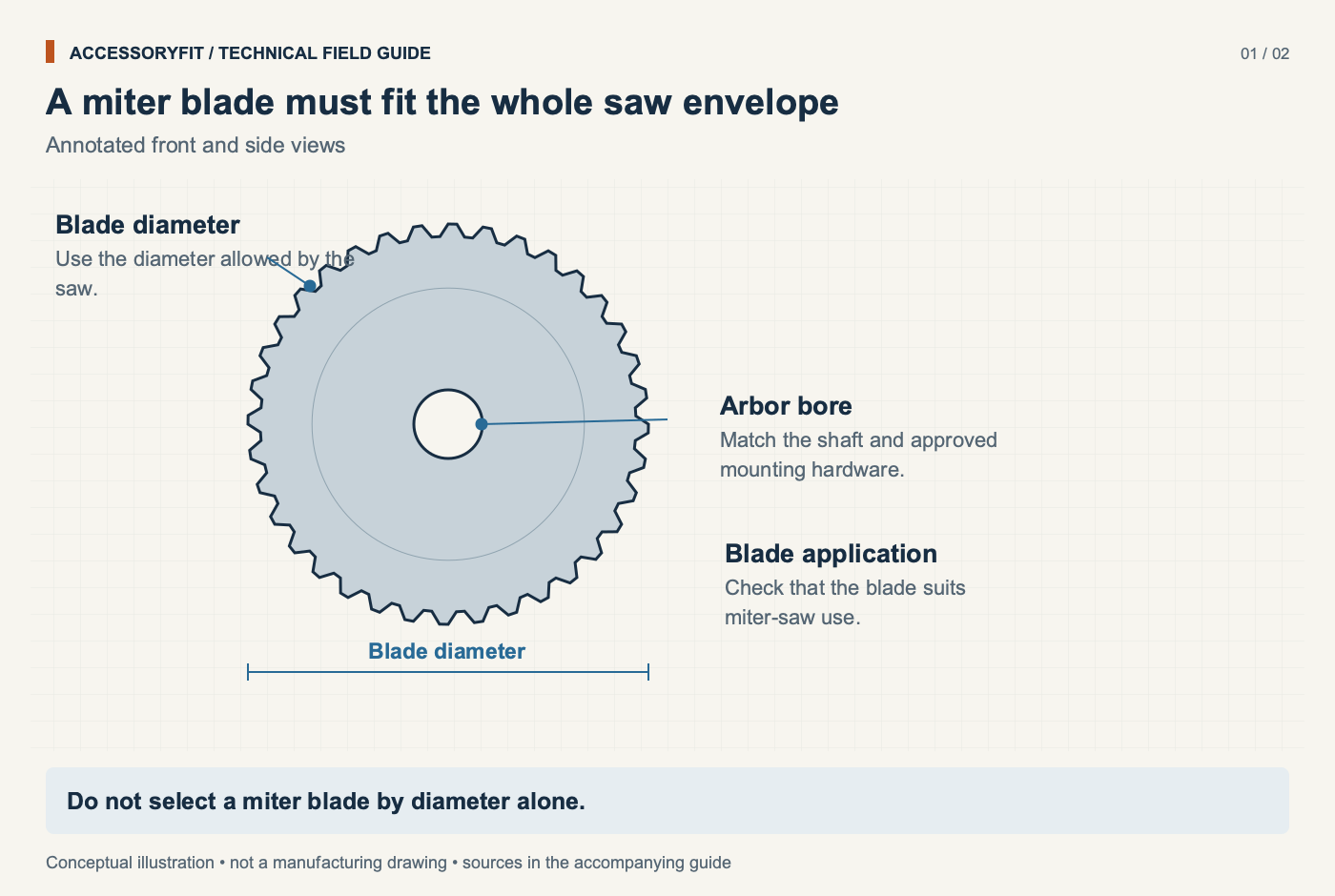
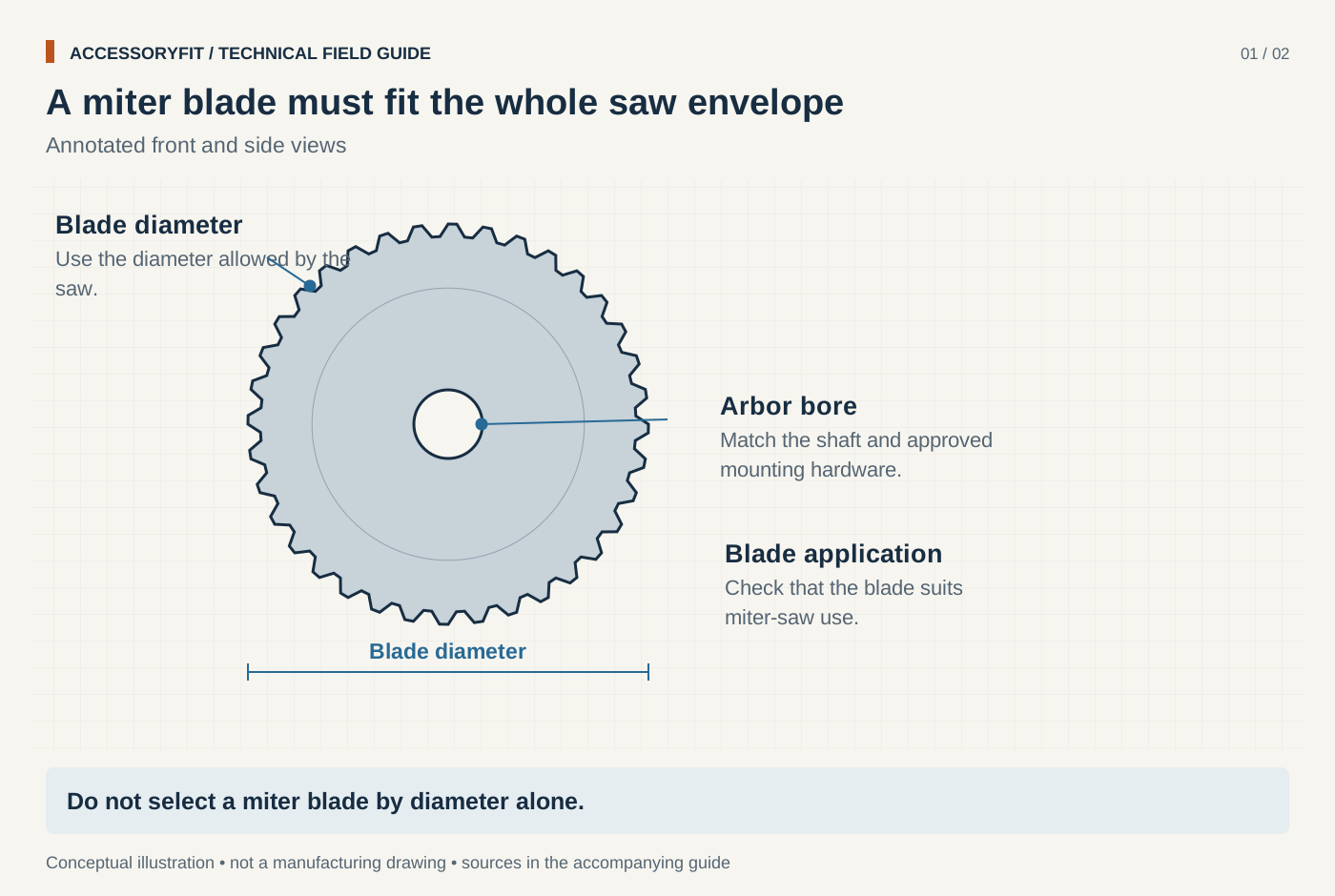
A miter blade must fit the whole saw envelope
Download SVG · Tap the image for the 1400 px WebP · From Miter saw blade sizes: 10 in vs 12 in, arbors and what fits
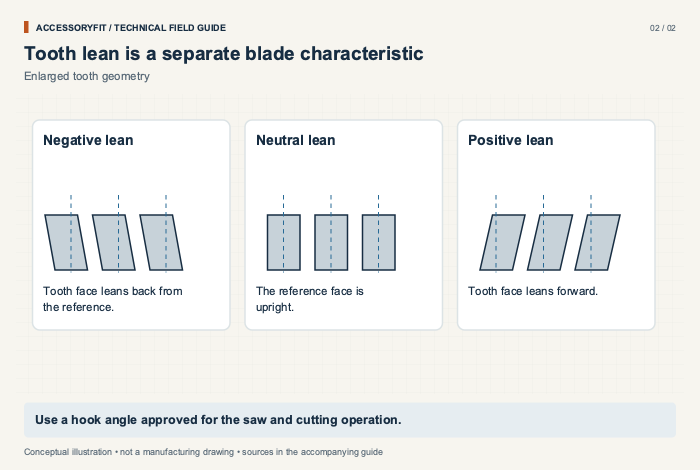
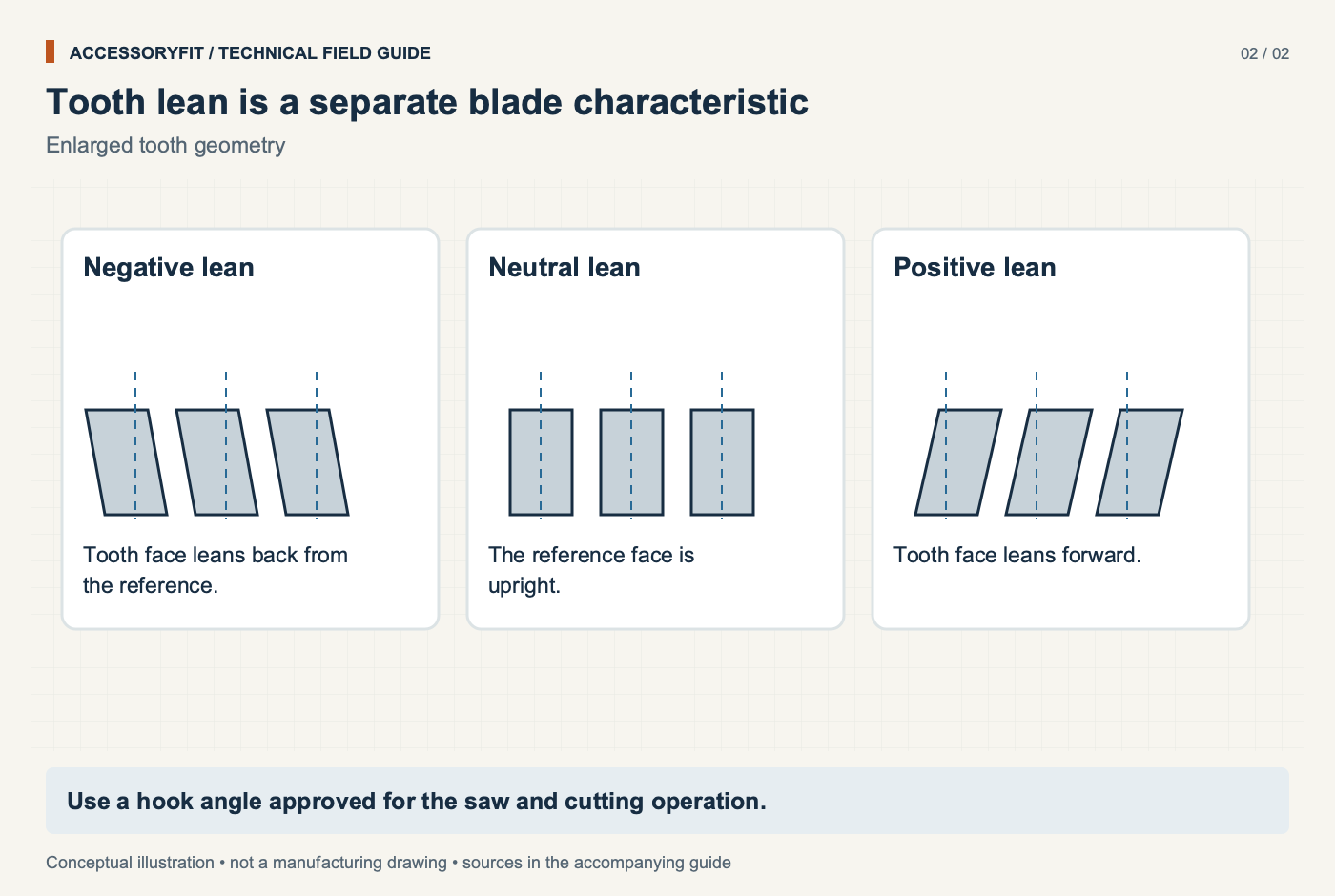
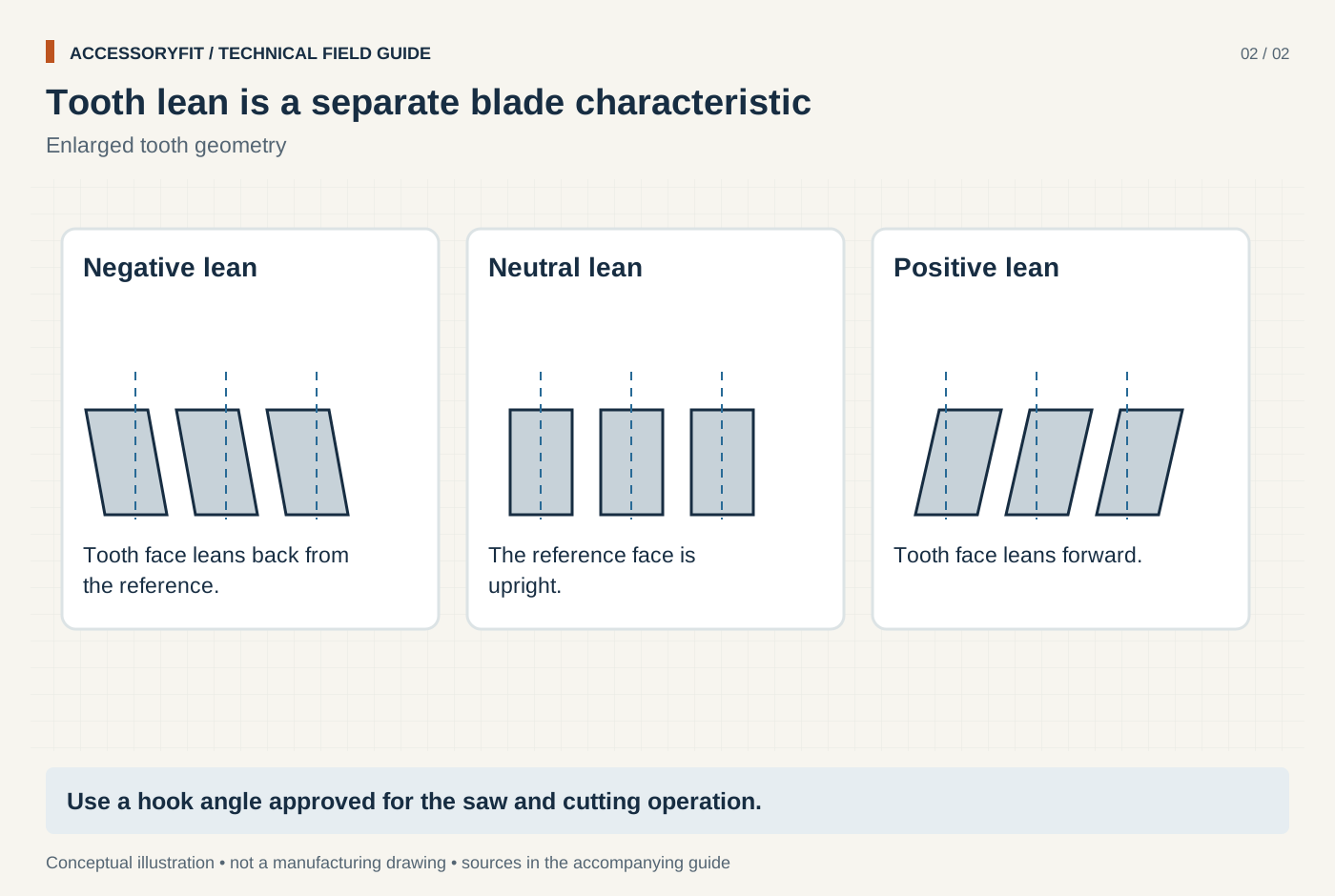
Tooth lean is a separate blade characteristic
Download SVG · Tap the image for the 1400 px WebP · From Miter saw blade sizes: 10 in vs 12 in, arbors and what fits
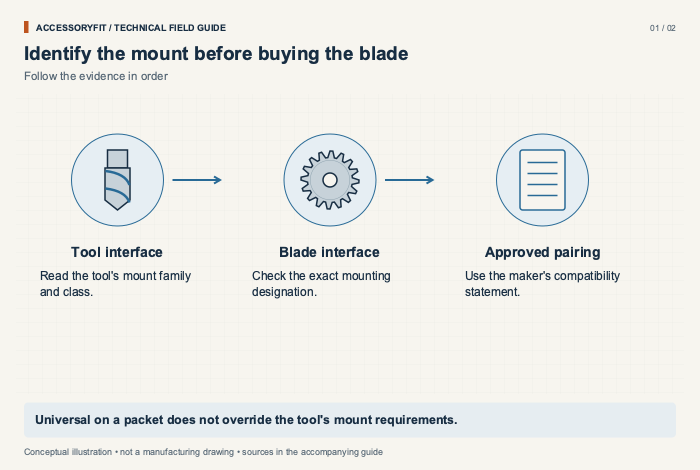
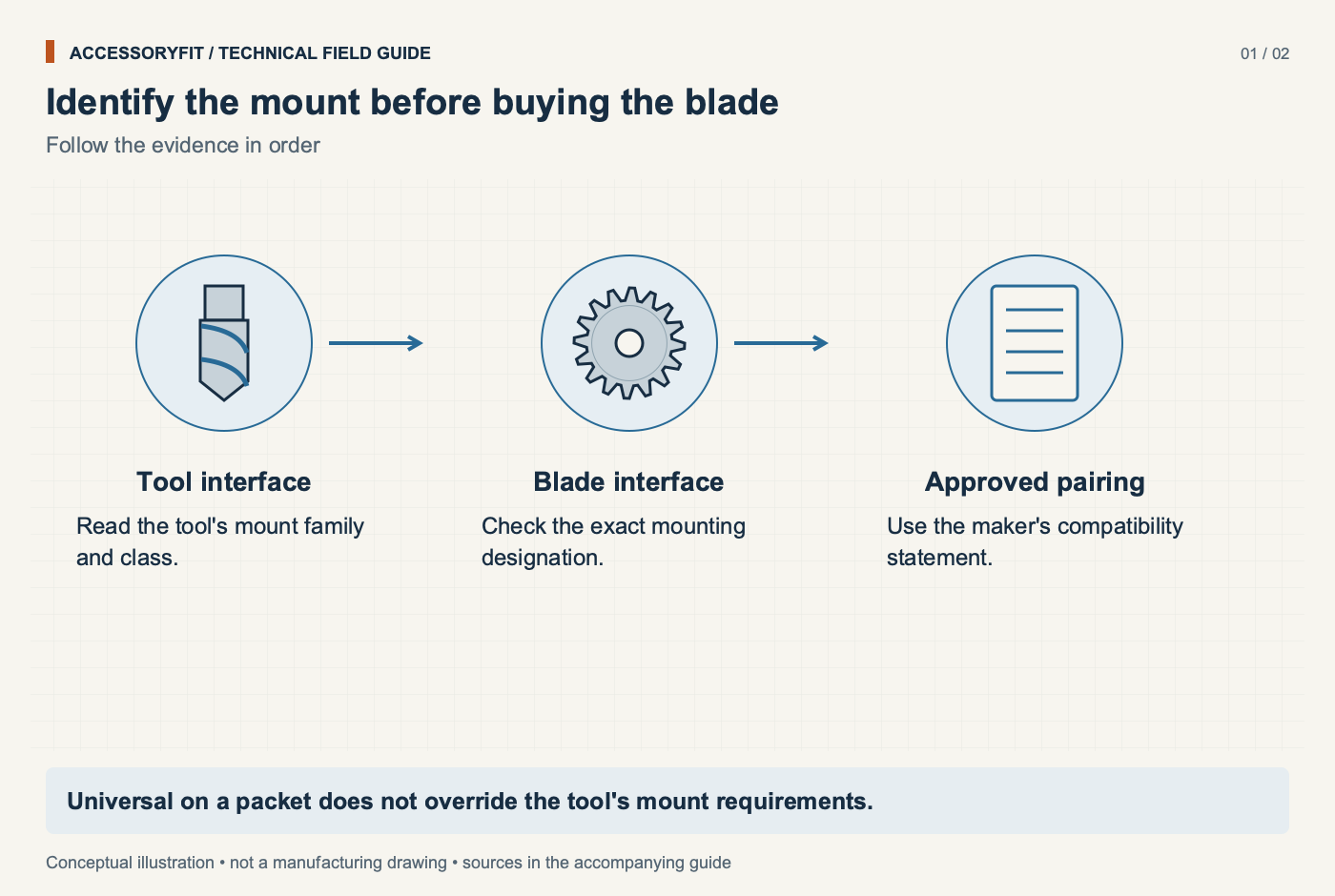
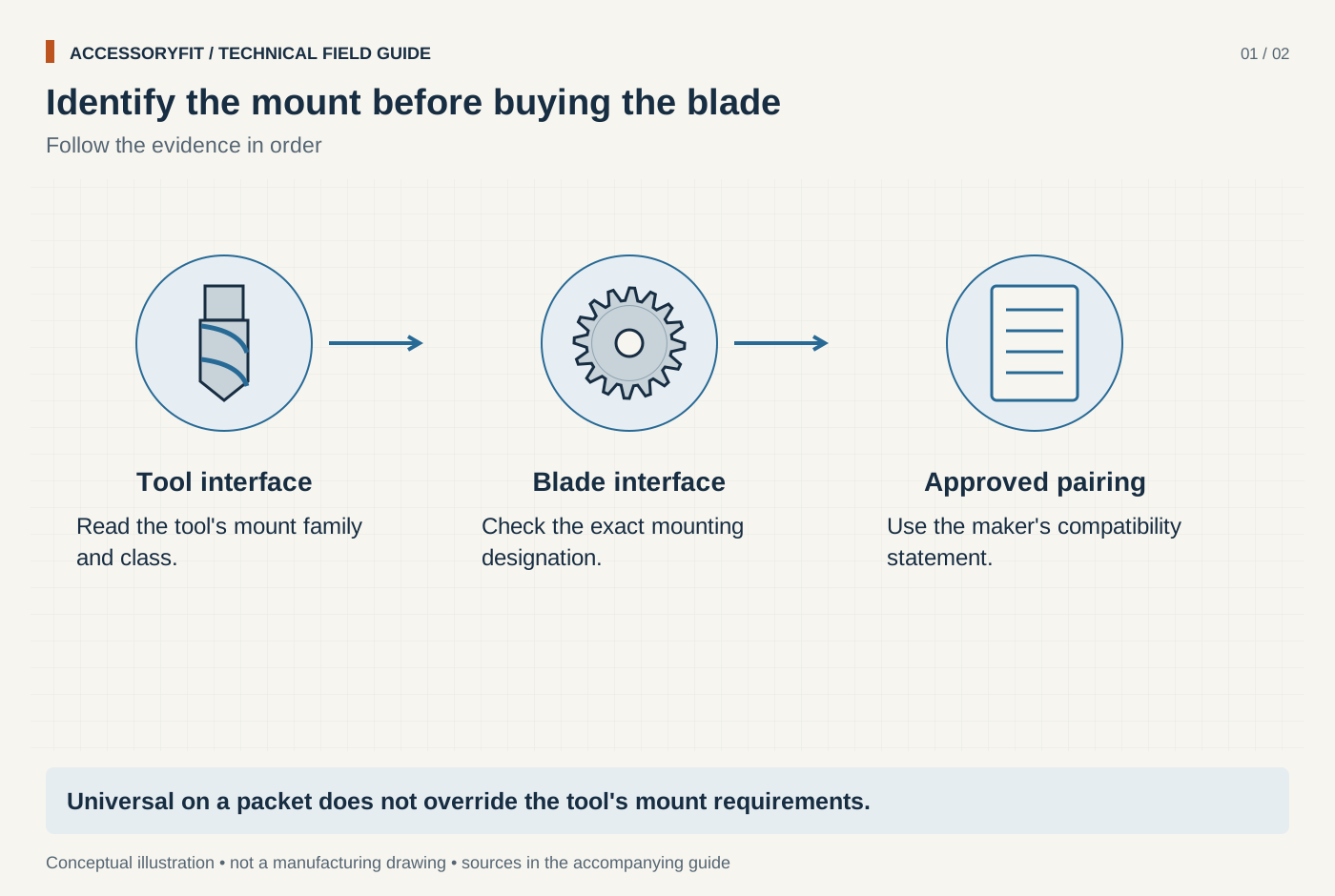
Identify the mount before buying the blade
Download SVG · Tap the image for the 1400 px WebP · From Oscillating multi-tool blade compatibility: Starlock classes, OIS and universal fit
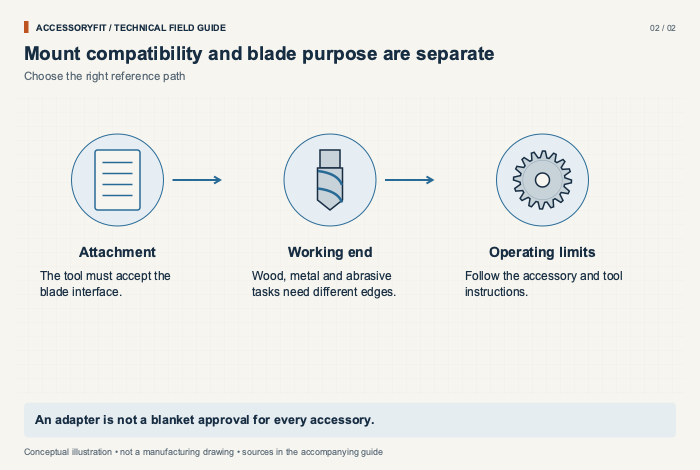
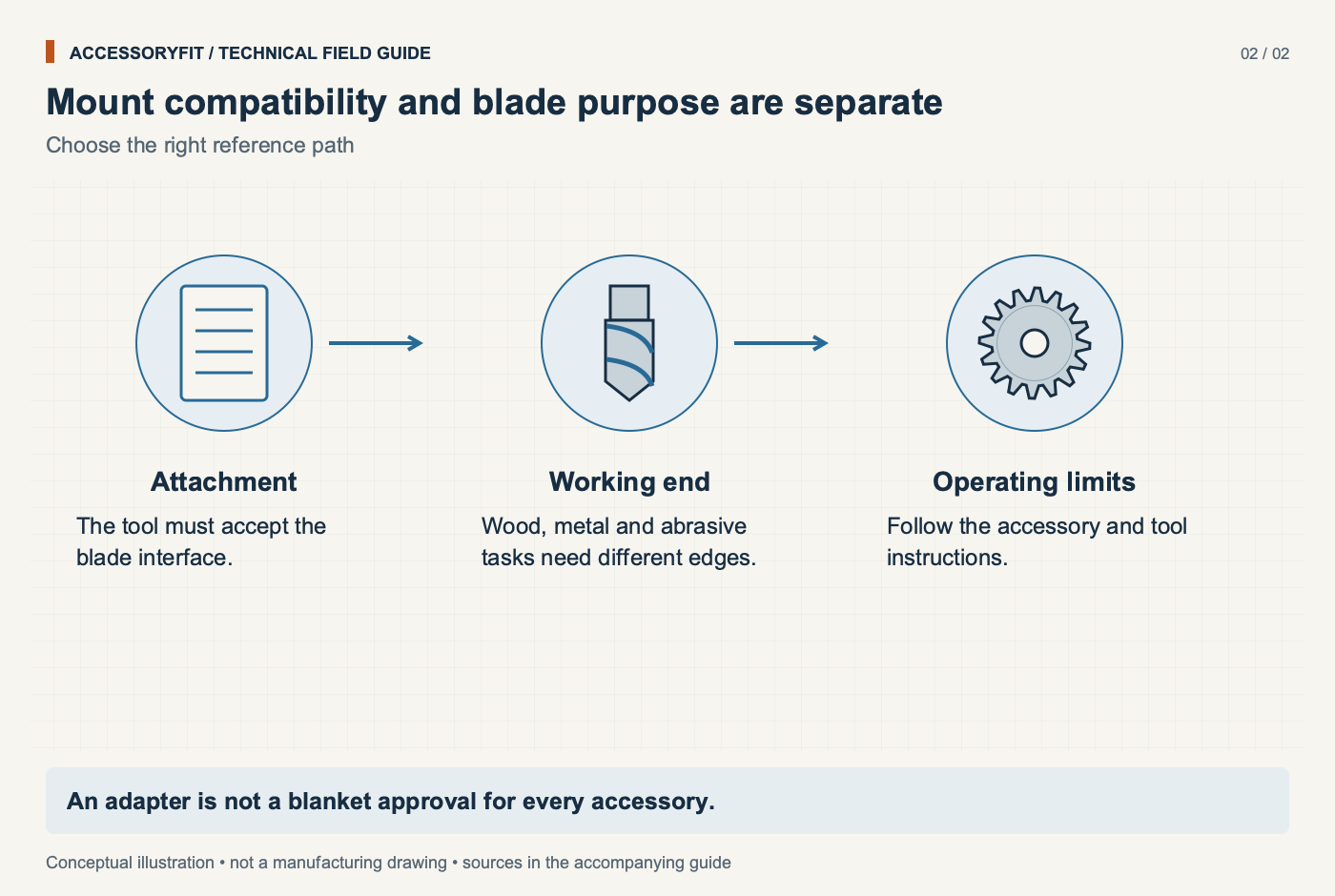
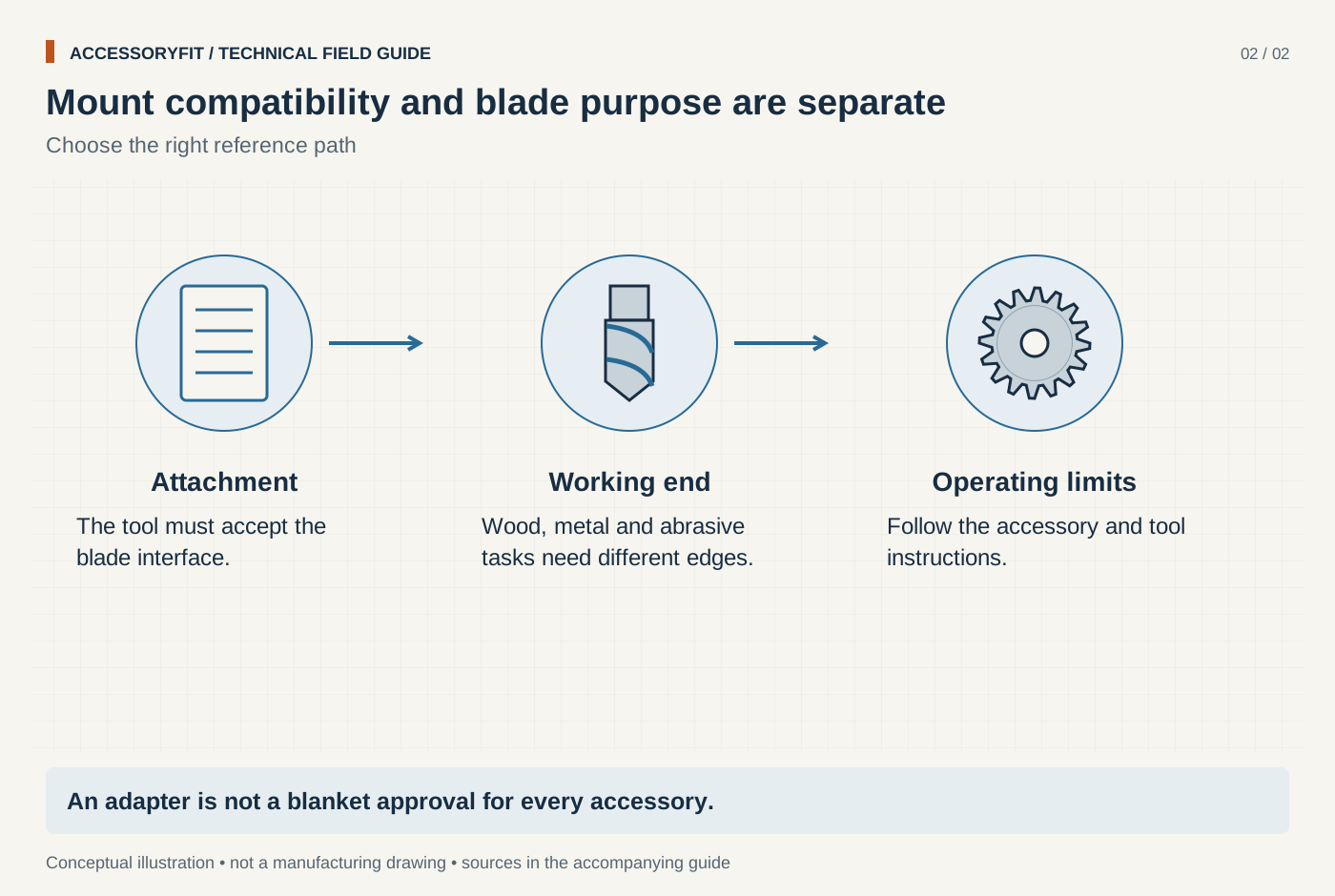
Mount compatibility and blade purpose are separate
Download SVG · Tap the image for the 1400 px WebP · From Oscillating multi-tool blade compatibility: Starlock classes, OIS and universal fit
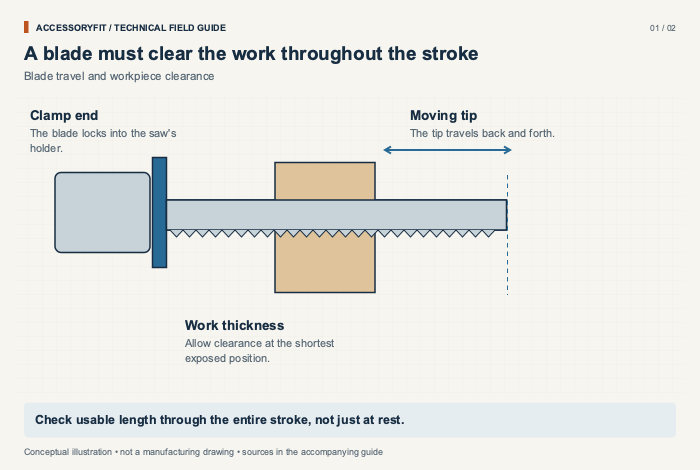
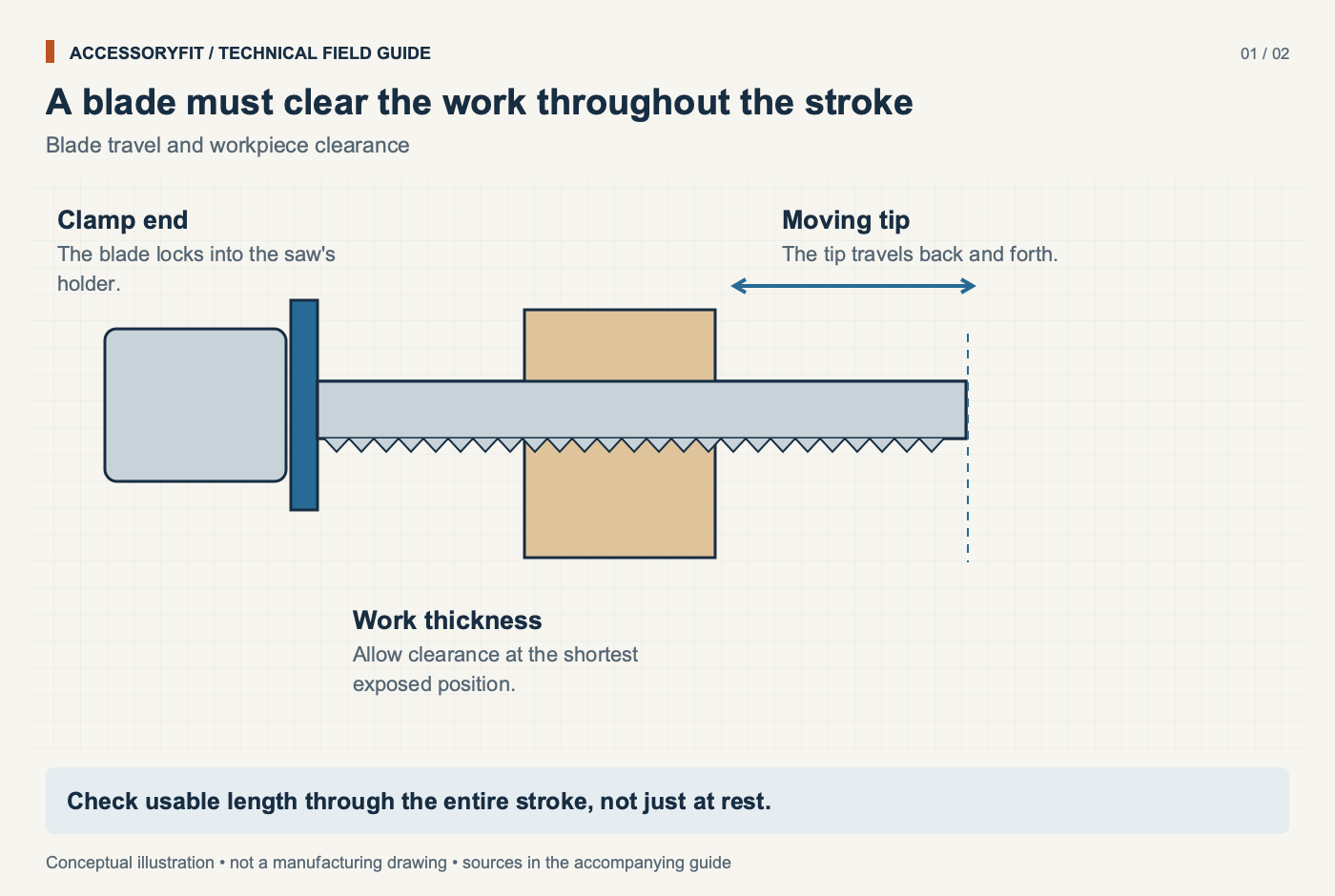
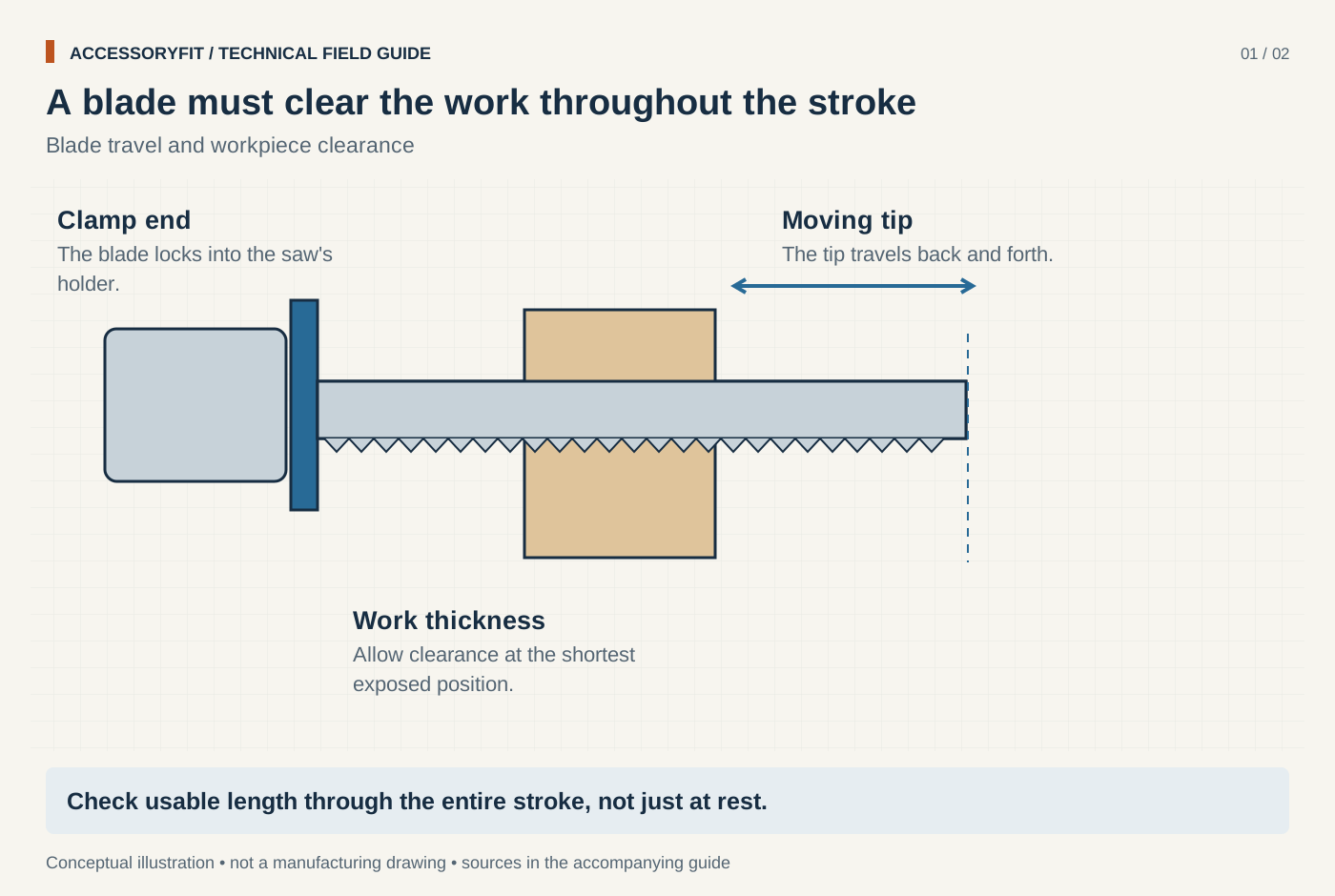
A blade must clear the work throughout the stroke
Download SVG · Tap the image for the 1400 px WebP · From Reciprocating saw blade compatibility: the universal shank and what else to match
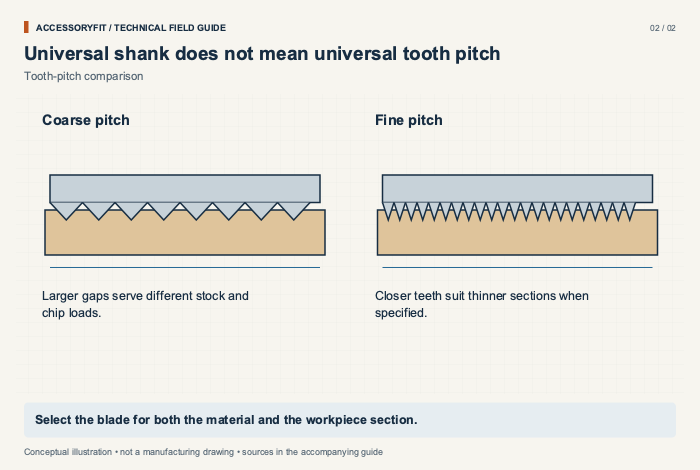
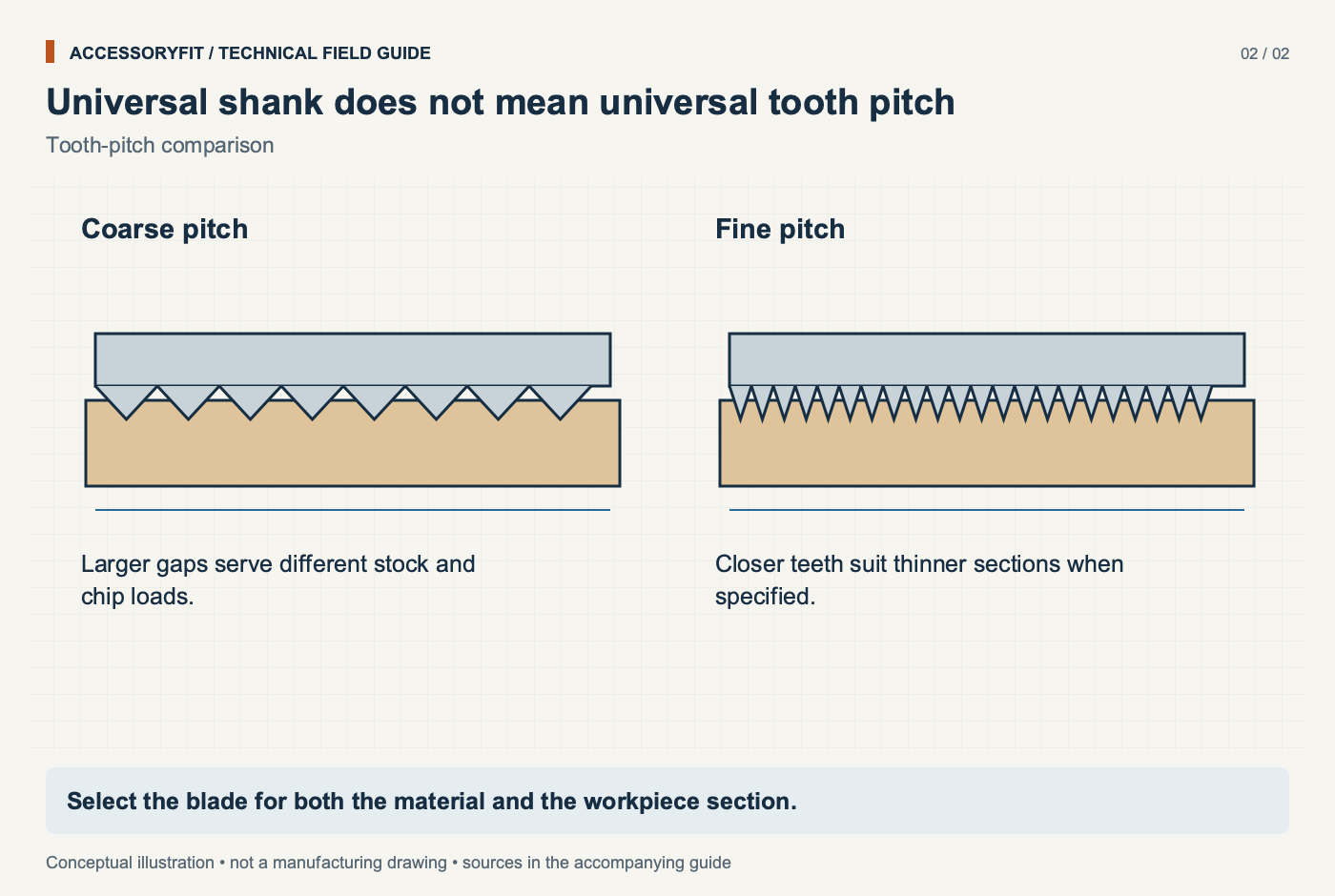
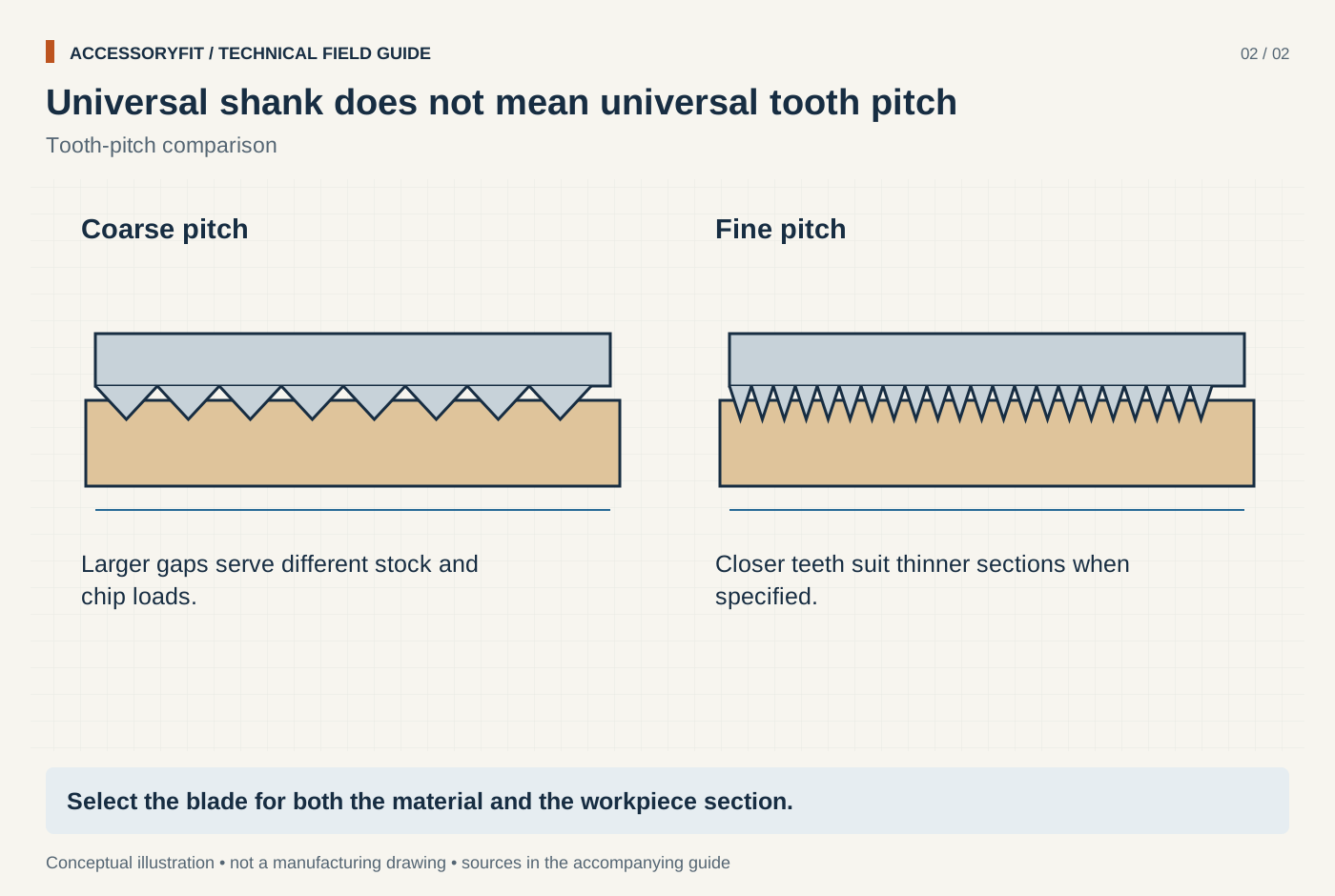
Universal shank does not mean universal tooth pitch
Download SVG · Tap the image for the 1400 px WebP · From Reciprocating saw blade compatibility: the universal shank and what else to match
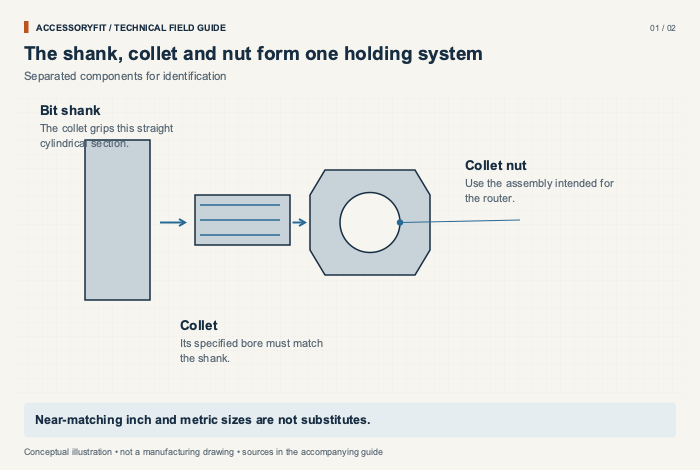
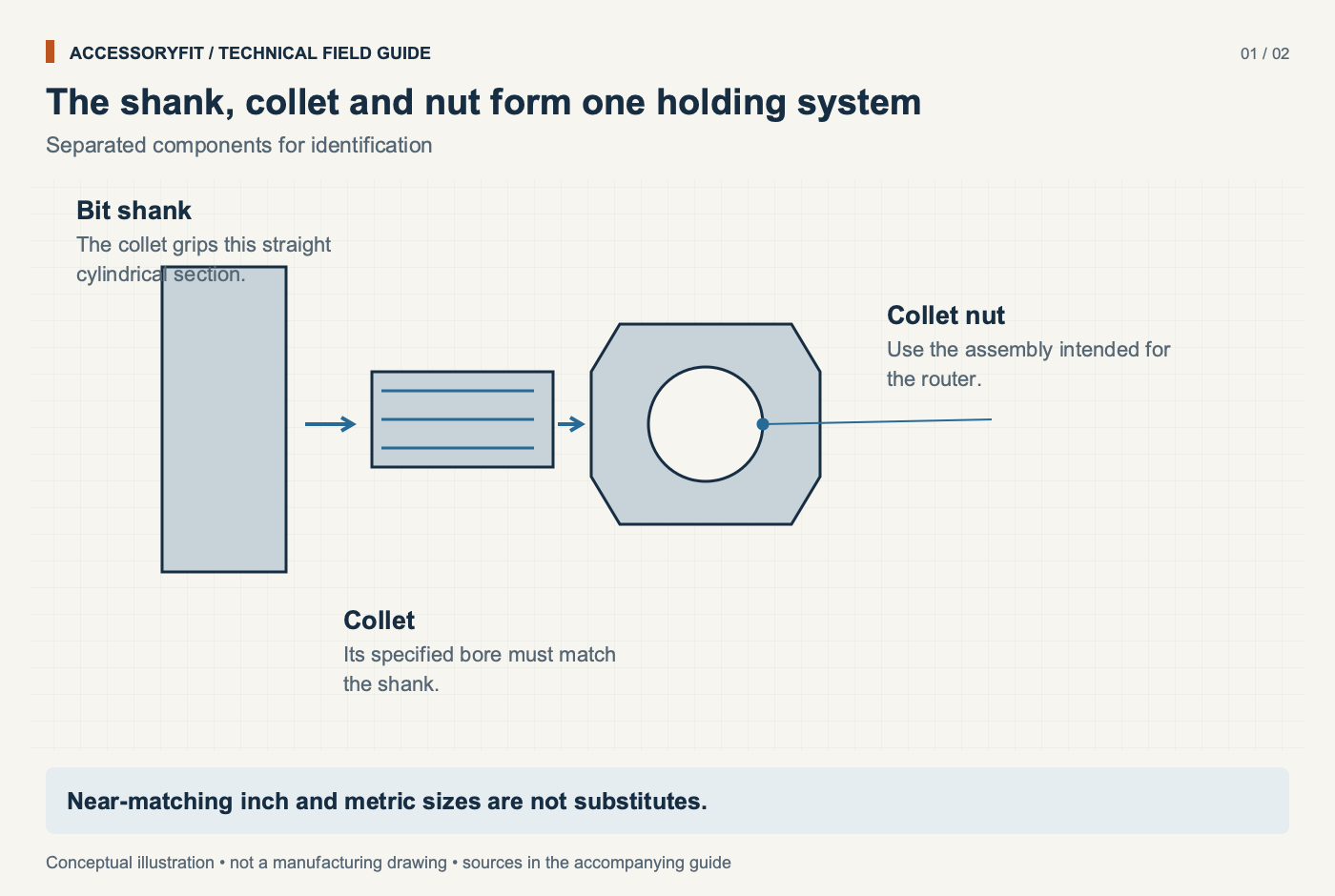
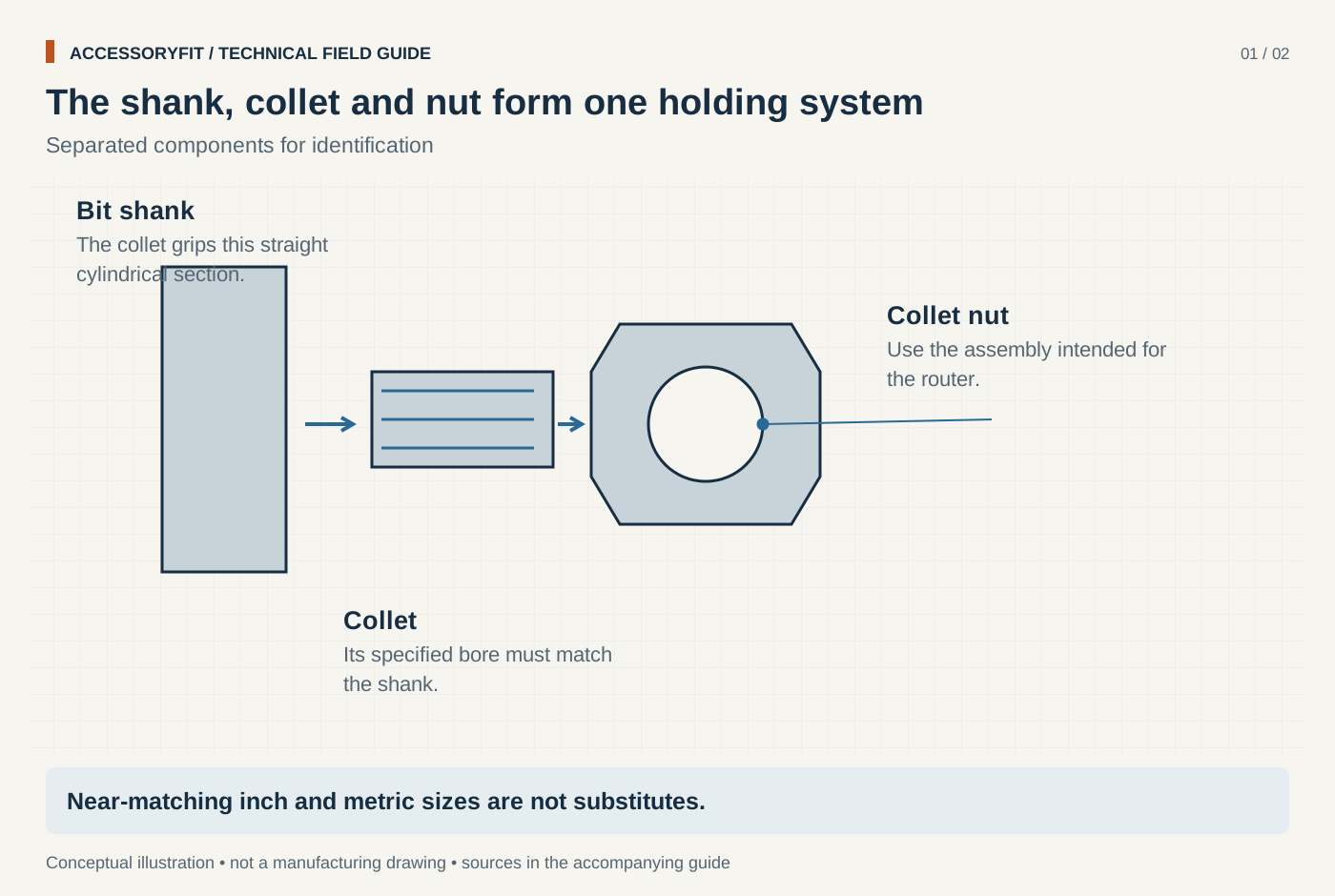
The shank, collet and nut form one holding system
Download SVG · Tap the image for the 1400 px WebP · From Router collet sizes: 1/4 in, 1/2 in, 6 mm and 8 mm shanks and which routers take them
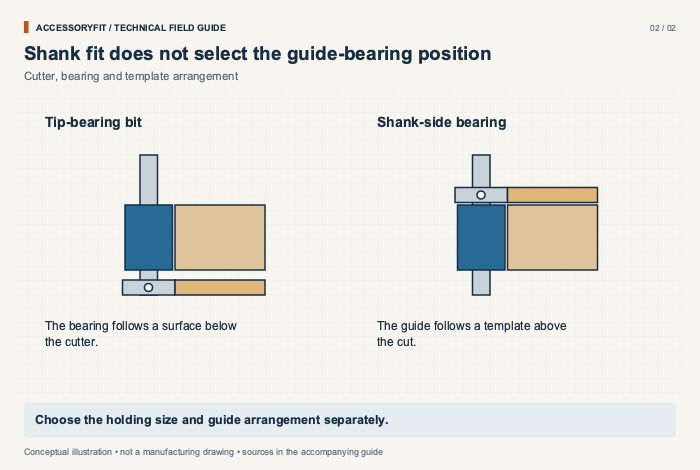
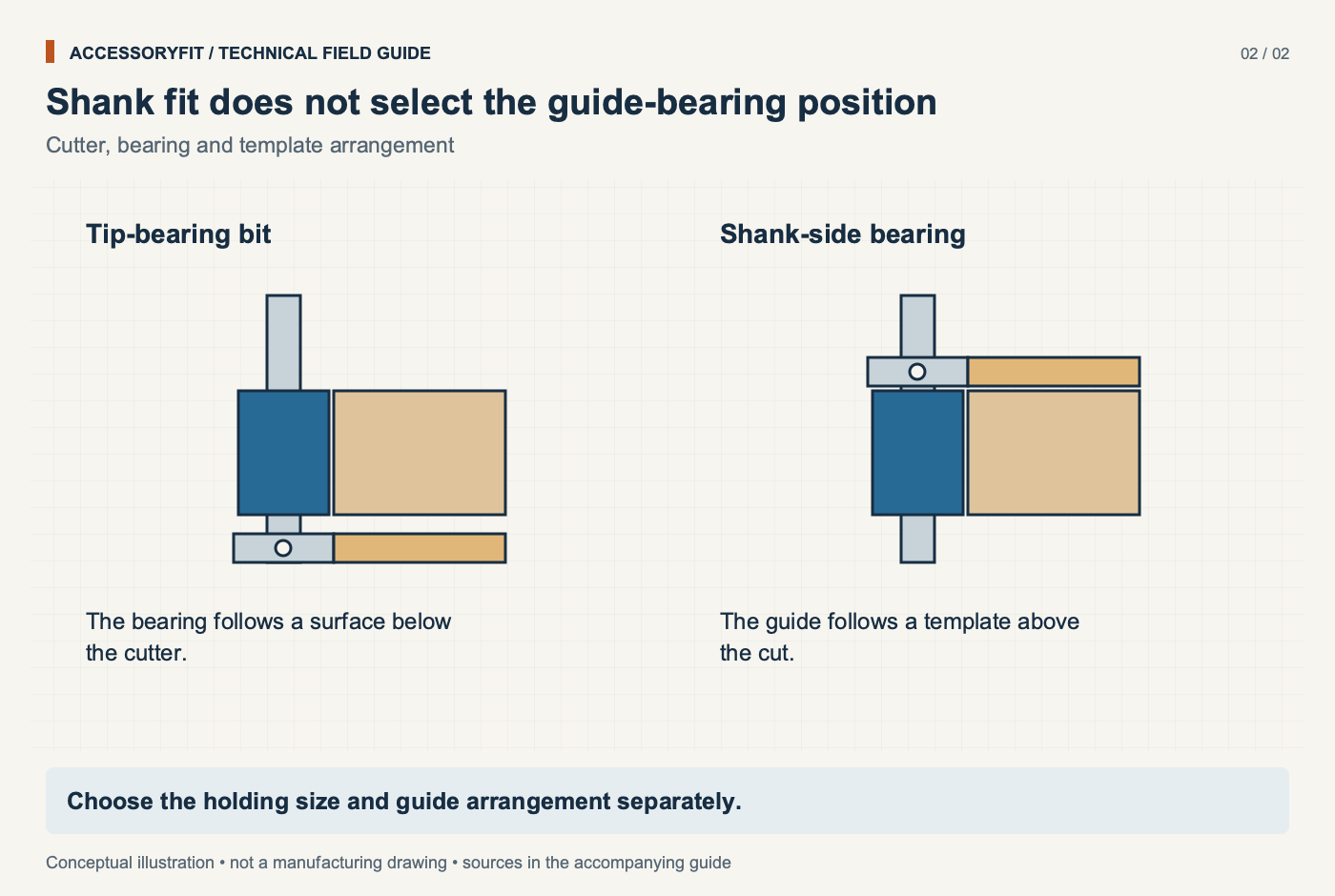
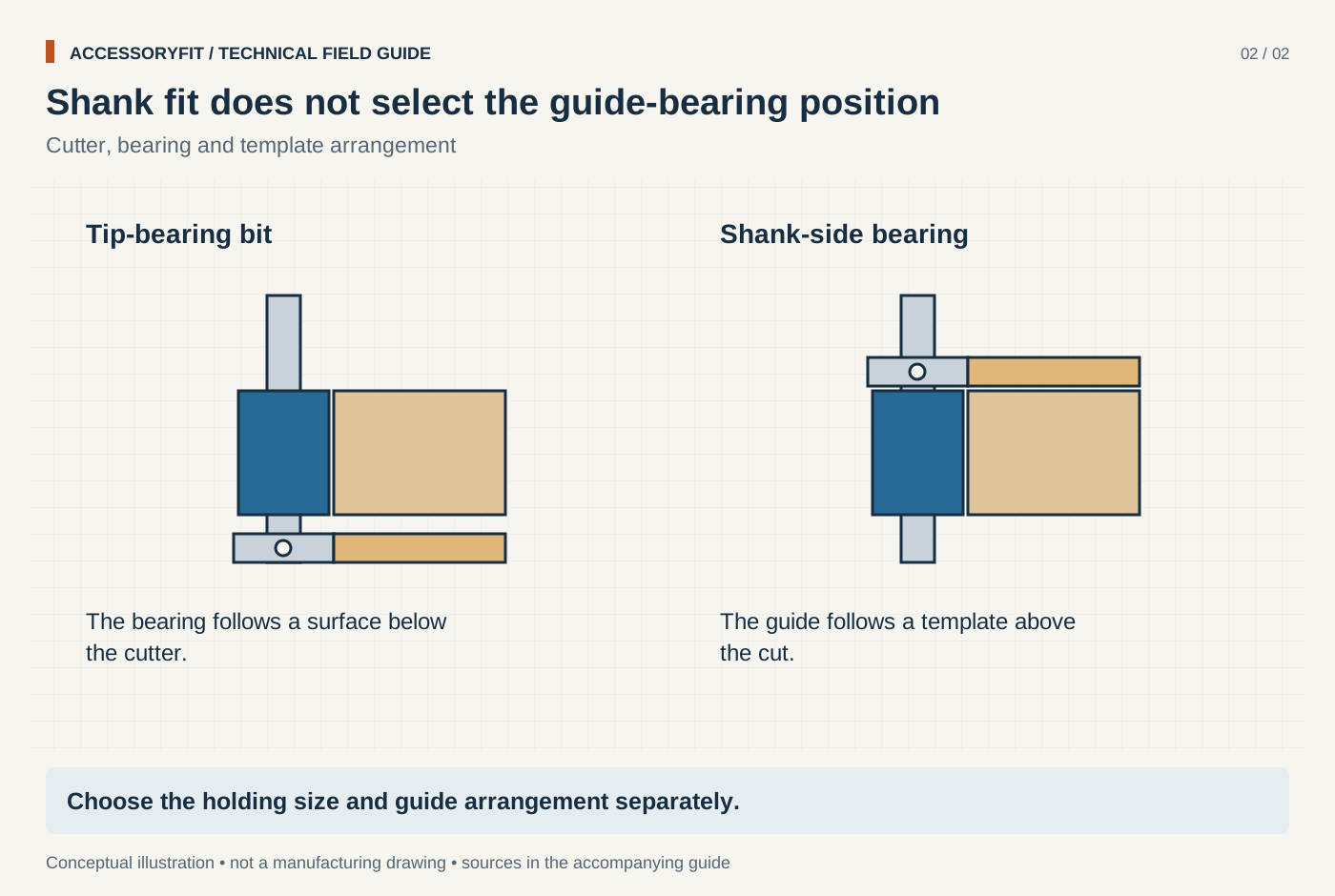
Shank fit does not select the guide-bearing position
Download SVG · Tap the image for the 1400 px WebP · From Router collet sizes: 1/4 in, 1/2 in, 6 mm and 8 mm shanks and which routers take them
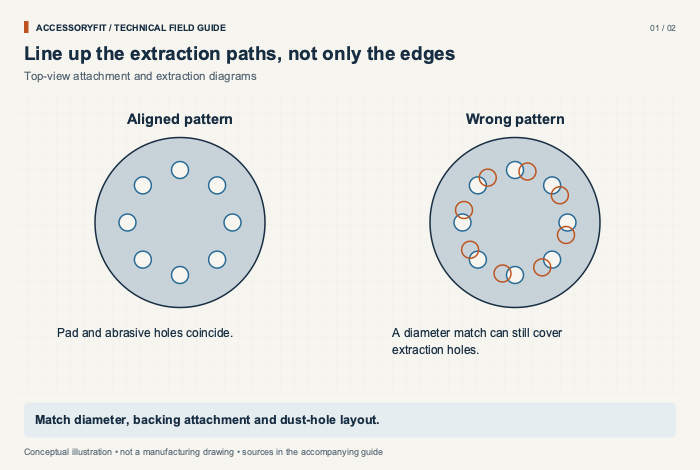
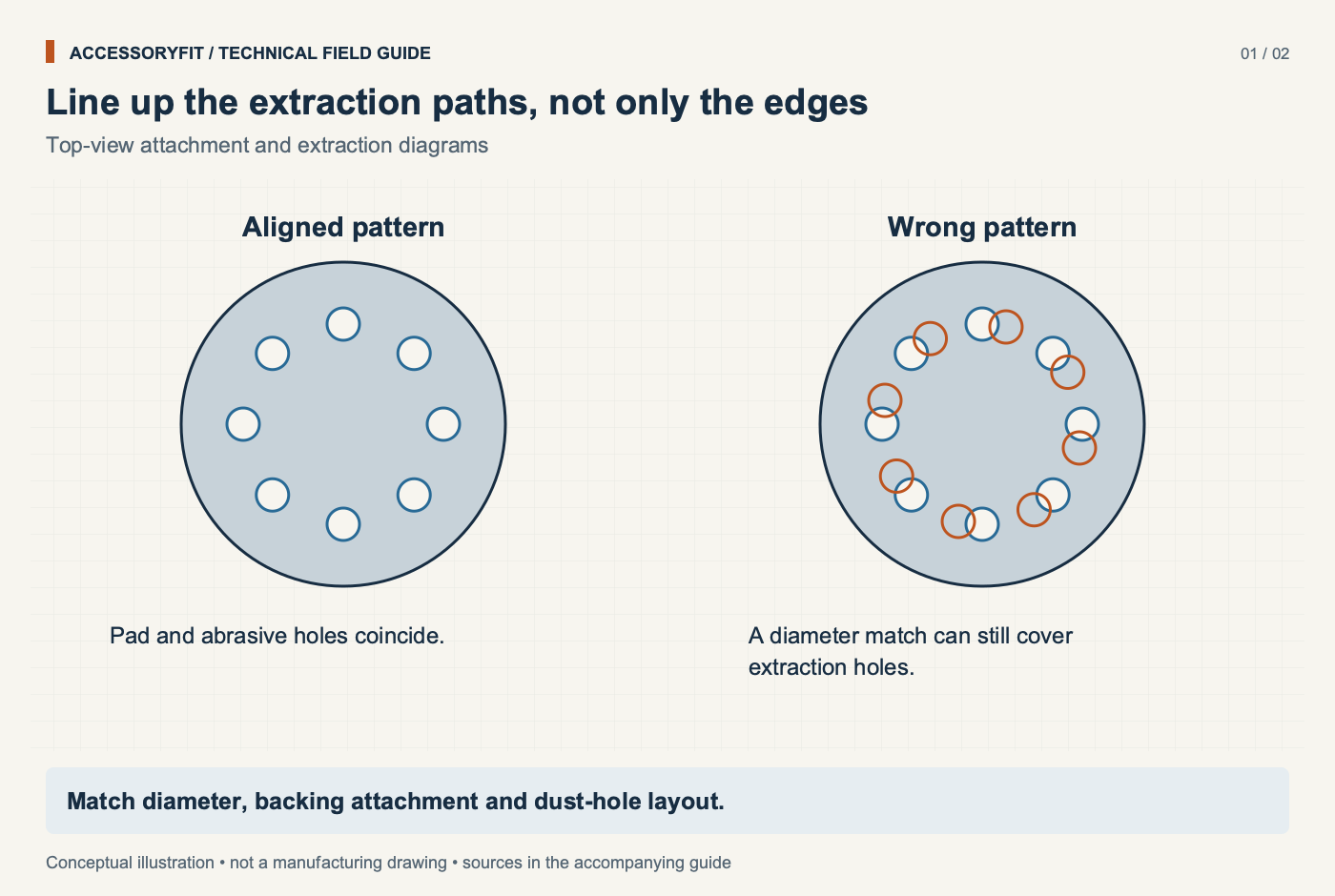
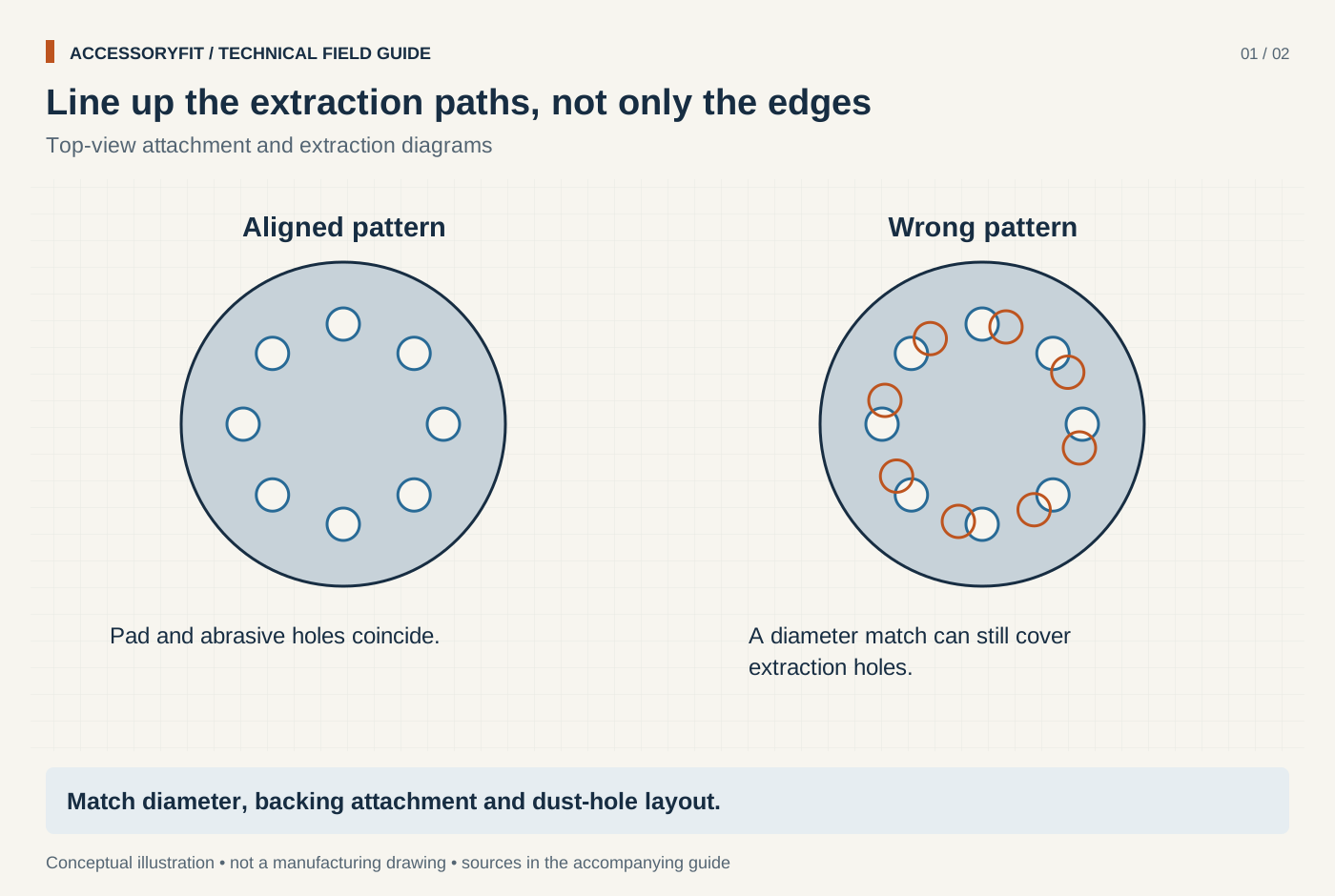
Line up the extraction paths, not only the edges
Download SVG · Tap the image for the 1400 px WebP · From Sanding disc sizes and hole patterns: matching discs to your orbital sander
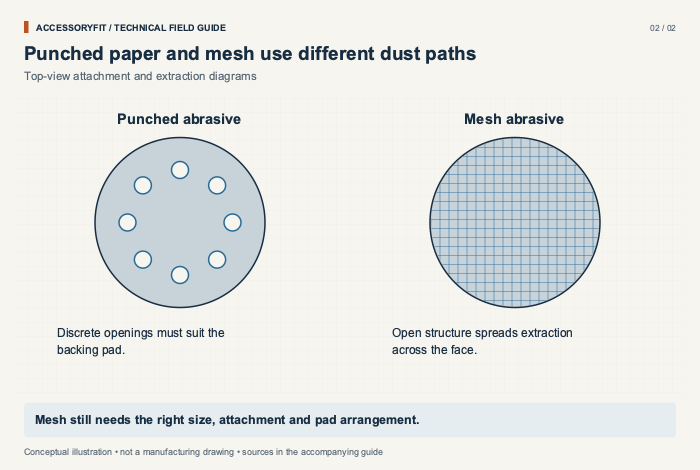
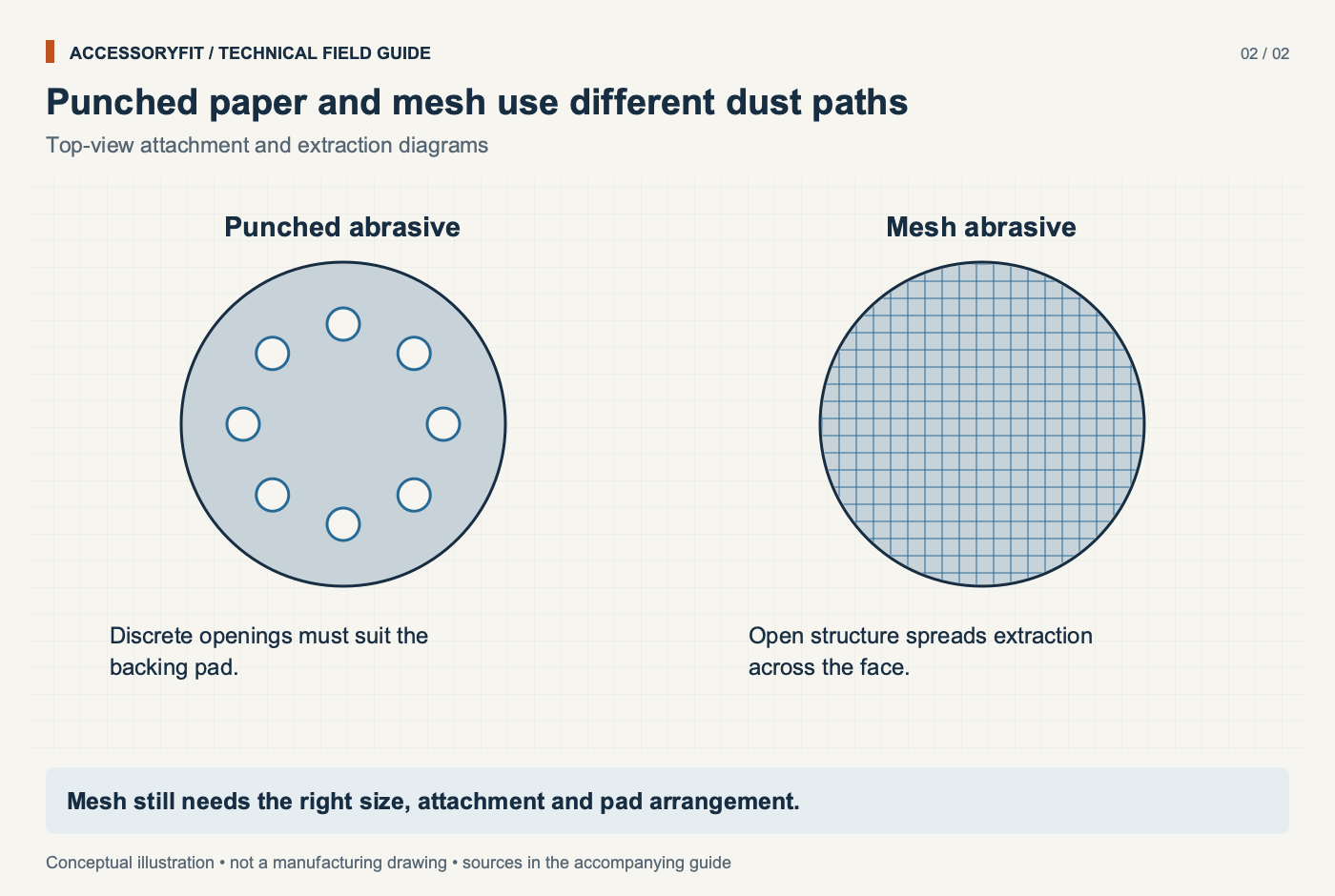
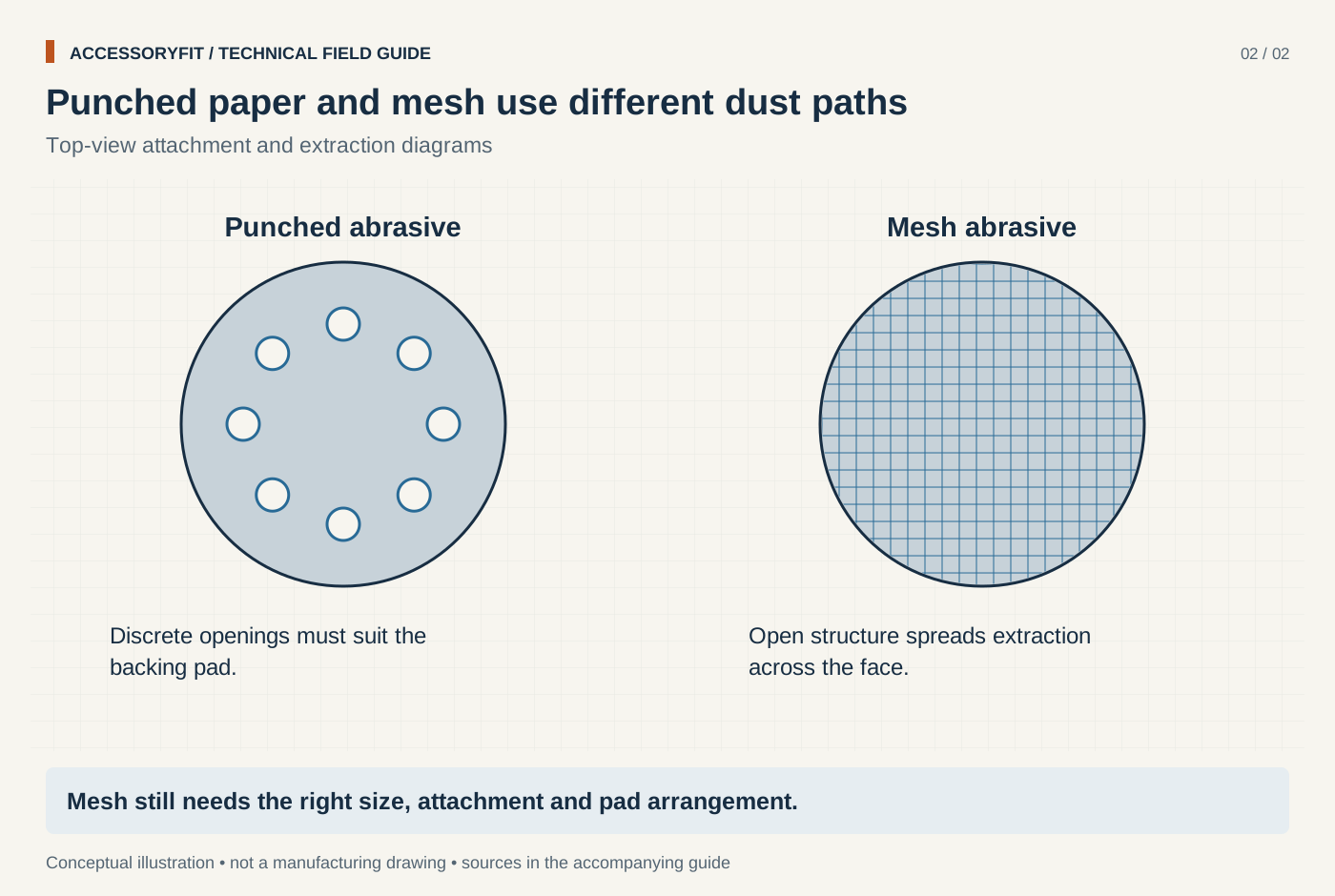
Punched paper and mesh use different dust paths
Download SVG · Tap the image for the 1400 px WebP · From Sanding disc sizes and hole patterns: matching discs to your orbital sander
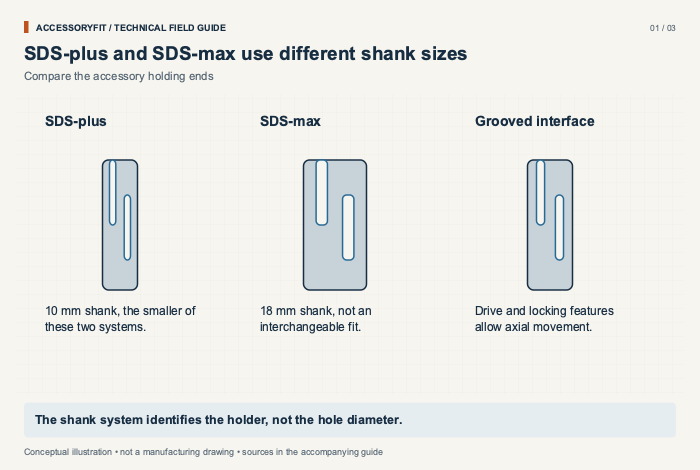
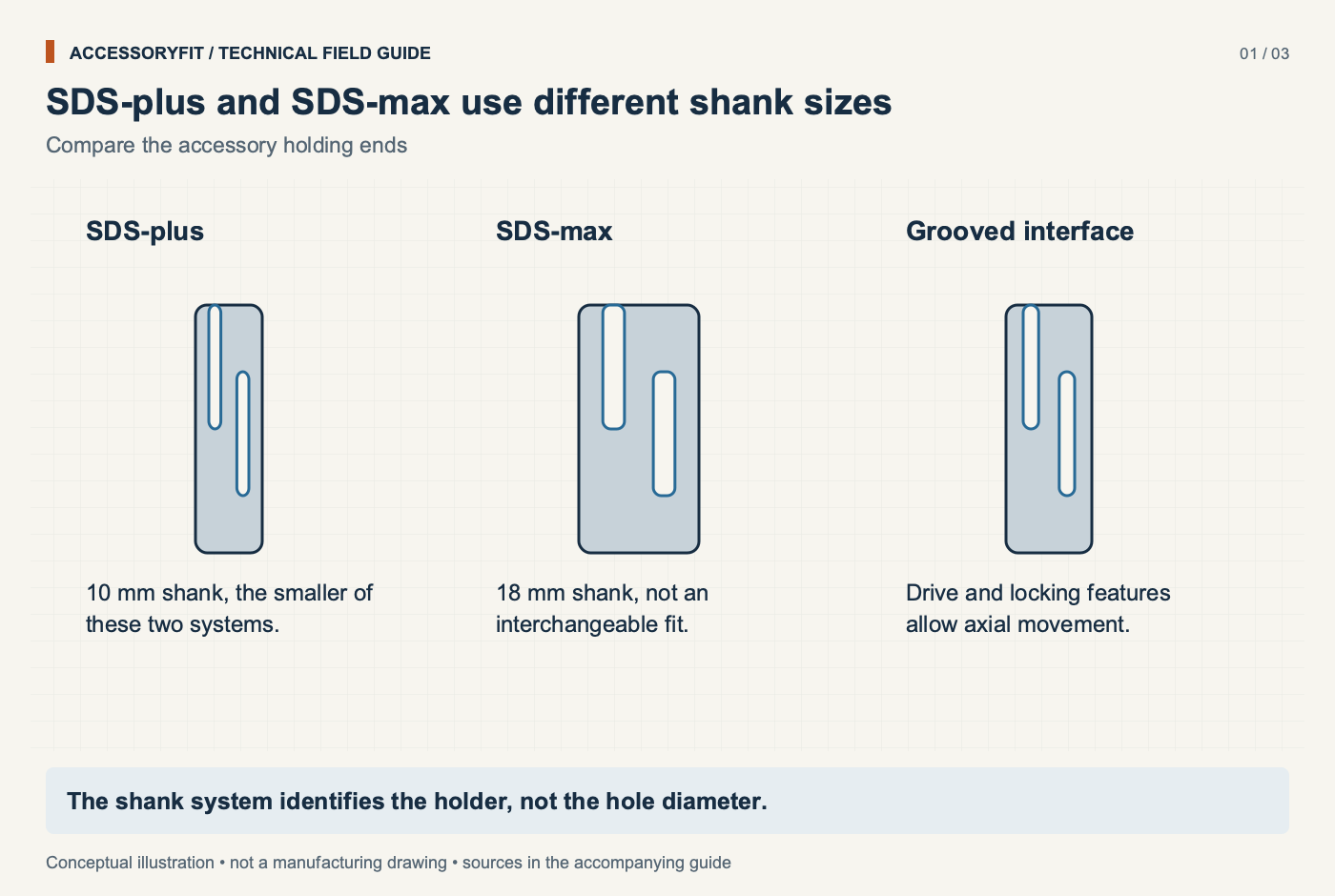
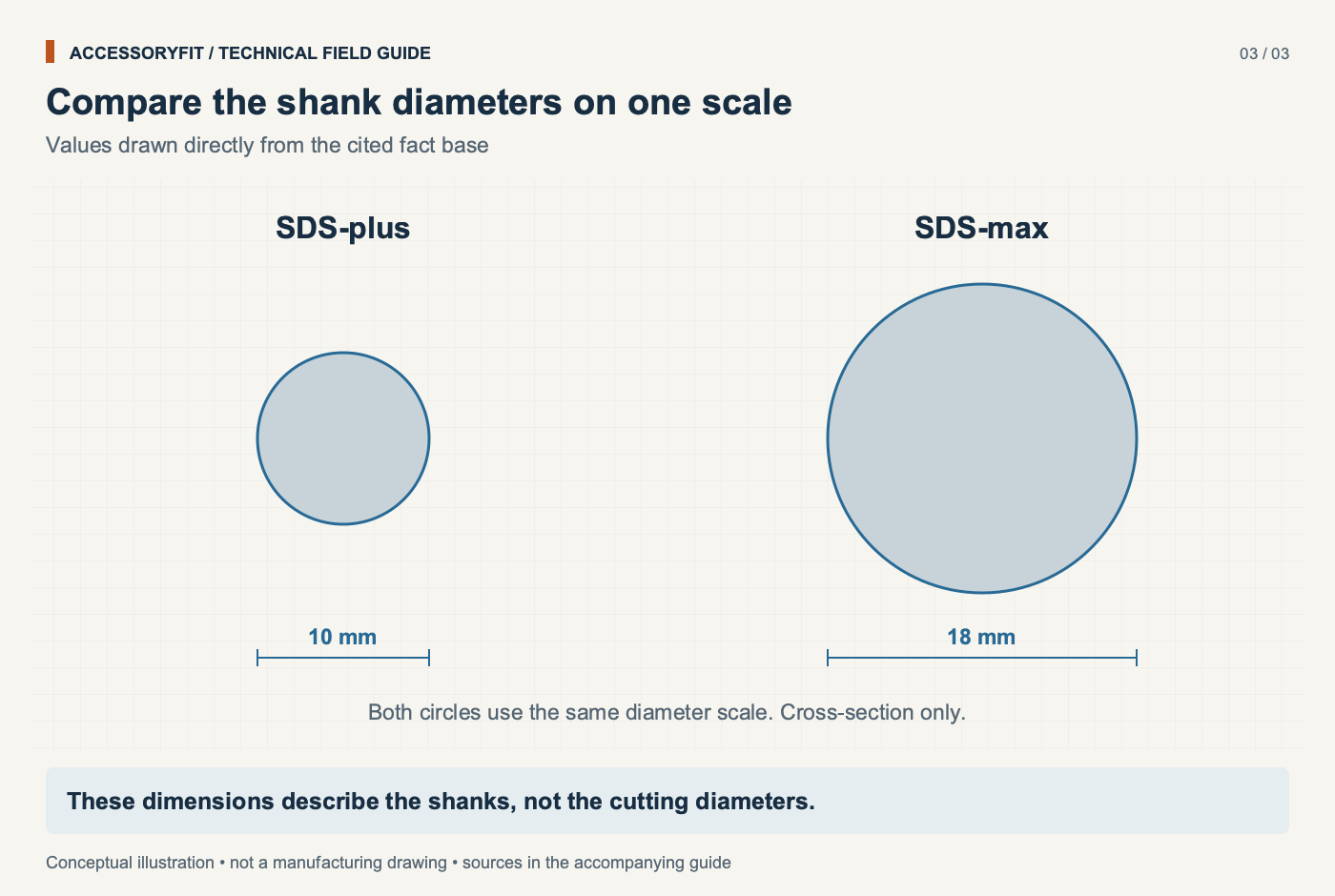
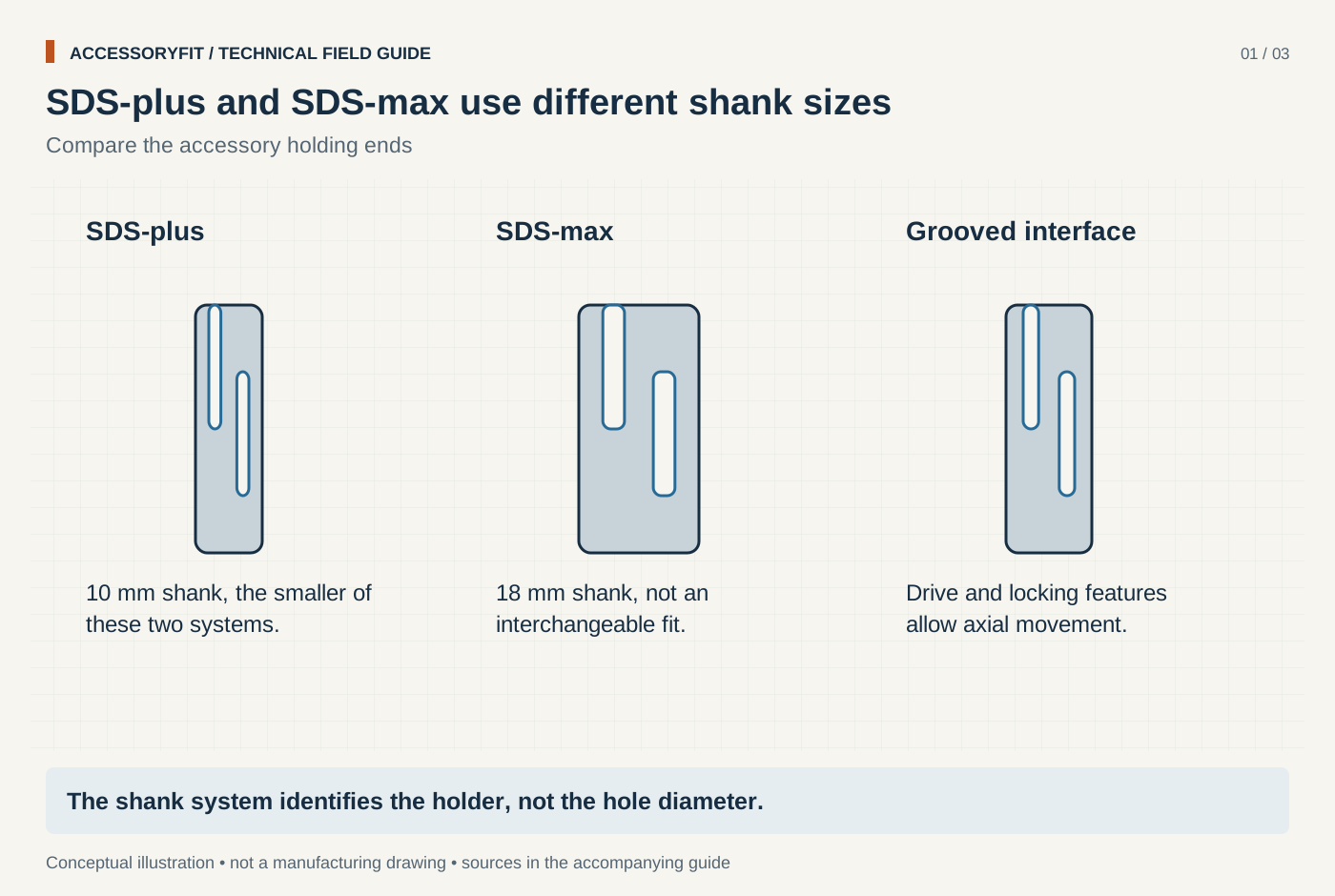
SDS-plus and SDS-max use different shank sizes
Download SVG · Tap the image for the 1400 px WebP · From SDS-plus vs SDS-max: which rotary hammer bits fit which tool
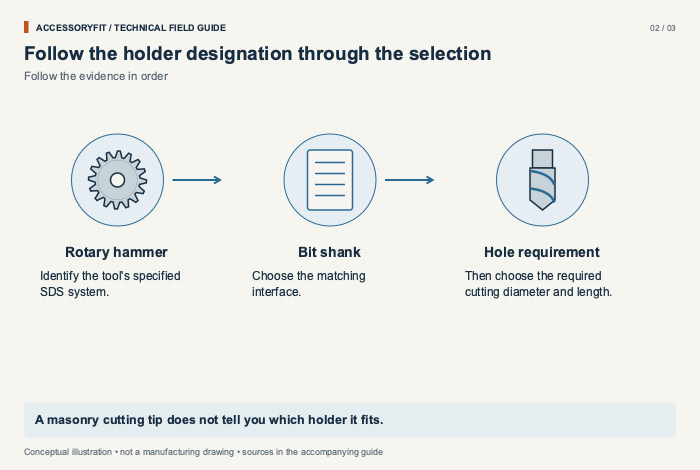
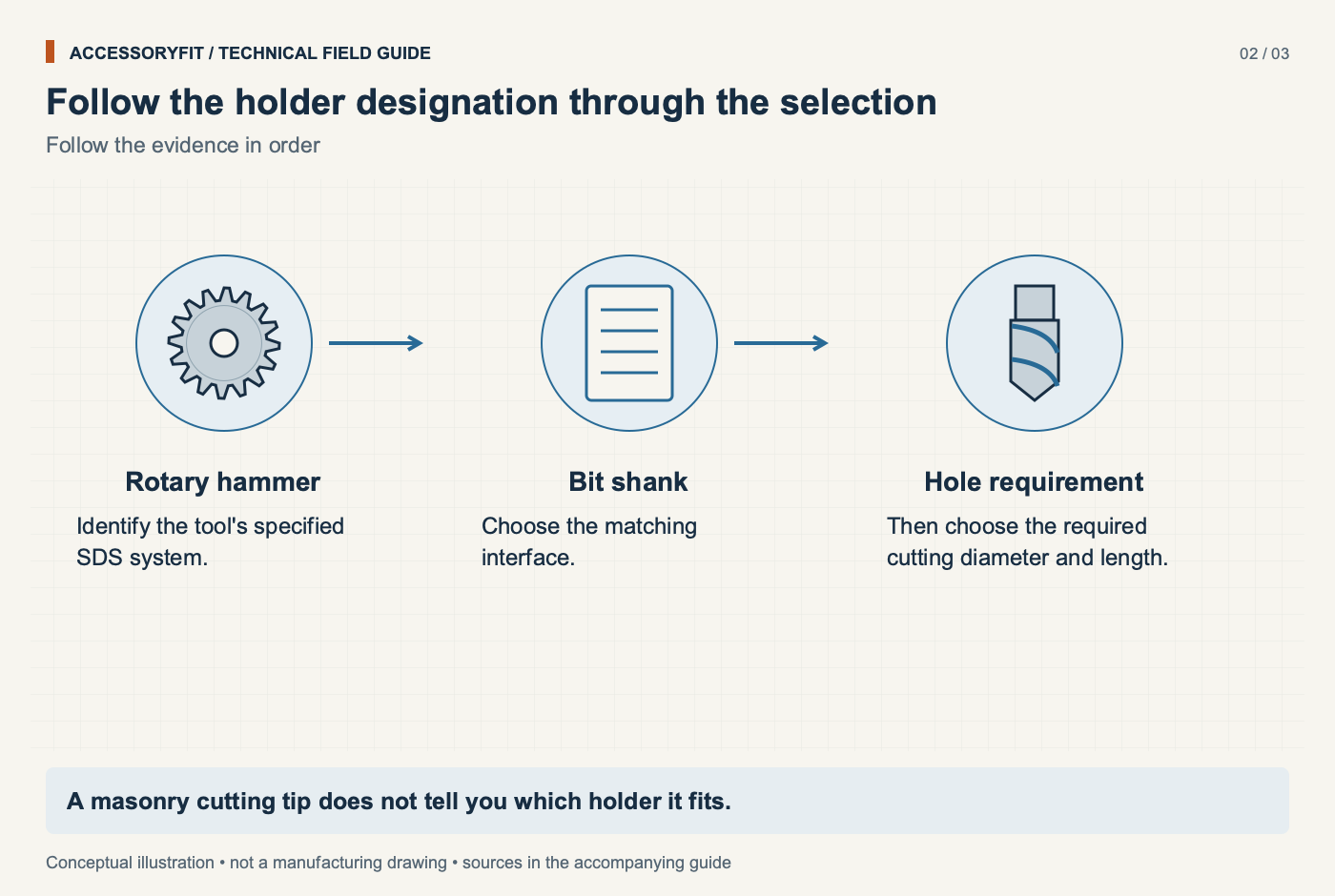
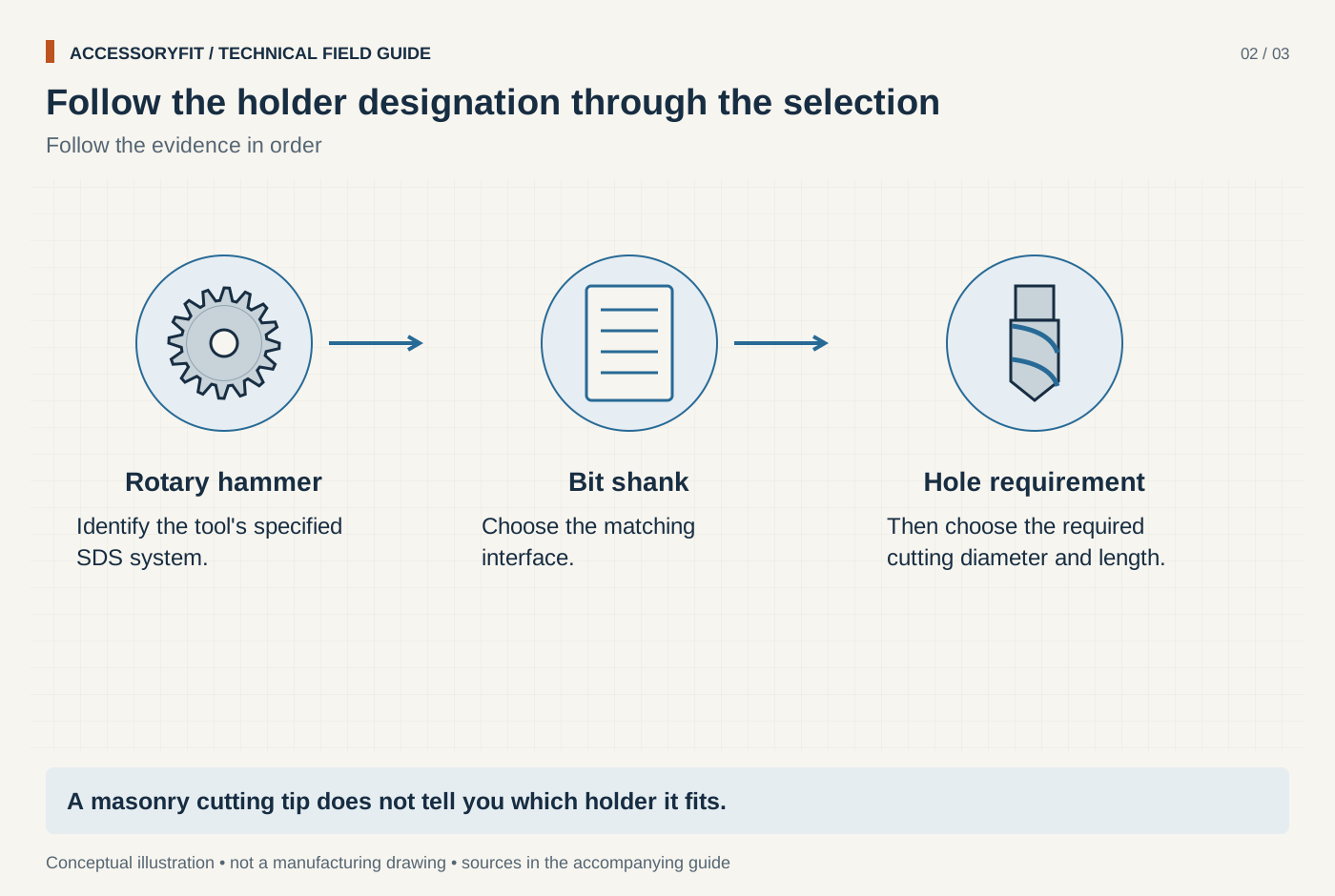
Follow the holder designation through the selection
Download SVG · Tap the image for the 1400 px WebP · From SDS-plus vs SDS-max: which rotary hammer bits fit which tool
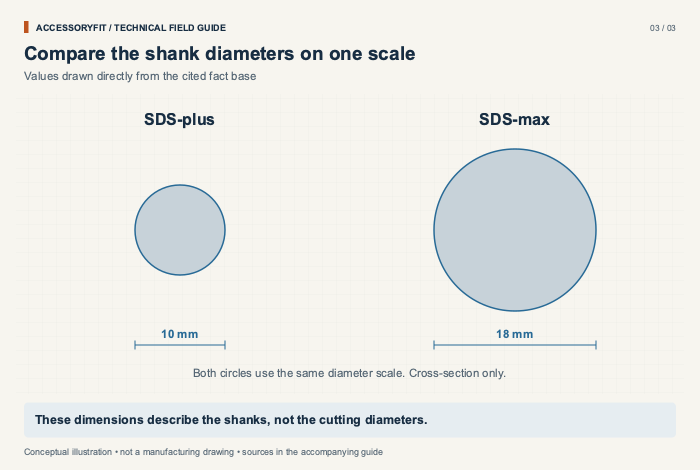
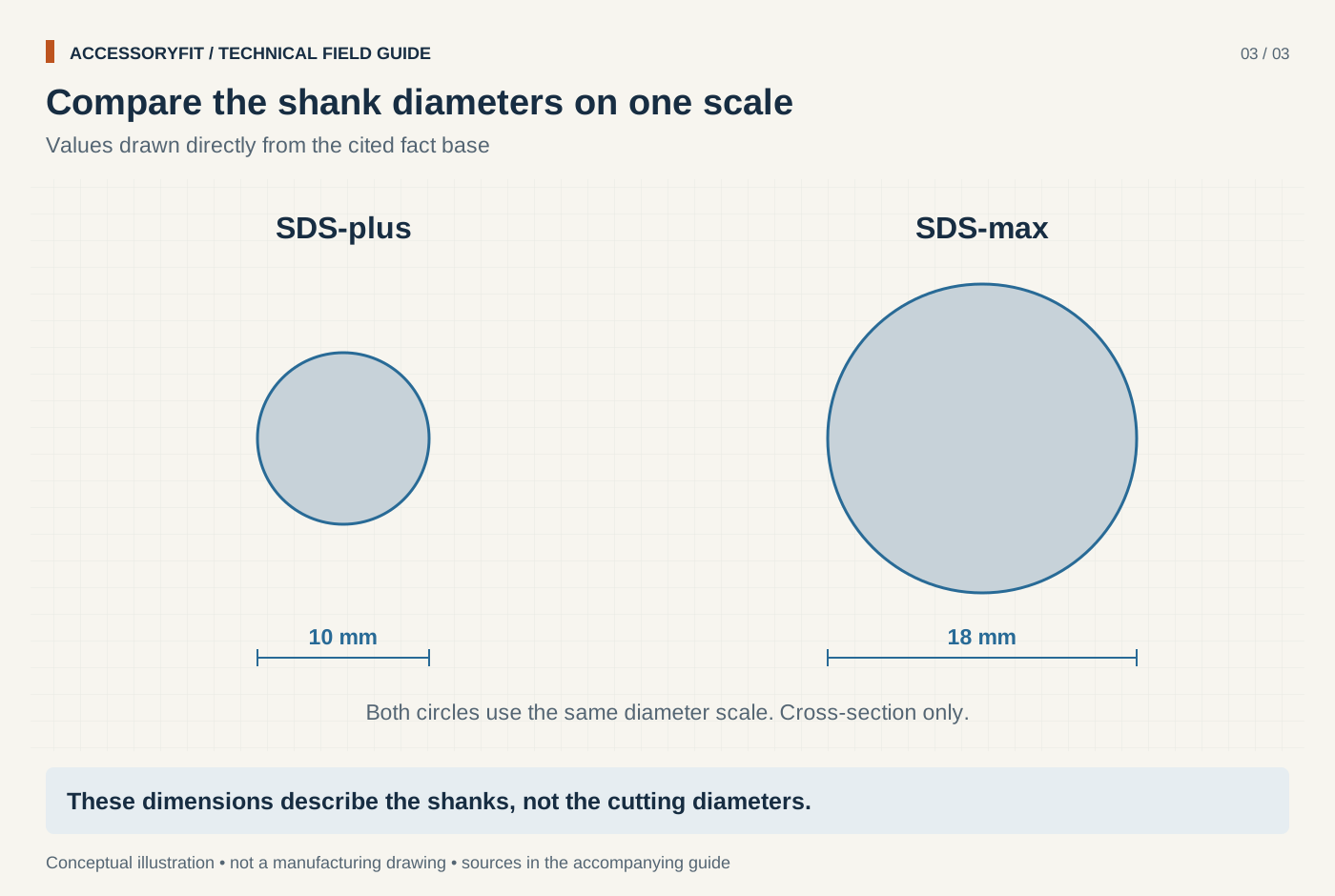
Compare the shank diameters on one scale
Download SVG · Tap the image for the 1400 px WebP · From SDS-plus vs SDS-max: which rotary hammer bits fit which tool
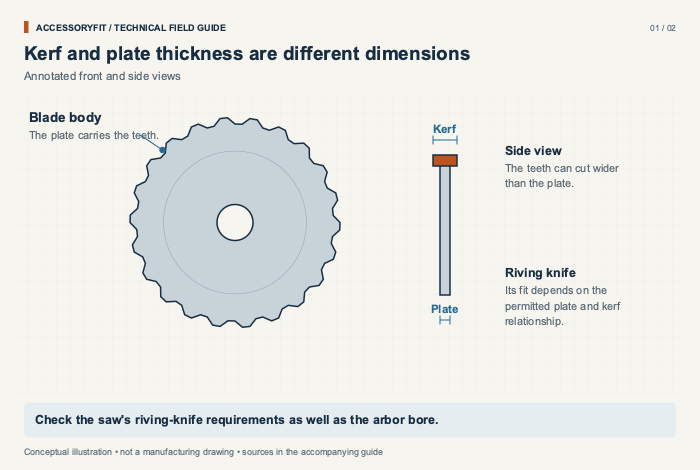
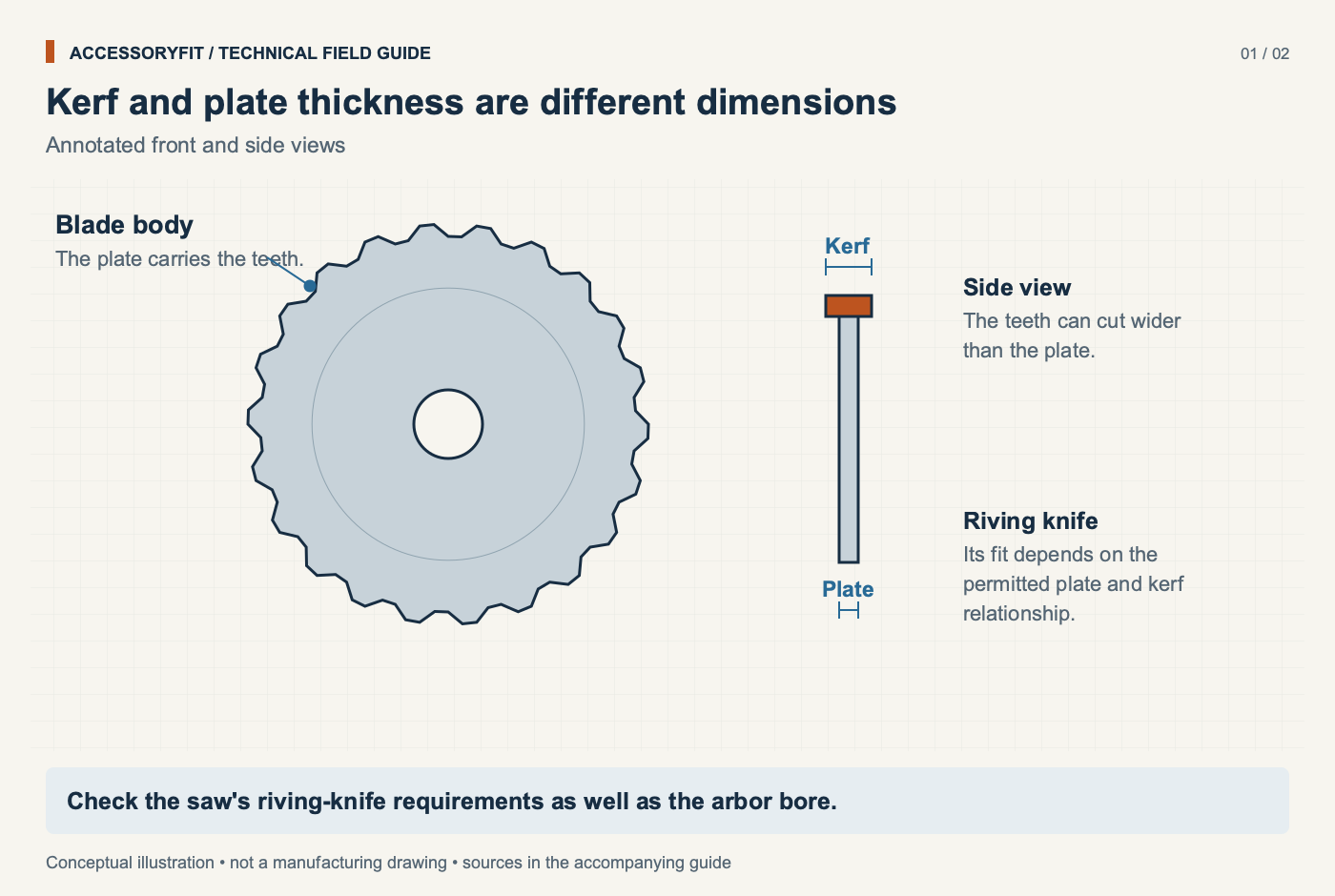
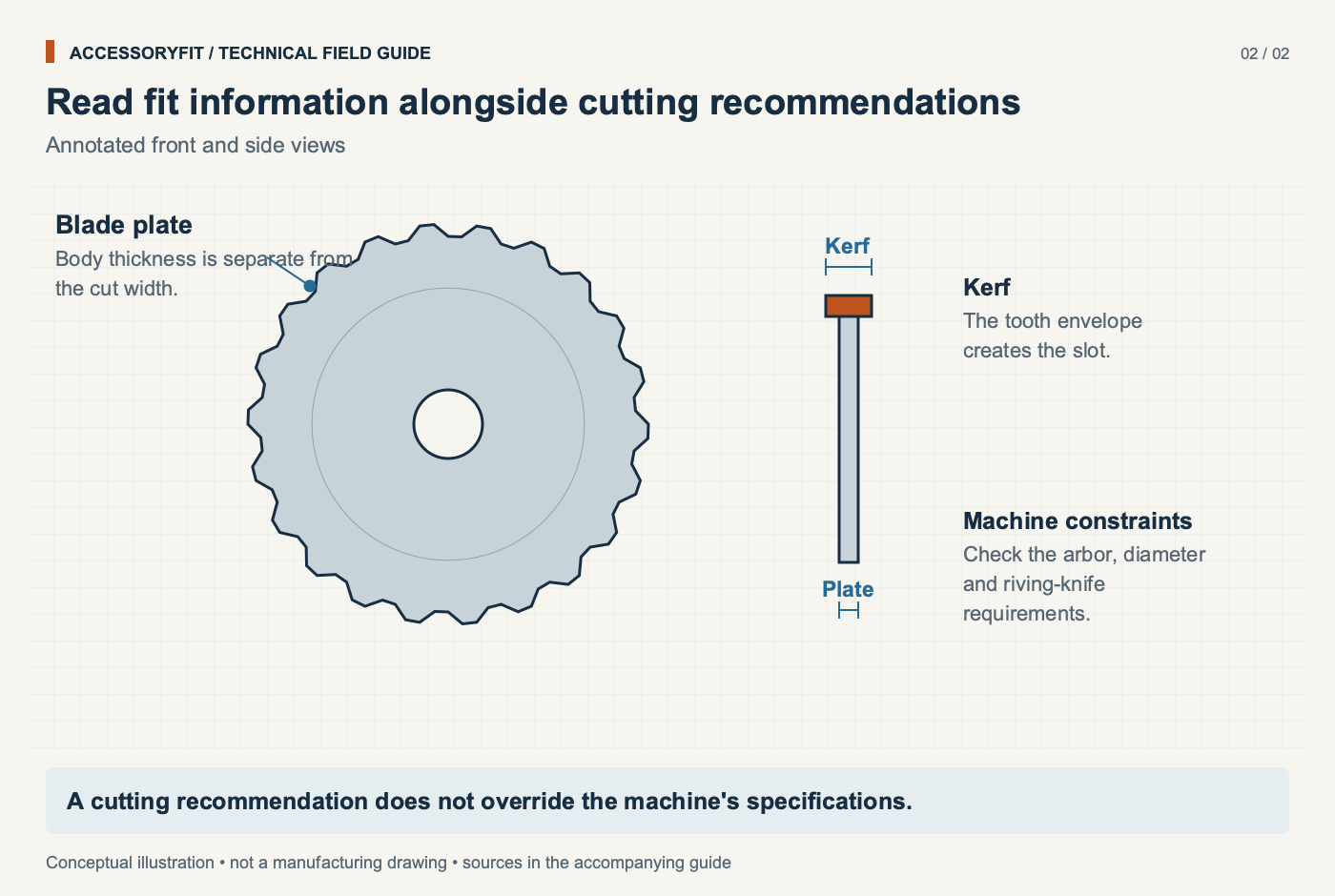
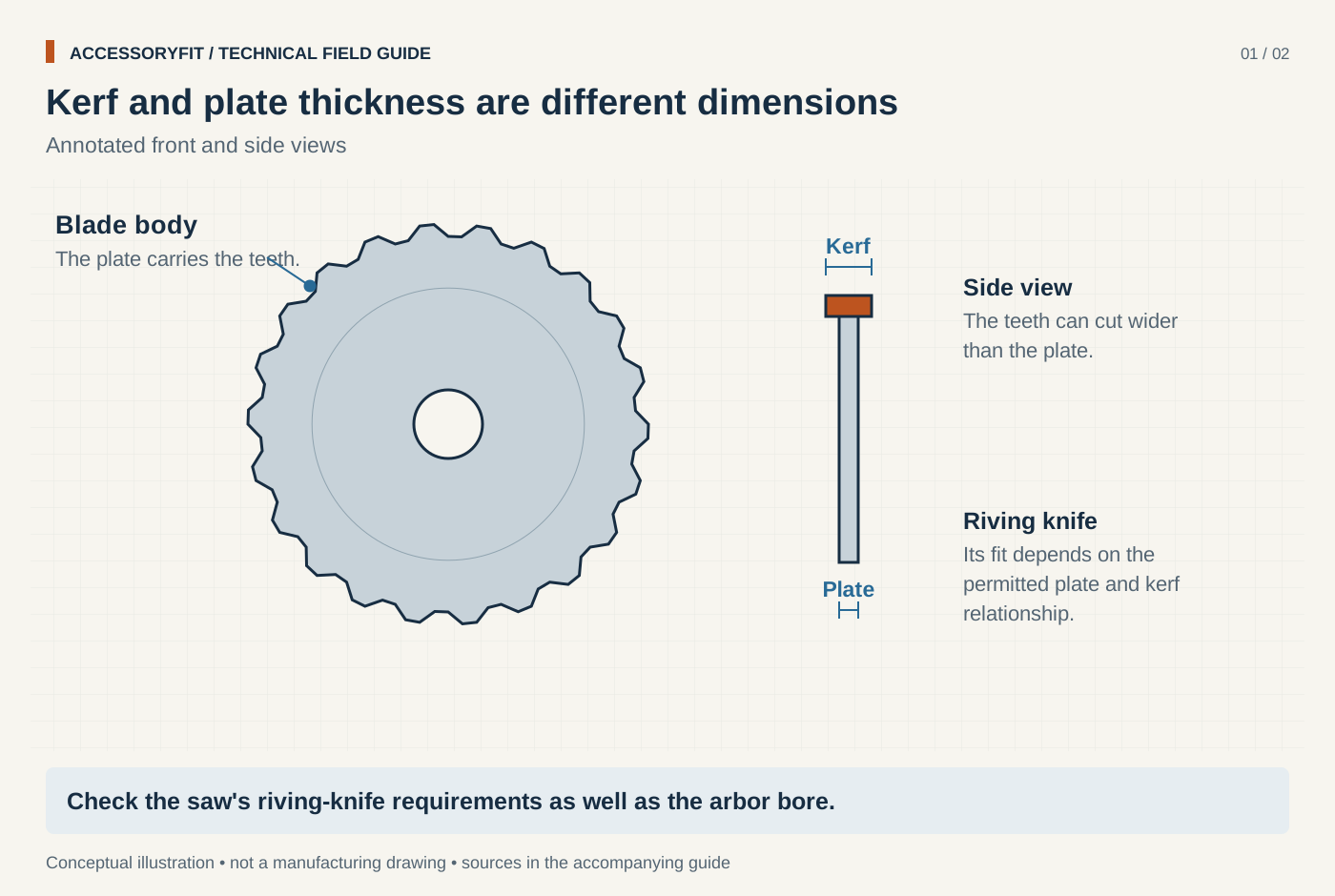
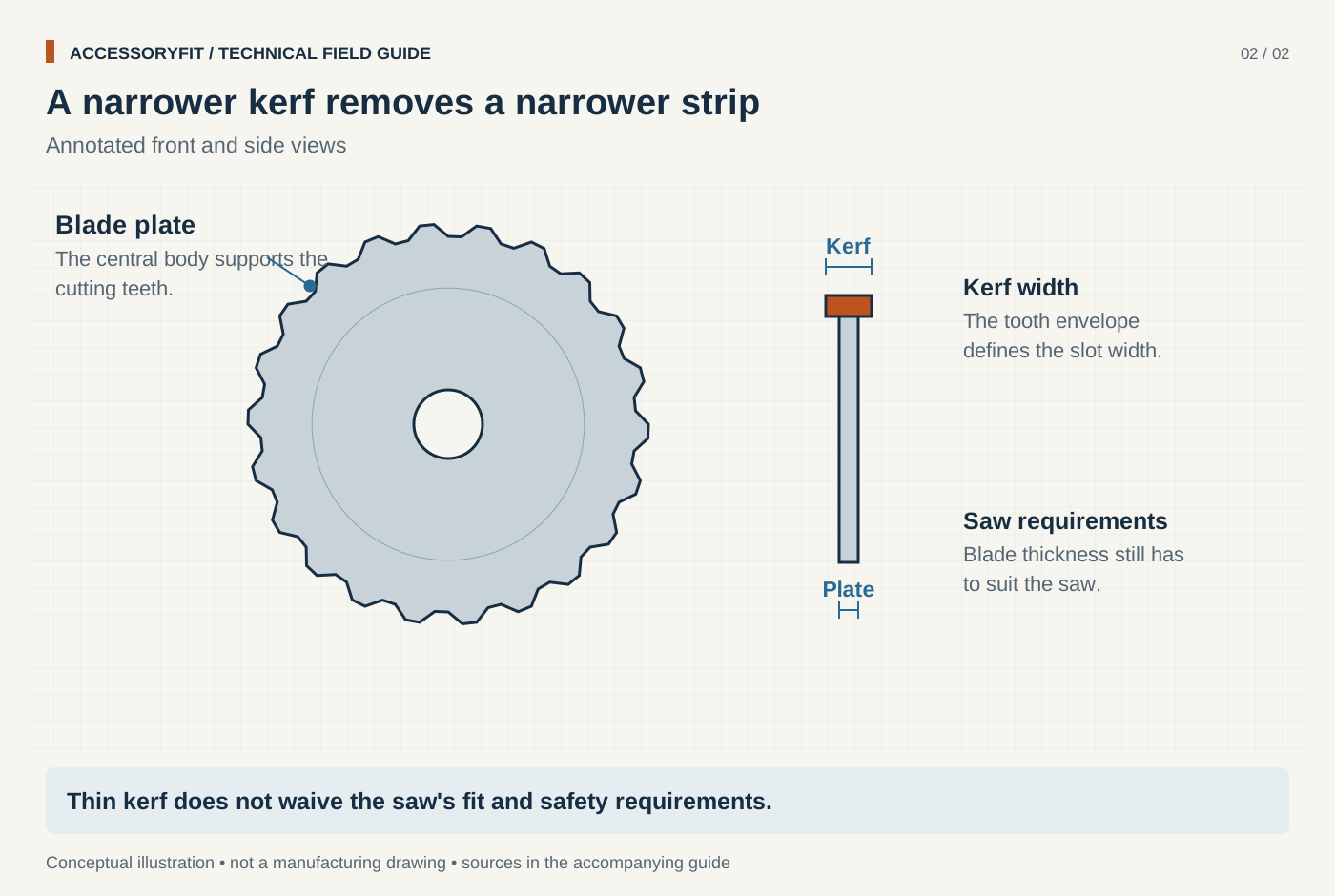
Kerf and plate thickness are different dimensions
Download SVG · Tap the image for the 1400 px WebP · From Table saw blade arbor size: bores, speed ratings and dado limits
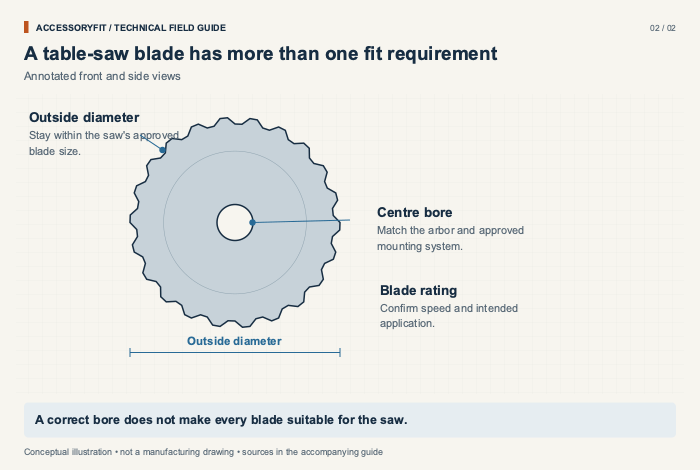
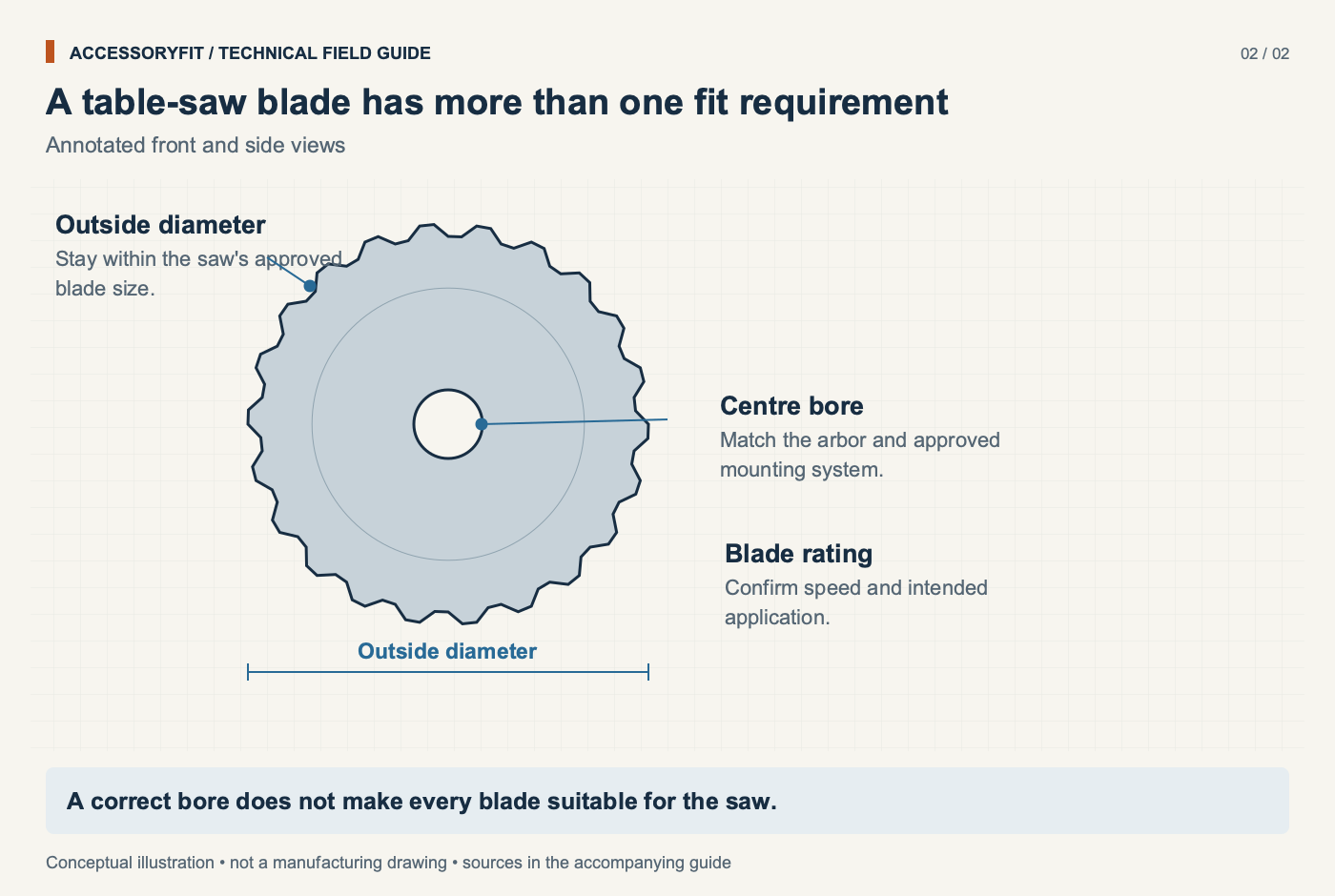
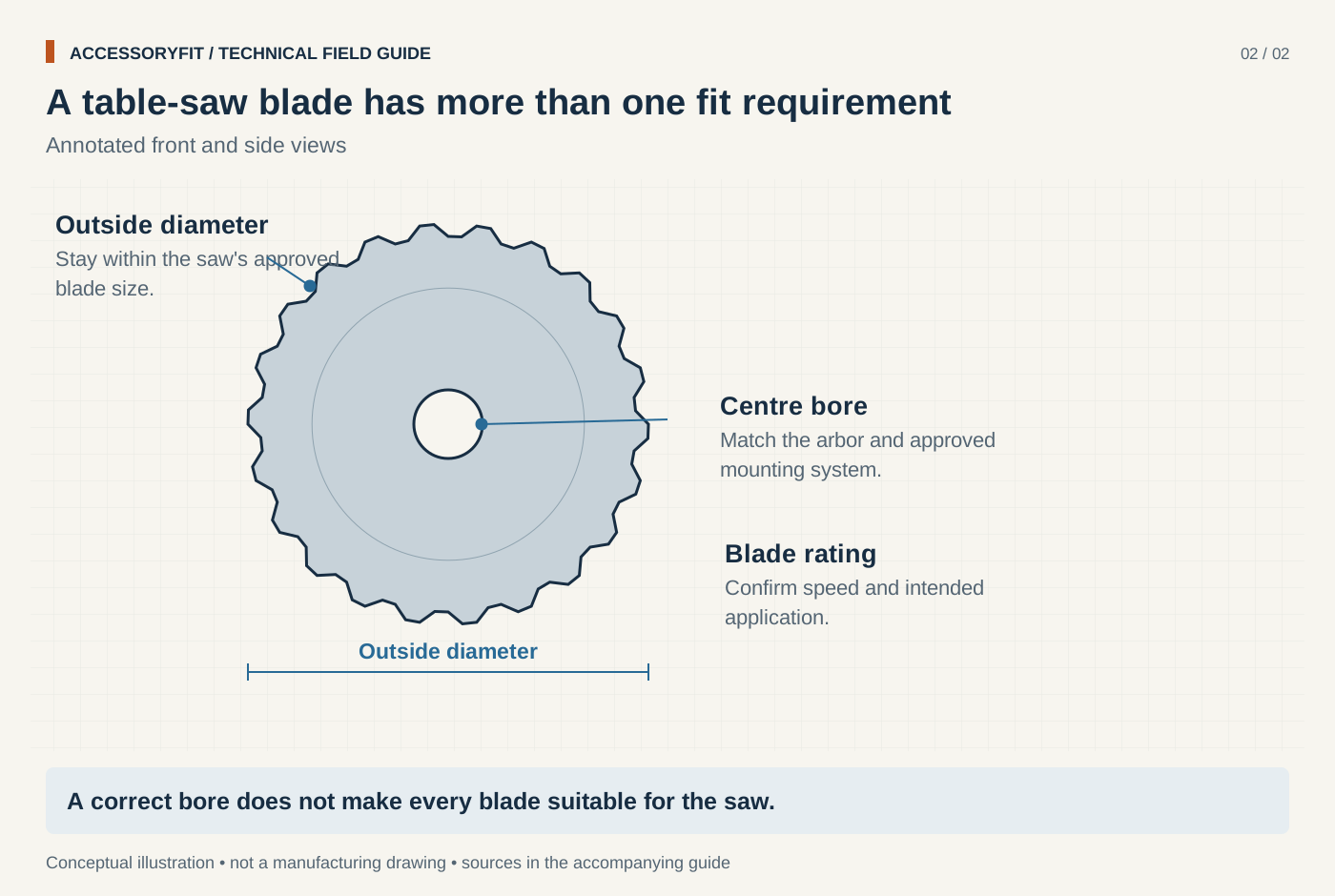
A table-saw blade has more than one fit requirement
Download SVG · Tap the image for the 1400 px WebP · From Table saw blade arbor size: bores, speed ratings and dado limits
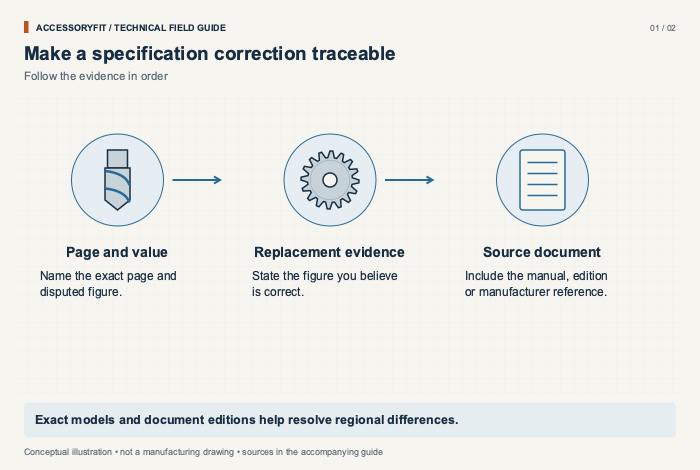
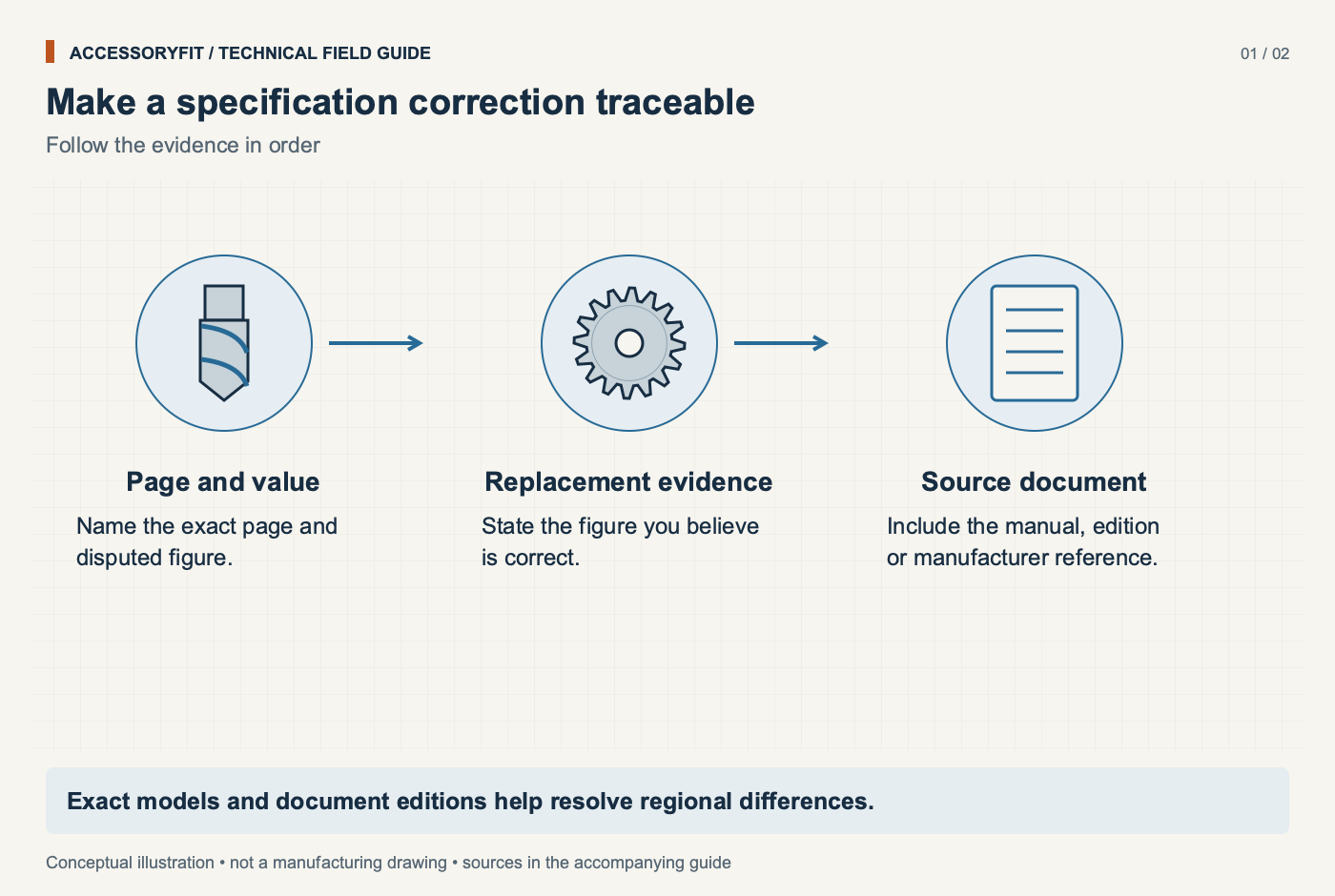
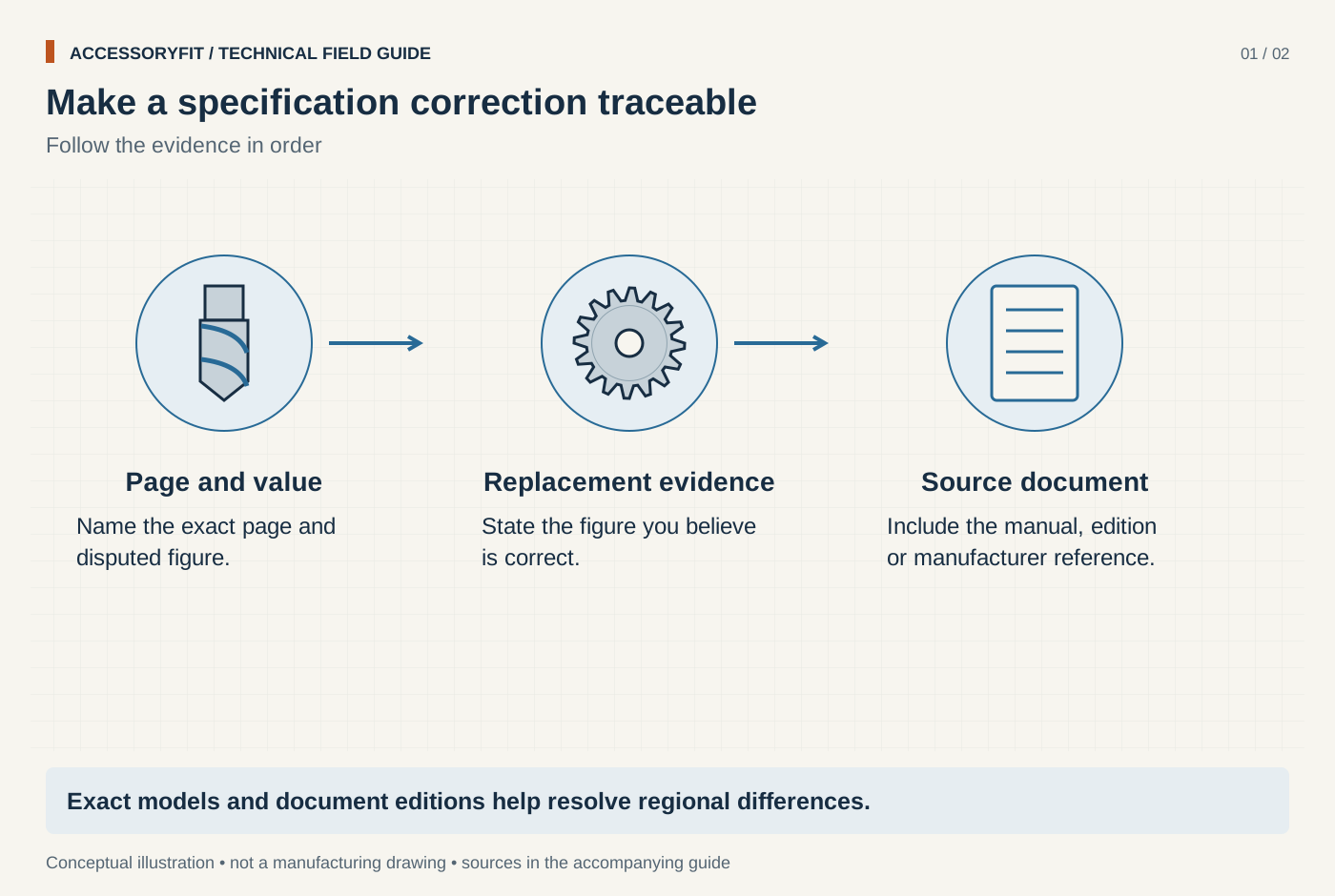
Make a specification correction traceable
Download SVG · Tap the image for the 1400 px WebP · From Contact the editors
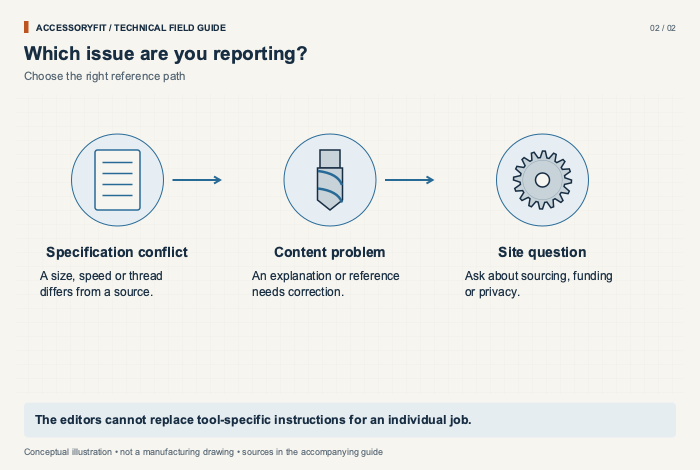
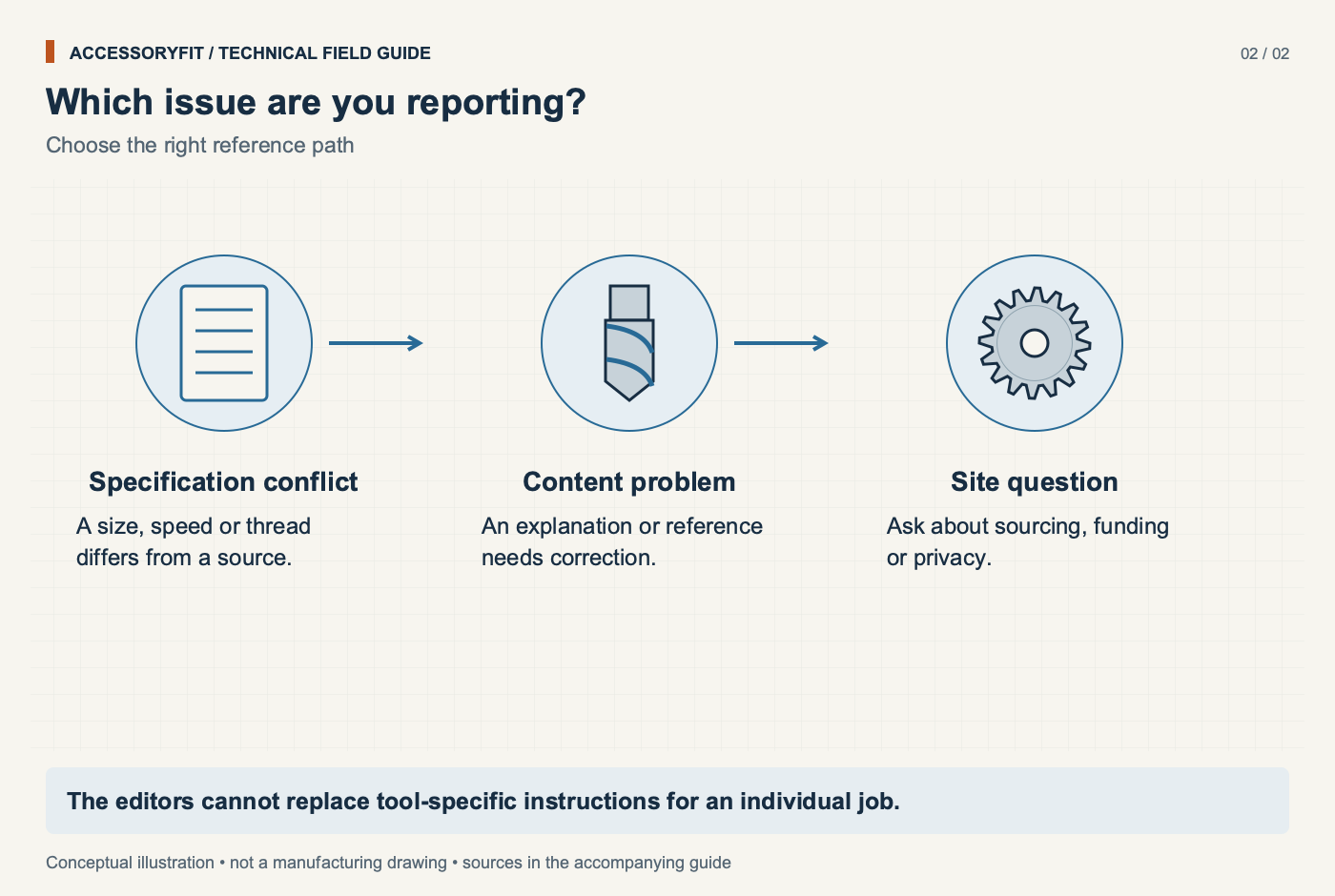
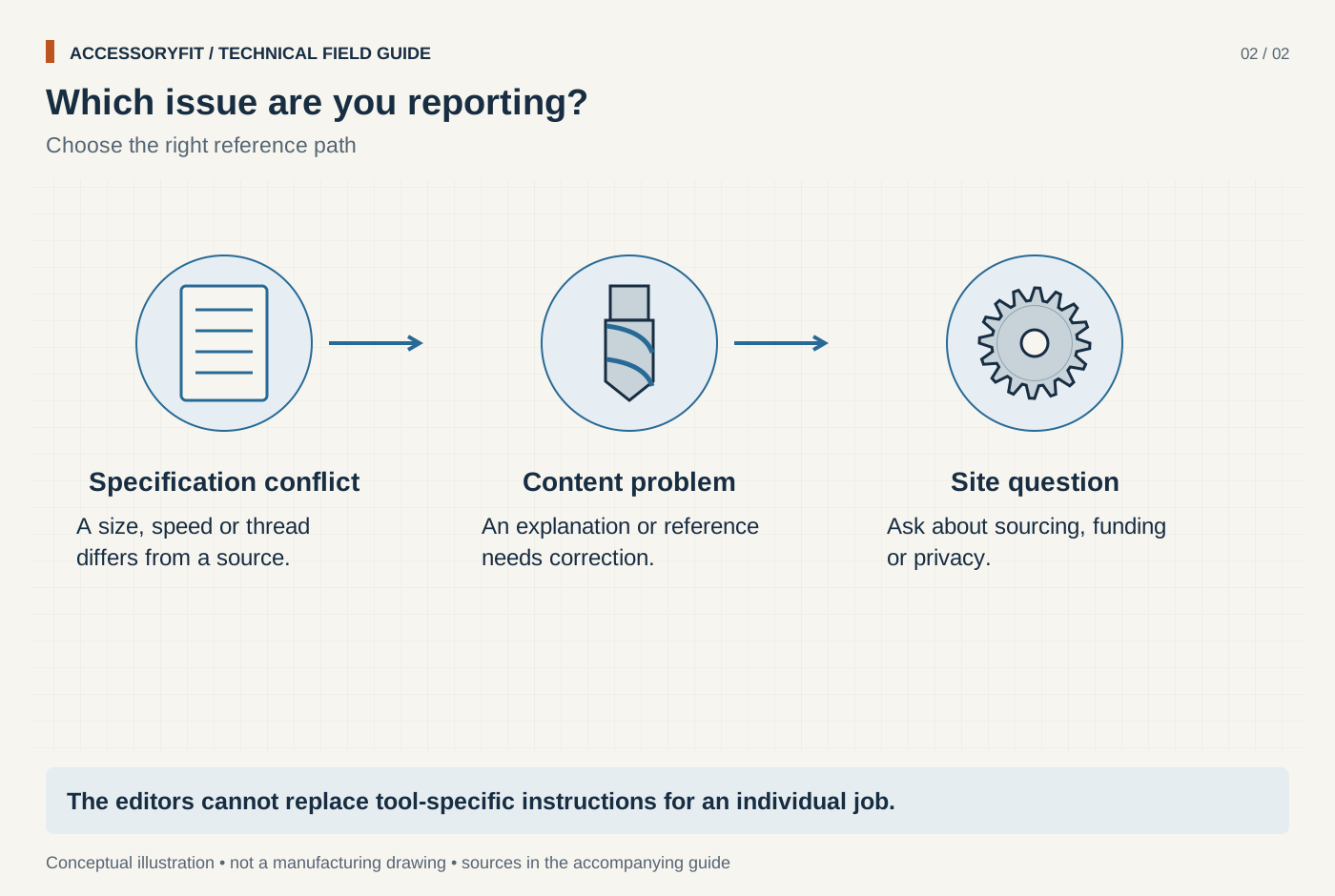
Which issue are you reporting?
Download SVG · Tap the image for the 1400 px WebP · From Contact the editors
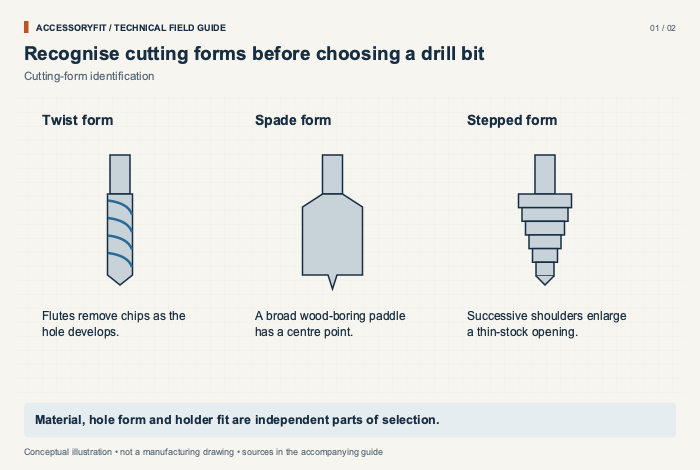
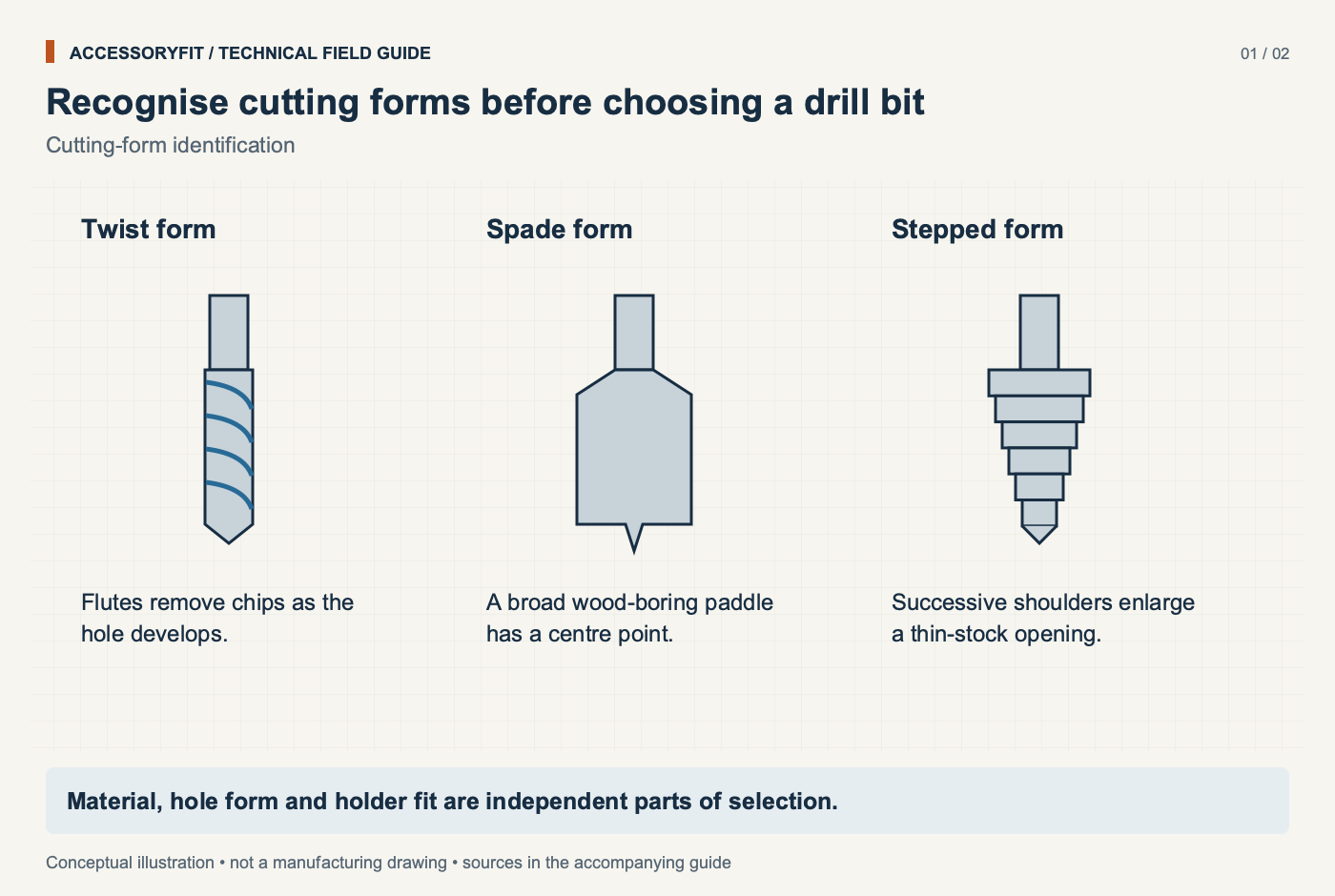
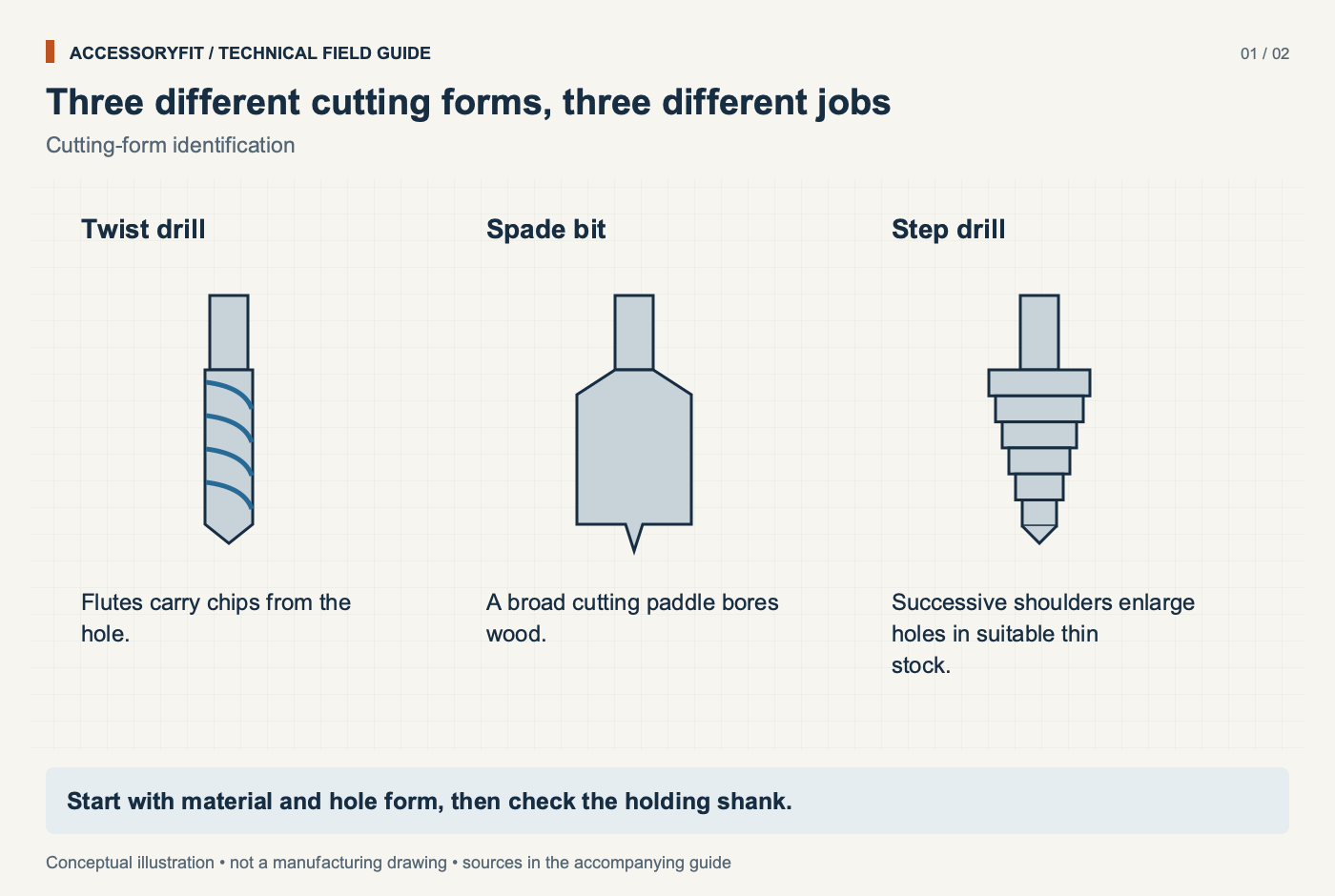
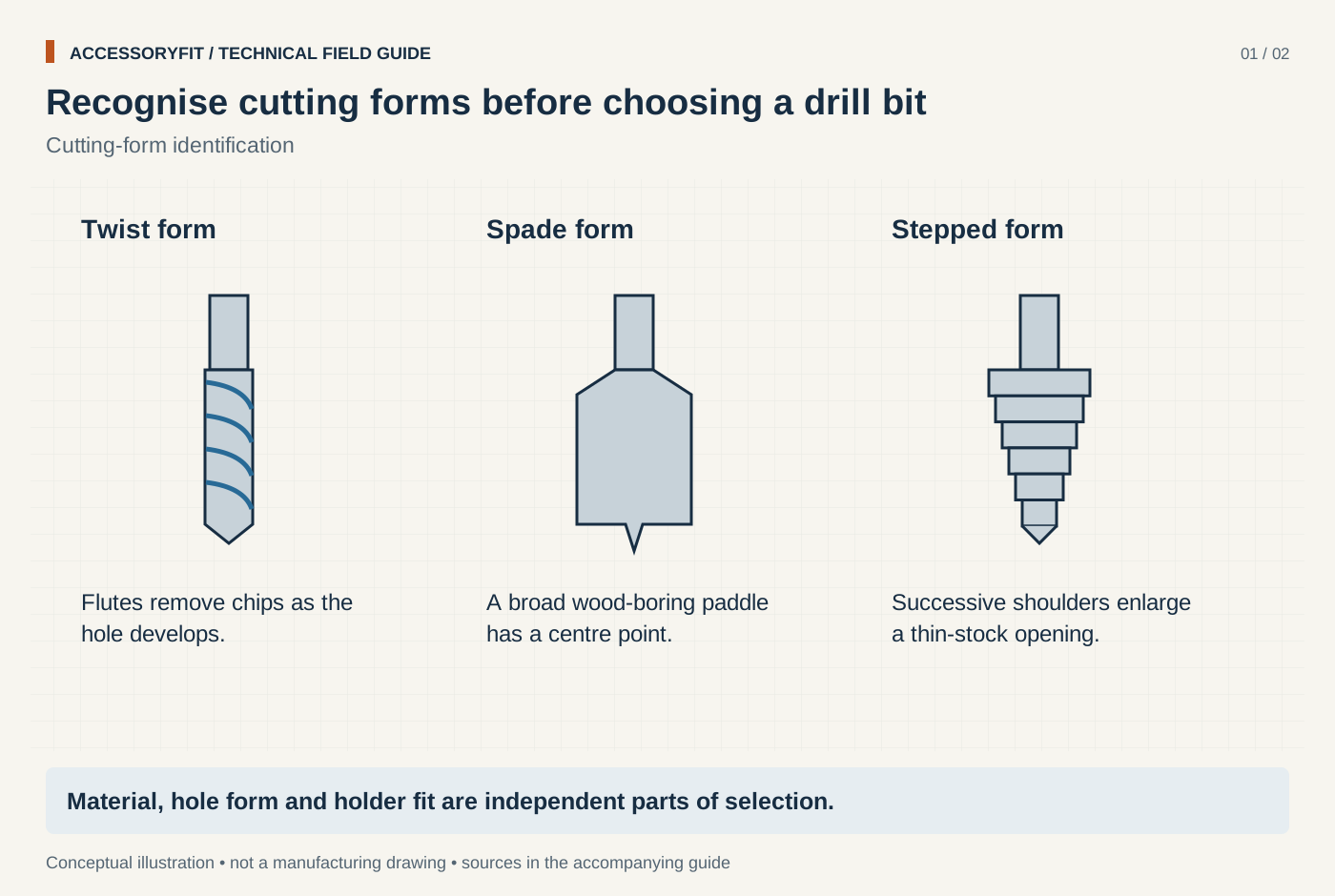
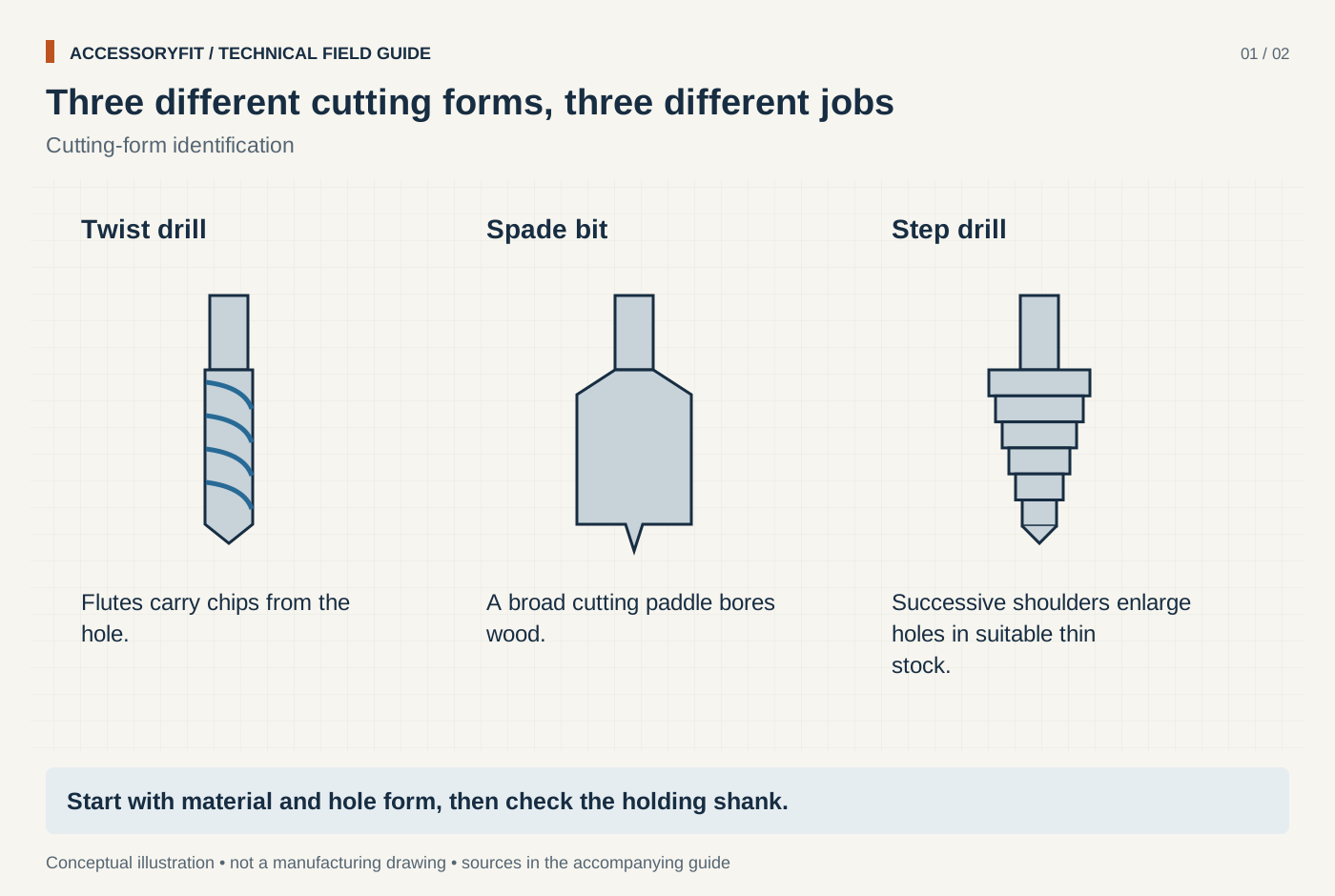
Recognise cutting forms before choosing a drill bit
Download SVG · Tap the image for the 1400 px WebP · From Drill bits: types, shanks, sizes and how to choose one
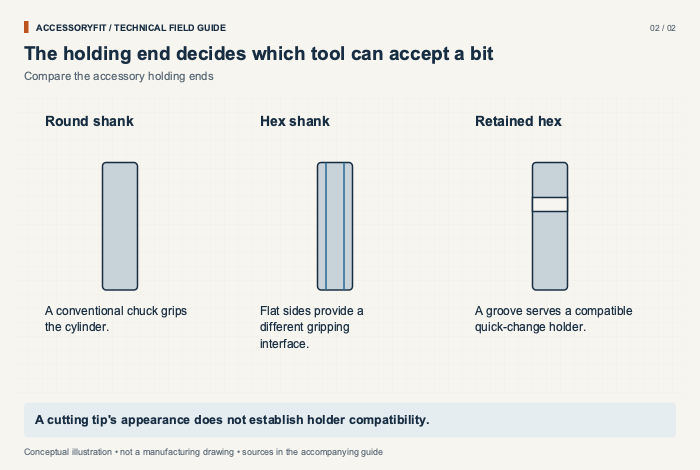
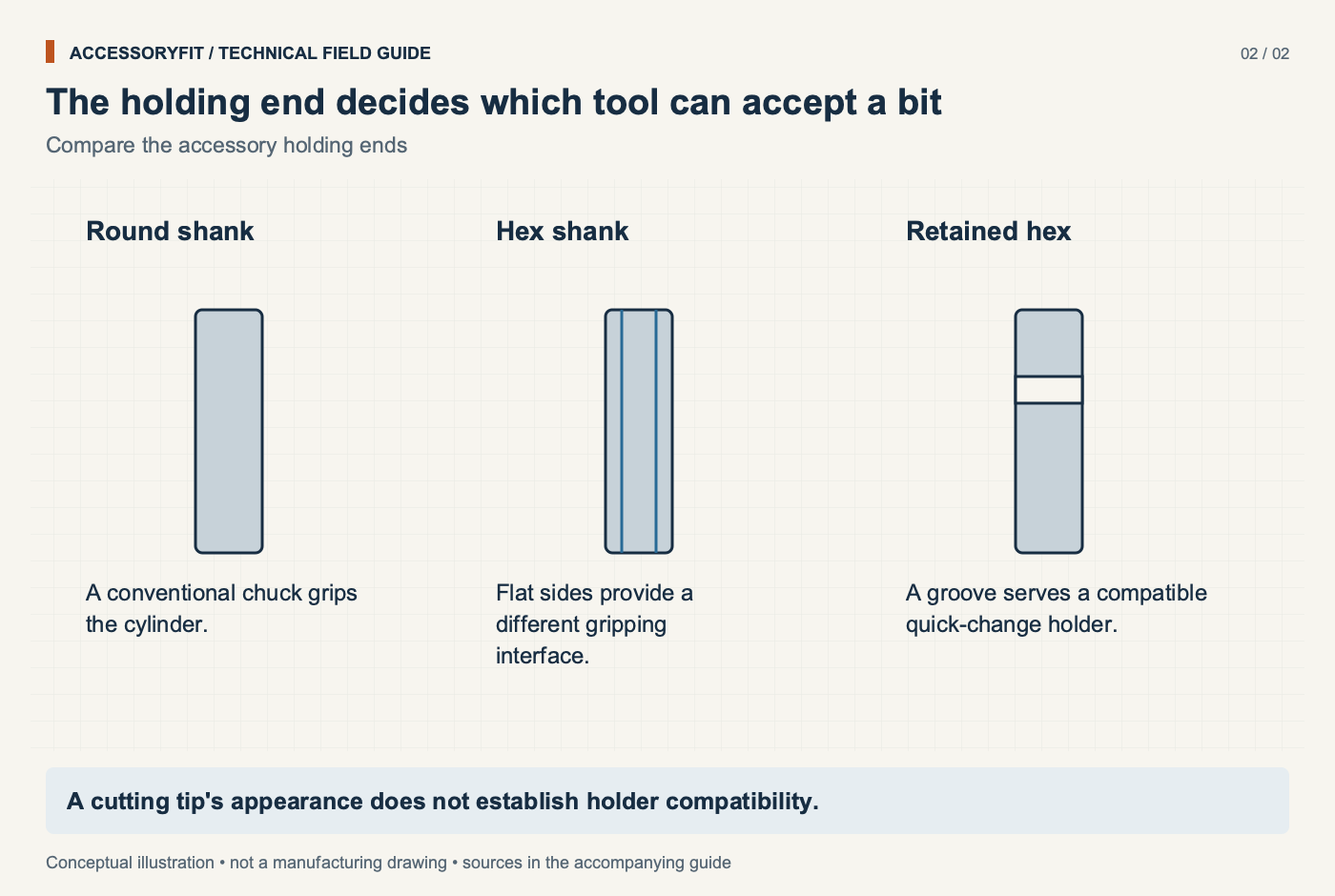
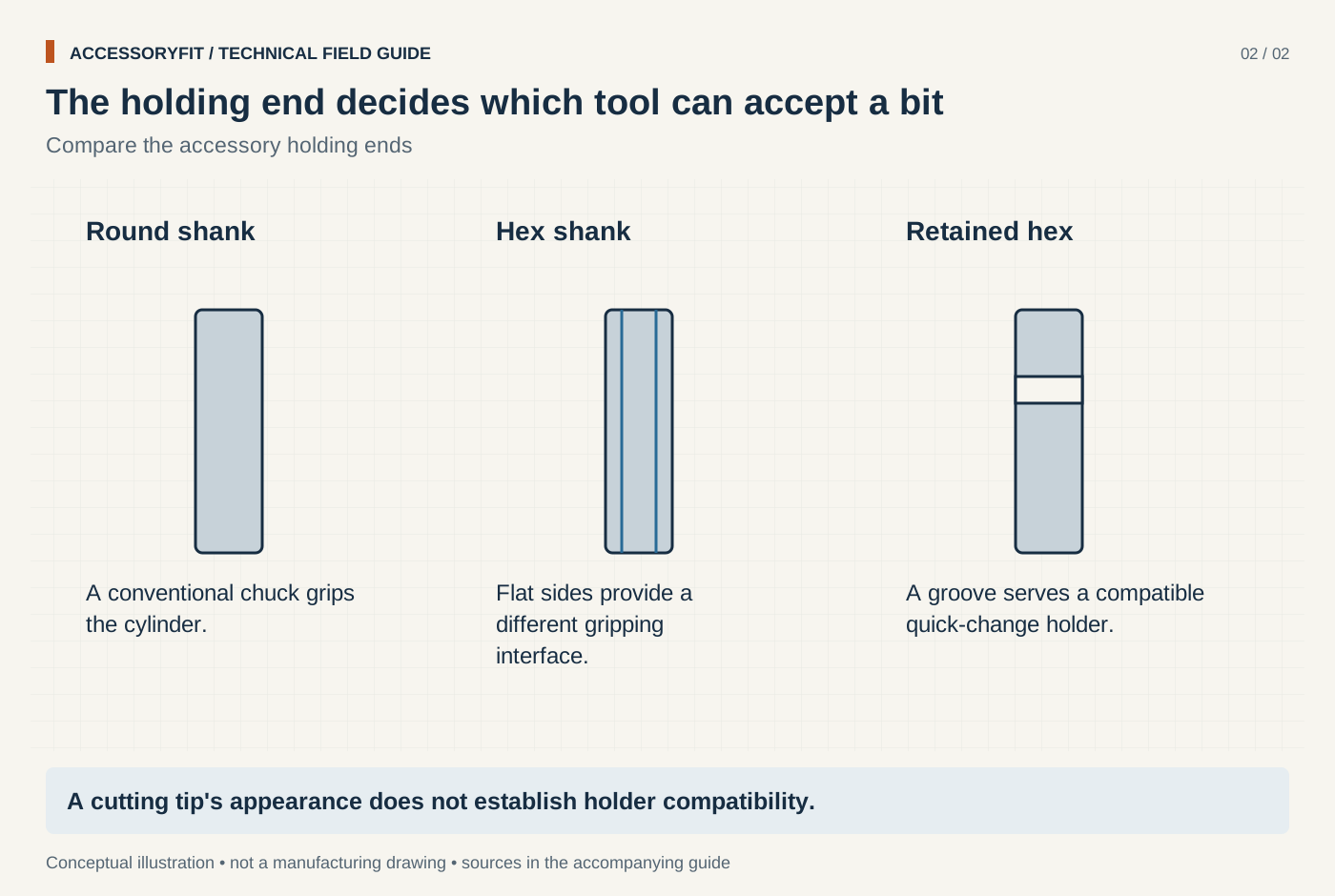
The holding end decides which tool can accept a bit
Download SVG · Tap the image for the 1400 px WebP · From Drill bits: types, shanks, sizes and how to choose one
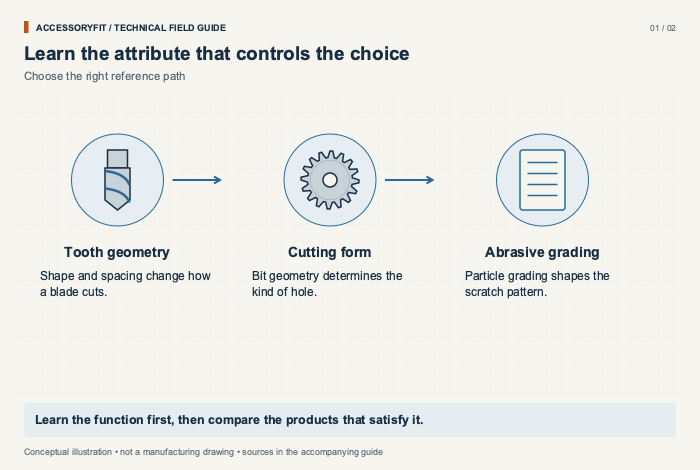
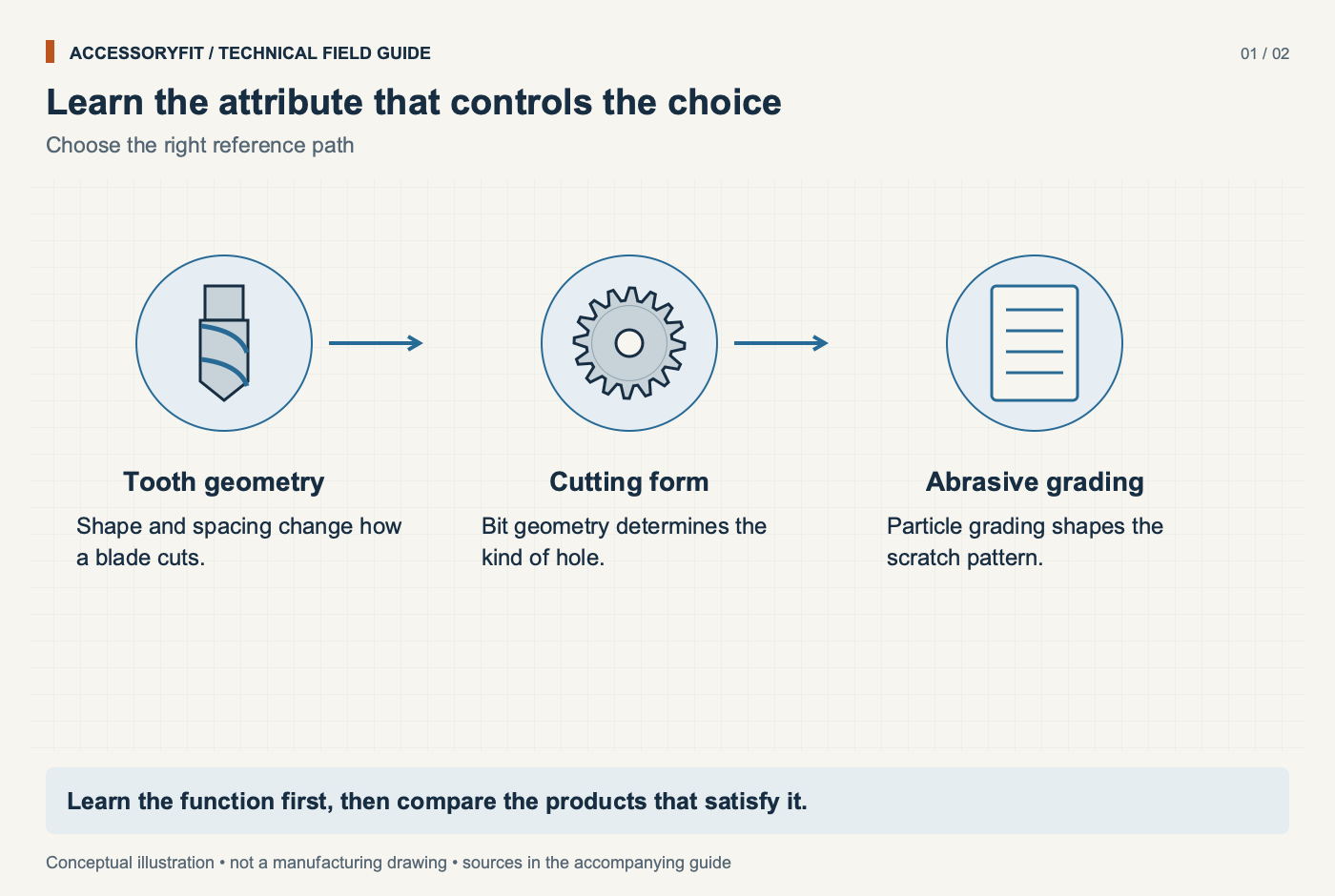
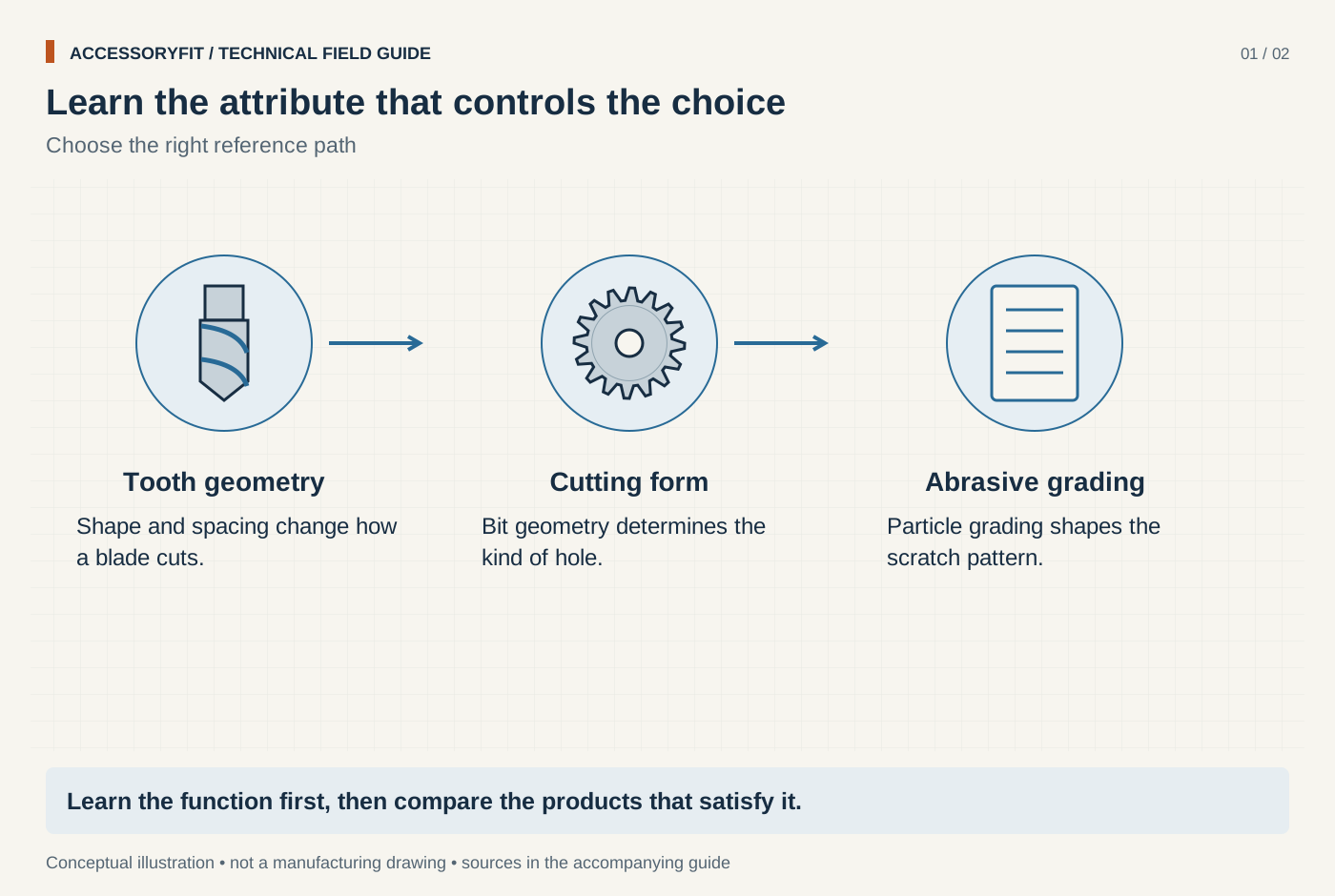
Learn the attribute that controls the choice
Download SVG · Tap the image for the 1400 px WebP · From How-to guides: choosing accessories by teeth, TPI, grit and profile
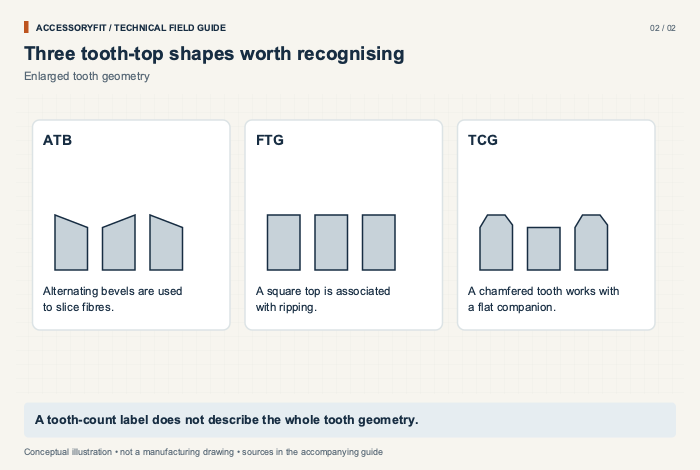
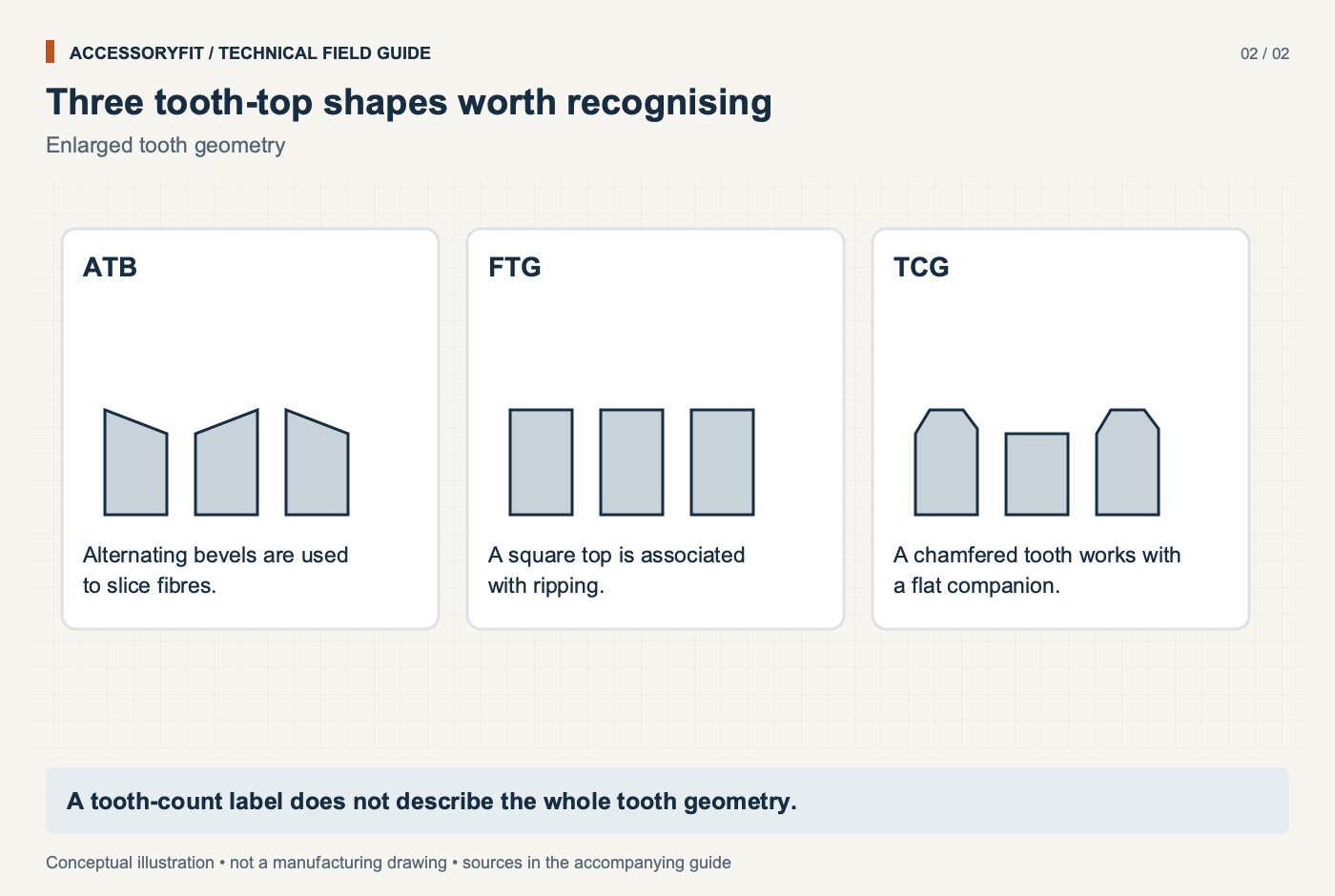
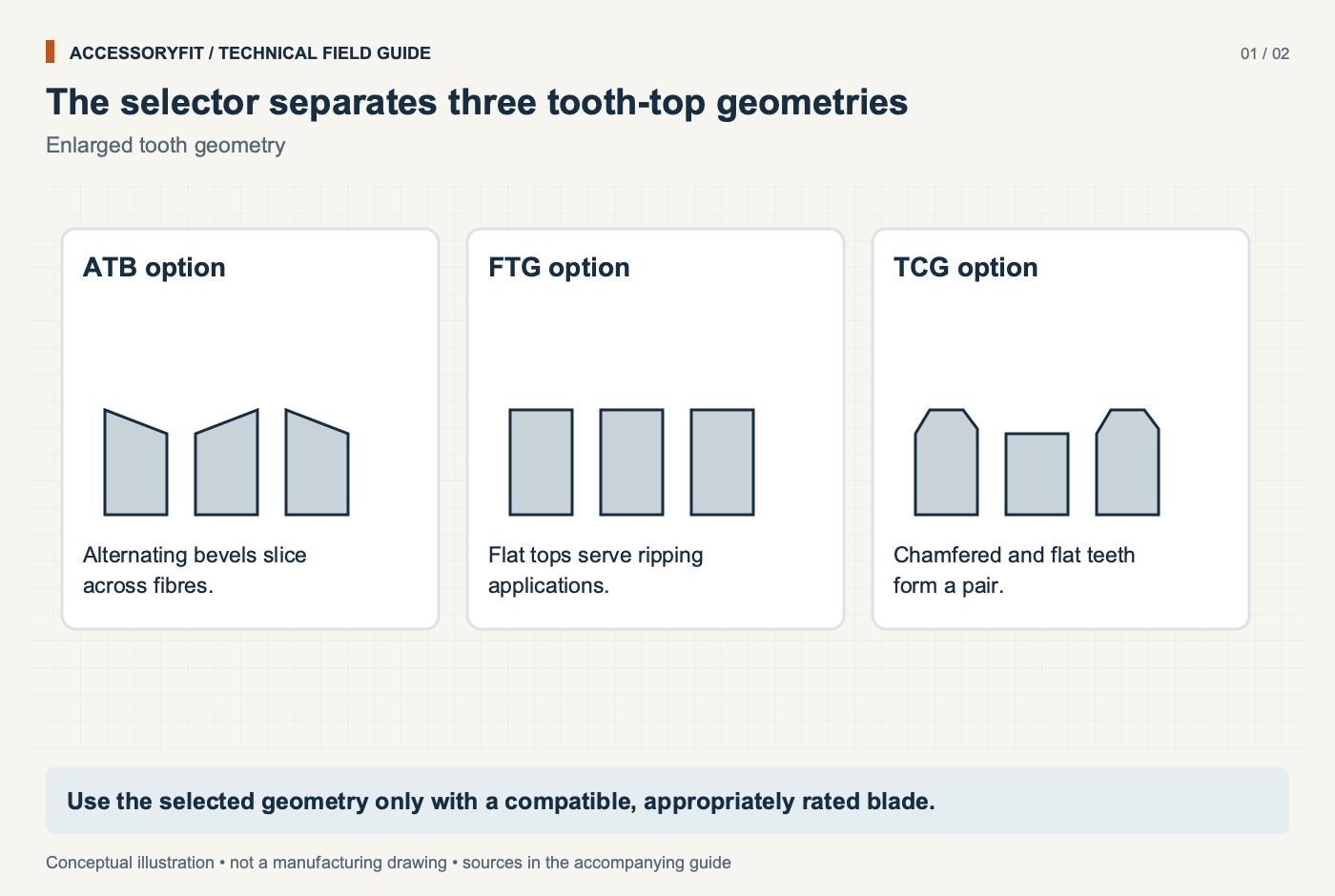
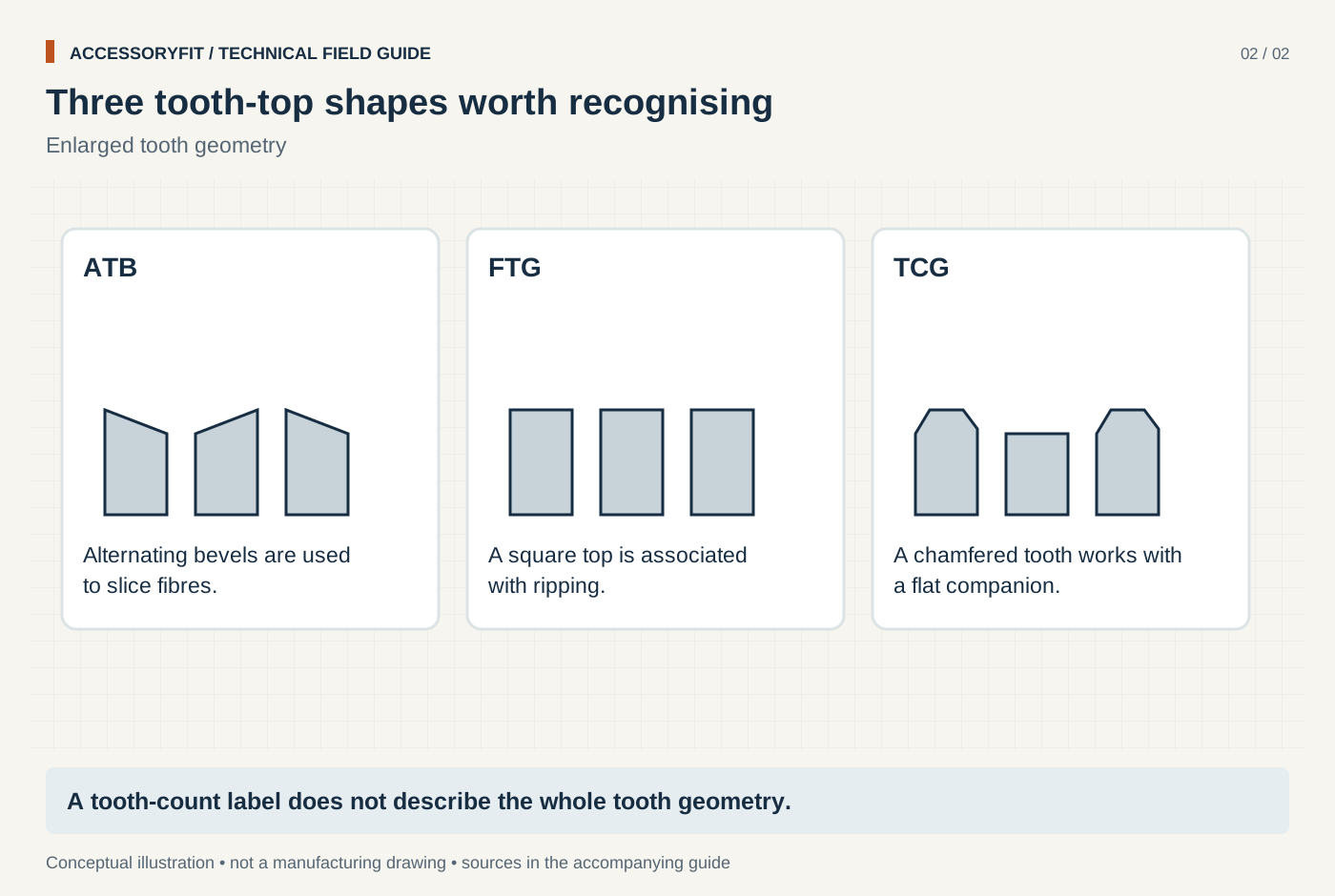
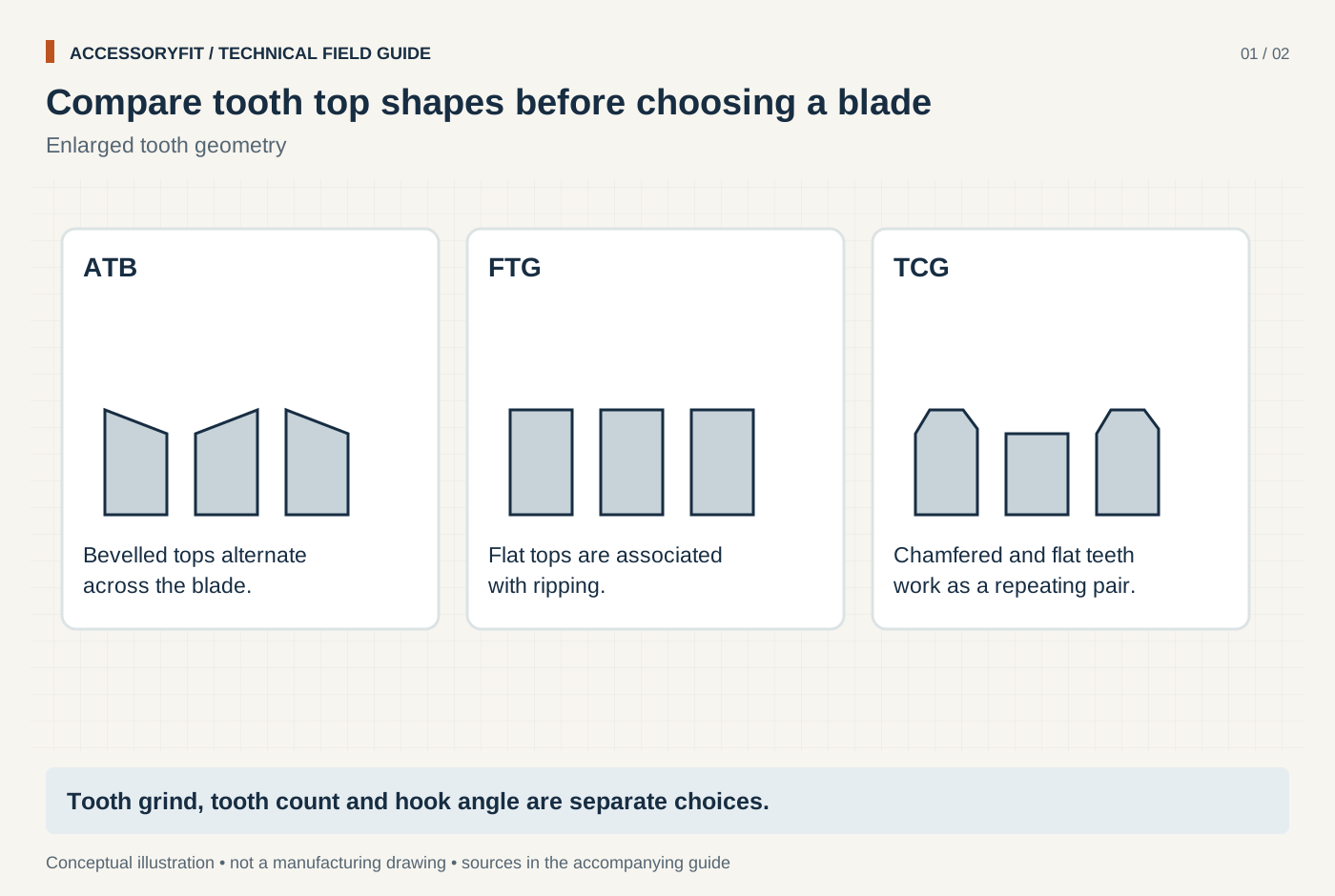
Three tooth-top shapes worth recognising
Download SVG · Tap the image for the 1400 px WebP · From How-to guides: choosing accessories by teeth, TPI, grit and profile
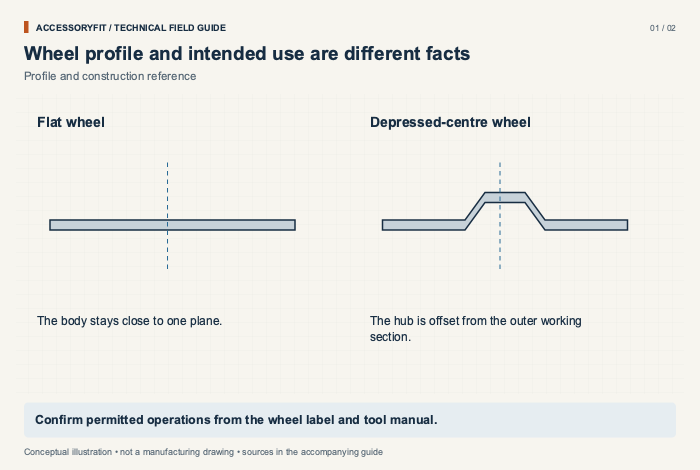
Wheel profile and intended use are different facts
Download SVG · Tap the image for the 1400 px WebP · From Cut-off wheel types: Type 1, 41, 27 and 42 compared, with guards and speed limits
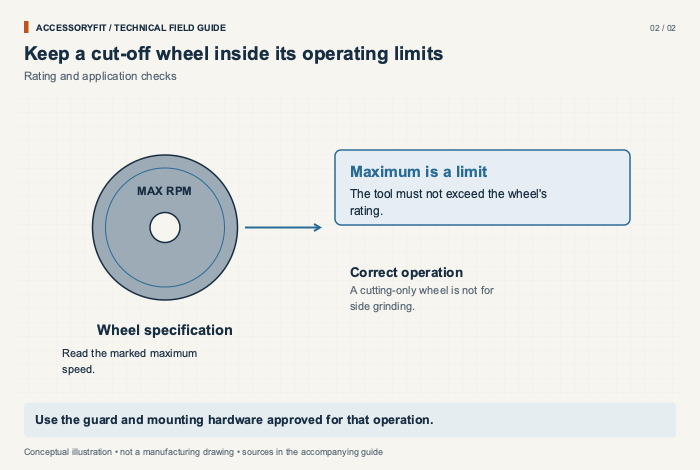
Keep a cut-off wheel inside its operating limits
Download SVG · Tap the image for the 1400 px WebP · From Cut-off wheel types: Type 1, 41, 27 and 42 compared, with guards and speed limits
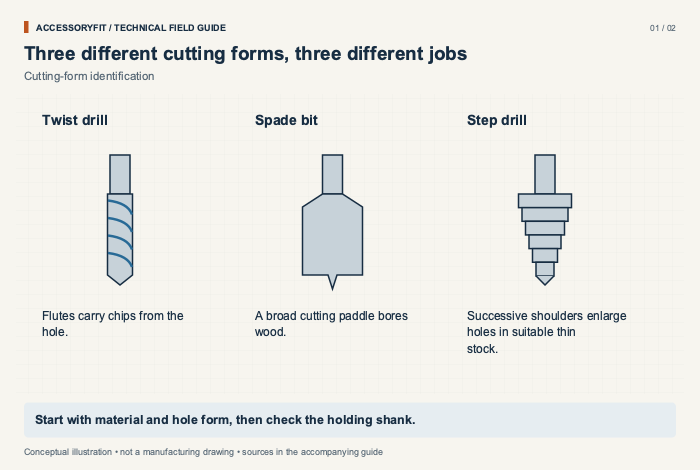
Three different cutting forms, three different jobs
Download SVG · Tap the image for the 1400 px WebP · From Drill bit types: twist, brad-point, spade, Forstner, step, masonry and more
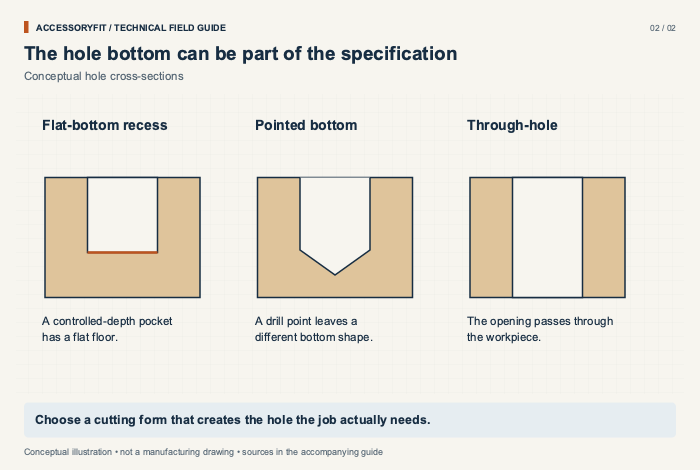
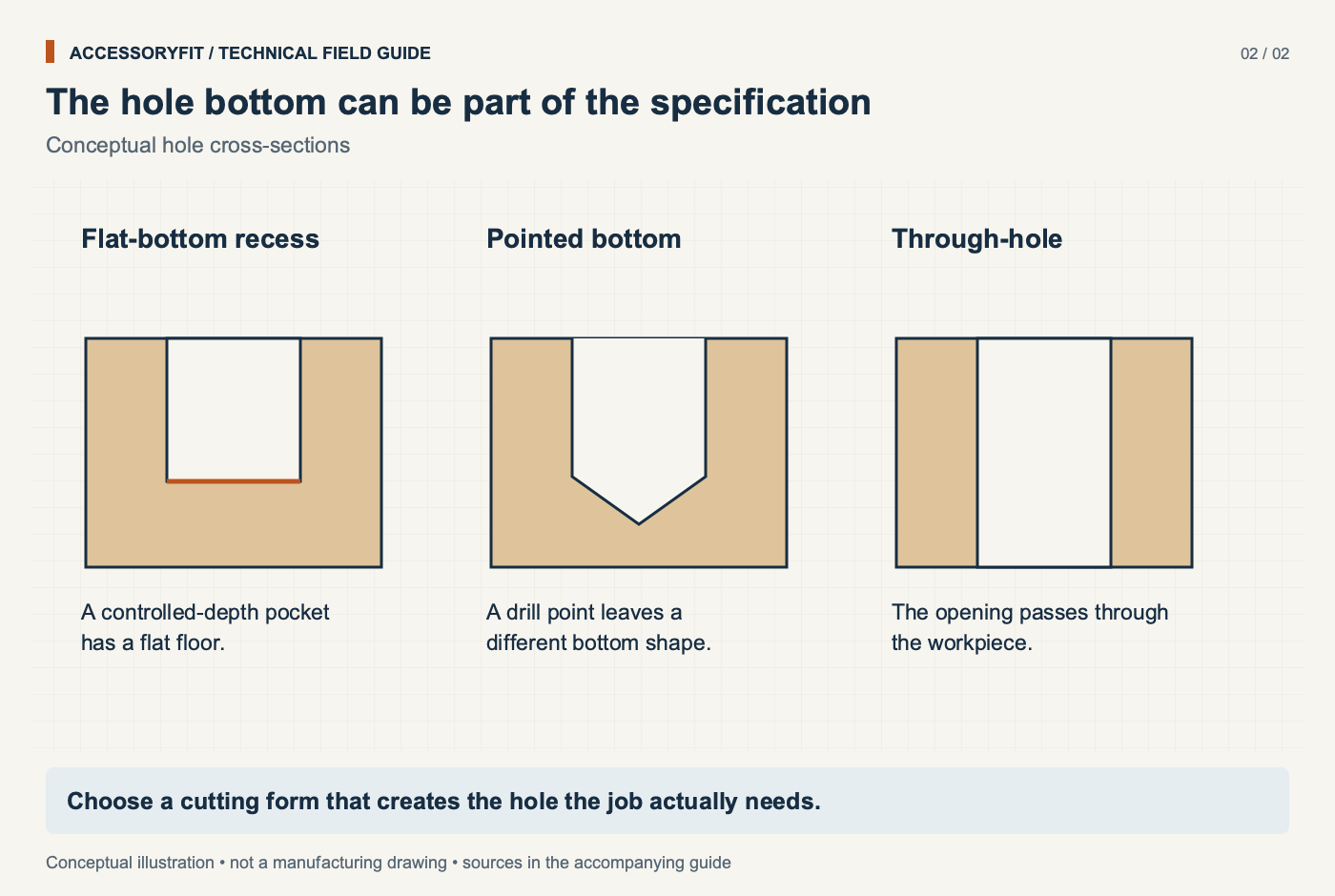
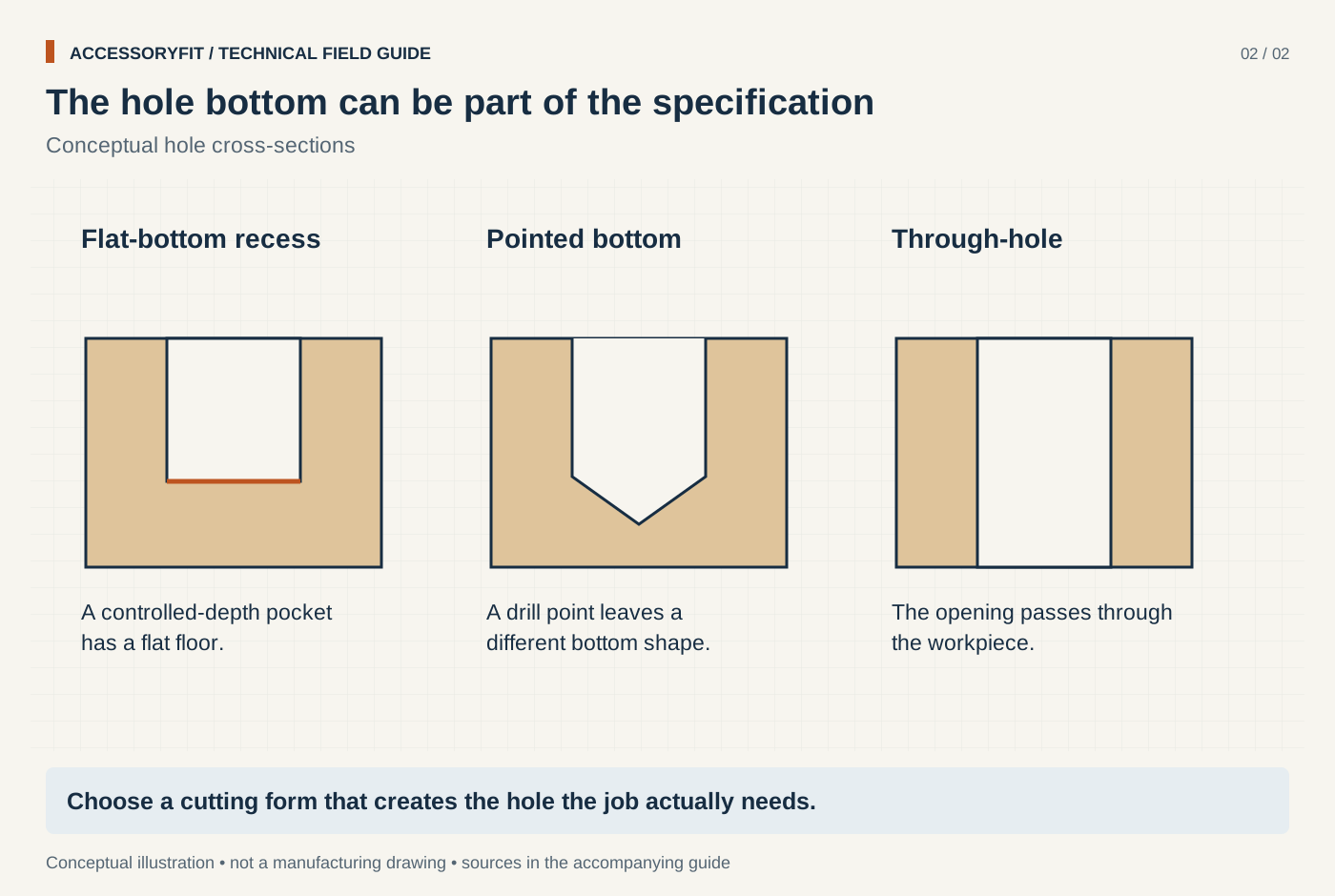
The hole bottom can be part of the specification
Download SVG · Tap the image for the 1400 px WebP · From Drill bit types: twist, brad-point, spade, Forstner, step, masonry and more
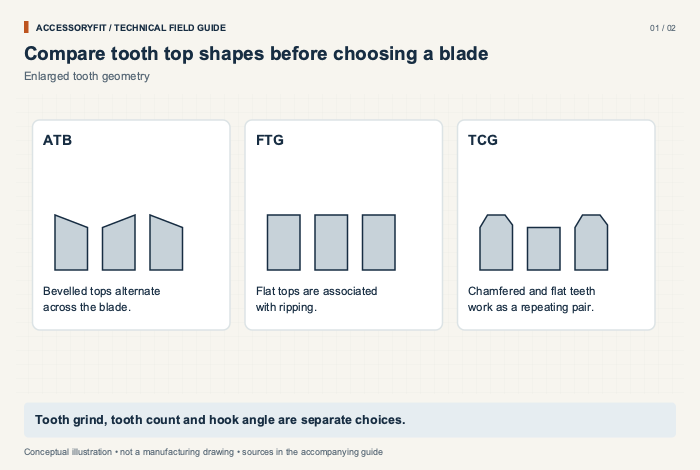
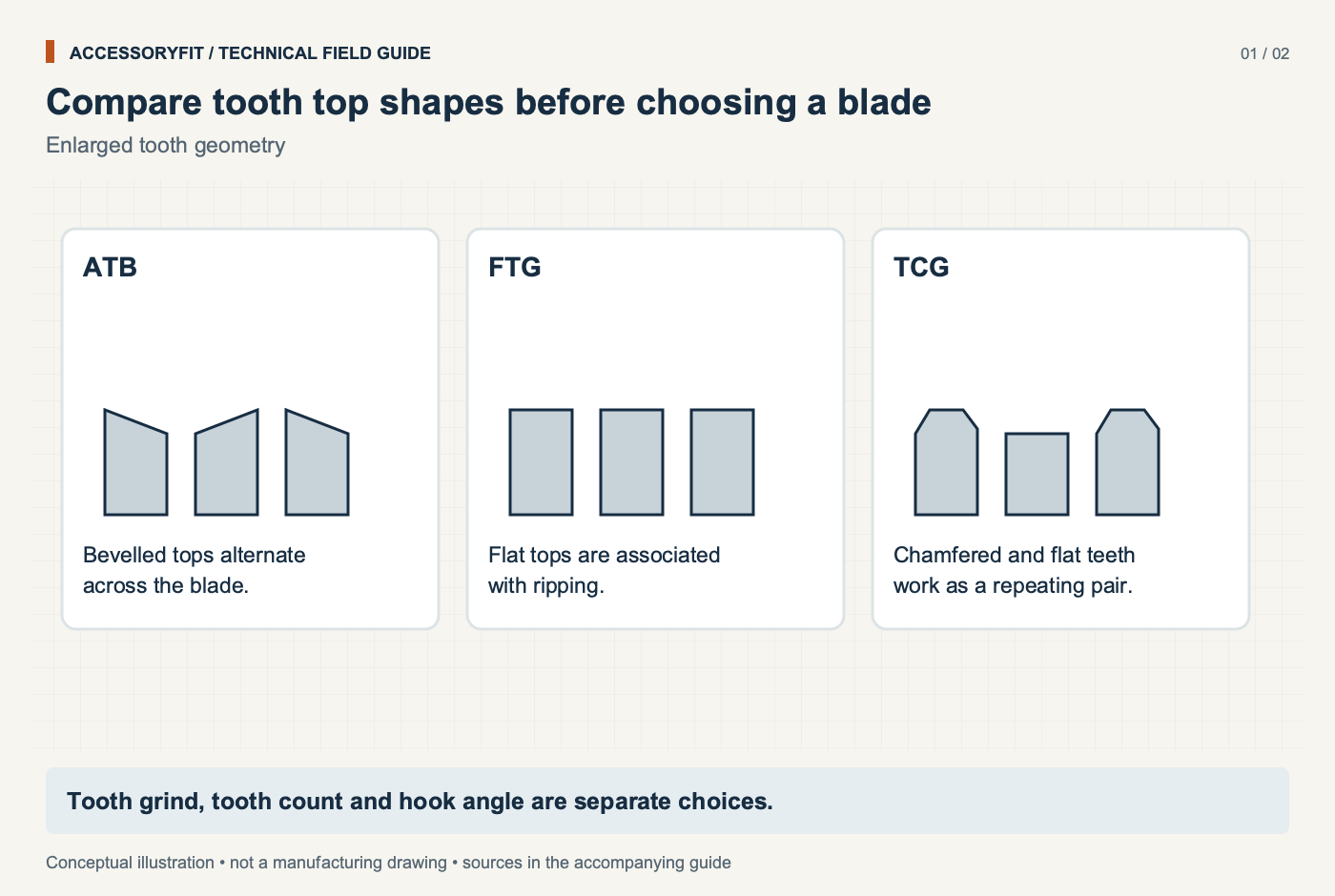
Compare tooth top shapes before choosing a blade
Download SVG · Tap the image for the 1400 px WebP · From How to choose a circular saw blade: fit first, then teeth, grind, hook and kerf
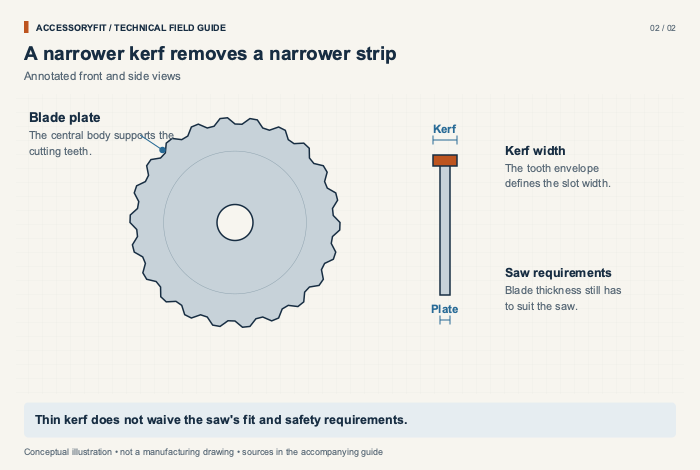
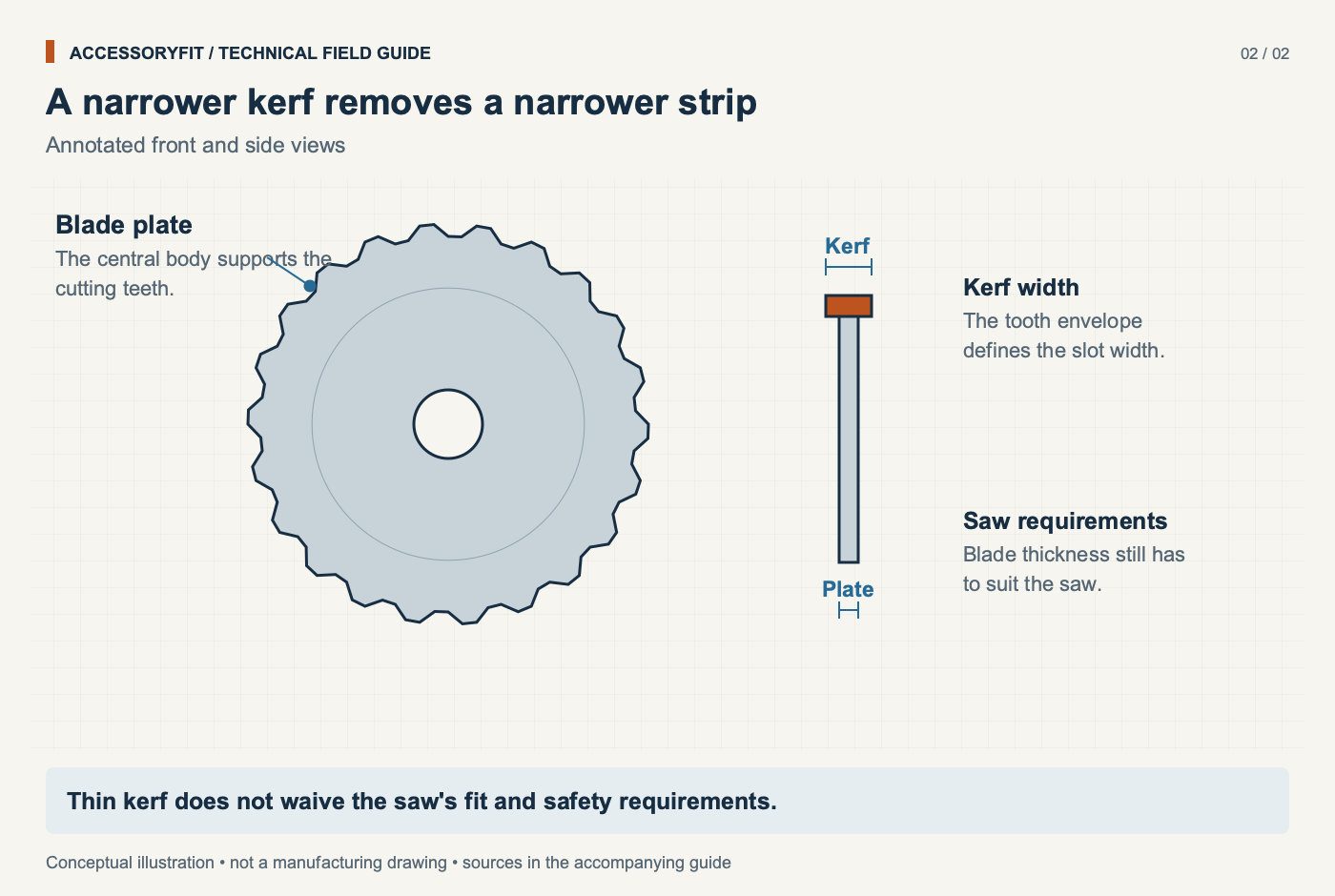
A narrower kerf removes a narrower strip
Download SVG · Tap the image for the 1400 px WebP · From How to choose a circular saw blade: fit first, then teeth, grind, hook and kerf
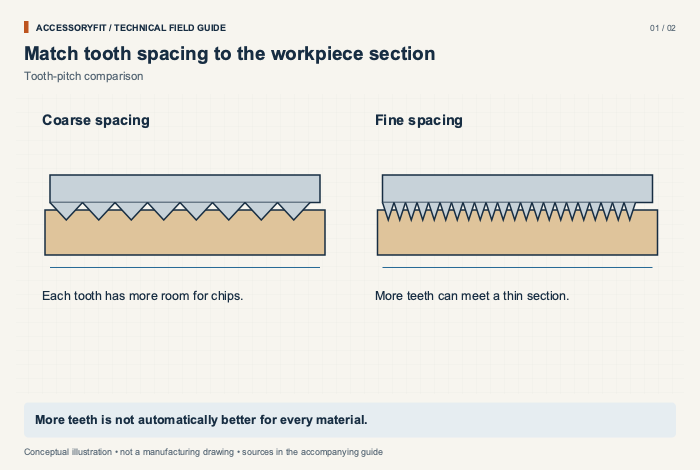
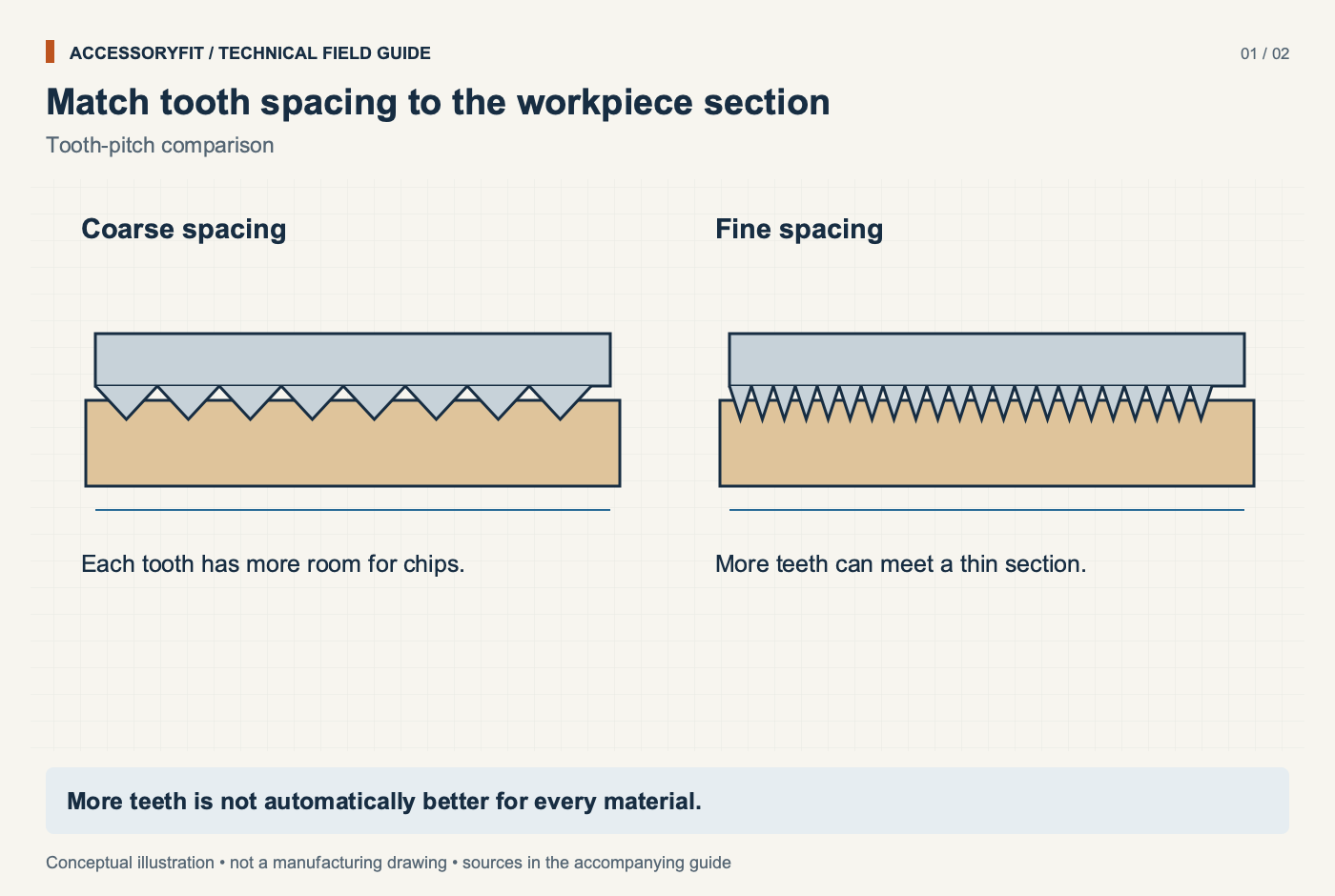
Match tooth spacing to the workpiece section
Download SVG · Tap the image for the 1400 px WebP · From How to pick a jigsaw blade: shank, TPI, material and avoiding bent blades
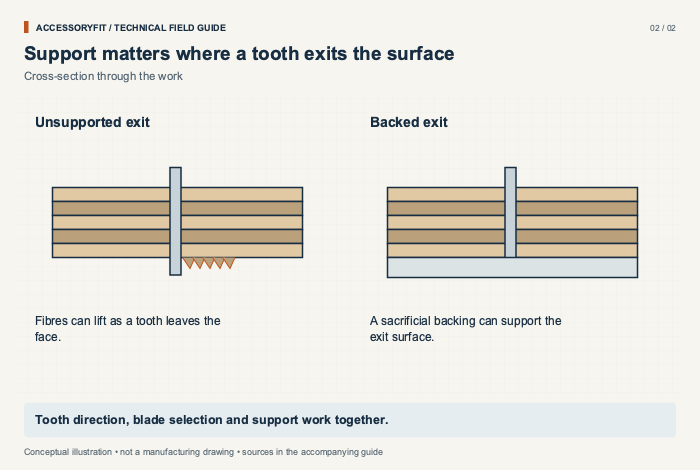
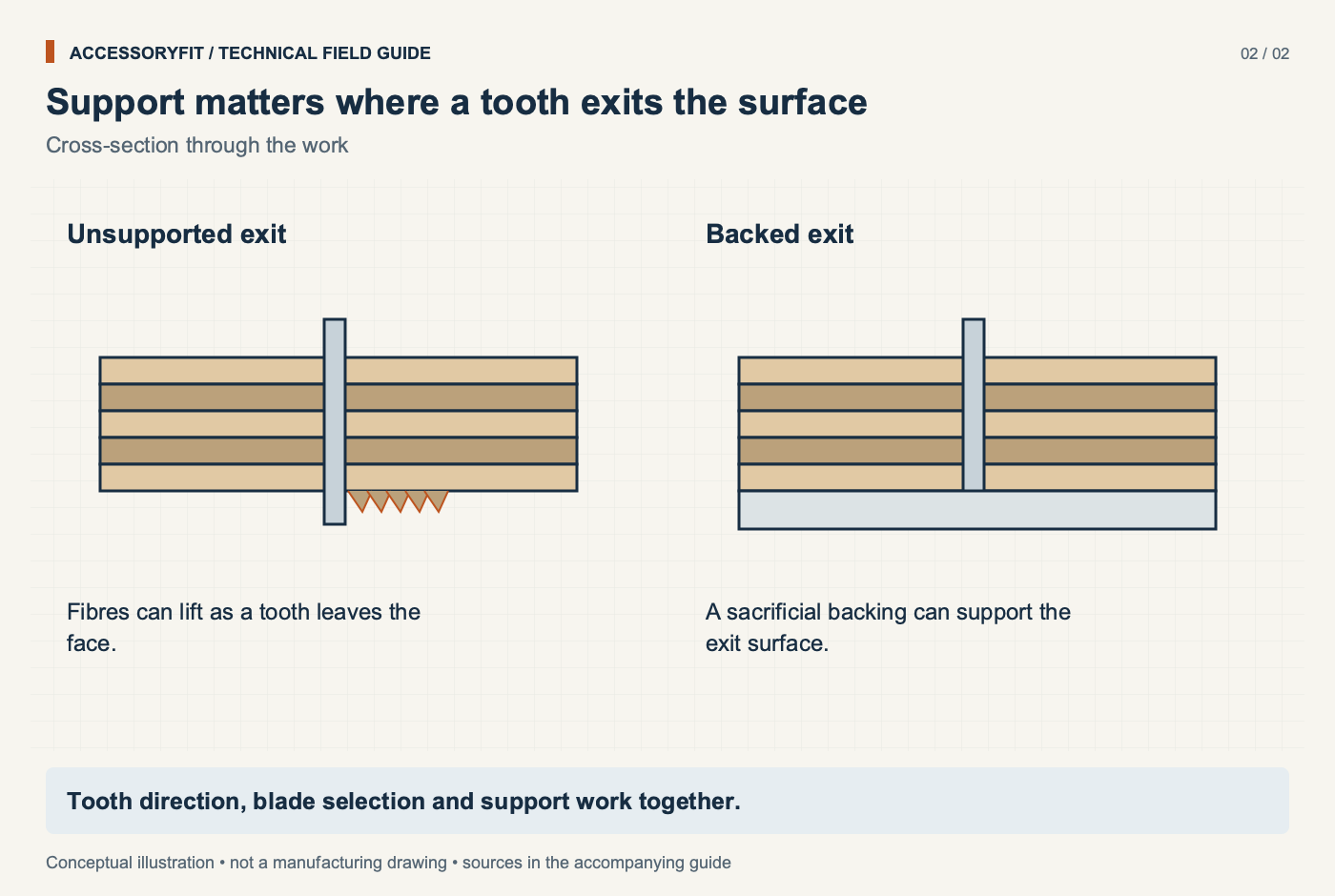
Support matters where a tooth exits the surface
Download SVG · Tap the image for the 1400 px WebP · From How to pick a jigsaw blade: shank, TPI, material and avoiding bent blades
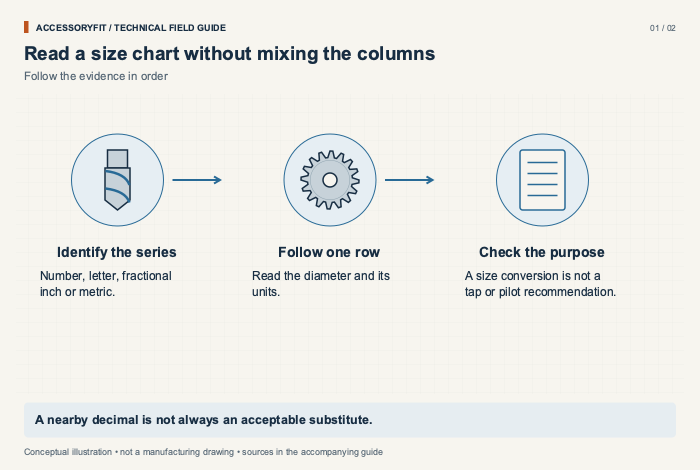
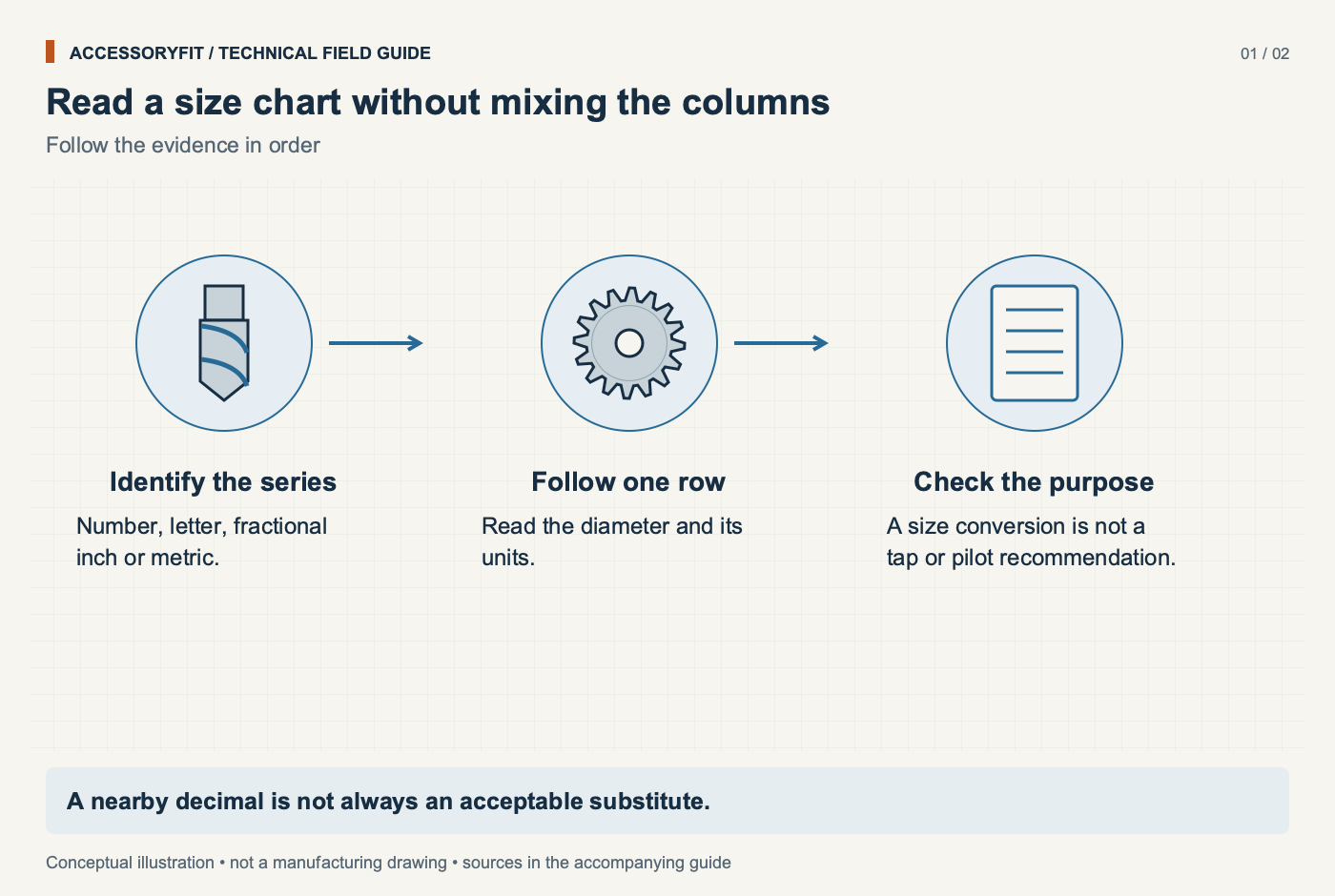
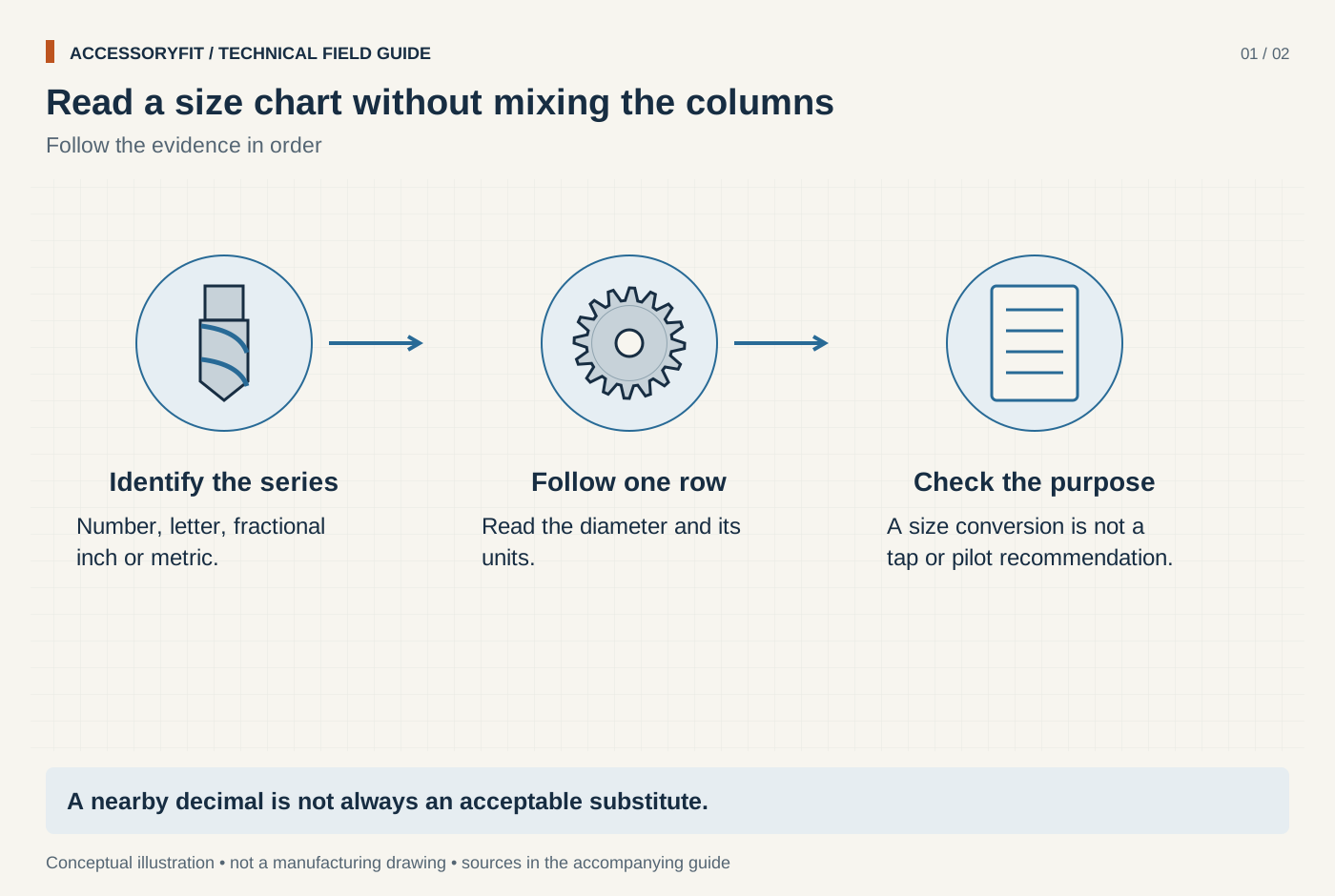
Read a size chart without mixing the columns
Download SVG · Tap the image for the 1400 px WebP · From How to read drill bit sizes: number, letter, fractional and metric
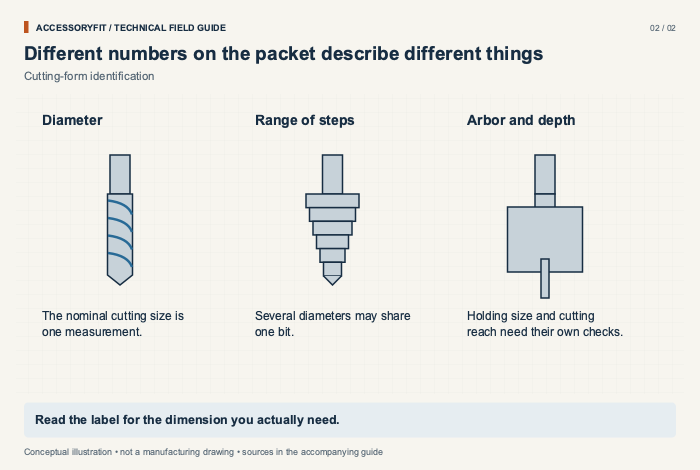
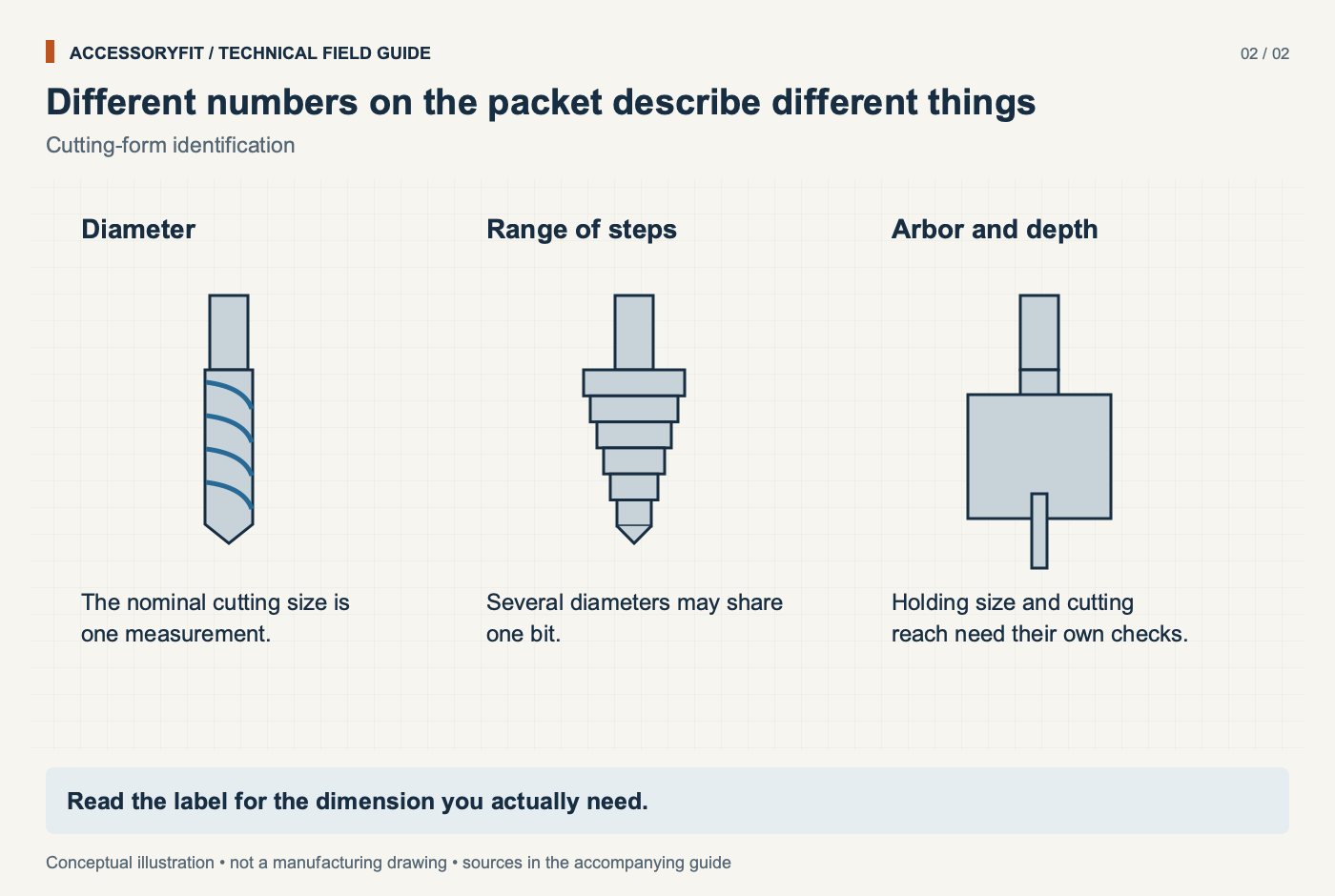
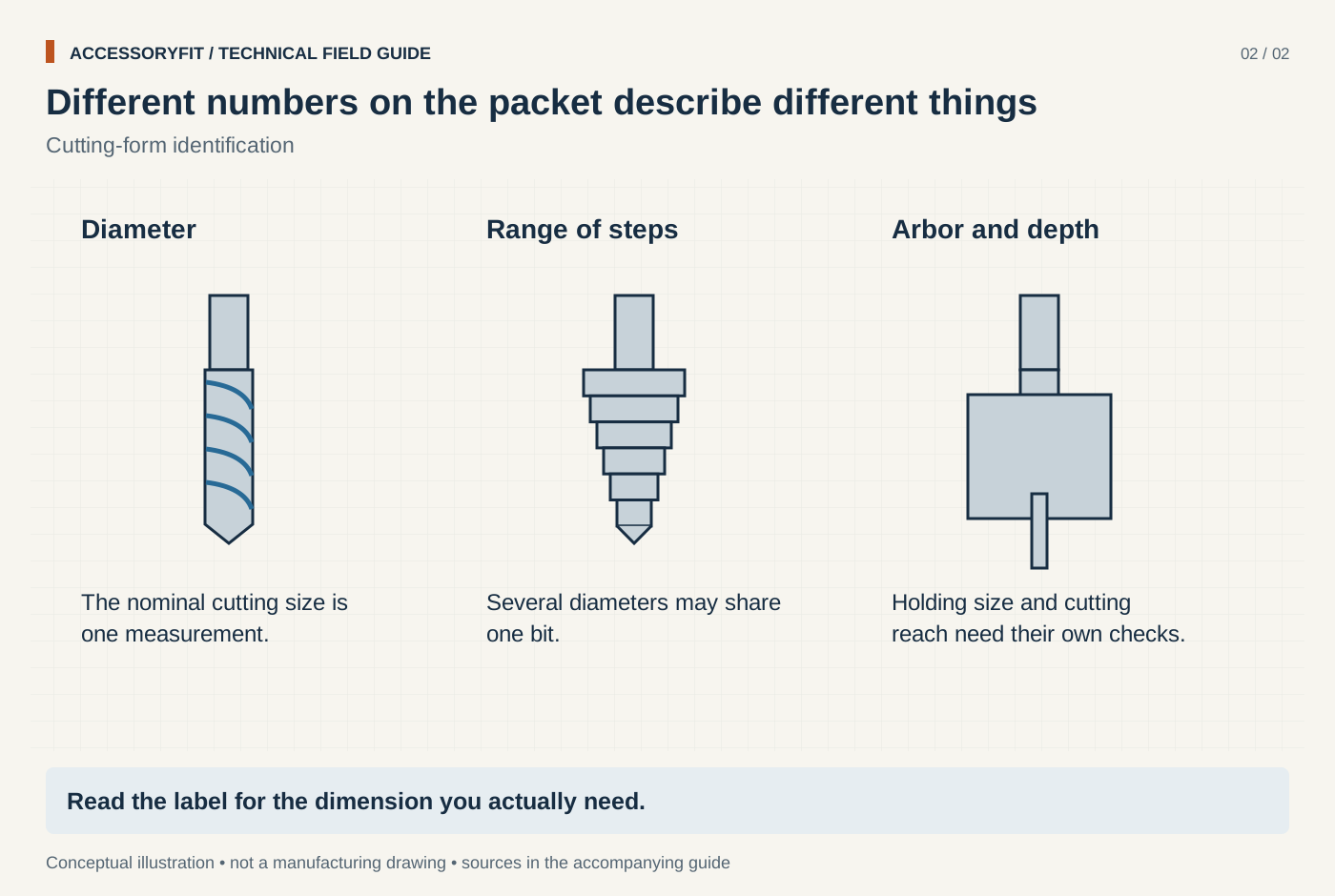
Different numbers on the packet describe different things
Download SVG · Tap the image for the 1400 px WebP · From How to read drill bit sizes: number, letter, fractional and metric
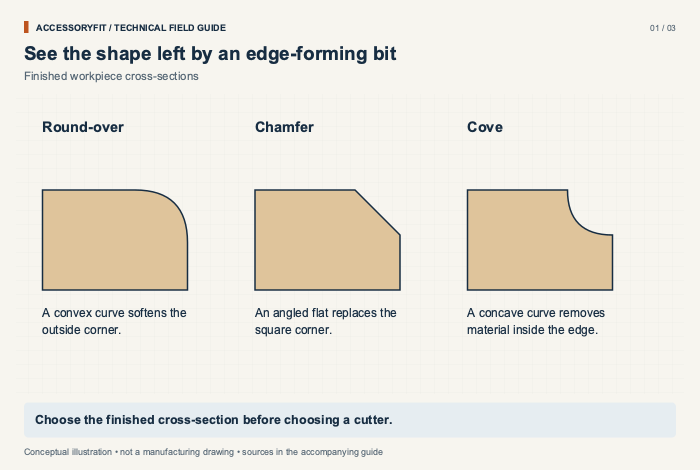
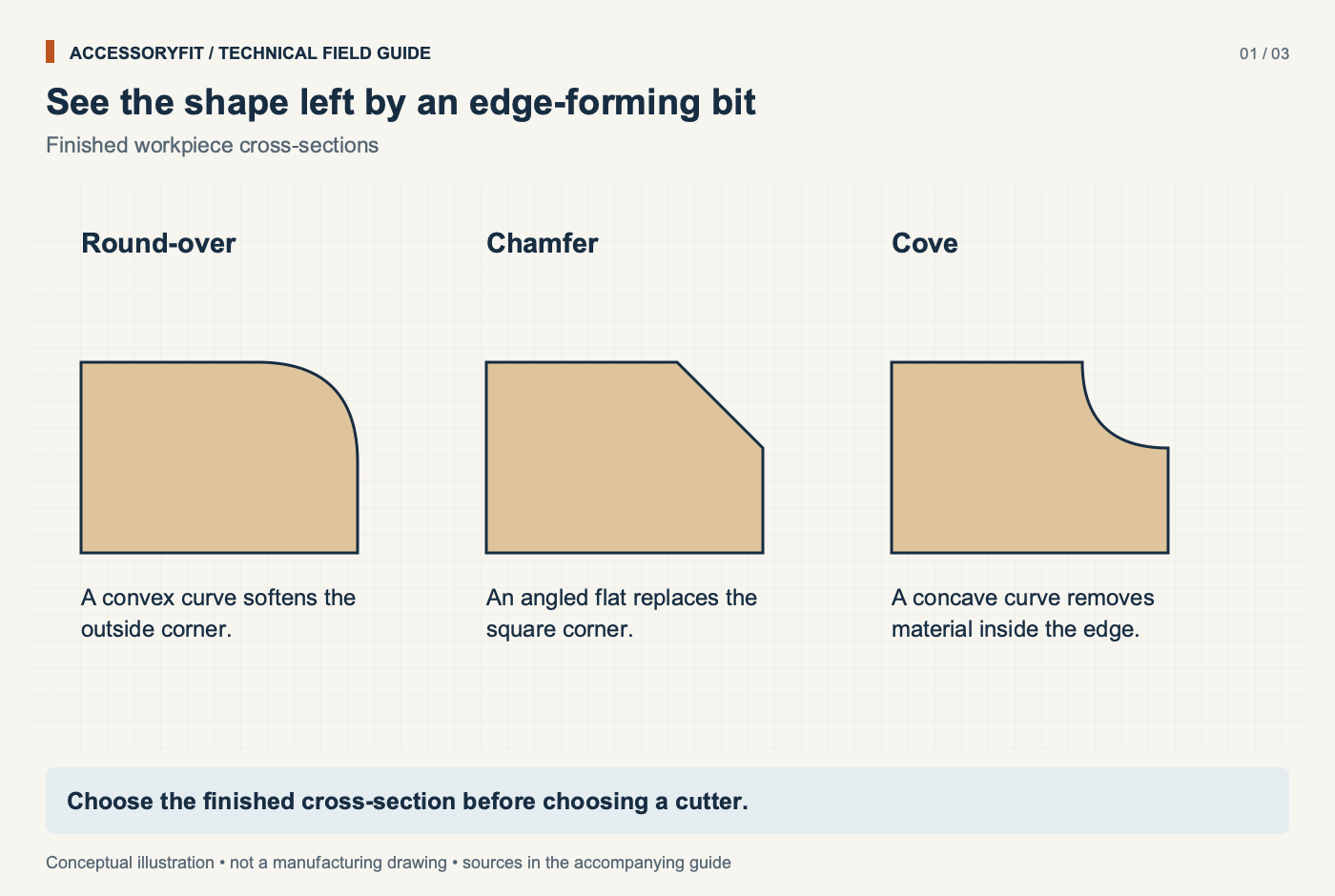
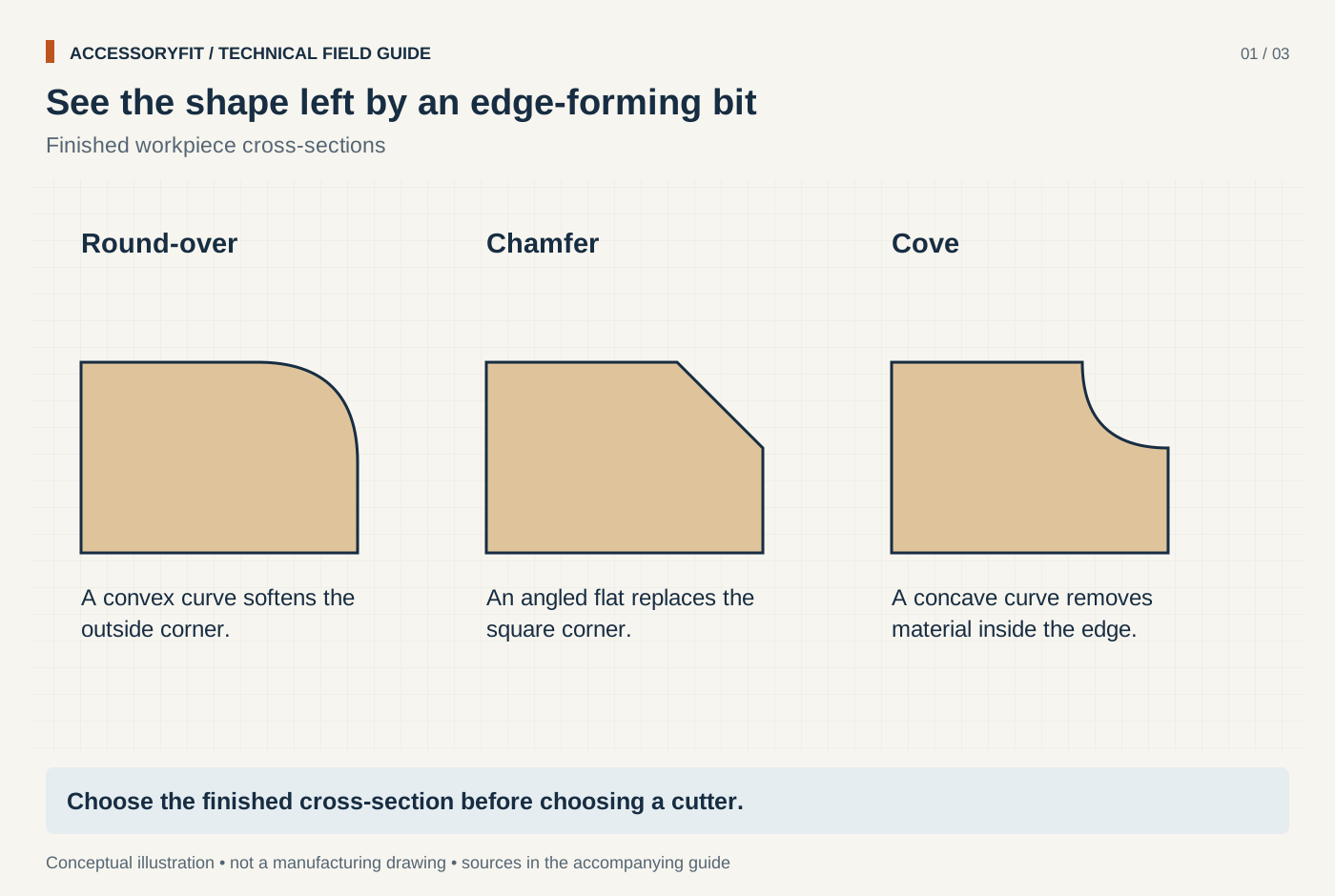
See the shape left by an edge-forming bit
Download SVG · Tap the image for the 1400 px WebP · From Router bit profiles: what each bit cuts and how to choose one
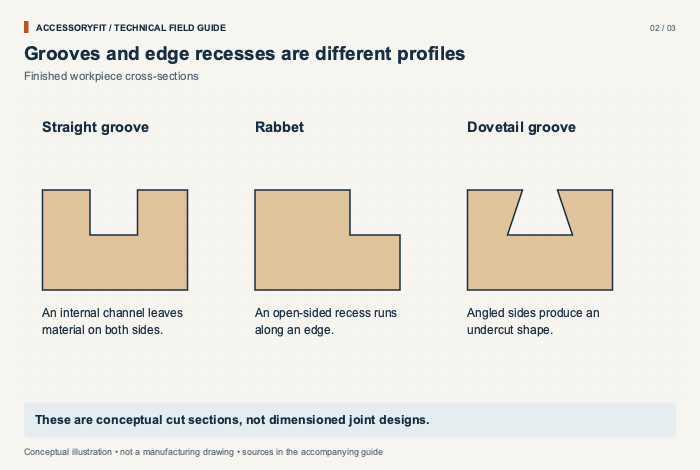
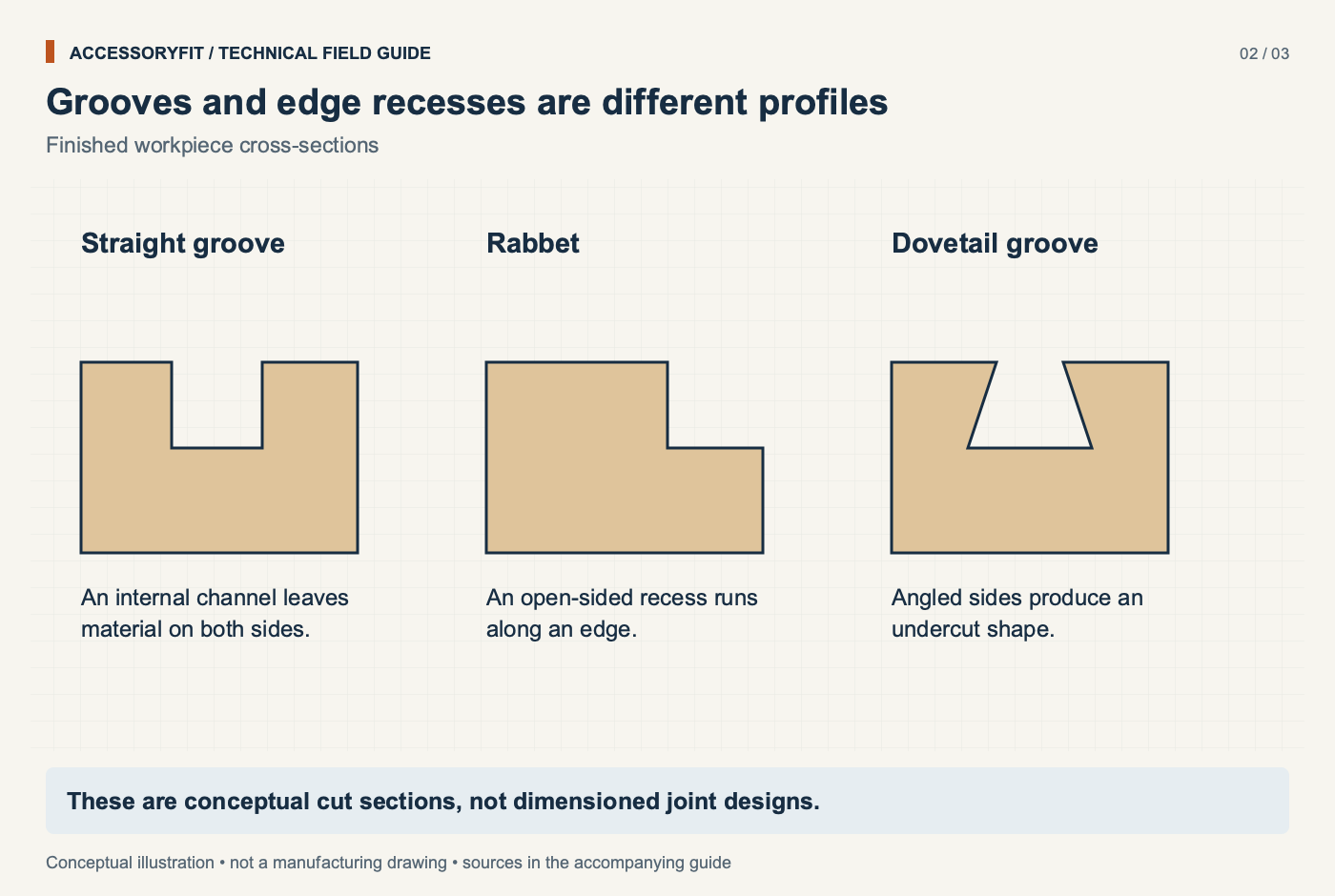
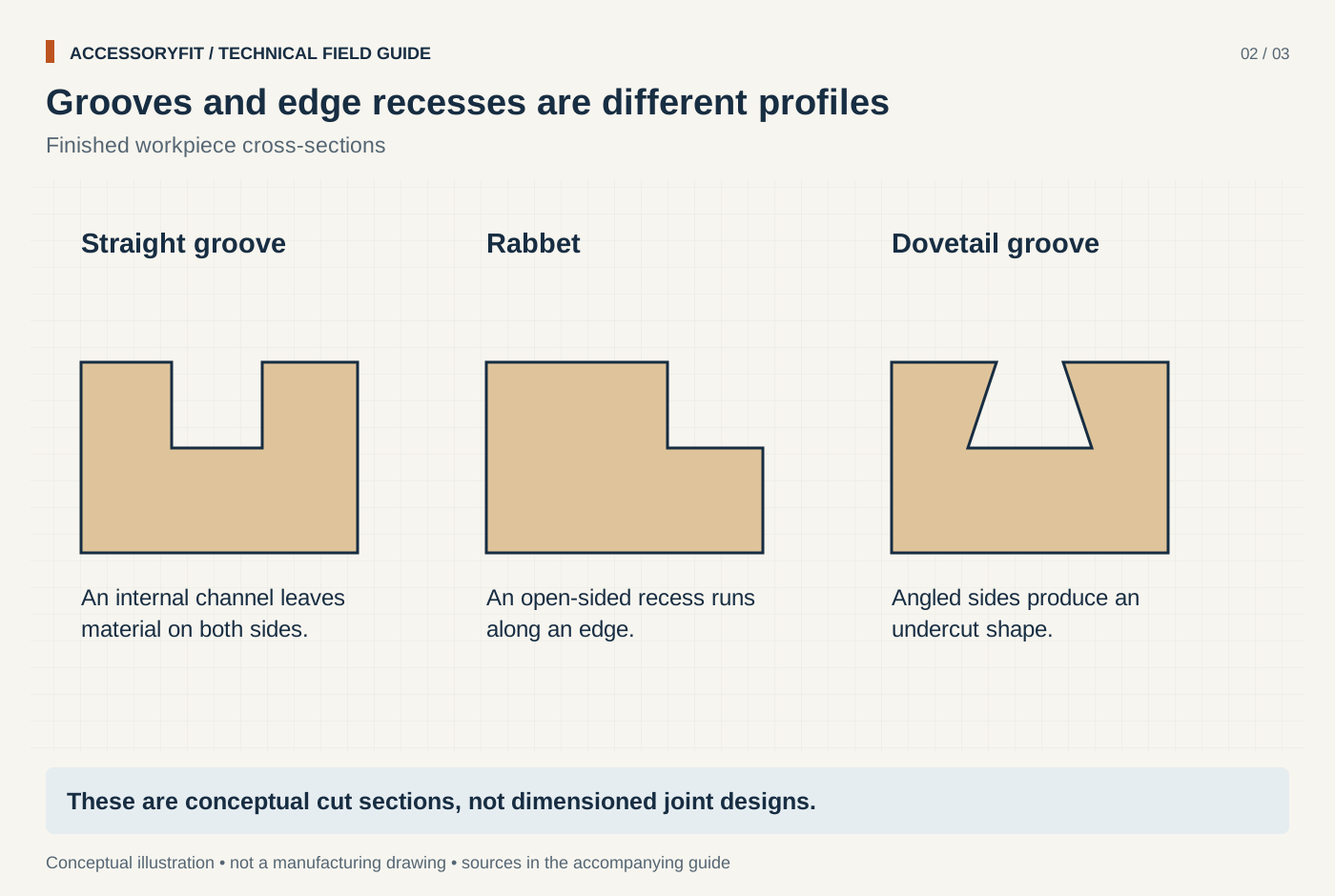
Grooves and edge recesses are different profiles
Download SVG · Tap the image for the 1400 px WebP · From Router bit profiles: what each bit cuts and how to choose one
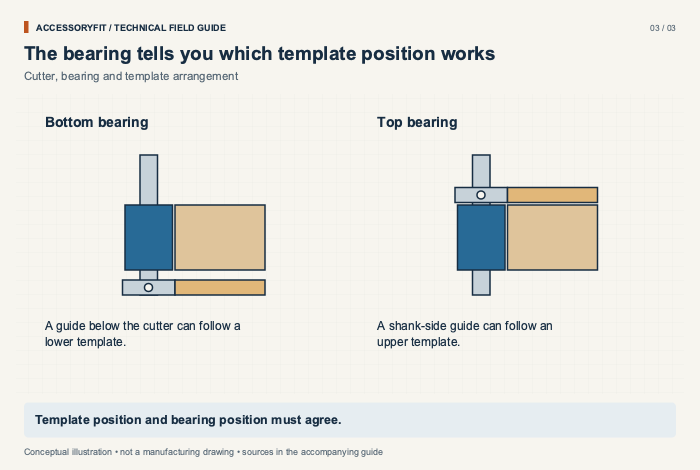
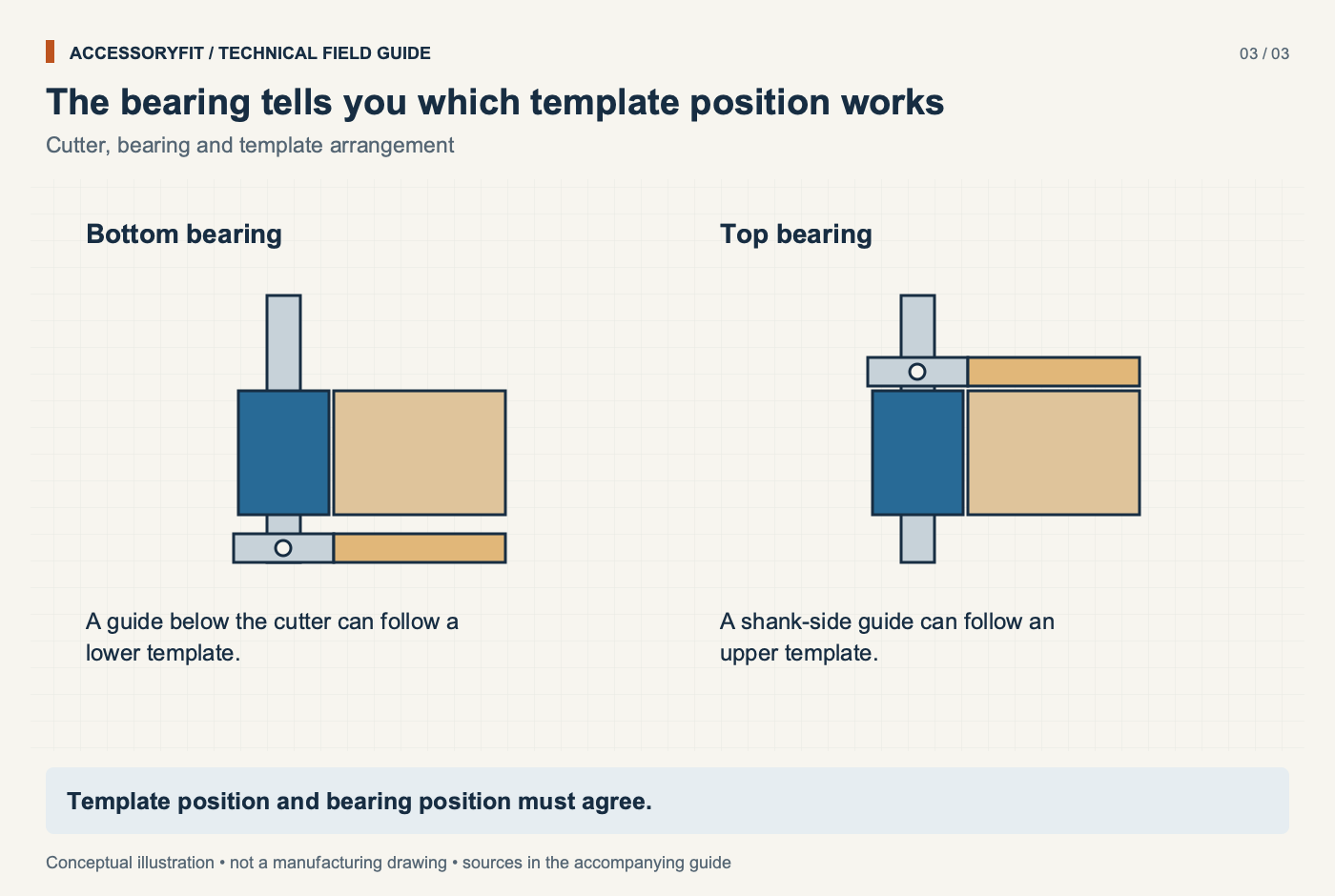
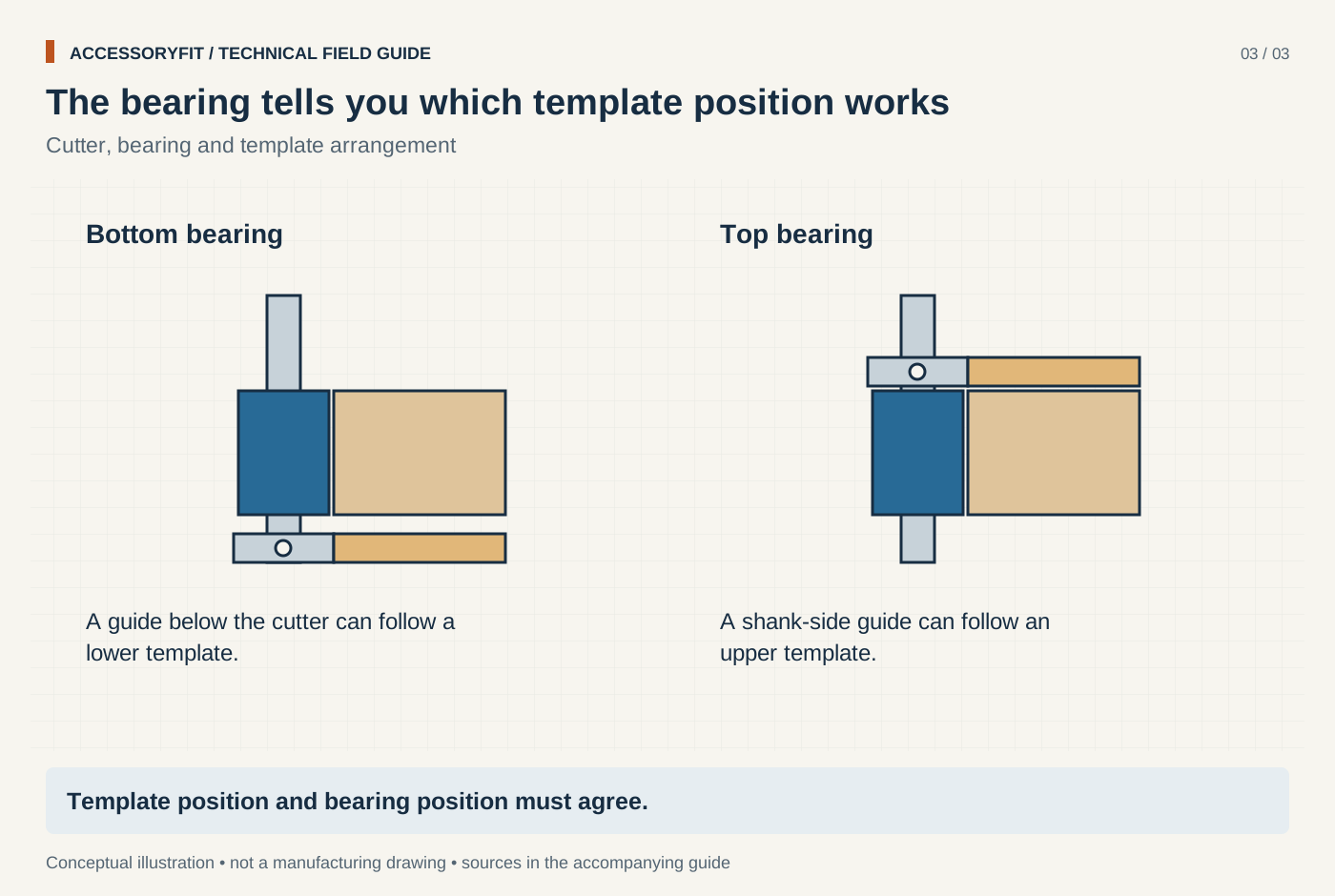
The bearing tells you which template position works
Download SVG · Tap the image for the 1400 px WebP · From Router bit profiles: what each bit cuts and how to choose one
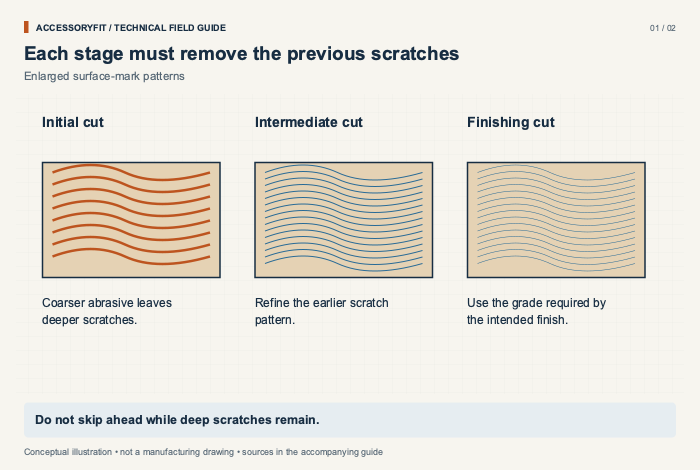
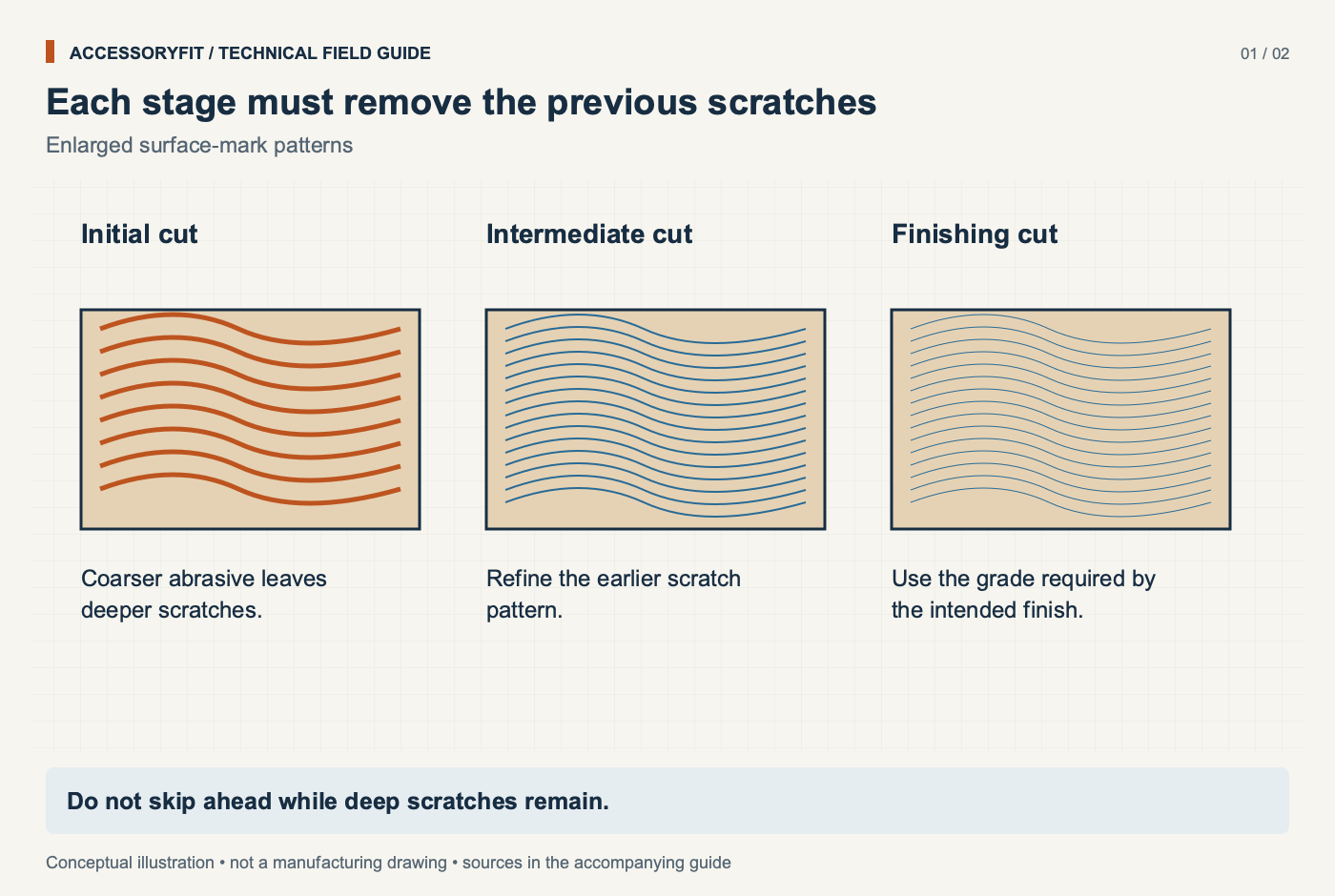
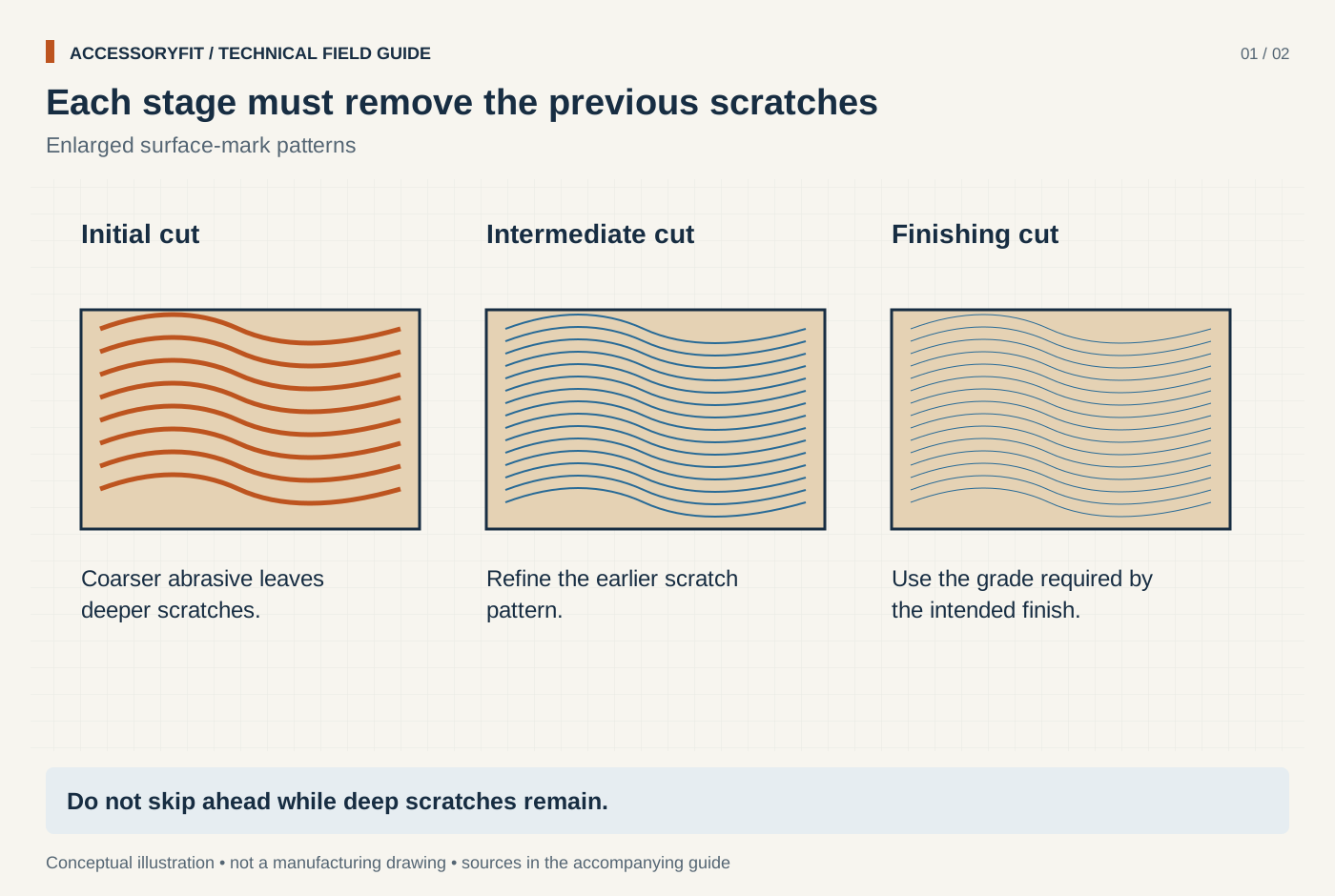
Each stage must remove the previous scratches
Download SVG · Tap the image for the 1400 px WebP · From Sandpaper grit guide: progressions by project and abrasive type
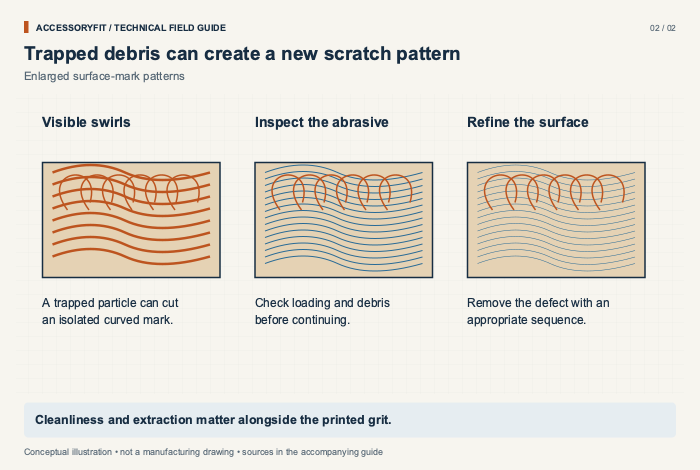
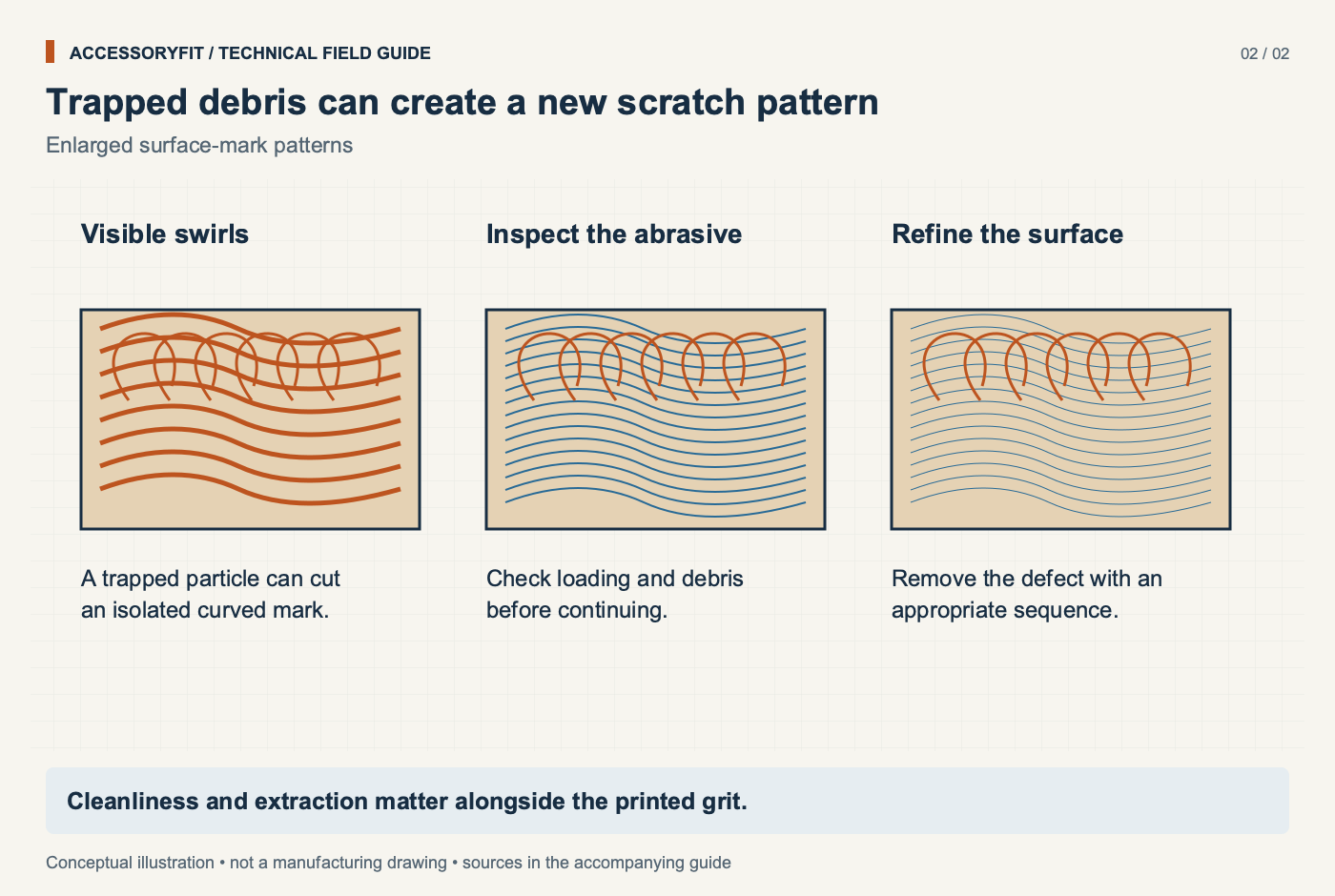
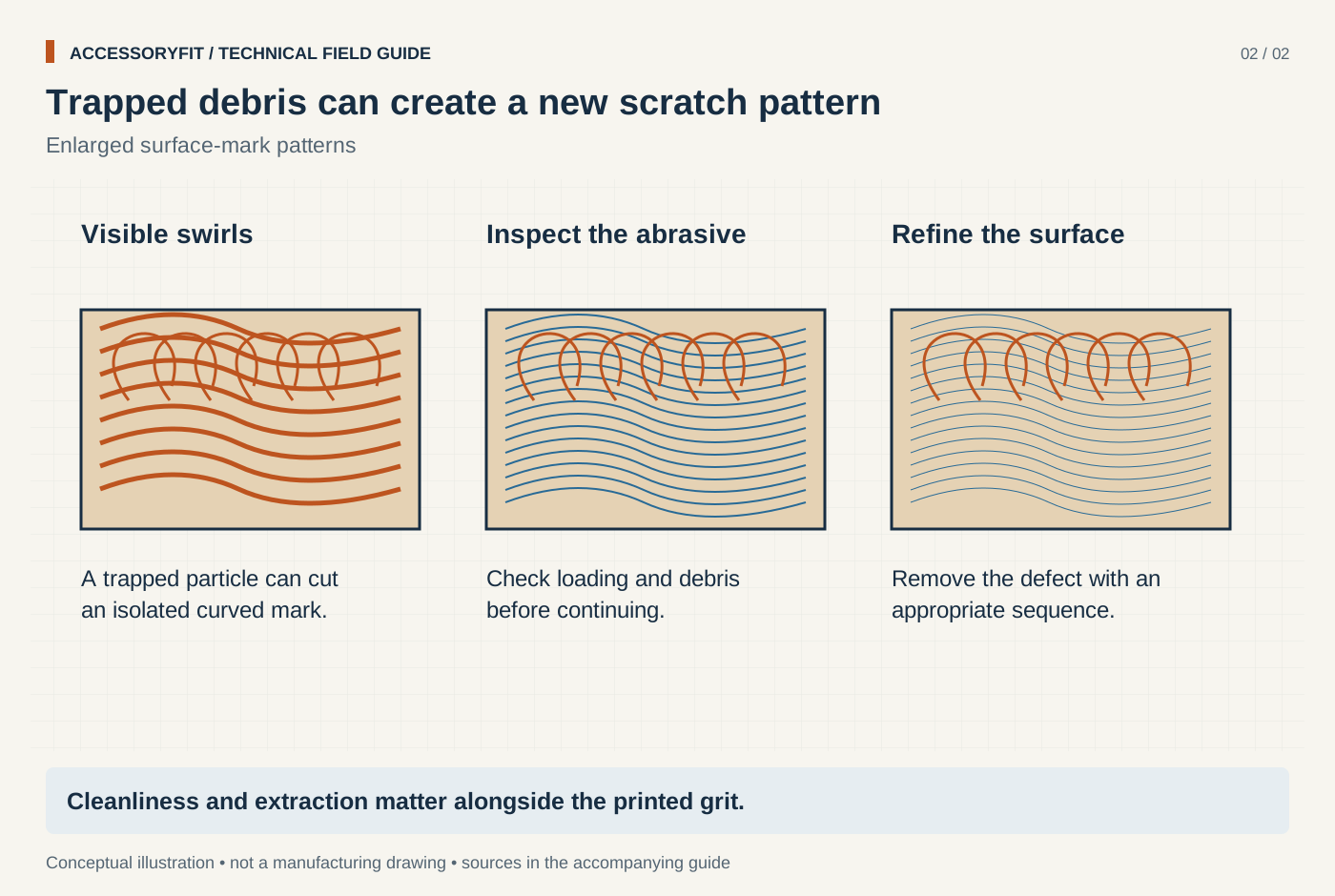
Trapped debris can create a new scratch pattern
Download SVG · Tap the image for the 1400 px WebP · From Sandpaper grit guide: progressions by project and abrasive type
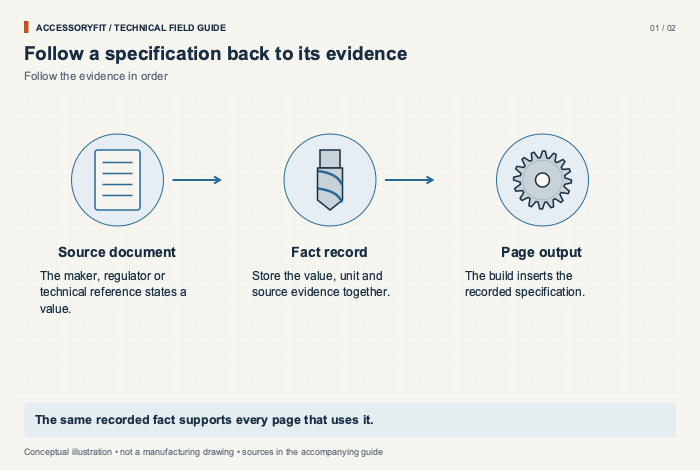
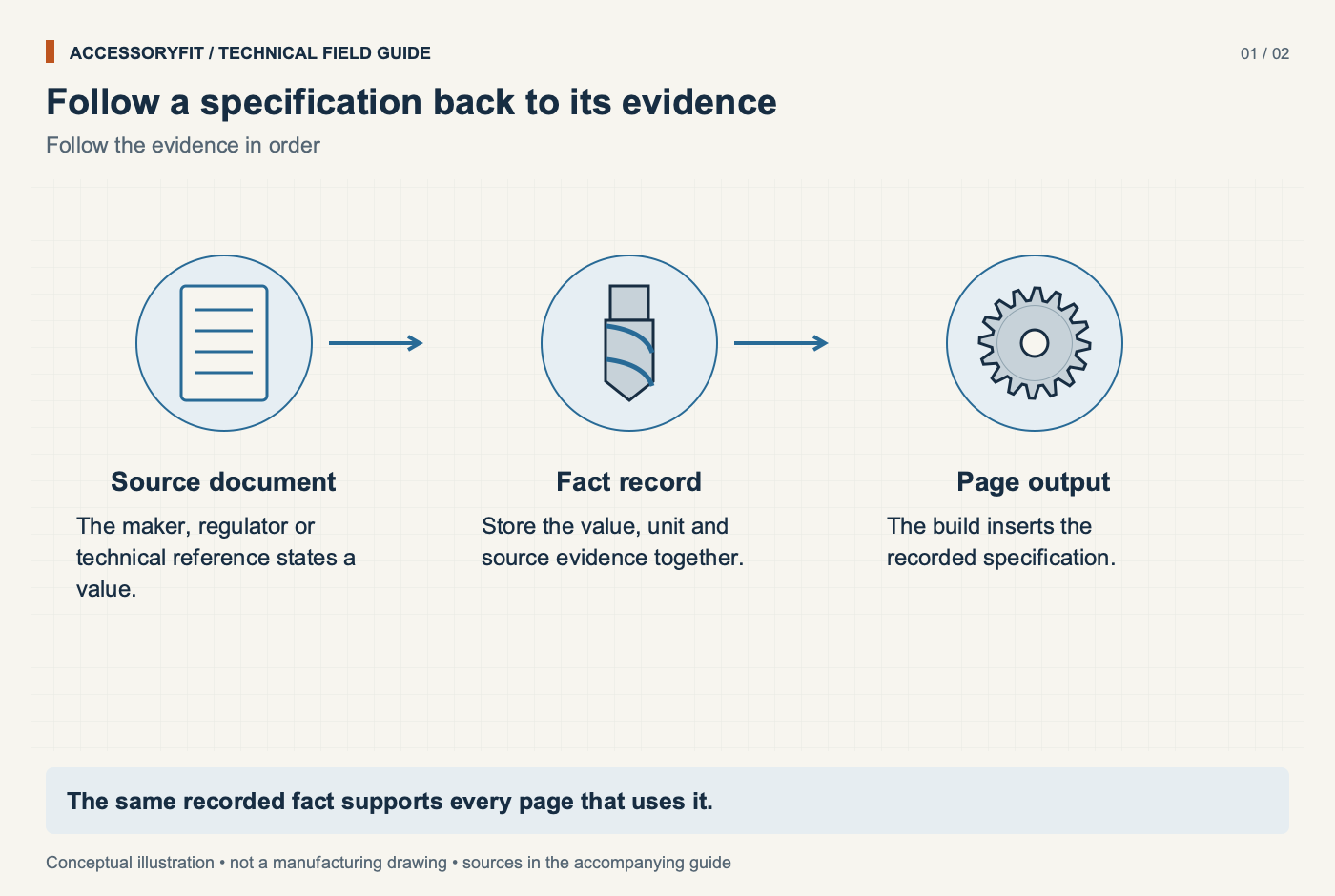
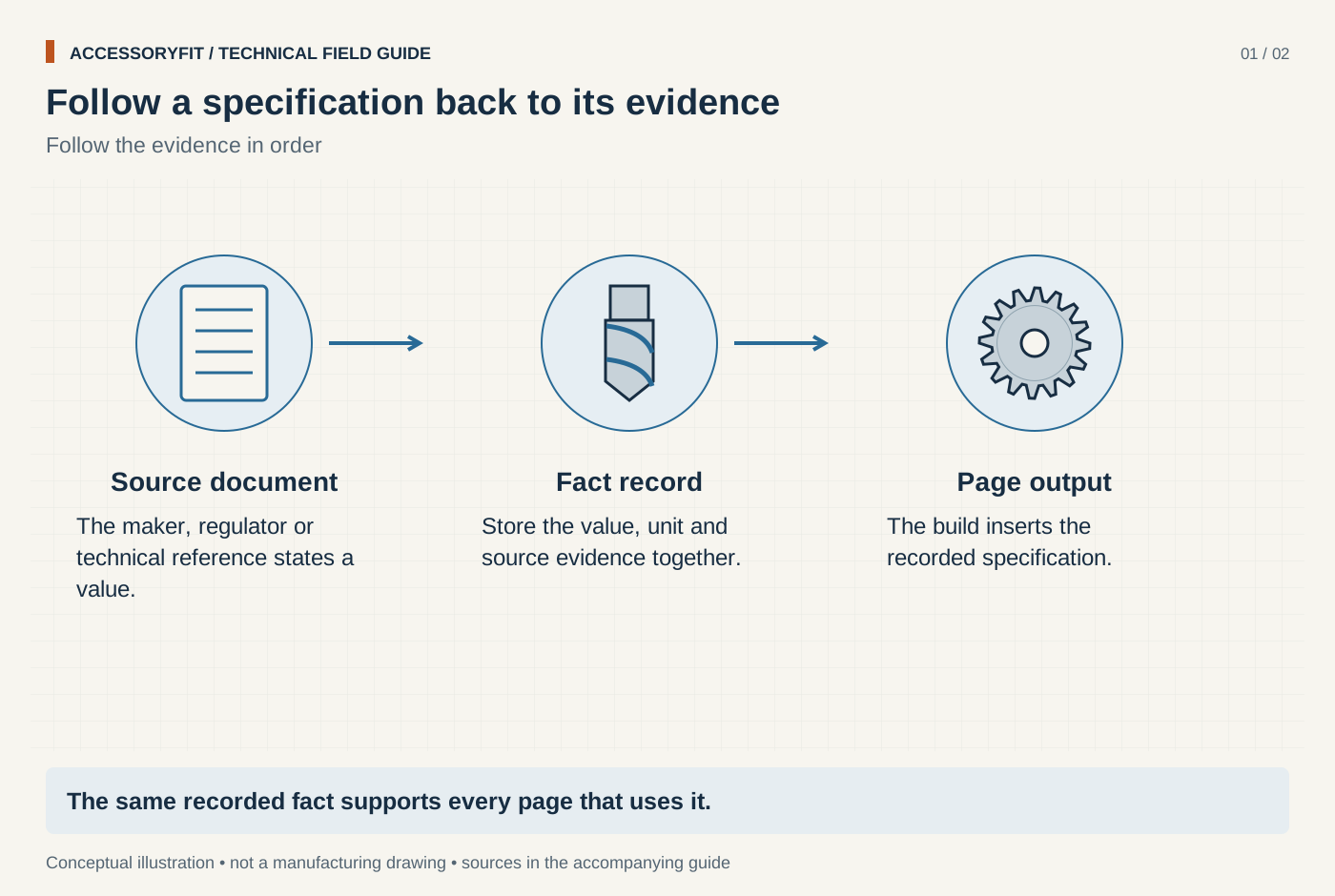
Follow a specification back to its evidence
Download SVG · Tap the image for the 1400 px WebP · From How AccessoryFit sources, checks and presents information
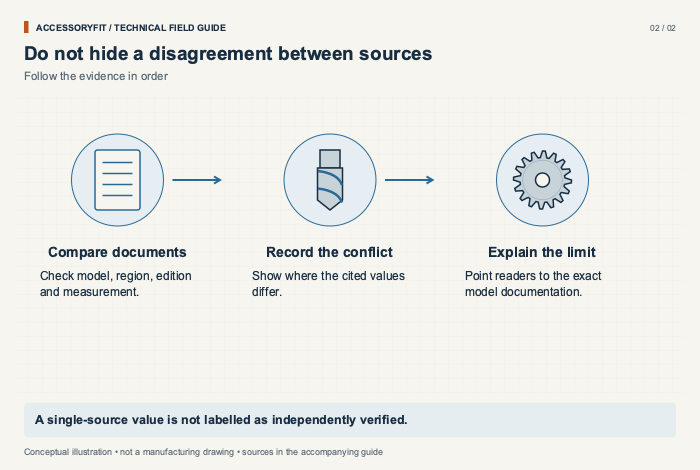
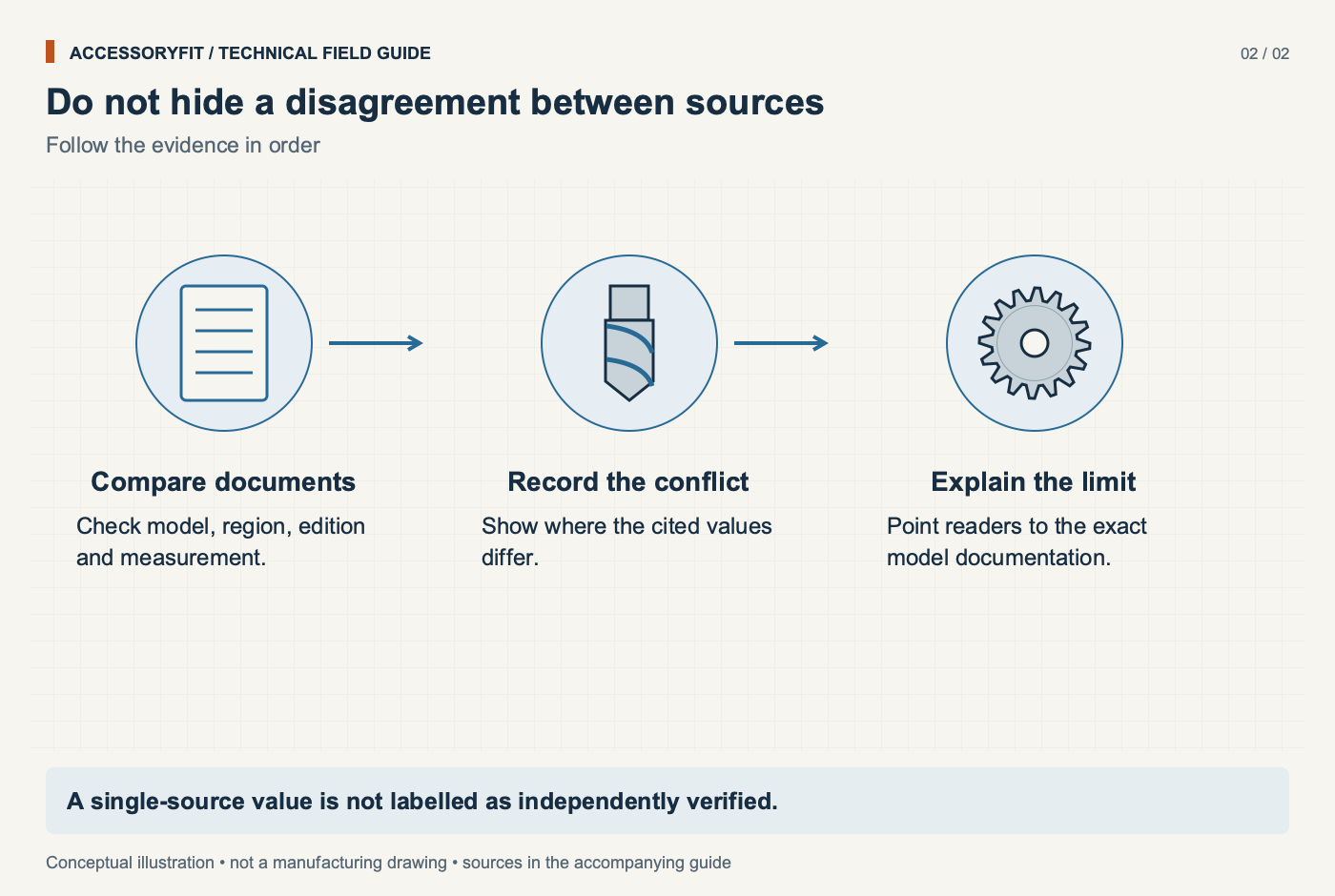
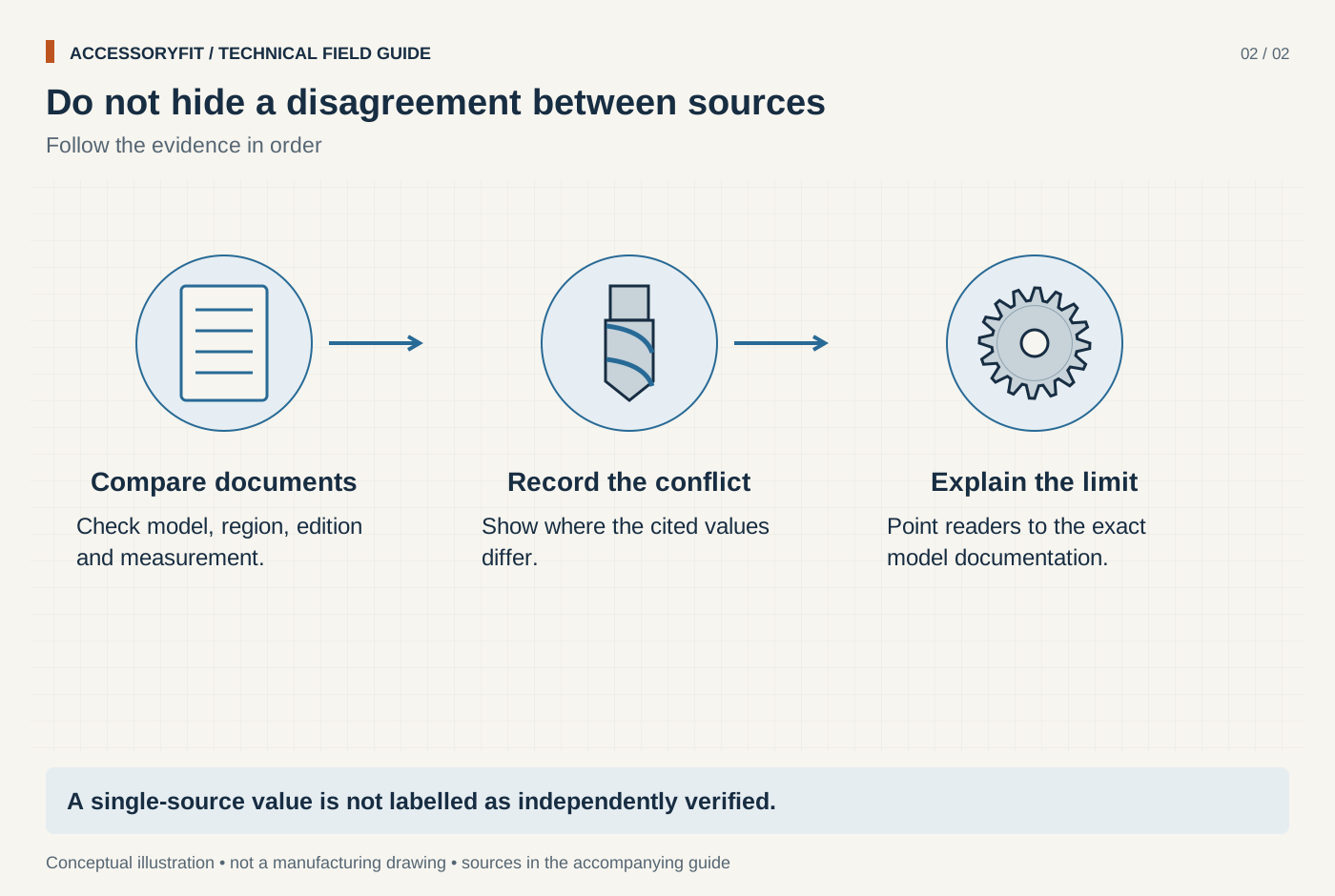
Do not hide a disagreement between sources
Download SVG · Tap the image for the 1400 px WebP · From How AccessoryFit sources, checks and presents information
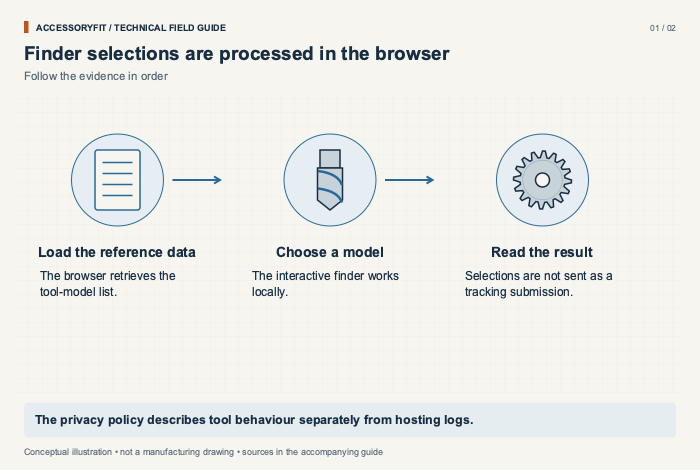
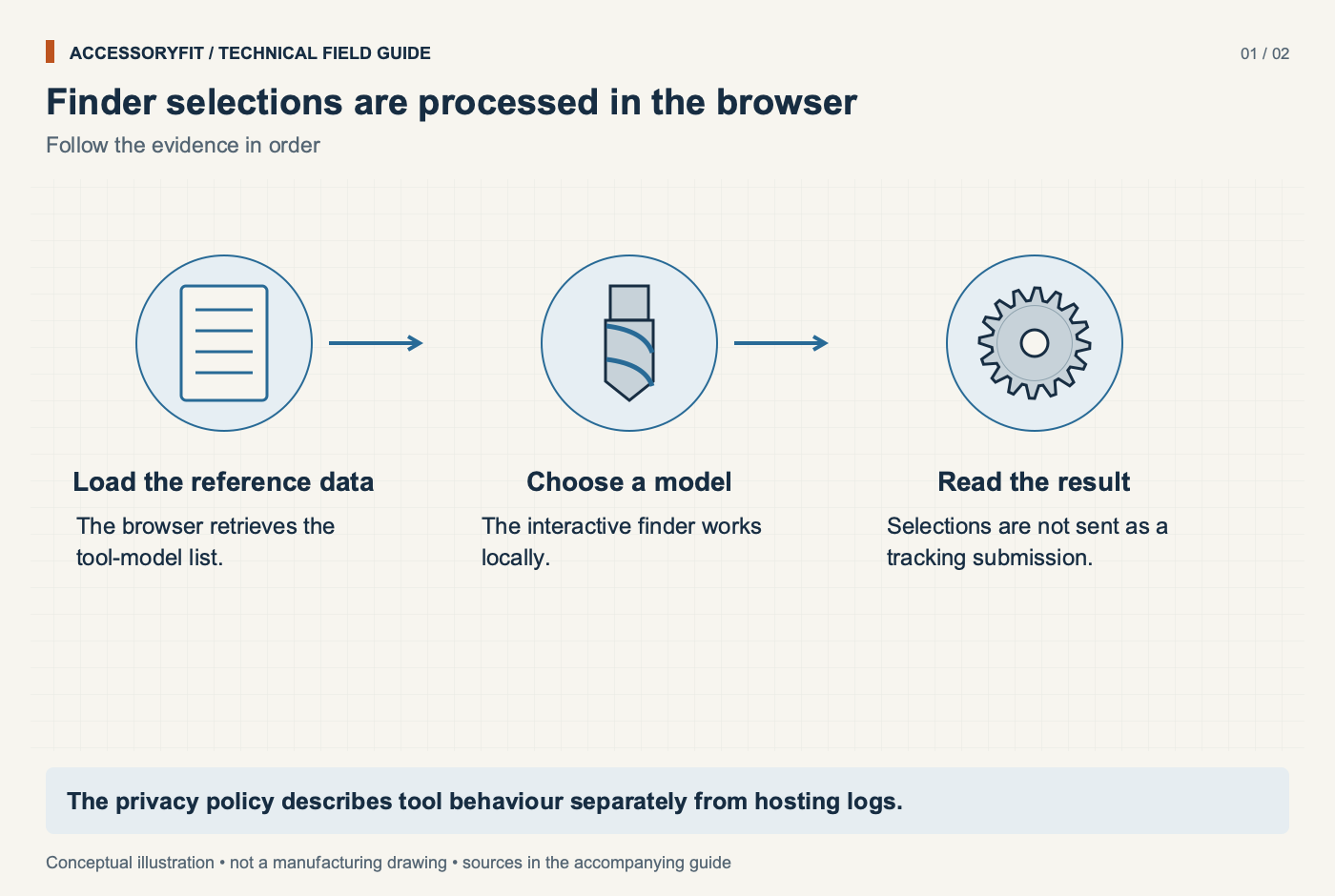
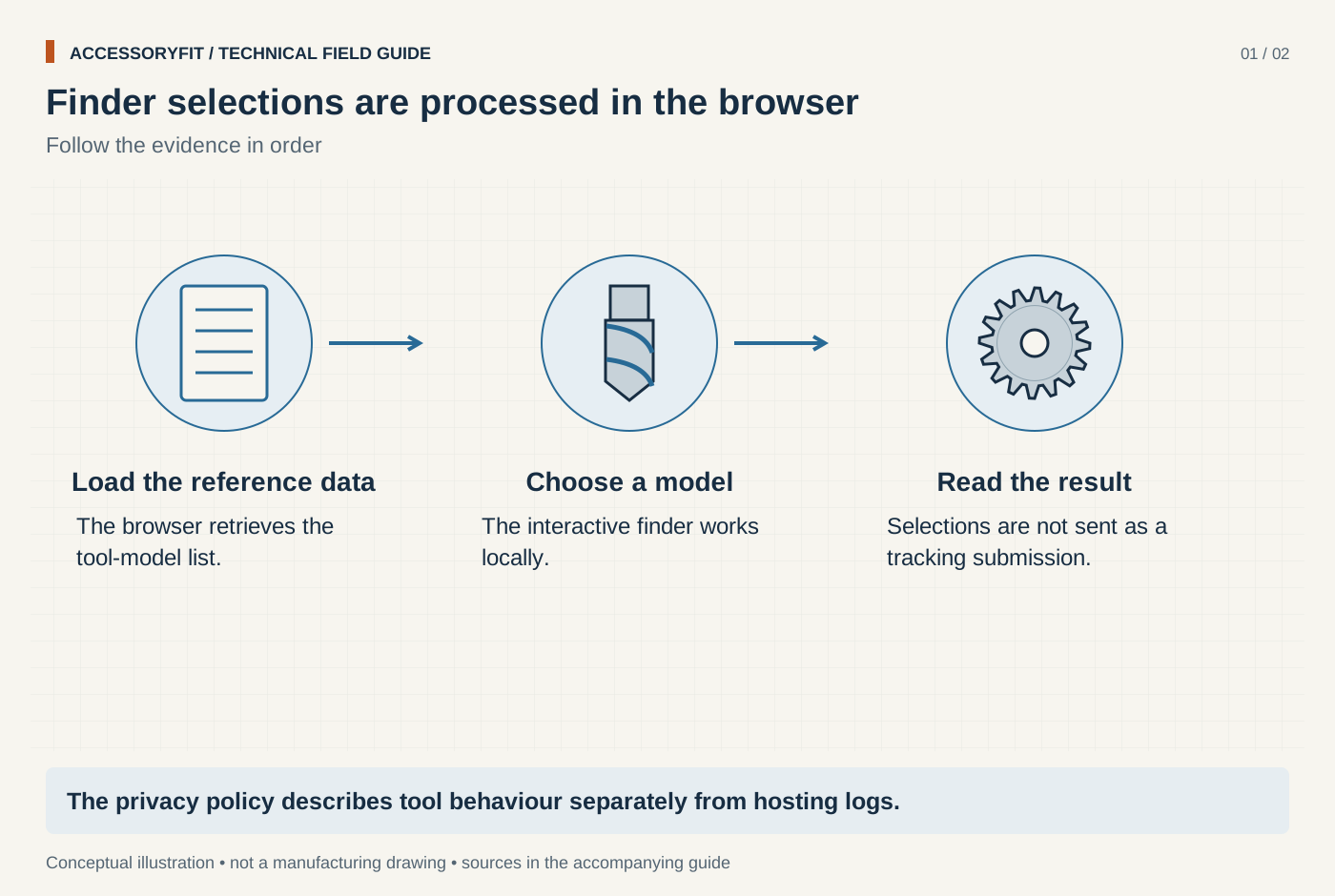
Finder selections are processed in the browser
Download SVG · Tap the image for the 1400 px WebP · From Privacy policy

Page requests and external services have different roles
Download SVG · Tap the image for the 1400 px WebP · From Privacy policy
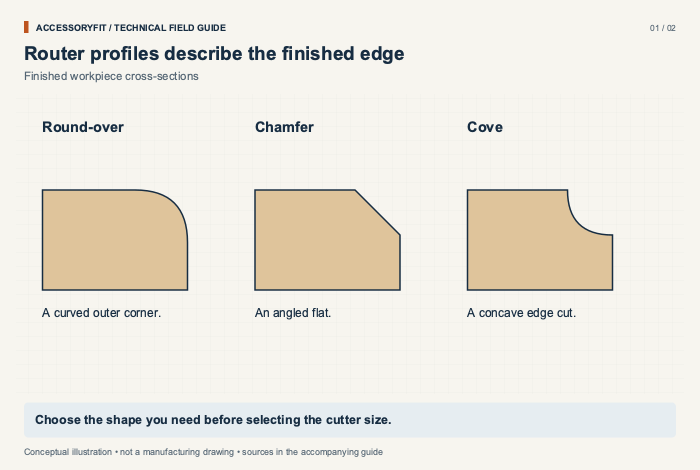
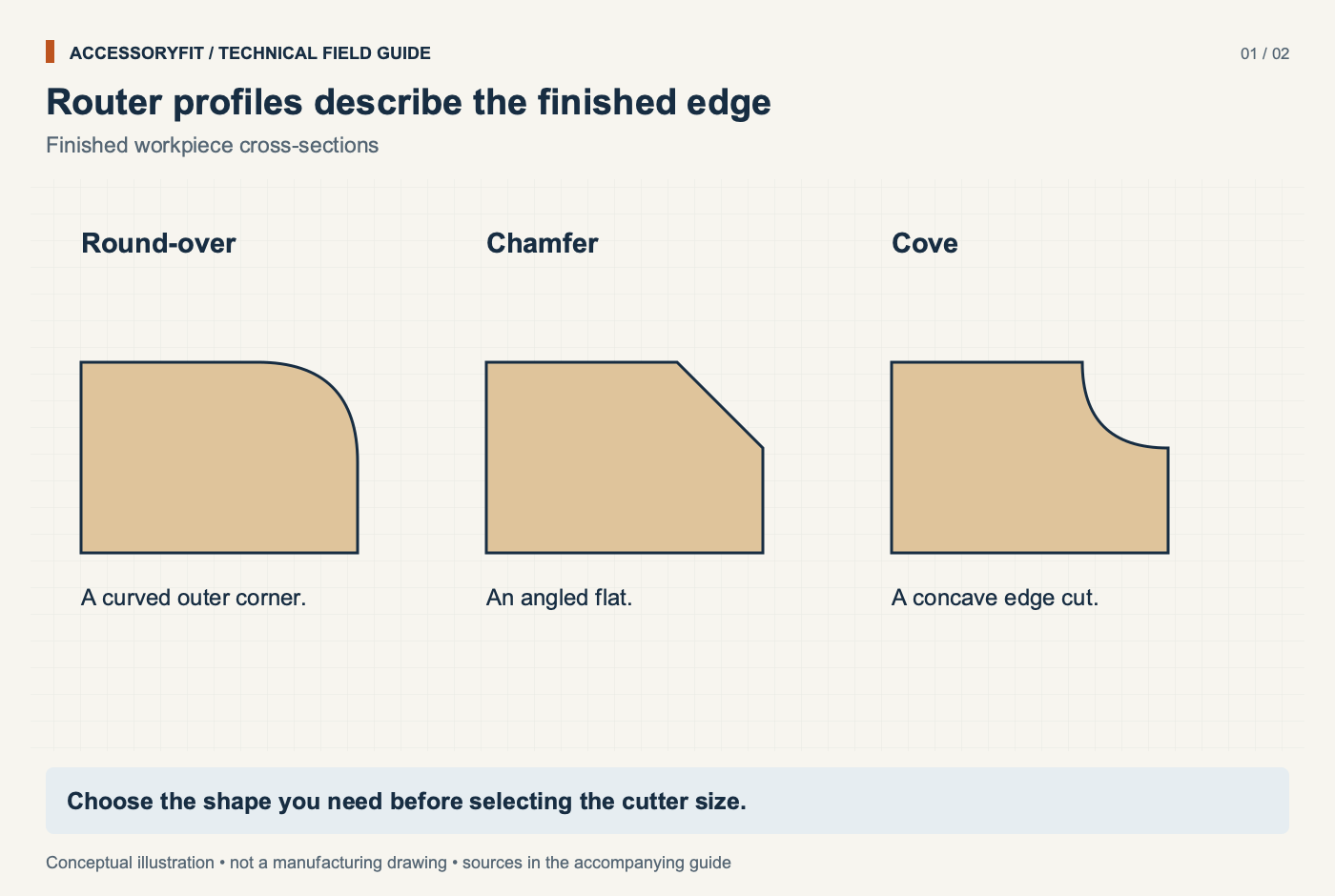
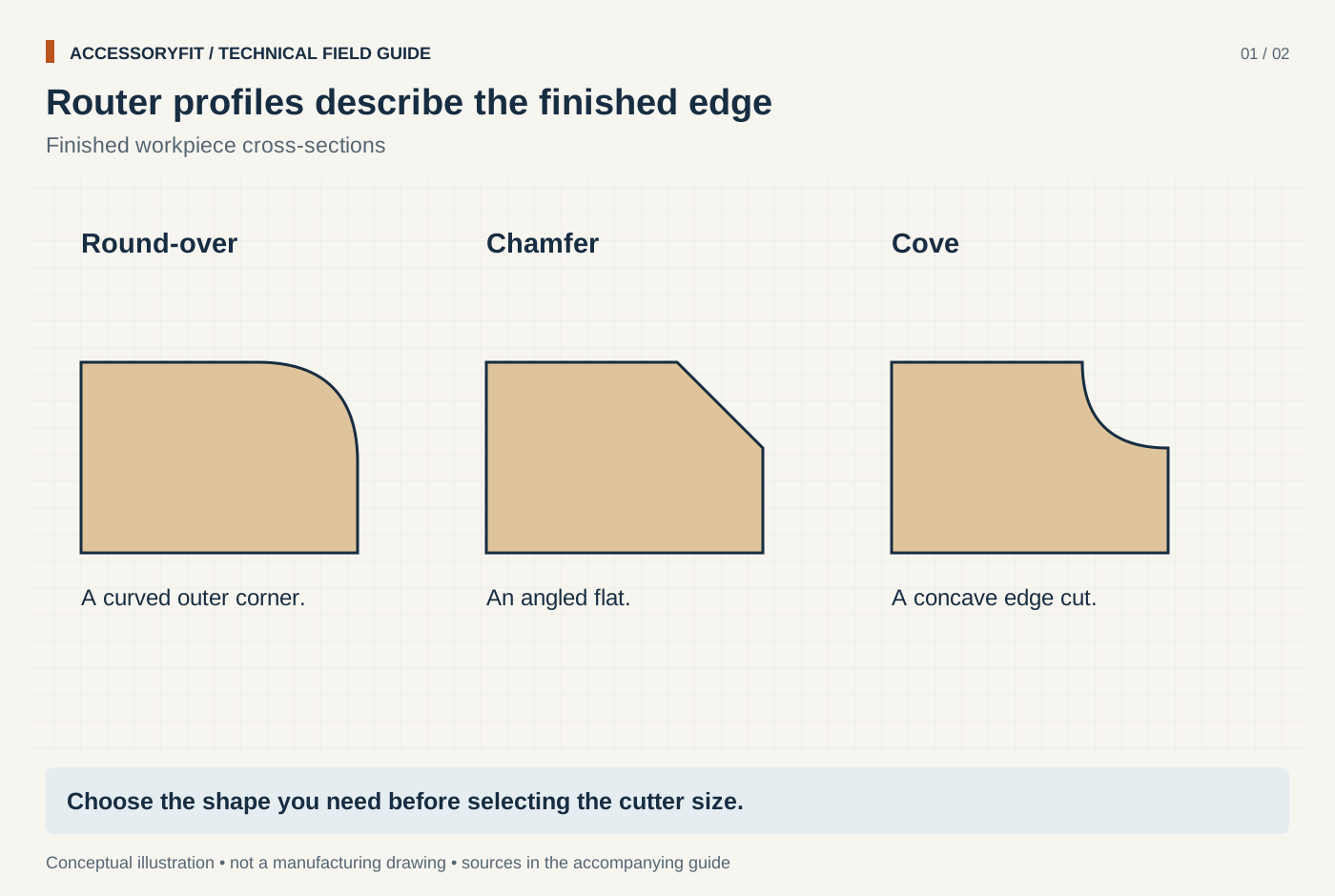
Router profiles describe the finished edge
Download SVG · Tap the image for the 1400 px WebP · From Router bits: profiles, shank sizes and how to choose them
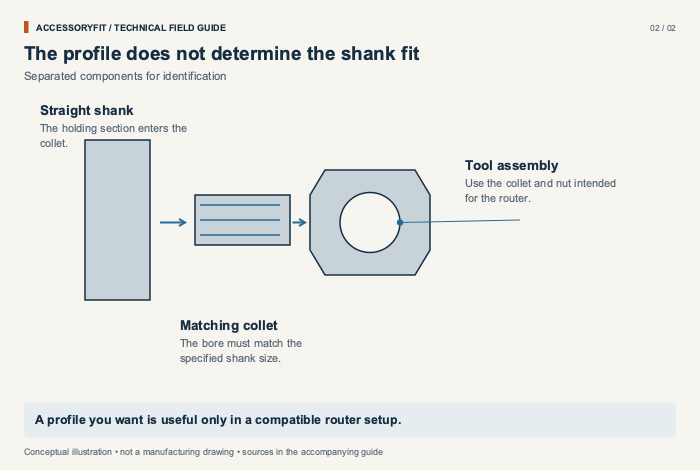
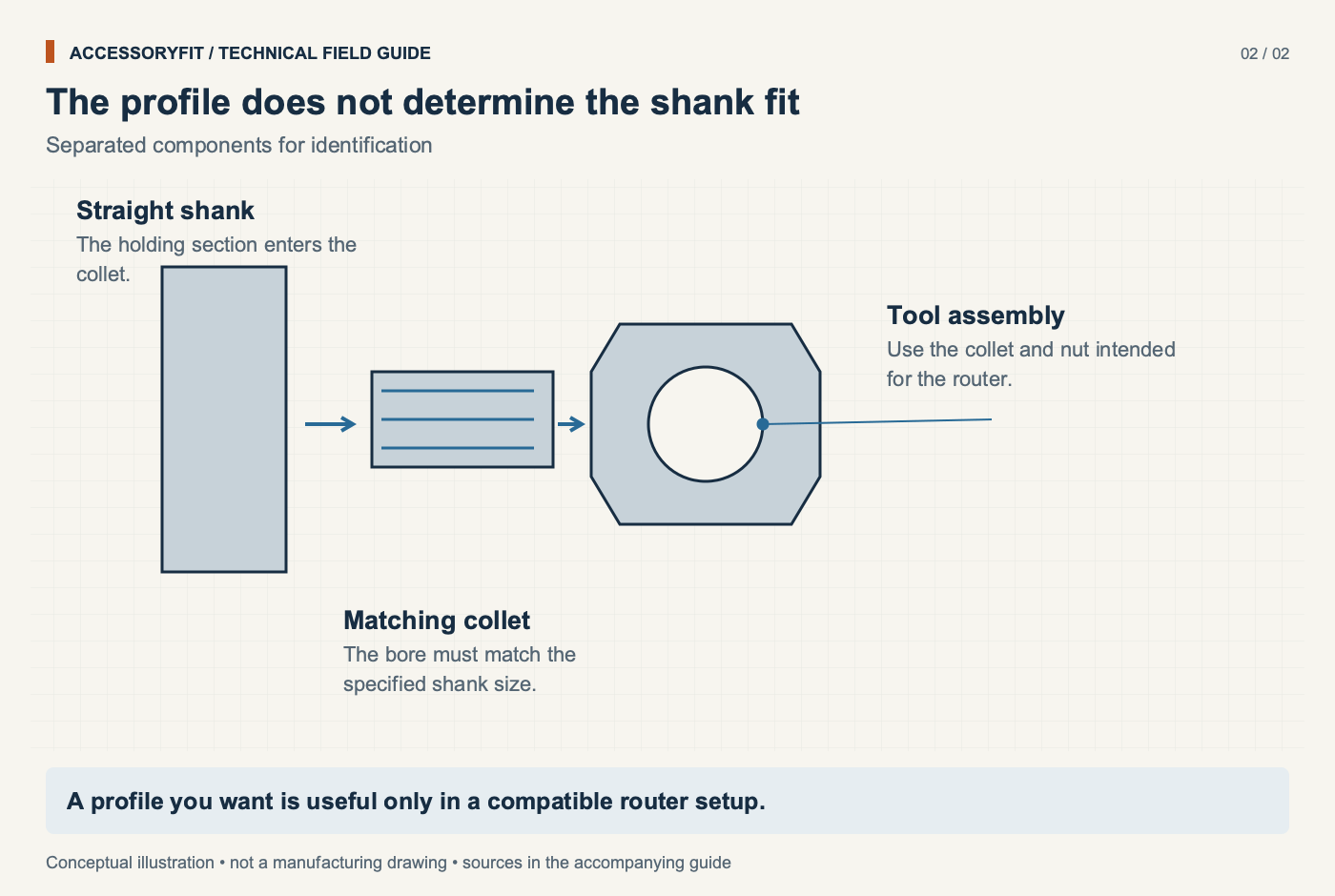
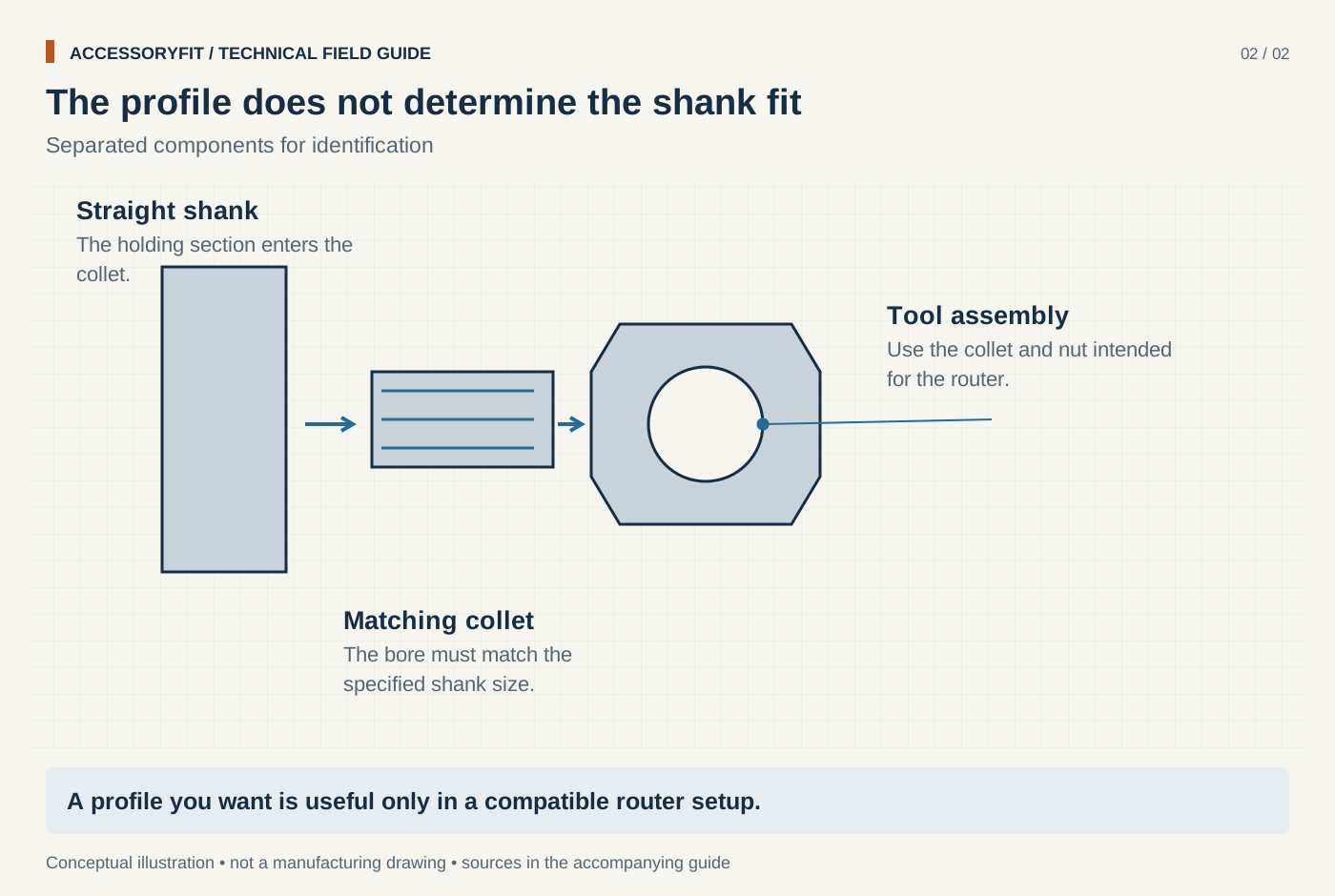
The profile does not determine the shank fit
Download SVG · Tap the image for the 1400 px WebP · From Router bits: profiles, shank sizes and how to choose them
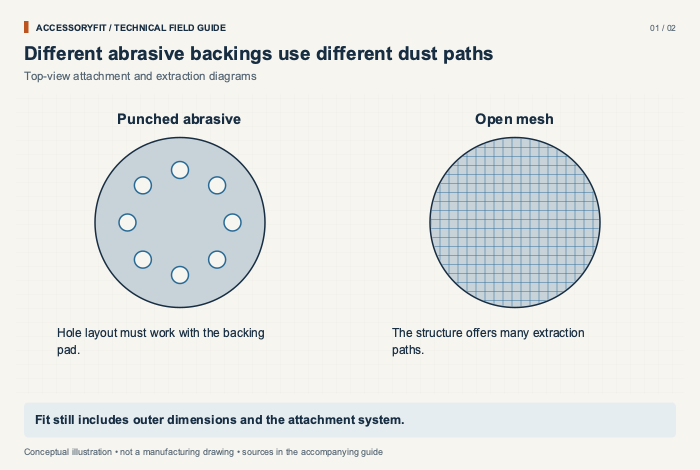
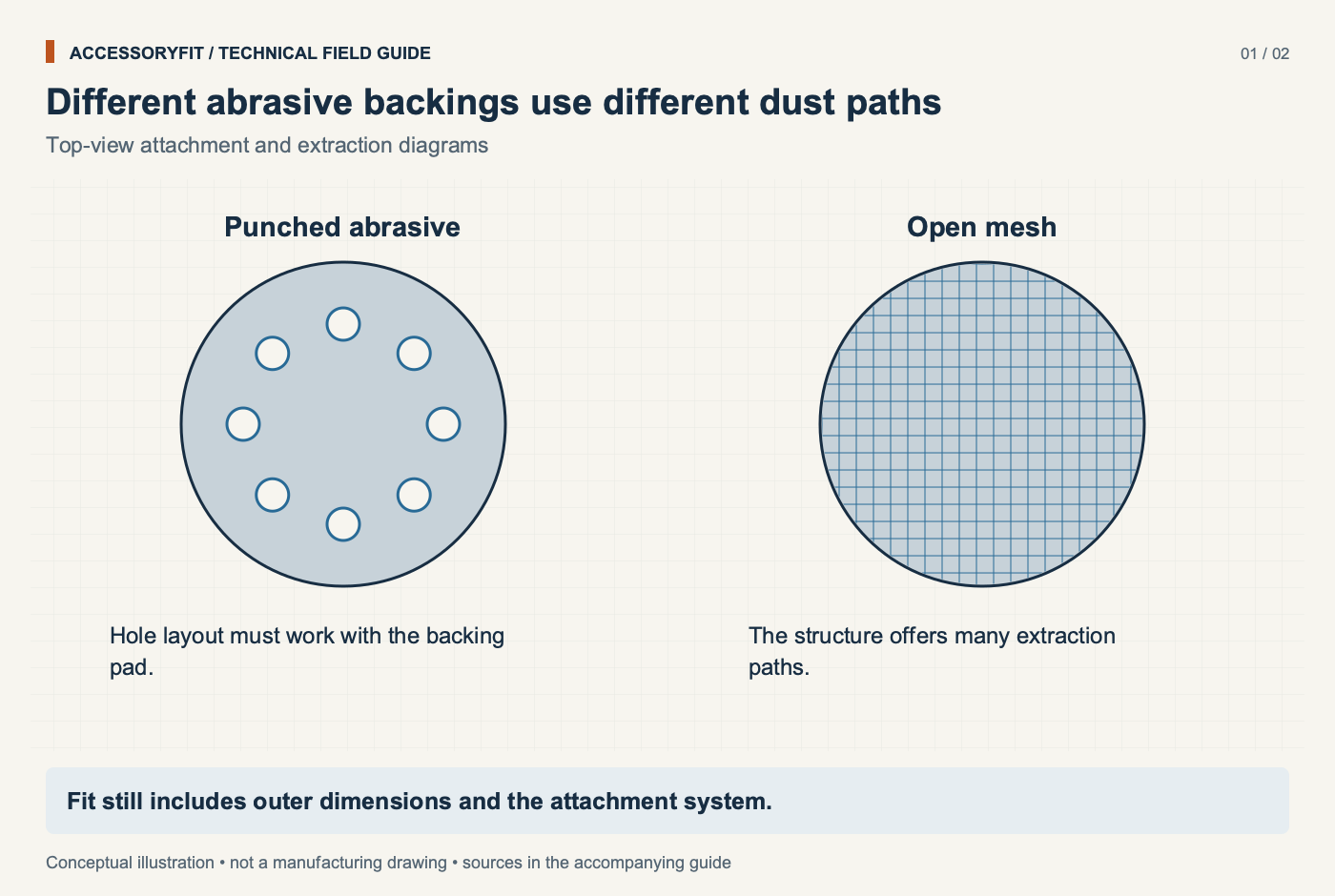
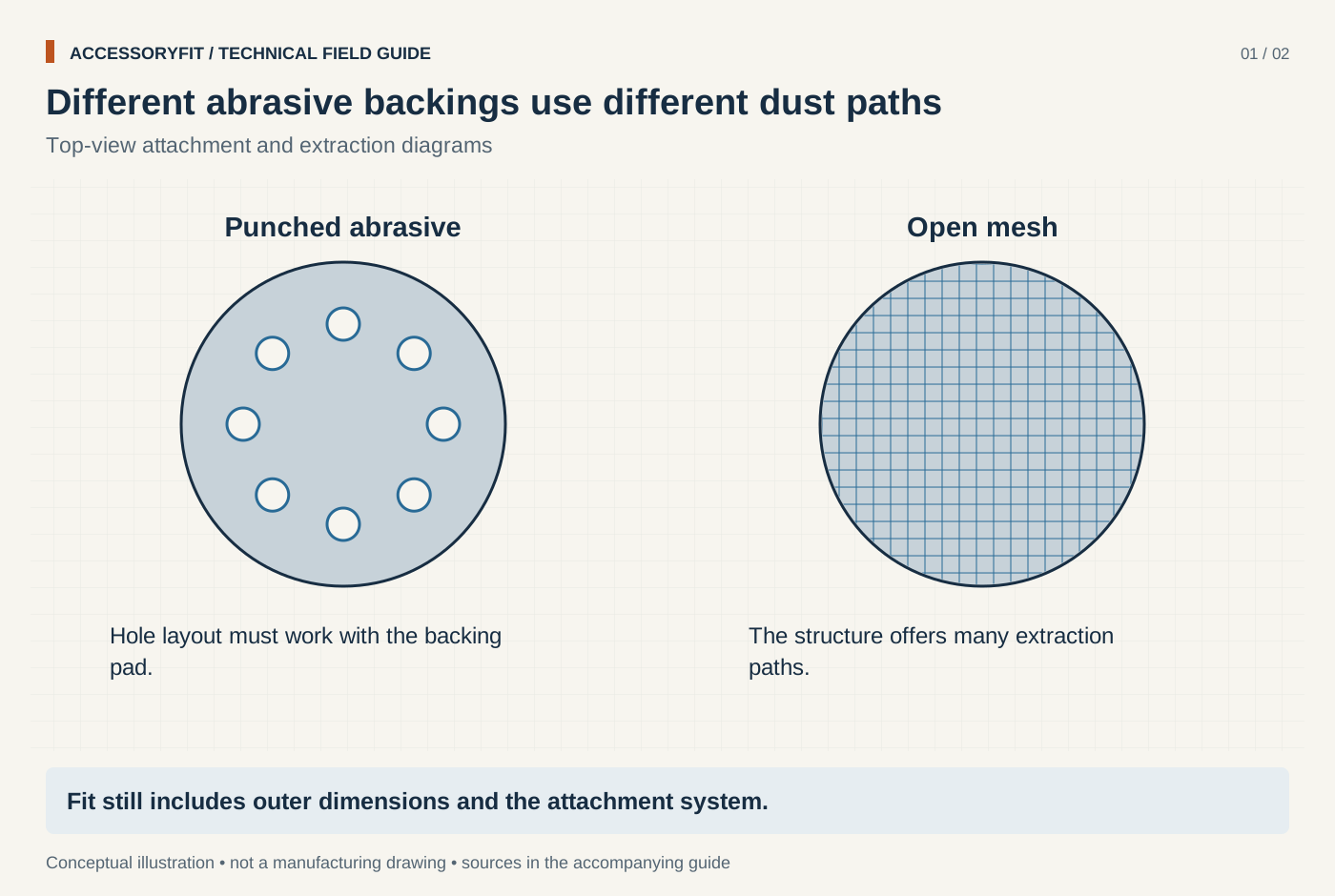
Different abrasive backings use different dust paths
Download SVG · Tap the image for the 1400 px WebP · From Sanding and grinding accessories: discs, grits, wheels and pads
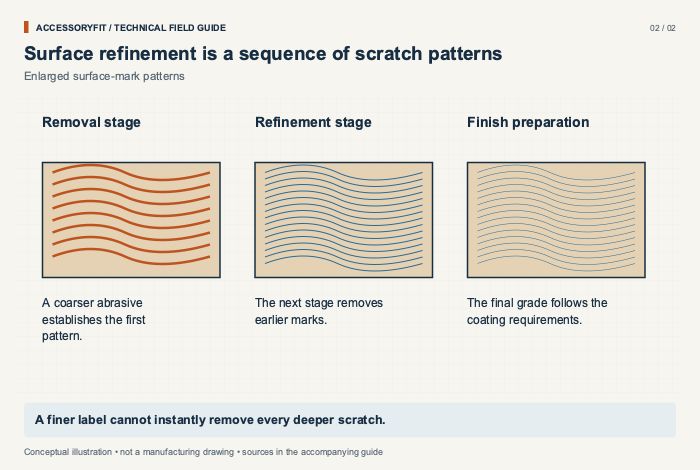
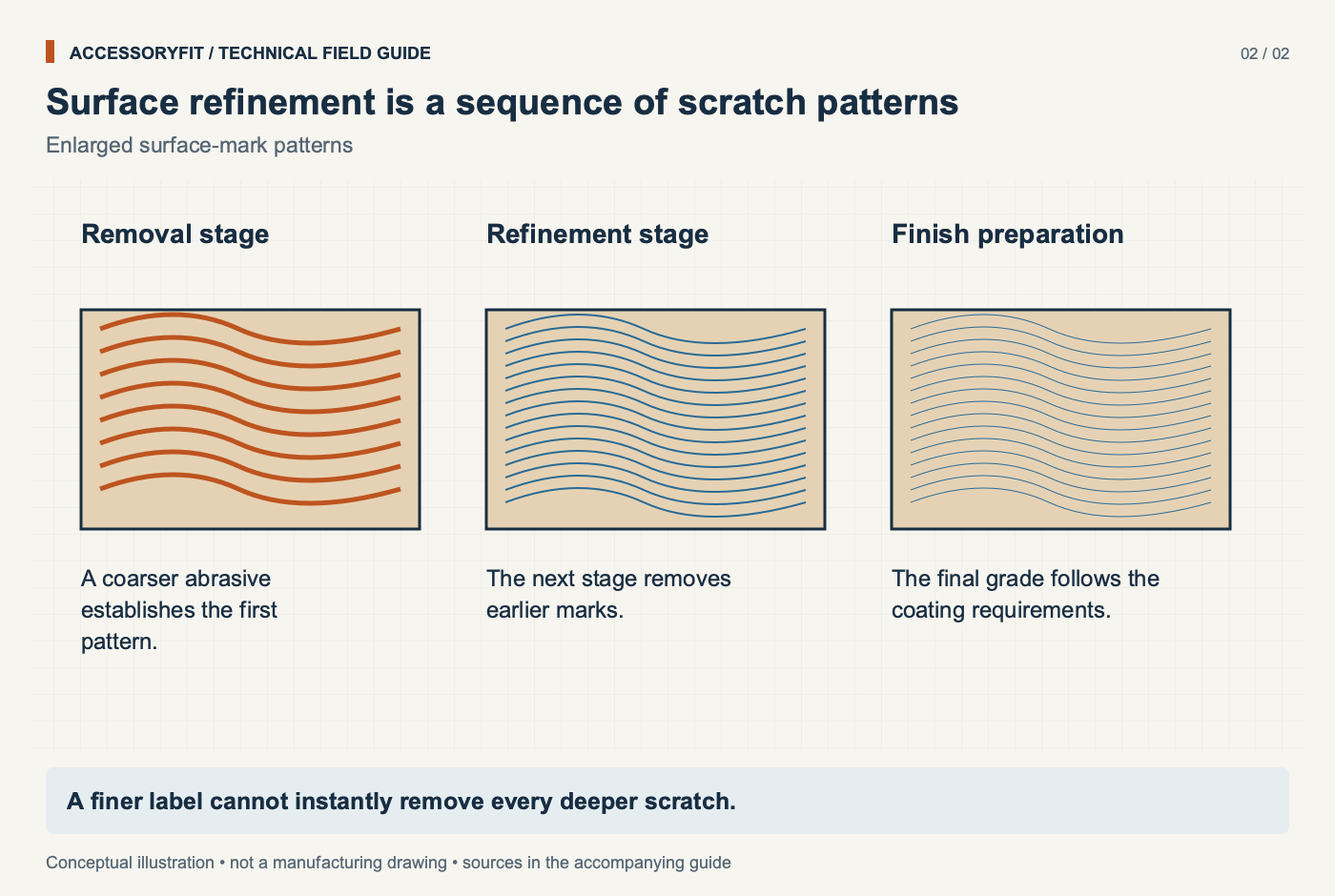
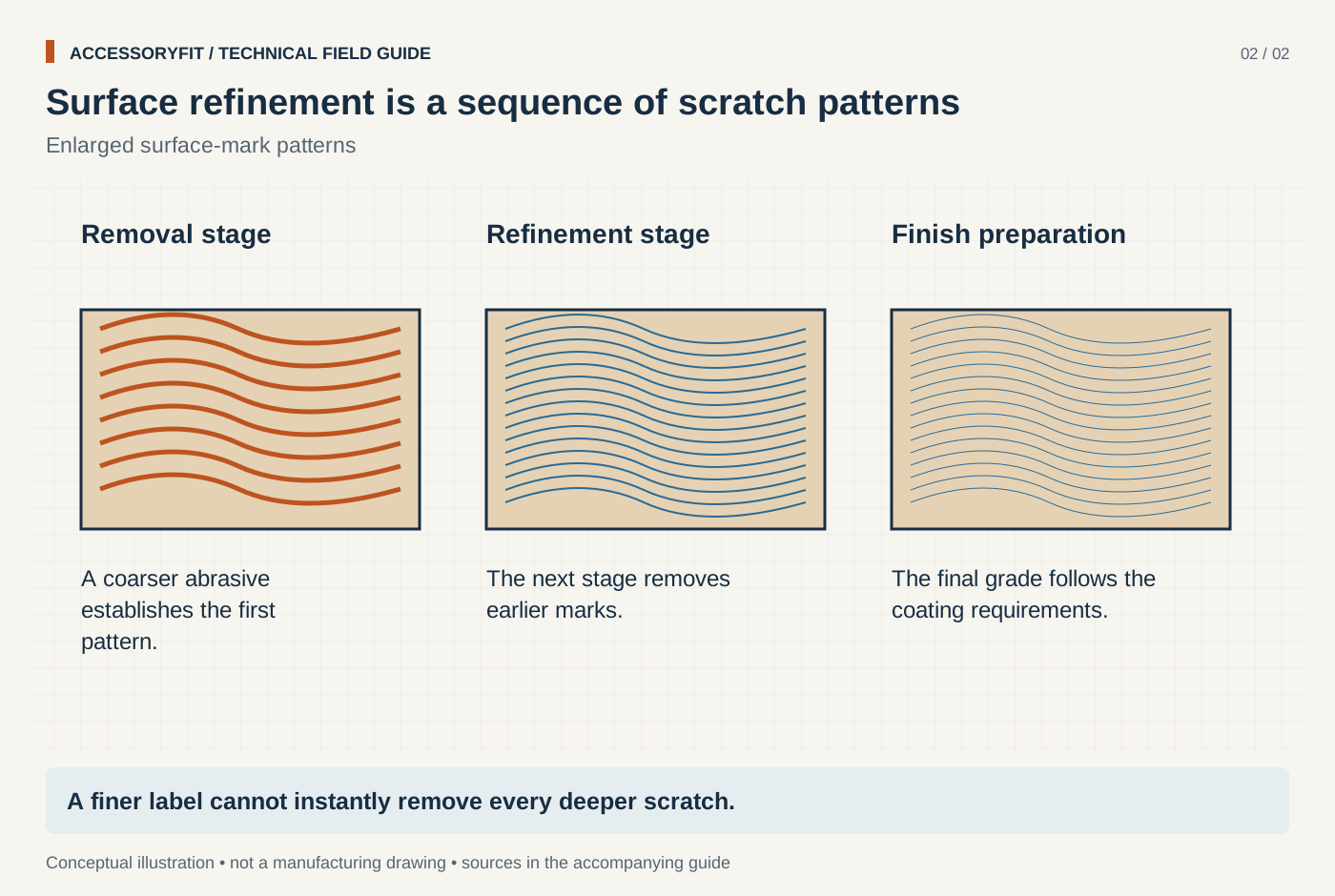
Surface refinement is a sequence of scratch patterns
Download SVG · Tap the image for the 1400 px WebP · From Sanding and grinding accessories: discs, grits, wheels and pads
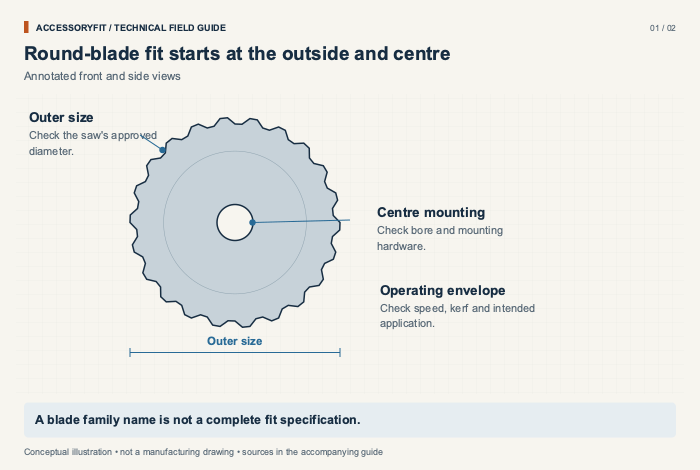
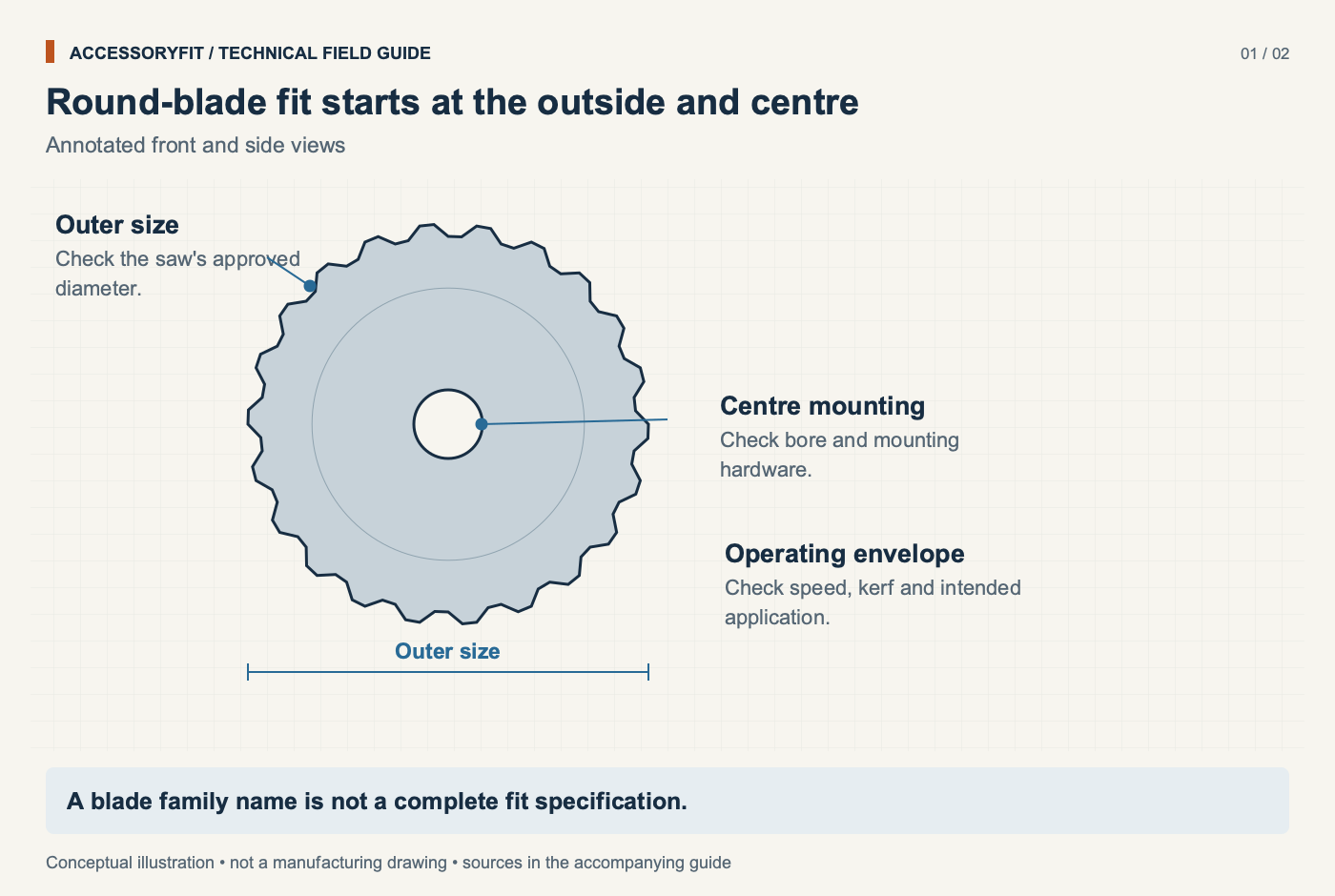
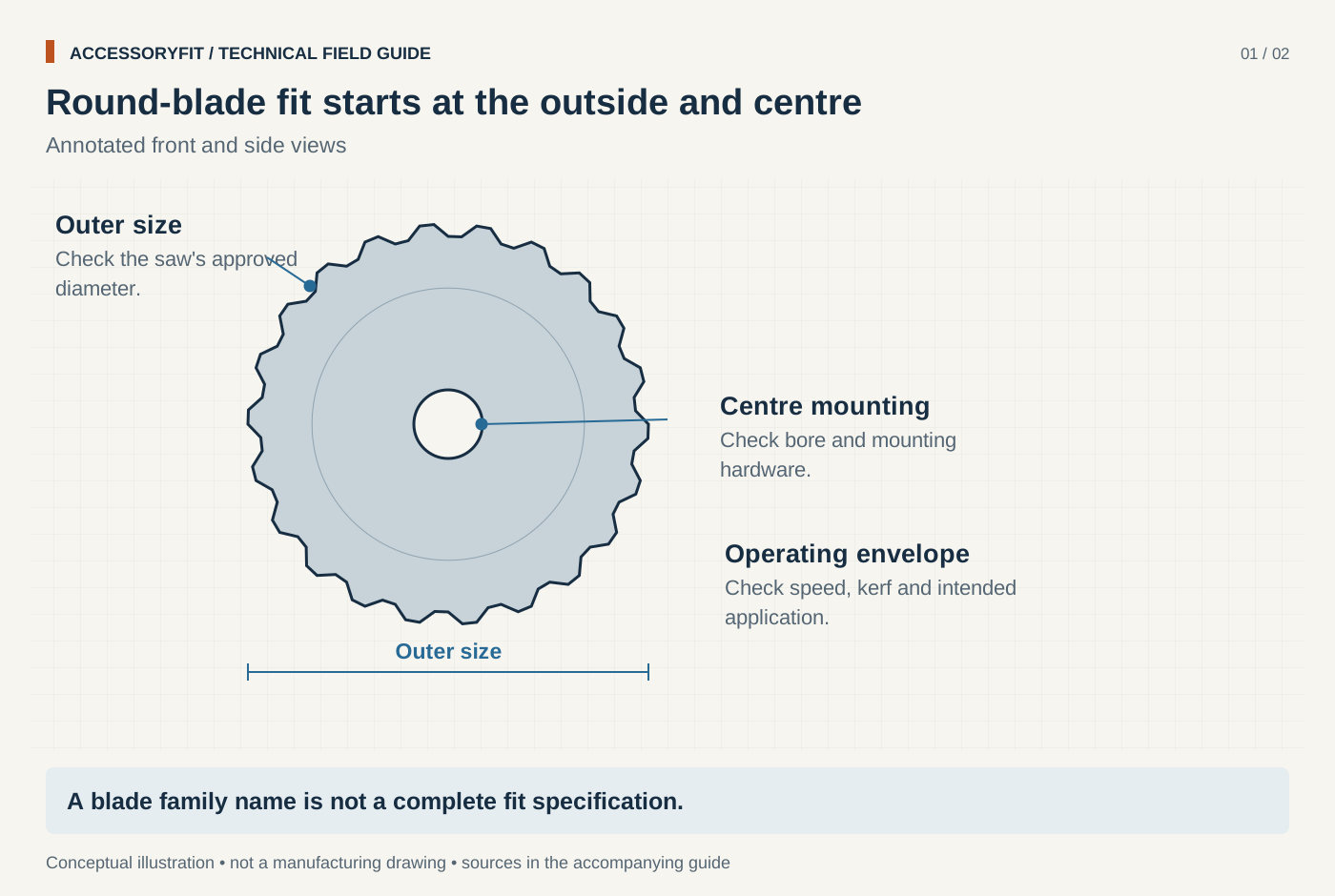
Round-blade fit starts at the outside and centre
Download SVG · Tap the image for the 1400 px WebP · From Saw blades: types, sizes and how to choose the right one
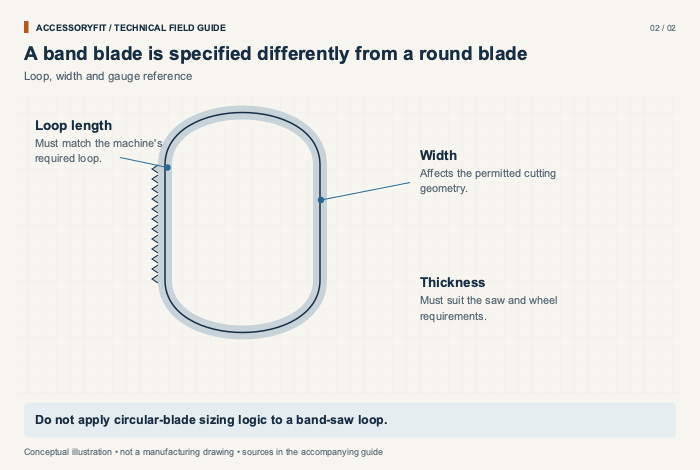
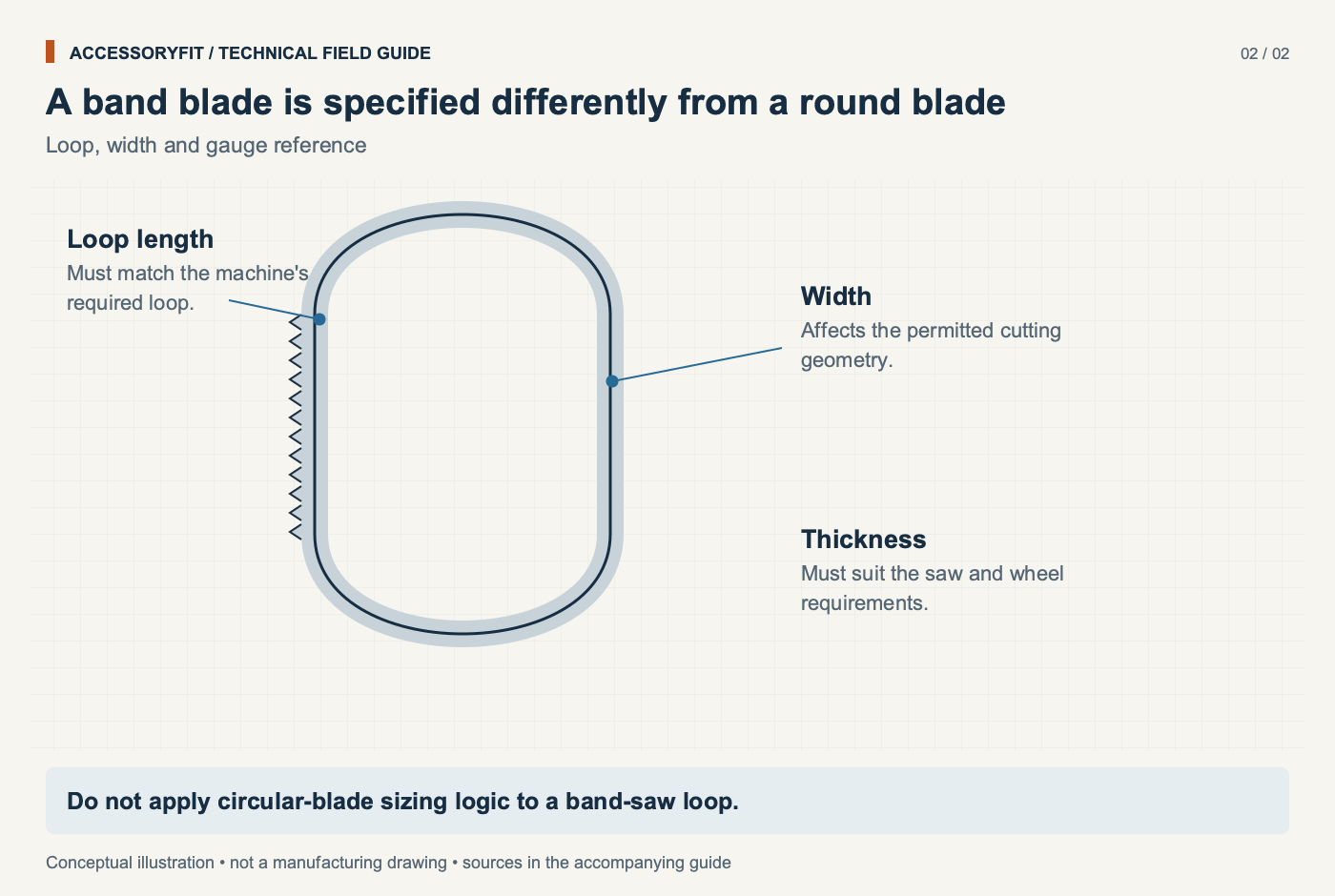
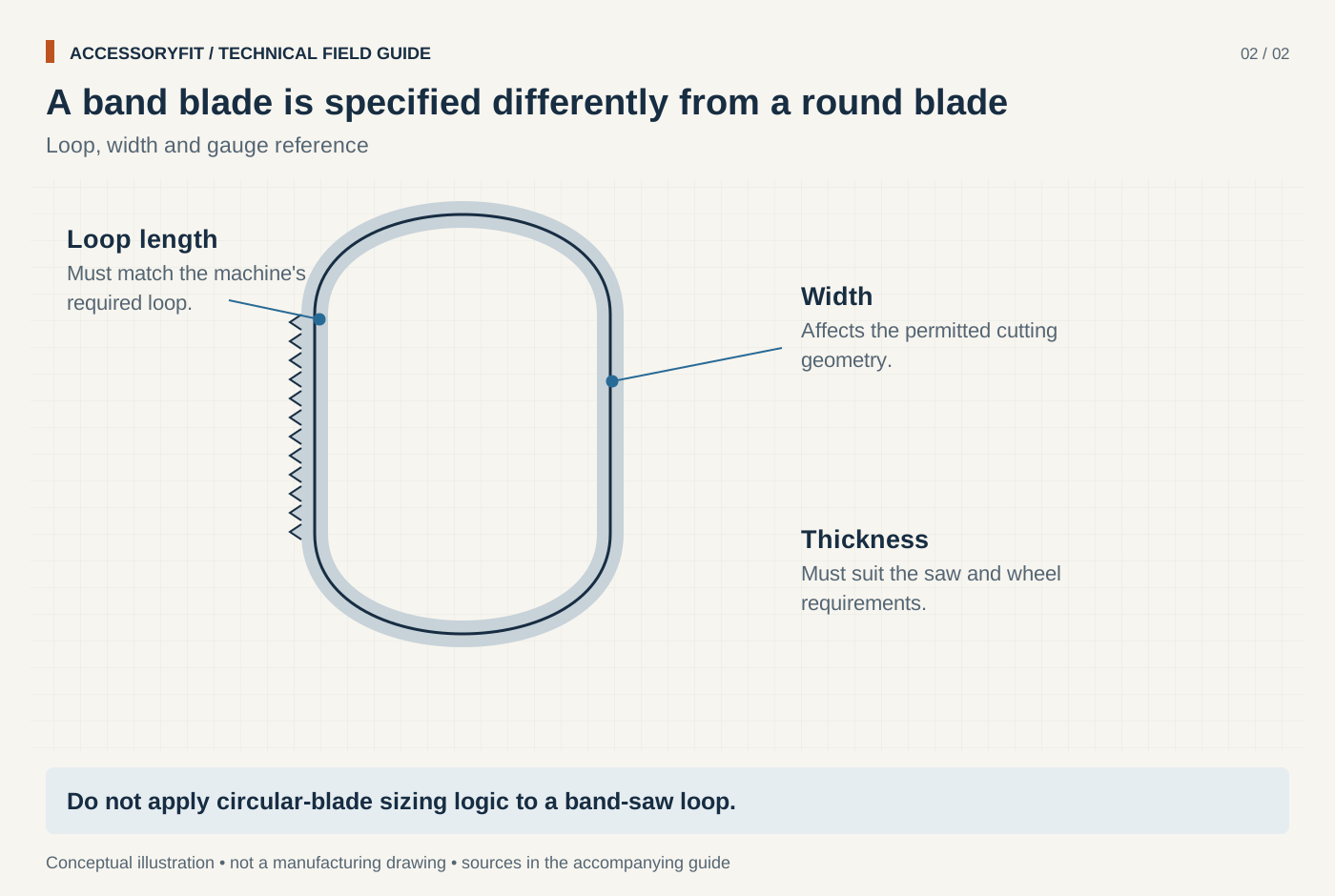
A band blade is specified differently from a round blade
Download SVG · Tap the image for the 1400 px WebP · From Saw blades: types, sizes and how to choose the right one
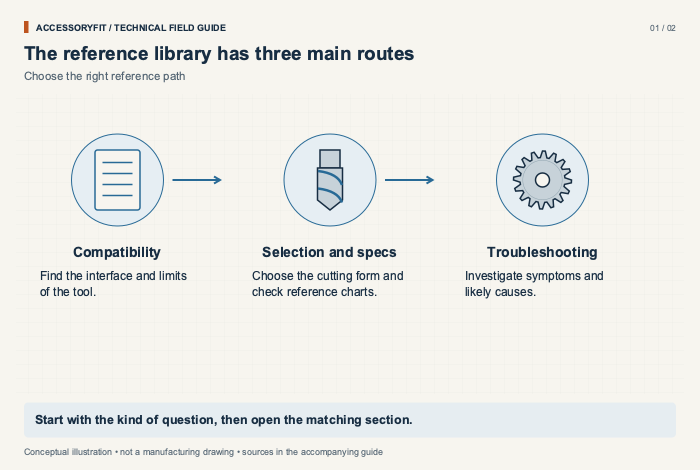
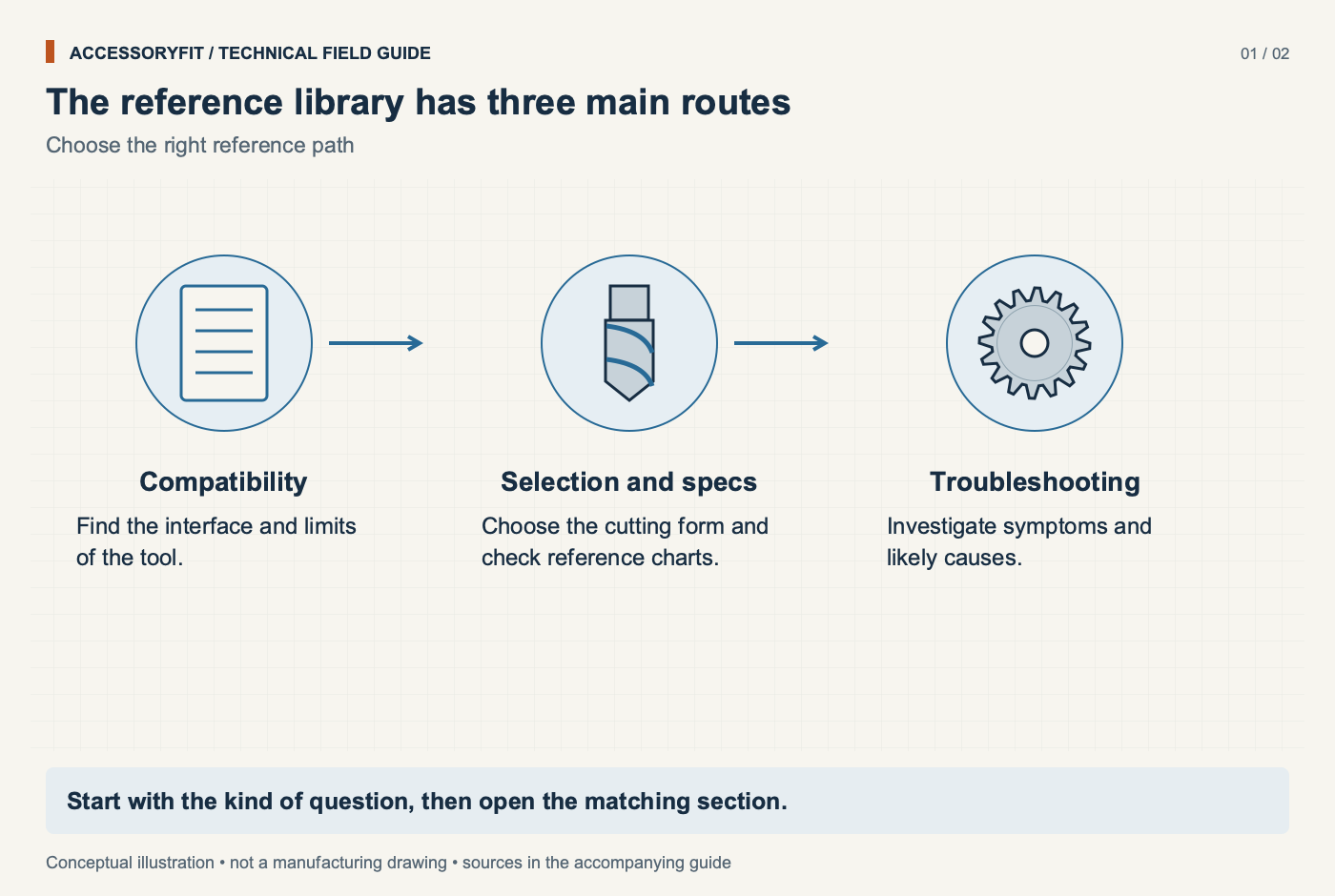
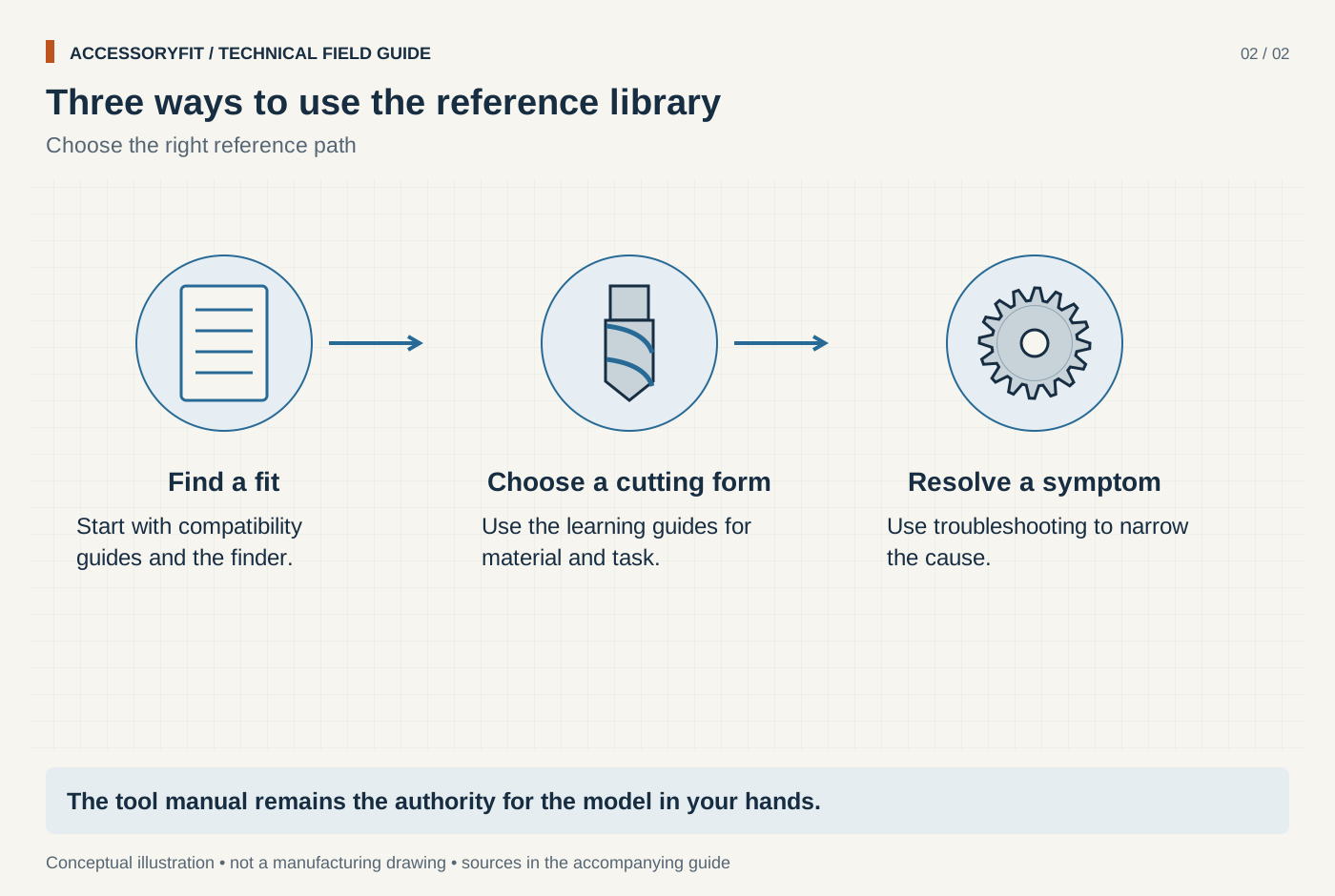
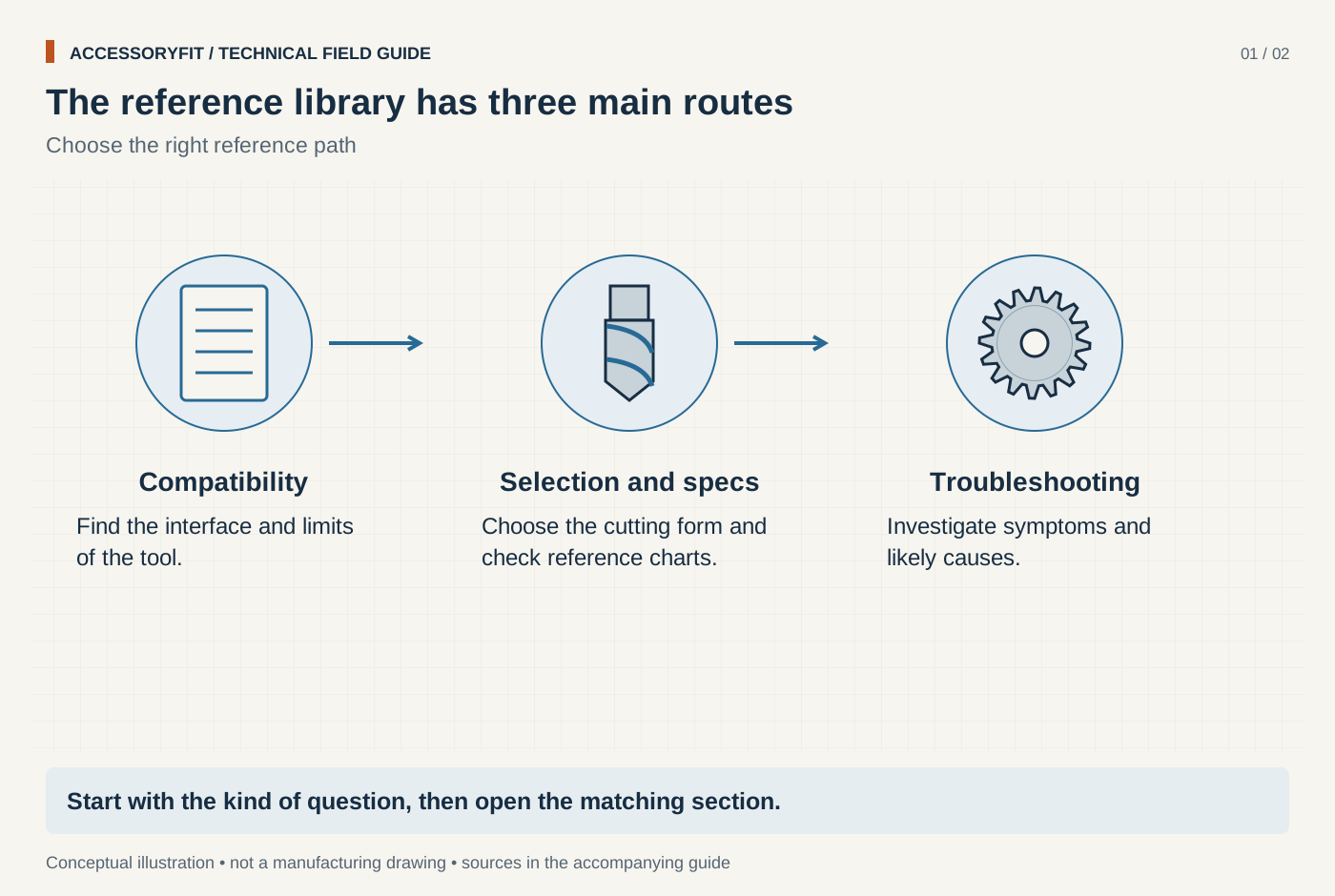
The reference library has three main routes
Download SVG · Tap the image for the 1400 px WebP · From All pages
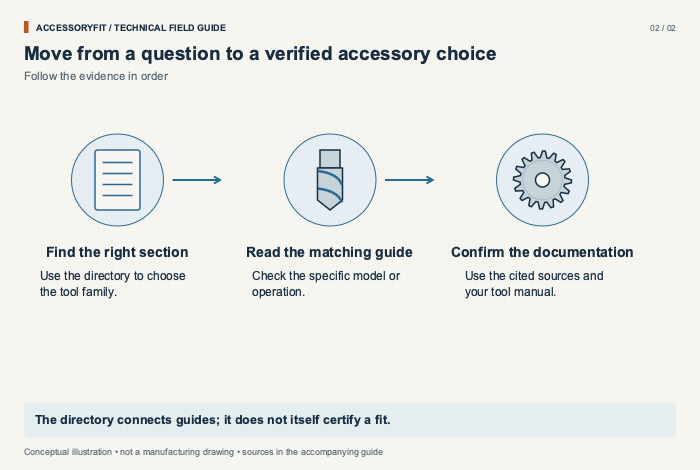
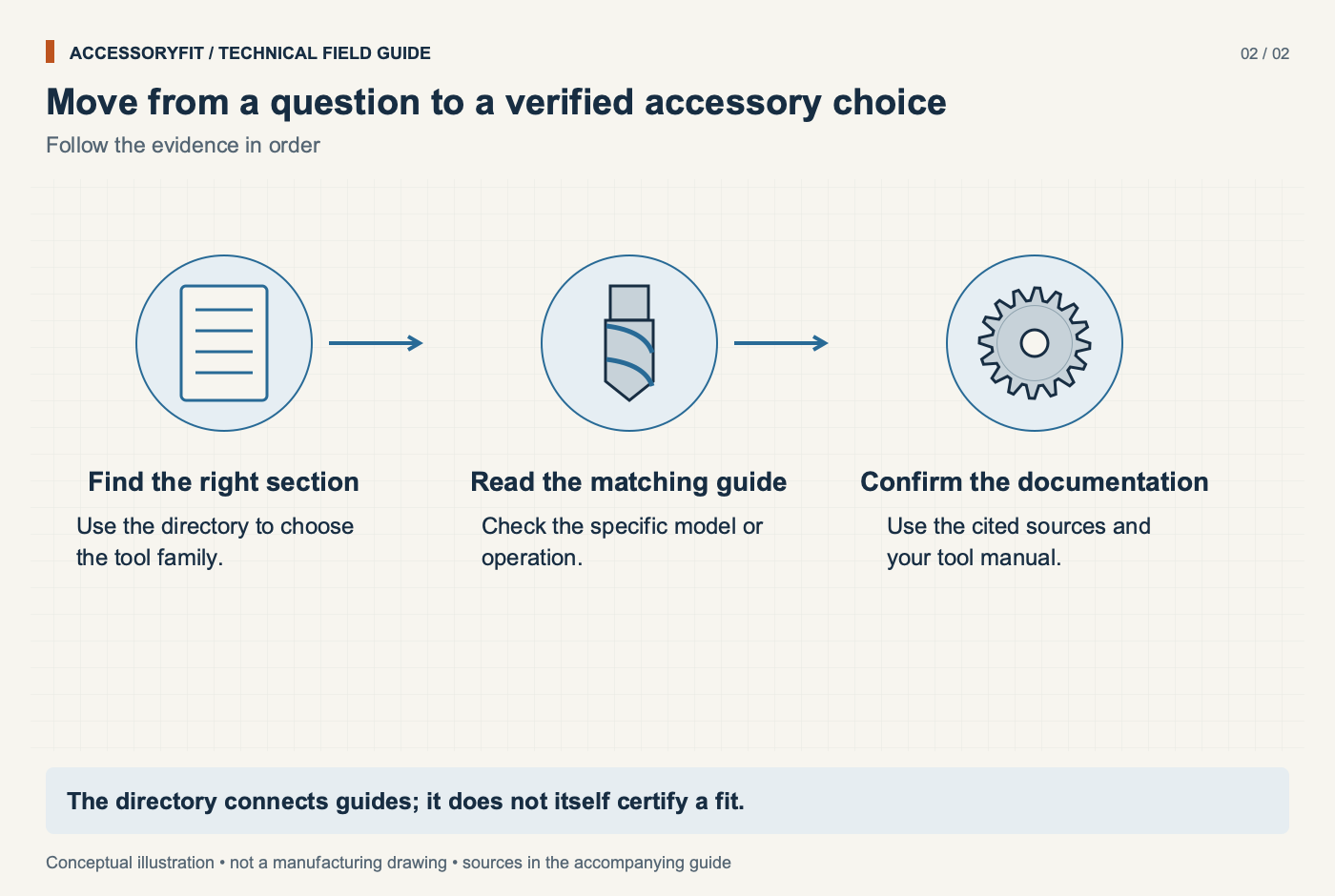
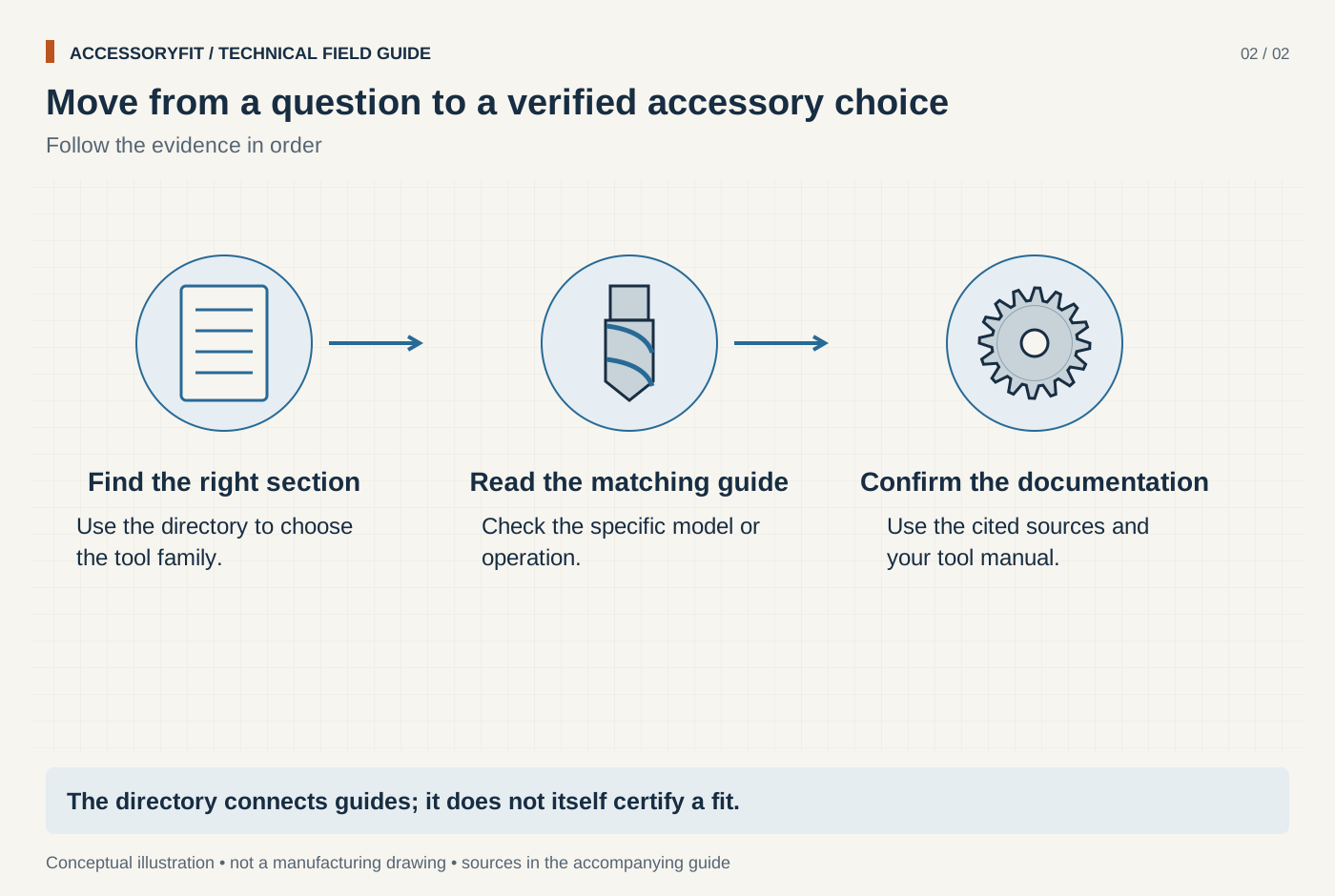
Move from a question to a verified accessory choice
Download SVG · Tap the image for the 1400 px WebP · From All pages
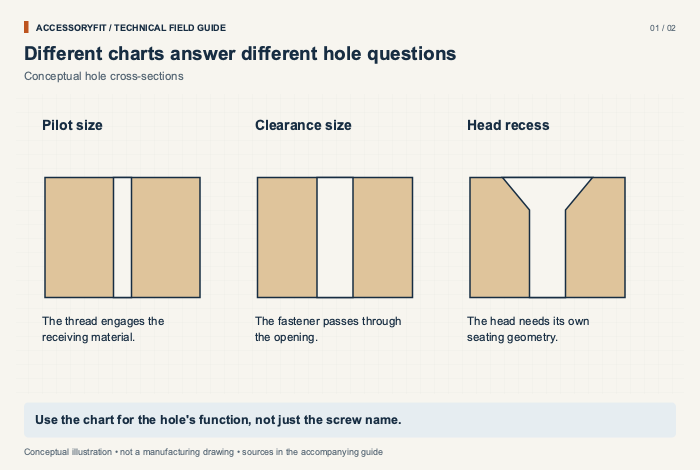
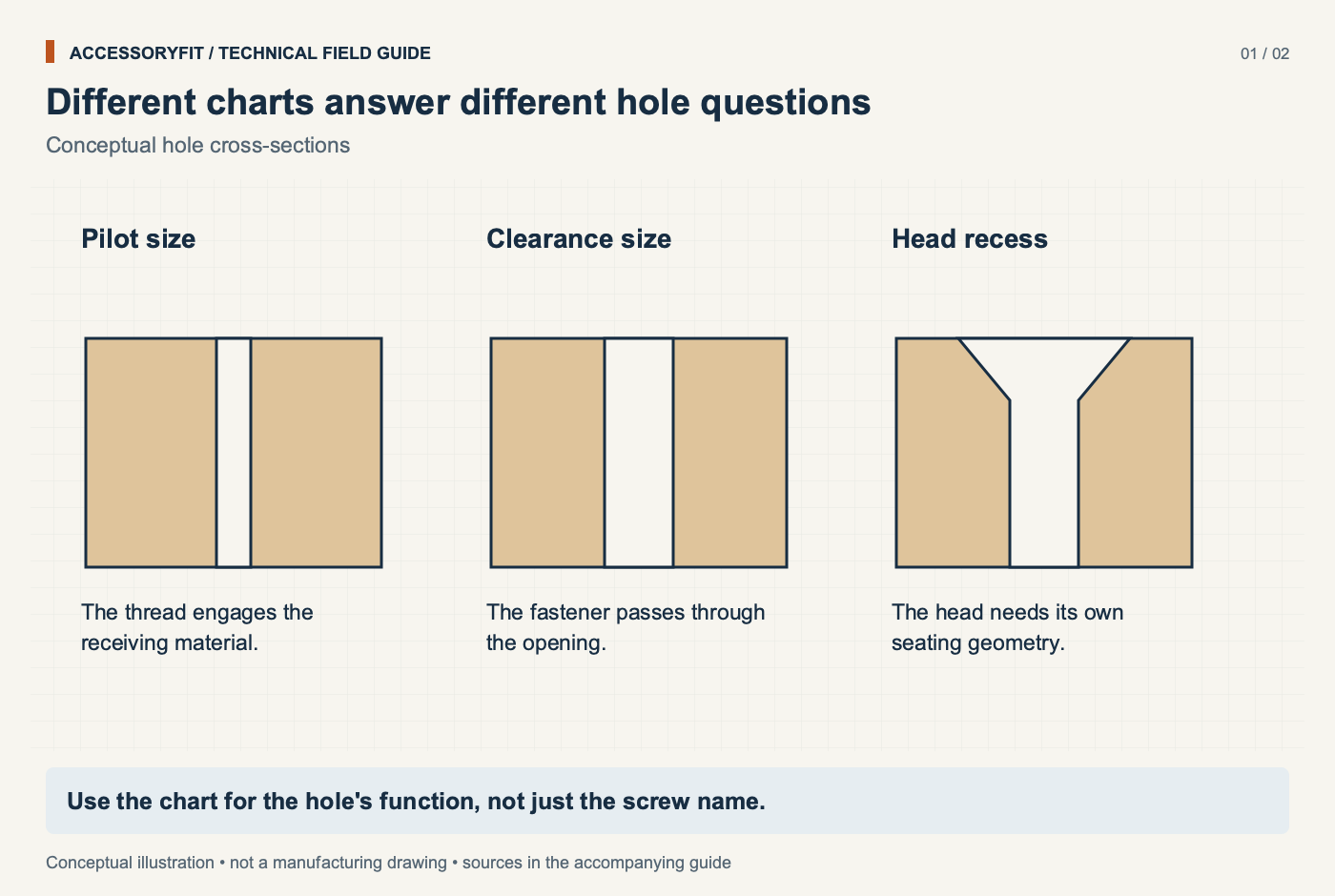
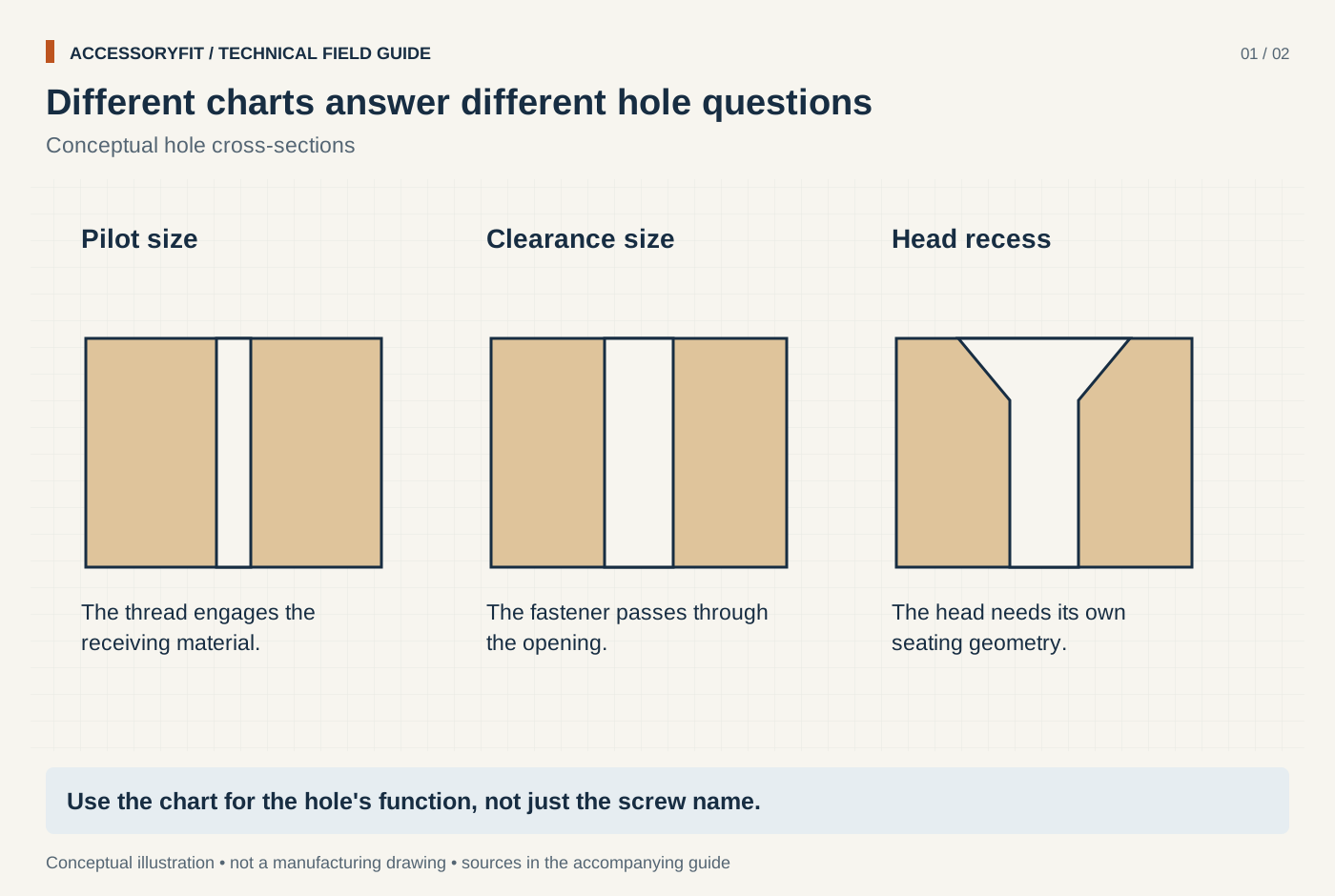
Different charts answer different hole questions
Download SVG · Tap the image for the 1400 px WebP · From Size charts and references for drilling and sanding
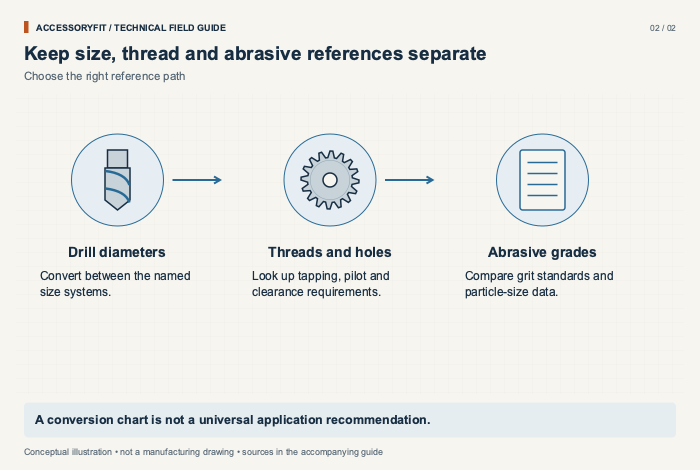
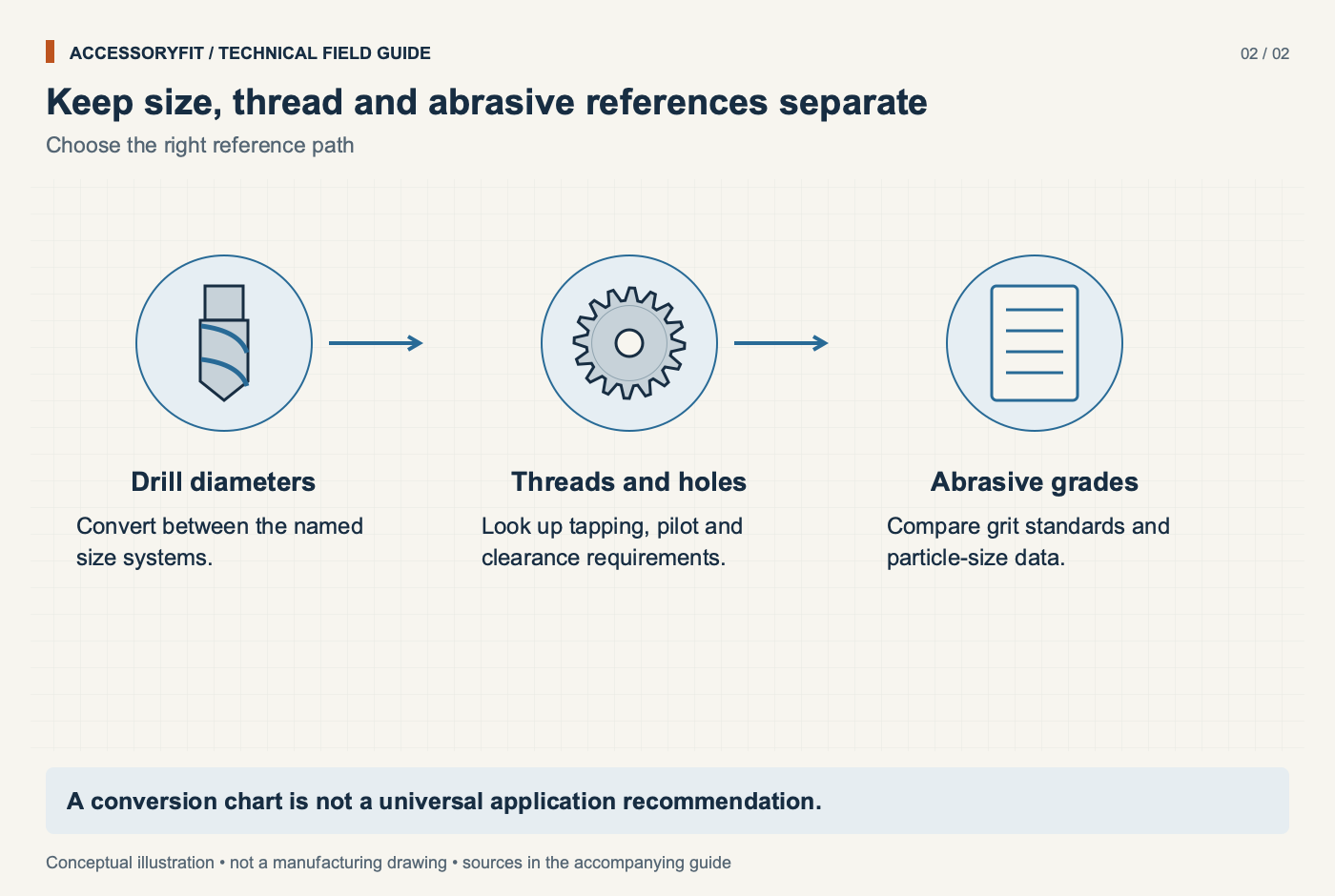
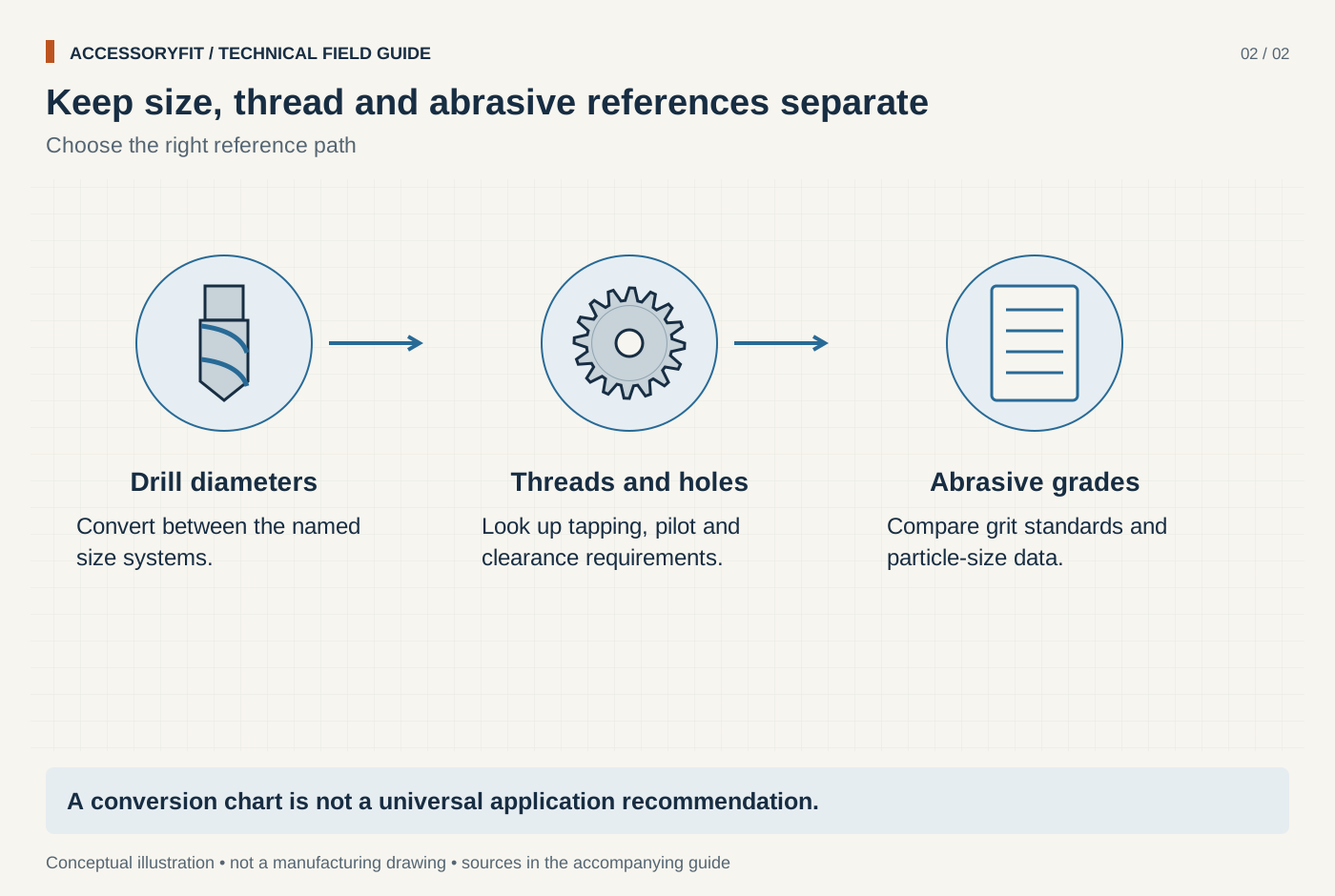
Keep size, thread and abrasive references separate
Download SVG · Tap the image for the 1400 px WebP · From Size charts and references for drilling and sanding
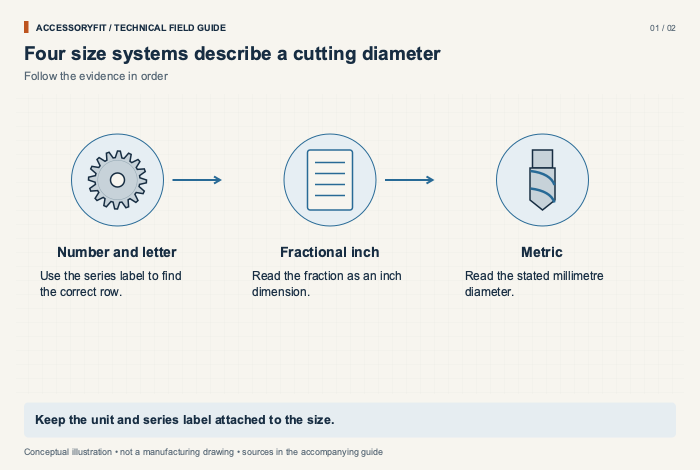
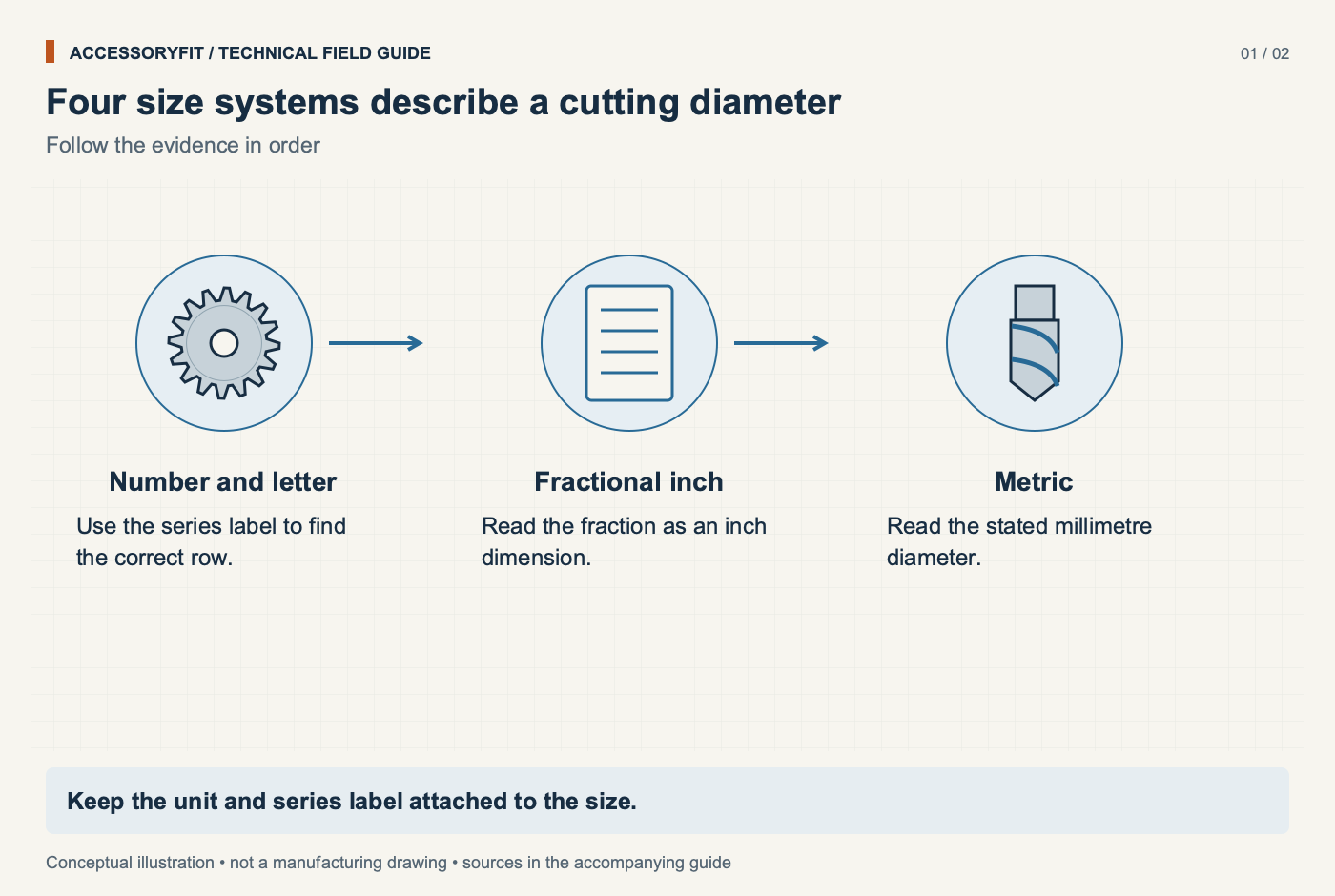
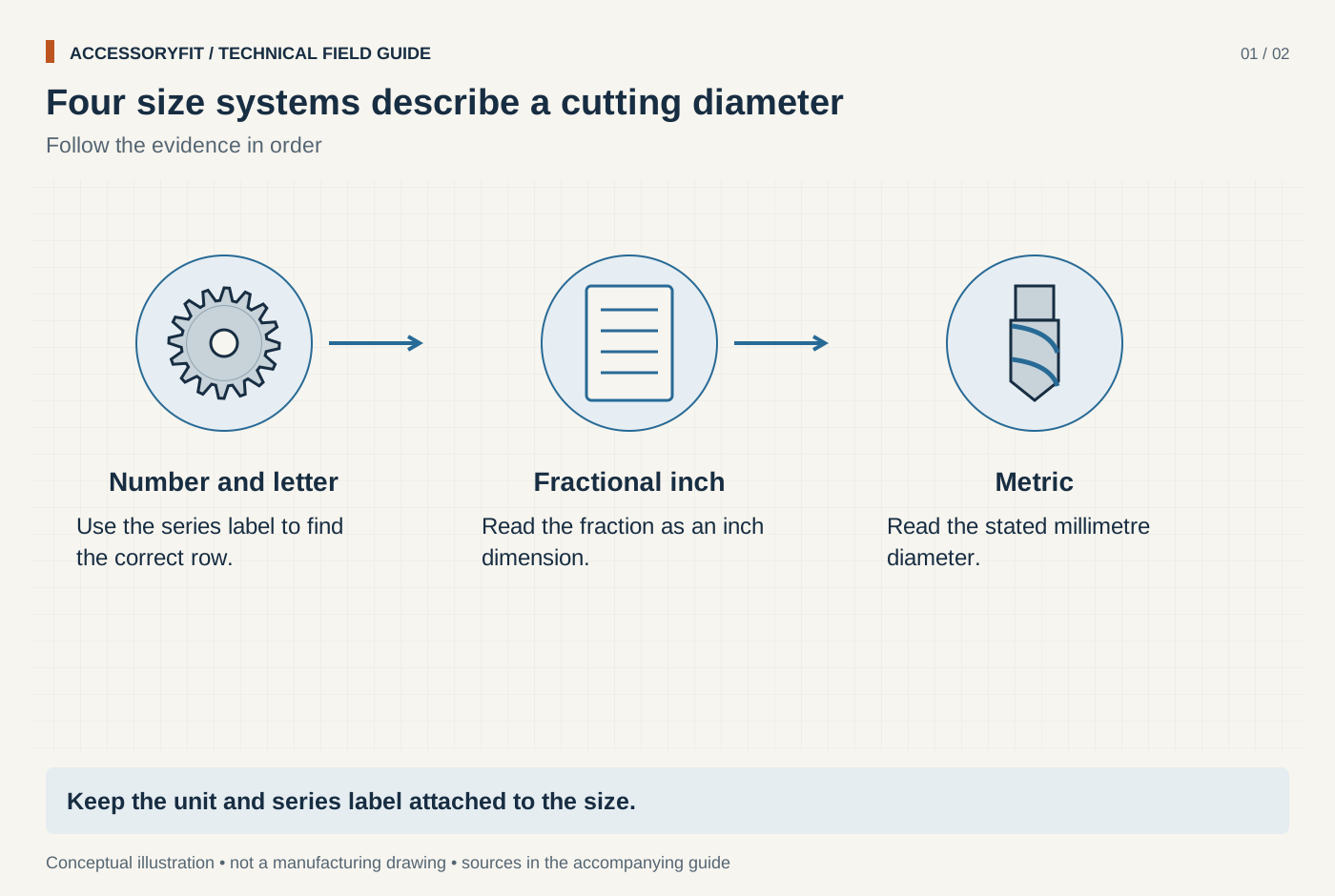
Four size systems describe a cutting diameter
Download SVG · Tap the image for the 1400 px WebP · From Drill bit size chart: number, letter, fractional and metric sizes in decimal inches and millimetres
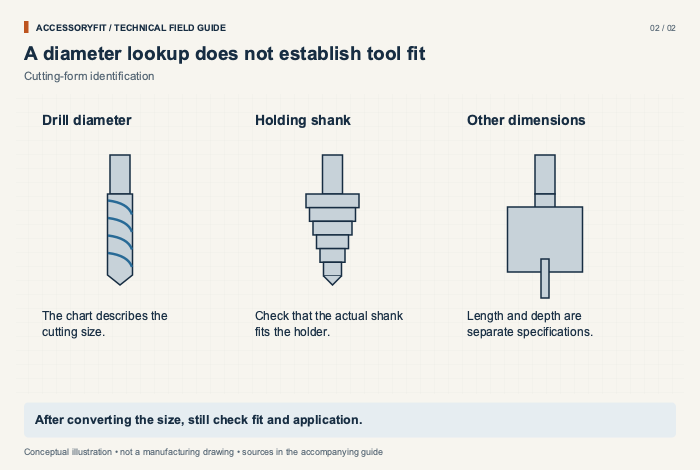
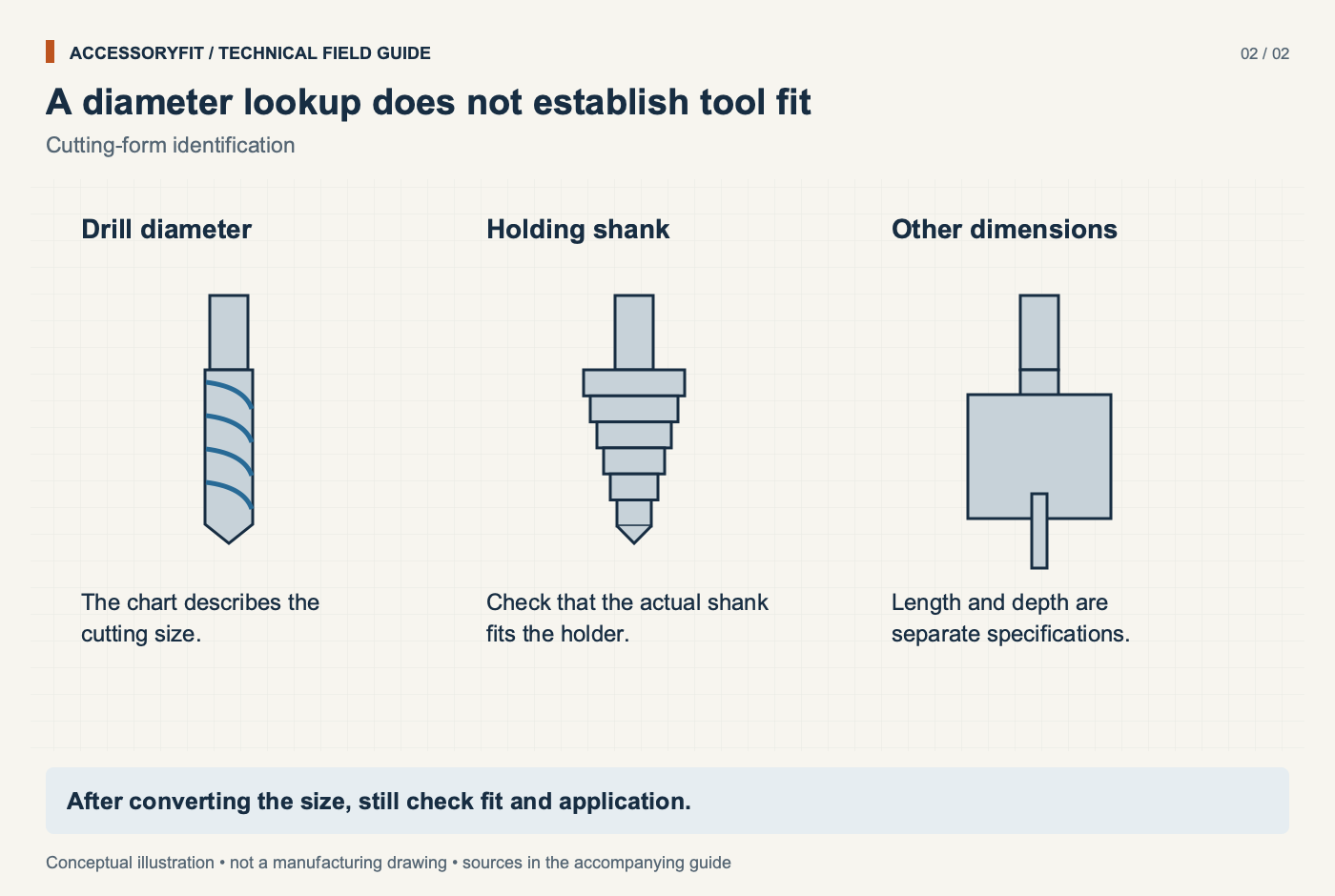
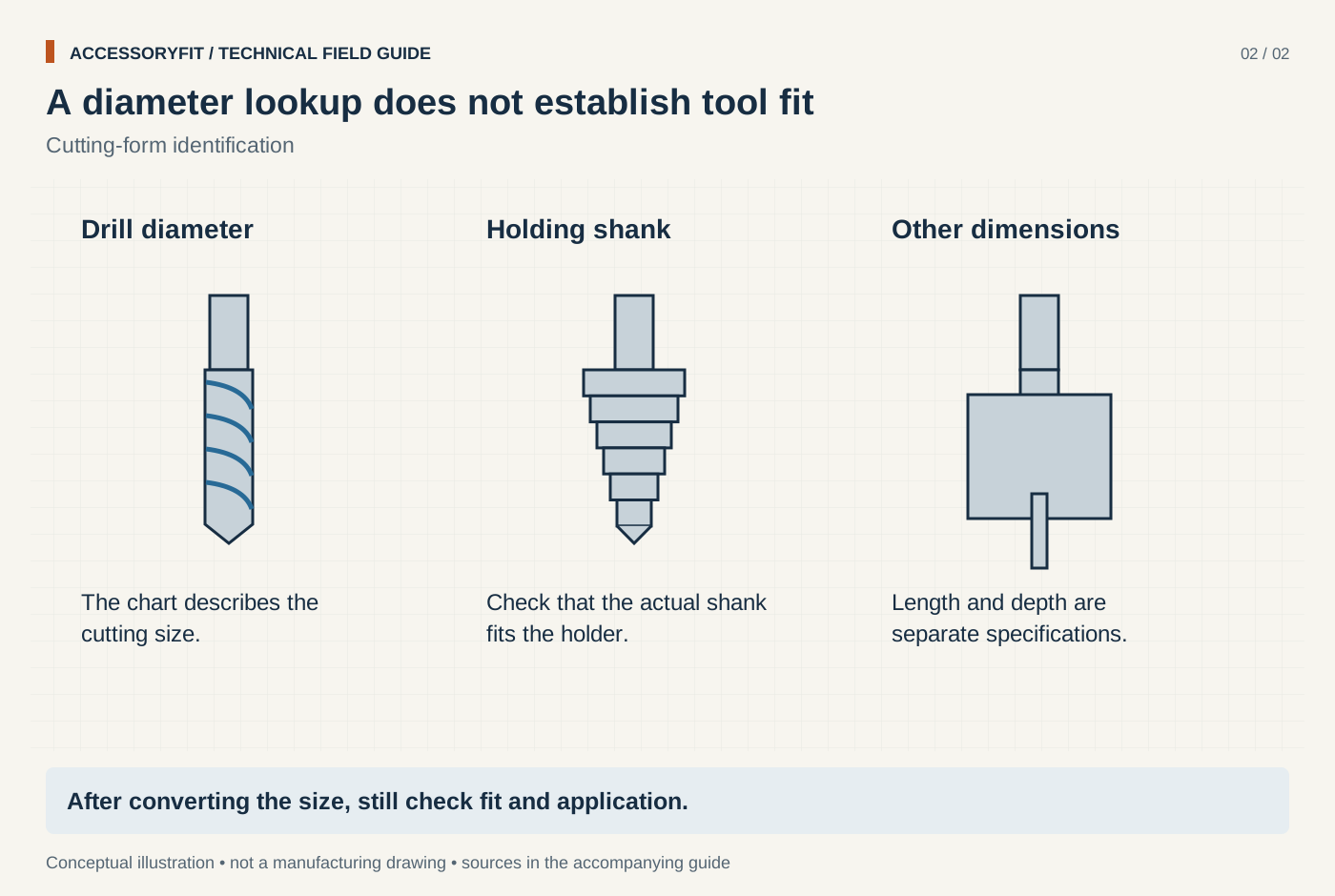
A diameter lookup does not establish tool fit
Download SVG · Tap the image for the 1400 px WebP · From Drill bit size chart: number, letter, fractional and metric sizes in decimal inches and millimetres
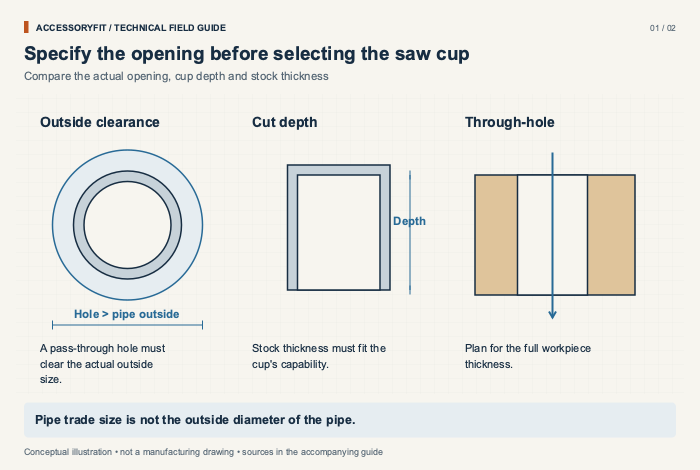
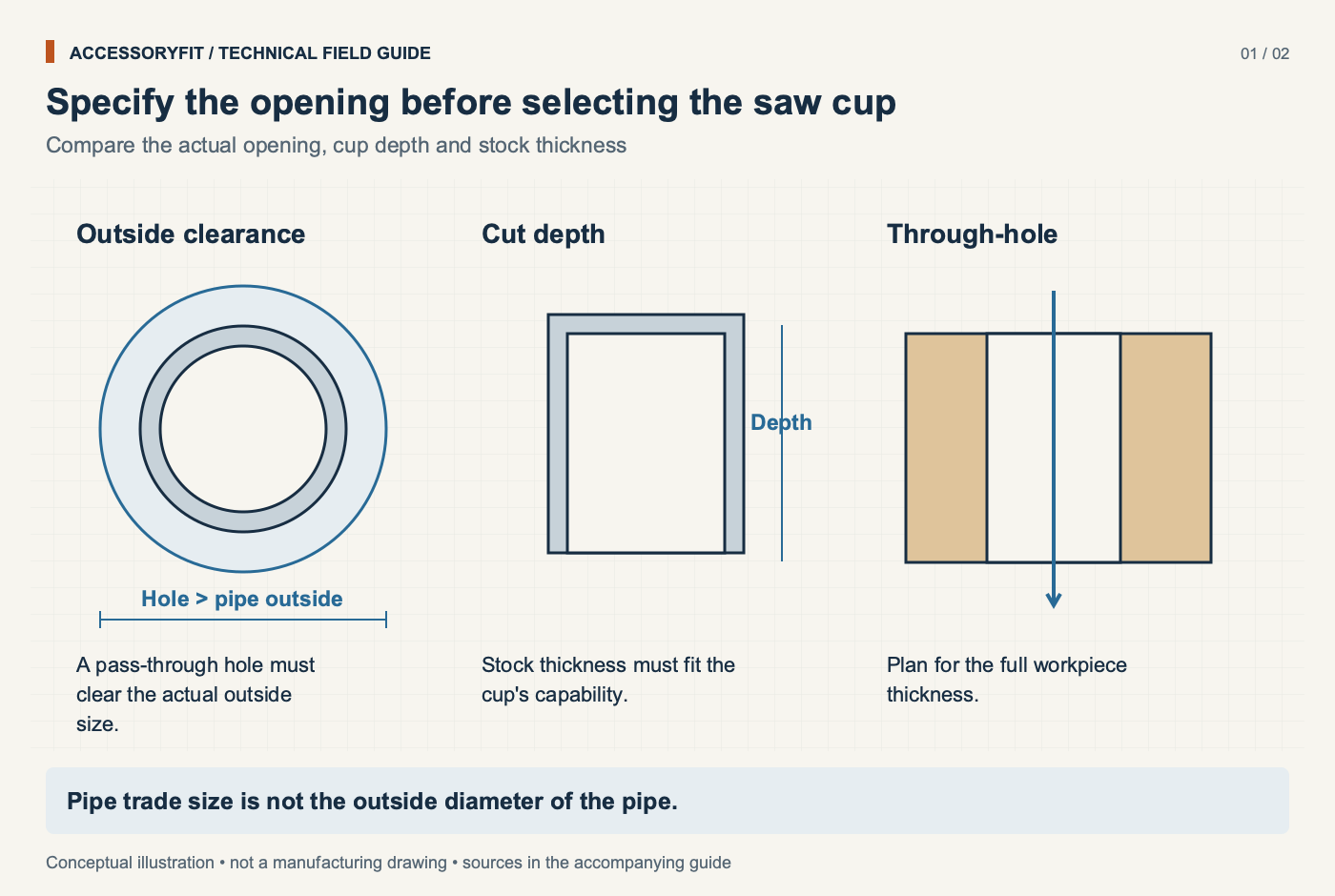
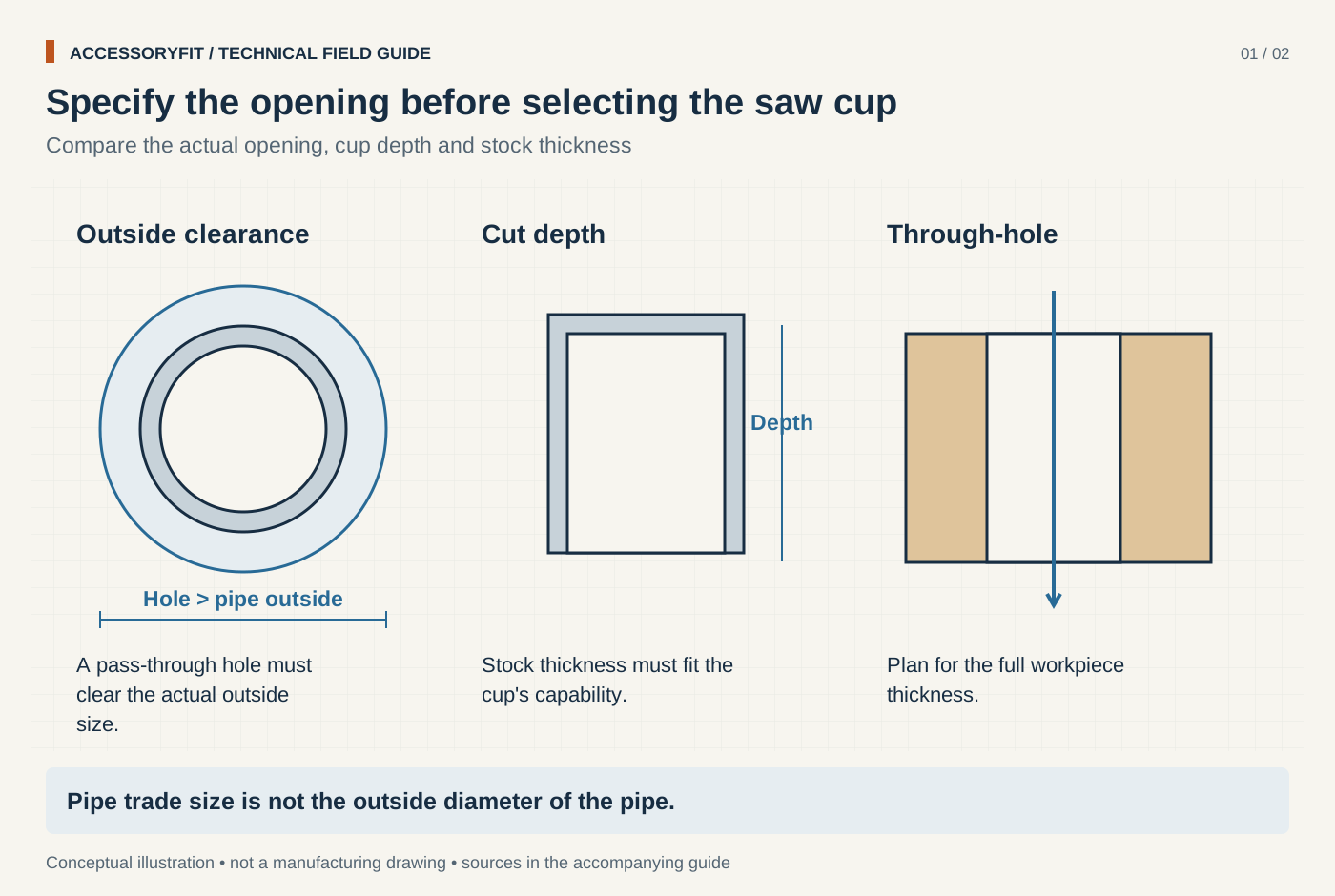
Specify the opening before selecting the saw cup
Download SVG · Tap the image for the 1400 px WebP · From Hole saw size chart: matching hole diameters to pipe, conduit, locks and arbors
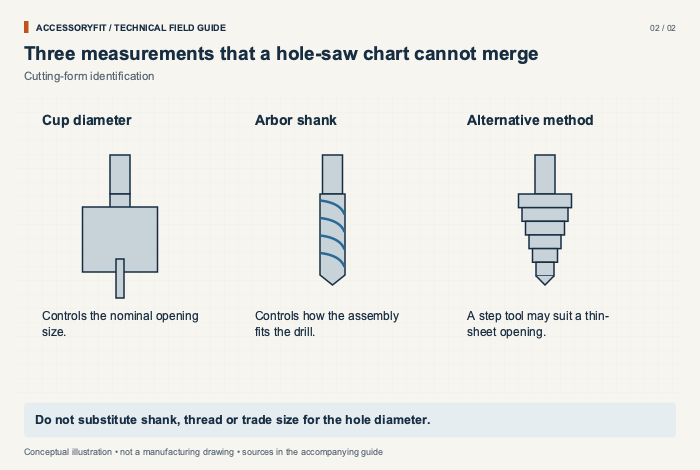
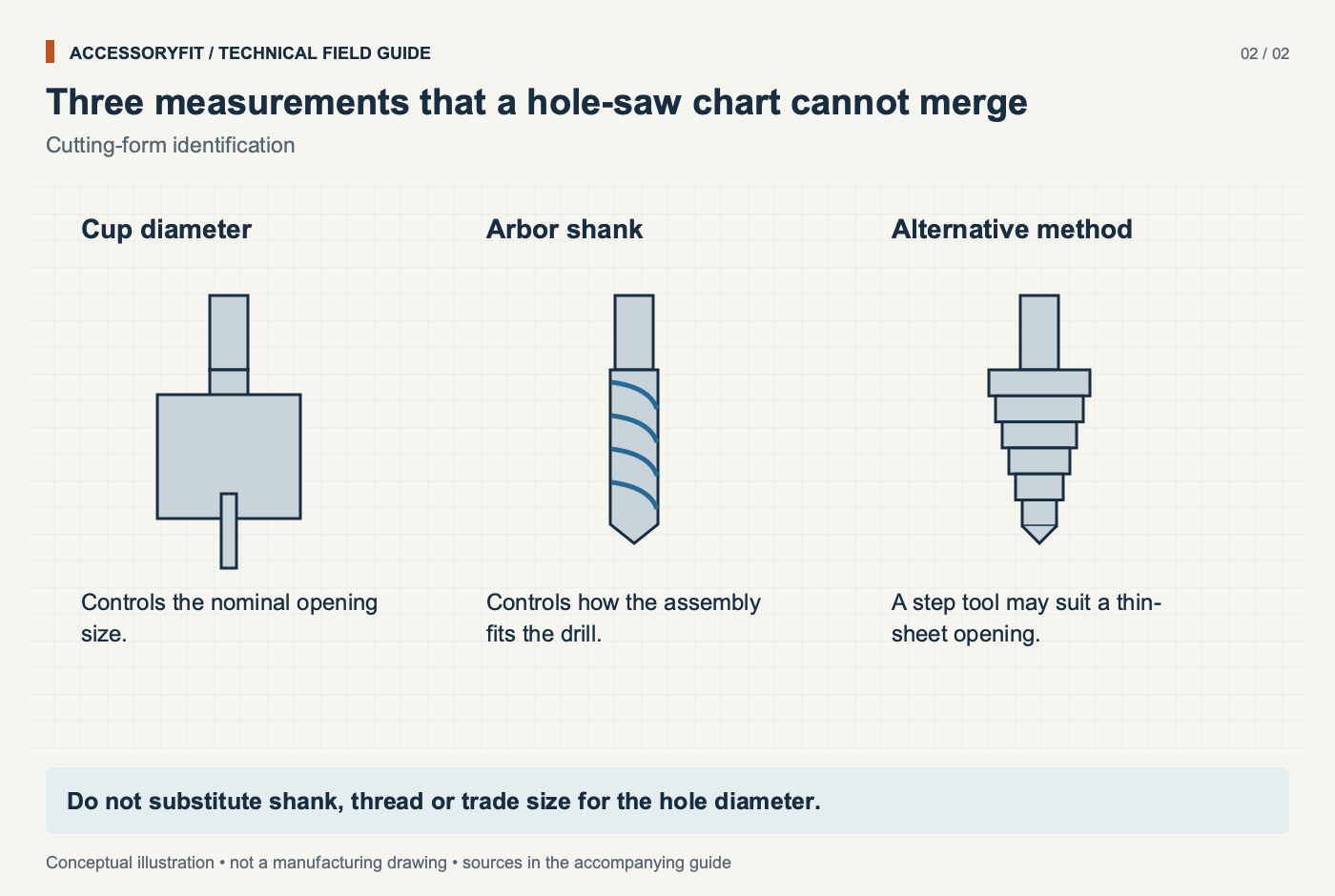
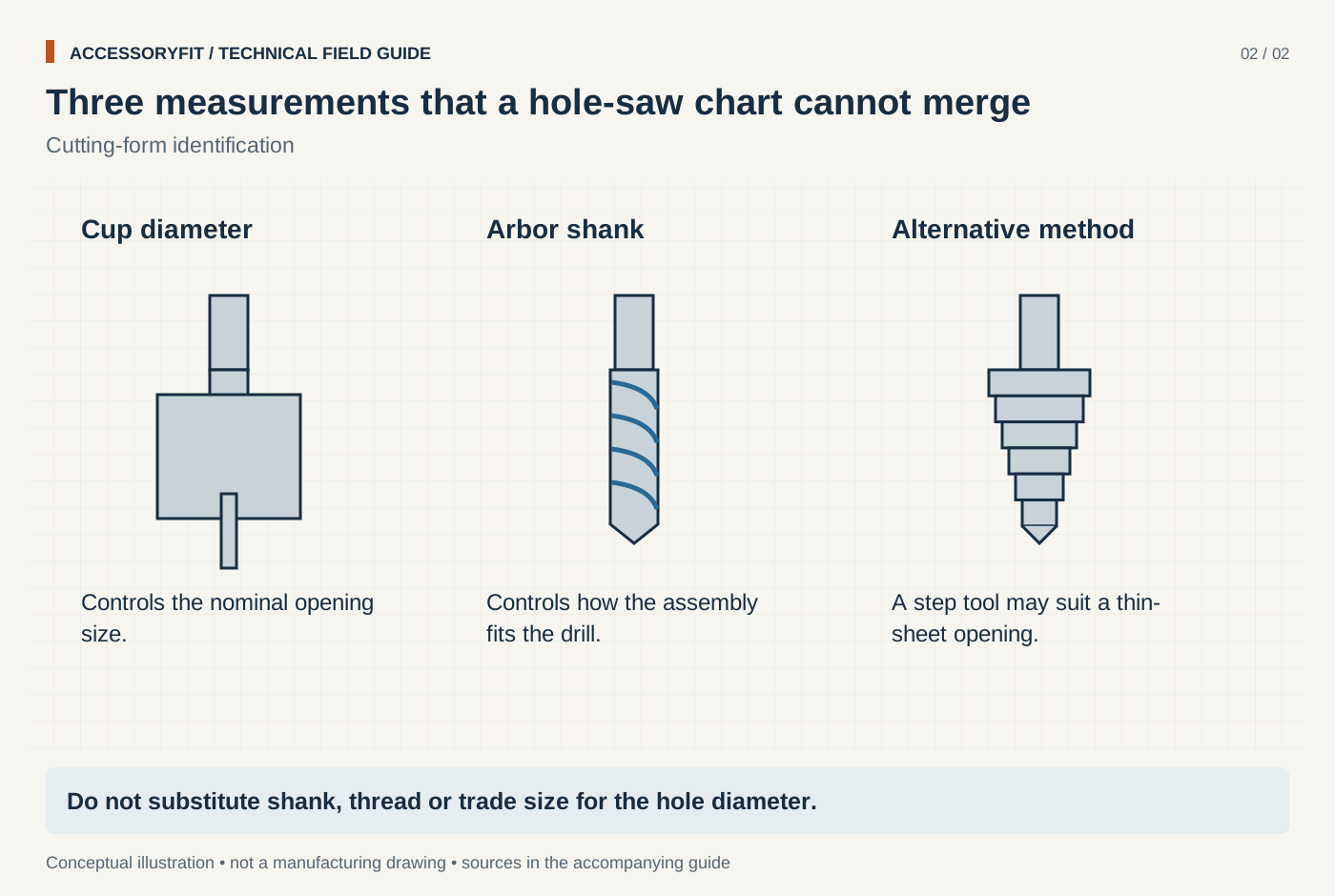
Three measurements that a hole-saw chart cannot merge
Download SVG · Tap the image for the 1400 px WebP · From Hole saw size chart: matching hole diameters to pipe, conduit, locks and arbors
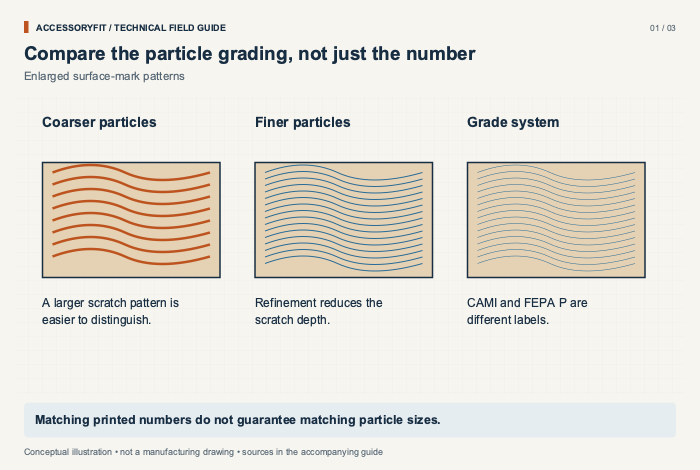
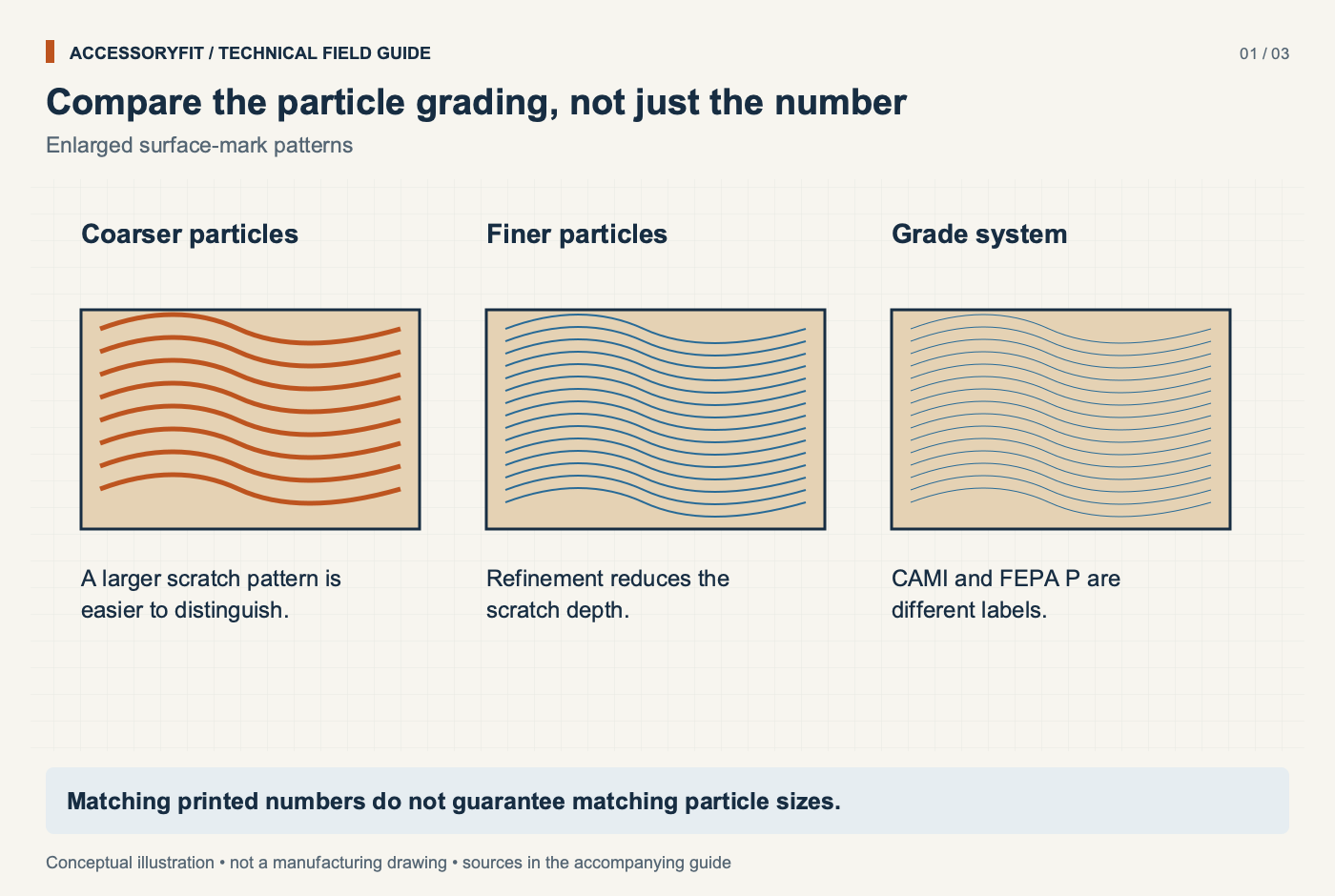
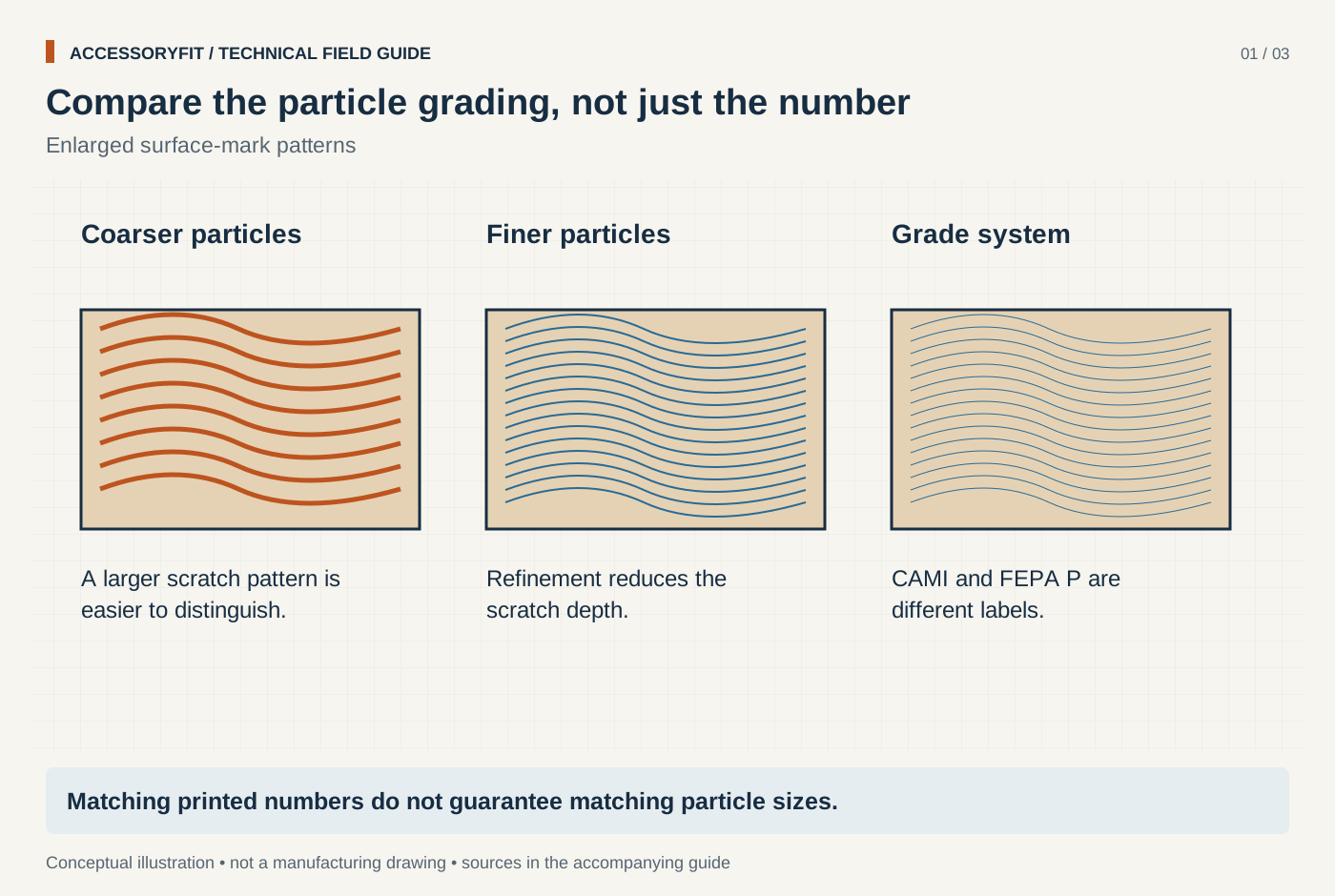
Compare the particle grading, not just the number
Download SVG · Tap the image for the 1400 px WebP · From Sandpaper grit chart: CAMI (US) and FEPA P-grade (Europe) equivalents in microns
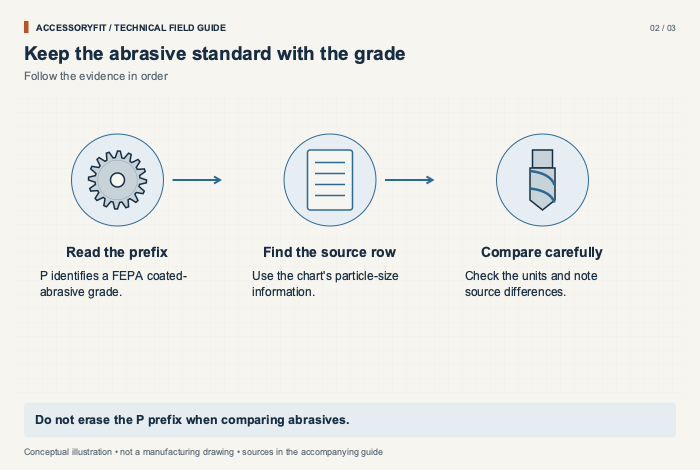
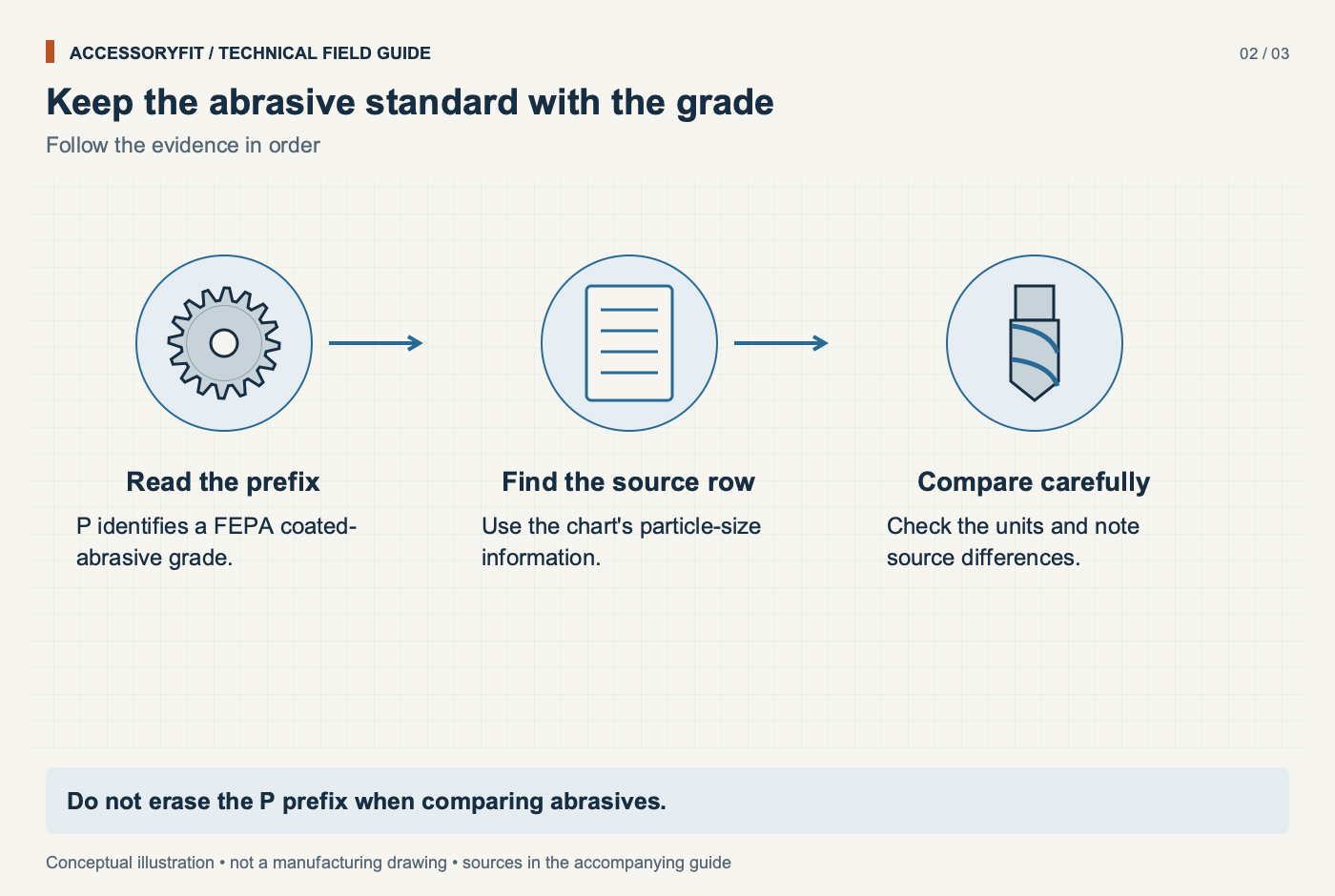
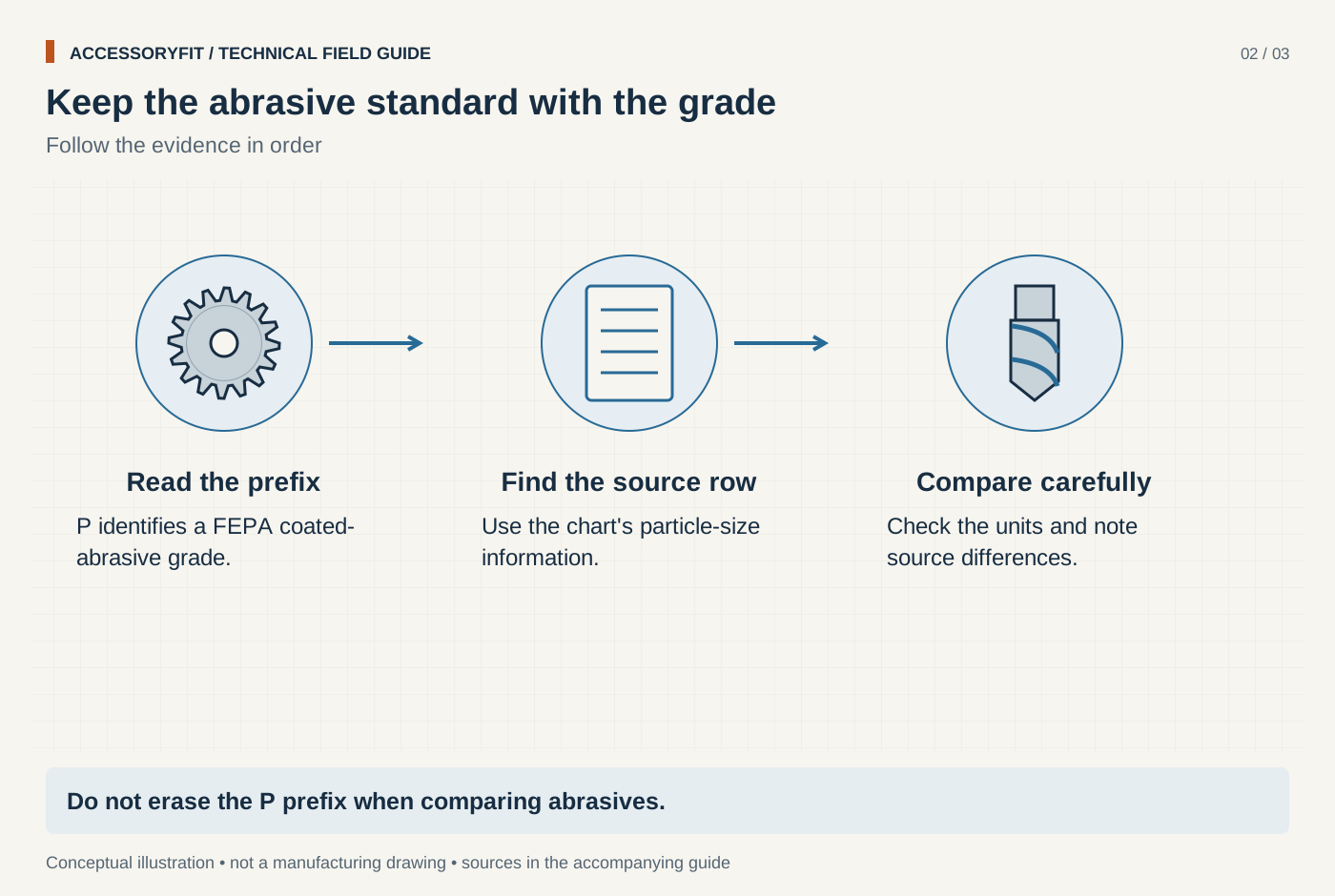
Keep the abrasive standard with the grade
Download SVG · Tap the image for the 1400 px WebP · From Sandpaper grit chart: CAMI (US) and FEPA P-grade (Europe) equivalents in microns
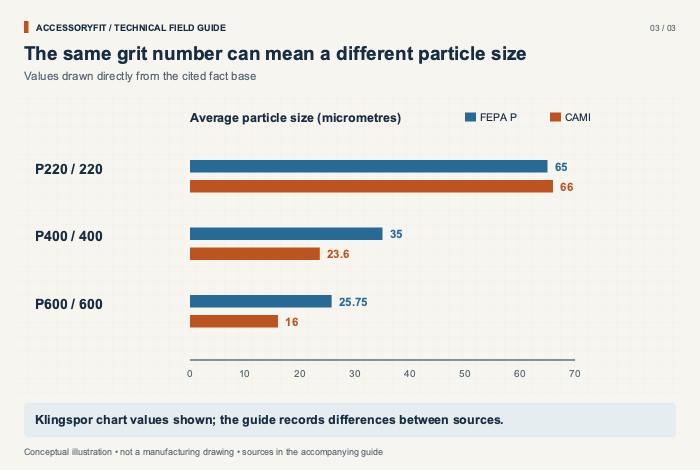
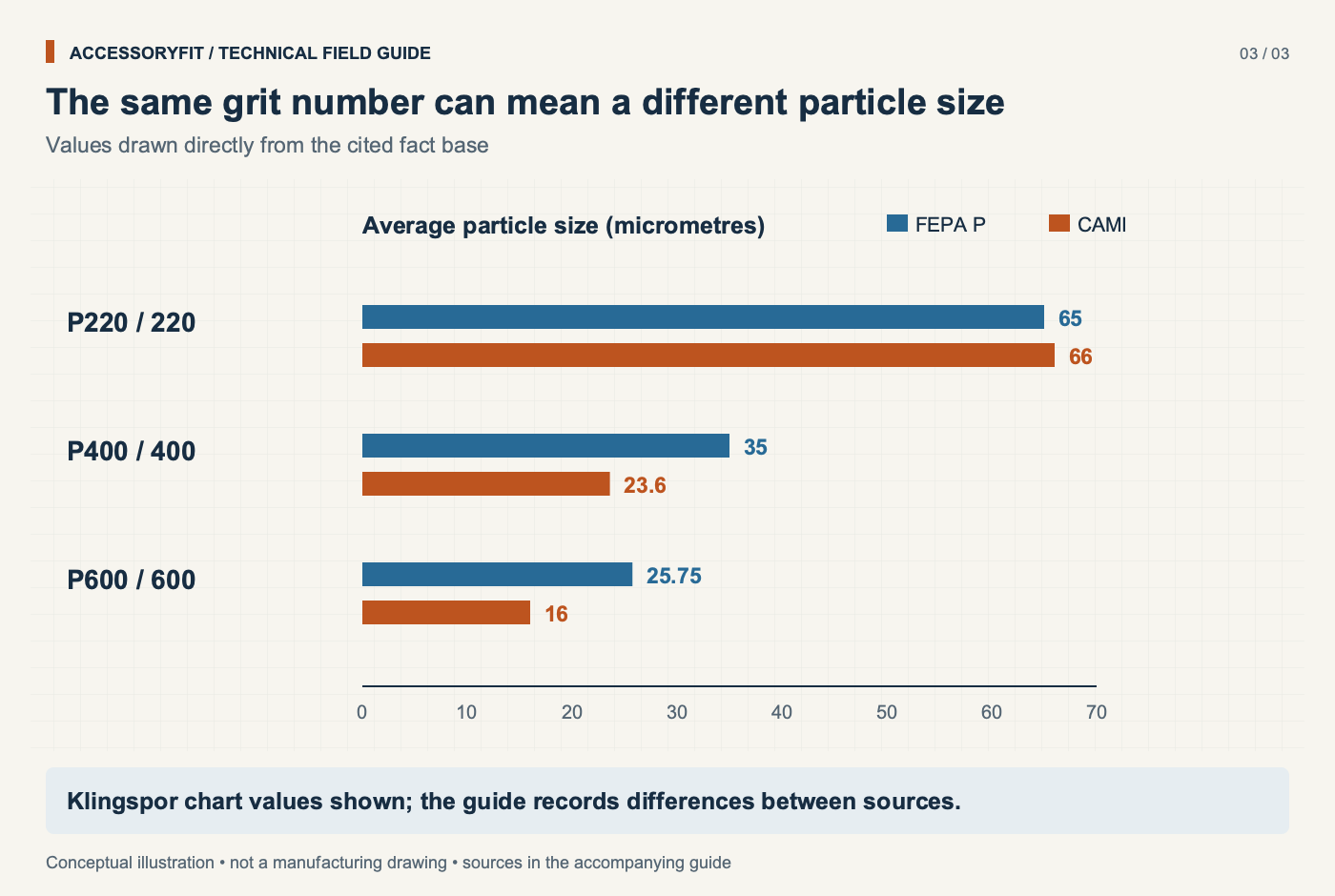
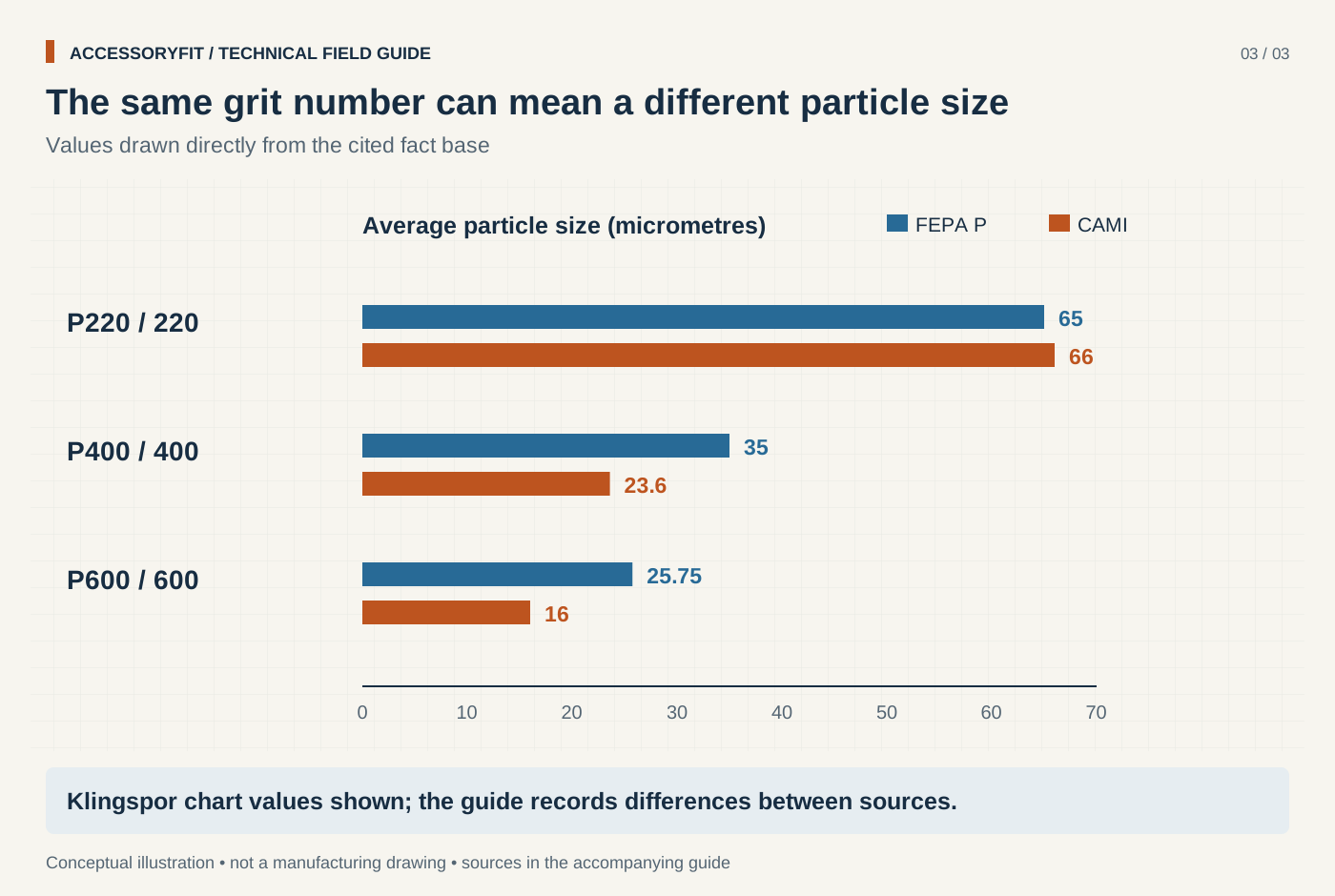
The same grit number can mean a different particle size
Download SVG · Tap the image for the 1400 px WebP · From Sandpaper grit chart: CAMI (US) and FEPA P-grade (Europe) equivalents in microns
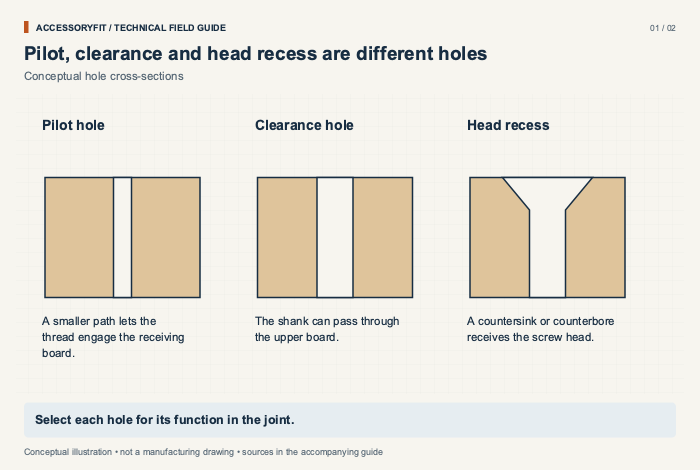
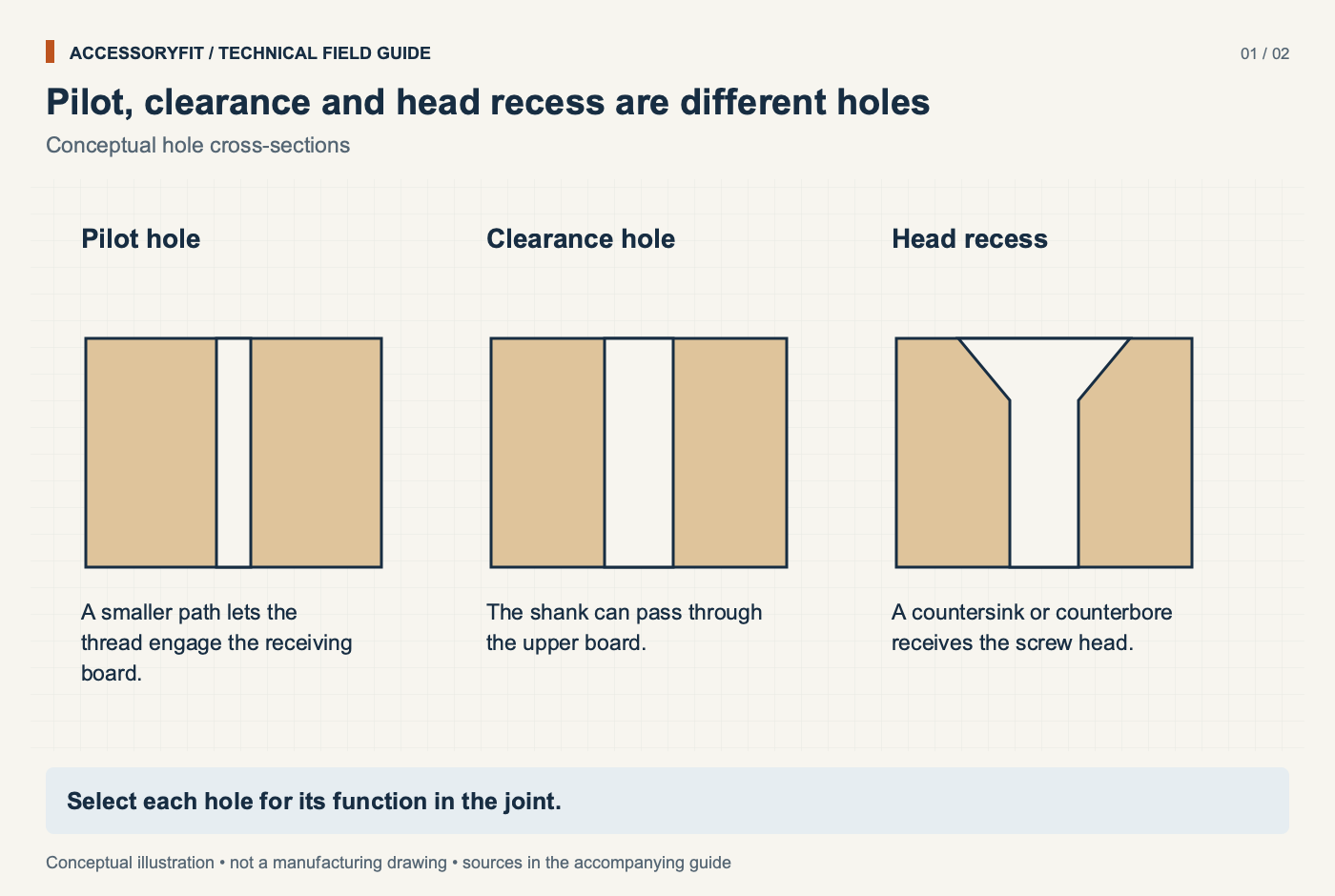
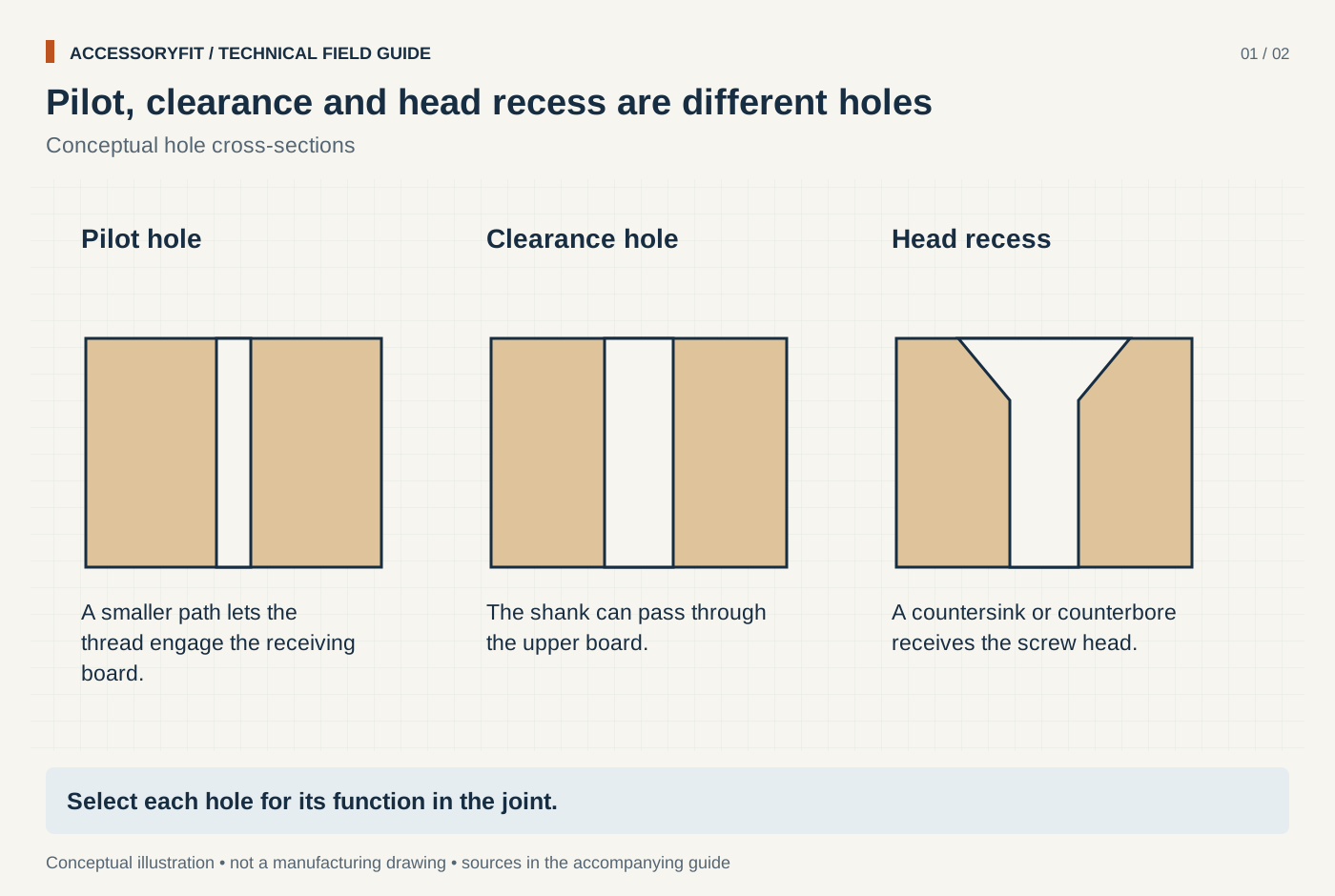
Pilot, clearance and head recess are different holes
Download SVG · Tap the image for the 1400 px WebP · From Screw pilot hole size chart: drill sizes by screw gauge and wood type
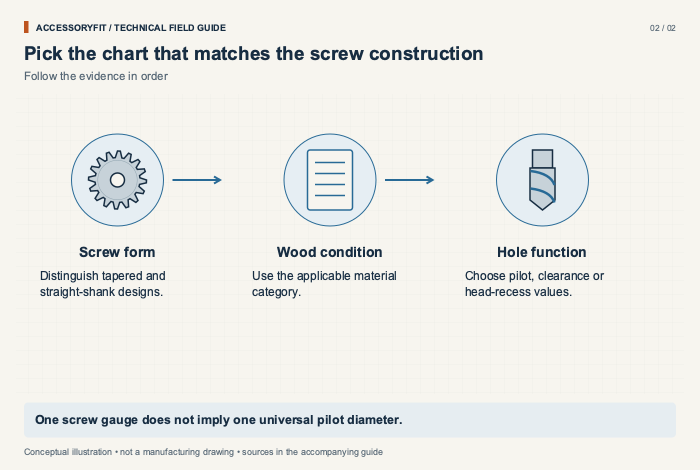
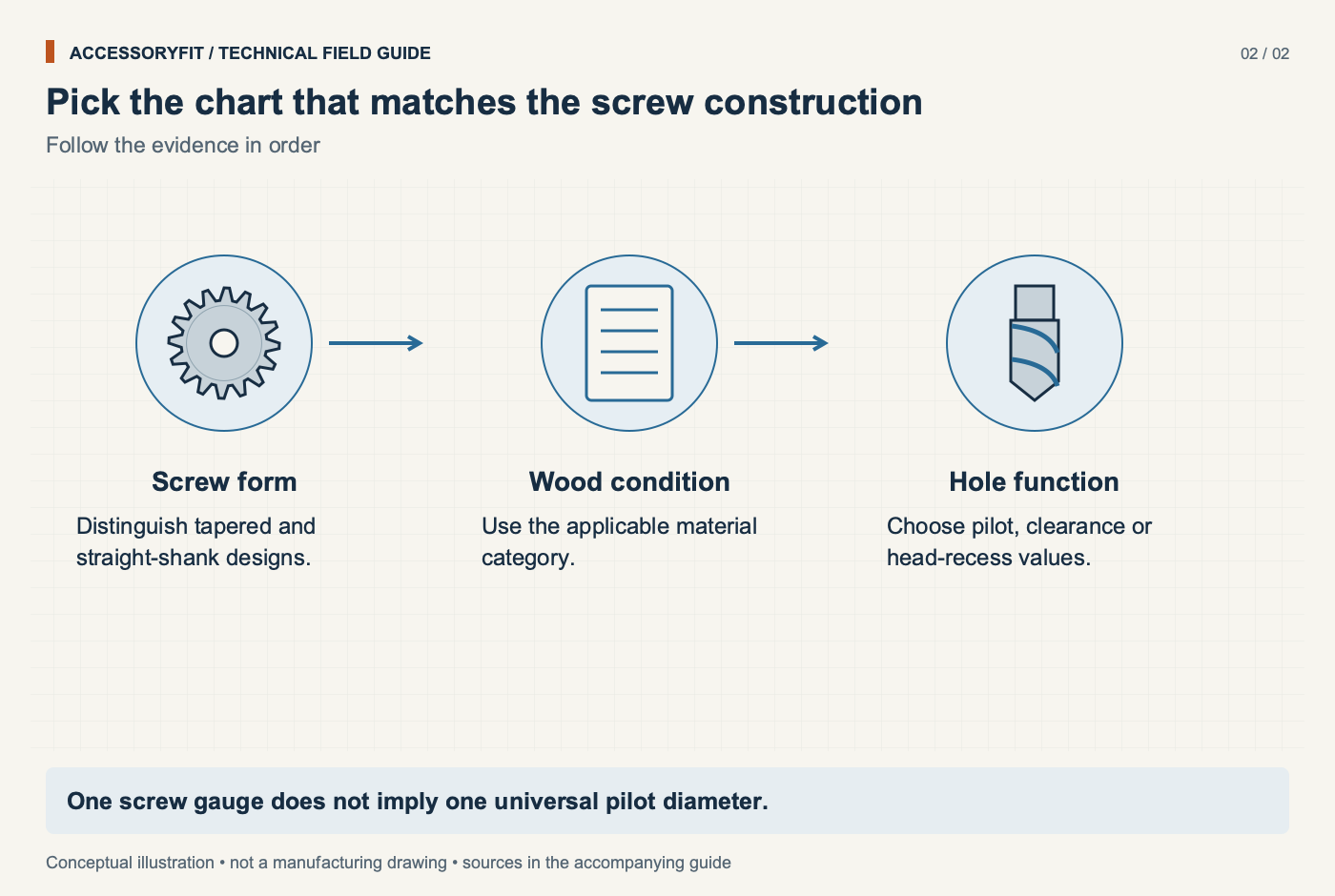
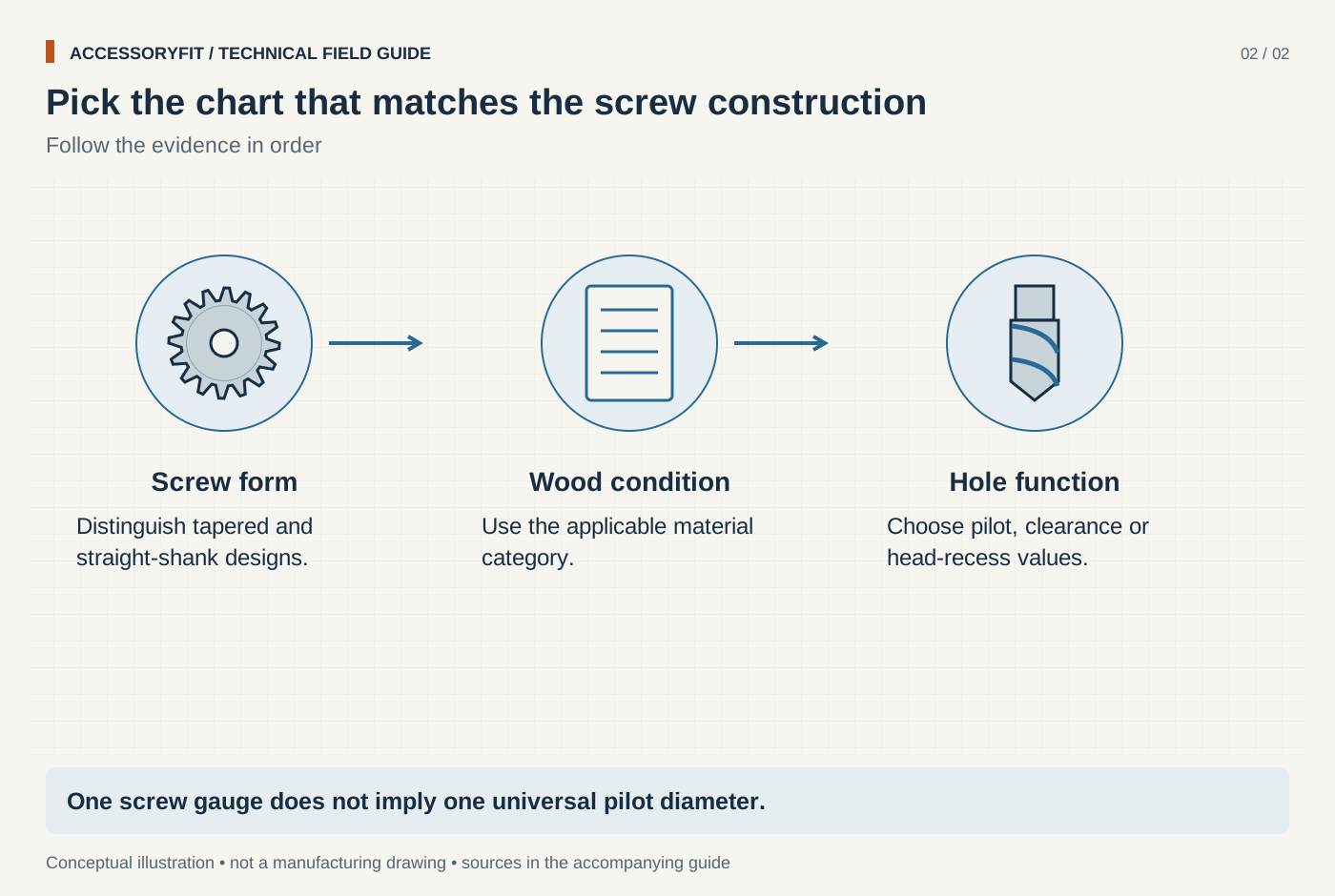
Pick the chart that matches the screw construction
Download SVG · Tap the image for the 1400 px WebP · From Screw pilot hole size chart: drill sizes by screw gauge and wood type
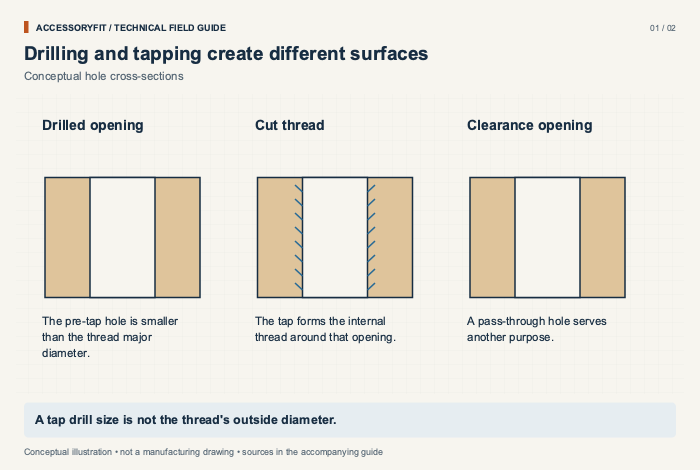
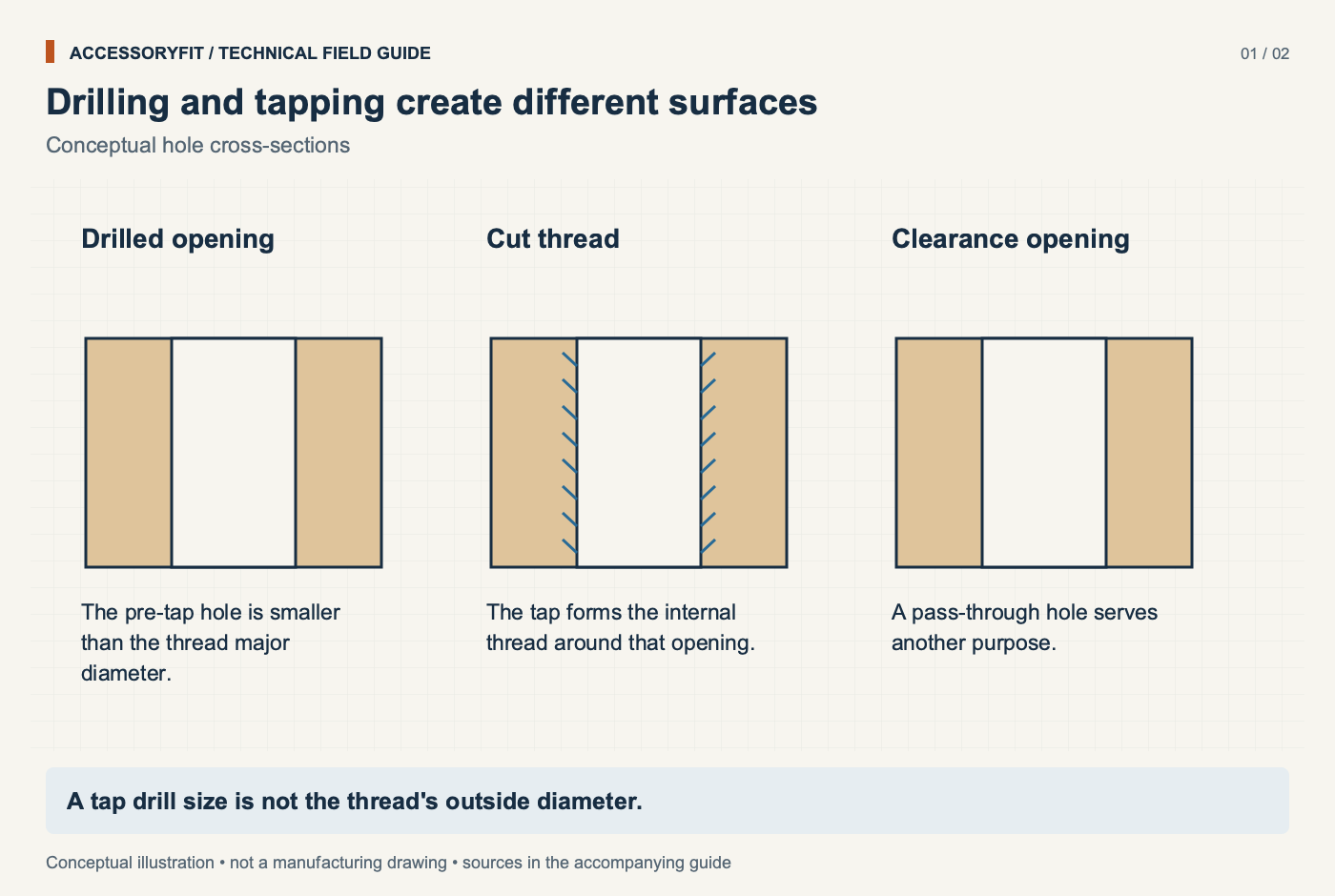
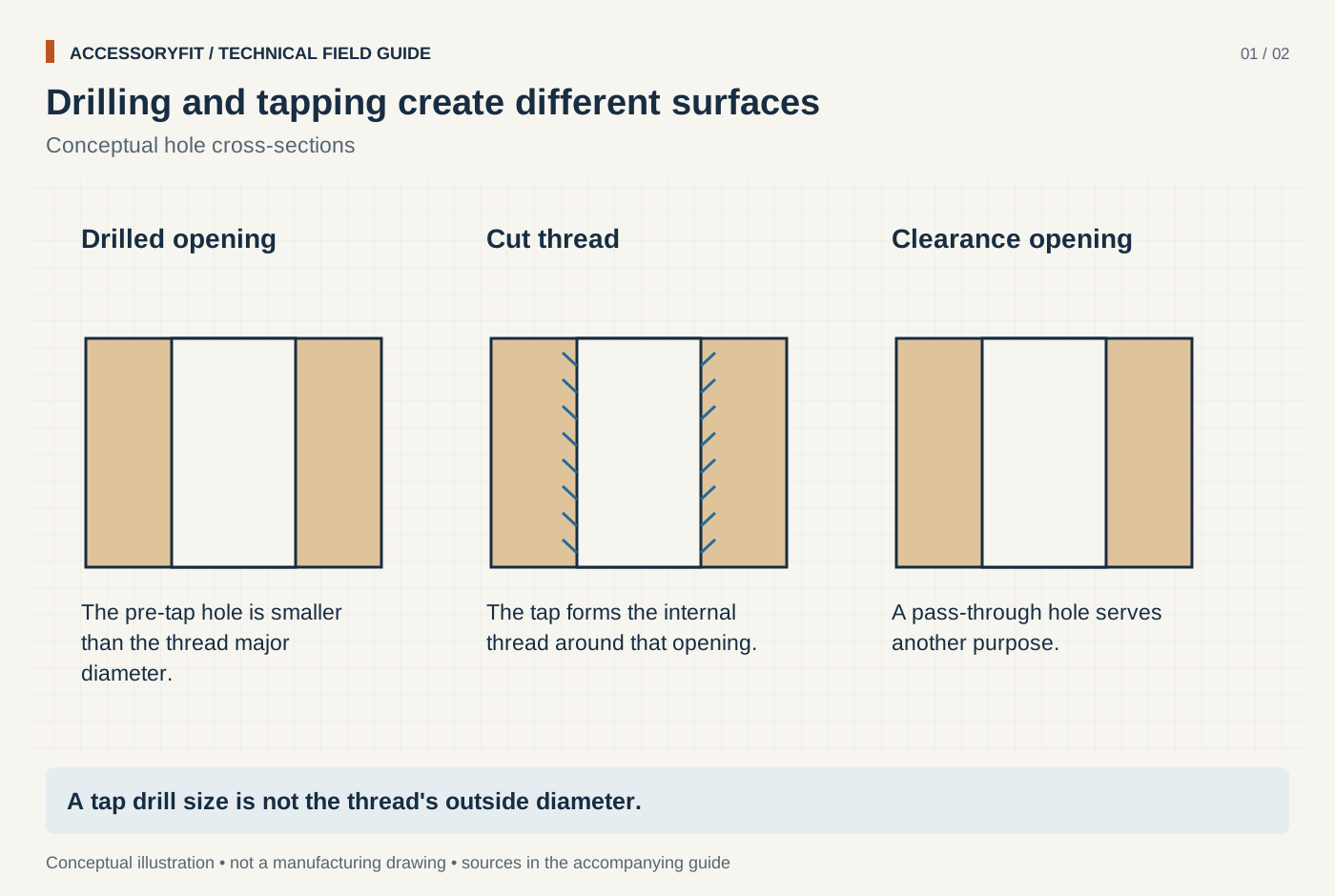
Drilling and tapping create different surfaces
Download SVG · Tap the image for the 1400 px WebP · From Tap drill size chart: which drill each UNC, UNF and metric thread needs
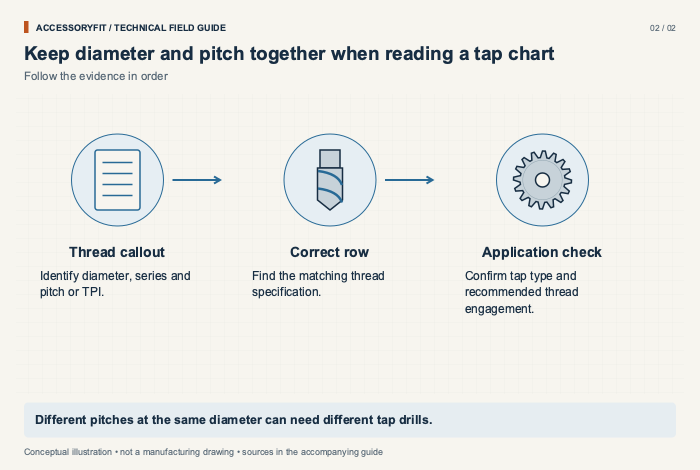
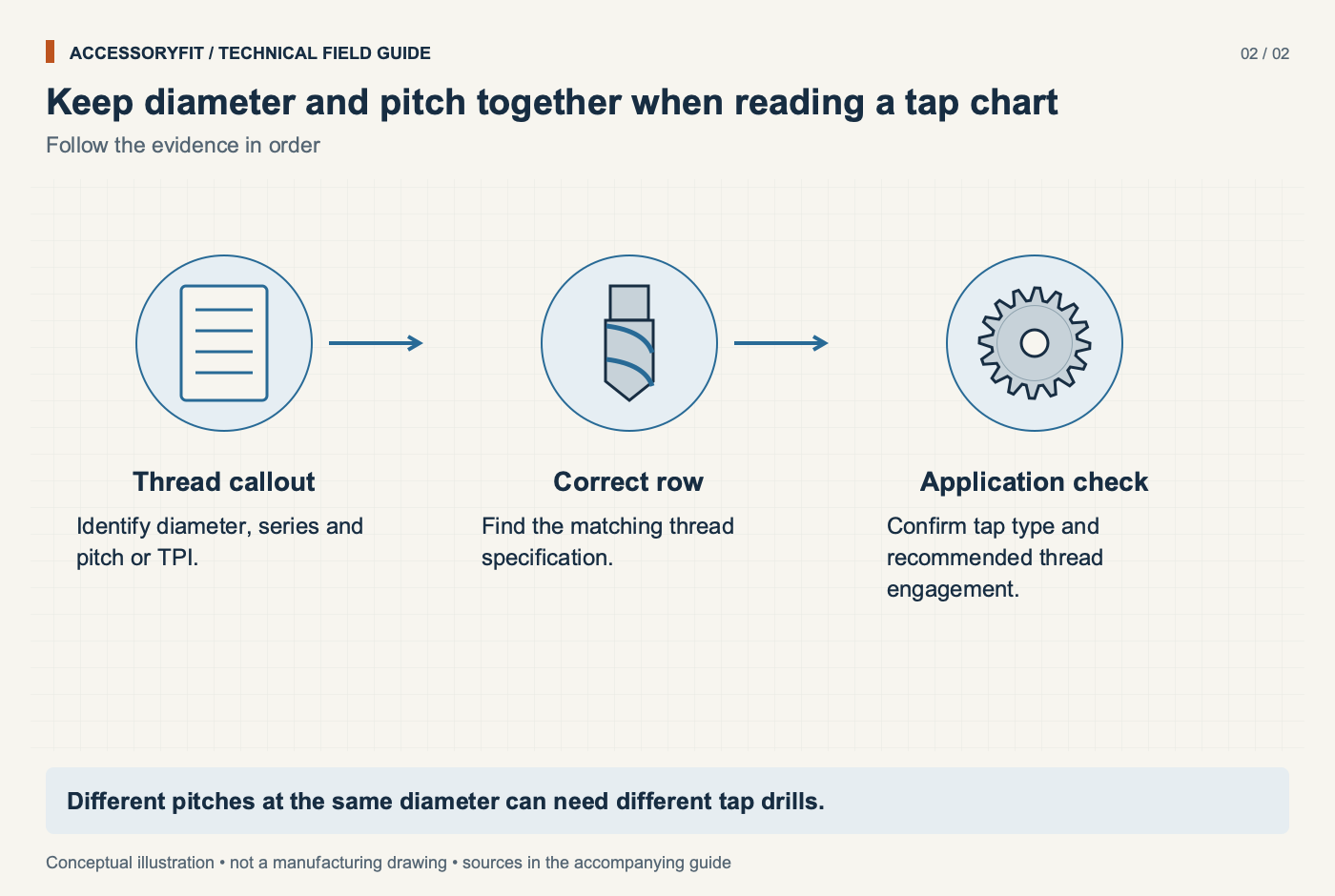
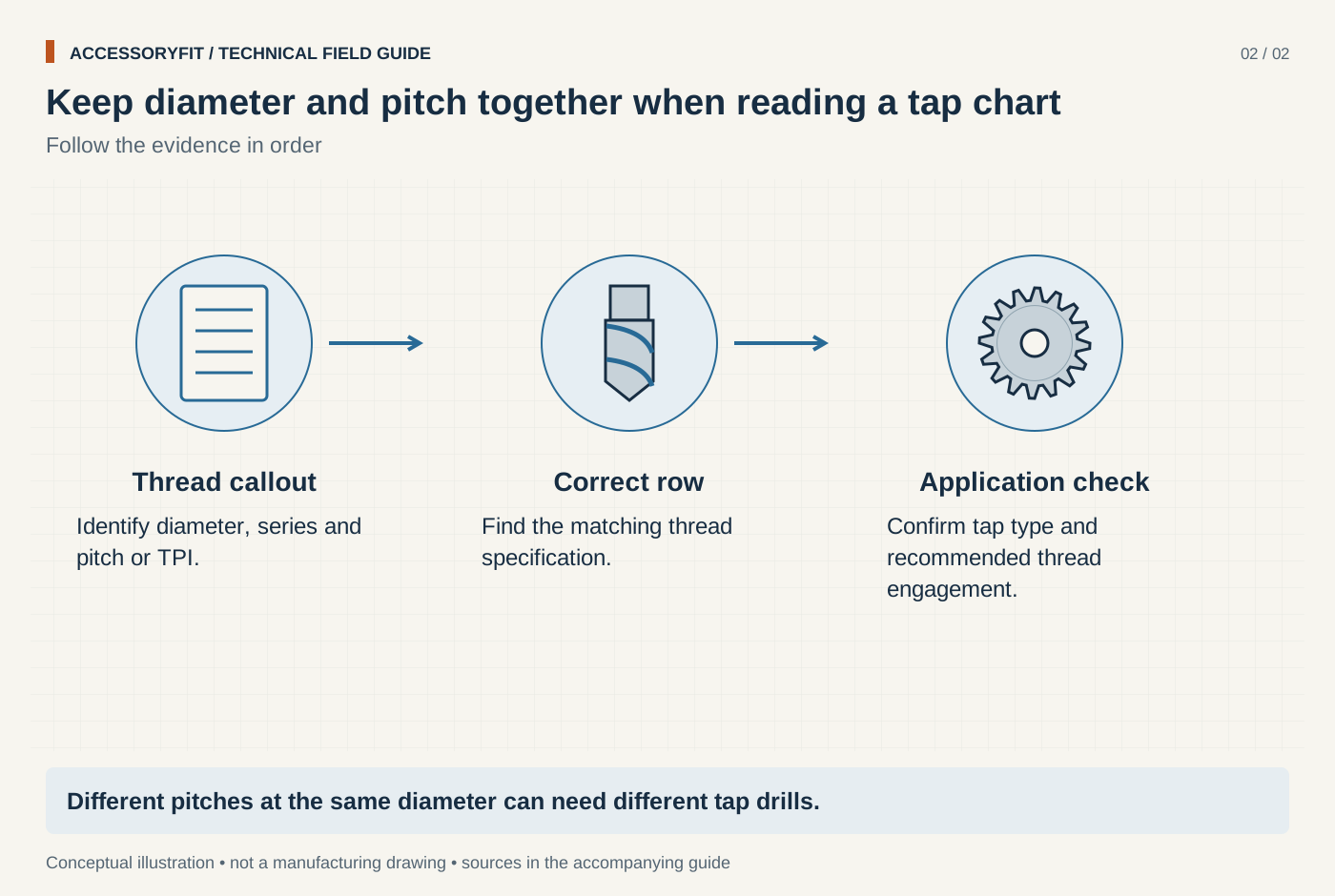
Keep diameter and pitch together when reading a tap chart
Download SVG · Tap the image for the 1400 px WebP · From Tap drill size chart: which drill each UNC, UNF and metric thread needs
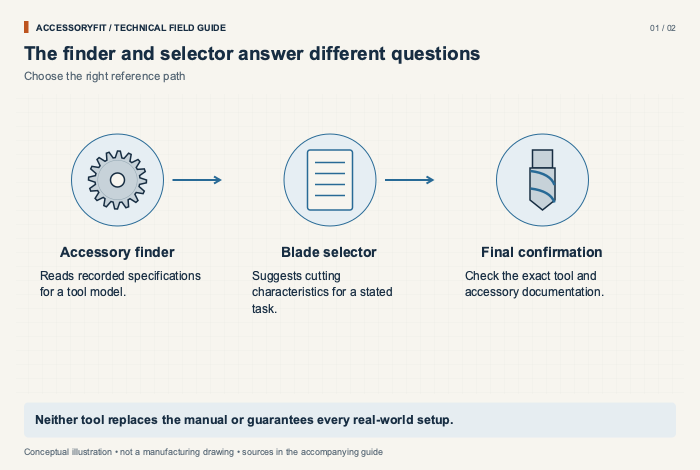
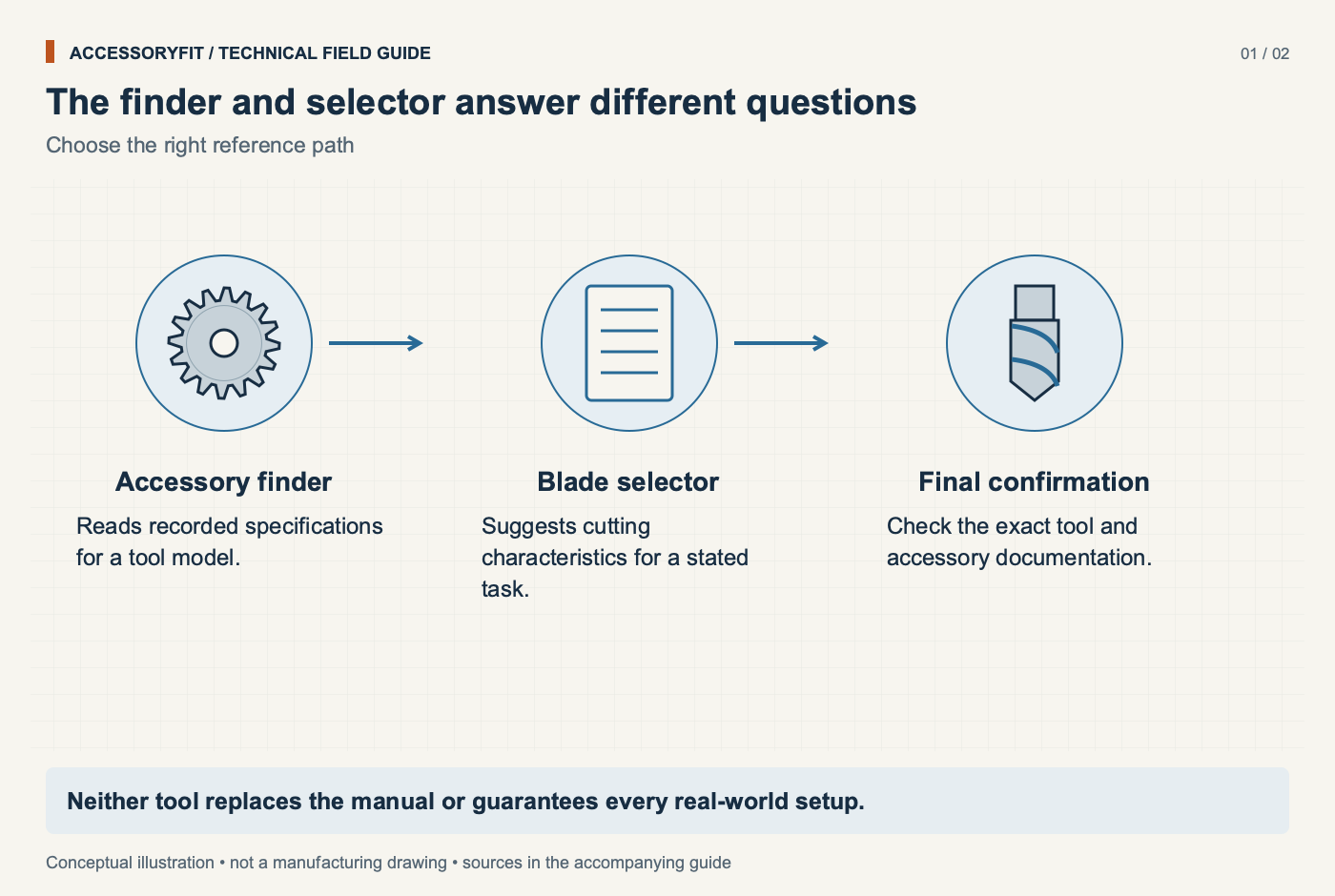
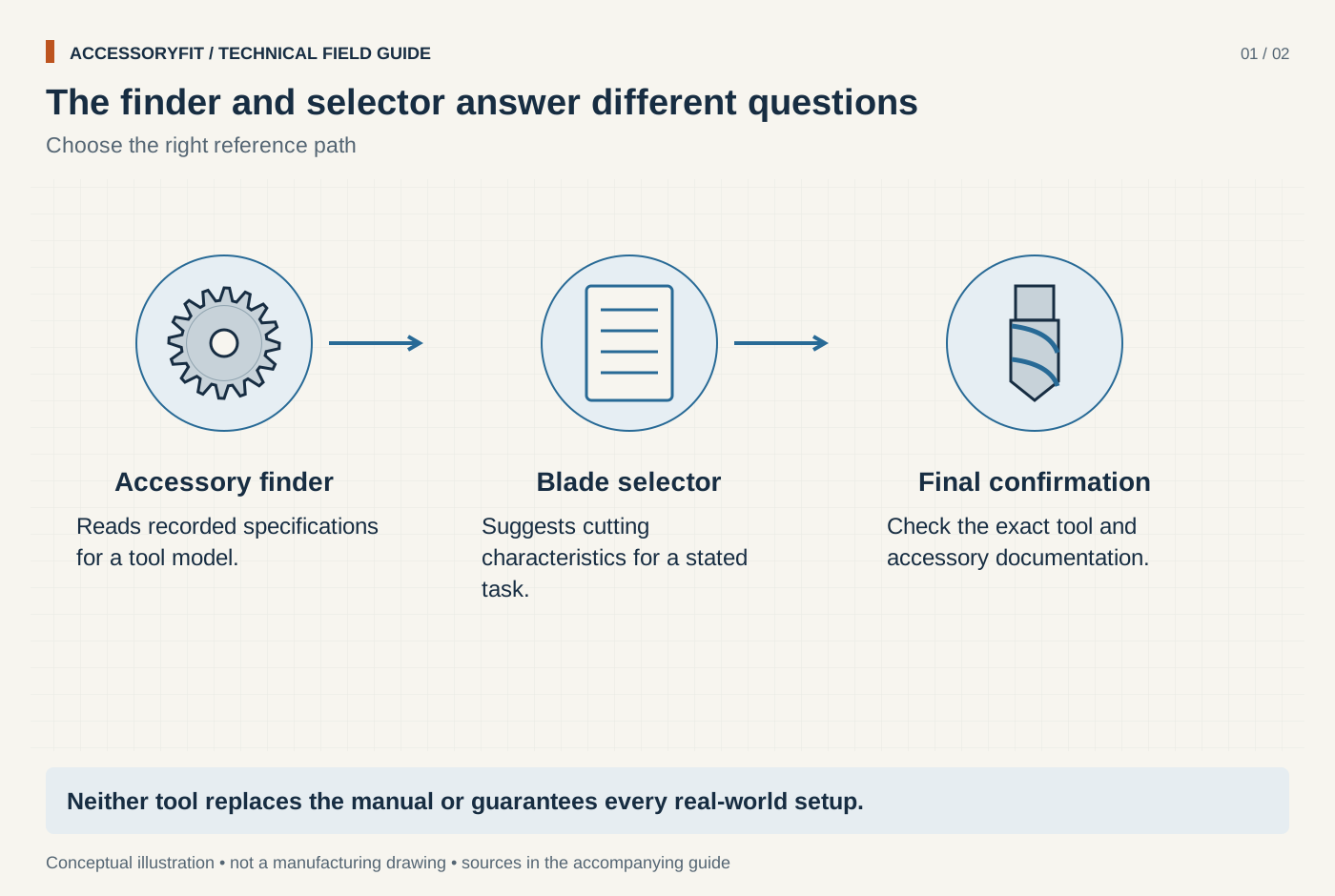
The finder and selector answer different questions
Download SVG · Tap the image for the 1400 px WebP · From Interactive tools for checking fit and choosing a blade
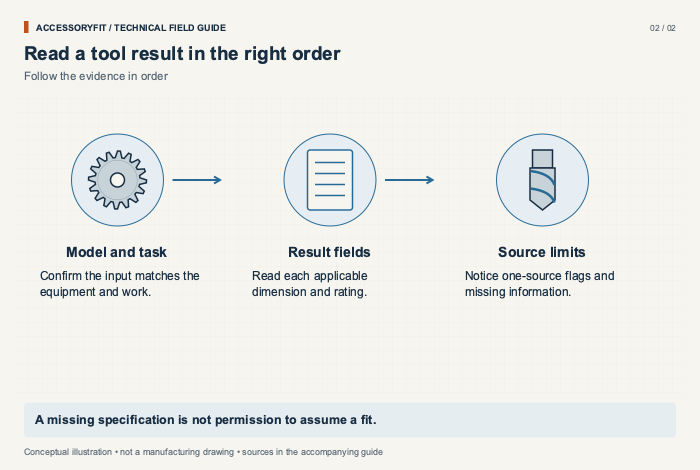
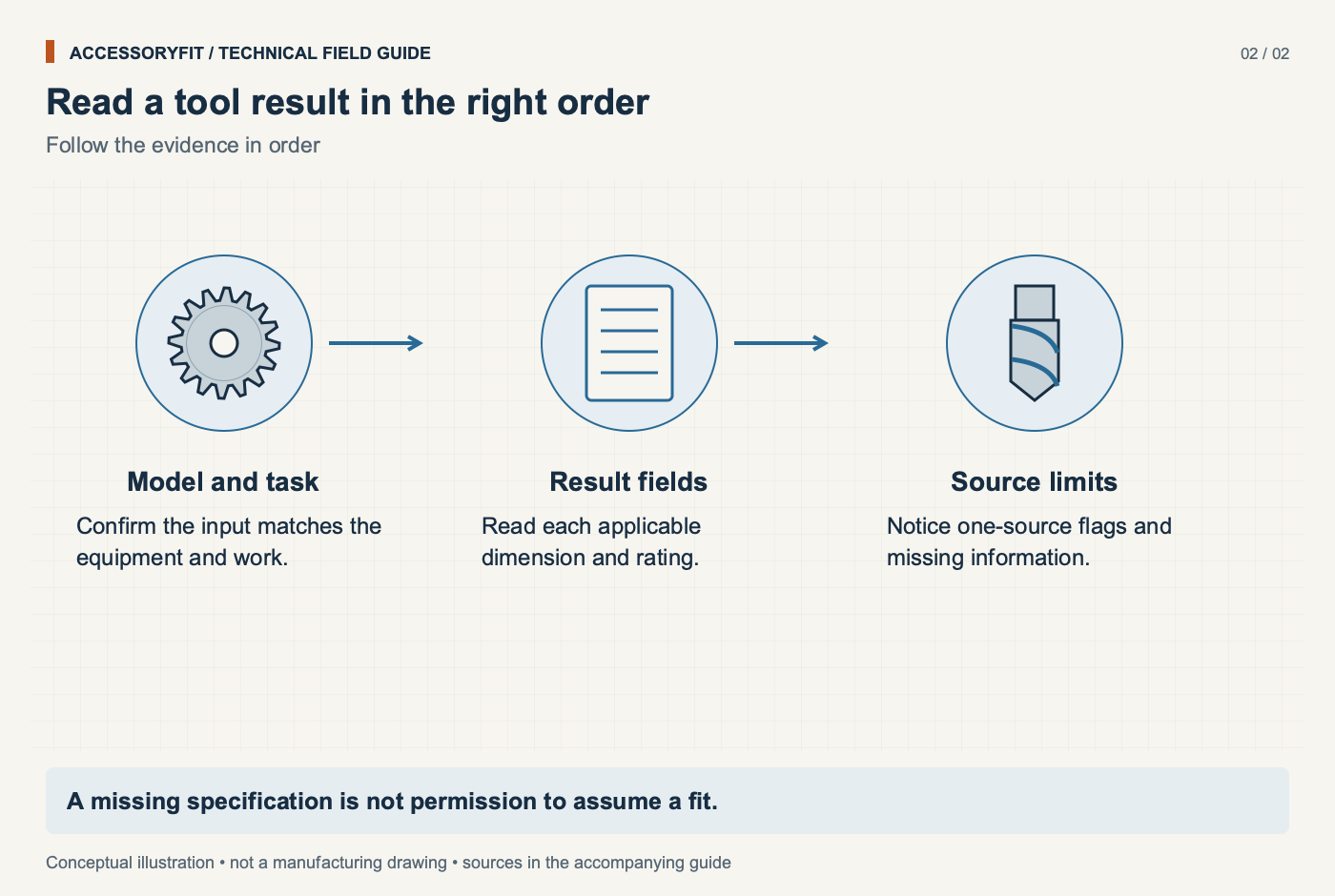
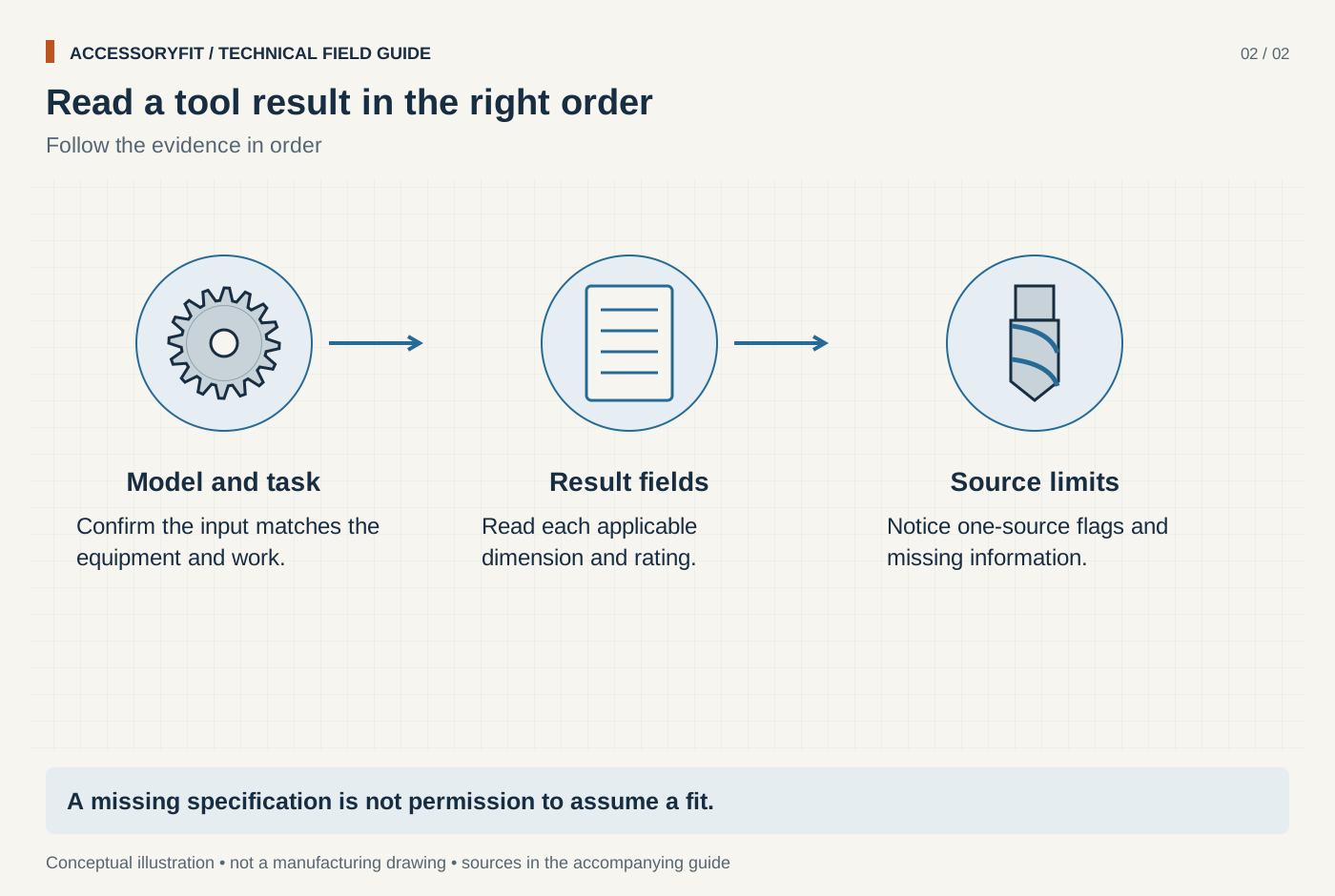
Read a tool result in the right order
Download SVG · Tap the image for the 1400 px WebP · From Interactive tools for checking fit and choosing a blade

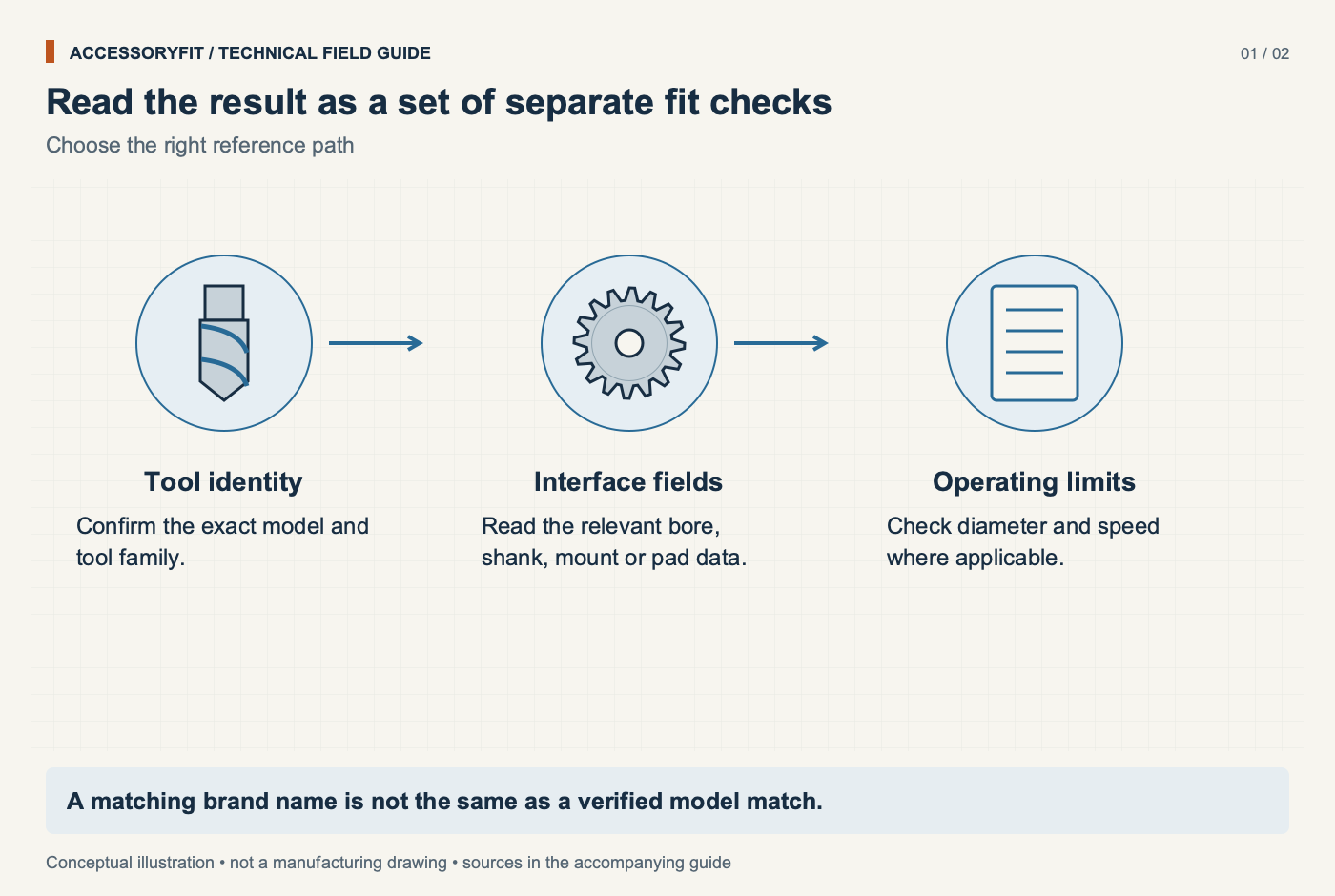
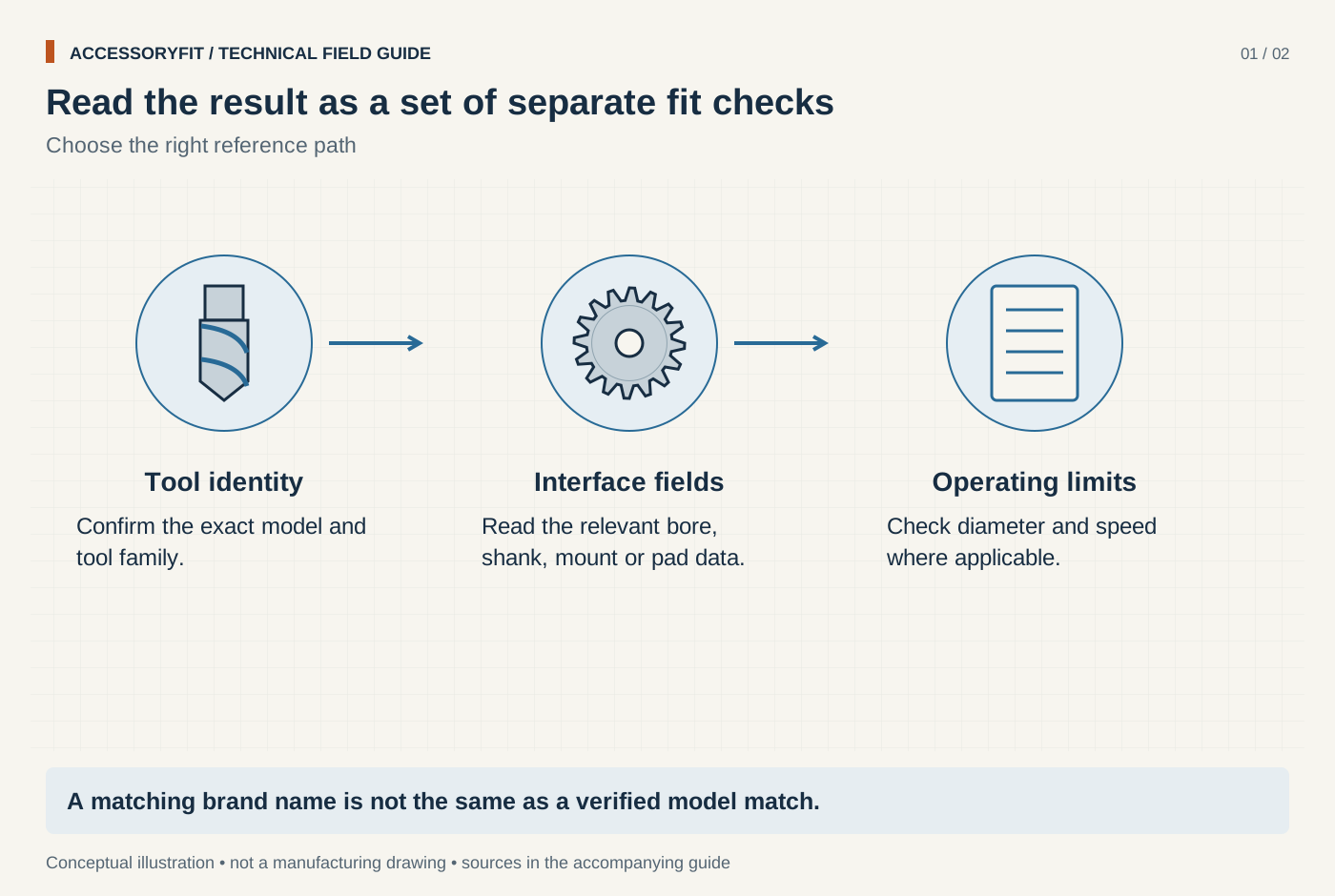
Read the result as a set of separate fit checks
Download SVG · Tap the image for the 1400 px WebP · From Accessory finder: enter your tool, see what fits
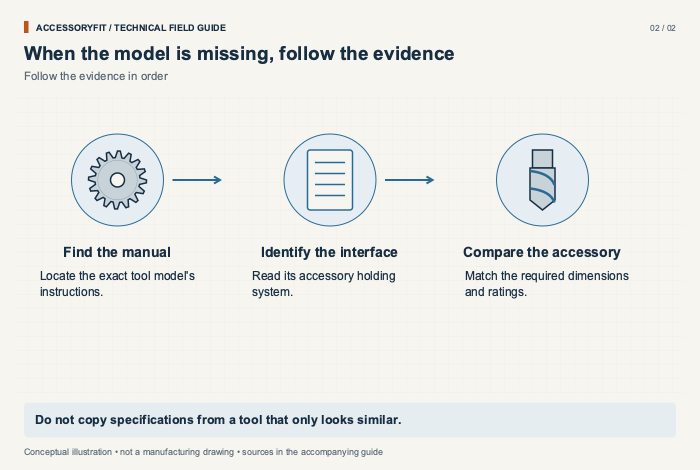
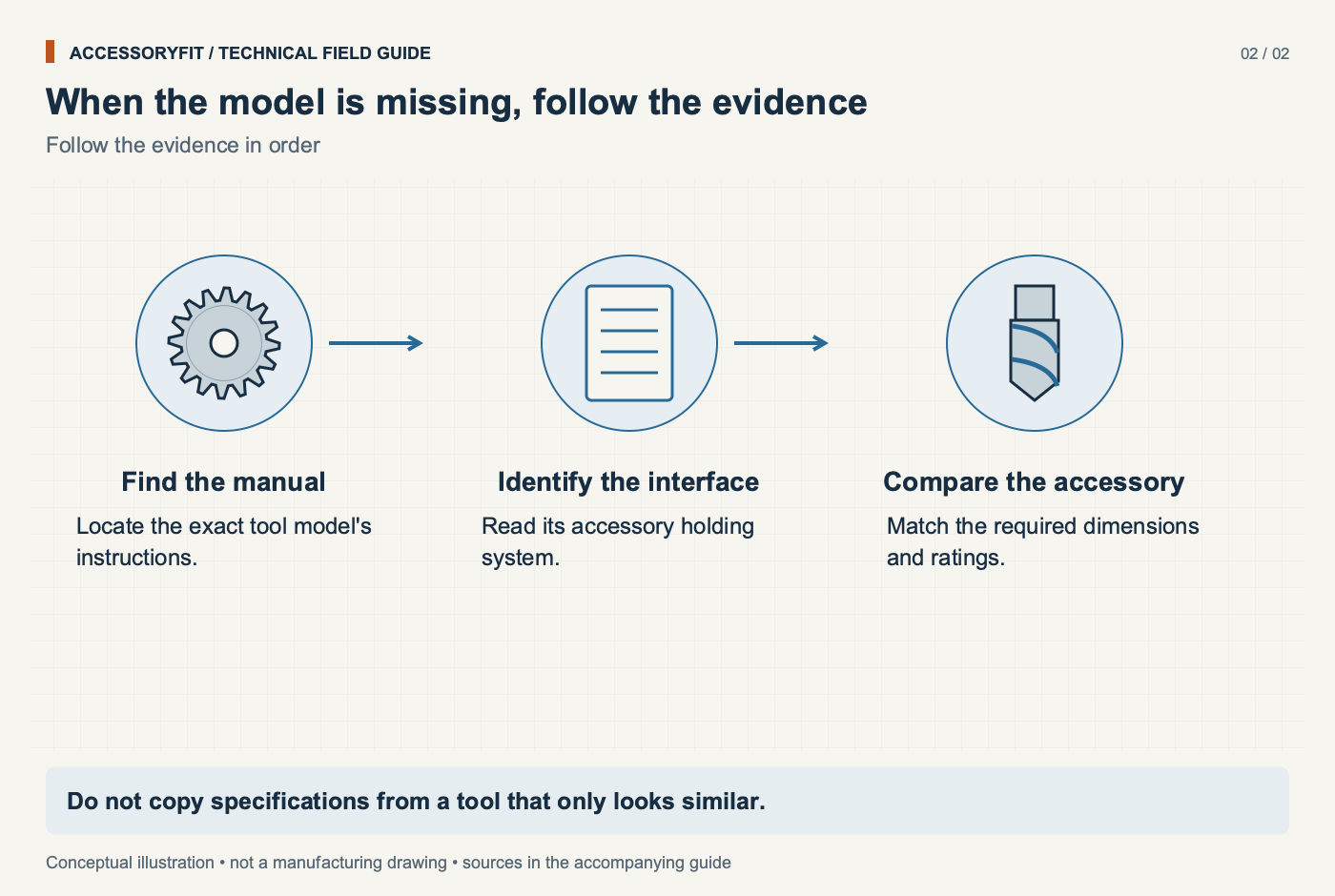
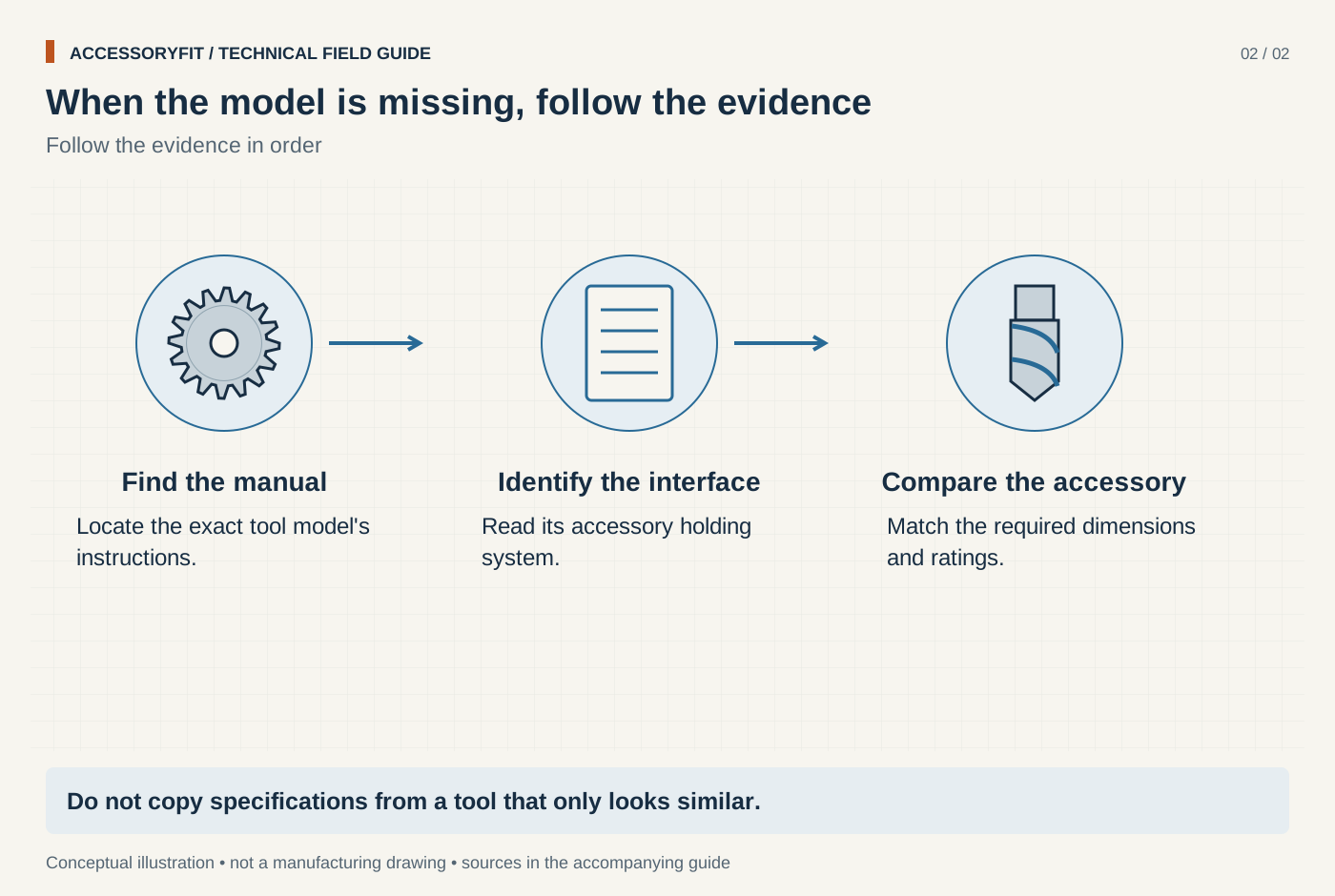
When the model is missing, follow the evidence
Download SVG · Tap the image for the 1400 px WebP · From Accessory finder: enter your tool, see what fits
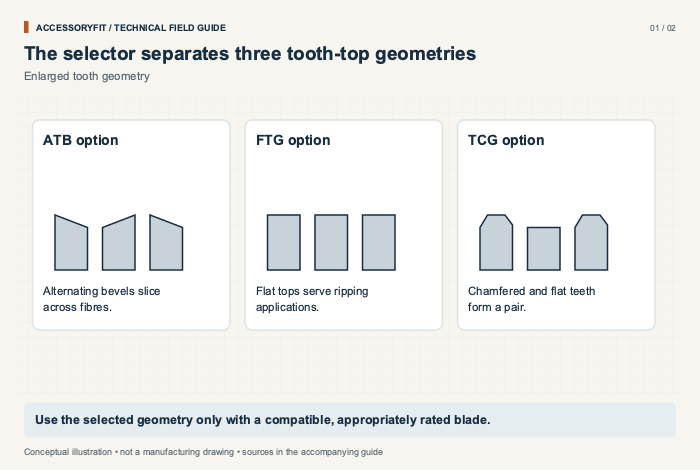
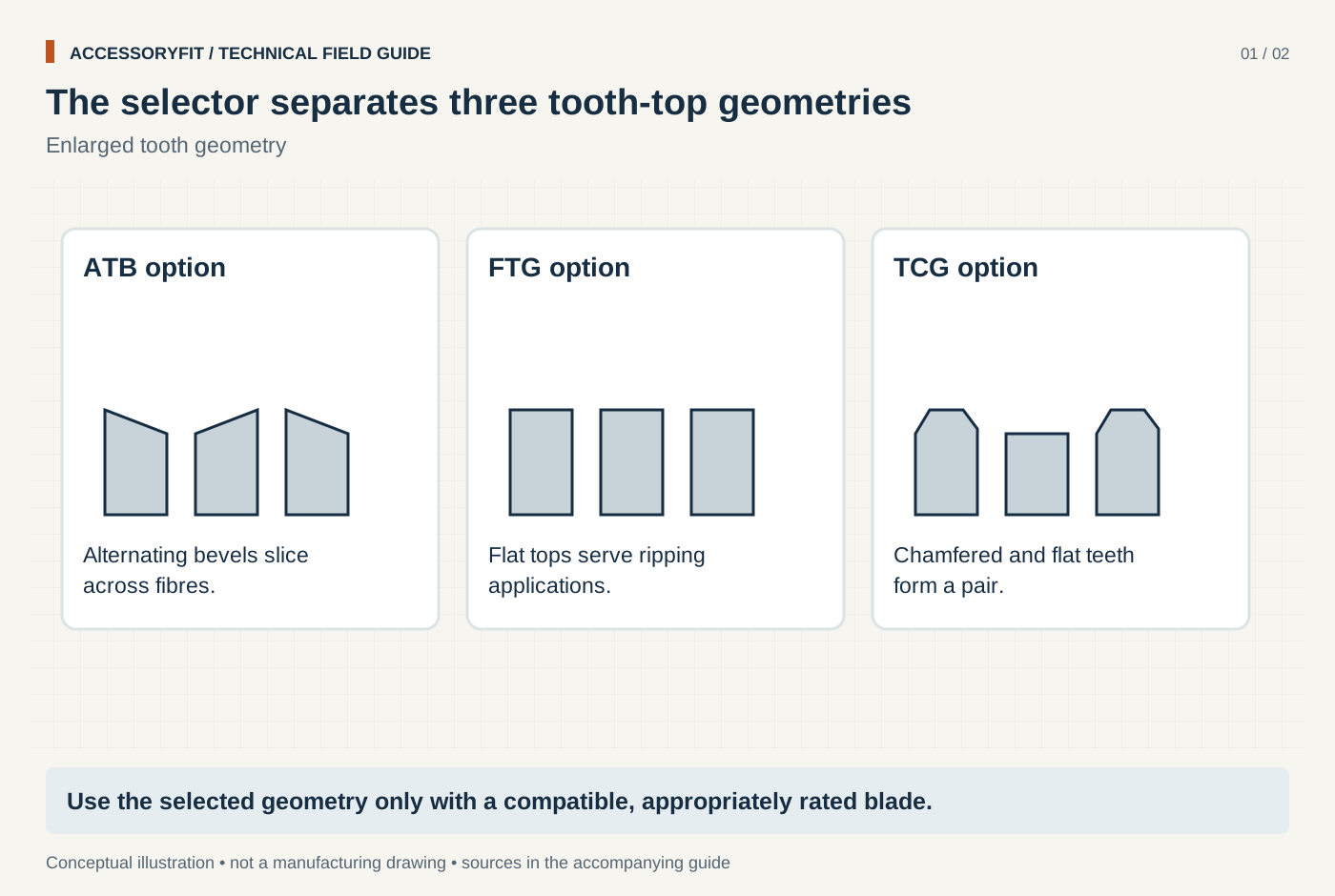
The selector separates three tooth-top geometries
Download SVG · Tap the image for the 1400 px WebP · From Saw blade selector: pick your saw and cut, see the blade it needs
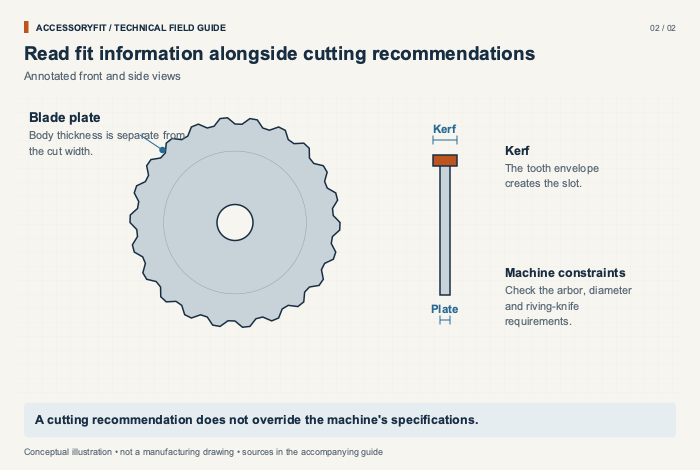
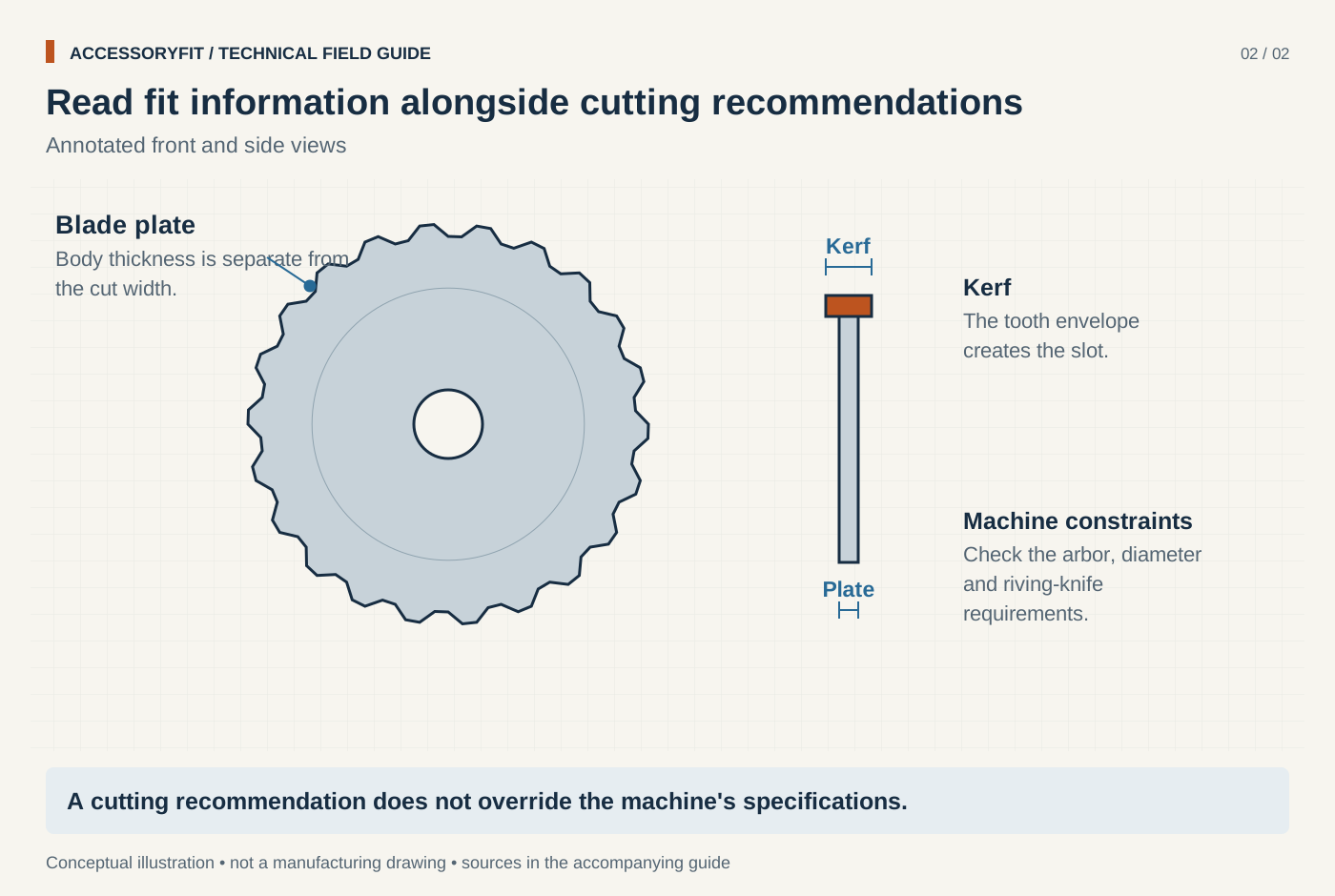
Read fit information alongside cutting recommendations
Download SVG · Tap the image for the 1400 px WebP · From Saw blade selector: pick your saw and cut, see the blade it needs
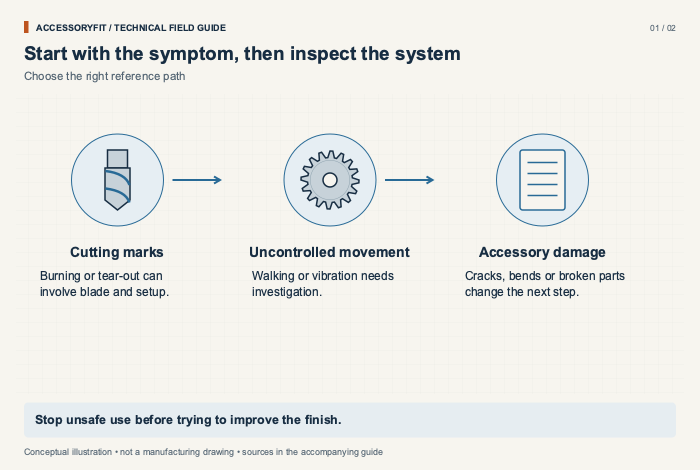
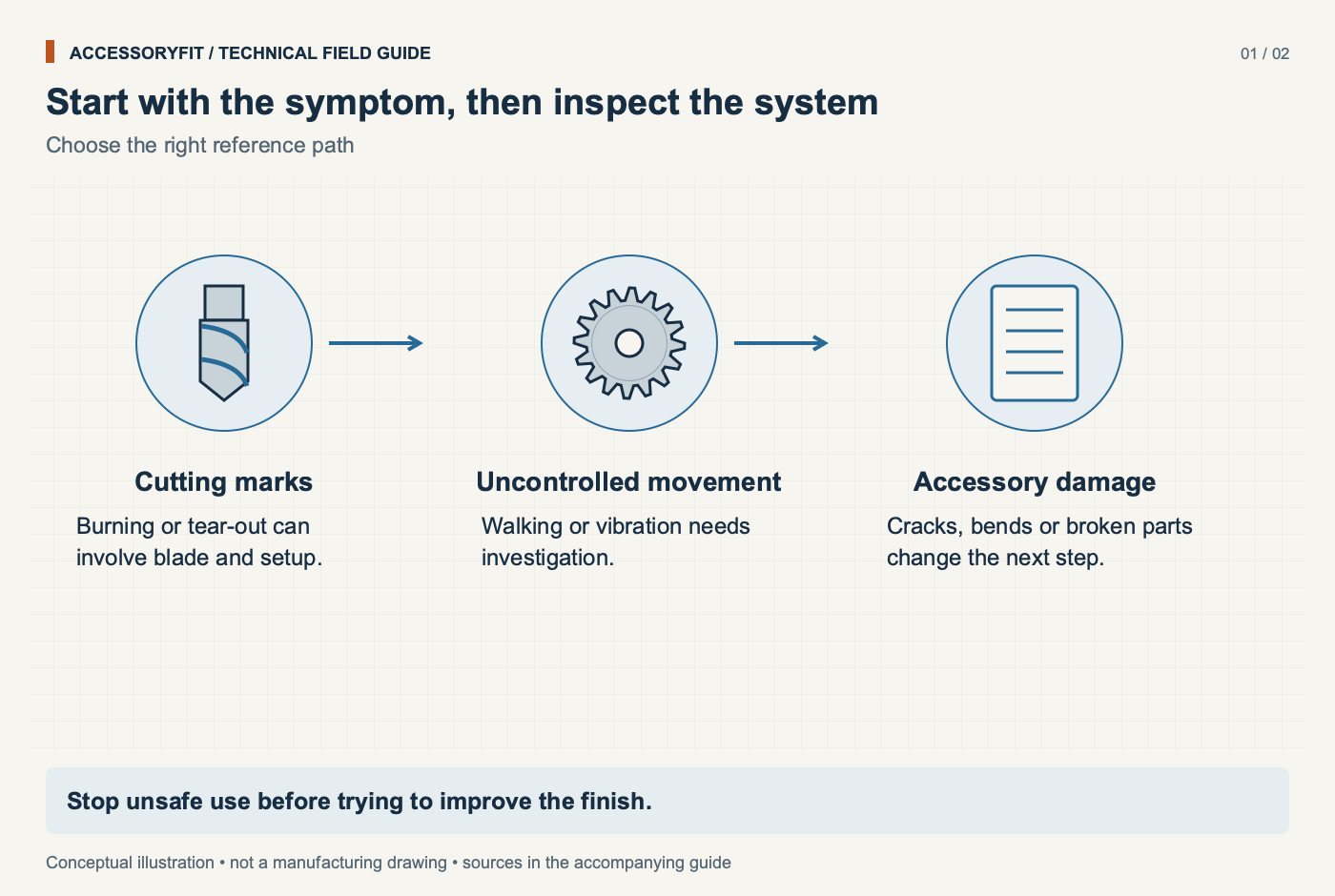
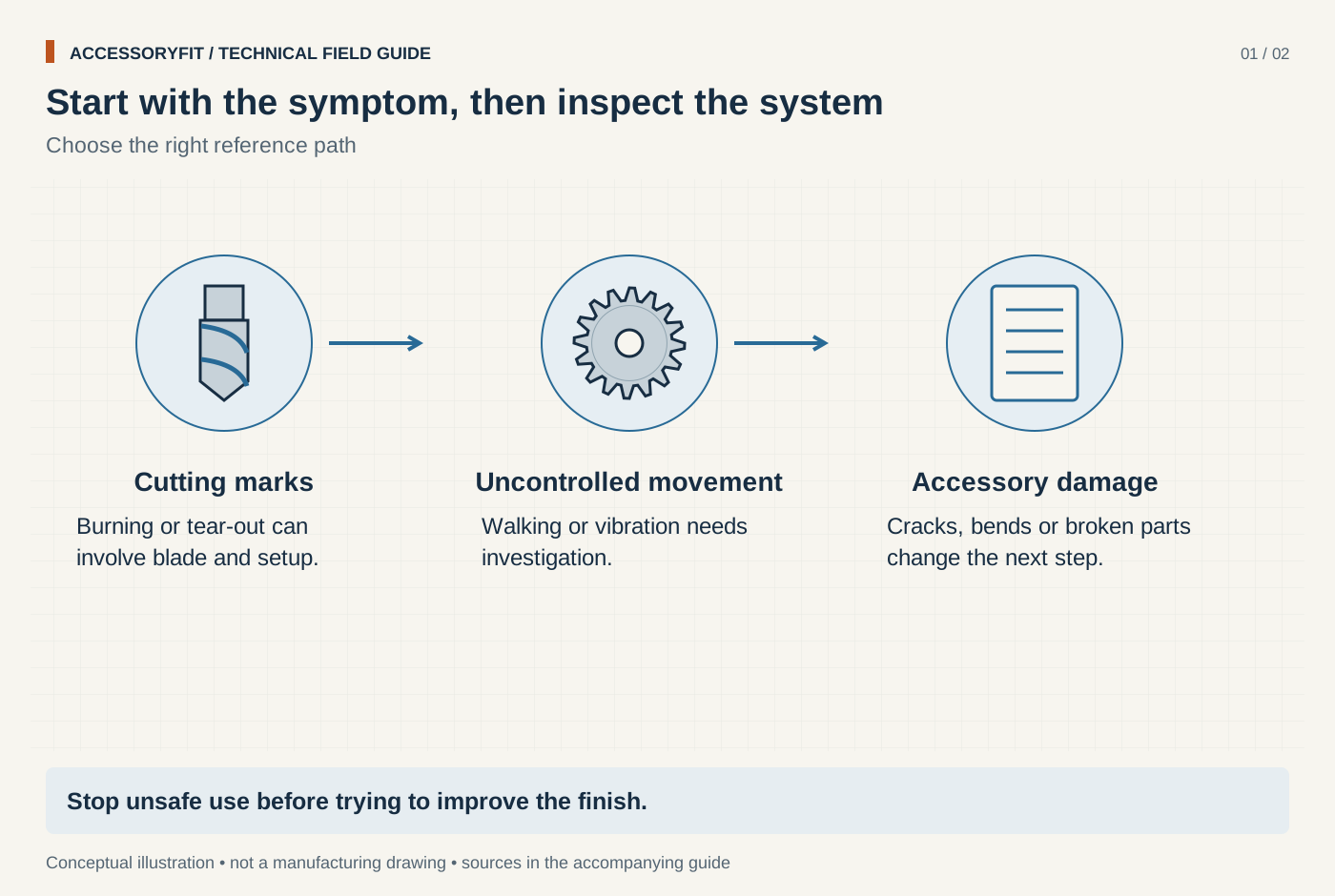
Start with the symptom, then inspect the system
Download SVG · Tap the image for the 1400 px WebP · From Troubleshooting blades, bits and discs: causes and fixes
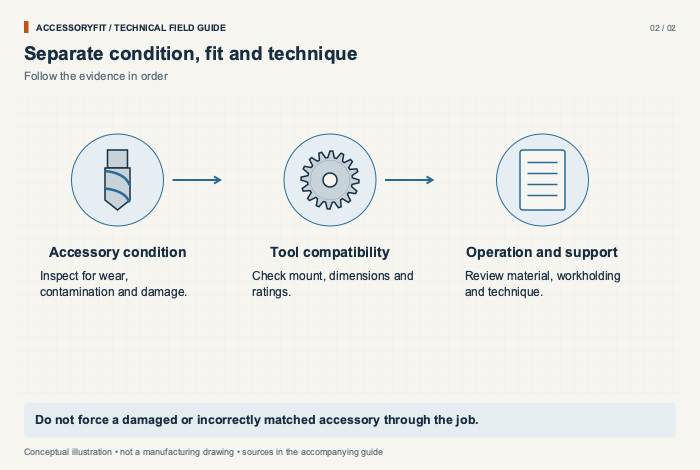
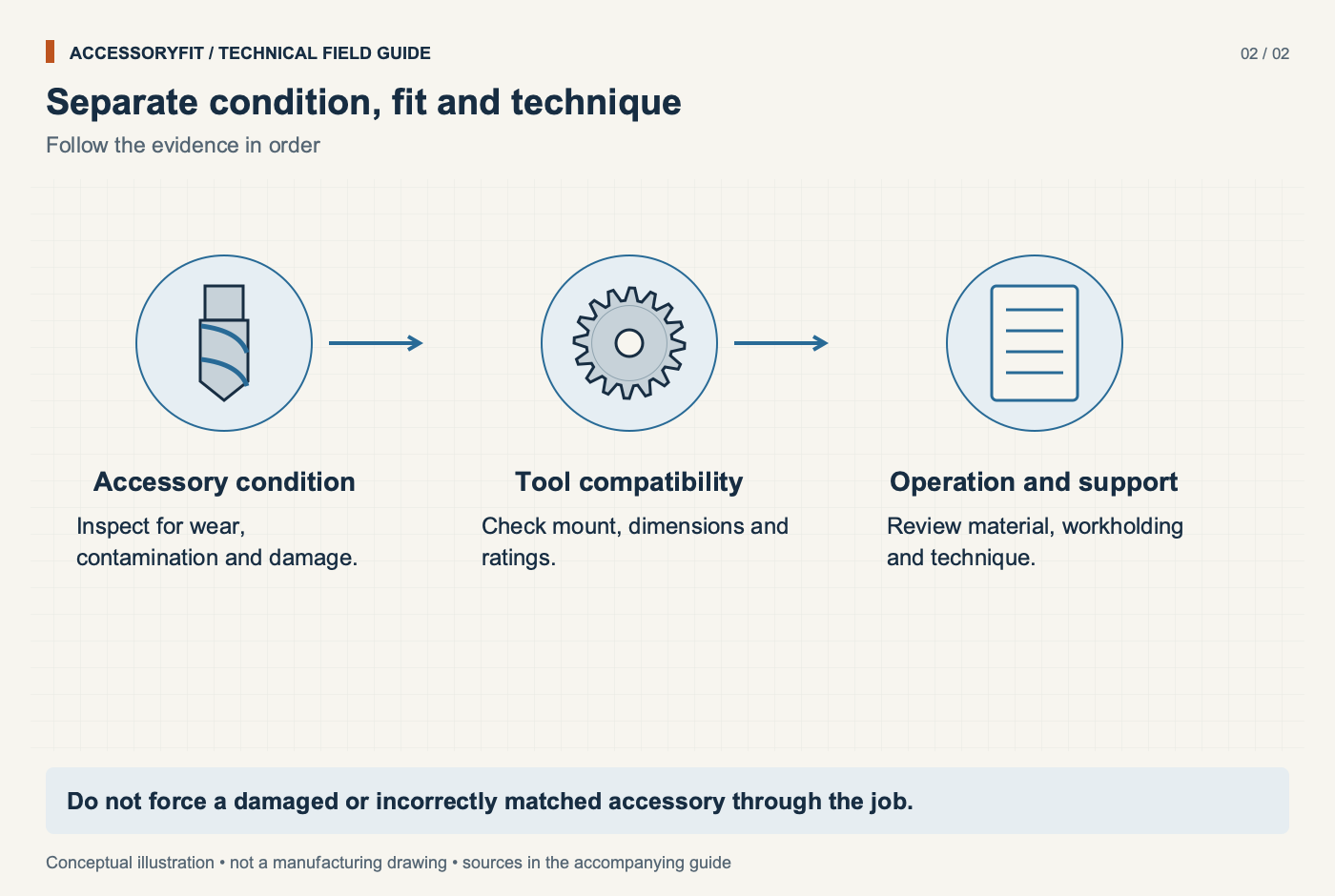
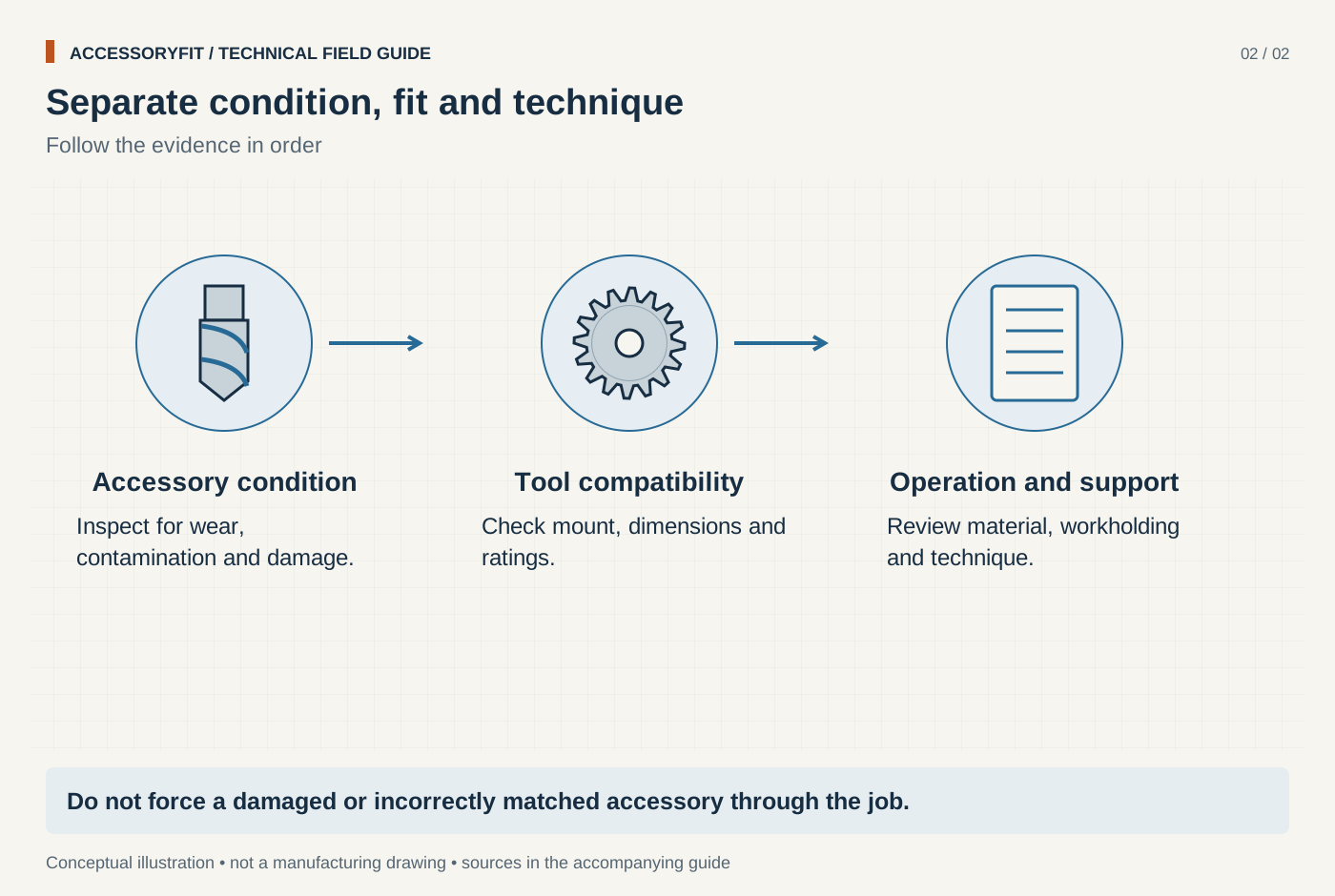
Separate condition, fit and technique
Download SVG · Tap the image for the 1400 px WebP · From Troubleshooting blades, bits and discs: causes and fixes
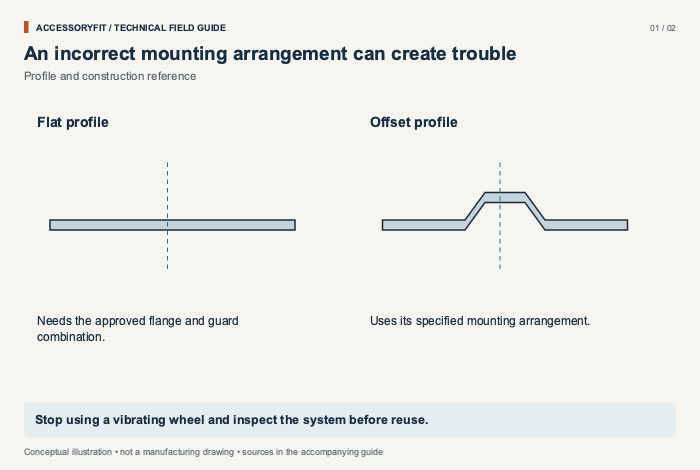
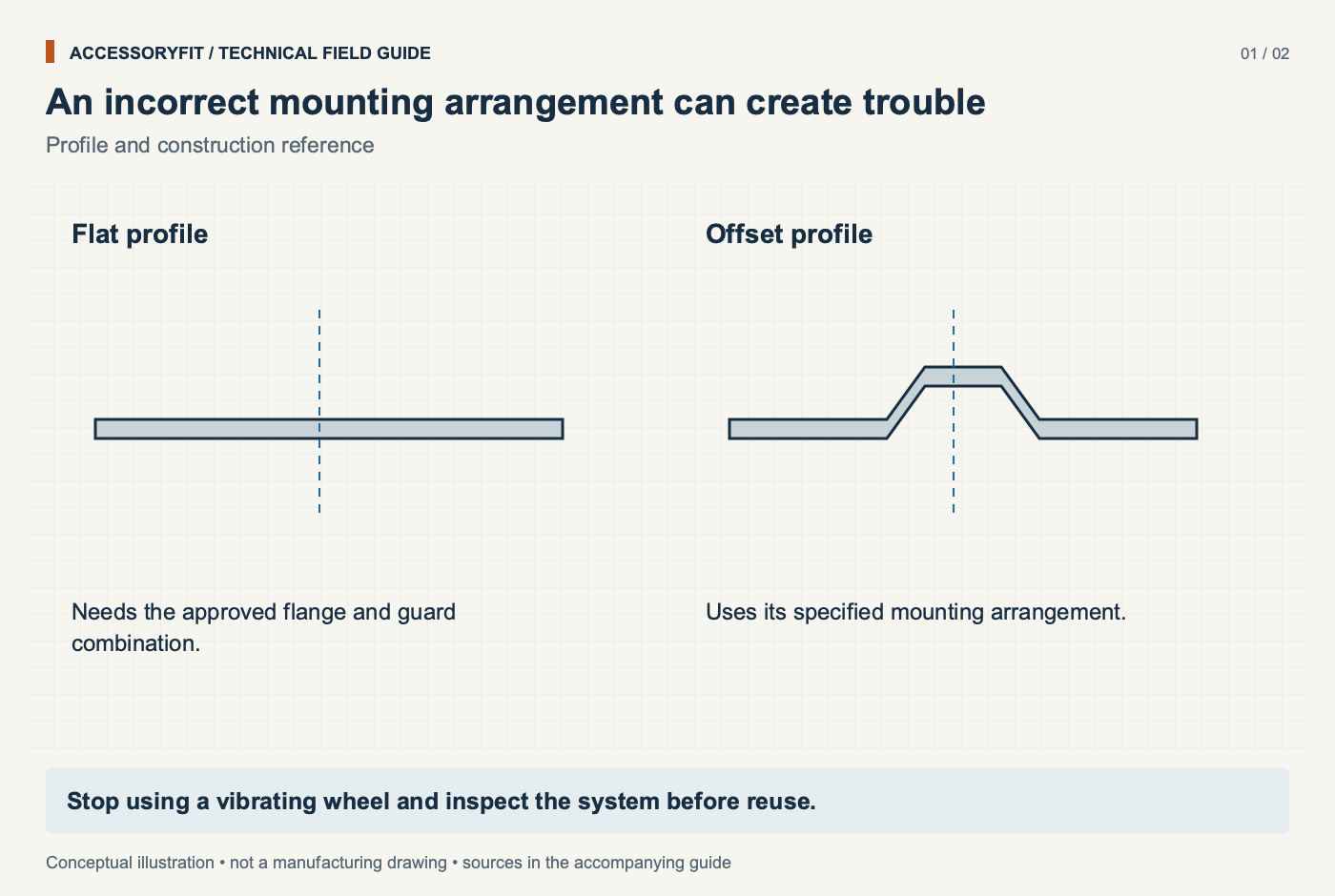
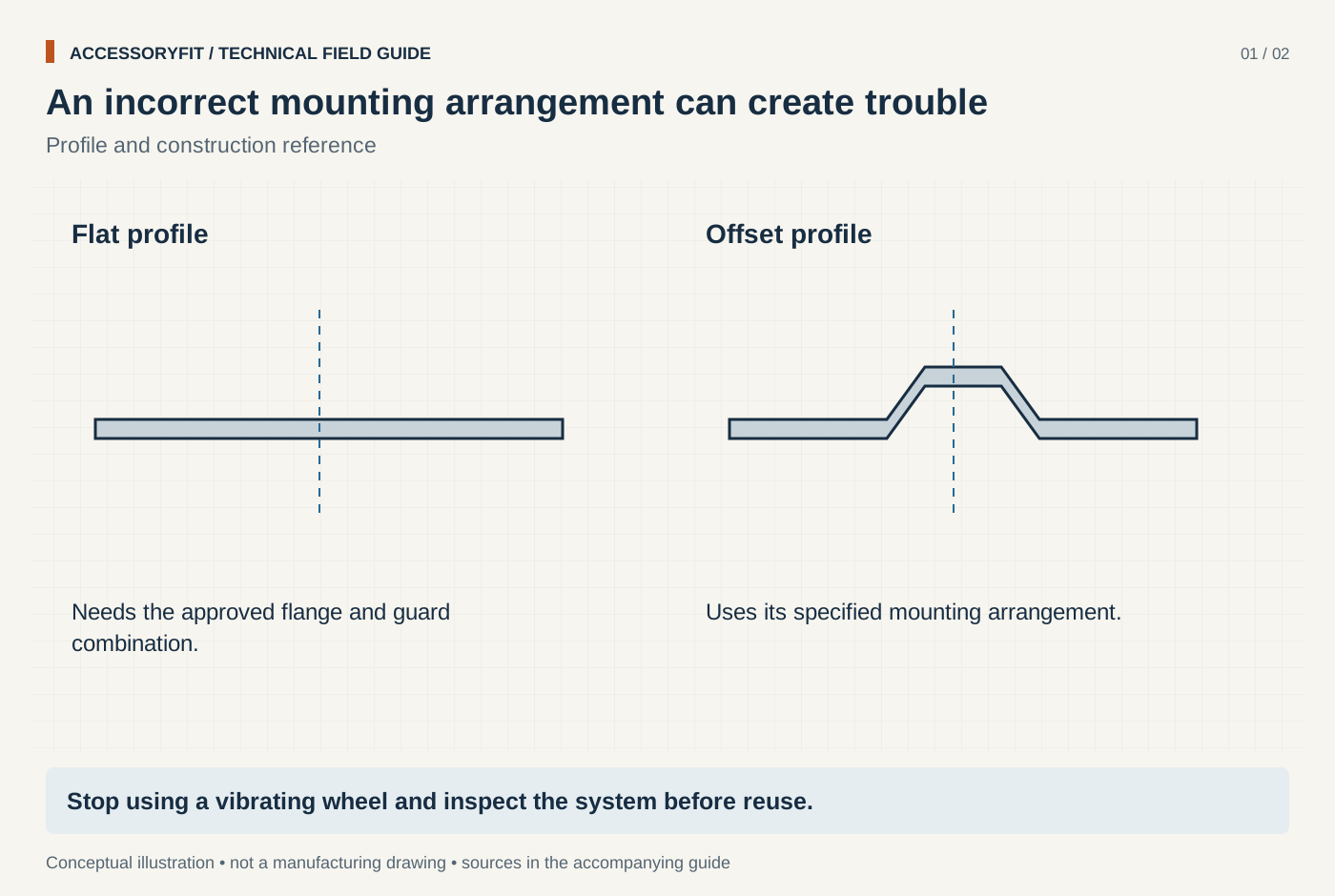
An incorrect mounting arrangement can create trouble
Download SVG · Tap the image for the 1400 px WebP · From Why an angle grinder disc vibrates, and the safety checks to make
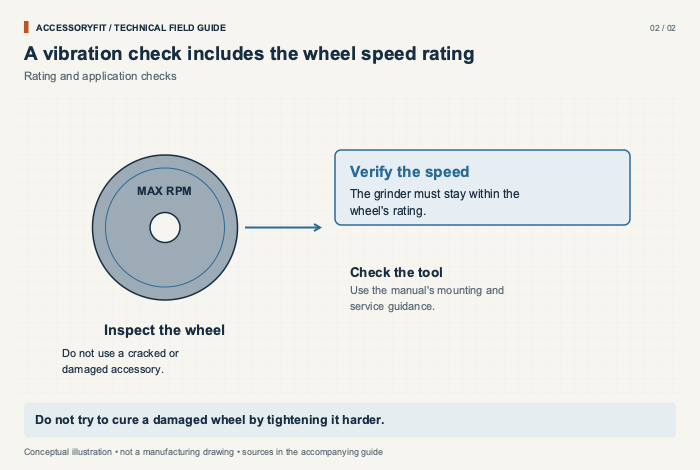
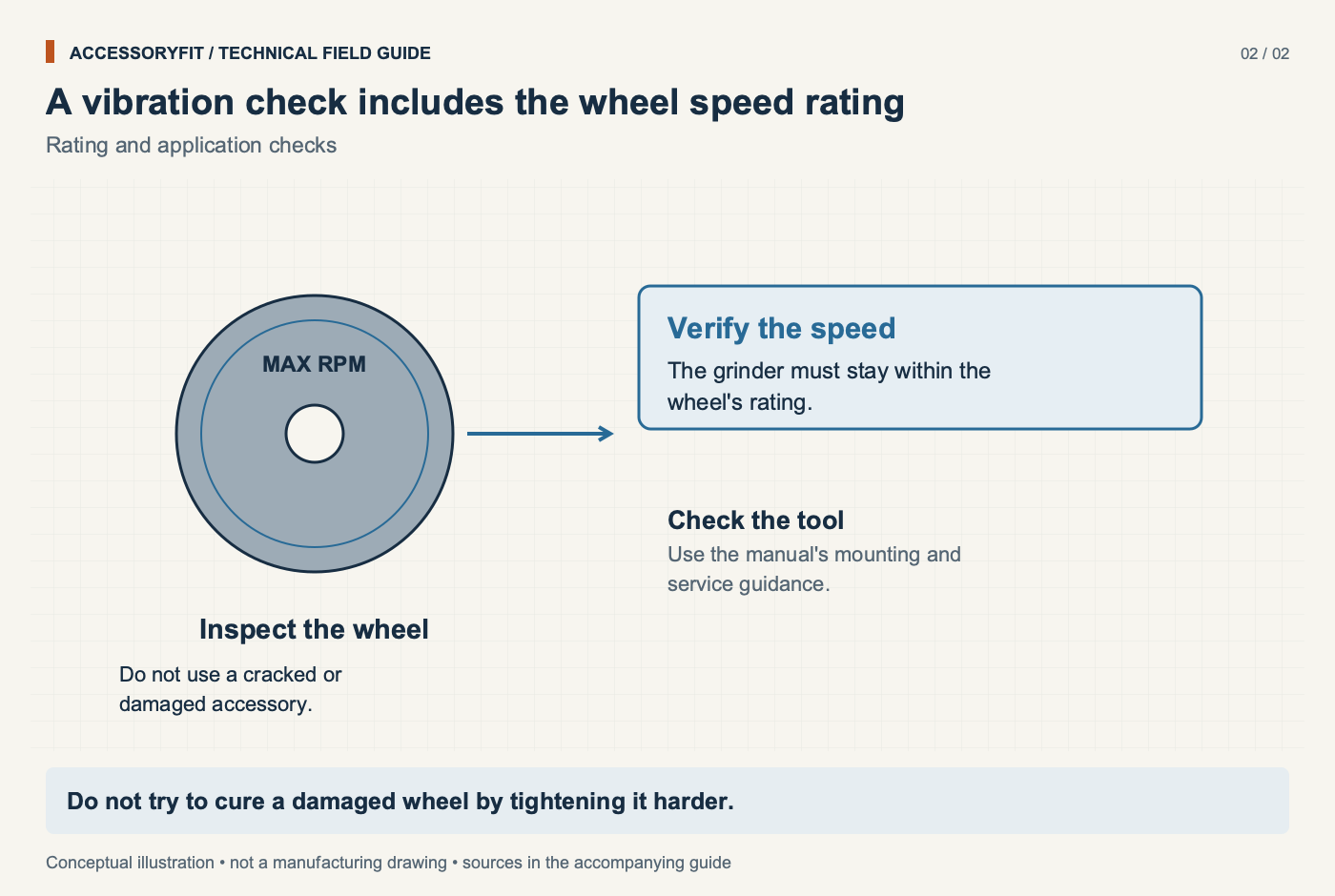
A vibration check includes the wheel speed rating
Download SVG · Tap the image for the 1400 px WebP · From Why an angle grinder disc vibrates, and the safety checks to make
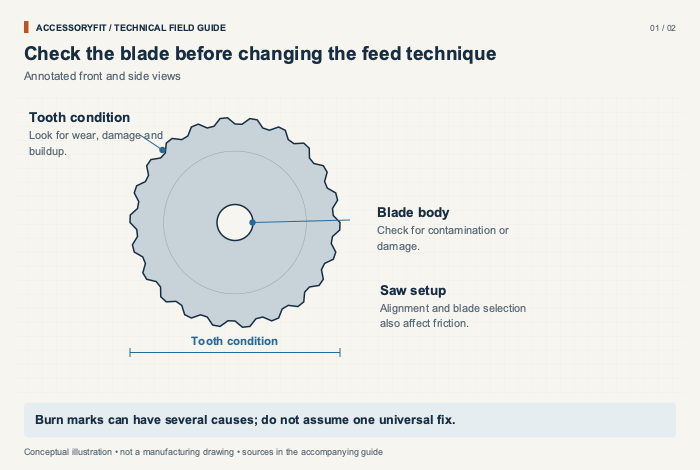
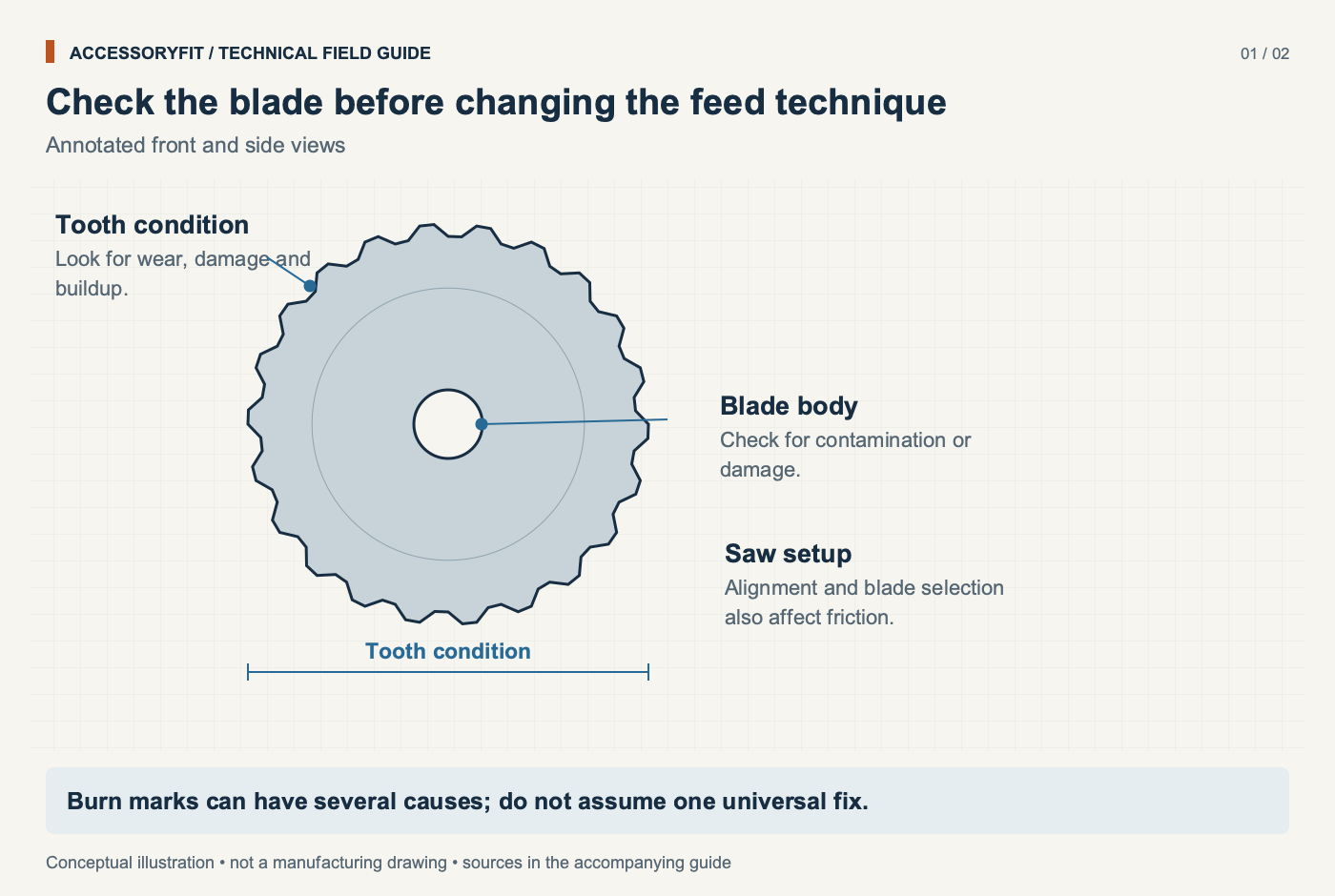
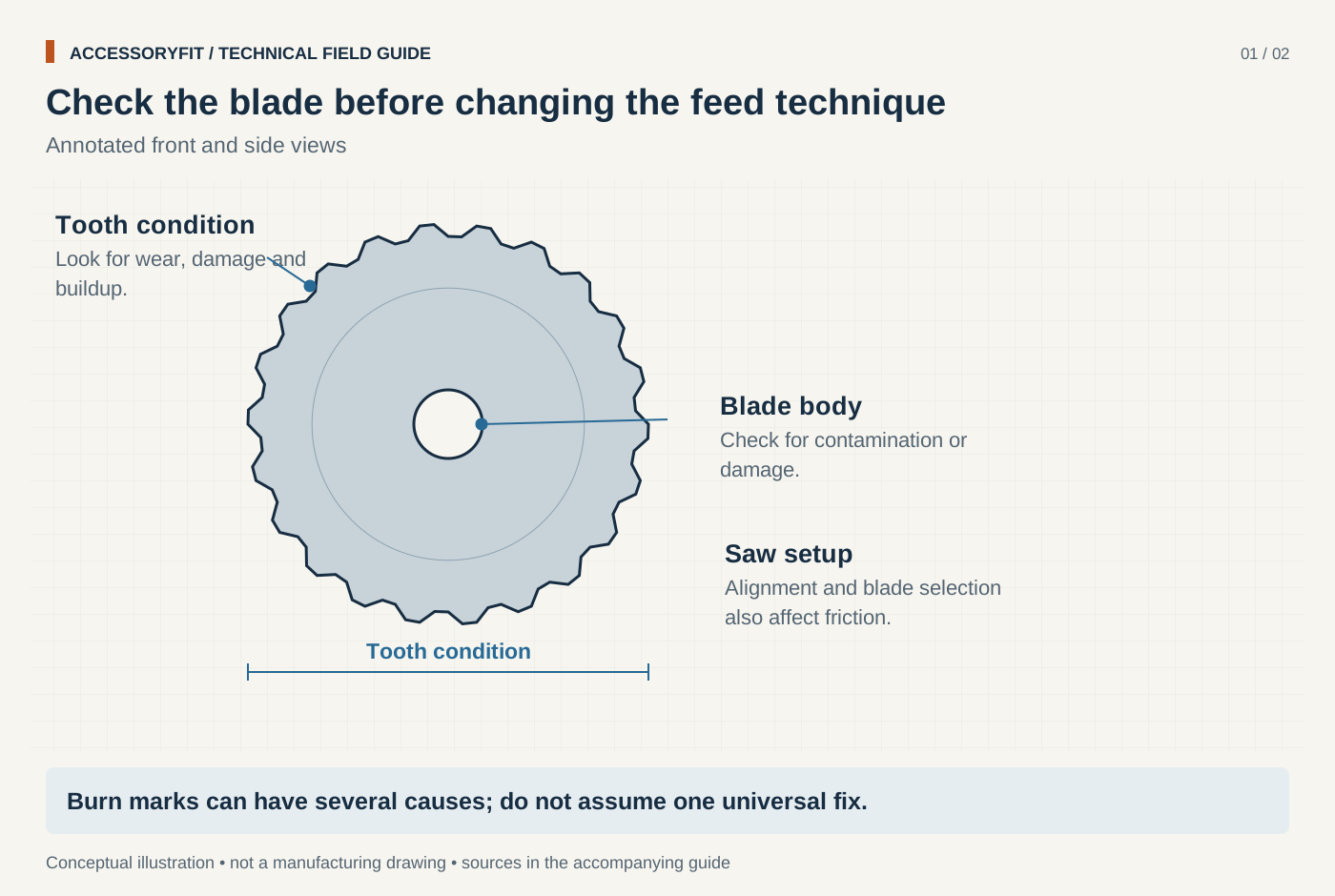
Check the blade before changing the feed technique
Download SVG · Tap the image for the 1400 px WebP · From Why a circular saw blade burns wood, and how to fix it
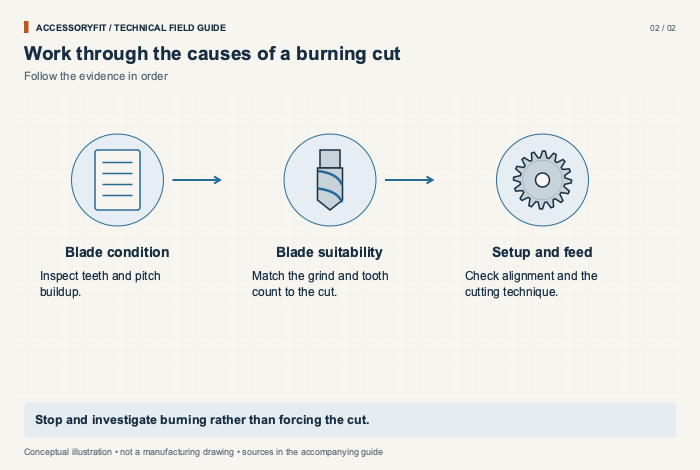
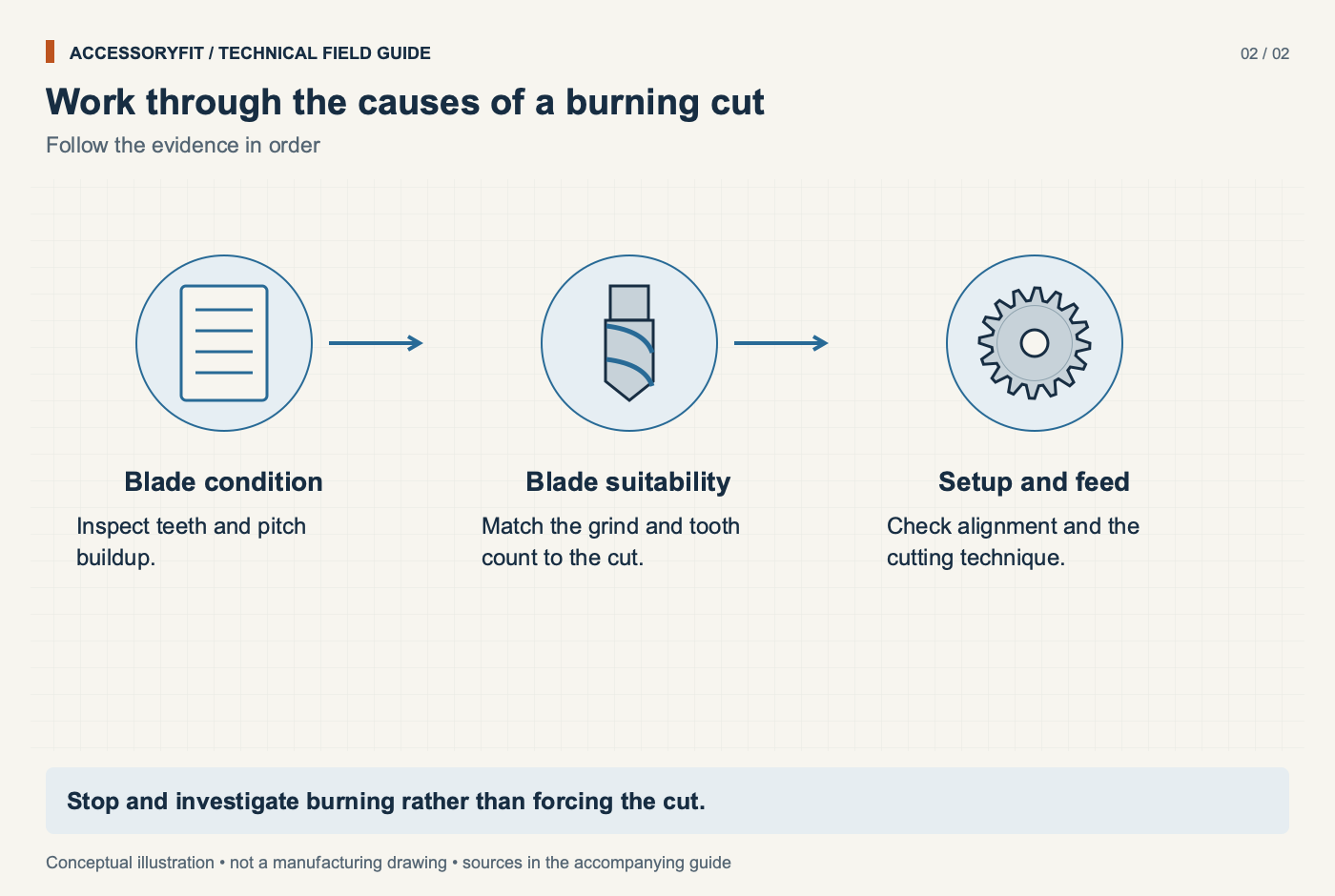
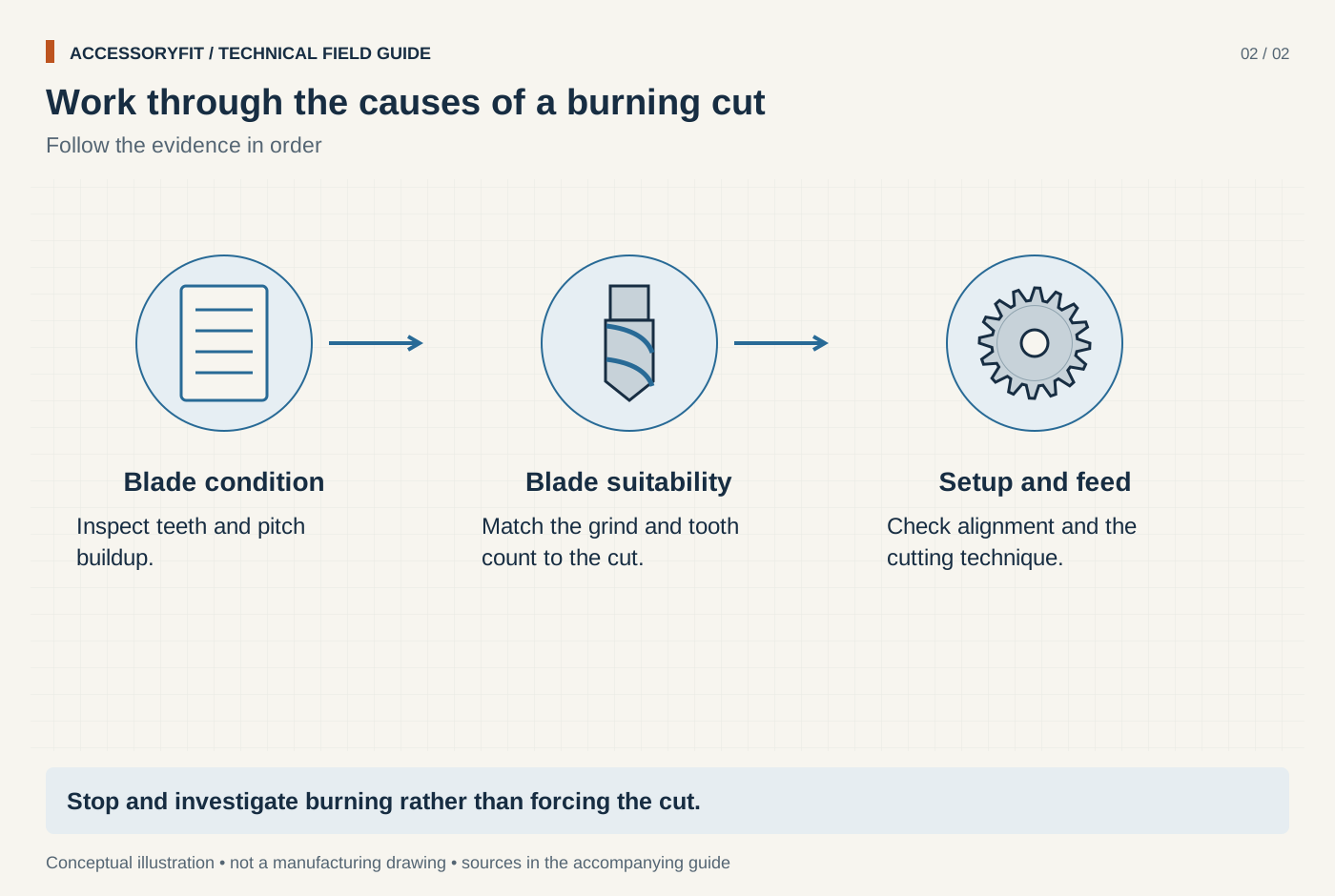
Work through the causes of a burning cut
Download SVG · Tap the image for the 1400 px WebP · From Why a circular saw blade burns wood, and how to fix it
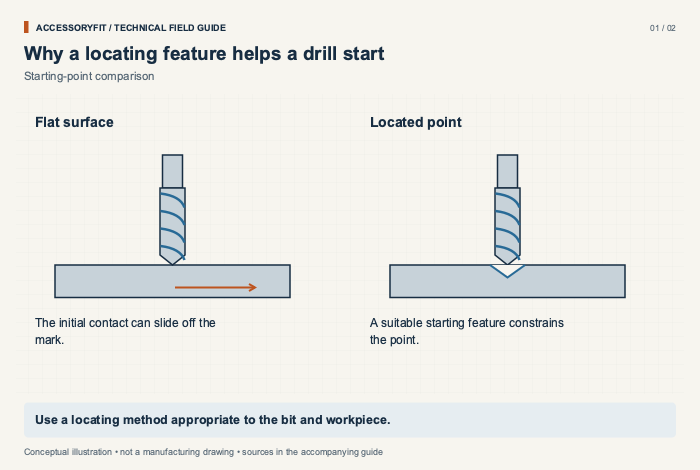
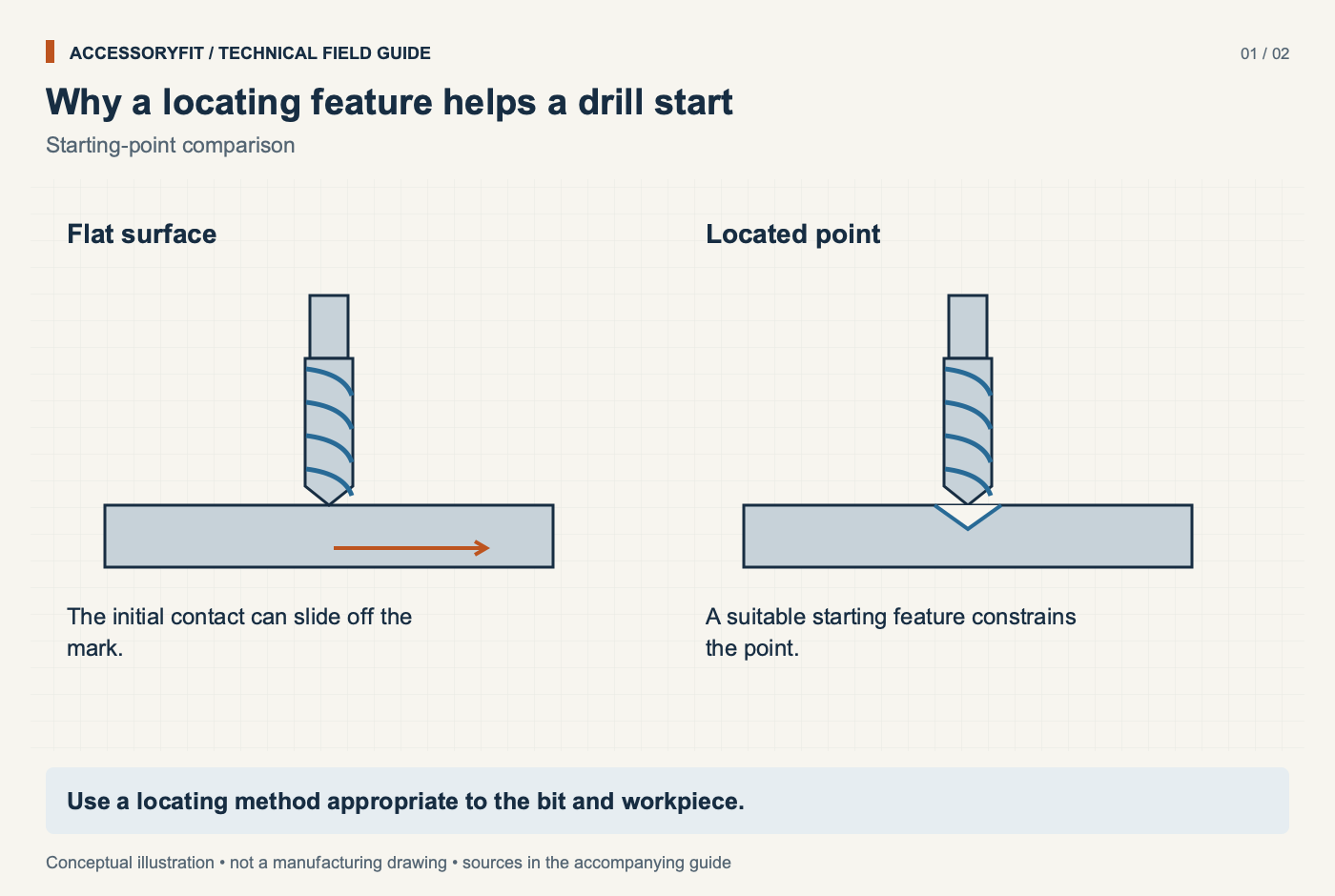
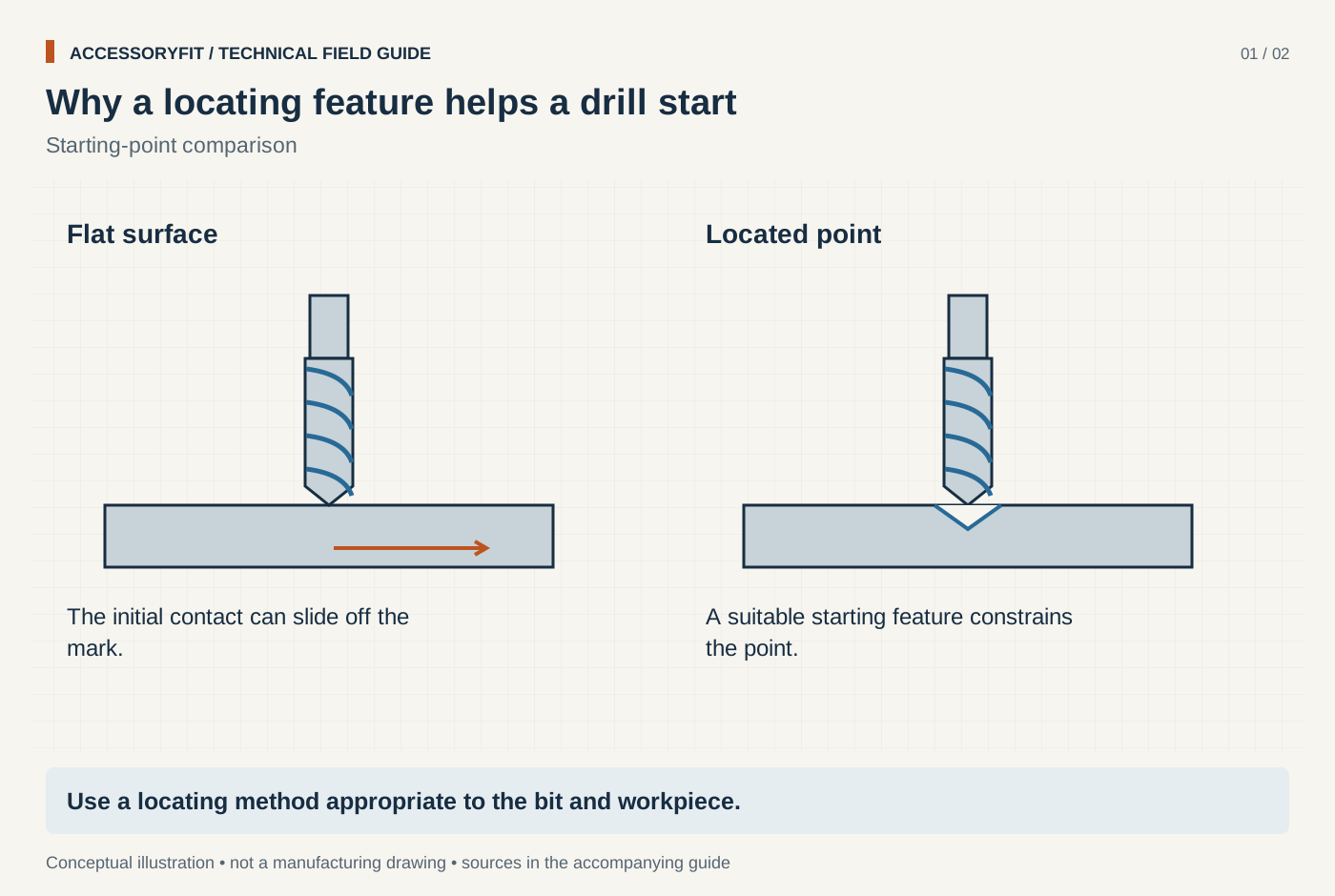
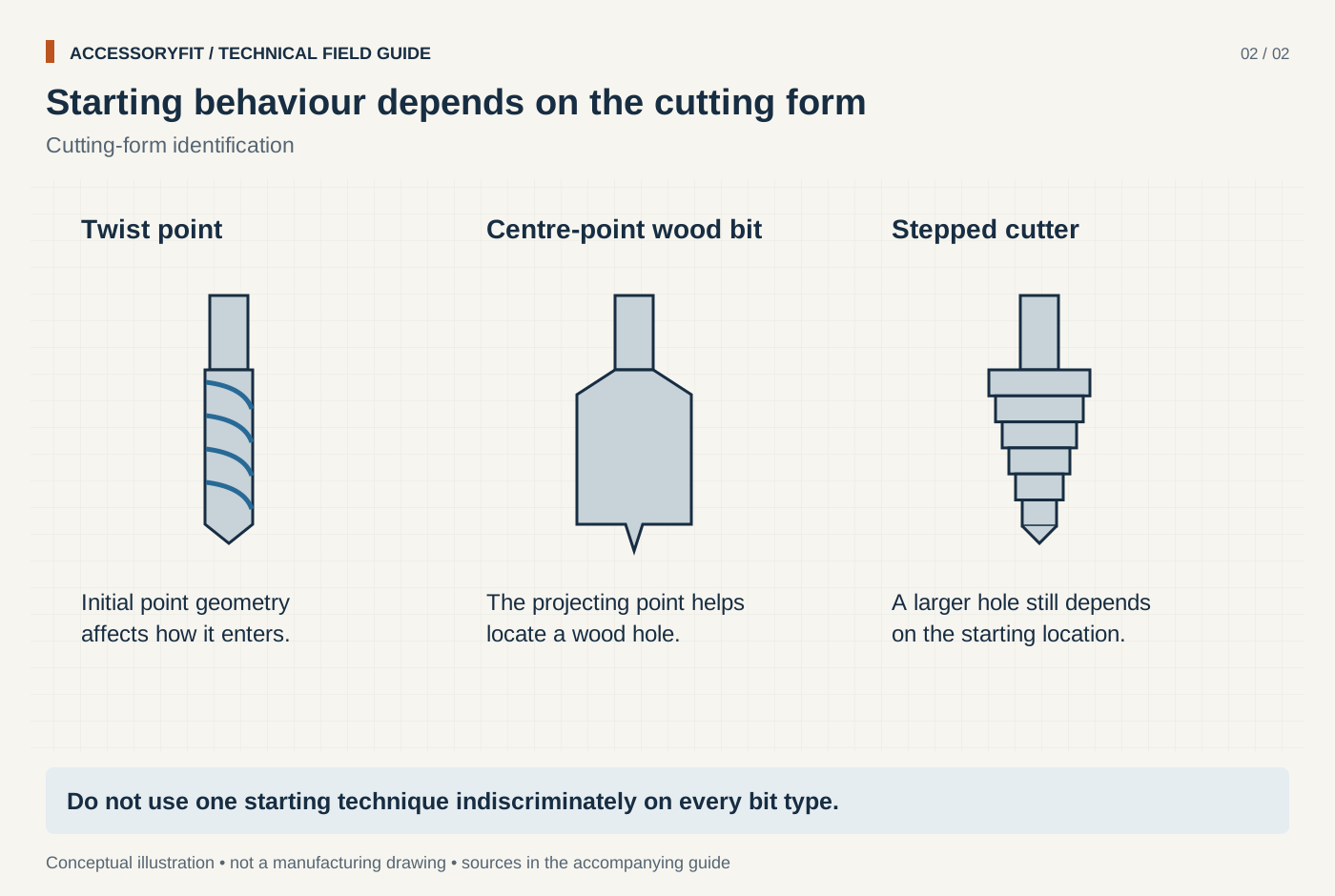
Why a locating feature helps a drill start
Download SVG · Tap the image for the 1400 px WebP · From Why a drill bit walks off the mark, and how to keep holes on line
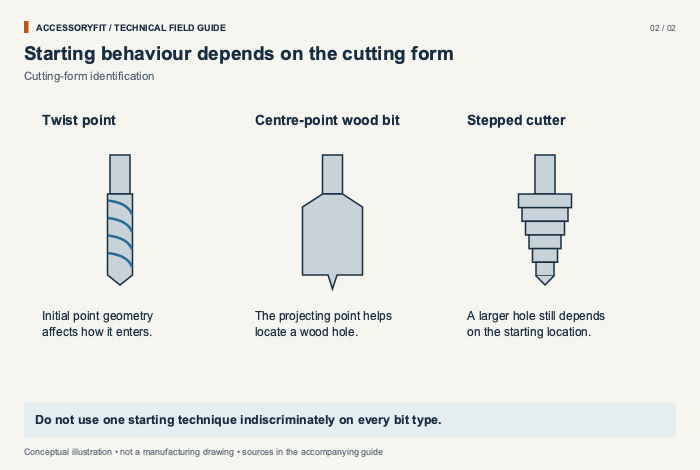
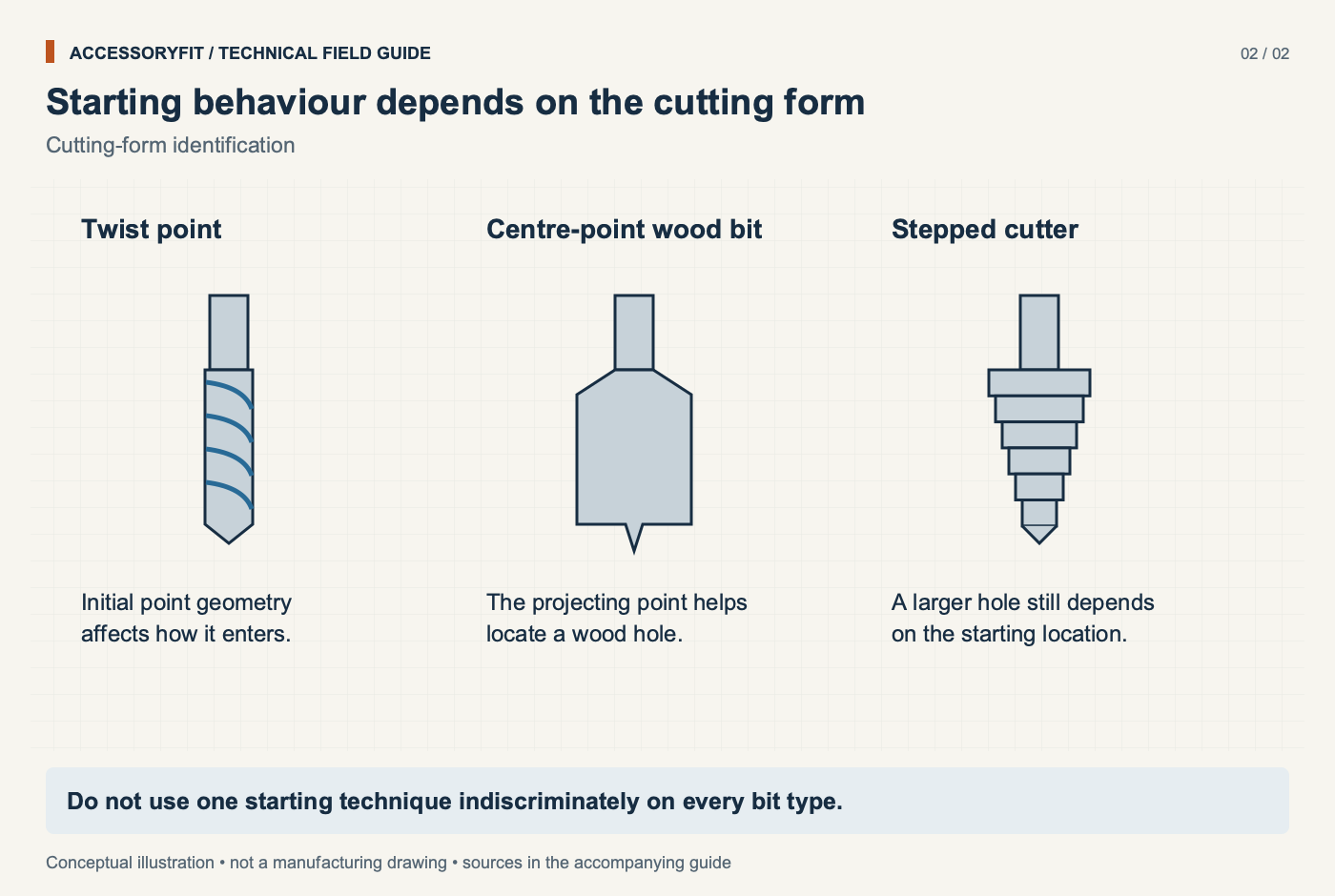
Starting behaviour depends on the cutting form
Download SVG · Tap the image for the 1400 px WebP · From Why a drill bit walks off the mark, and how to keep holes on line
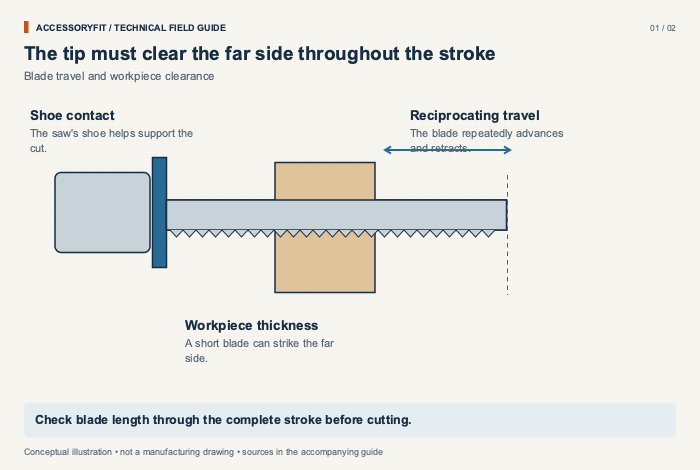
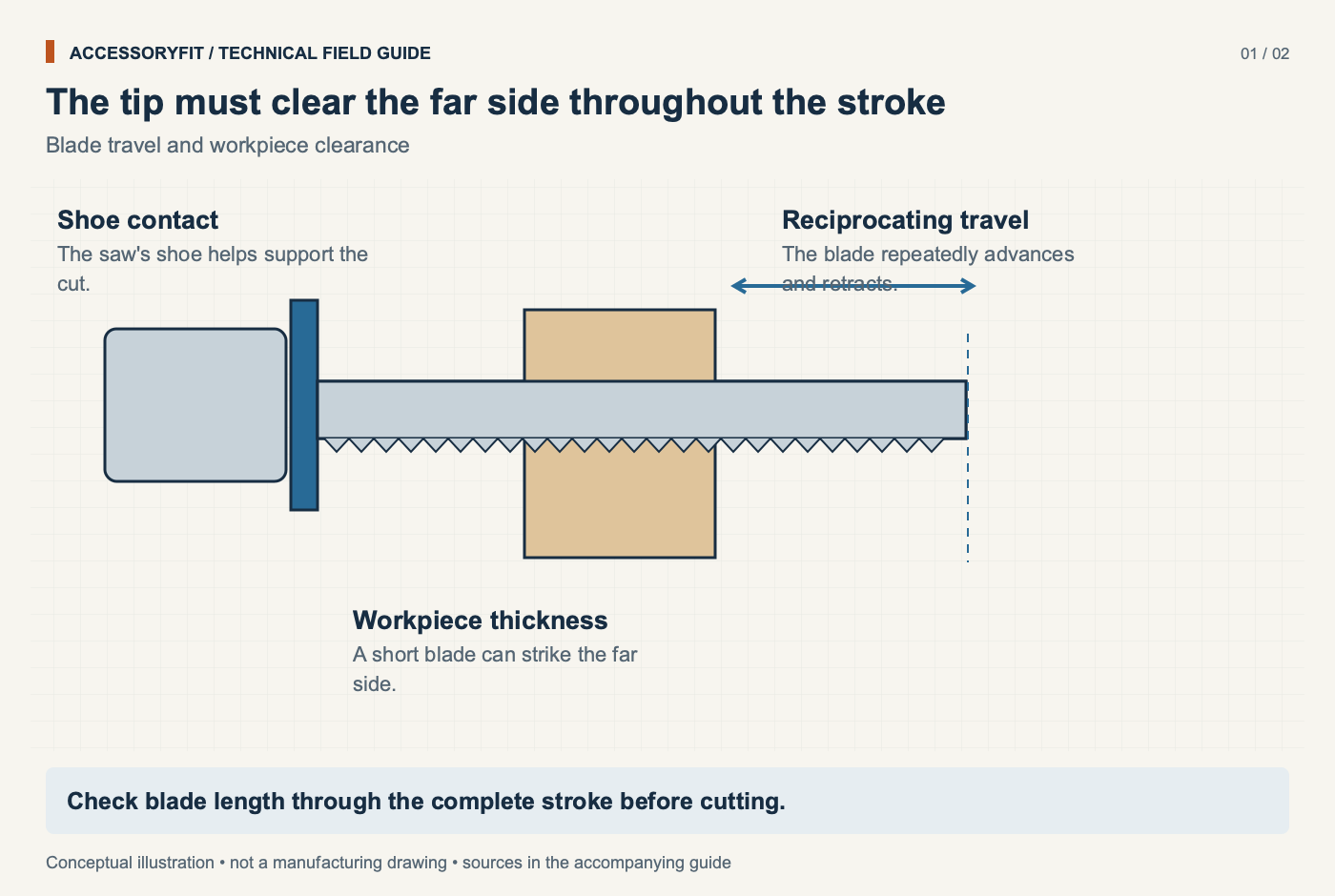
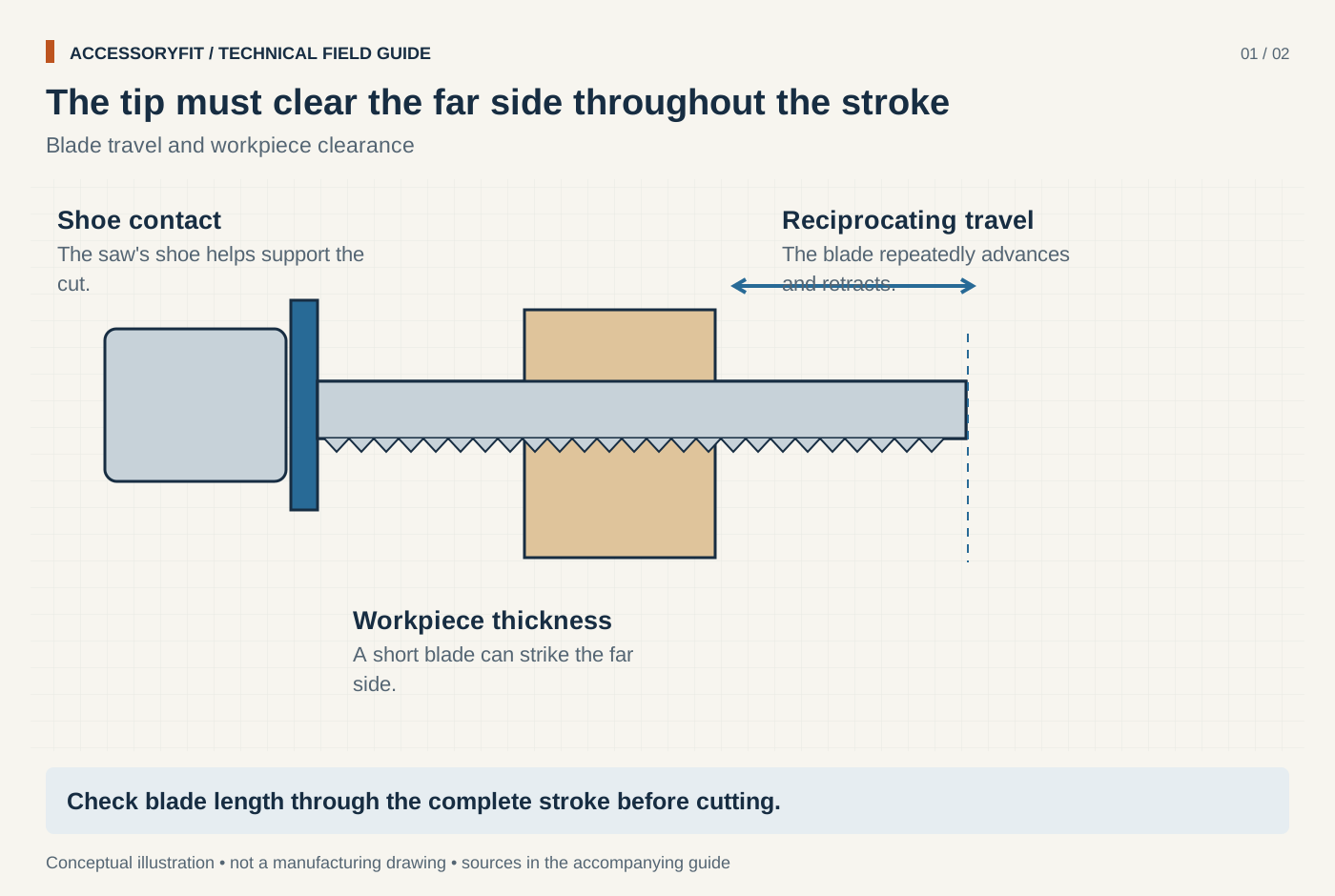
The tip must clear the far side throughout the stroke
Download SVG · Tap the image for the 1400 px WebP · From Why reciprocating saw blades break, and how to make them last
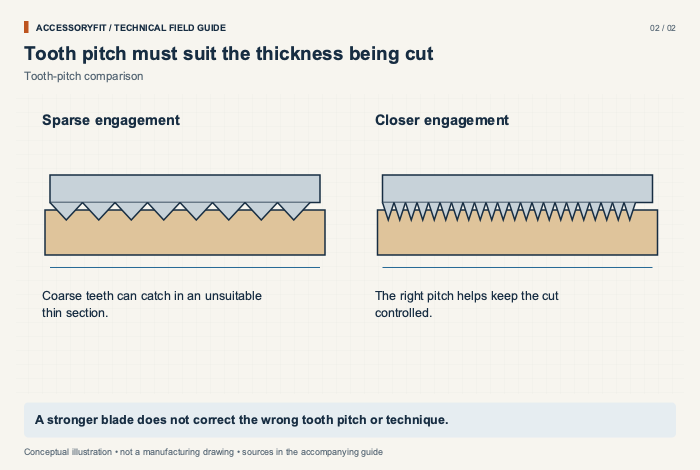
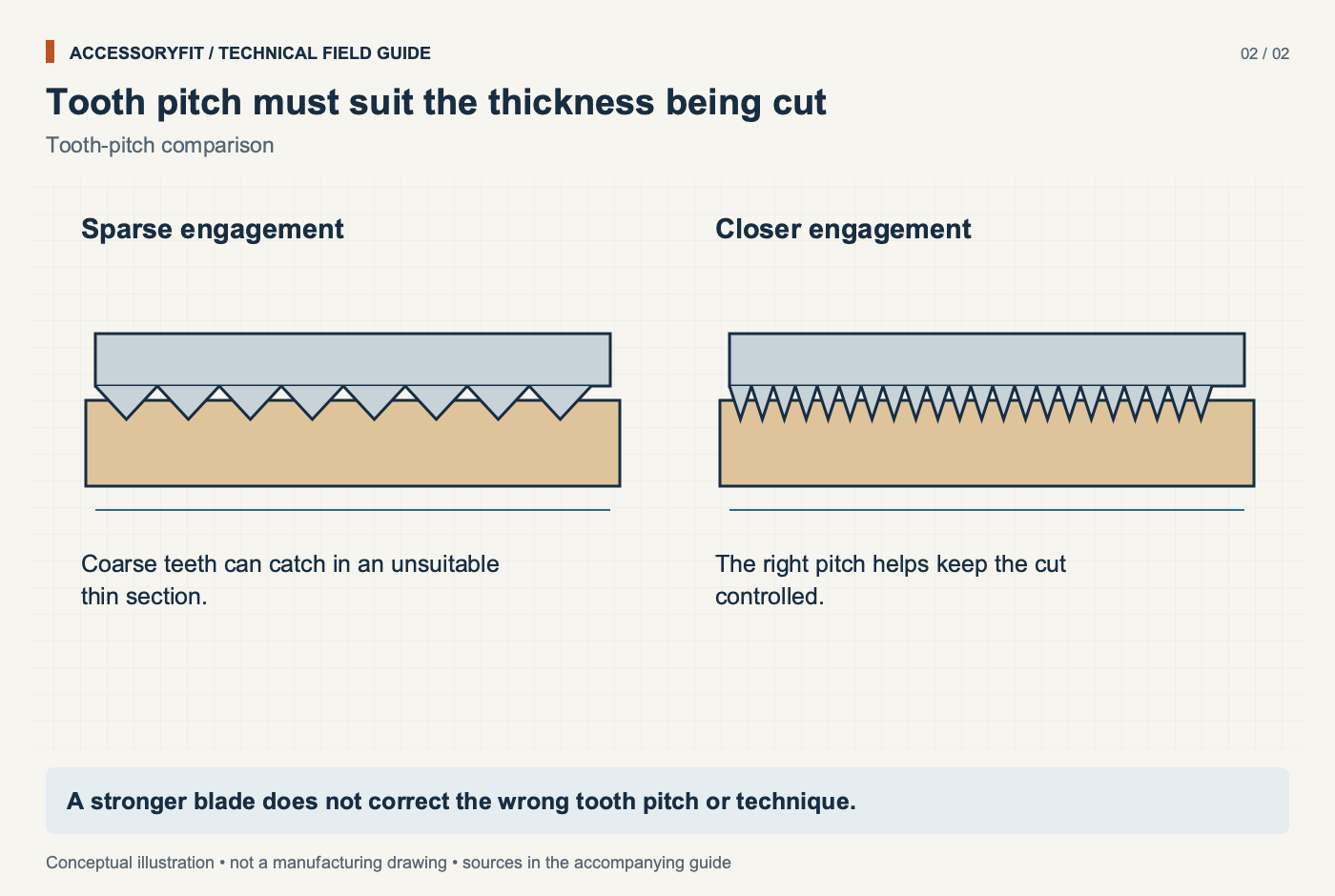
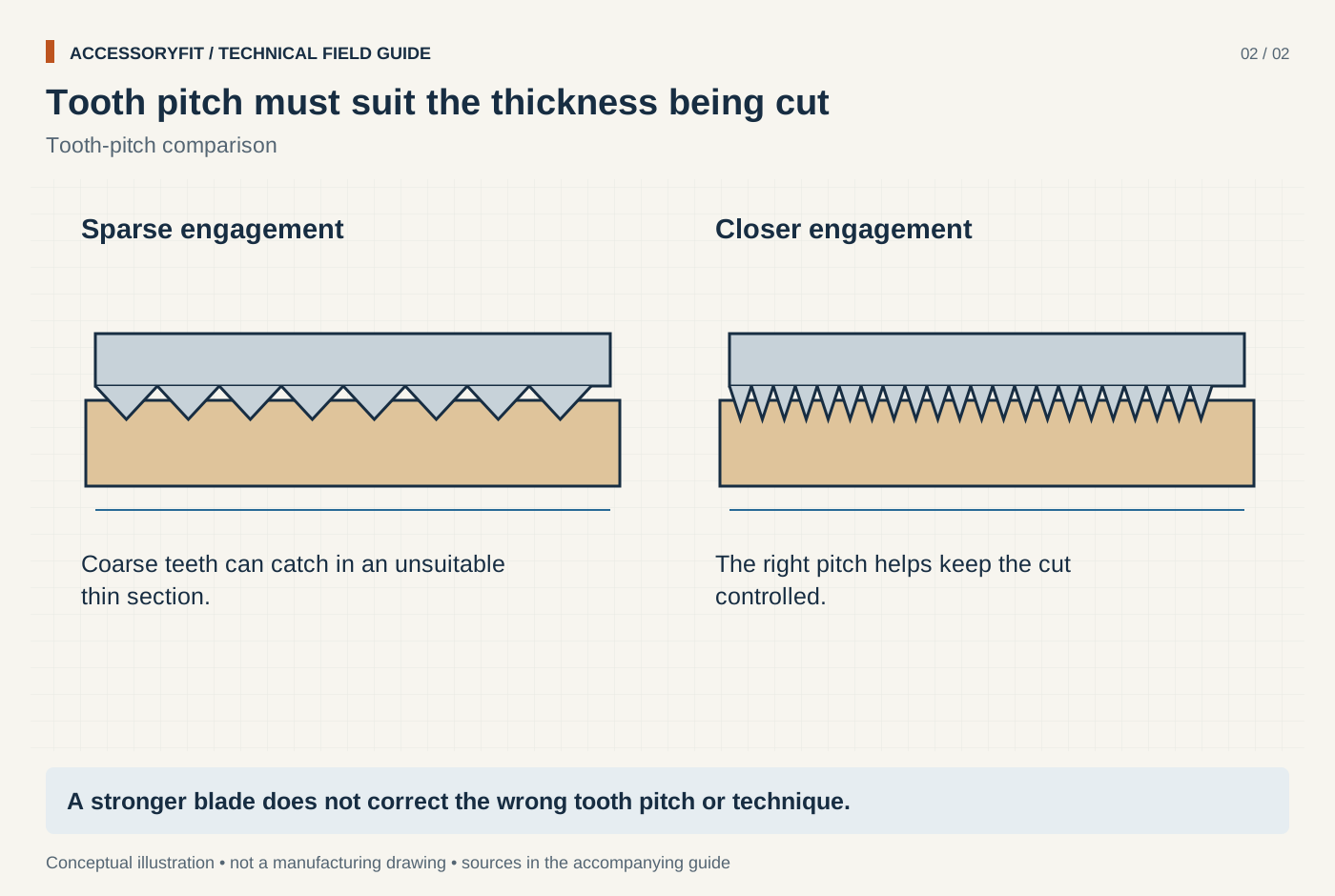
Tooth pitch must suit the thickness being cut
Download SVG · Tap the image for the 1400 px WebP · From Why reciprocating saw blades break, and how to make them last
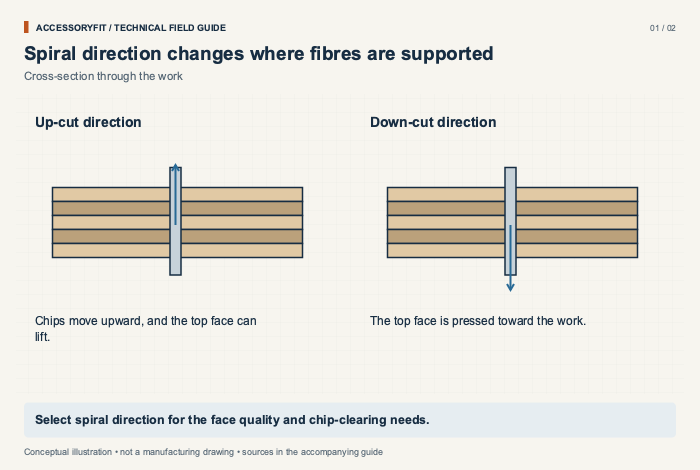
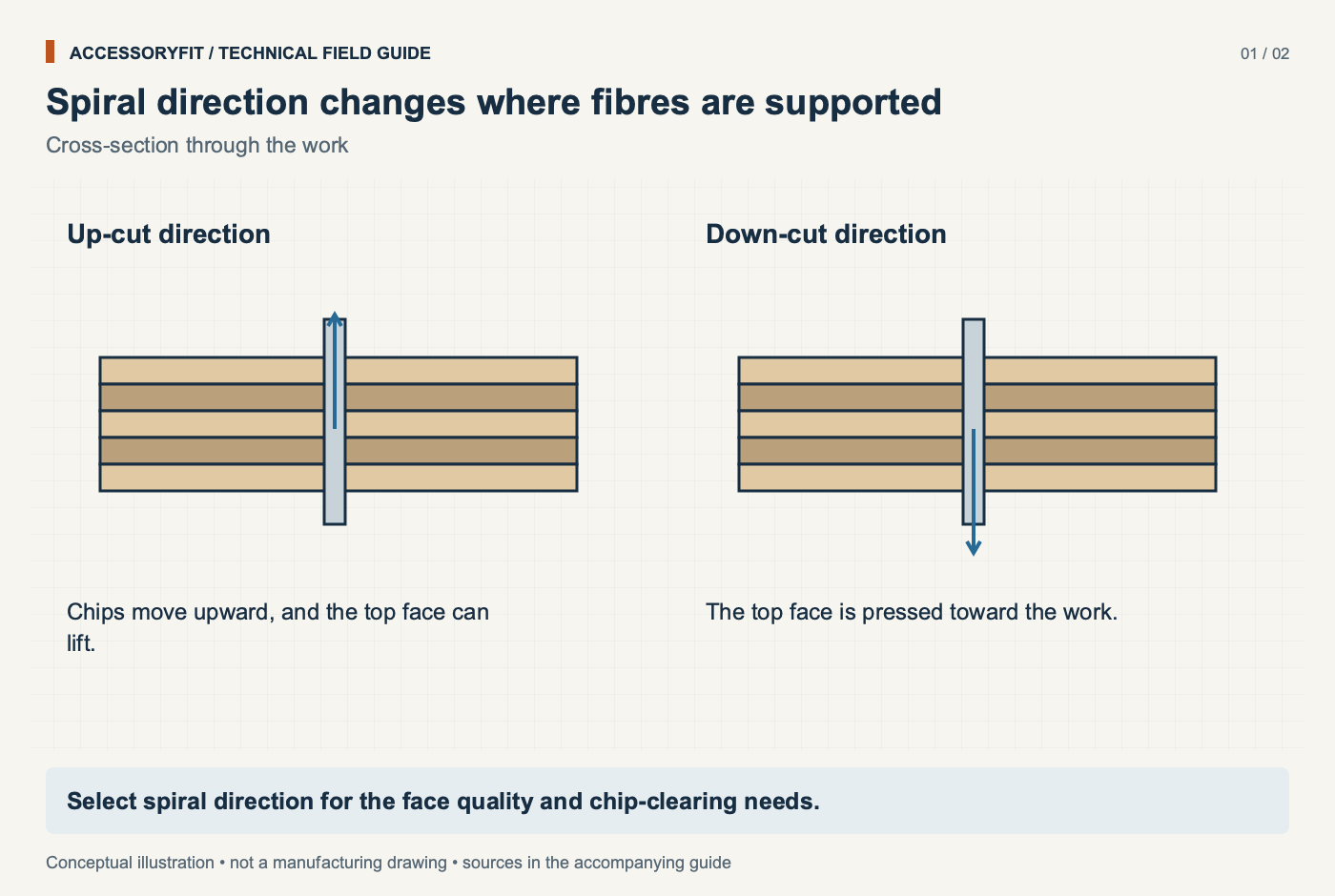
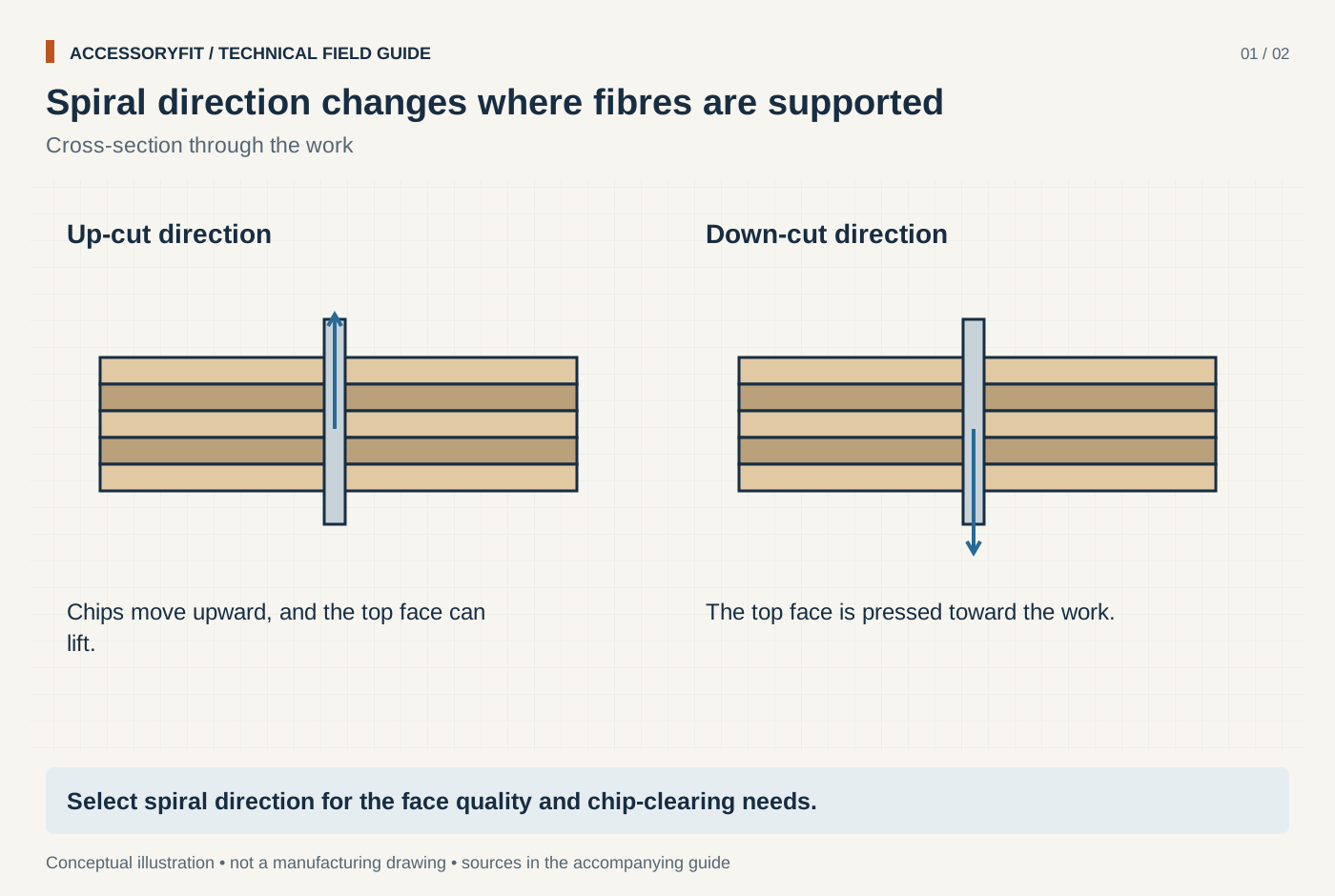
Spiral direction changes where fibres are supported
Download SVG · Tap the image for the 1400 px WebP · From Why a router bit burns or chips the wood, and how to fix it
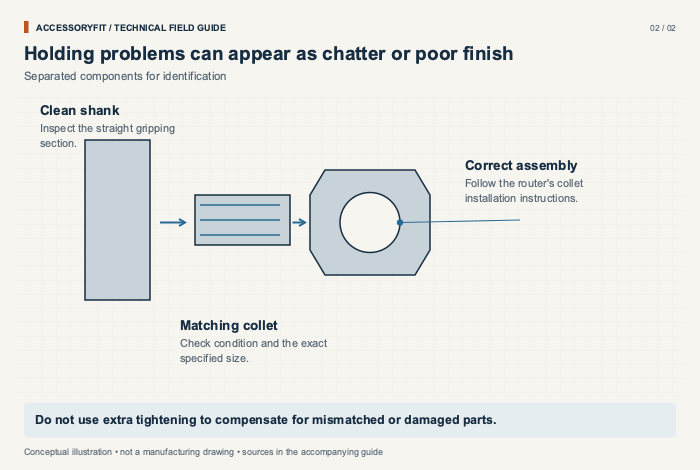
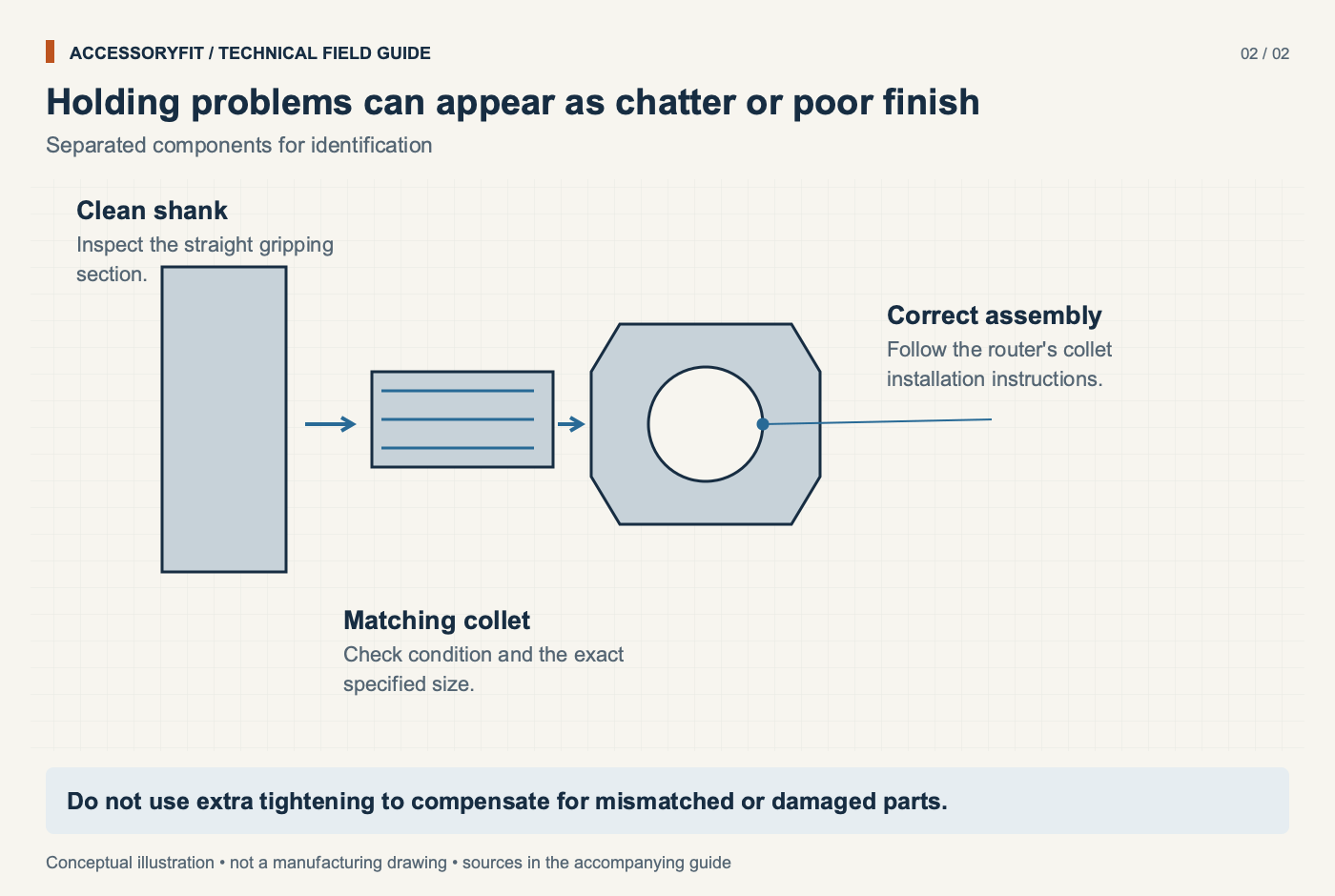
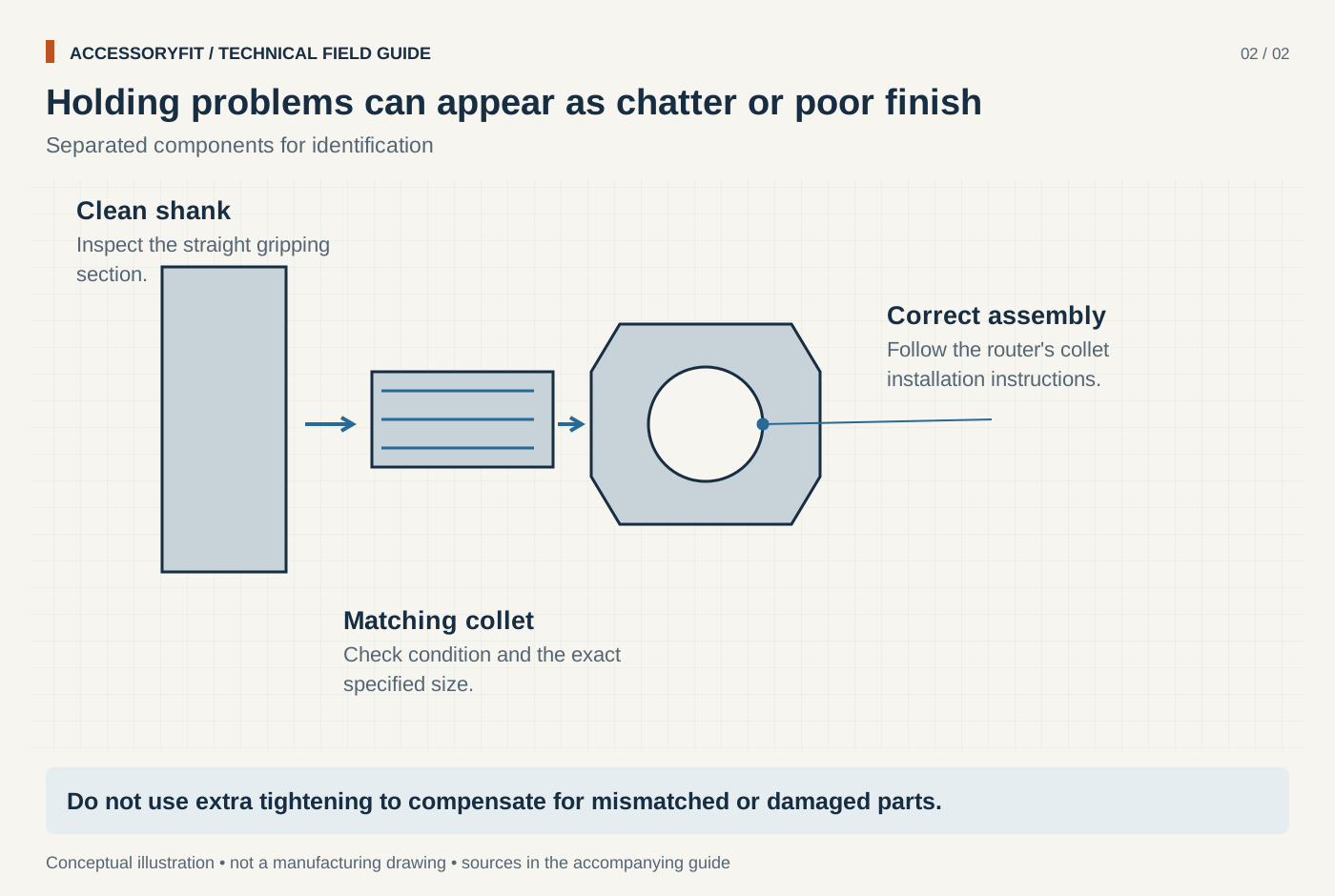
Holding problems can appear as chatter or poor finish
Download SVG · Tap the image for the 1400 px WebP · From Why a router bit burns or chips the wood, and how to fix it
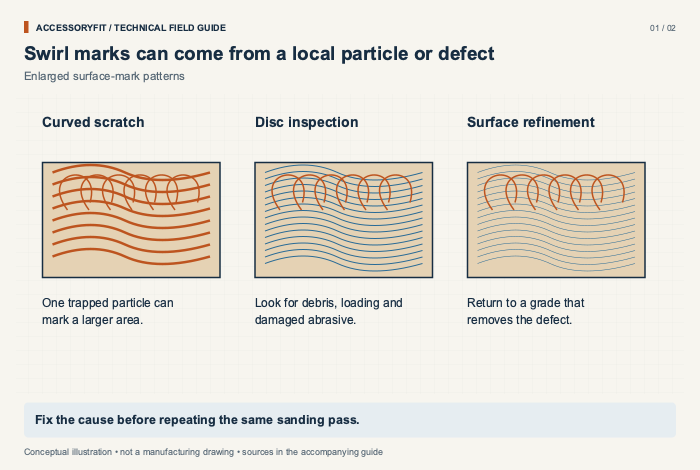
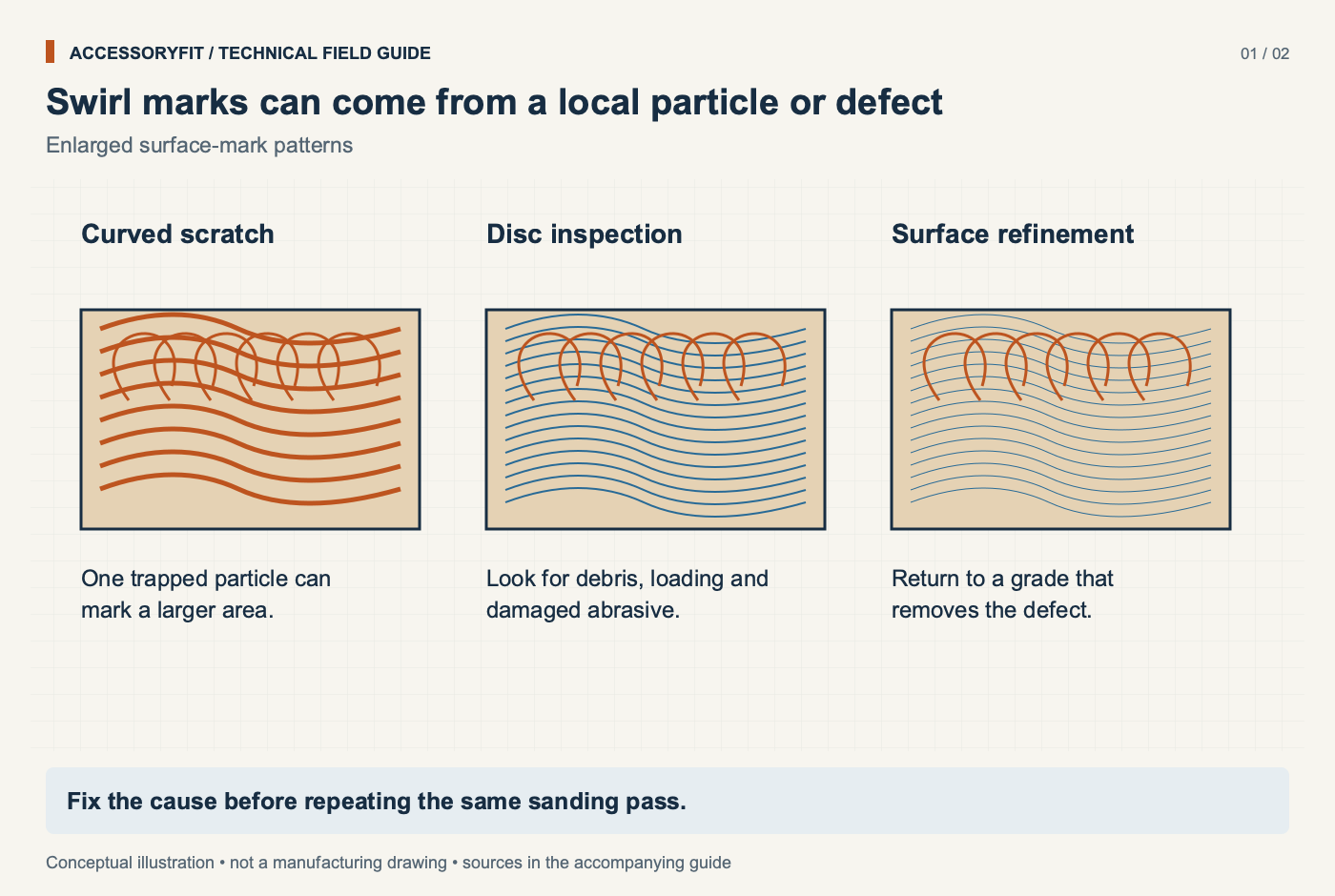
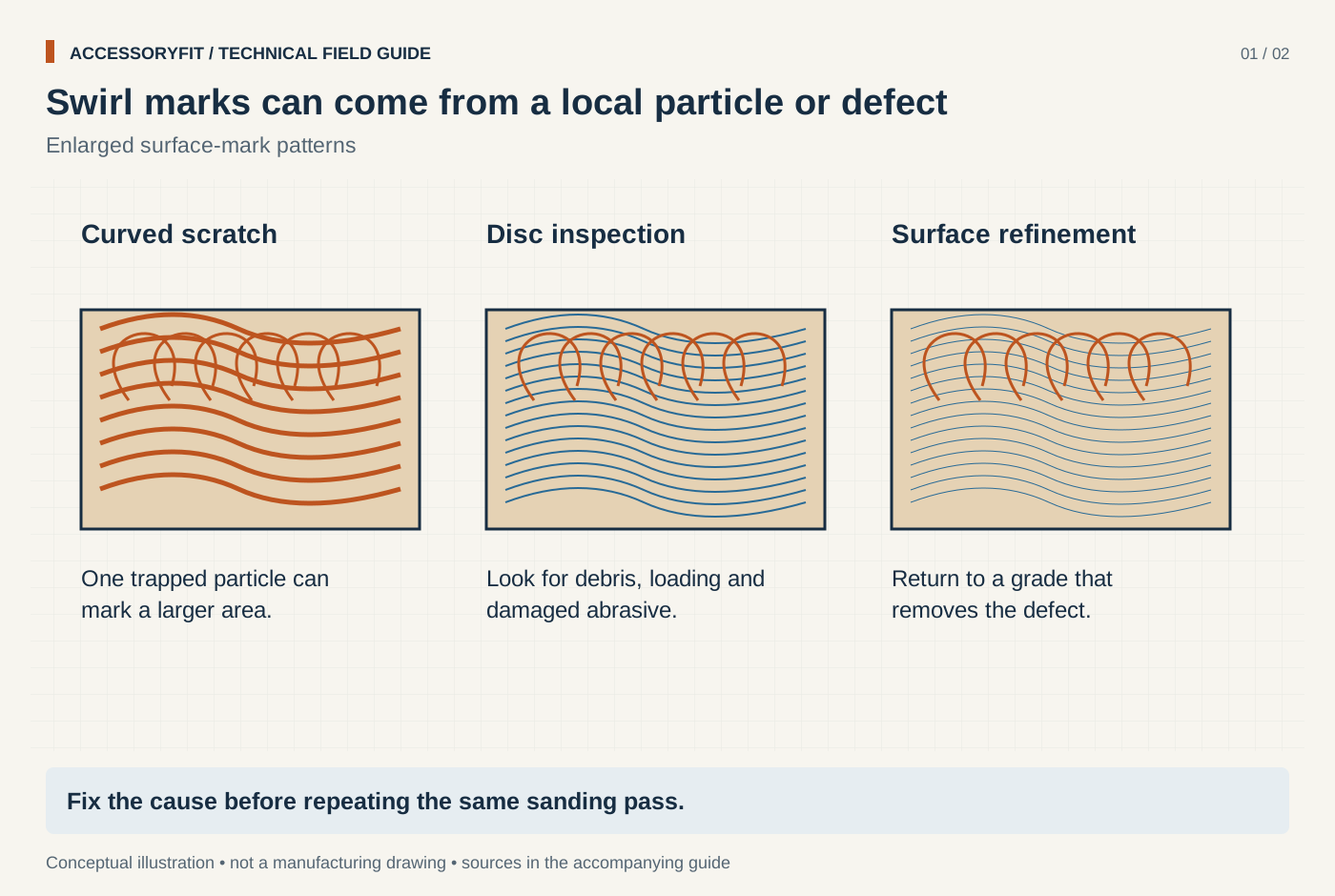
Swirl marks can come from a local particle or defect
Download SVG · Tap the image for the 1400 px WebP · From Why a random orbit sander leaves swirl marks, and how to stop them
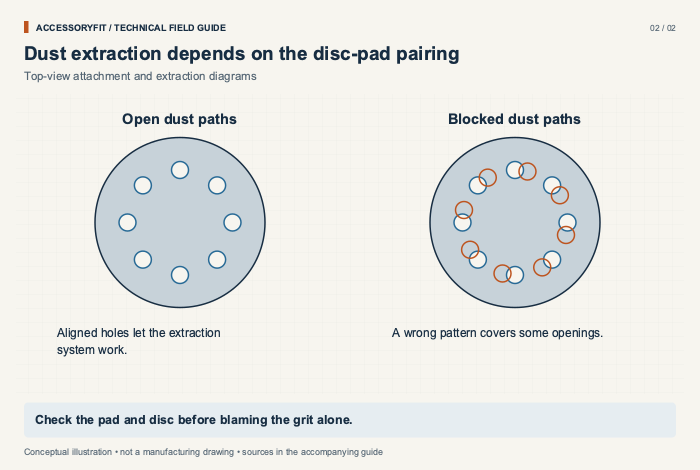
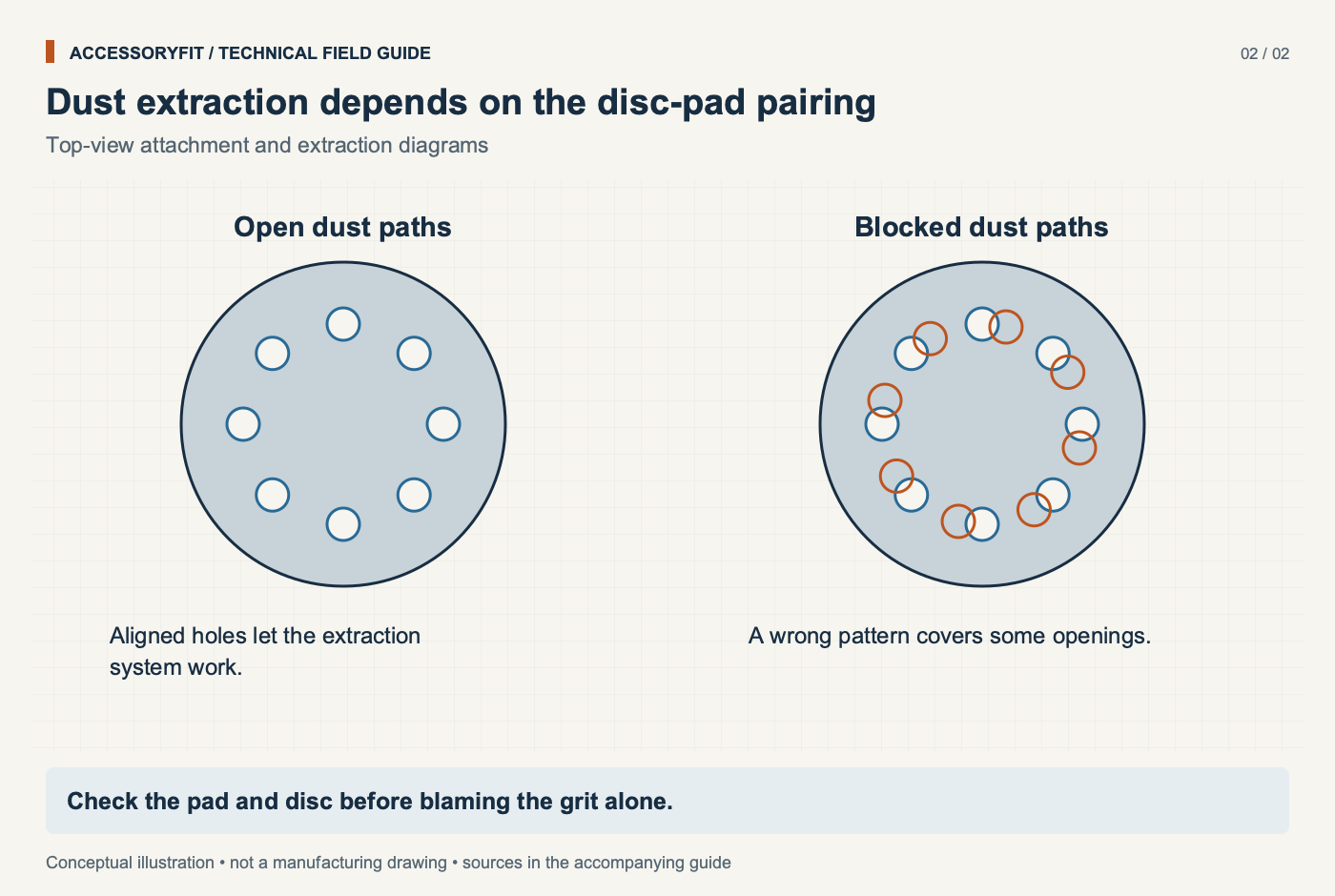
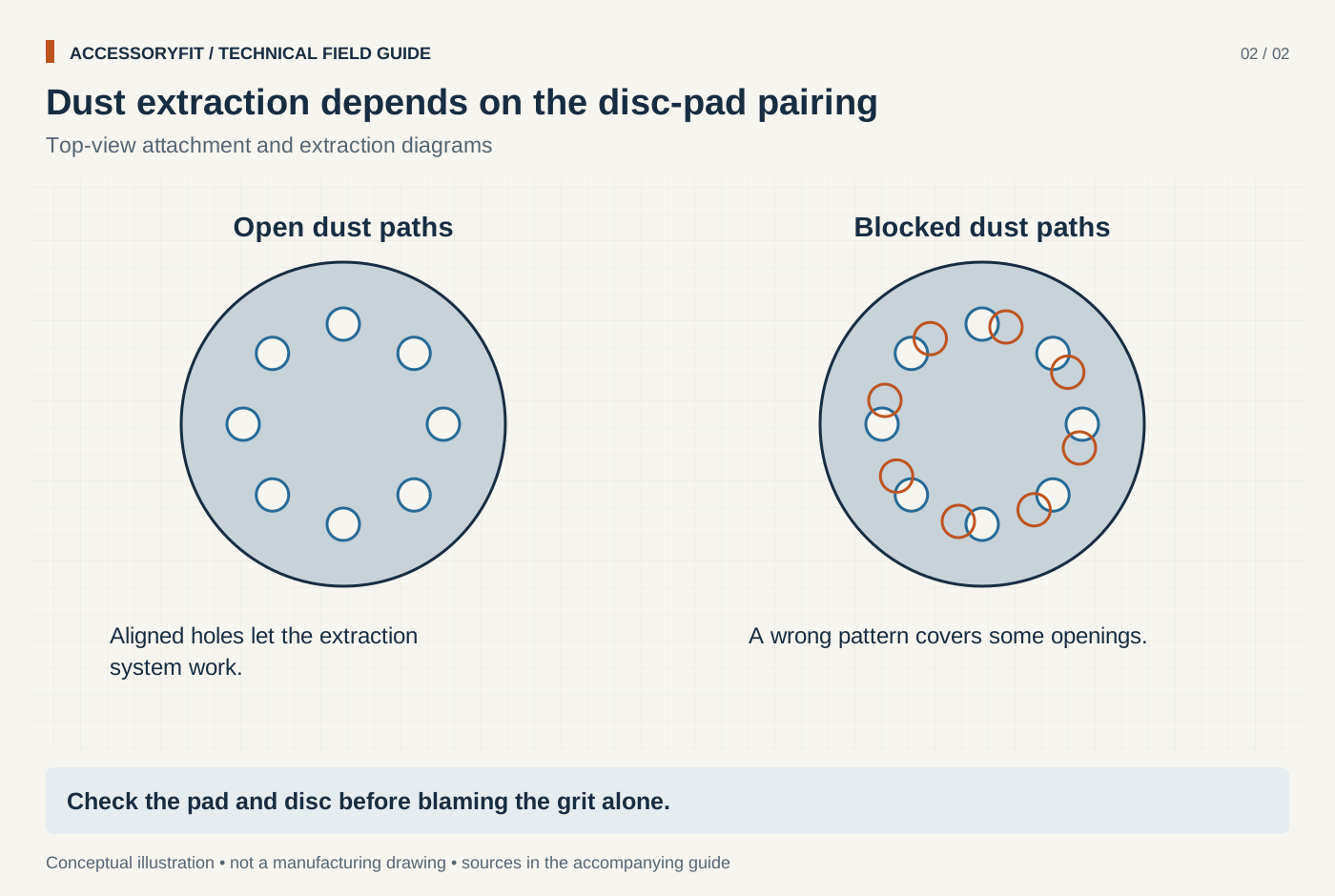
Dust extraction depends on the disc-pad pairing
Download SVG · Tap the image for the 1400 px WebP · From Why a random orbit sander leaves swirl marks, and how to stop them


What do the diagrams cover?
The diagrams explain how accessories attach to tools and what the markings on them mean. They fall into a handful of groups.
- Shanks and holders: SDS-plus and SDS-max shanks, hex driver bits, jigsaw T-shank and U-shank ends, reciprocating saw and oscillating tool mounts, drill chuck capacity and router collets.
- Saw blades: blade diameter and bore as separate checks, the diamond knockout, kerf and plate thickness, tooth-top shapes, band saw blade dimensions and tooth spacing, and miter and table saw fit.
- Discs and abrasives: sanding disc hole patterns and dust paths, mesh and punched discs, detail sander pads, flap discs, flat and depressed-centre grinding wheels, cut-off wheels and wheel speed ratings.
- Grits and sizes: CAMI and FEPA grit grading, how to read drill size, tap drill and pilot hole charts, and hole saw sizing.
- Bits and cutting forms: twist, masonry, tile, step, Forstner, spade and auger bits, and router bit profiles and bearings.
- Fault-finding: grinder vibration, blade burning, drill bits walking, recip blades breaking, router chatter and sander swirl marks.
A few diagrams explain how AccessoryFit itself works, such as how a specification is traced back to its source; these are free to reuse too. To see the topics in more depth, start with the compatibility guides for fit questions or the technique guides for choosing and using accessories.
What does the CC BY 4.0 licence let you do?
Creative Commons Attribution 4.0 lets you copy, share, adapt and republish the diagrams in any medium, for any purpose, including commercial use, without asking first. The one condition is attribution: credit AccessoryFit, link to https://accessoryfit.com/diagrams/ (or the diagram's own anchor on this page), name the licence, and say if you changed the image. You may not suggest that AccessoryFit endorses you or your product.
That covers blog posts, product listings, training slides, school worksheets, printed manuals and books. If you redraw a diagram from scratch in your own style, crediting it as based on the AccessoryFit diagram is still appreciated.
How should you credit a diagram?
Use the credit line under the image you take, which is already formatted with the right links. On a web page it reads: Diagram: AccessoryFit, CC BY 4.0, with AccessoryFit linked to the diagram on this page and CC BY 4.0 linked to the licence. In print, where links do not work, write the address out: Diagram: AccessoryFit (accessoryfit.com/diagrams/), CC BY 4.0. If you edited the diagram, add adapted, as in Diagram adapted from AccessoryFit.
Put the credit next to the image or in a figure caption rather than only in a page footer, so it stays with the diagram when your page is quoted or shared.
How accurate are the diagrams?
The diagrams are conceptual illustrations, not manufacturing drawings, and they are not drawn to scale. They show which parts and dimensions matter and how they relate, for example that a blade's bore and its diameter are two separate checks. The actual sizes, speeds and tolerances are on the linked guides, where every figure comes from a manufacturer specification or standard and is listed under References. Before cutting, drilling or fitting anything, check the markings on the accessory and the tool's manual.
The editorial process behind the guides and their figures is set out in the AccessoryFit methodology, and the site's data and statistics pages are collected under AccessoryFit research.
Can you request a new diagram?
Yes. If there is an accessory interface, marking or size system you need explained and it isn't in the library, send a request through the contact page. Say what the diagram should show and where you plan to use it. Requests that fill a gap in an existing guide are the most likely to be drawn, and new diagrams are added to this page under the same licence. The same form is the place to report a diagram that looks wrong.
Questions readers ask
Can I use AccessoryFit diagrams on a commercial website?
Yes. CC BY 4.0 allows commercial use, including on shop pages and product listings, as long as you credit AccessoryFit with a link to this page and name the licence.
Can I edit the SVG files?
Yes. You may recolour, relabel, translate or crop them. Credit the original to AccessoryFit and say it has been adapted.
Are the diagrams drawn to scale?
No. They are conceptual illustrations of how parts relate. For real dimensions use the guide each diagram links to, or the accessory and tool manufacturer's own data.
Do I need to ask permission before using a diagram?
No. The licence already grants permission. Attribution is the only requirement, and a note through the contact page telling us where it appears is welcome but optional.
Where to go next
- Compatibility guidesFit guides with the measurements behind the diagrams.
- Free printable chartsDrill, tap and grit charts as PDFs.
- How-to guidesChoosing and using accessories.
- Power tool research and dataSafety and injury data with downloads.